8 best Google Slides automation tools in 2026 (tested, with screenshots)
The best Google Slides automation tools, tested and ranked: data-driven deck generators, workflow connectors, the Slides API, and AI slide makers — with screenshots, pros and cons, and who each one is for.
“Google Slides automation” covers two very different jobs, and most lists mash them together. One job is generating decks from data: the monthly client report for every account, the QBR for every customer, the conference programme from the sessions database — same designer-built template, fresh data, on a schedule. The other is drafting a deck from a prompt with AI. The tools are not interchangeable, and picking from the wrong category is how teams end up with a beautiful one-off deck and a reporting process that is still manual.
This list is organised by that split. The first five are automation tools in the strict sense — they take structured data and fill a Google Slides template. The last three are AI slide makers, included because they turn up in every search for this term and it is worth being clear about what they are for. Each entry has a screenshot, what it is best at, and honest pros and cons. Yes, we are number one on our own list; the reasoning is laid out so you can check it against your job rather than take our word for it.
The short version
| Tool | Category | Best for | Data-driven | Repeating slides | Output |
|---|---|---|---|---|---|
| SourceToDocs | Data-driven generator | Recurring branded decks and docs from relational data | Yes | Yes, incl. nested | Slides, Docs, PDF |
| Portant | Data-driven generator | Sheets/HubSpot records into Slides and Docs, with e-sign | Yes | Limited | Slides, Docs, PDF |
| Rollstack | BI-to-deck | Refreshing dashboard charts into recurring decks | Yes | Chart-level | Slides, PowerPoint, Docs |
| Zapier / Make | Workflow connector | One record into one templated deck inside a larger flow | Yes | No | Slides |
| Apps Script / Slides API | Build it yourself | Anything, if you own the code | Yes | If you write it | Slides |
| Plus AI | AI slide maker | First drafts inside Slides and PowerPoint | No | n/a | Slides, PowerPoint |
| Gamma | AI slide maker | Fast, good-looking one-off decks and web pages | No | n/a | Gamma, PPTX, PDF |
| SlidesAI | AI slide maker | Turning existing text into slides, cheaply | No | n/a | Slides, PowerPoint |
How we ranked them
Three questions, in order. Can it generate a deck from your data — not a prompt — and keep a designer’s Google Slides template exactly as designed? Can it handle real data shapes: relational tables, a slide per record, filtered subsets? And does it fit inside a workflow — scheduled, triggered, or called from n8n, Make or Zapier — rather than needing a person to press a button? Price and polish matter, but only after those three.
1. SourceToDocs
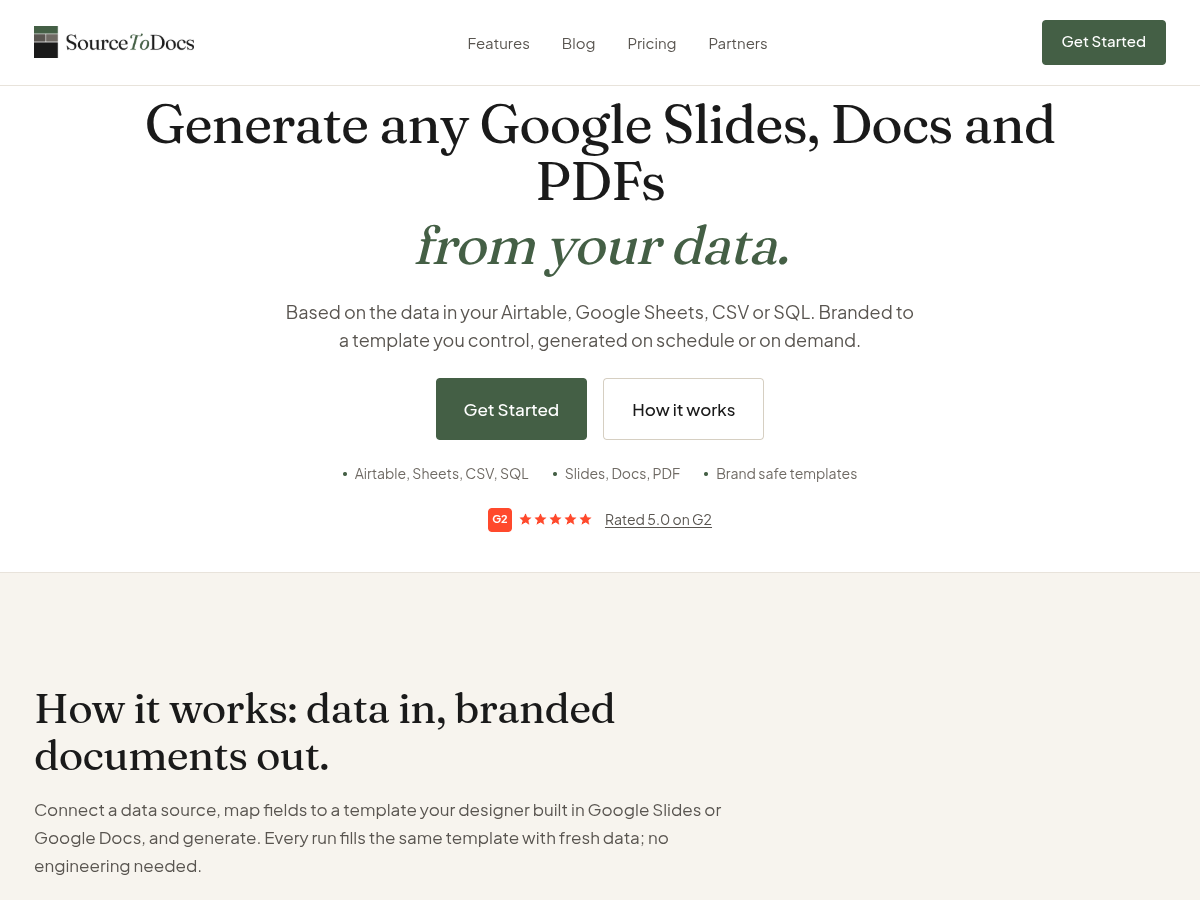
What it is. A no-code document automation platform where the template is a real Google Slides deck (or a Google Doc) your designer built, and the data comes from Airtable, Google Sheets, a SQL database, a CSV, or a REST API. Map fields to placeholders, add loops and filters in the visual mapper, and generate — on demand, on a schedule, or from an API call.
Best for. Recurring branded decks that are generated from data: agency client reports, QBRs, investor updates, conference programmes, sales decks per account. Especially when the data is relational — linked records, several tables, nested API data — and you would otherwise be flattening it in a spreadsheet first.
Why it is first. Two things the other tools on this list do not do together. First, it connects complex, relational data and lets you filter, sort and build the exact dataset each deck needs inside the tool — one slide per product, only the accounts in a region, each account’s projects with each project’s tasks — including nested loops. Second, it automates Google Slides and Google Docs from one platform, which matters more than it sounds: decks are for fixed, designed layouts where nothing may move, and docs are for flowing content with automatic page breaks. Most teams need both, and every other tool here does one or the other. A REST API, webhooks and n8n / Make / Zapier connectors are included from the Pro plan, so generation becomes one step in a workflow you control.
Pros
- Designer-owned Google Slides template; pixel placement, images and charts survive every run
- Reads relational and nested data; loops, nested loops and filtered subsets are native and no-code
- Slides and Docs from one data layer; PDF export of either
- Five data sources including a direct SQL connector and a REST API source
- Free Forever plan: connect real data and export a real document, no watermark, no card
Cons
- No PowerPoint or Word output yet (on the roadmap); if a native .pptx is a hard requirement, see Rollstack
- The REST API and automation connectors start at Pro ($99/mo billed annually), not on Free or Starter
- Fewer native app connectors than Portant or DocsAutomator; other systems come in via the REST API source
Pricing. Free Forever at $0, then Starter $19/mo, Pro $99/mo, Agency $249/mo and Scale $499/mo billed annually, per workspace rather than per seat. Full pricing.
2. Portant
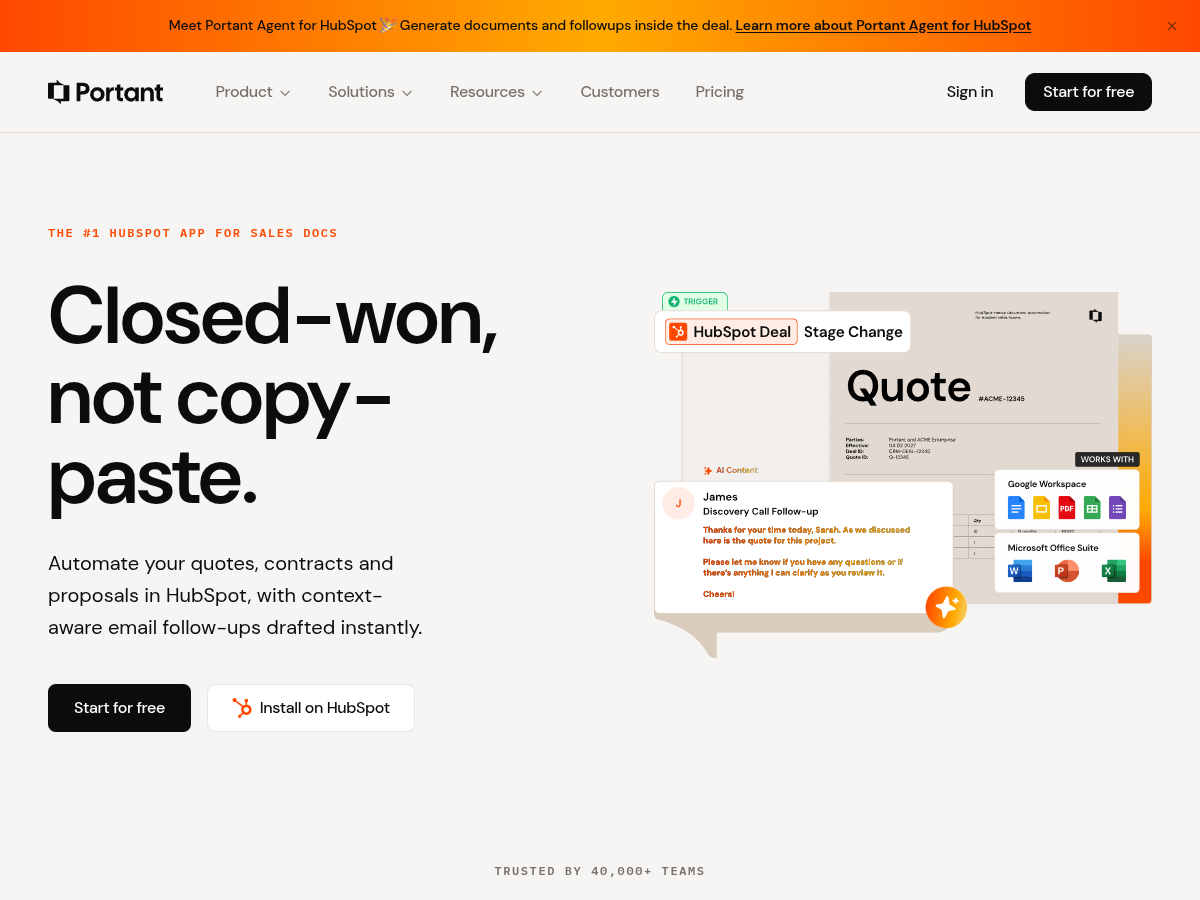
What it is. A Google Workspace-native document automation tool that fills Google Docs and Google Slides templates from Google Sheets, Google Forms and HubSpot records, with e-signature and email delivery built in. It has leaned increasingly into the HubSpot quotes-and-contracts use case.
Best for. Teams that live in Google Workspace or HubSpot and want a Sheet row or CRM record turned into a branded Slides deck or Doc, sent, and signed — without leaving Google.
Pros
- Genuinely Google-native: templates, output and sharing all stay in Drive
- Built-in e-signature and email sending
- Solid Sheets-to-Slides and HubSpot-to-Docs workflows; a free tier to try it
Cons
- One record per document is the core model; multi-table or nested data has to be shaped upstream
- Repeating slides per child record is limited compared with a purpose-built loop engine
- No SQL or general REST API data source; connectors are Google and HubSpot centred
See the full SourceToDocs vs Portant comparison.
3. Rollstack
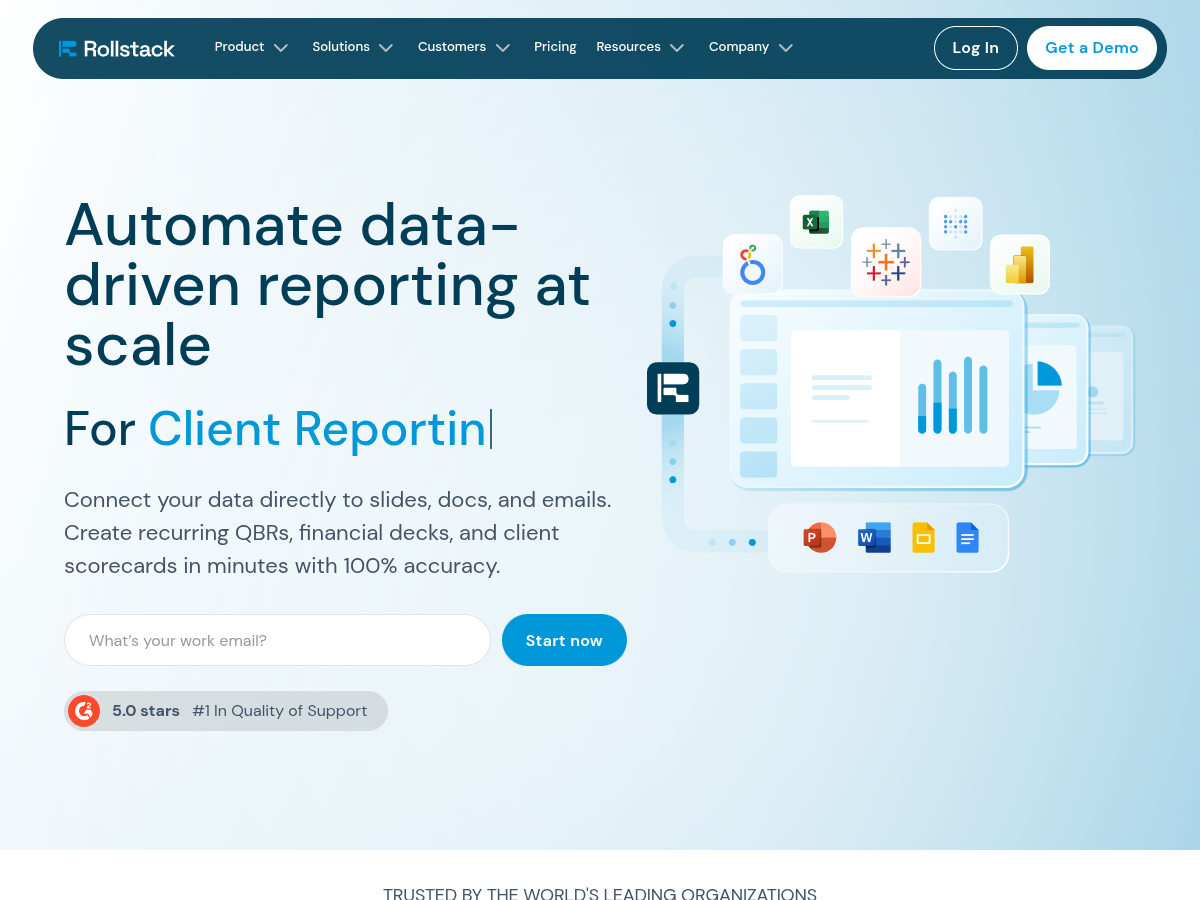
What it is. A BI-to-deck platform: it connects to Tableau, Looker, Power BI, Metabase, Google Sheets and similar, places their charts and tables into Google Slides, PowerPoint or Docs templates, and refreshes them on a schedule so the recurring deck is always current.
Best for. Data and RevOps teams whose decks are mostly dashboard charts — weekly business reviews, board packs, client reporting from a BI tool — and who need PowerPoint as well as Slides.
Pros
- Direct connectors to the major BI tools; charts refresh in place
- Outputs Google Slides, PowerPoint and Docs
- Built for scheduled, recurring refresh at enterprise scale
Cons
- The unit is a chart or table from a dashboard, not a record: generating one deck per customer from a database is not the model
- Enterprise-oriented, sales-led pricing rather than self-serve
- Overkill if your data is in Airtable or Sheets rather than a BI platform
4. Zapier and Make
What it is. Both automation platforms ship a Google Slides “create presentation from template” action: point it at a Slides file with {{placeholders}}, feed it a record from the trigger, and it produces a filled copy. It is the quickest way to add a deck step to a workflow you already run.
Best for. Simple, one-record decks inside an existing Zap or scenario — a welcome deck when a deal closes, a certificate when a form is submitted — where every deck has the same slides and no repeating sections.
Pros
- No new tool to learn if you already automate with Zapier or Make
- Fires from thousands of triggers; delivery to email, Drive or Slack is one more step
- Fine for text placeholders and simple image swaps
Cons
- One flat record per deck; no loops, so “one slide per line item” is not possible without brittle workarounds
- Charts and tables do not bind to data; you are replacing text, not generating structure
- Task-based pricing adds up at volume, and template logic lives in the workflow rather than with the designer
If you already run n8n, Make or Zapier, the usual pattern is to keep them as the orchestrator and call a generation engine like SourceToDocs for the deck itself — the workflow handles trigger and delivery, the engine handles loops, filters and fidelity.
5. Google Apps Script and the Slides API
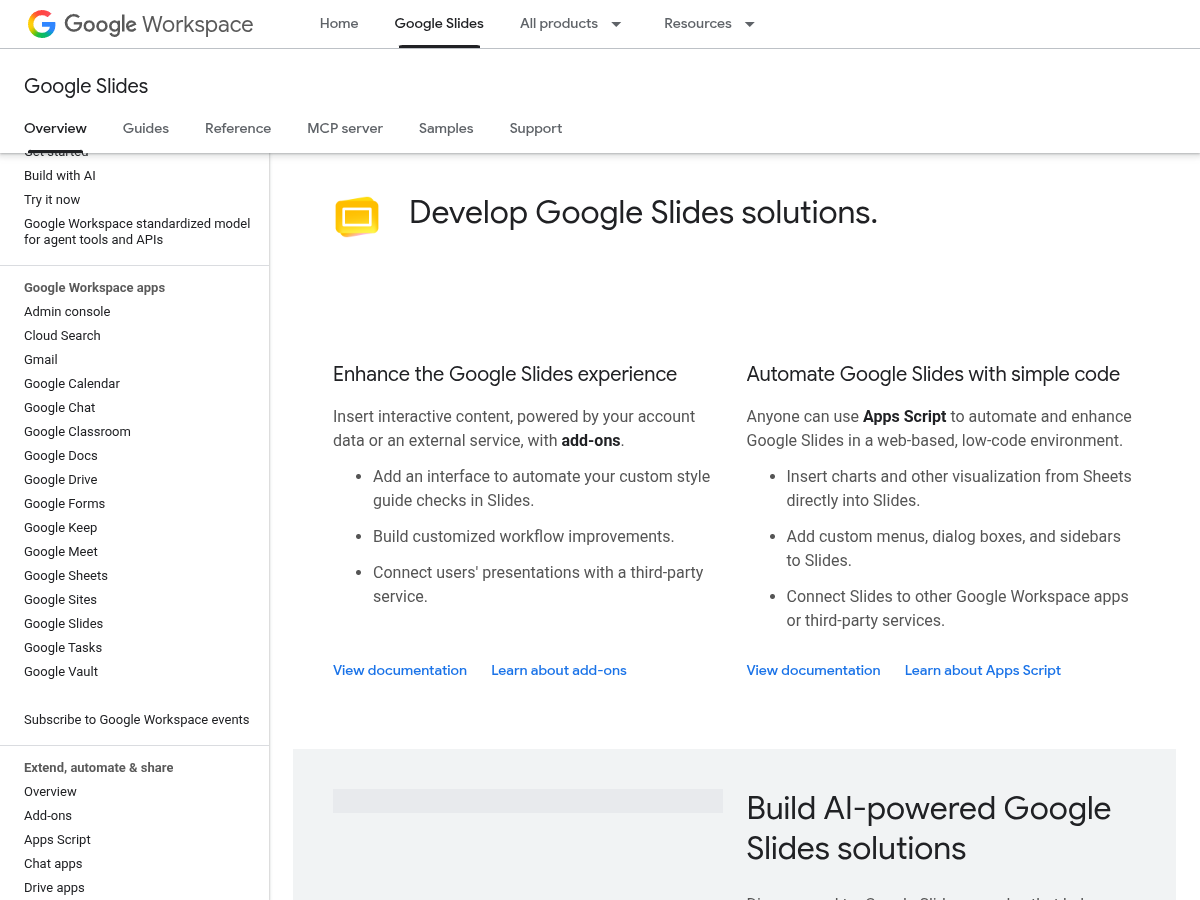
What it is. Google’s own programmatic surfaces. Apps Script gives you a JavaScript runtime inside Workspace with a SlidesApp service; the REST Slides API exposes batchUpdate requests such as replaceAllText, createSlide and replaceAllShapesWithImage from any language. Both are free.
Best for. Developers who want total control, or one-off automations with a technical owner willing to maintain them. Our Apps Script guide and Slides API guide cover the working patterns and the gotchas.
Pros
- Free, and there is nothing you cannot do
- No vendor in the loop; runs entirely inside your Google account
- Apps Script is approachable for anyone who has written a spreadsheet formula
Cons
- You build and maintain everything: data binding, loops, image sizing, error handling, rate limits
- Template fidelity is fragile; text replacement changes lengths and breaks layouts unless you handle it
- Every new template or data shape is more code, and the person who wrote it becomes a dependency
See SourceToDocs vs Google Apps Script for the point at which building stops being cheaper.
6. Plus AI
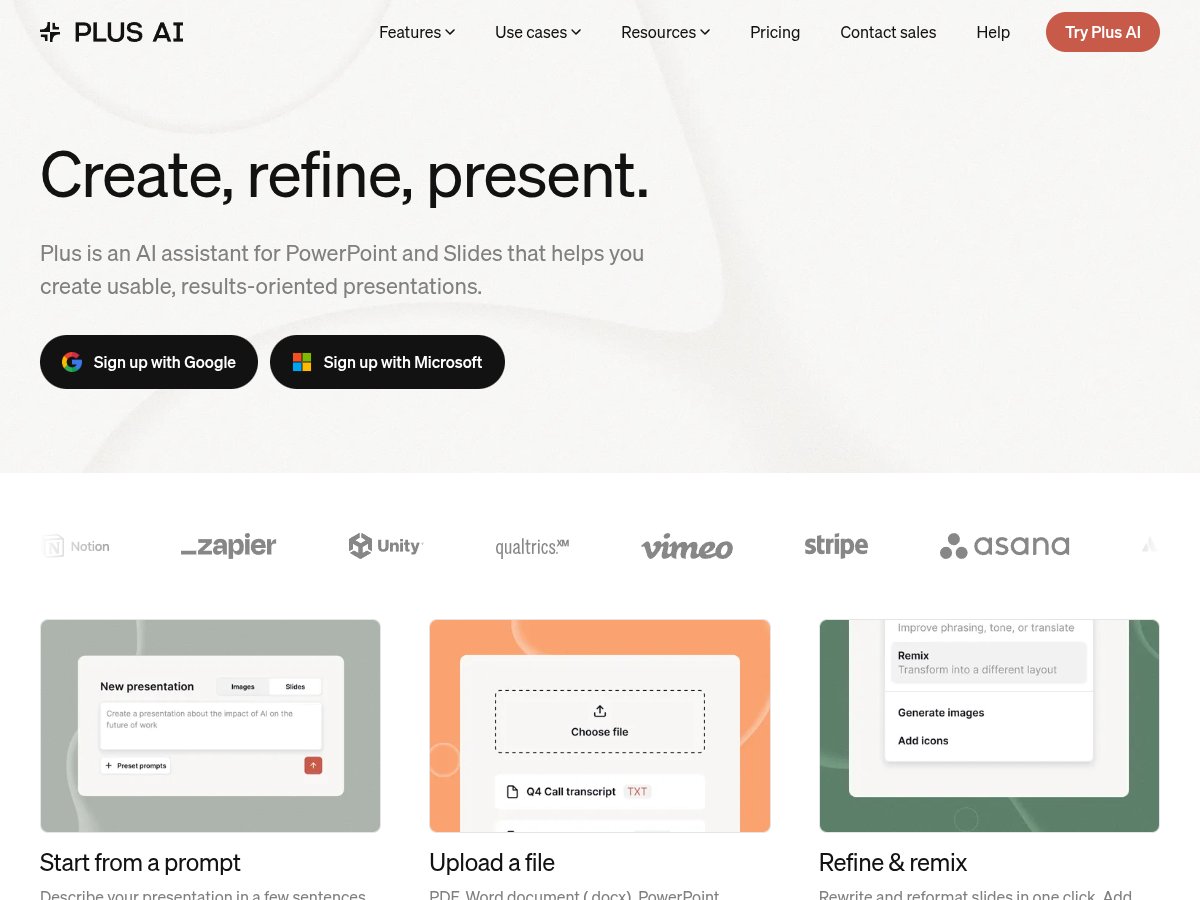
What it is. An AI add-on for Google Slides and PowerPoint that writes and lays out a deck from a prompt or an uploaded document, then lets you refine and remix slides in place. It works inside the editor you already use rather than in a separate app.
Best for. First drafts and one-off decks where the content does not yet exist — a pitch, a training deck, a summary of a long document — for people who want to stay in Slides or PowerPoint.
Pros
- Native to Google Slides and PowerPoint; output is a normal editable deck
- Good at structuring a narrative from a prompt or a source document
- Per-user pricing that is easy to expense
Cons
- Not data-driven: it does not fill a fixed template from a database, and every generation is a new layout
- Unsuited to recurring, branded, must-be-correct reporting
- Prompt-to-deck output still needs a human pass before it goes to a client
7. Gamma

What it is. An AI presentation and web-page builder with its own card-based format. You describe the deck, it generates content and design, and you export to PowerPoint or PDF (or share as a Gamma link). It is fast and the output looks good out of the box.
Best for. Quickly producing an attractive standalone deck or microsite when you have no template and no data pipeline — internal updates, early pitches, event pages.
Pros
- The fastest route from idea to a good-looking deck
- Strong built-in design system; exports to PPTX and PDF
- Generous free tier for trying it
Cons
- Not a Google Slides template tool: your designer’s Slides master is not the source of truth
- No data binding, scheduling or per-record generation
- Brand consistency across many decks relies on the operator, not the system
See SourceToDocs vs Gamma for the document-automation view of the same question.
8. SlidesAI
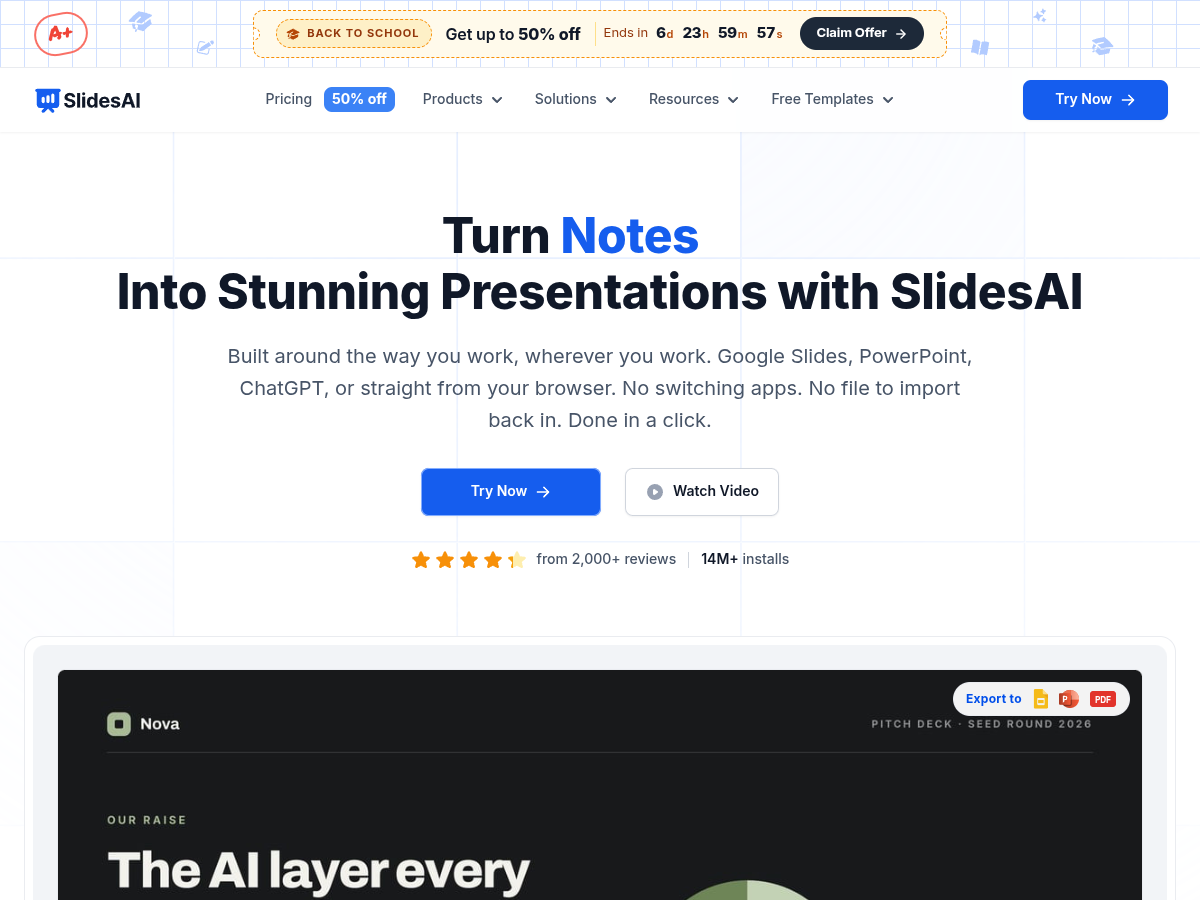
What it is. A Google Workspace Marketplace add-on that turns pasted or generated text into a slide deck inside Google Slides or PowerPoint, with themes and simple layouts. It is the entry-level end of the AI slide maker category.
Best for. Individuals and small teams who have the words already and want them on slides quickly — lesson plans, meeting notes, summaries — at a low price.
Pros
- Works inside Google Slides; nothing to export
- Cheap, with a free plan
- Simple: paste text, pick a theme, done
Cons
- Text-to-slides only; no data sources, templates or automation triggers
- Layout control is basic; branded decks need manual rework
- Not designed for recurring or bulk generation
How to choose
Ask what will drive each deck. If the answer is a record, a query or a spreadsheet row, you need the top half of this list. Within it: relational data, repeating slides and a mix of decks and documents point to SourceToDocs; a Sheets or HubSpot record that needs signing points to Portant; a BI dashboard that needs to land in PowerPoint on Monday morning points to Rollstack; a single flat record inside a flow you already run can use Zapier or Make; and a developer with time can do all of it with Apps Script or the Slides API, at the cost of owning the code.
If the answer is a prompt or a document you want turned into slides, you are in the bottom half: Plus AI to stay inside Slides and PowerPoint, Gamma for the best-looking result fastest, SlidesAI for the cheapest path from text to slides. They are excellent at that job and the wrong tool for recurring, data-bound, branded output — the distinction the document automation vs AI deck generators piece goes into properly.
Whichever category you land in, the template question decides how much you will like the result six months on: if your designer’s Google Slides master is the source of truth and the tool only ever changes the data inside it, the deck still looks designed on the two-hundredth run. That is the whole case for automation over generation, and it is the standard we hold ourselves to — see it applied in the Google Slides automation guide and in the template library.