Automatable document templates
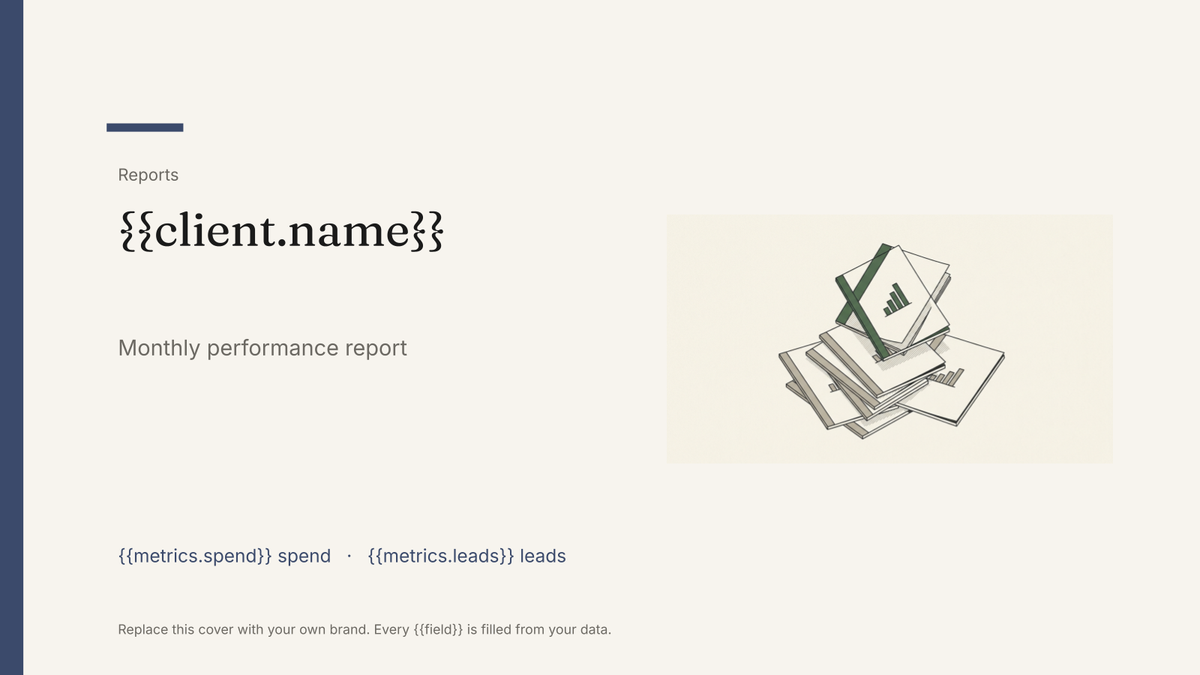
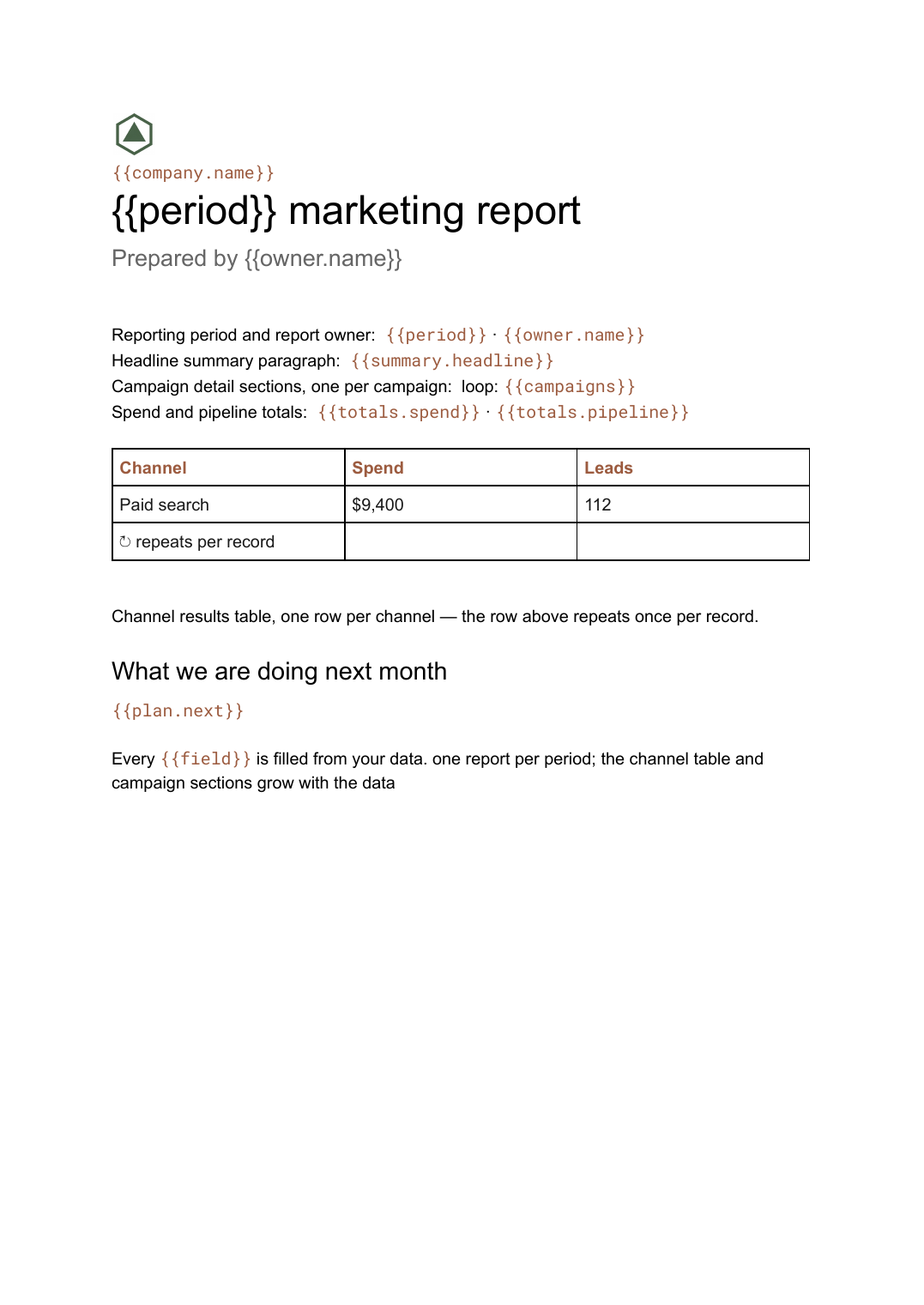
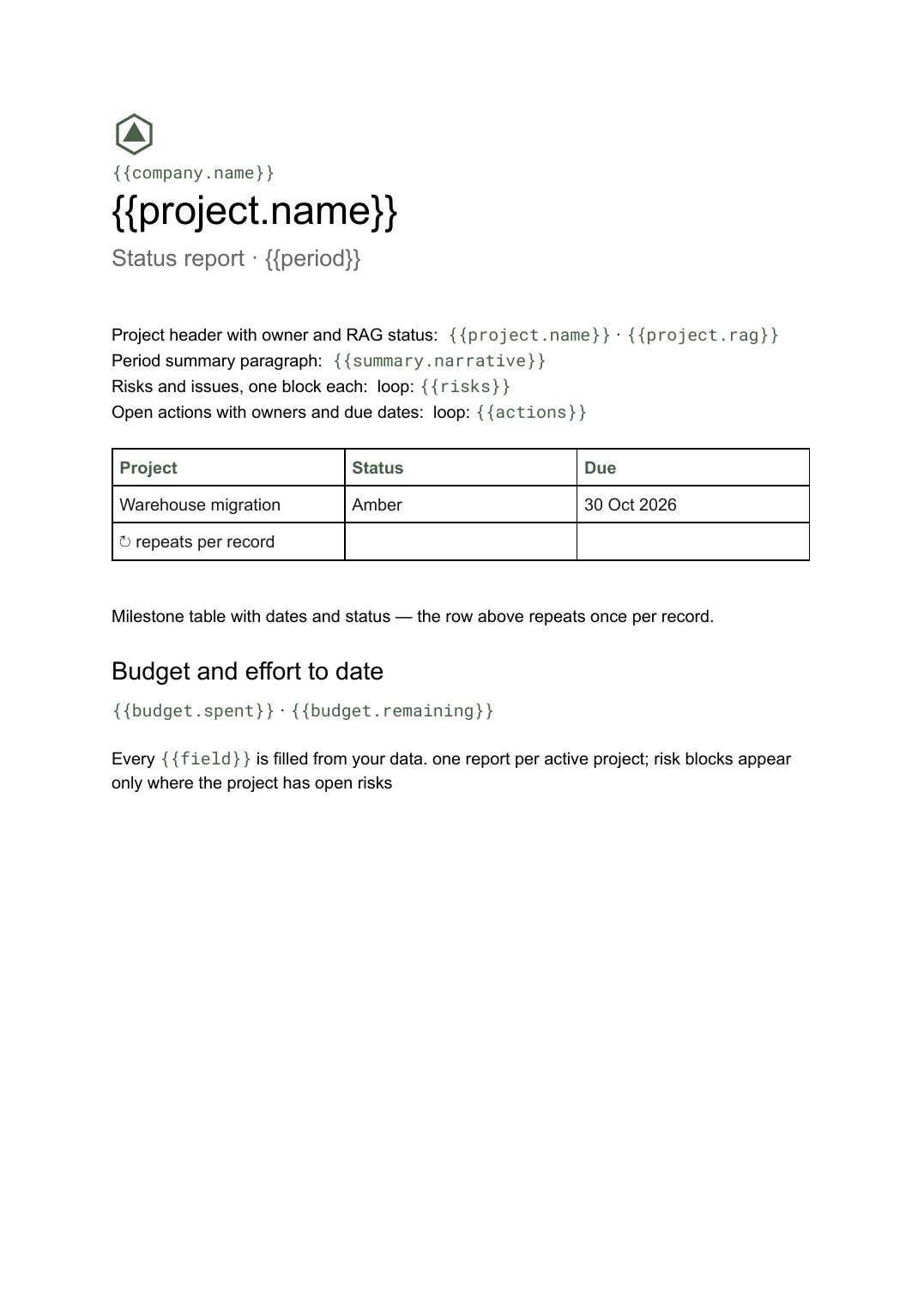
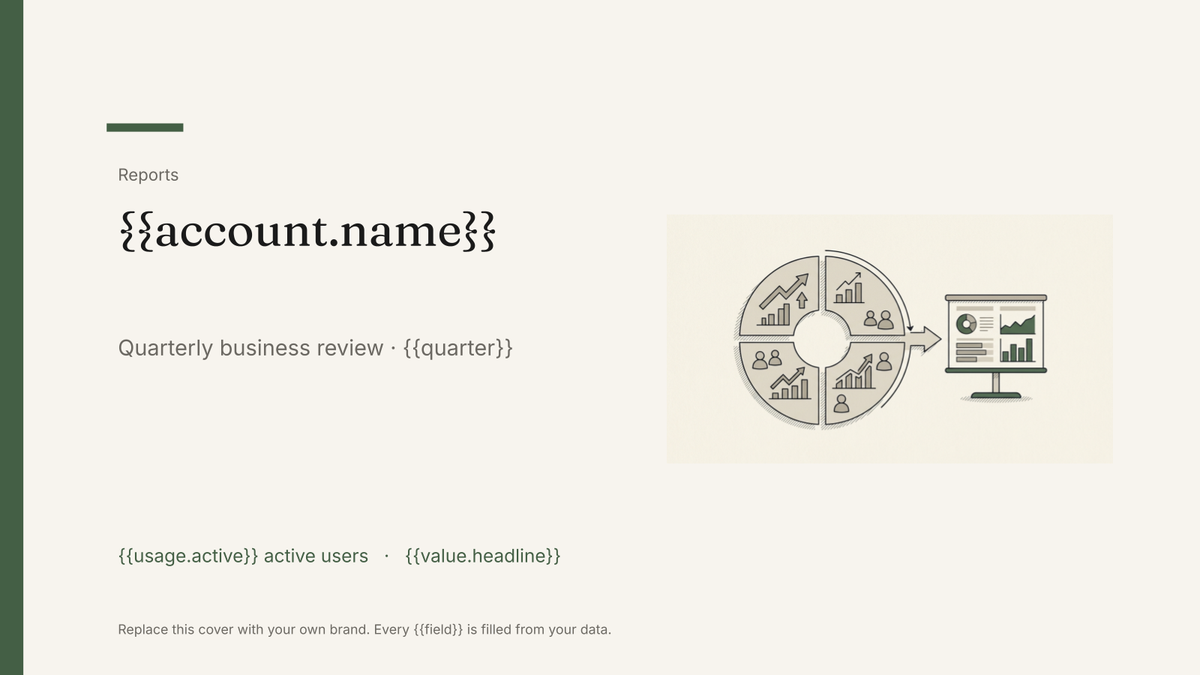
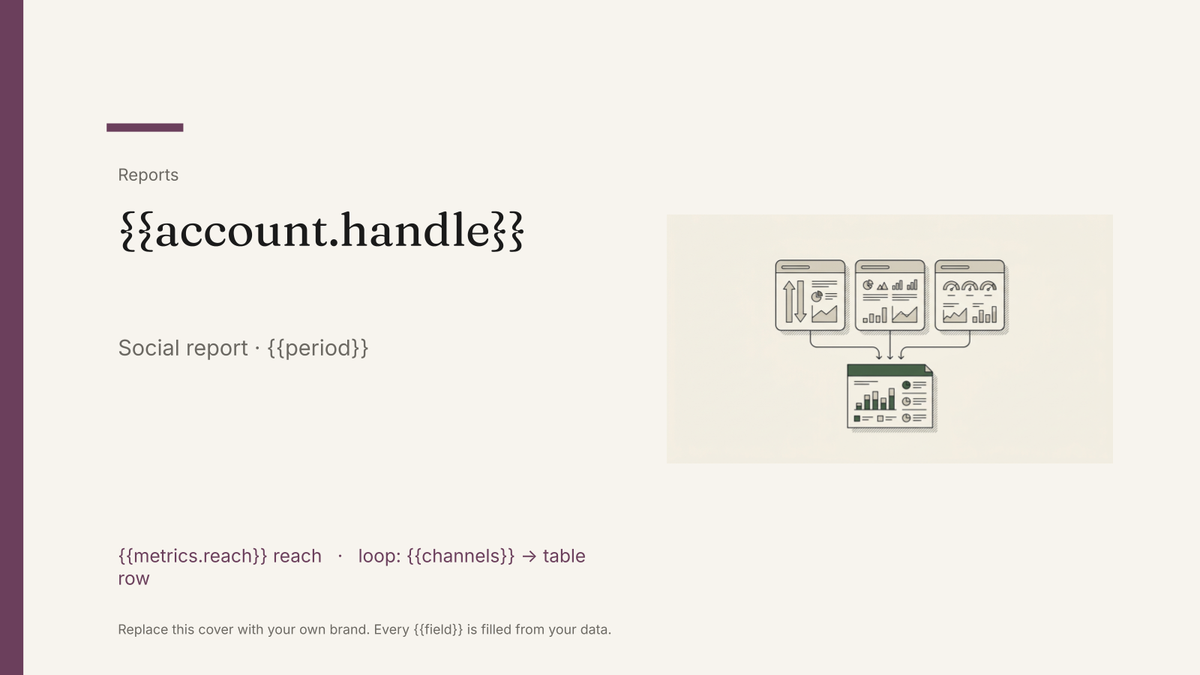
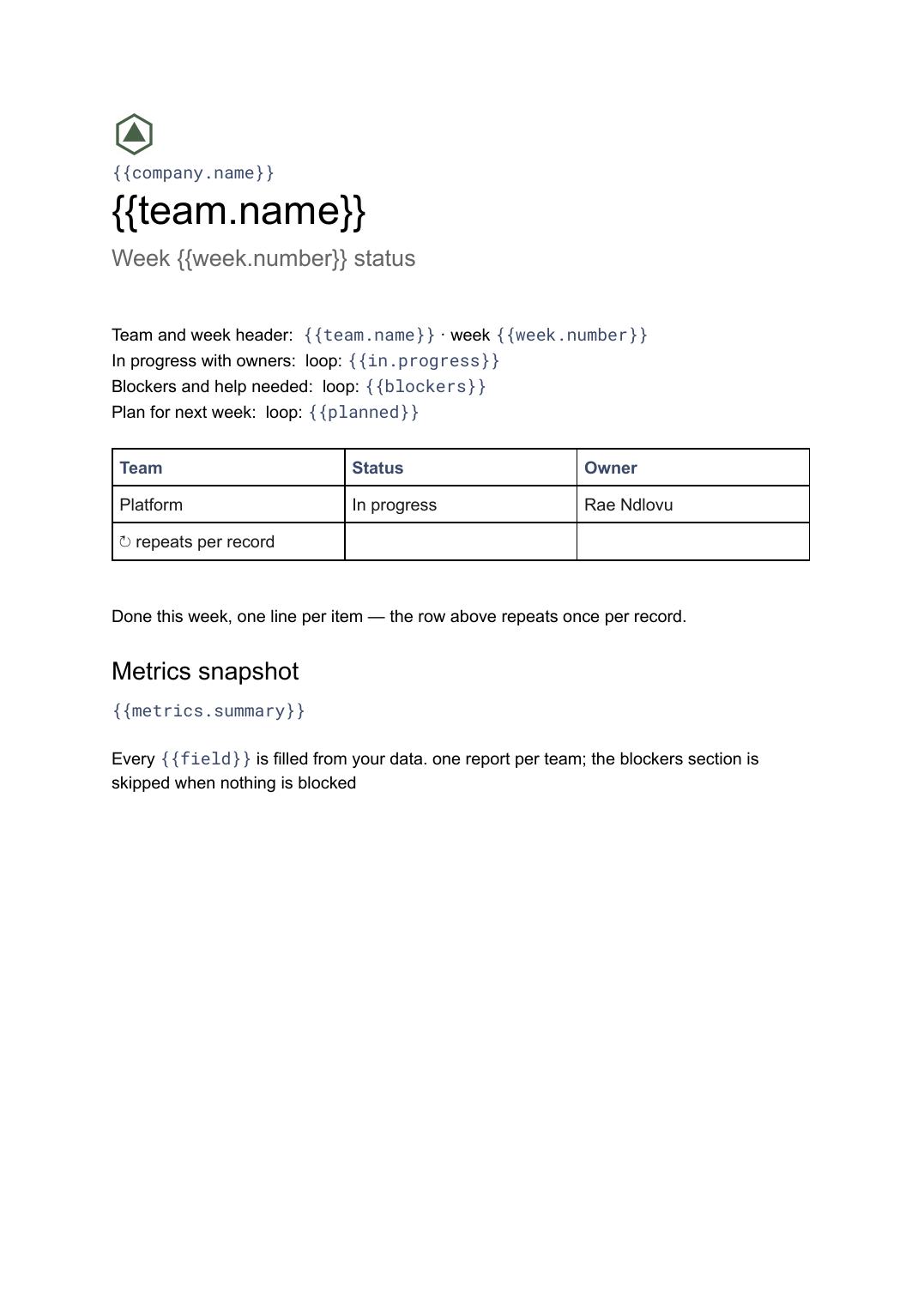
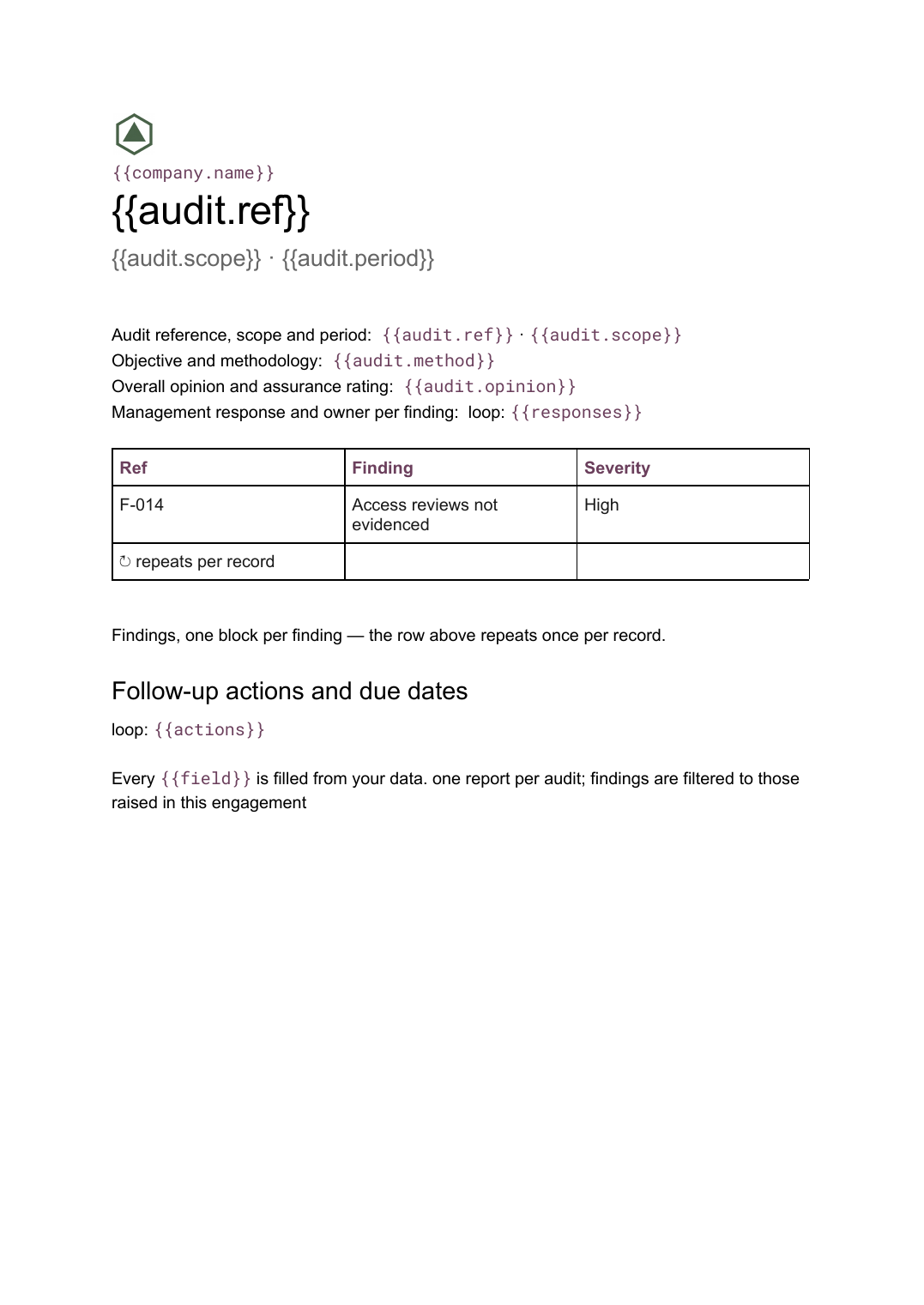
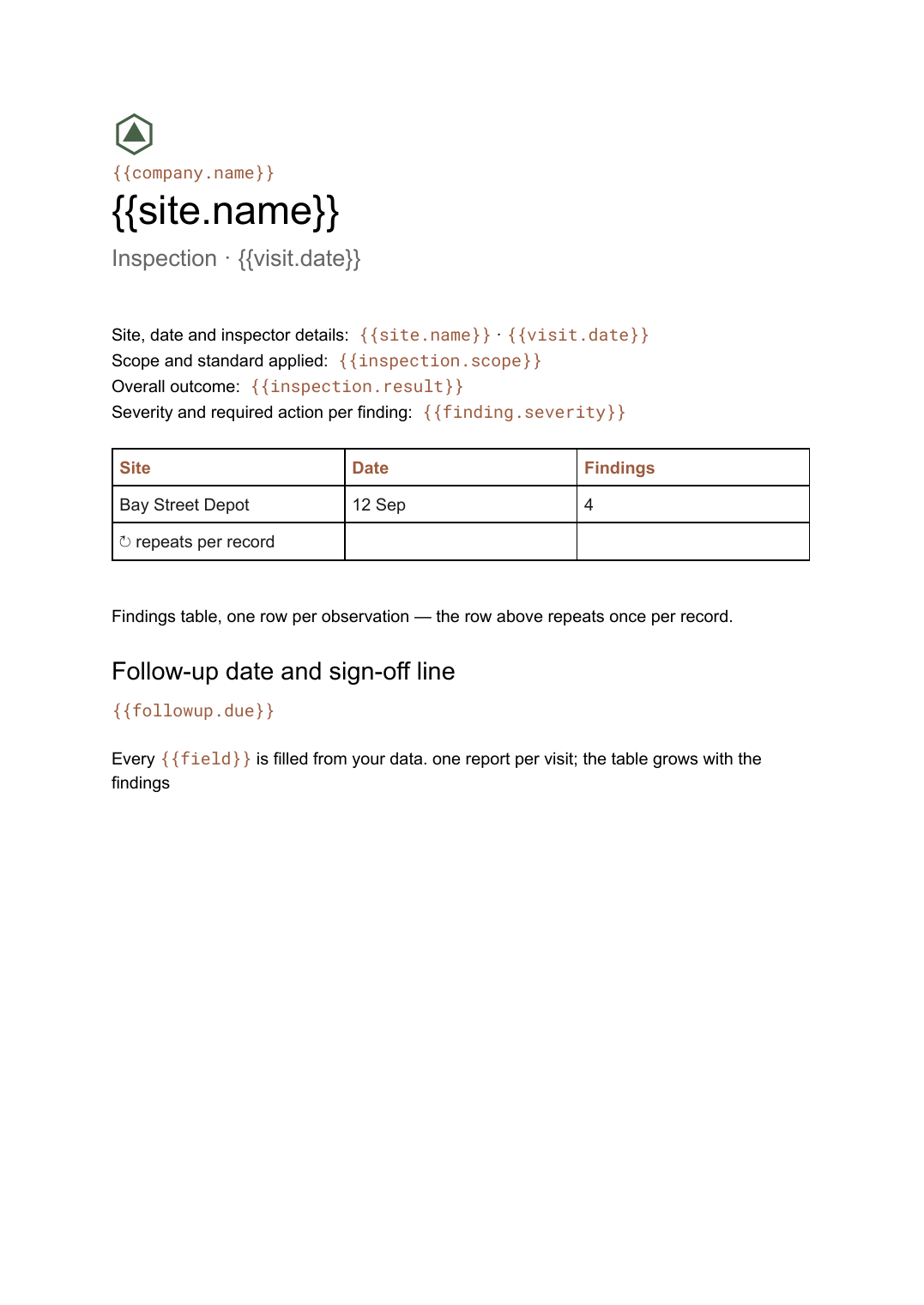
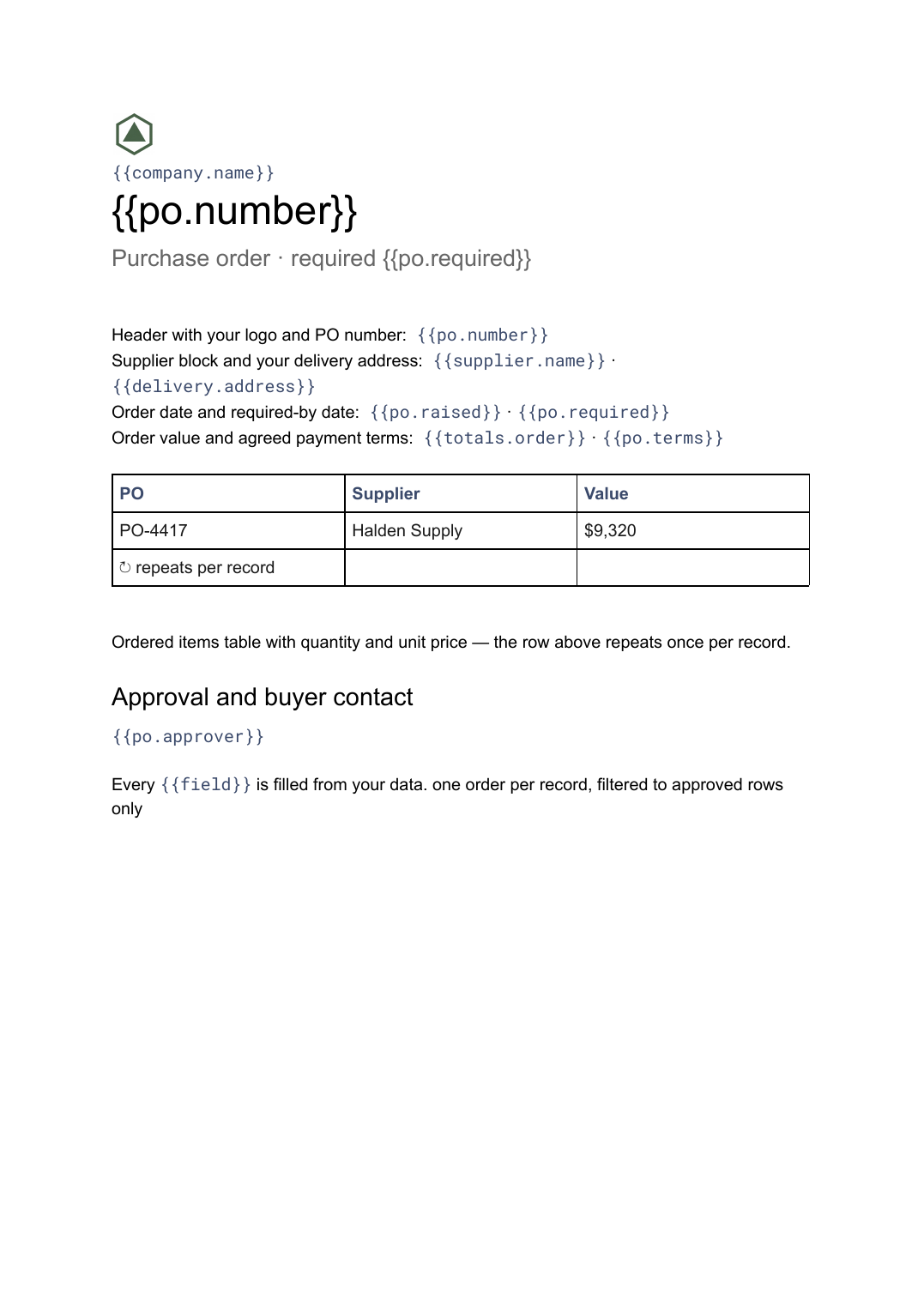
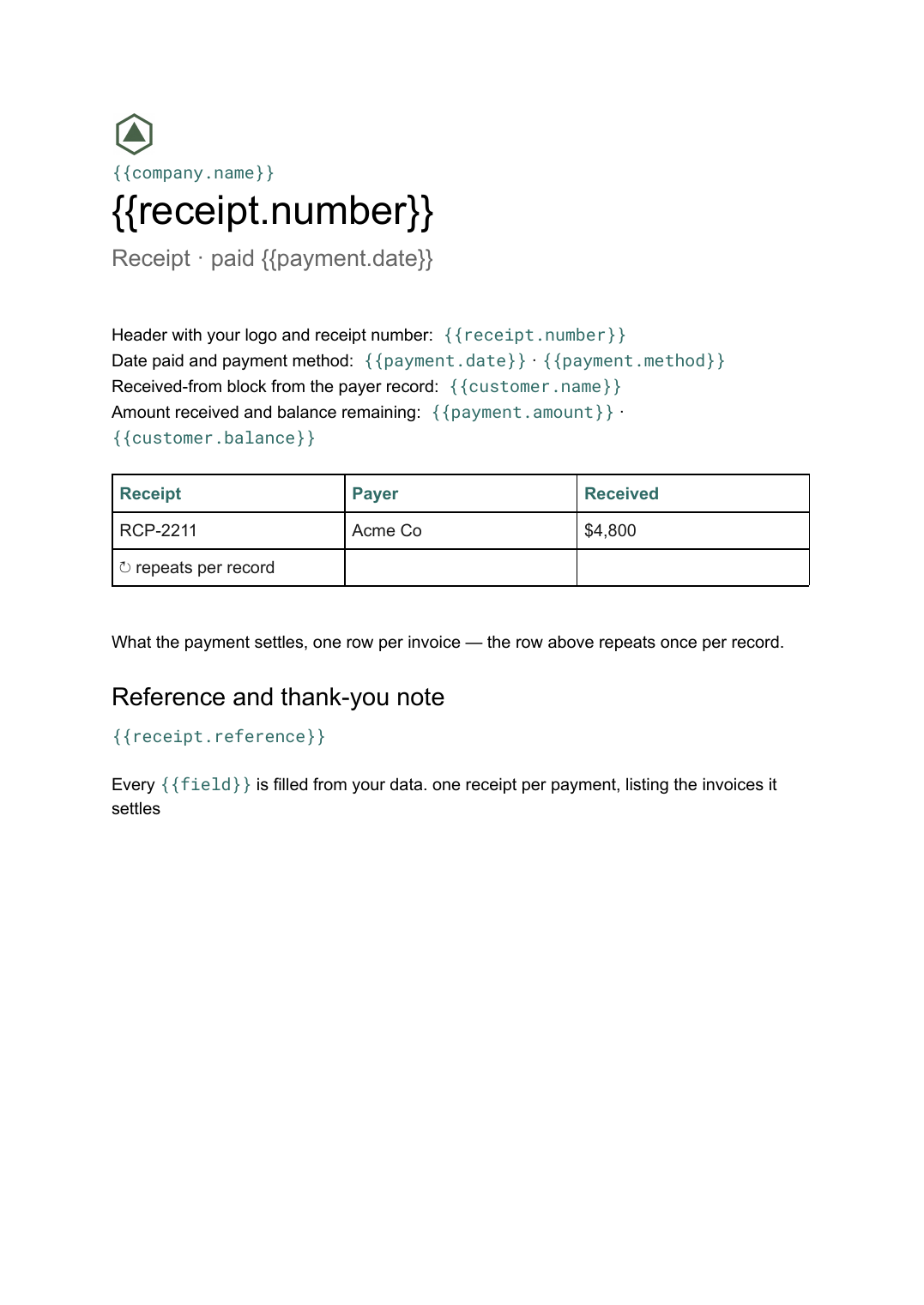
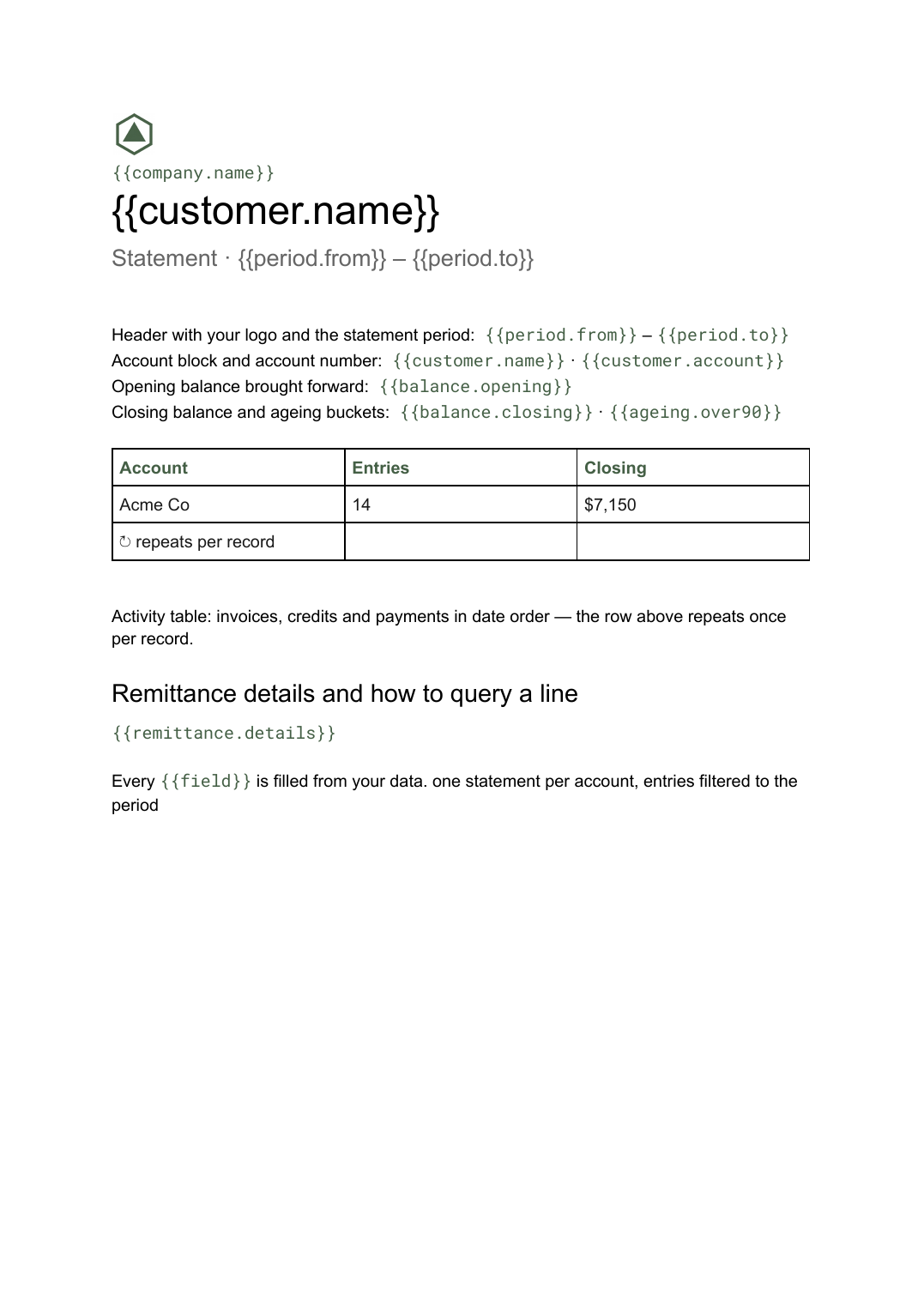
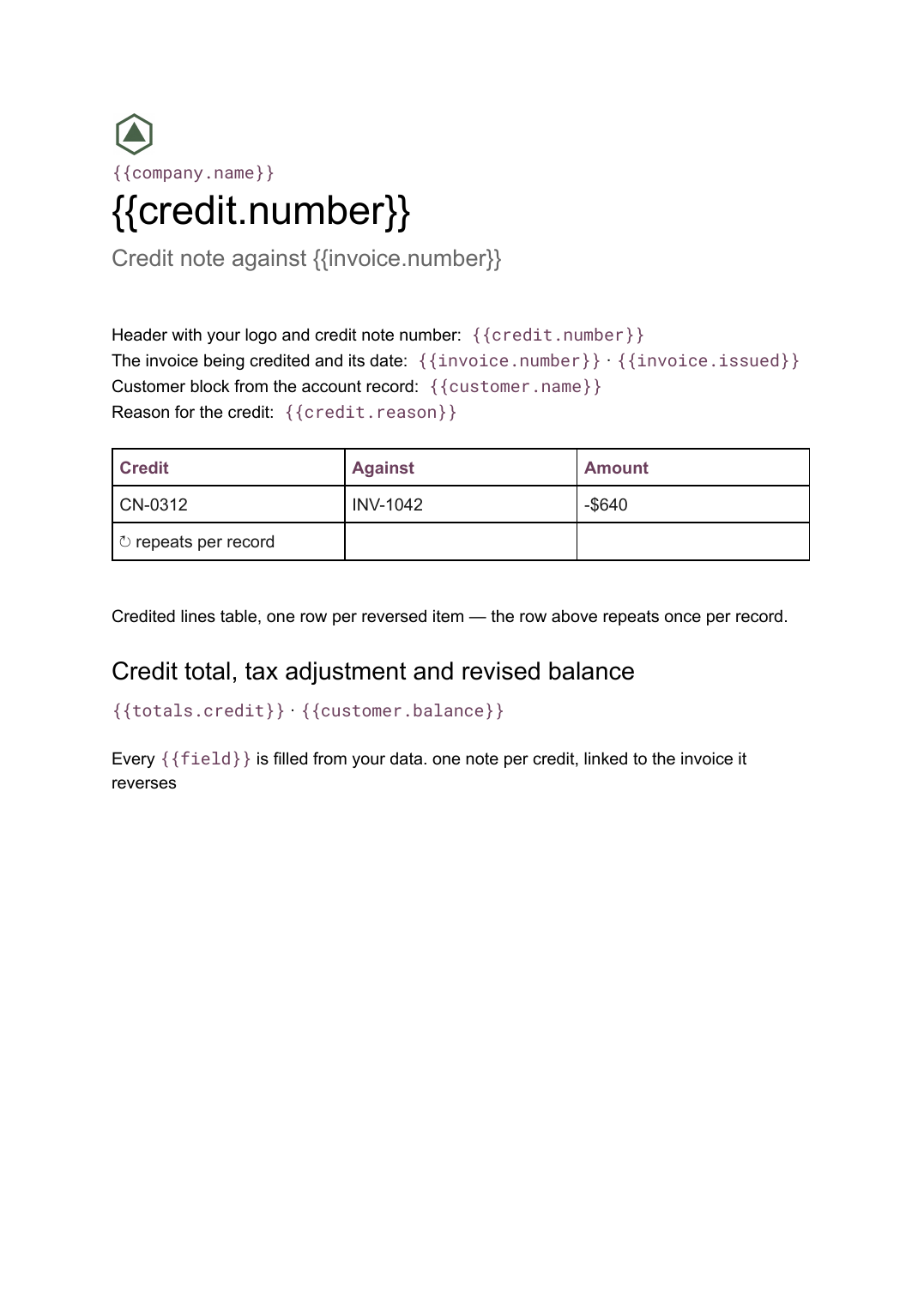
59 layouts for Google Slides and Google Docs, built to be filled from your data.
Common questions, answered
Are these templates free? +
Yes. Every template is free to start from, and the Free plan lets you connect a data source and export a real document with no watermark and no credit card. You only pay when you need volume, more templates or the API.
Do I have to use your design? +
No, and most teams do not. The template is a starting point; the real value is the automation behind it. Bring your own Google Slides or Google Docs master, mark up the placeholders, and generate against that instead.
What is the difference between the Slides and Docs templates? +
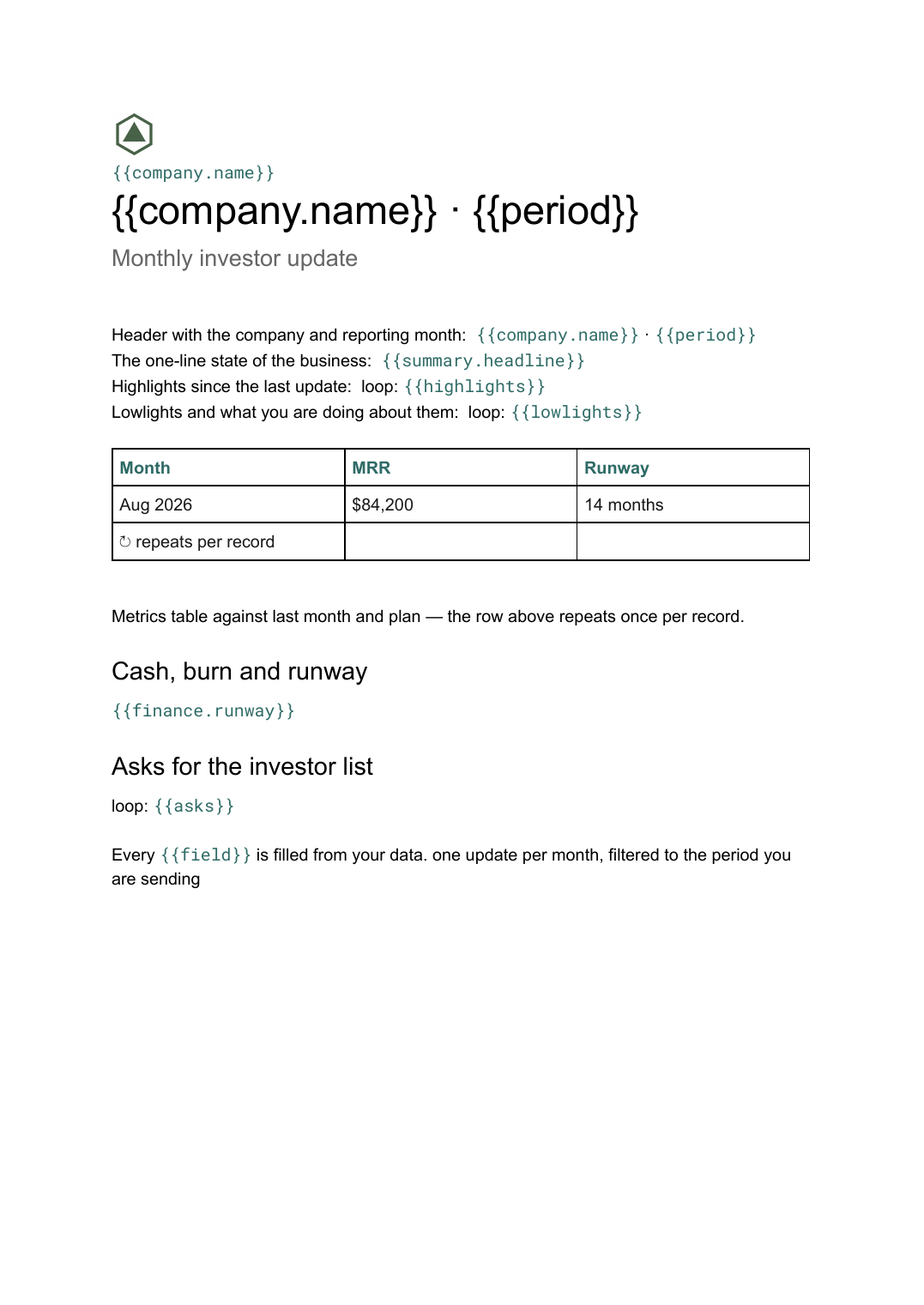
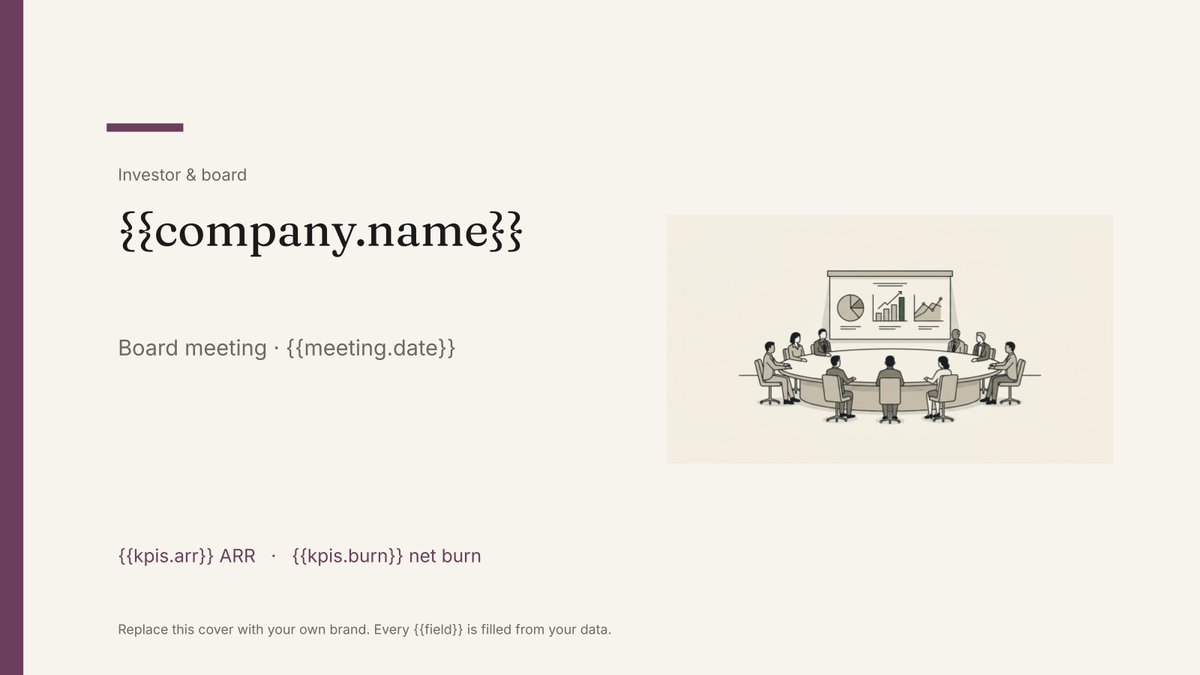
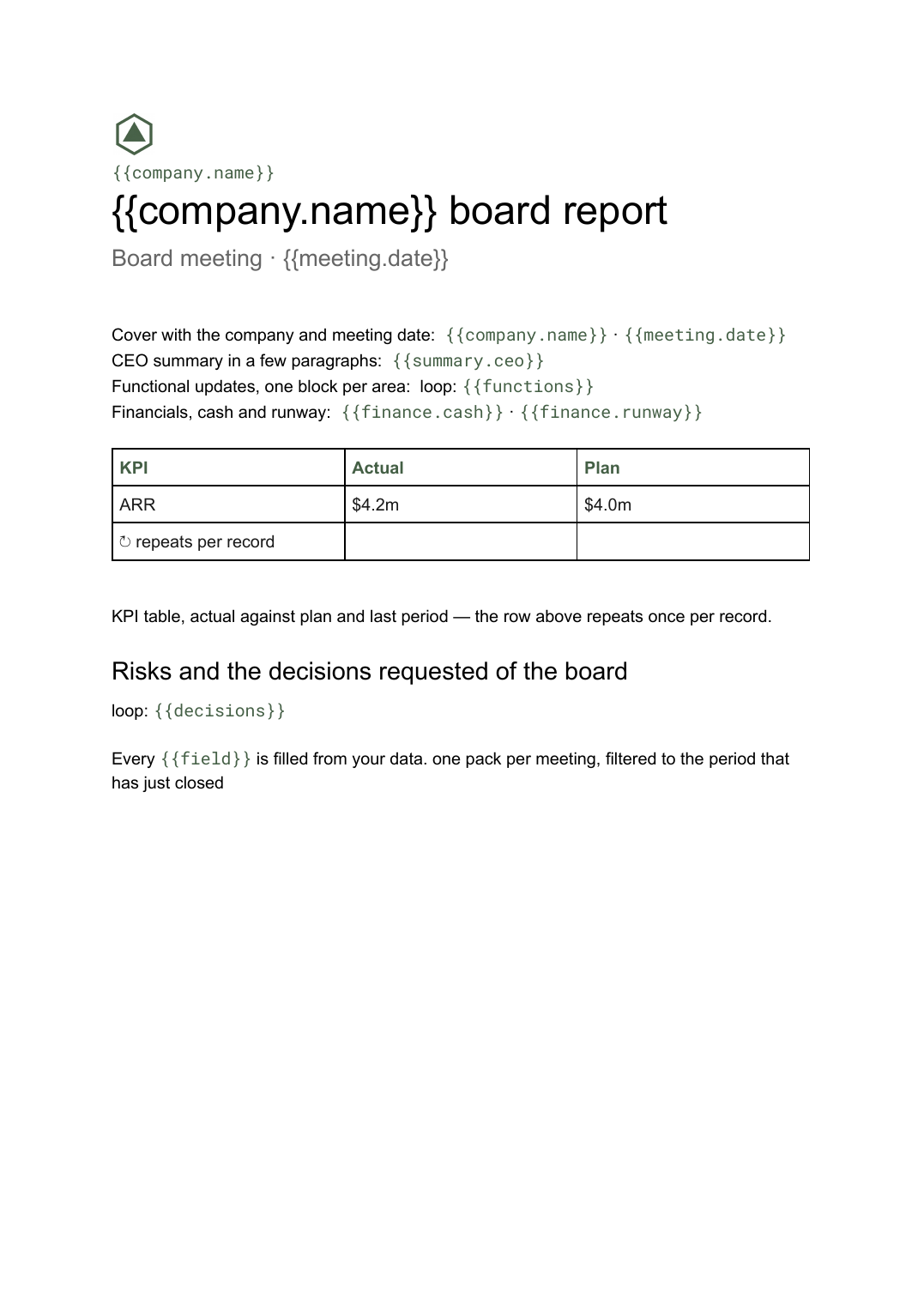
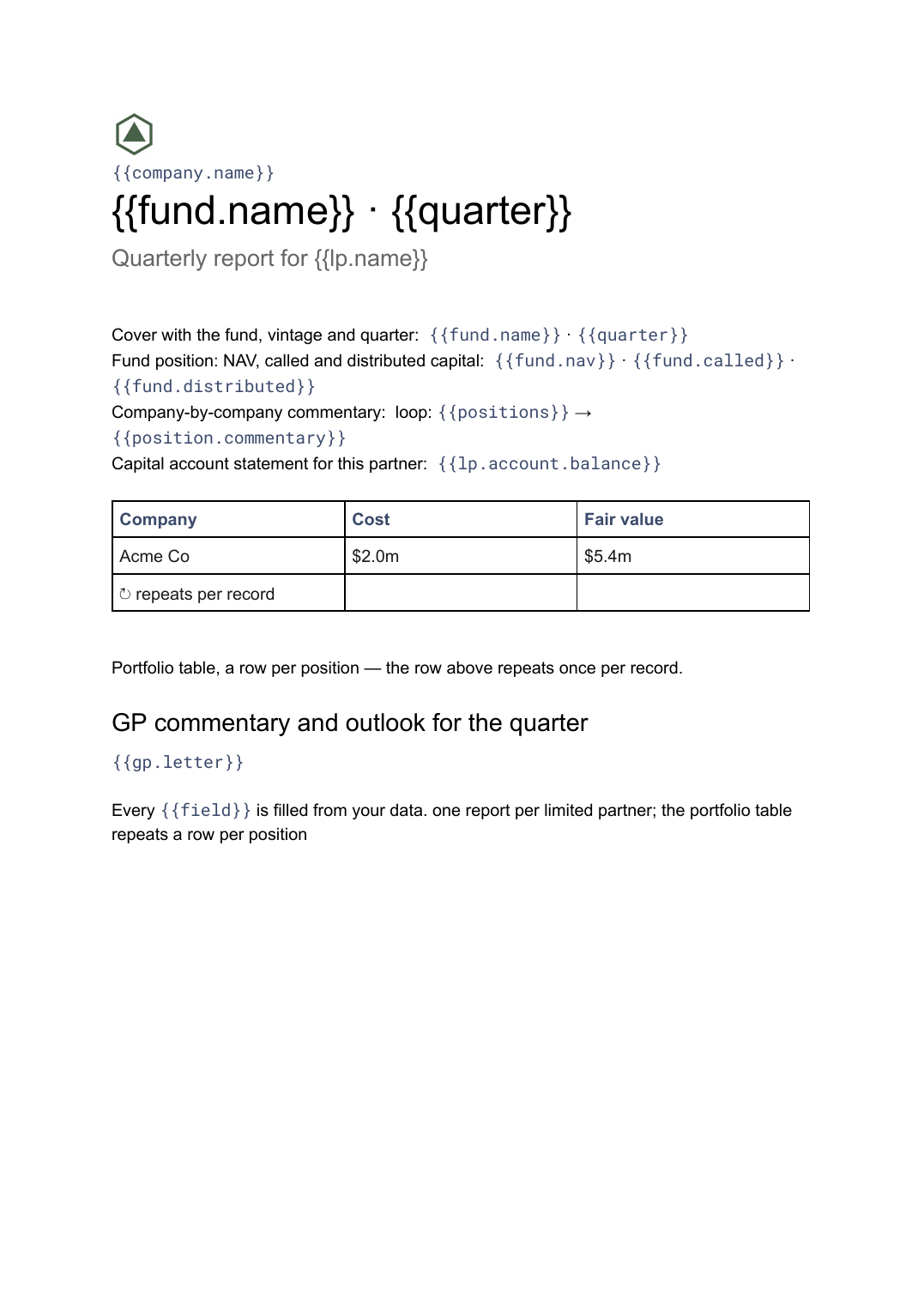
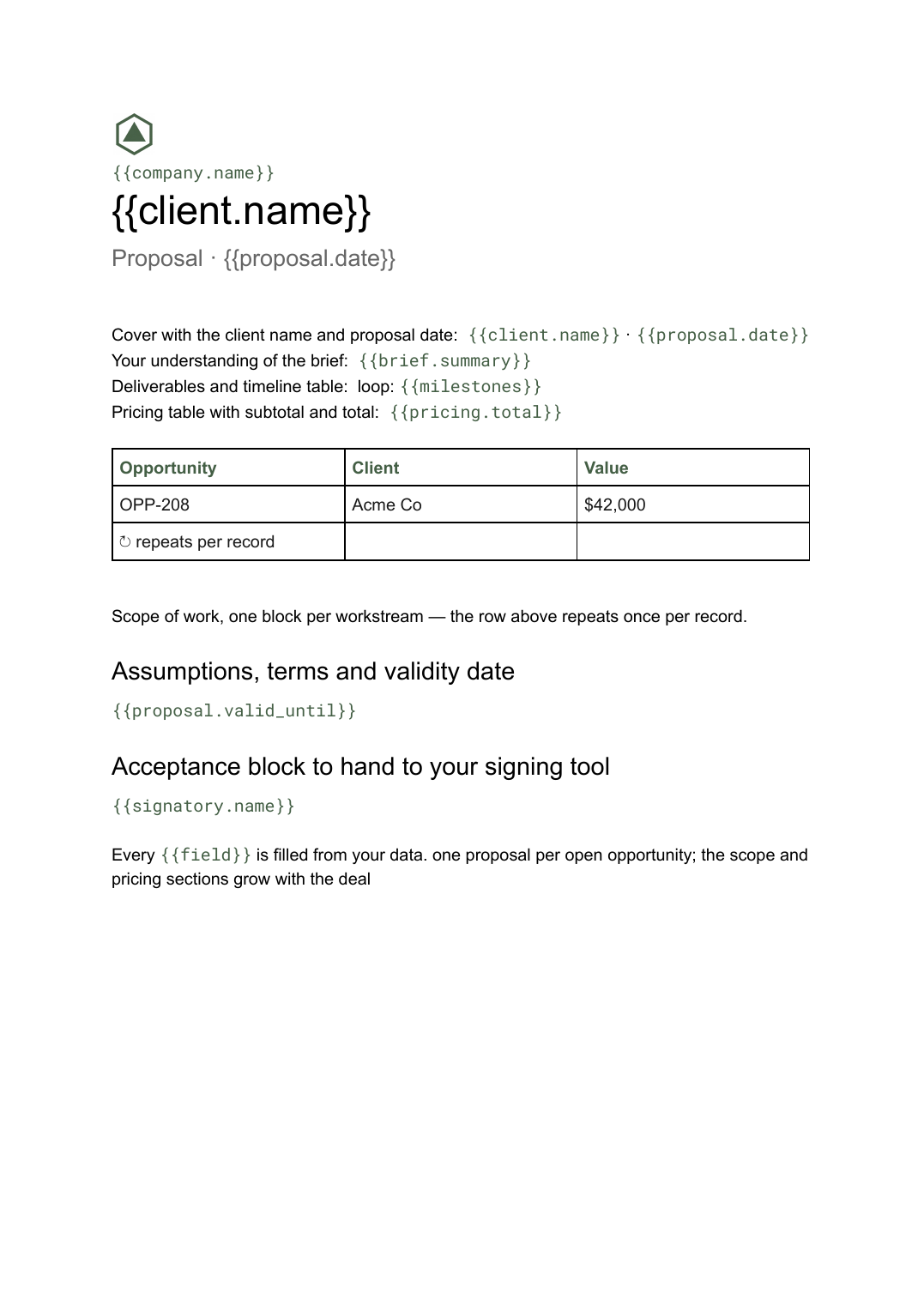
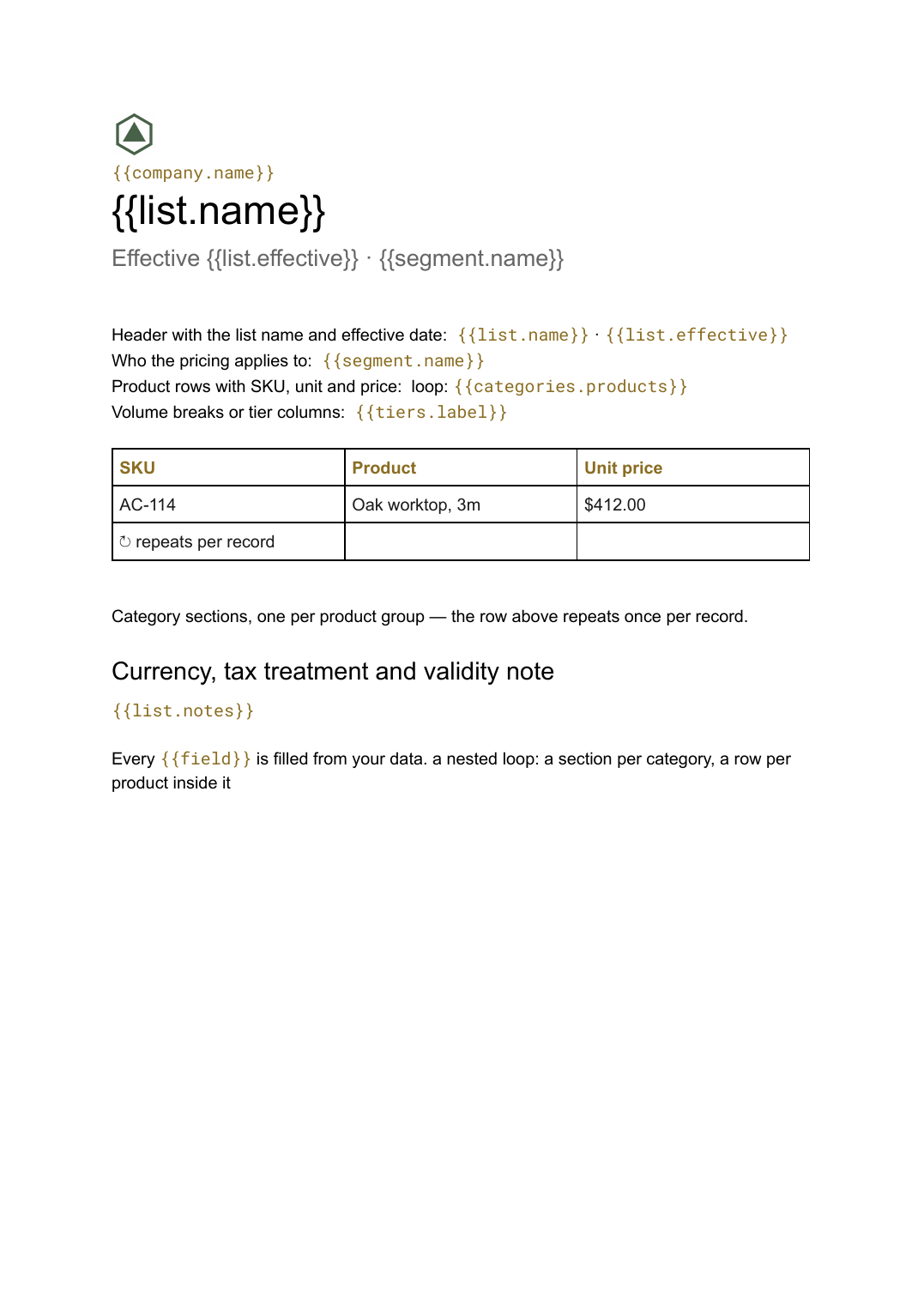
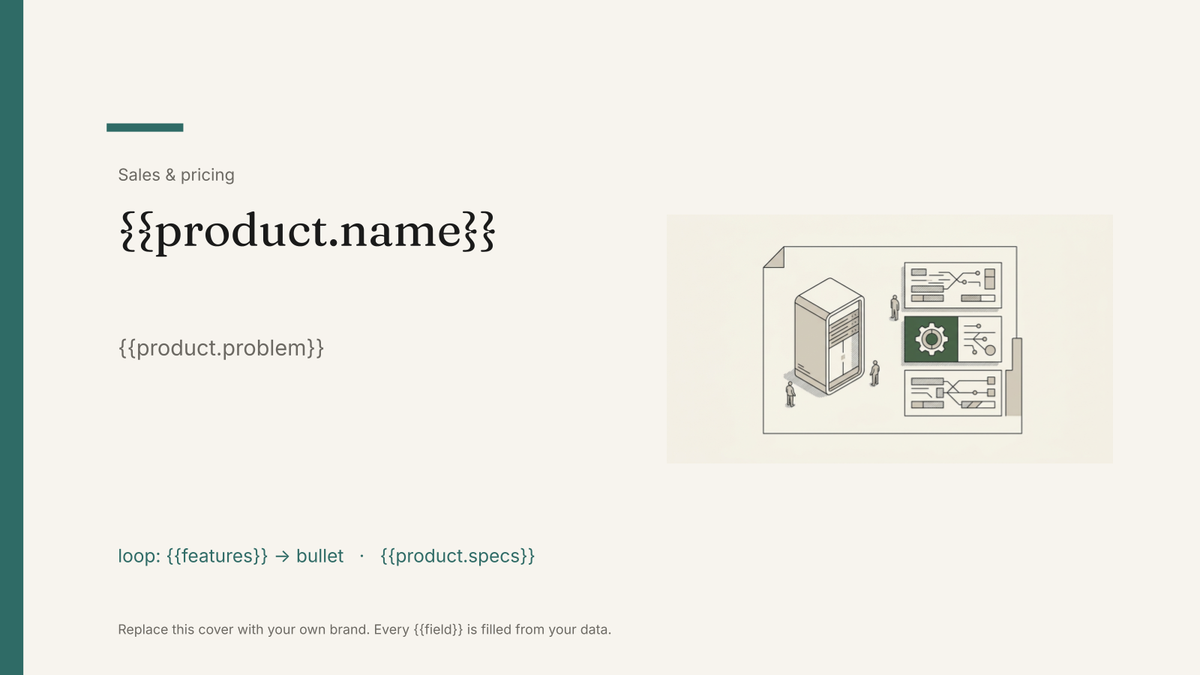
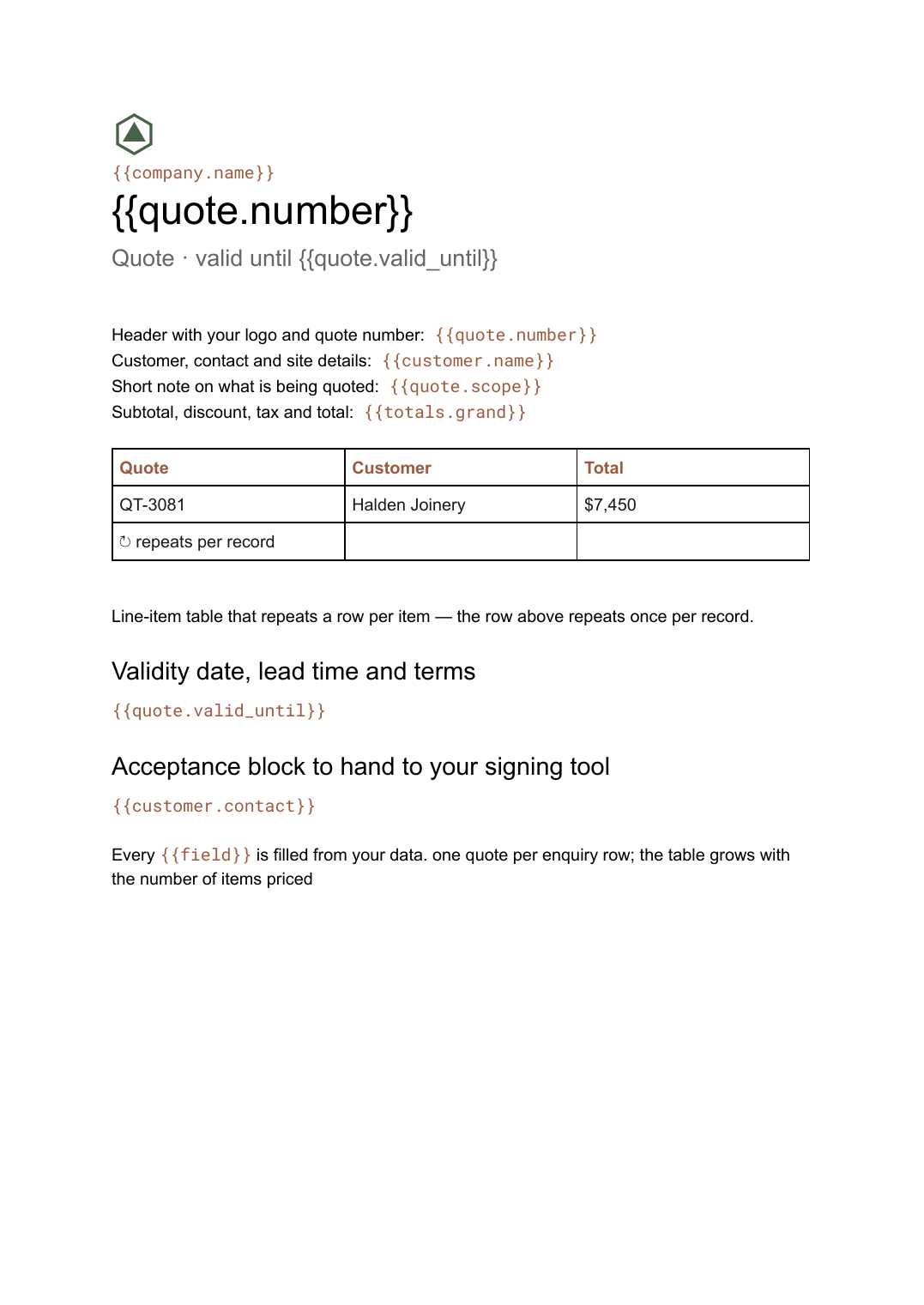
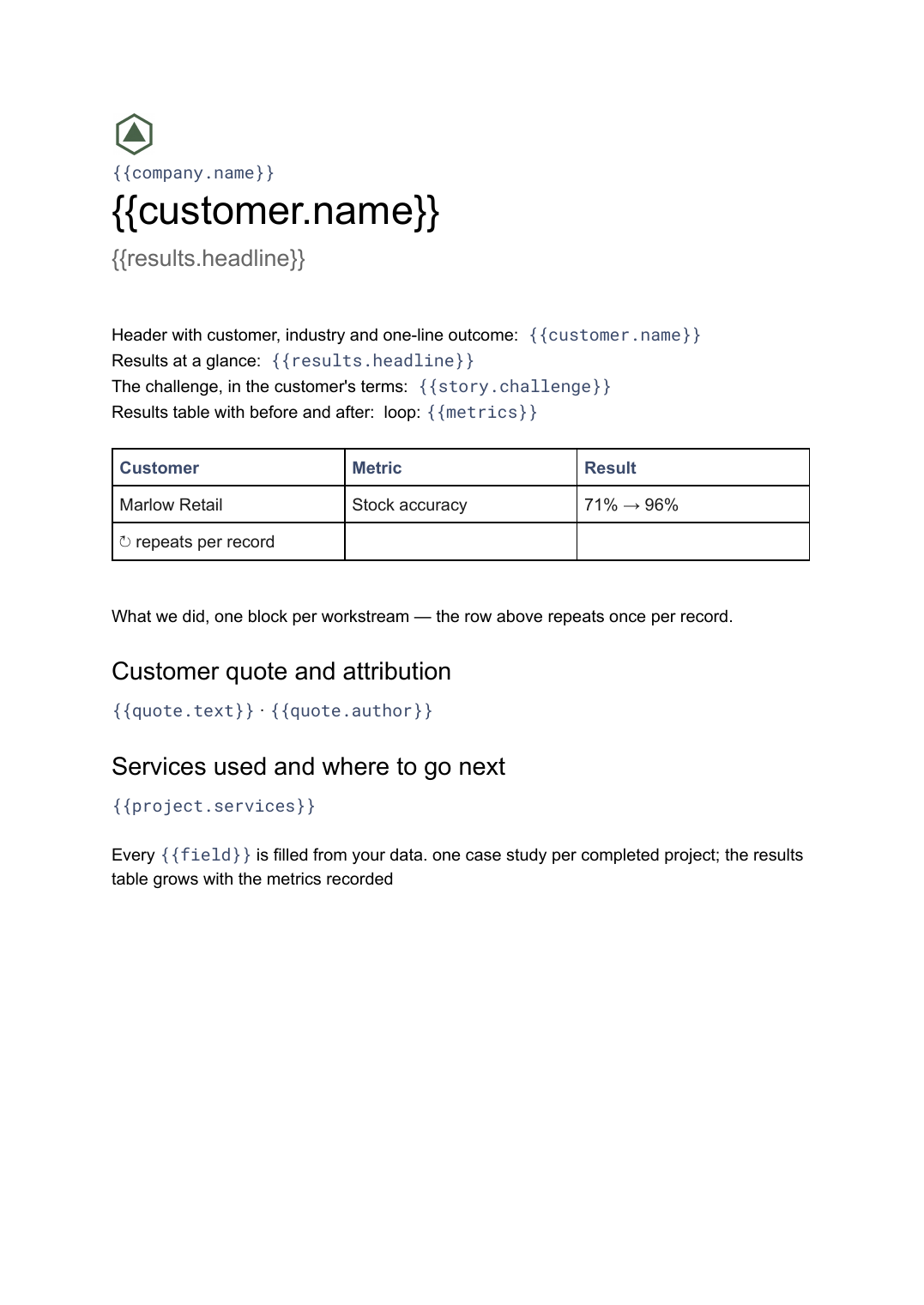
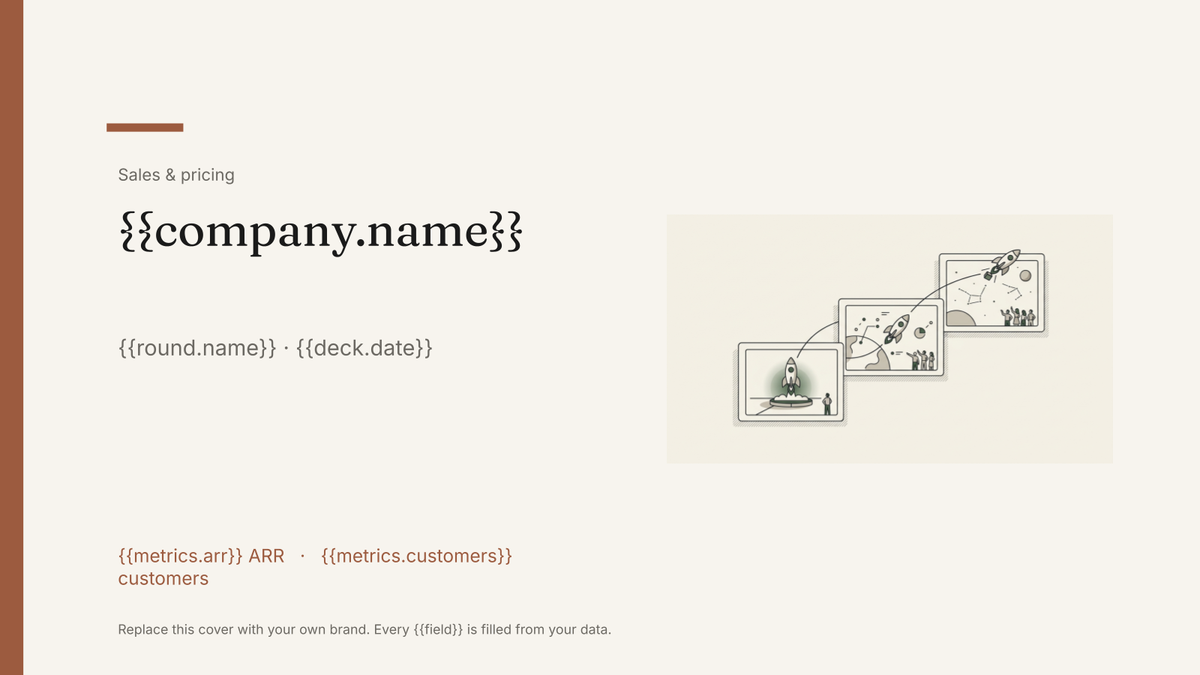
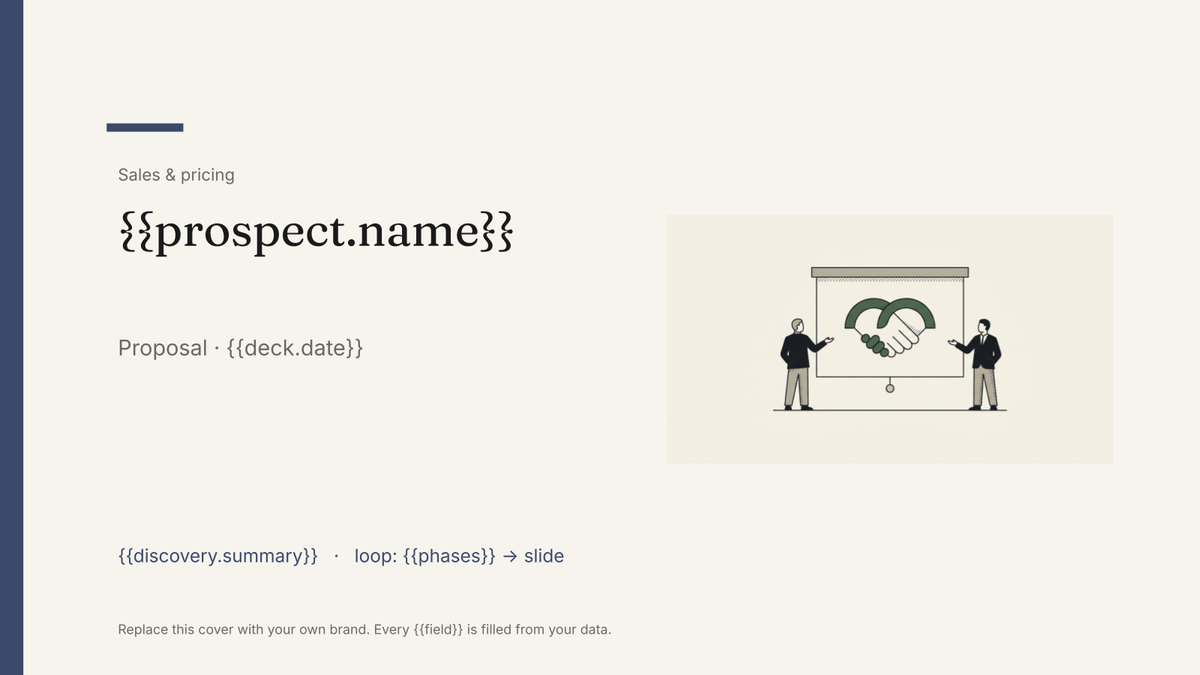
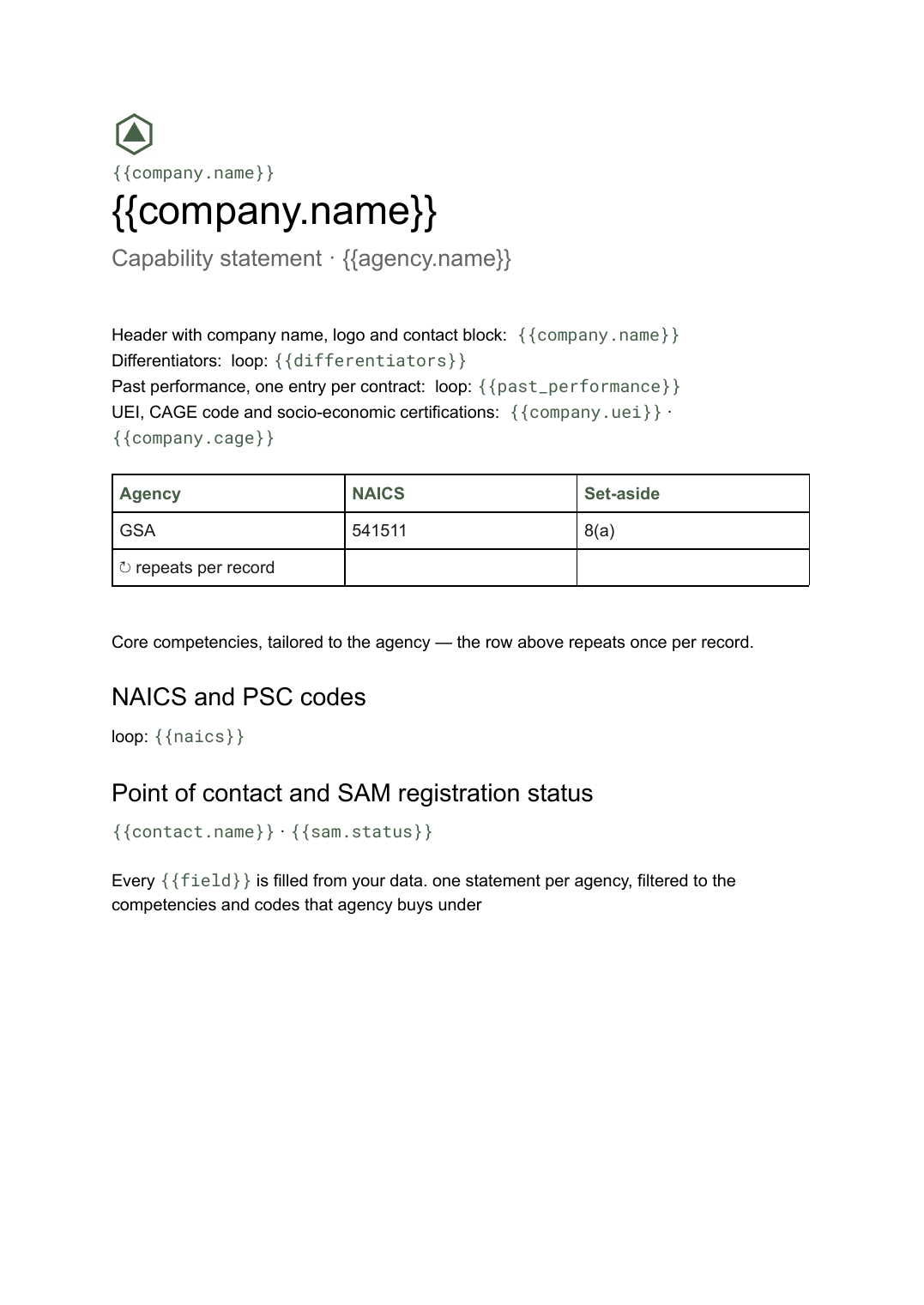
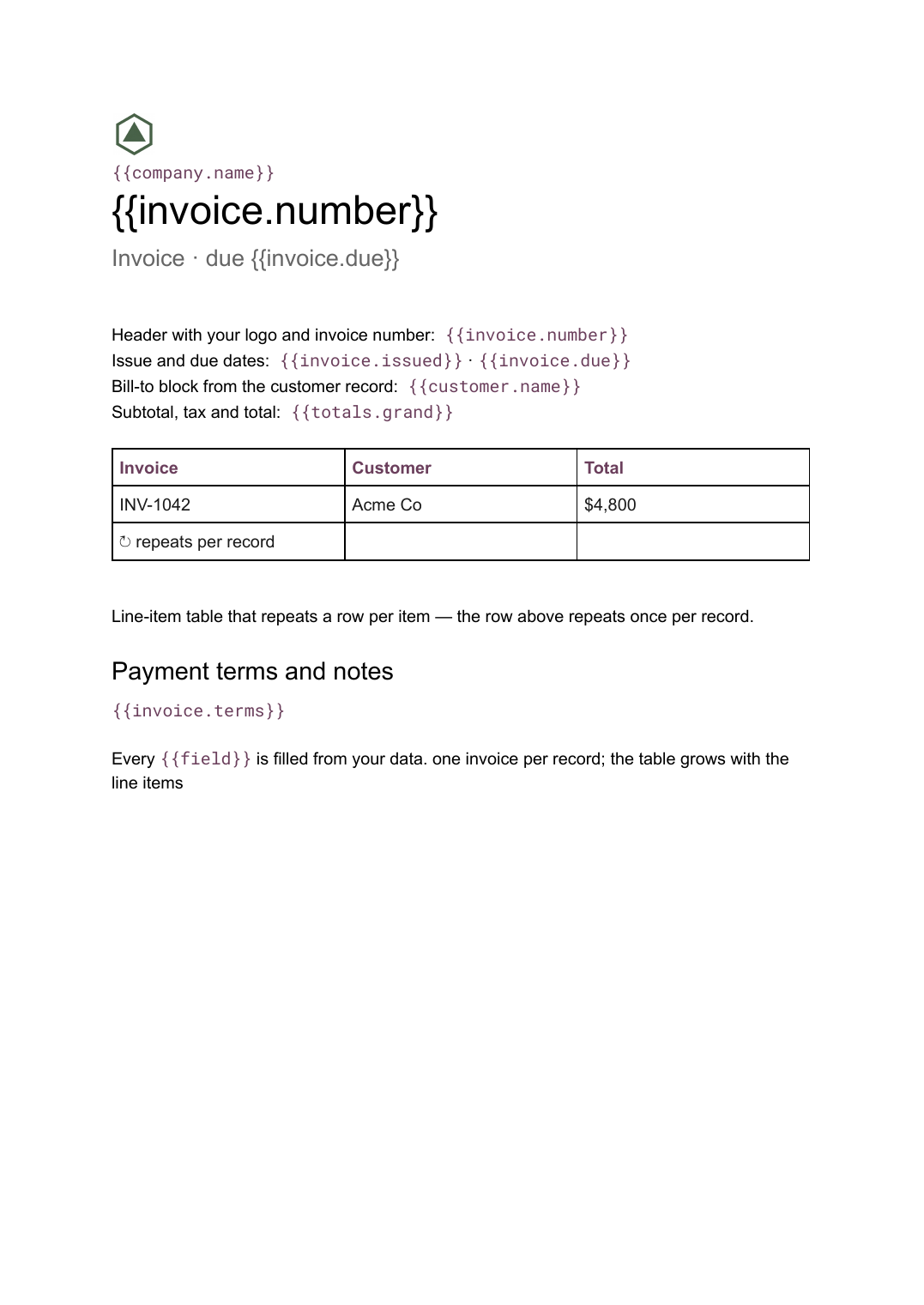
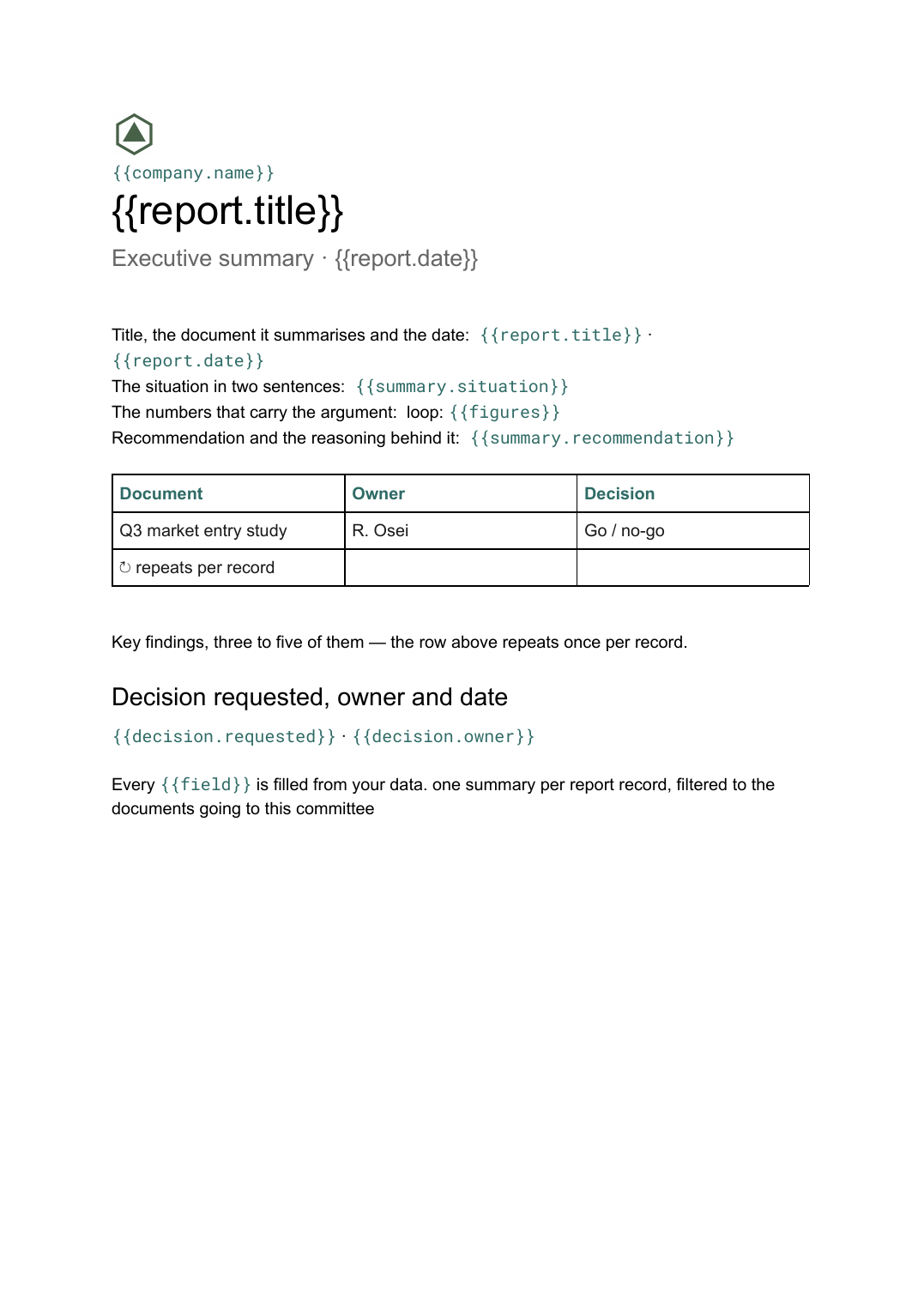
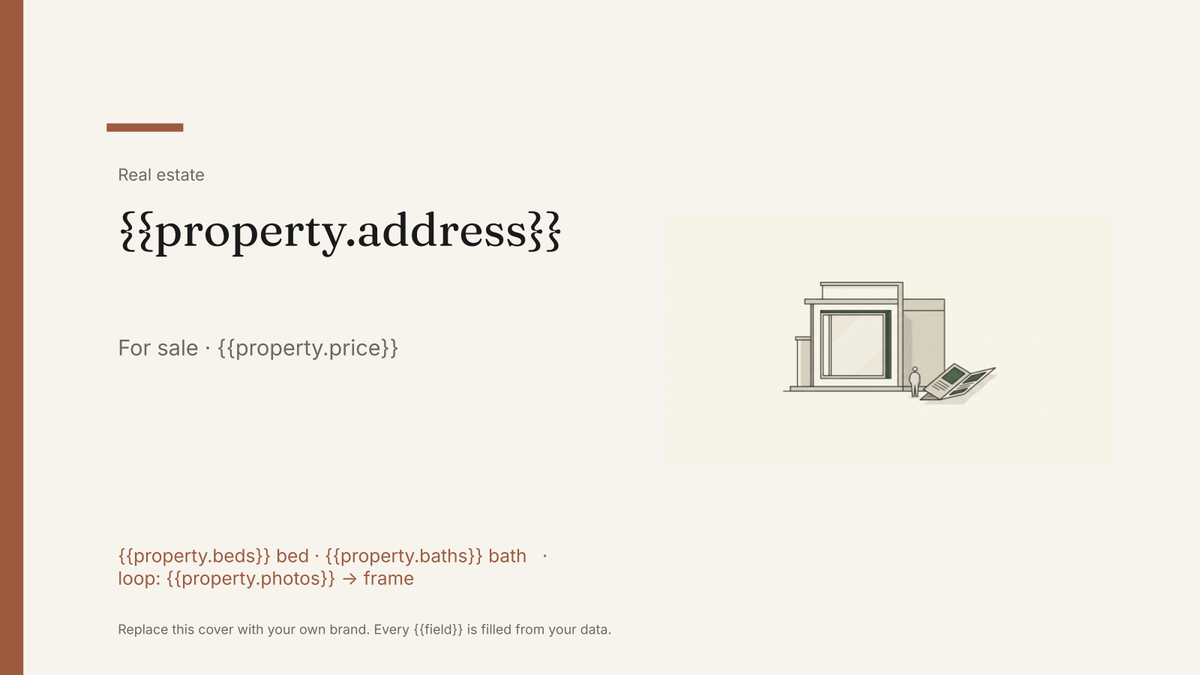
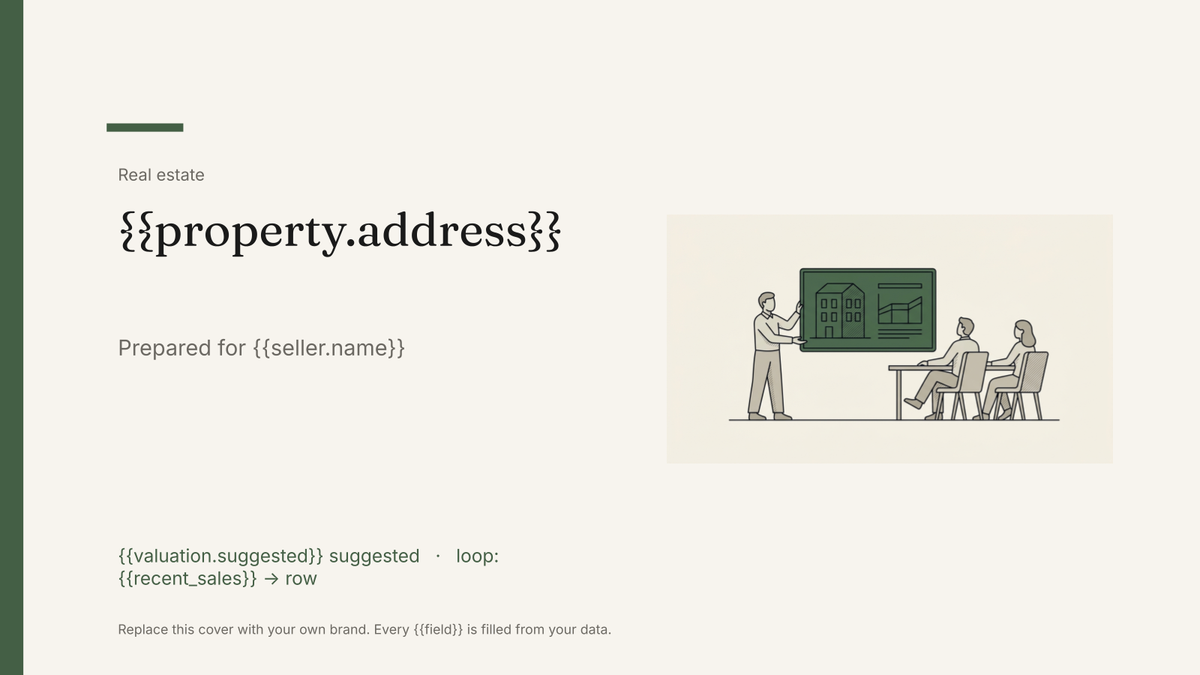
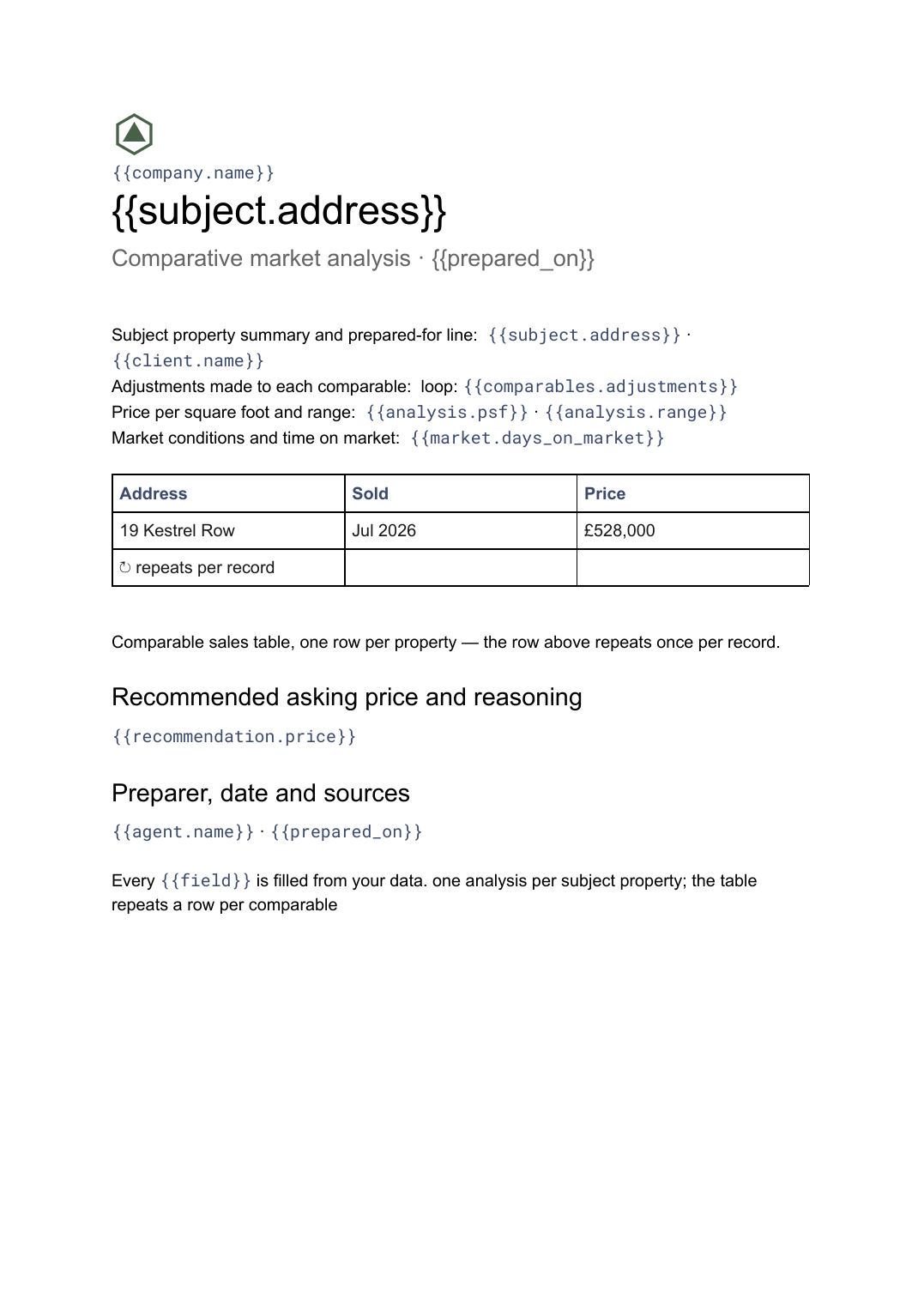
Google Slides is for documents where the layout is the product: fixed positions, designed placement, images exactly where they belong. Google Docs is for documents where the content drives the length, so pages break and tables grow with the data. Several jobs exist in both formats for that reason.
Where does the data come from? +
Airtable, Google Sheets, a SQL database, a CSV upload, or a REST API — all five on every plan, including Free. You map each field to a placeholder once, then every run fills the same layout with current data.
Can one run produce many documents? +
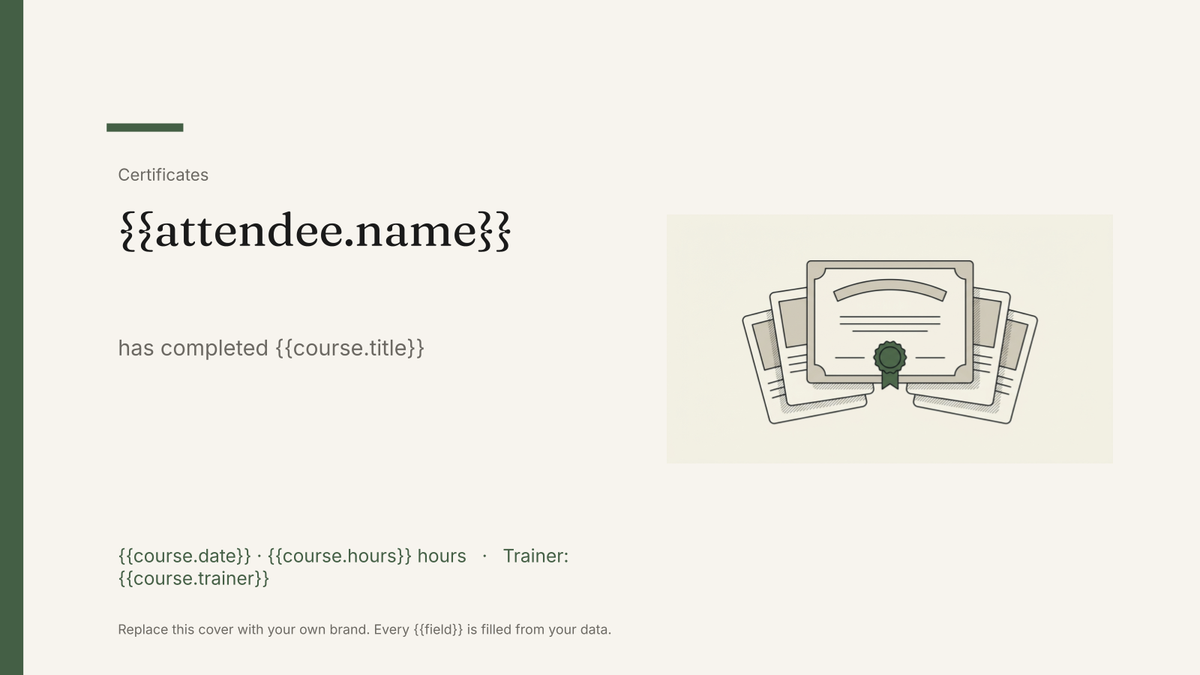
Yes. Filter the source and the run produces one document per matching record — one invoice per line, one report per client, one certificate per attendee — rather than one document you then duplicate.
Pick a template, connect your data, generate
Free plan, every data source, no watermark on your output. Bring your own design whenever you are ready.
Get Started →