Automate any client document, from monthly report to signed proposal.

No new tools to learn. Your existing Google Slides and Docs become the templates, filled from the rows in your Airtable, Google Sheets or CSV.

Start with your existing template

Share a Google Slides or Google Docs file from your Drive. Paste its link here, or pick it in the app.

  • Airtable, Sheets, CSV
  • Slides, Docs, PDF
  • E-signatures built in
  • Brand safe templates

Start from a template that already works.

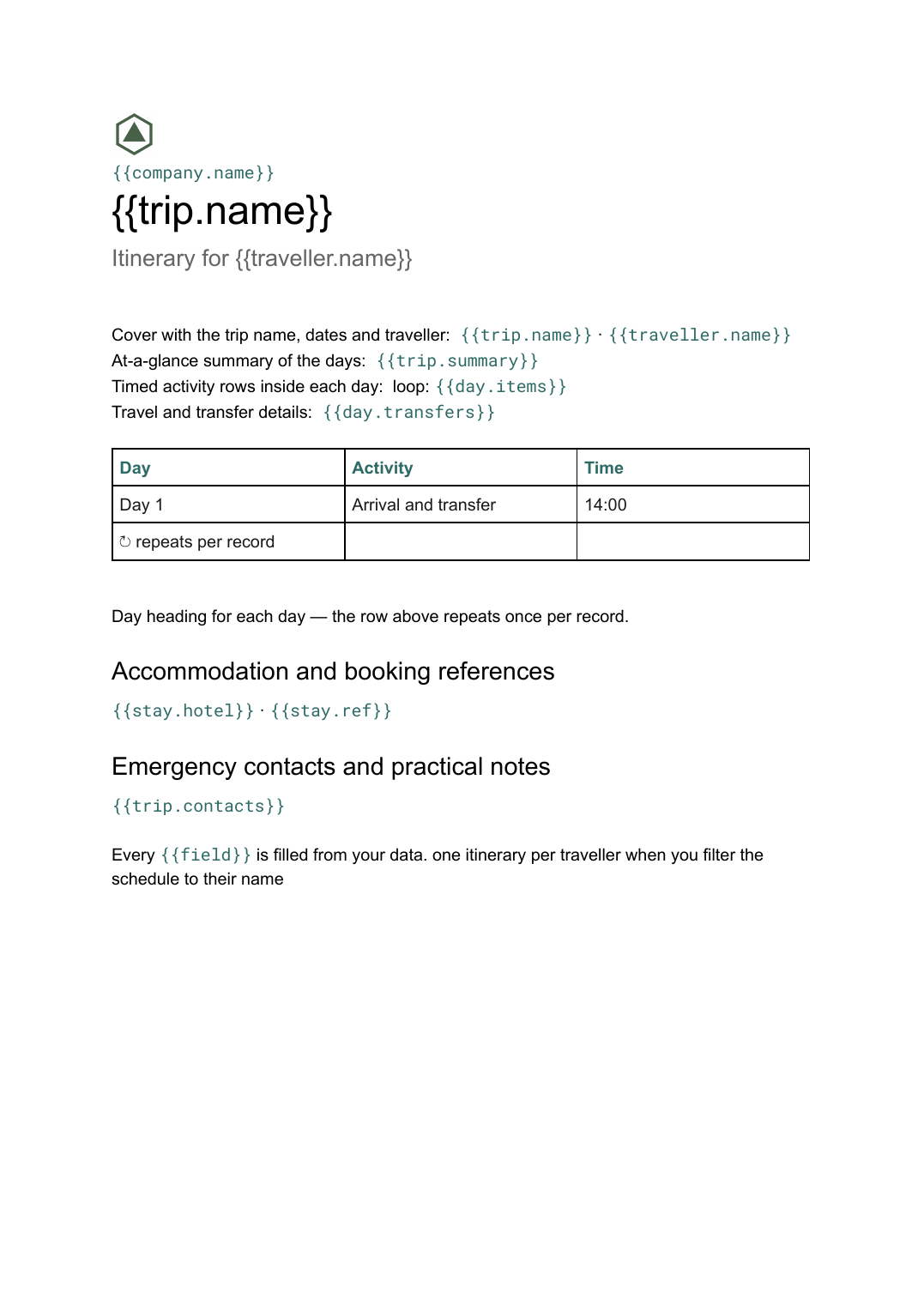
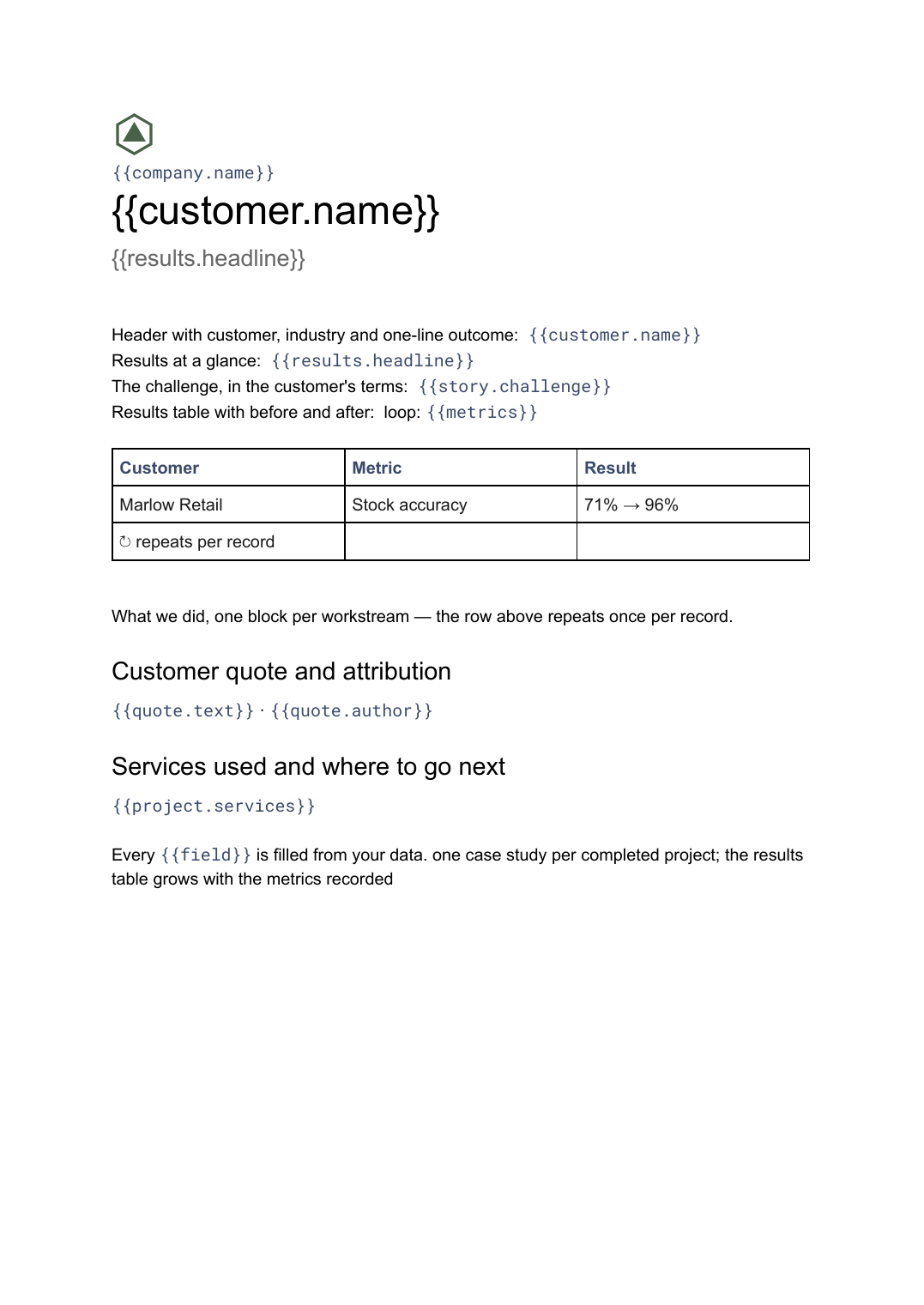
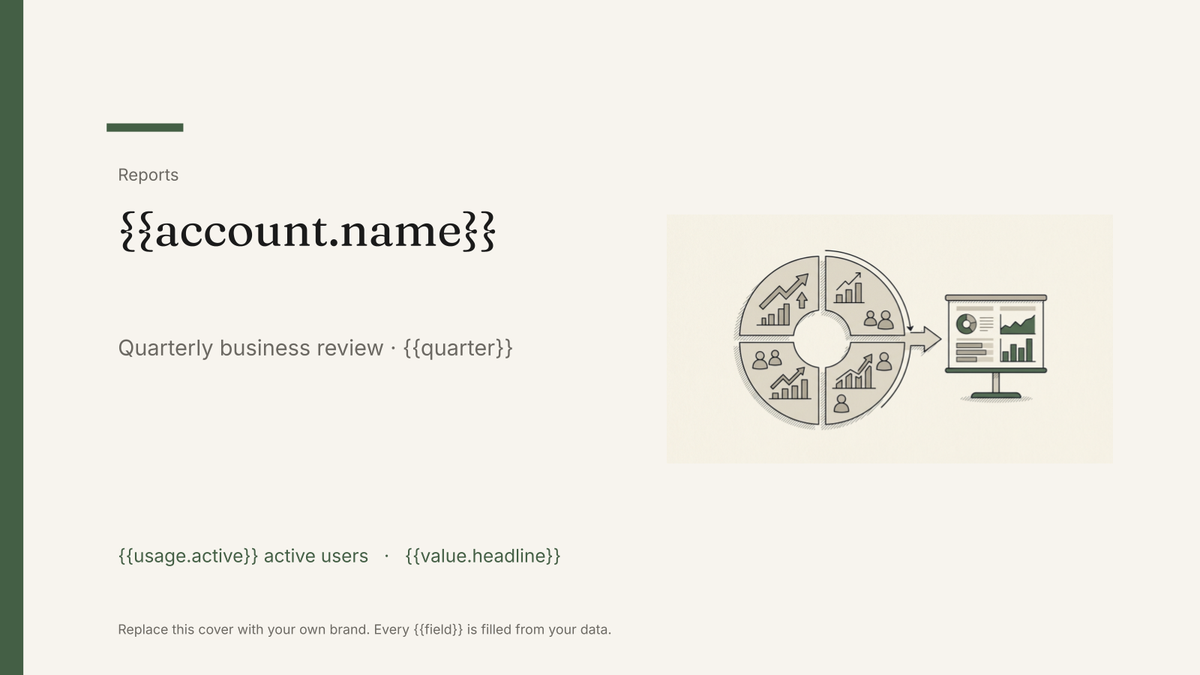
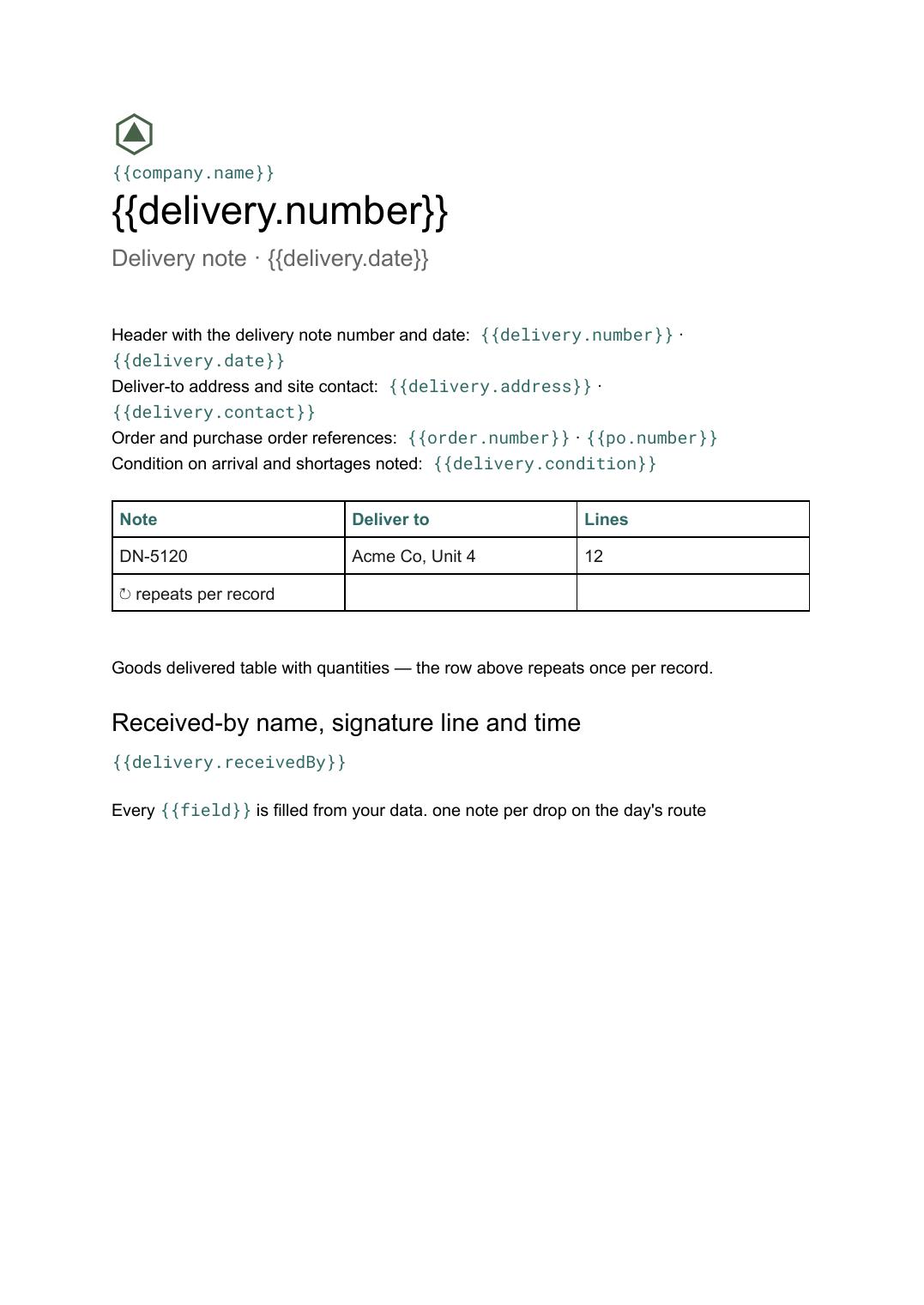
Free Google Slides and Google Docs templates, ready to fill from your data. These are the ones people open most.

Browse all 74 templates

How it works: data in, branded documents out.

Connect your data, design the document once in Google Slides or Google Docs, and generate. Every run fills the same design with fresh data. No engineering needed.

  1. 1 Connect your data

    ClientSpendLeads
    Acme Co$12,40087
    Northwind$8,15054
    Globex$21,900132

    Point SourceToDocs at the table you already keep. Each row holds the details for one document.

    • Airtable
    • Google Sheets
    • CSV file
  2. 2 Design it once

    Reports

    Lay out the document in your own brand and mark where each detail goes. Then match your columns to those spots.

    • Google Slides
    • Google Docs
  3. 3 Get finished documents

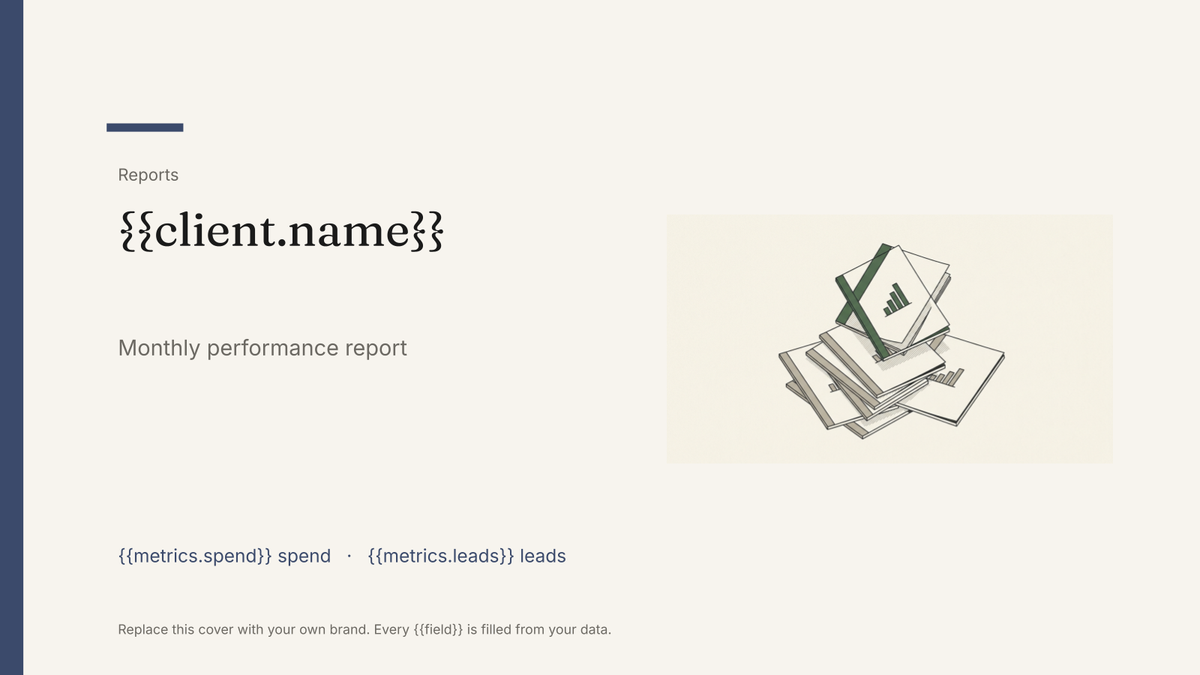
    Reports

    Acme Co

    Monthly performance report

    87 leads this month

    One document for every row, or one for the whole table. Same design every time, only the details change.

    • Saved to your Google Drive

New E-signatures

Now with e-signatures. The document comes back signed.

Anything you generate can be sent straight from SourceToDocs for a signature, or for a simple yes with an Accept button. No second tool, no downloading and uploading.

  • Sign or accept

    A drawn or typed signature for contracts. One Accept button for quotes and proposals. The recipient opens a link from their email and needs no account.

  • Every signed copy is kept

    Signed and accepted documents collect in their own section with an audit trail, so you can always check what was agreed and when.

  • The next step starts by itself

    A webhook is called when a document is signed or accepted. Use it in n8n or through the API to raise the invoice or open the project.

See how signing works Included in paid plans

Slides and Docs solve different problems. We automate both.

Some documents are designed; some documents flow. Most tools automate one or the other. SourceToDocs is built for both from one platform, one data layer, one API: that combination is what we stand out with.

Google Slides: when the layout is the product.

Assets that have to look perfect: predefined placements, fixed positions, images exactly where the designer put them. The data changes; the design never moves.

14 Marlow Gardens · Brochure Get this template → A finished property brochure in Google Slides: 14 Marlow Gardens, for sale at £675,000, with the agent's details on a designed cover

Fixed canvas. Nothing shifts when the data changes.

  • Pixel placement survives every run
  • Images land exactly where designed
  • Charts and blocks stay pinned to the layout

Built for: agency client reports, conference programs, QBR decks

Google Docs: when the content drives the length.

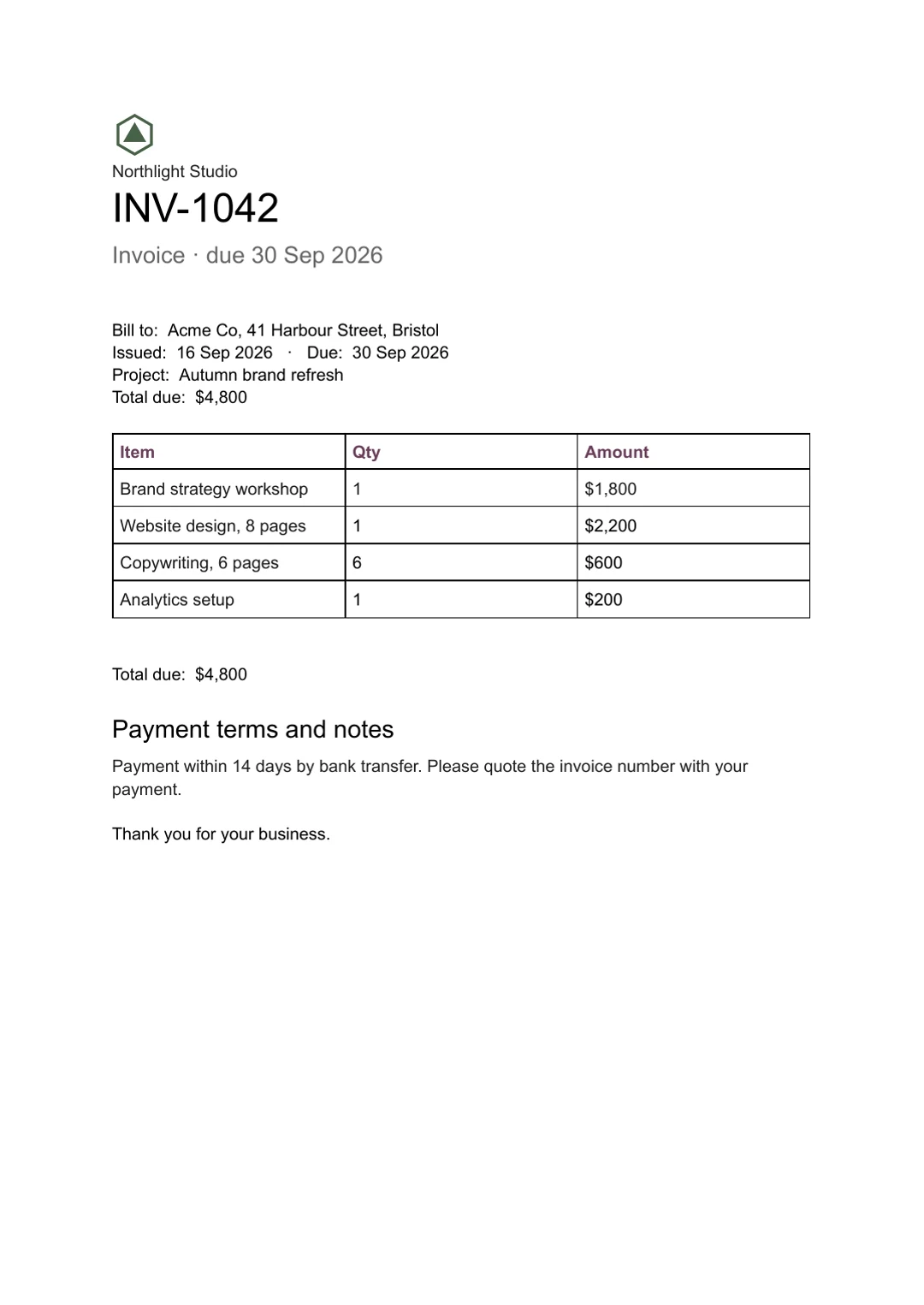
Documents where the amount of content is unpredictable: three line items or thirty, one clause or twelve. Pages break automatically and tables grow with the data.

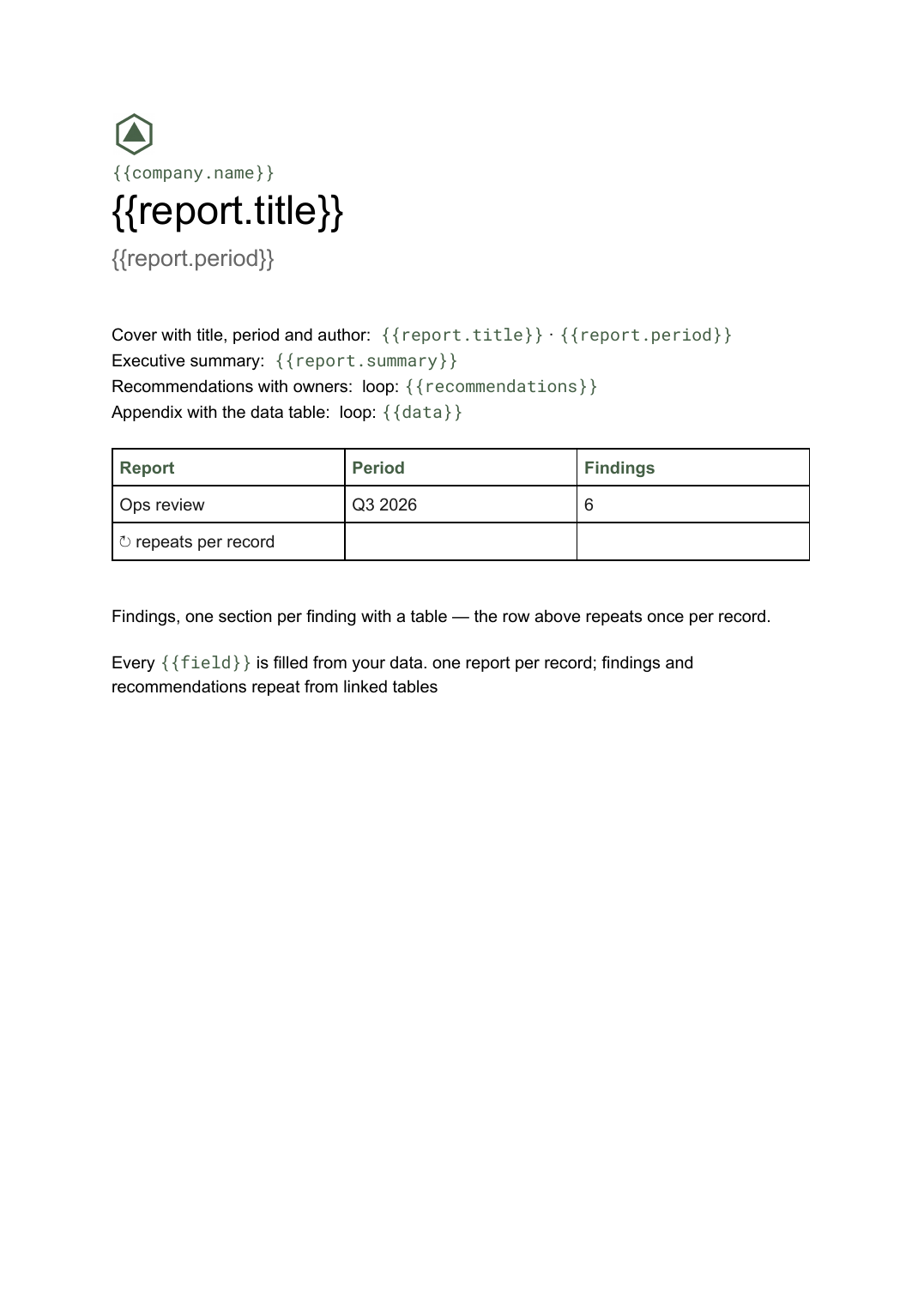
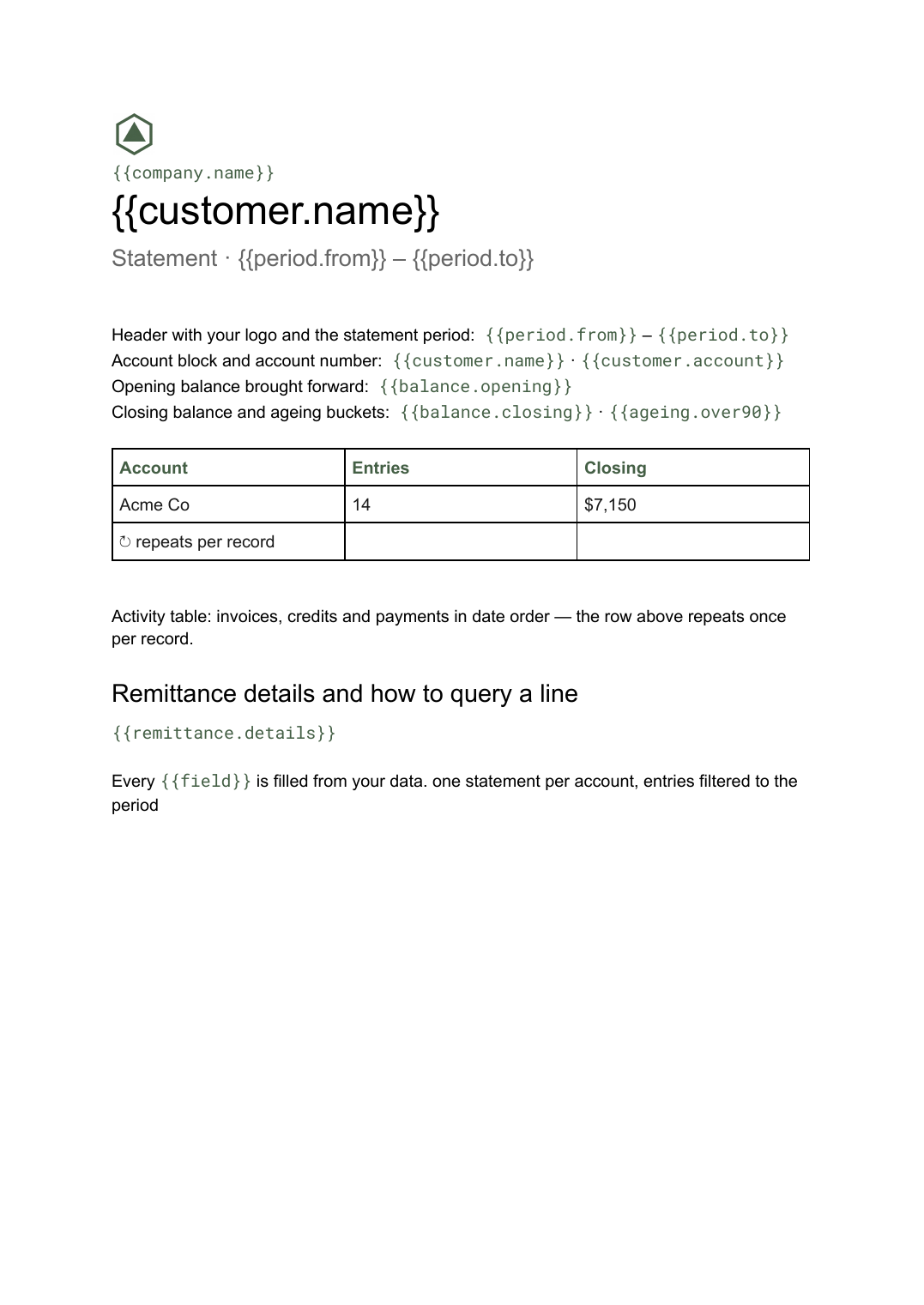
INV-1042 · Invoice Get this template → A finished invoice in Google Docs: INV-1042 for Acme Co, with a four row line item table, a total of $4,800 and payment terms

Flowing pages. Tables grow and pages break as the data does.

  • Automatic page breaks as content grows
  • Tables add rows for every record
  • Sections appear or hide by the data

Built for: invoices, agreements and proposals, long form reports

Most teams need both kinds. With one platform there is one data layer, one template model and one automation to maintain, and every deliverable still comes out exactly the way it was designed.

Run it from where you already work

Your AI agent and your n8n workflows can generate documents too.

Everything you do on the screens is also available to Claude, Codex and other AI agents, and as a step in any n8n workflow.

MCP server

A native experience in Claude, Codex or any AI agent.

Connect once with your SourceToDocs login, no API key. Then ask in plain language: your agent creates the project, connects Airtable, maps the template, splits one file per client and starts the run.

How the MCP server works

n8n node

The official n8n node, verified by n8n.

Install it from the nodes panel on n8n Cloud or your own instance, then pass it rows from a form, a schedule, a CRM or an AI step. It builds the deck, doc or PDF from your template and delivers it to Drive.

The SourceToDocs node in the n8n nodes panel: generate Google Slides, Google Docs and PDF documents from the rows in your workflow
  • Generate document
  • Get document
  • Get many documents
  • Get many projects
  • Get run
See the n8n node

See it for three very different teams.

Same idea, different documents. Pick a row in each table and watch the document change.

Real estate: A branded brochure for every listing, straight from the property sheet. See the template →

Listings Google Sheets
PropertyPriceBeds
12 Oak Lane$780,0004
Unit 5, Bay Tower$495,0002
3 Mill Road$1,150,0005

Pick a row to see its brochure.

12 Oak Lane · For sale Google Slides

Real estate

12 Oak Lane

For sale · $780,000

4 bedrooms · J. Alvarez

Same design every time, only the details change. One brochure per row, saved to your Google Drive.

Agencies: A monthly client report deck for every account, filled from your campaign data. See the template →

Accounts Airtable
ClientSpendLeads
Acme Co$12,40087
Northwind$8,15054
Globex$21,900132

Pick a row to see its deck.

Acme Co · Monthly performance report Google Slides

Reports

Acme Co

Monthly performance report

$12,400 spend · 87 leads

Same design every time, only the details change. One deck per row, saved to your Google Drive.

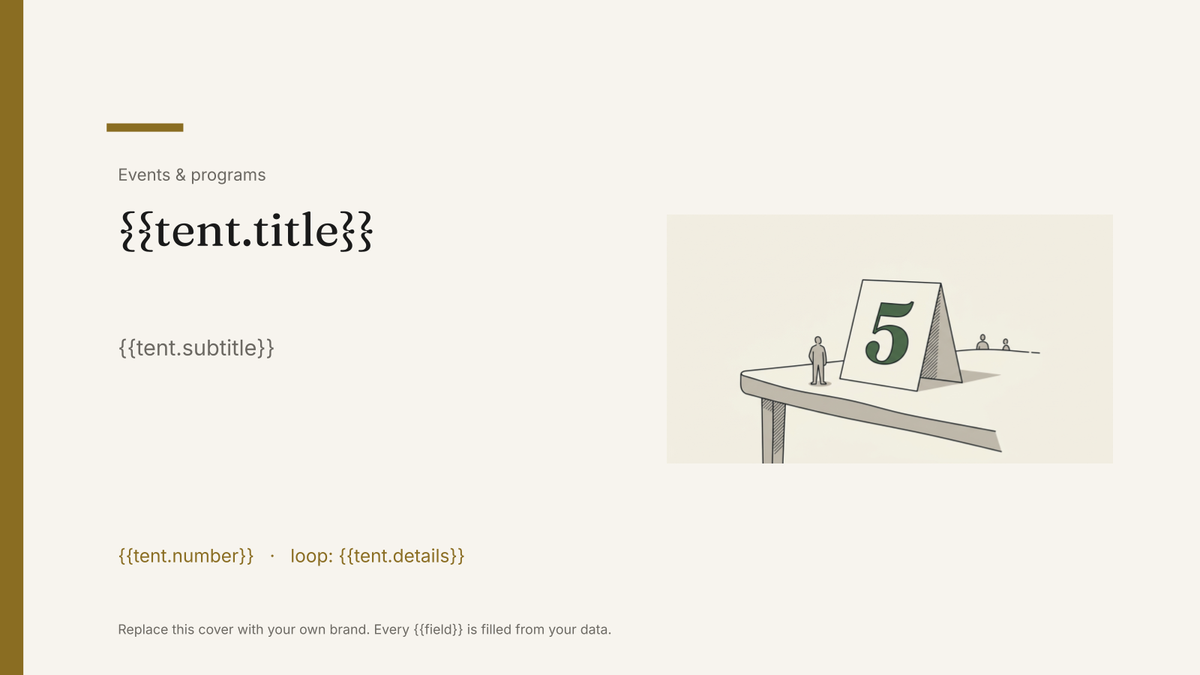
Events: A conference programme generated from the session list. See the template →

Sessions Airtable
SessionStageTime
Opening keynoteMain09:00
AI in productionStage B11:30
Closing panelMain17:00

Each row becomes a line in the programme.

Nordic Tech Summit · Official programme Google Slides PDF

Events and programmes

Nordic Tech Summit

Official programme

09:00 · Opening keynote · Main

11:30 · AI in production · Stage B

17:00 · Closing panel · Main

Every row lands in one finished programme, saved to your Google Drive.

5.0 on G2

What users say on G2.

Verbatim, from validated reviewers on our G2 profile.

“We trigger the workflow, S2D generates the PDF, and it goes straight out to the client. Nobody on my team touches it. Before this we had someone spending a day and a half a month rebuilding the same deck.”
Samy T., Founderon automated client reporting via n8n · via G2
“I haven’t found another tool that supports both - Slides and Docs. Its either one or another, and we needed both for different clients. Overall, it basically just works.”
Sergey F., Sales Manageron Slides and Docs in one platform · via G2

Client results

What happens when the documents are automated.

Two workflows built by 2V Automation, the agency behind SourceToDocs. The numbers are the clients’ own.

~230 hrs
of manual work gone every month
2 days
to get paid, down from 14
$74,400
saved every year

Fire Plan Strategies · fire safety services, Canada

Pricing agreements, invoices and certificates are generated from the CRM record and sent, with no retyping.

“This is music to my ears. Our accountant is definitely going to love this because she’s not going to have to do invoices anymore. The admin staff is also going to love it because they’re not going to have to manually do each one of those certificates.”
Mariano Velazco, Managing Partner, Fire Plan Strategies Read the case
78 pages
in one conference programme
2 hours
to produce it, down from 1 week

International conferences · four global events, under NDA

The full multi-day programme is generated with SourceToDocs as editable Google Slides and a print-ready PDF.

“The workflows they built are fast, reliable, and scalable, creating a system we will continue to use for future events.”
Program Manager, Global conference, name withheld under NDA Read the case

10×

Faster than the manual cycle, with brand fidelity intact.

Based on internal benchmarks across recurring agency, CS, and finance reporting workflows.

Connects to the systems you already run on.

  • Data
    Airtable / Google Sheets / CSV
  • Output
    Google Slides / Google Docs / PDF
  • Delivery
    Google Drive / E-signature / Accept button / Webhooks
  • Automation
    n8n / REST API / MCP for AI agents

Plans that scale with the work, not the seat count.

A free tier to try it on real data, self serve plans for production workflows, and an enterprise option for custom needs. Billed annually or monthly. API and automation from the Pro plan up.

See pricing →

Common questions, answered

How is this different from a BI dashboard? +
Dashboards live inside a tool the audience has to log into. We produce the document: the deliverable that travels.
Will my brand template survive automation? +
Yes. The platform uses native rendering pipelines, so a Slides template stays a Slides template.
Monthly or yearly? +
Both. You choose the cadence. Yearly typically carries a small discount.
How long does setup take? +
You can build a first document yourself in an afternoon. On a yearly Pro plan or higher our team builds it for you, free, in 48 hours.
Can documents be signed? +
Yes. On paid plans any document you generate can be sent from SourceToDocs for e-signature, or for acceptance with an Accept button. The recipient needs no account, signed copies are kept with an audit trail, and a webhook can be called when a document is signed.
Will my data leave my systems? +
Only at generation time, read only, with the minimum permissions needed to fulfil the request.

Stop rebuilding the same document every cycle.

Tell us what you're trying to automate. We respond within one business day with a real number and a scoping call invitation.

Get Started →