
What proposal automation is (and isn’t)
Proposal automation is the practice of generating sales proposals, statements of work, RFP responses or engagement letters from structured data and a designer-built template, on demand and at the moment a deal needs the document. The output is a branded artefact: a PDF, a Word document, sometimes a slide deck. The inputs are your CRM, your pricing engine, your clause library, and the per-opportunity context the salesperson adds.
It’s not the same as e-signature. DocuSign and Adobe Sign collect signatures on documents that already exist. Proposal automation is upstream of e-signature: it produces the document in the first place. Most healthy proposal pipelines use both: automation generates the branded document, the e-signature tool collects the signatures.
It’s also not the same as a CRM. Salesforce, HubSpot and Pipedrive store the deal data; they don’t (and shouldn’t) produce branded multi-page documents. Proposal automation is the layer between the CRM and the e-signature tool.
Short-form sales vs long-form proposals
Short-form sales proposals
Two-to-six pages. Branded cover, scope statement, simple pricing table, terms summary, signature block. Common in mid-market SaaS sales, professional services with a productised offering, agencies with packaged engagements. Low complexity per proposal, high volume per quarter. The category PandaDoc, Qwilr and Better Proposals are built for.
Long-form proposals
Twenty to two hundred pages. Consulting SOWs, audit engagement letters, RFP responses, government contracts, complex services agreements. Multi-section structure, complex pricing, embedded clause libraries, regulatory boilerplate, sometimes multi-language. The category where SaaS tools struggle and where the architecture from the Word document automation guide applies.
| Short-form sales proposal | Long-form proposal | |
|---|---|---|
| Length | 2–6 pages | 20–200 pages |
| Typical document | Branded cover, scope, pricing table, terms, signature | SOW, audit engagement letter, RFP response, government contract |
| Volume | High, per quarter | Low, per deal |
| Complexity | Low: substitute values into a fixed layout | Conditional sections, clause libraries, multi-currency, multi-language |
| Built for it | PandaDoc, Qwilr, Better Proposals, Proposify | Document automation with a Docs or Word master |
| Best home | The SaaS proposal tools | The architecture in Word document automation |
The two flavours look superficially similar but architecturally diverge. Short-form proposals fit a template-substitution model; long-form proposals need conditional sections, clause libraries, and the kind of compositional logic that SaaS tools tend to flatten.
The SaaS tools and where they fit
Worth being concrete about who does what well, because the category is crowded.
| Category | Tools | Good at | Weak at |
|---|---|---|---|
| Short-form proposal SaaS | PandaDoc, Qwilr, Better Proposals, Proposify | Short branded proposals, native e-signature, CRM integration, simple pricing tables | Anything beyond the short-form pattern |
| RFP-response platforms | Loopio, Responsive, RFP360 | The answer library: storing and suggesting reusable answers | Branded output; usually paired with a document layer |
| Document assembly (legal-tech) | Docassemble, HotDocs, Knackly | Deep conditional logic, interview-style authoring | Steep learning curve; mostly law firms |
| General document automation | SourceToDocs and bespoke builds | Unusual data sources, proposals you differentiate on, one per opportunity from the CRM record | Nothing to add for the plain short-form case; use the SaaS tools |
Short-form proposal SaaS
PandaDoc, Qwilr, Better Proposals, Proposify. All do roughly the same thing well: short branded proposals, native e-signature, CRM integration with the major systems, simple pricing tables. If your proposals fit the short-form pattern and your sales motion is high-volume, these are usually the right answer. Don’t custom-build for this case.
RFP-response platforms
Loopio, Responsive (formerly RFPIO), RFP360. Focus on the answer-library problem: storing reusable answers to RFP questions, suggesting them when similar questions appear in new RFPs. Useful for teams that respond to many RFPs per year. They tend to produce serviceable but not branded outputs; for branded long-form RFP responses, you often pair them with a separate document automation layer.
Document assembly platforms (legal-tech)
Docassemble, HotDocs, Knackly. Built for legal document assembly — contracts, wills, regulatory filings — with sophisticated conditional logic and a programming-style interview model. Powerful, steep learning curve, mostly used by law firms.
The general document automation category
SourceToDocs and a long tail of bespoke and platform builds. The right answer when your proposals don’t fit the short-form SaaS pattern, when you have unusual data sources, or when proposals are integral to how you differentiate.
When a custom proposal automation build wins
Custom builds — or platform-based custom configurations — tend to win in these cases:
- Multi-currency or multi-jurisdiction pricing, with regional tax logic
- A pricing engine: usage tiers, volume discounts, bundles, custom calculations
- A regulated industry, where boilerplate must come from approved sources with an audit trail
- The proposal is part of how you win; losing on design loses the deal
- Unusual data sources: an internal pricing engine, a custom CRM, a deal-desk system
- Multi-language, where localisation means different boilerplate and layout, not just translation
Two or more ticked: the SaaS proposal tools are the wrong shape.
If two or more of these are true, the SaaS proposal tools are likely the wrong shape. The pragmatic alternative is a platform-based custom configuration: license a document automation platform, configure it for your proposal flow, integrate it with your CRM and your e-signature tool. We discuss the build-vs-buy framework in the document automation guide.
The CRM-to-proposal pipeline
The shape of a custom proposal automation pipeline that integrates with your sales motion:
- 01
Opportunity data in the CRM
The salesperson maintains the deal in Salesforce, HubSpot or Pipedrive as normal. Custom fields capture the proposal-specific data: chosen tier, custom scope, special terms.
- 02
Trigger
"Generate proposal" inside the CRM fires the automation with the opportunity ID.
- 03
Data assembly
Opportunity data, pricing-engine output and account context are pulled together, and the right clauses are selected from the library.
- 04
Generation
The Docs or Slides master is filled. Conditional sections expand or contract with the deal shape; the pricing table grows to the number of line items.
- 05
Routing
The output is attached to the opportunity, optionally pushed to e-signature, and the salesperson is notified.
Same four-component model from the document automation guide, scoped to proposals. The data layer is what differs most by company; the rest is structural.
SourceToDocs for proposal automation
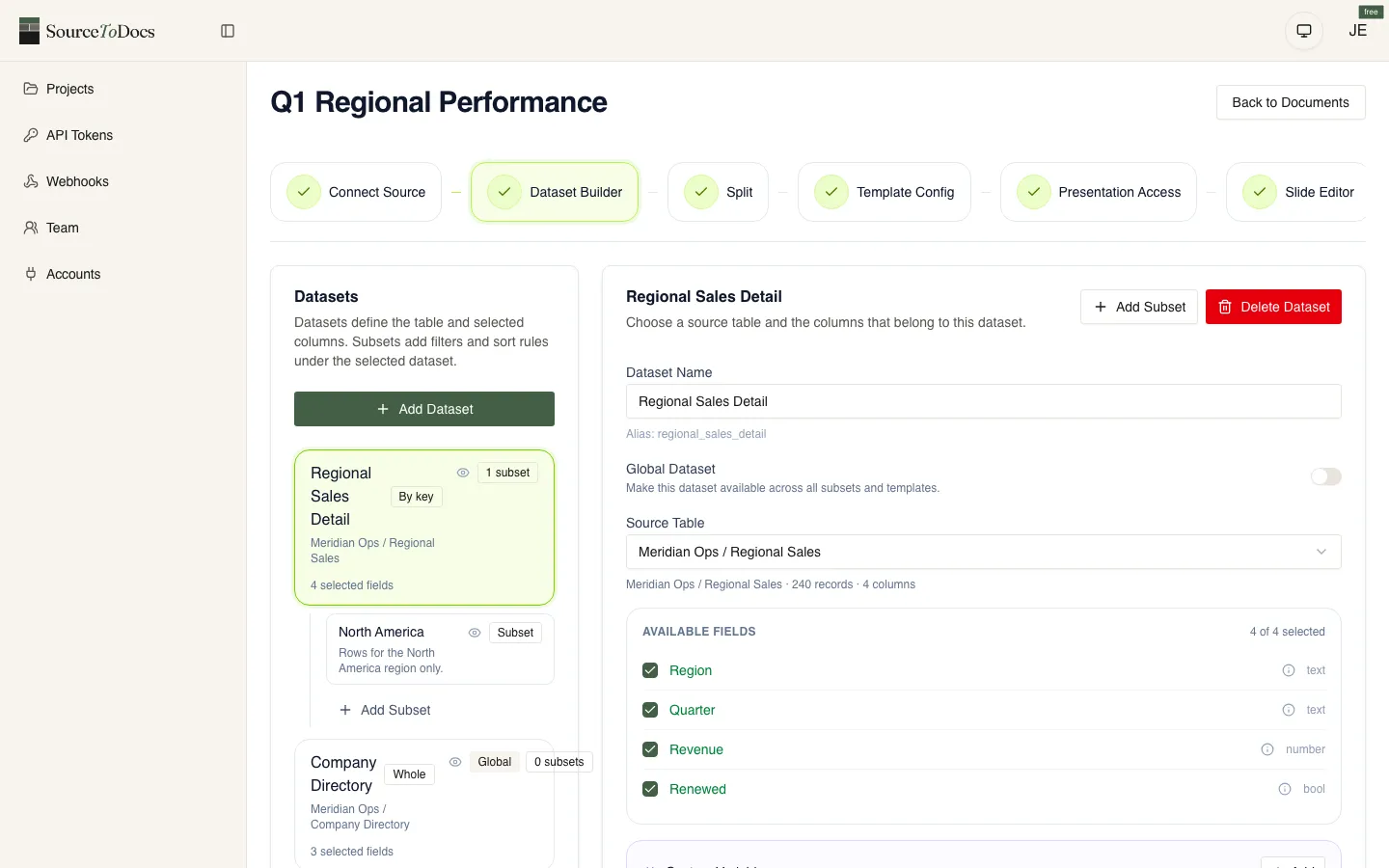
SourceToDocs runs proposal automation on the same architecture as our other document workflows. Templates are authored in Word for long-form proposals and SOWs, in PowerPoint for slide-format pitch documents, in our HTML editor for web-native proposals. The data layer connects to Airtable, Google Sheets, SQL databases, CSV upload and a REST API — the REST API works with n8n, Make, Zapier, or anything that speaks HTTP, so your CRM, pricing engine, clause library and other internal systems feed in through those sources.
Where SaaS proposal tools are the right answer (short-form, high-volume, standard sales motion), we tell prospects to use them. Where they’re the wrong shape, we scope a configuration that fits your actual proposal flow. For the honest split between the leading SaaS proposal tools and recurring-document platforms, see PandaDoc alternatives, Proposify alternatives, and Qwilr alternatives.
SourceToDocs is a SaaS document automation platform with a free plan and self-serve tiers from $19/mo billed annually (Starter, Pro, Agency, Scale) plus Enterprise. REST API and n8n/Make/Zapier automation from the Pro plan up. See pricing for the full breakdown.