What event program automation is
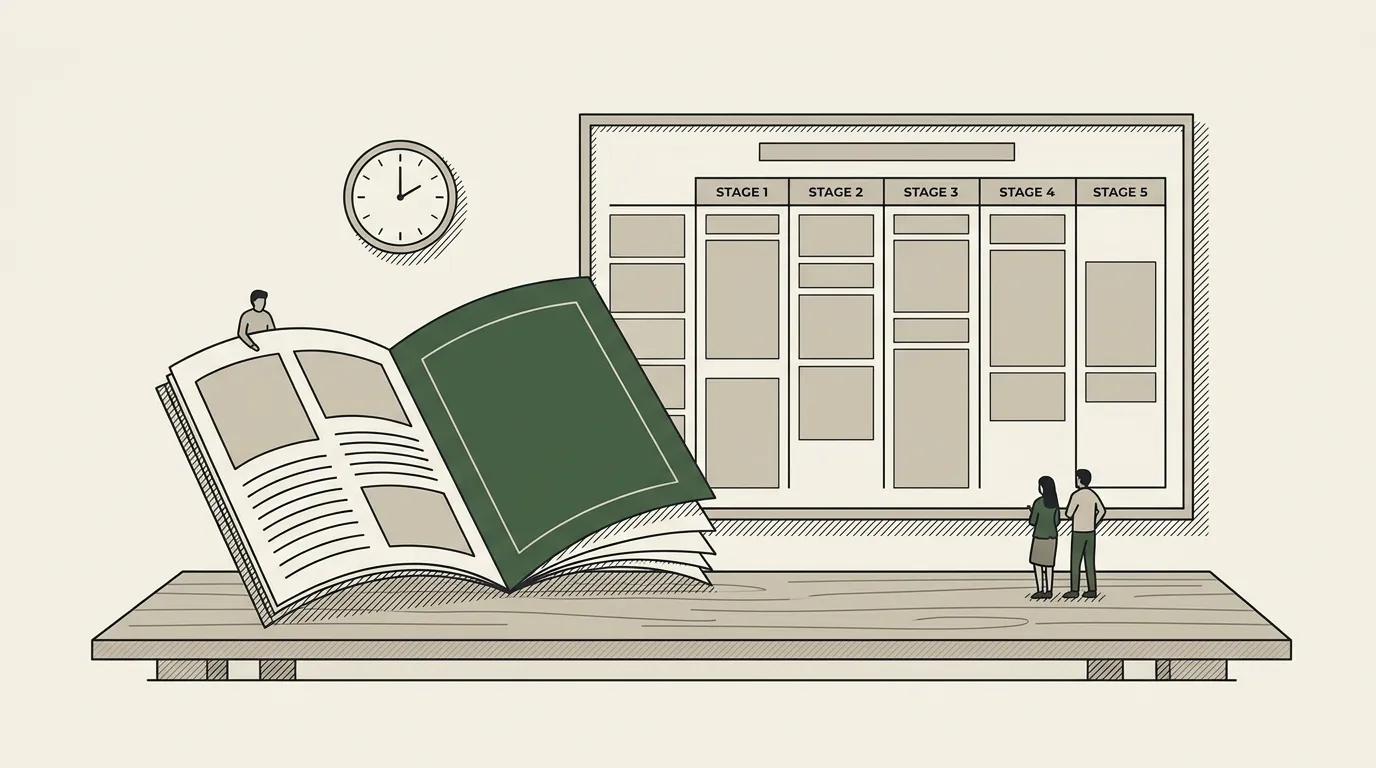
Event program automation is the practice of producing a conference or event program — printed booklet, on-stage signage, app schedule, sponsor packet, multi-language editions — from a single structured data source rather than hand-laying-out each artefact. The data source is usually Airtable or a similar tool the event team already uses to manage sessions. The output is a finished, designer-quality file: PDF, Slides deck, in some cases a print-ready spread.
The category sits at the intersection of document automation and event production. It exists because event teams discover, usually a week before showtime, that the spreadsheet-and-Slides workflow that worked for a 30-session event collapses at 100 sessions, three stages, two languages, and the inevitable wave of last-minute speaker changes.
The term itself, “event program automation,” doesn’t get much search demand — people in the middle of the problem search for “event program template” or “conference agenda template,” then realise mid-search that the template is not their problem. This page is for the moment of that realisation.
Sessions · Airtable
Template: Google Slides or Docs
{{event.name}}
Official programme
{{session.title}}
{{session.stage}} · {{session.time}}
loop: one block per session, grouped by day and stage
Generated output
PDFNordic Tech Summit
Official programme
Opening keynote · Main · 09:00
AI in production · Stage B · 11:30
Closing panel · Main · 17:00
Why a template alone isn’t enough
An event program template solves the layout problem: someone has already decided what a session block looks like, where the time goes, where the speaker photo goes. That’s necessary. The reason it stops being sufficient is that an event program is a derived artefact: it’s the printed expression of a database that lives somewhere else, usually in the operations team’s heads.
The expensive moments in event production are not the layout moments. They are the propagation moments. A speaker drops two days before the event. The room gets reassigned. A panel becomes a fireside chat. Each of these is a single-source-of-truth change that has to ripple through the printed program, the digital signage, the speaker bios on the website, the sponsor packet, the keynote intro slide, and the Arabic edition. Twelve places to update, none of which the template knows about.
The editing tax of those propagation moments is what makes a template-only workflow break. Teams under-budget for it because the first edition is fast: the template makes the layout easy. The bill arrives in the week before the event, when every change ripples through twelve files and somebody has to manually sync them.
The Days → Stages → Sessions data model
The data model that survives contact with a real conference is hierarchical and shaped roughly like this:
| Record | One per | Holds |
|---|---|---|
| Event | Event | Branding, sponsors, language editions, master schedule |
| Day | Event day | Opening hours, theme, day-level highlights |
| Stage | Stage, room or track | Capacity, language, its session list |
| Session | Session | Title, abstract, type, speakers, start, end, language, parent stage and day |
| Speaker | Person | Bio, photo, role, organisation; many-to-many with sessions |
| Sponsor | Sponsor | Tier, logo, copy, sessions sponsored |
Stored that way — whether in Airtable, Notion, Postgres or a tailored database — the program becomes a function of the data. You can render the same data into a print booklet, an on-stage agenda slide, an Arabic edition, an attendee app schedule, and a sponsor packet. Every artefact is a different view of the same source of truth. Change a session, and every artefact updates the next time you generate.
This data shape is the reason Airtable is overrepresented in serious event-production stacks: it gets the relational model right without making the operations team learn SQL.
A working event program template
The healthiest event program template has five layouts that compose into a full program: a cover, a day spread, a stage block, a session card, and a speaker bio panel. Build those five and you can express almost any conference program by recombining them.
| Layout | The job | A function of | Where automation pays |
|---|---|---|---|
| Cover | Event name, subtitle, dates, venue, language | The event record | Not here; it is the static front |
| Day spread | One day at a glance: stages across, sessions down | A day | The template composes, the data fills the cells |
| Stage block | One stage’s sessions on one day | (stage, day) | Every block regenerates when a session moves |
| Session card | The smallest unit: title, time, type, speakers, abstract | A session | Repeated dozens or hundreds of times |
| Speaker bio panel | Alphabetised, back of the programme | The union of every speaker referenced | Never retyped; one lookup per person |
If you build the template that way — five composable layouts, each tied to a clear data shape — the gap between “static template” and “automated program” becomes a configuration question, not a redesign.
When to graduate from template to automation
The honest signals that you’ve outgrown a template-only workflow:
- More than one event a year on a similar structure
- More than two stages, or more than one day
- Published in more than one language
- More than three artefacts from the same agenda: printed programme, signage, app, sponsor pack
- Session changes routinely land inside the final week
- An Airtable, Notion or database the ops team already maintains
Three or more ticked: automation pays back. One: the template is fine.
If three or more of these are true, automation pays back. If only one is true, your template is fine.
What production-grade event program automation looks like
The architecture that holds up across multi-day, multi-stage, multi-language events is a clean instance of the four-component model from the document automation guide. Worth walking through in the event-program context.
Data layer
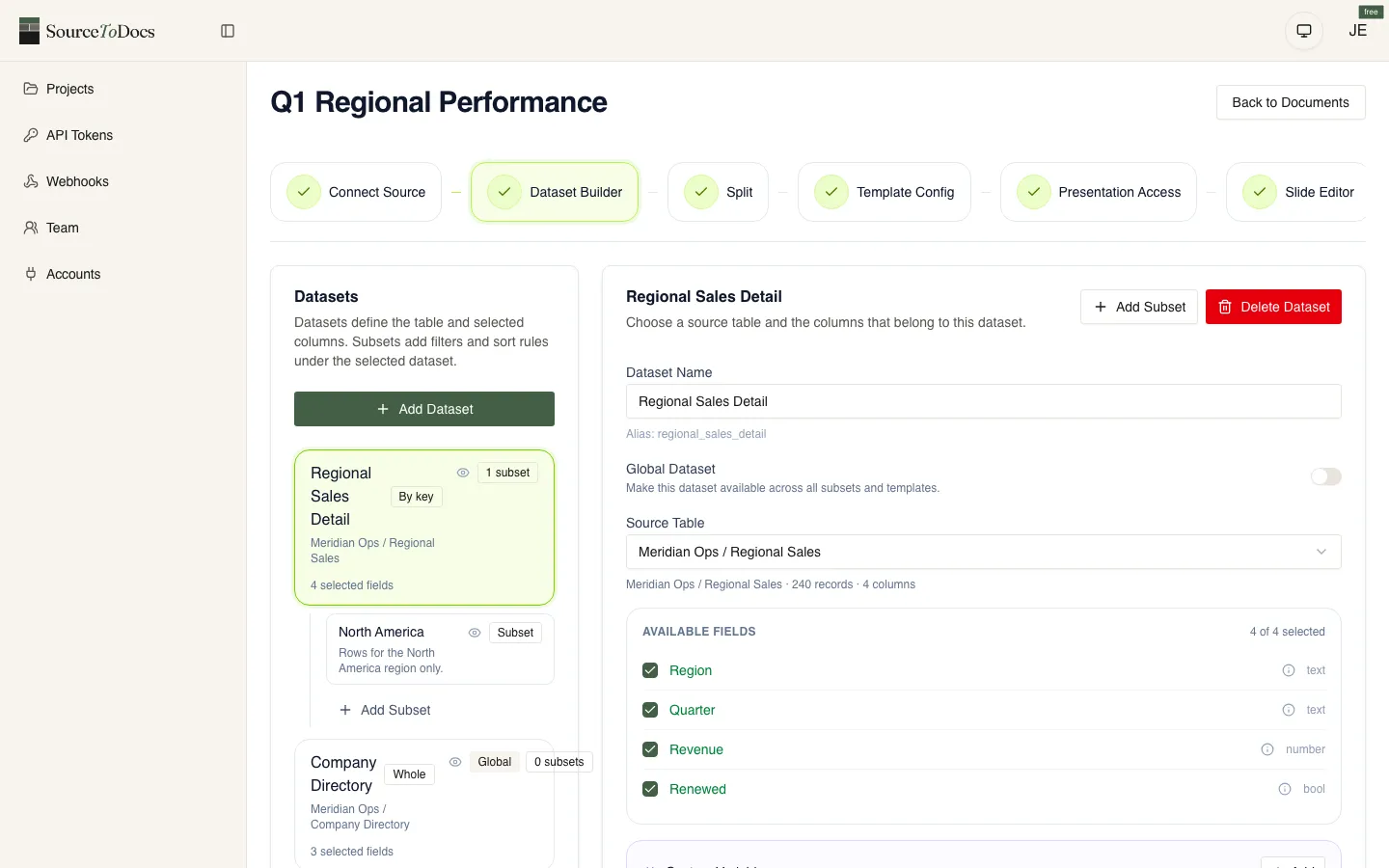
Airtable, Notion, Postgres, or whatever structured store the ops team already maintains. The schema is the Days → Stages → Sessions model: linked tables for Speakers, Sponsors and Languages, with the parent record (Event) holding branding and master schedule. The ops team works in their tool of choice; the automation reads.
Template
A master template authored in Google Slides or PowerPoint for the on-stage and digital editions, and (where print matters) an InDesign companion for the booklet. The template defines five composable layouts — cover, day spread, stage block, session card, speaker bio panel — that compose into any program. Brand assets live in the template; the system never re-renders type or layout.
Generation engine
Binds records to placeholders, expands repeating sections (one card per session, one block per stage), applies conditional logic (“show abstract only for keynote sessions”), and emits a finished file. For multi-language events, a bidirectional layout pipeline handles Arabic, Hebrew and other RTL outputs without breaking the master template.
Orchestration
On-demand triggers from inside the data tool: a producer presses “regenerate” and receives a fresh deck and a fresh print PDF in their drive. In the week of the event, regeneration runs dozens of times as session details get finalised. Single-record updates propagate through every artefact — printed program, signage, app schedule, sponsor packet, language editions — without manual sync.
SourceToDocs is a SaaS document automation platform with a free plan and self-serve tiers from $19/mo billed annually (Starter, Pro, Agency, Scale) plus Enterprise. REST API and n8n/Make/Zapier automation from the Pro plan up. See pricing for the full breakdown.