Airtable Page Designer: when it works (and what to use instead)
Honest review of airtable page designer — what it's actually good at, where it breaks, and which alternatives to use when you outgrow it.
Airtable Page Designer is the right tool for one record on one fixed page: labels, badges, spec sheets, simple per-record printouts. It breaks on variable-length content, multi-record reports, designer-owned brand templates and anything longer than a page per record. This review covers where it fits, where it fails, and what to use instead.
An ops manager I know runs an Airtable base with three thousand records of inventory. Each record needs a print-ready spec sheet — picture, dimensions, code, a barcode, brand mark. She built it in Airtable Page Designer in a Saturday afternoon, four years ago, and it’s been the right tool ever since. Three thousand records, one click, three thousand spec sheets. She’s never going to replace it because nothing else solves that problem better.
The same person told me she built her quarterly investor update in Page Designer too, and three months later abandoned it. The investor update had five sections of variable length, conditional charts, a designer who owned the brand template separately, and a need to ship as both a PDF and a Slides deck. Page Designer was the wrong shape for that. It wasn’t the tool’s fault — it just wasn’t the job.
That’s the honest read on Airtable Page Designer. It’s a real tool that does one thing well and gets misapplied to jobs it was never built for. This piece is a review of where it actually fits, where it breaks, and the alternatives when the job is bigger than the extension. For the broader treatment of generating documents from Airtable, read the Airtable document automation.

What Airtable Page Designer actually is
Airtable Page Designer is an Airtable extension. You add it to a base, build a layout in the extension’s UI, bind the layout to fields from a table, and the extension renders one page per record. You can preview, you can print, you can export to PDF.
The layout editor is WYSIWYG. Drag a text block, bind it to a field, position it on the page. Drag an image, bind it to an attachment field. Drag a barcode, bind it to a code. Style the text. Set the page size. That’s most of what the extension does.
The model is one record per page, one layout per Page Designer instance. If the layout has a header with your logo and a body with the record’s fields, every record renders into the same shape with its own data. That’s the whole product.
The mental model that makes Page Designer click is: it’s a database-driven label printer. Records become pages. The fields become the variable parts. The layout is the constant part. Print job done.
Where Page Designer is the right answer
Three categories of work where I’d reach for Page Designer first and not regret it.
| Right for | Examples | Why it fits |
|---|---|---|
| Single-record print documents | Spec sheets, inspection forms, simple invoices, name tags, badges, certificates, ID cards | One record per page, simple layout: exactly the model |
| Labels and tags | Product, shelf, shipping, equipment and asset labels | The use case the extension was built around |
| Simple per-record reports | A page per customer, property or employee | Each page is self-contained; no relationships across records matter |
For these, Page Designer is fast, free with Airtable, requires no engineering, and the ops team can own the tool entirely. Don’t overthink it. Build it in Page Designer. Ship.
Where Page Designer breaks
Four places the model stops working, in roughly the order teams hit them.
| Breaks on | What happens | Roughly when teams hit it |
|---|---|---|
| Variable-length content | A two-line and a thirty-line description on a fixed layout: truncate or overflow, the layout wars with the data | First |
| Multi-record reports with conditional sections | ”All sessions this month, grouped, with a sponsor section if there are sponsors” is per-document, not per-record | Second |
| Designer-led brand templates | The layout lives in the extension, not in the Slides or InDesign master the brand team edits; the sync breaks at the first redesign | Third |
| More than one page per record | A four-page proposal or a deck with a cover and three sections; you can stack instances, but the model strains | Fourth |
The honest tell: when the team starts asking “can I make Page Designer do X” and the answer is “yes, but with a workaround that involves three more extensions and a script,” it’s the moment to step back and pick a different tool.
Airtable Page Designer alternatives: what to use when it isn’t the shape
| Alternative | Best for | Multi-page and repeating sections | Template lives in | Watch out for |
|---|---|---|---|---|
| Airtable Page Designer | One record on one fixed page: labels, badges, single-record printouts | No | Airtable’s own canvas | Fixed canvas; long fields overflow rather than flow |
| Typeflow | Sheet or Airtable row into a clean Google Doc | Limited | Google Docs | Docs only; one-level data |
| DocsAutomator | Airtable record into a Google Doc or Word file, with e-signature | Line items from linked records | Google Docs, Word | Docs only; one record per document |
| Apps Script or the Slides API | Anything, if you own the code | If you write it | Google Docs or Slides | Maintenance; template fidelity is on you |
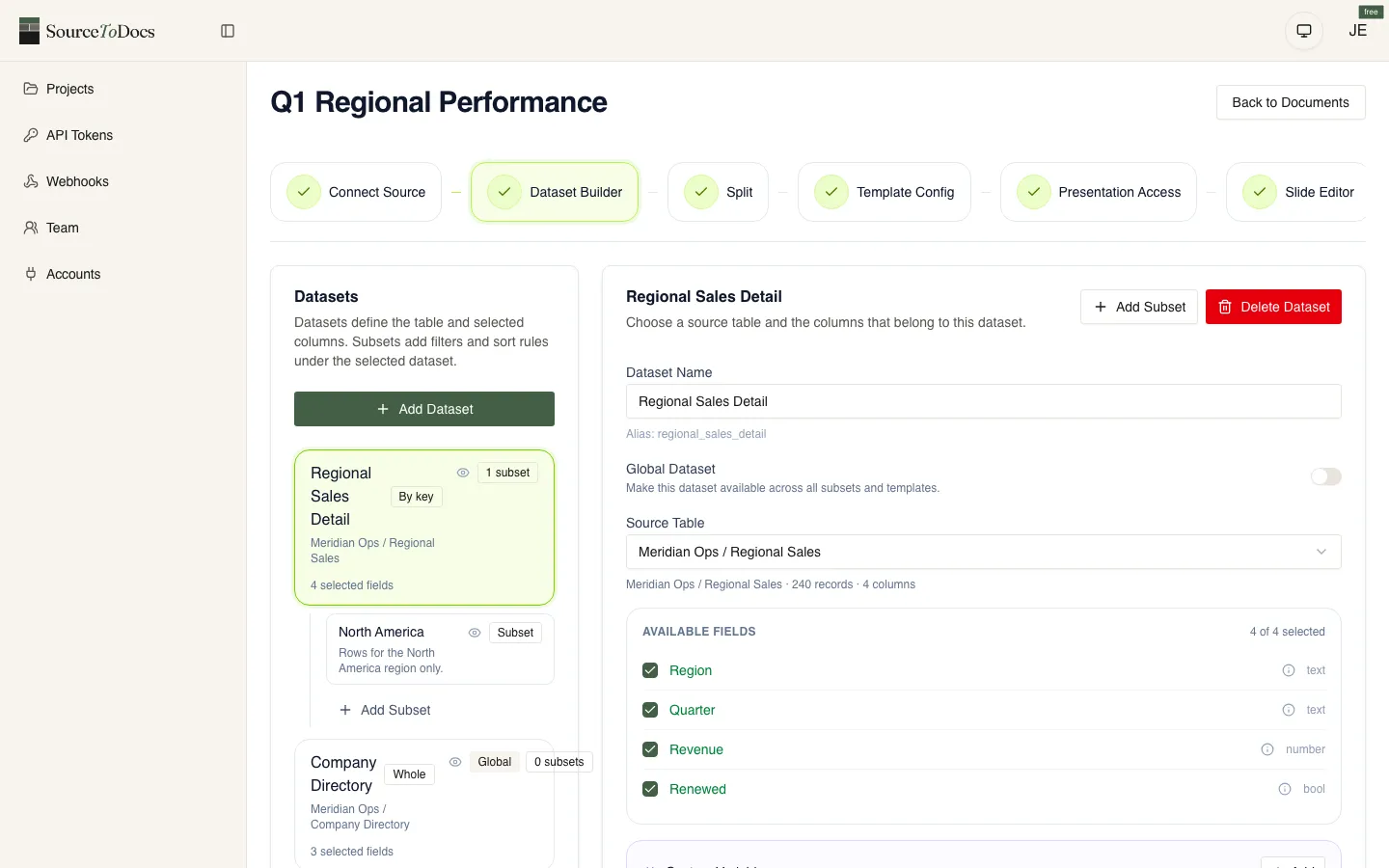
| SourceToDocs | Linked records and nested data into a branded Google Slides deck, Google Doc or PDF, one per matching record | Yes, including nested loops | Google Slides or Google Docs | PowerPoint and Word output are on the roadmap |
Three alternatives, each fitting a different version of the problem.
Google Slides API + Apps Script. For teams comfortable with a small amount of code, the Slides API plus Apps Script is the natural next step from Page Designer. The Slides master lives in Slides — owned by the designer, edited in Slides. An Apps Script reads from Airtable (via API) and walks the master, filling in placeholders. The output is a Slides deck the team can share, present, or export as PDF.
This is the right answer when the document needs designer-led brand templates, when multiple formats matter (Slides for present, PDF for share), and when the team has at least one person willing to write a hundred lines of Apps Script. The deeper version of this lives in airtable to google slides.
Dedicated document-automation platforms. When the use case is broader than one document — when there are multiple template families, multiple data sources, multiple output formats — a dedicated platform is the shape. Template-driven document automation tools (SourceToDocs and the category) take the master file from your designer’s tool of choice (Slides, PowerPoint, Word), bind it to Airtable, and emit branded outputs at whatever volume the team needs.
This is the right answer when Page Designer is breaking on multiple jobs and the team is replacing it on each one piecemeal. The platform absorbs the pattern. The brand master stays in Slides; the data stays in Airtable; the platform sits in the middle.
Custom scripts. For genuinely unusual output requirements — print-bound InDesign, scientific or legal formats, anything with strict typesetting — a custom Python or Node script using the document format’s libraries is the shape. Higher engineering cost, more control. The right pick only when the format itself rules out the other options.
A short decision rule
If the document is one record per page, simple layout, ops-owned, single output format — use Page Designer. The extension was built for this and you’ll save yourself an integration project.
If the document is multi-section, has designer-owned brand templates, needs multiple formats, or has variable-length content that won’t sit inside Page Designer’s fixed layout — move on. The Slides API path for the simpler cases, a template-driven platform for the broader pattern.
The signal that you’ve outgrown Page Designer is when the team starts saying “we should just open it in Slides and finish it manually” — that’s the moment Airtable Page Designer has stopped paying for the workflow it was supposed to automate.
For the broader treatment of generating documents from Airtable, read the Airtable document automation. For the specific Slides path, see airtable to google slides.