Airtable, Google Sheets or a CSV file
Three sources: an Airtable base, a Google Sheets spreadsheet, or a CSV you upload. Pick the fields a document needs, filter and sort them into subsets, follow linked records one level deep, and preview the rows before anything is generated. Rows can also arrive from n8n, the API or an AI agent at run time.
SourceToDocs reads from three kinds of source, and each one turns into datasets your template prints from.
| Source | What becomes a dataset | Connection |
|---|---|---|
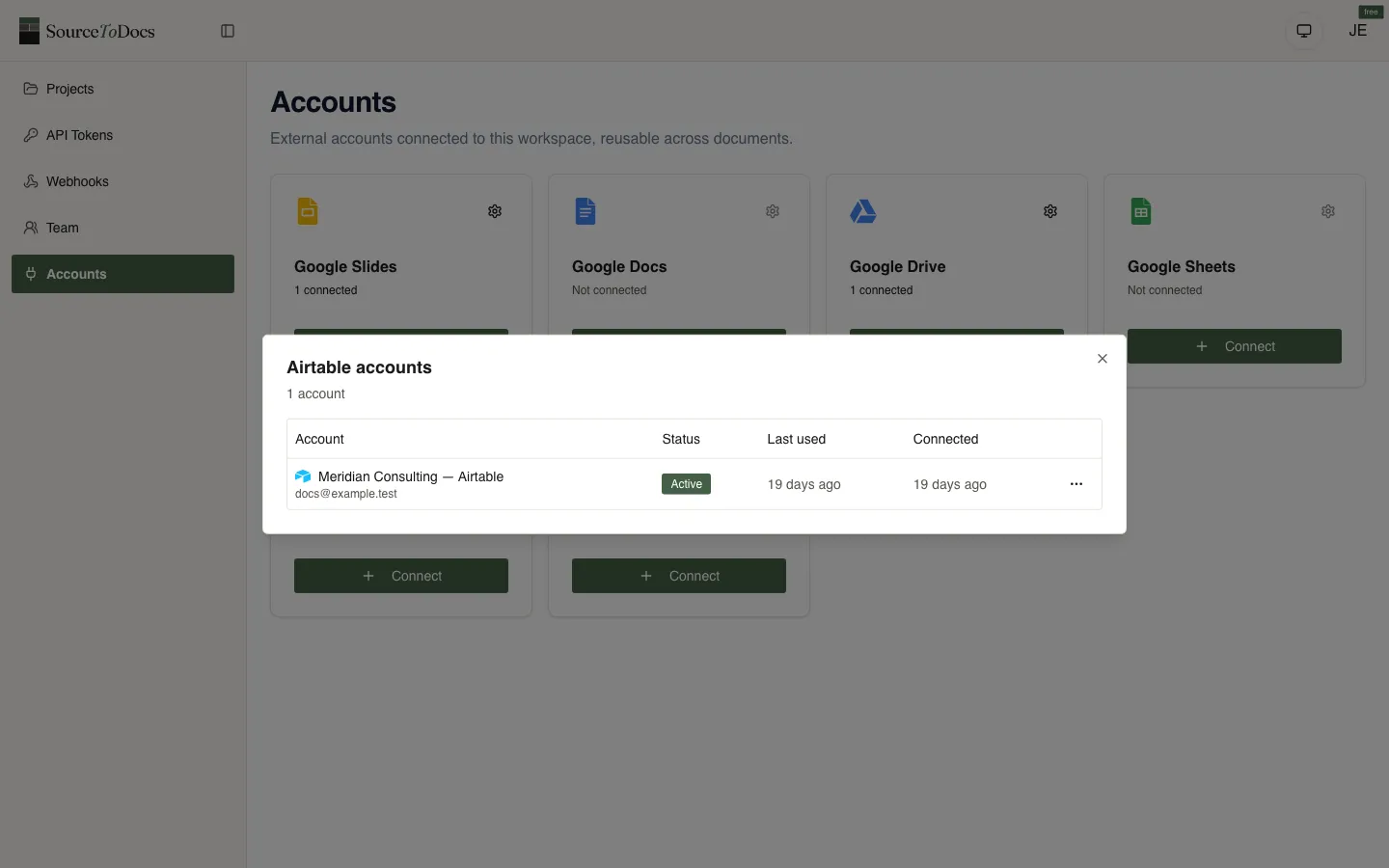
| Airtable | Each table of the base | Your Airtable account, connected once per workspace |
| Google Sheets | Each tab of the spreadsheet you pick | Your Google account |
| CSV upload | The file’s grid | None: you upload the file, up to 25 MB and 20,000 rows |
The source is only read. Nothing is written back to your base or your sheet.
From a table to the rows a document prints
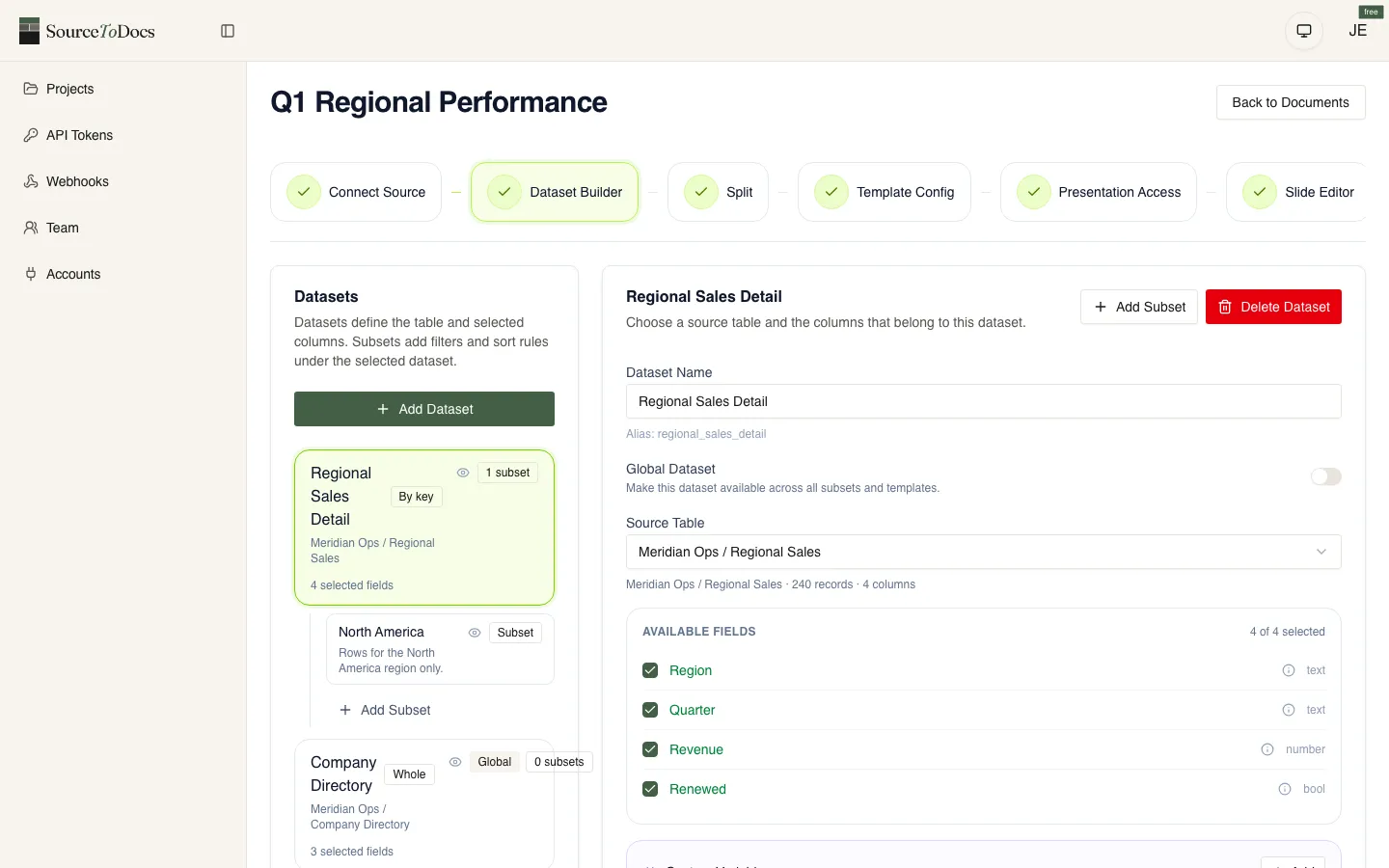
- Fields. Pick the columns a document uses. Each gets a short alias, and that alias is what you type in the template.
- Linked records. Follow an Airtable link to the related record and use its fields, one level deep, in filters, sorts and placeholders alike.
- Subsets. A named filter and sort on a dataset: this quarter’s accounts, the morning sessions, clients whose health is not Churned. Filters all apply together, can test a linked record’s fields, and “is any of” takes up to 50 values for the either-or case.
- Sorting, including a custom order you set value by value, so “Gold, Silver, Bronze” sorts the way you mean it.
- Preview. Ten rows of any subset and a count of everything that matches, before a single file is made.
Rows that arrive at run time
A document normally reads its source when the run starts. It can also be given the rows directly:
- the n8n node sends the rows flowing through a workflow, from a form, a CRM, a webhook or an AI step;
- the API accepts rows with the request that starts the run;
- an agent on the MCP server can set up the document and start runs for you.
So a source you don’t connect directly, a CRM or a database, still reaches a template through the workflow that already reads it.
Honest limits
- Filters combine with AND. For alternatives, use “is any of” on one column, or a second subset.
- One data source per document. Changing it replaces the old one, and datasets built on the old columns may need rebuilding.
- Linked records go one level deep. Pull anything further away into a lookup field on the record you query.
- No direct database or CRM connector. Use n8n or the API to bring those rows in.
- A CSV carries no types. Dates, numbers and true/false columns are recognised when every value agrees; ambiguous ones (03/04/2026, $1,234) stay text until you choose a reading in the column dialog.