Native Google Slides and Google Docs, with a PDF alongside
Every generated file is a native Google Slides deck or Google Doc: a copy of your template, editable like any other file in Drive. Switch on a PDF to get one next to each file, and use split to make one file per client, account or region in a single run.
SourceToDocs makes two kinds of document, and a PDF of either.
| Output | What you get | Choose it when |
|---|---|---|
| Google Slides | A copy of your template deck, filled in | The layout is the product: client reports, QBRs, proposals, certificates, brochures |
| Google Docs | A copy of your template document, filled in | The length depends on the data: contracts, memos, long reports, programmes |
| Exported next to the generated file, same name | The reader should get a fixed file to download or forward |
The Slides and Docs files are real Google files, not images of them. Anyone with access can open, edit, comment on and present them like anything else in Drive, which is usually what the person reviewing the report wants to do first.
One file, or one per client
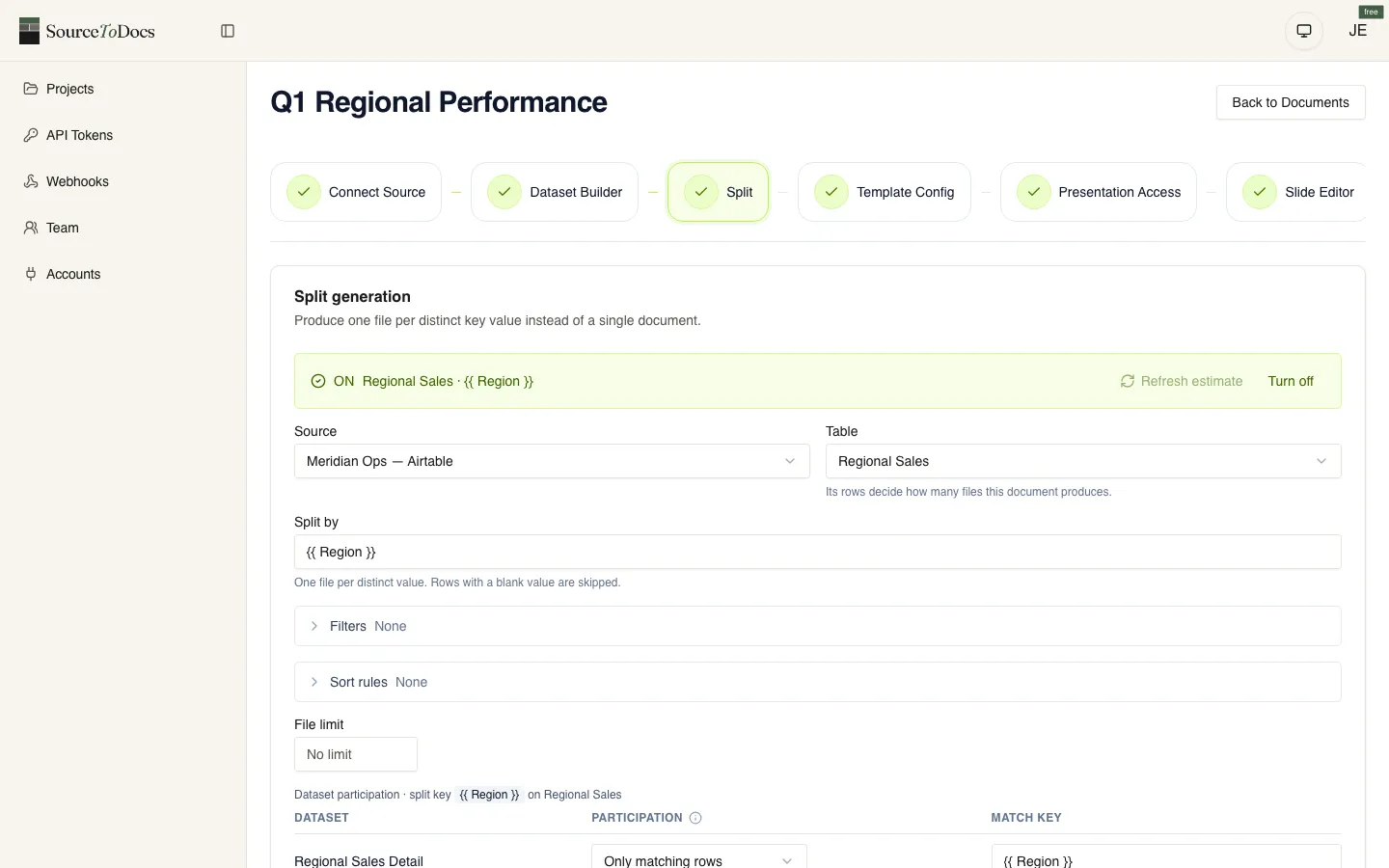
A run makes one file from the rows in scope. Turn on split and it makes one file per distinct value of a field you choose instead: one deck per account, one report per client, one certificate per attendee. Each file is filled only with its own rows and named after the value it was split on.
The PDF switch
Also generate PDF is one switch on the document. With it on, every delivery puts a PDF beside the Slides deck or Doc, with the same name. The run offers both links.
Honest limits
- No PowerPoint, Word or HTML output. Files are Google Slides or Google Docs; anyone can download those as .pptx or .docx from Google if they need to.
- A split run doesn’t produce PDFs yet, even with the switch on. Single runs do.
- A Google Slides deck holds at most 300 slides. Larger outputs are cut at 300 and the run says so; split them.