Free speaker brief template for Google Docs
One brief per speaker: their own sessions, times, room, co-speakers, moderator and logistics, with a panel flow block for moderators.
Free to copy, no sign-up: the file opens in your own Google Drive. Updated November 18, 2026.
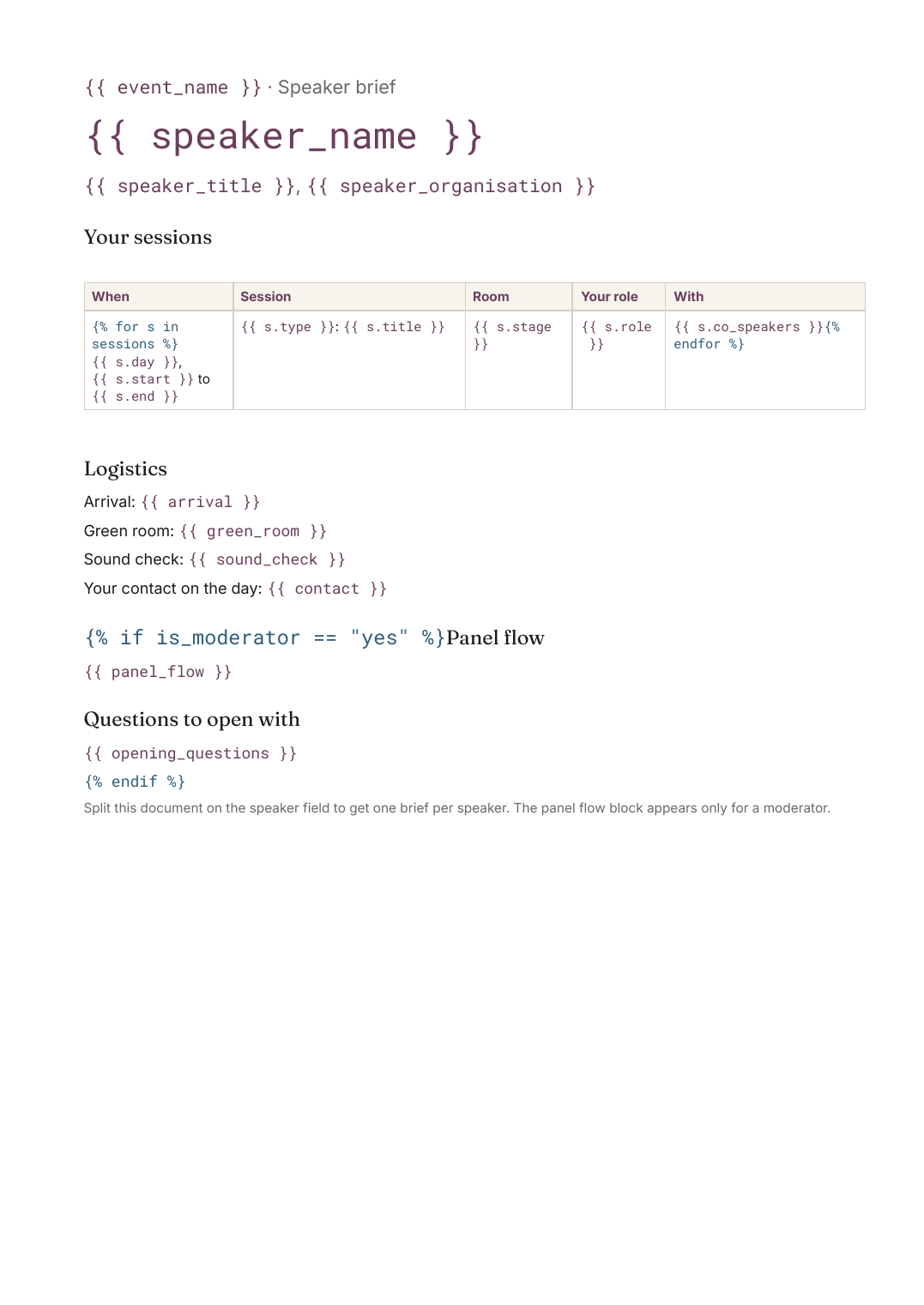
What’s in the speaker brief template
Every block has a placeholder showing where your details go. Type over them by hand, or bind each one to a field in your data and let it fill itself.
- Speaker name, title and organisation {{ speaker_name }} · {{ speaker_organisation }}
- Sessions table, one row per session loop: {% for s in sessions %}
- Day, start and end time {{ s.day }} · {{ s.start }} to {{ s.end }}
- Room and the speaker's role {{ s.stage }} · {{ s.role }}
- Co-speakers and moderator {{ s.co_speakers }}
- Arrival, green room, sound check and contact {{ arrival }} · {{ contact }}
- Panel flow and opening questions, moderators only {% if is_moderator == "yes" %}
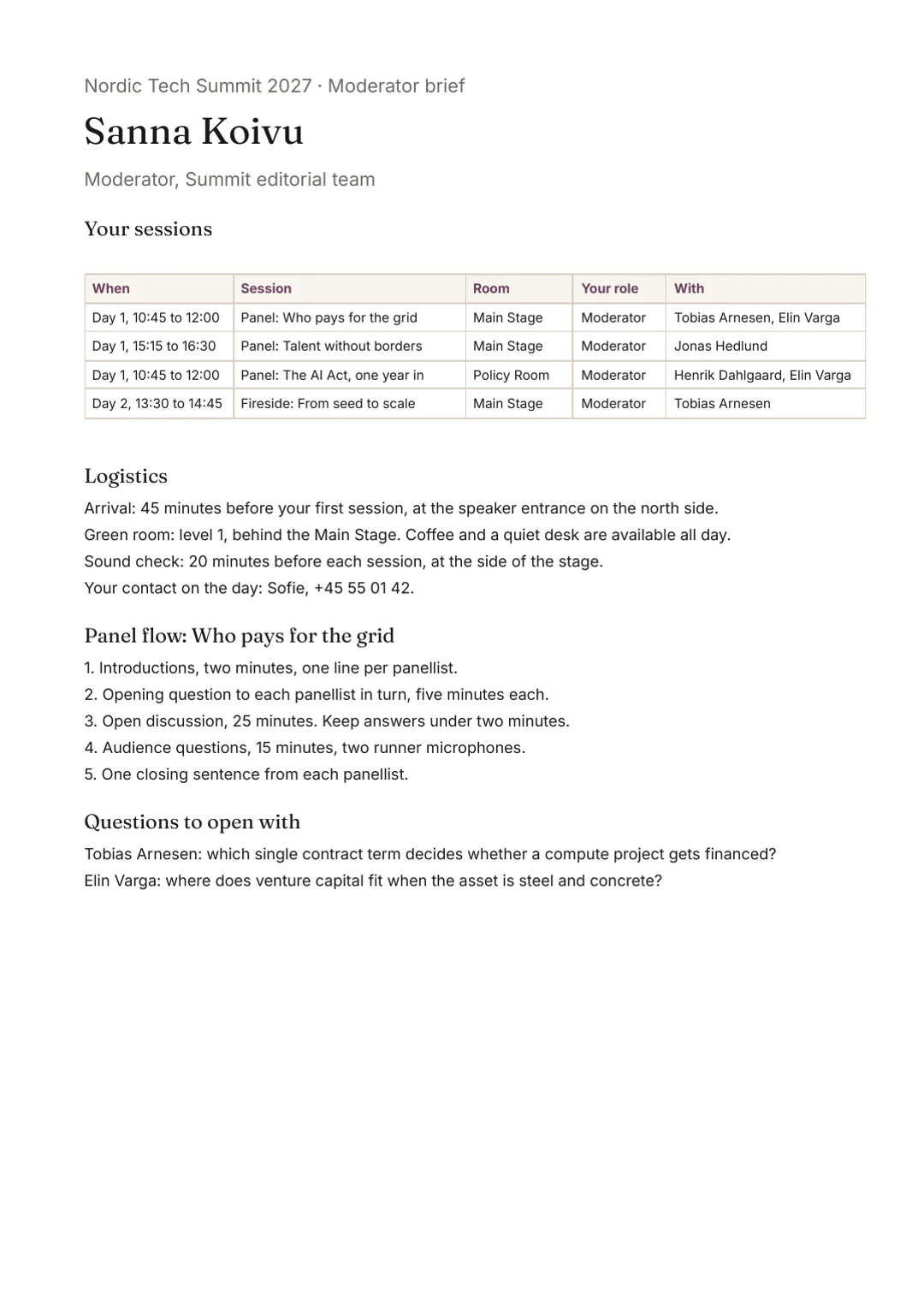
Part of the event document family
The speaker brief is one of seven documents an event team generates from one session list. The guide covers all seven and how they stay in sync.
Speaker and moderator briefs in event program automationHow to use this speaker brief template in Google Docs
- 01
Copy the template to your Google Drive
Press "Copy to my Google Docs". Google asks to make a copy, and the copy is yours to edit; the original is never changed. All you need is a free Google account.
- 02
Replace the placeholders with your details
Text in double braces, like {{ speaker_name }}, marks where your own values go. Work down the page: speaker name, title and organisation; sessions table, one row per session; day, start and end time, and so on.
- 03
Make it match your brand
Swap the logo, colours and fonts in Google Docs as you would in any document. The layout is built to hold when the text changes.
- 04
Download it as a PDF, or share the link
File, then Download, then PDF Document gives you a file to send or print. Download as Word (.docx) works too if someone needs it.
- 05
Making these regularly? Fill it from your data
Connect Airtable, Google Sheets or a CSV to SourceToDocs and it fills a copy of this template for every row, so you stop retyping.
A speaker brief tells one speaker what they need to know for the event. It lists their own sessions with times and rooms, the people on stage with them, and the logistics for the day. A moderator brief adds the panel flow and the opening questions.
Their sessions only
A speaker does not need the whole program. The brief shows the sessions they are part of and their role in each. The sessions table repeats one row per session, so a speaker with one keynote and a speaker with five panels use the same template.
One template for speakers and moderators
The panel flow and the questions sit in a block that prints only for moderators. Mark the moderator on the speaker row and the block appears. Everyone else gets the shorter brief.
Send it again when something changes
Generate the briefs on confirmation and again after every change to the program. Each brief is built from the session list, so the time on the brief matches the time in the program. Combine a speaker’s brief with their roundtable briefings to make a briefing book for a VIP.
Fill this speaker brief template from Airtable, Google Sheets or a CSV
Connect an Airtable base, a Google Sheets spreadsheet or a CSV file, map each field to a placeholder, and generate. One run can produce a single document or one per matching row, delivered to your Google Drive.
Events & programs: One brief per speaker: their own sessions, times, room, co-speakers, moderator and logistics, with a panel flow block for moderators.
 Speakers Airtable
| Speaker | Sessions | Role |
|---|---|---|
| Jonas Hedlund | 3 | Speaker |
| Sanna Koivu | 5 | Moderator |
| Maja Lindqvist | 2 | Speaker |
Pick a row to see its document.
 Jonas Hedlund · Nordic Tech Summit 2027 Google Docs
Events & programs
Jonas Hedlund
Nordic Tech Summit 2027 · Speaker brief
3 sessions over 2 days
Build Stage and Main Stage
Sound check 20 minutes before
Same design every time, only the details change. One document per row, saved to your Google Drive.
Who uses this speaker brief template
Speaker managers
Send each speaker a brief with their sessions only, and send a new one when a session moves.
Read the guideModerators
Get the panel flow, the panellists and the opening questions in the same document as the logistics.
Read the guideTeams running events on Google Sheets
Keep speakers and sessions as two tabs and generate one brief per speaker row.
Read the guideRelated templates
All events & programs →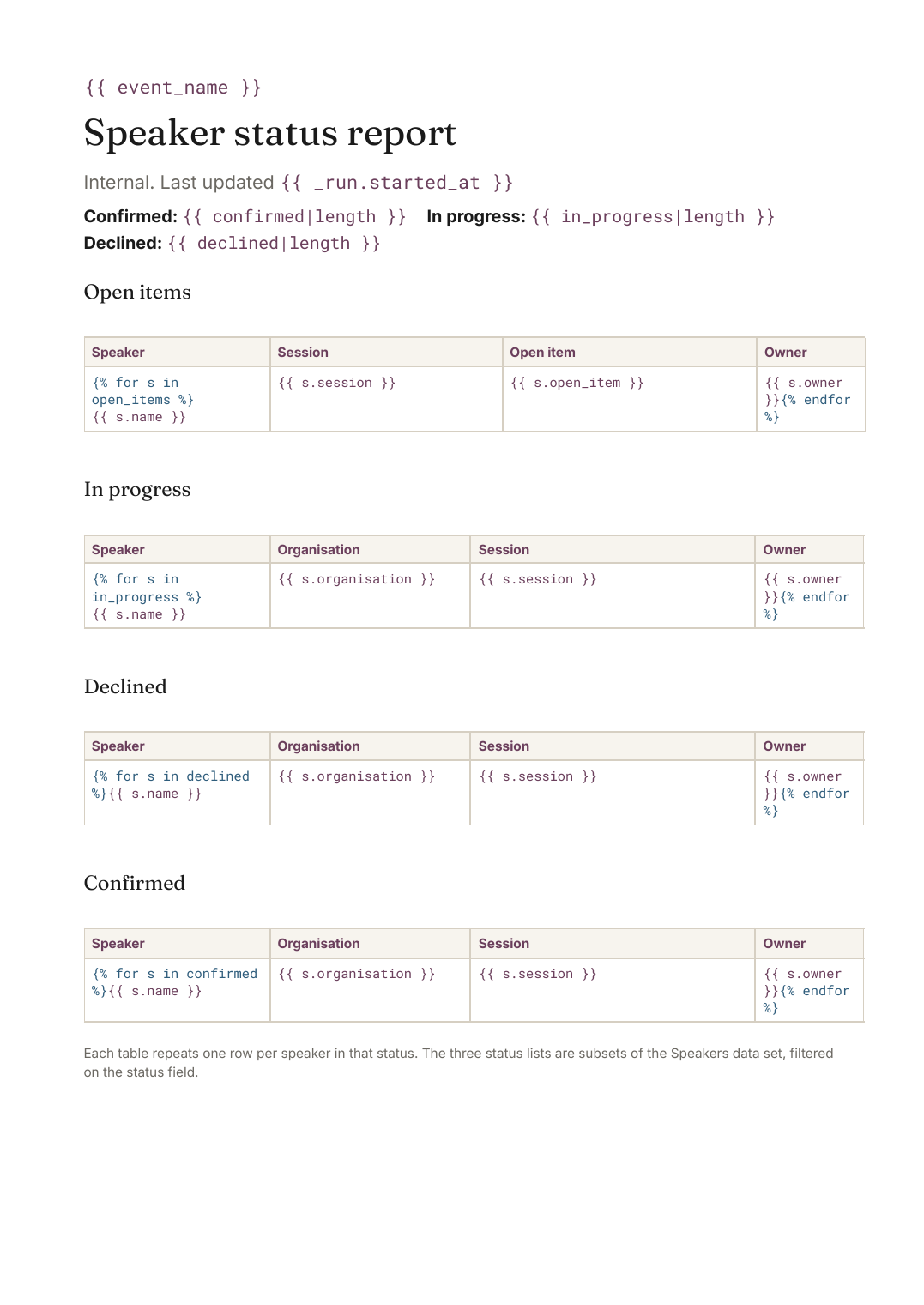 Google Docs
Speaker status report template
An internal report of every speaker grouped by status, with counts, open items and a last-updated stamp.
View template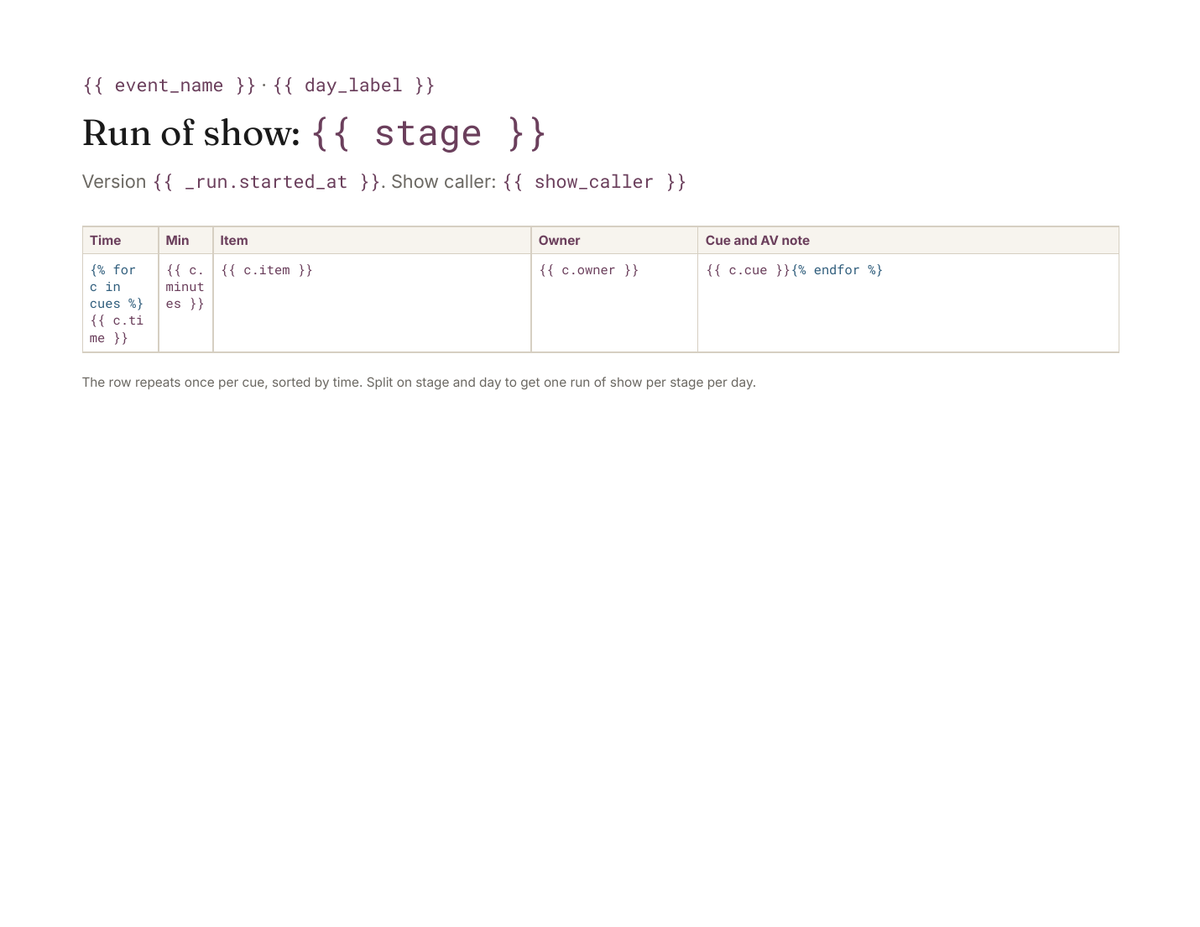 Google Docs
Run of show template
A minute-by-minute running order for one stage on one day, with an owner and an AV cue on every row.
View template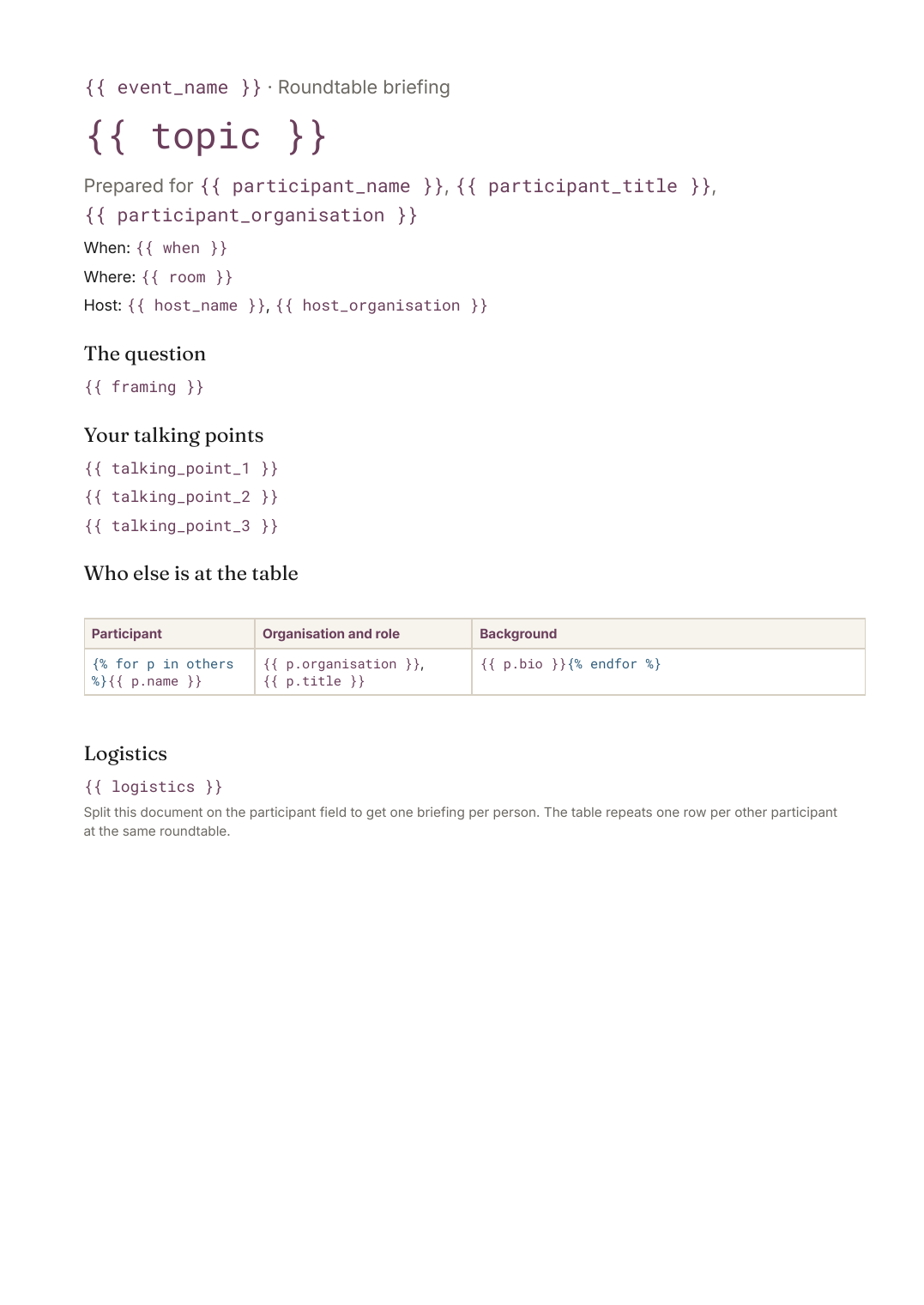 Google Docs
Roundtable briefing template
A pre-session briefing for one roundtable participant: the topic, the host, who else is at the table, their own talking points and logistics.
View template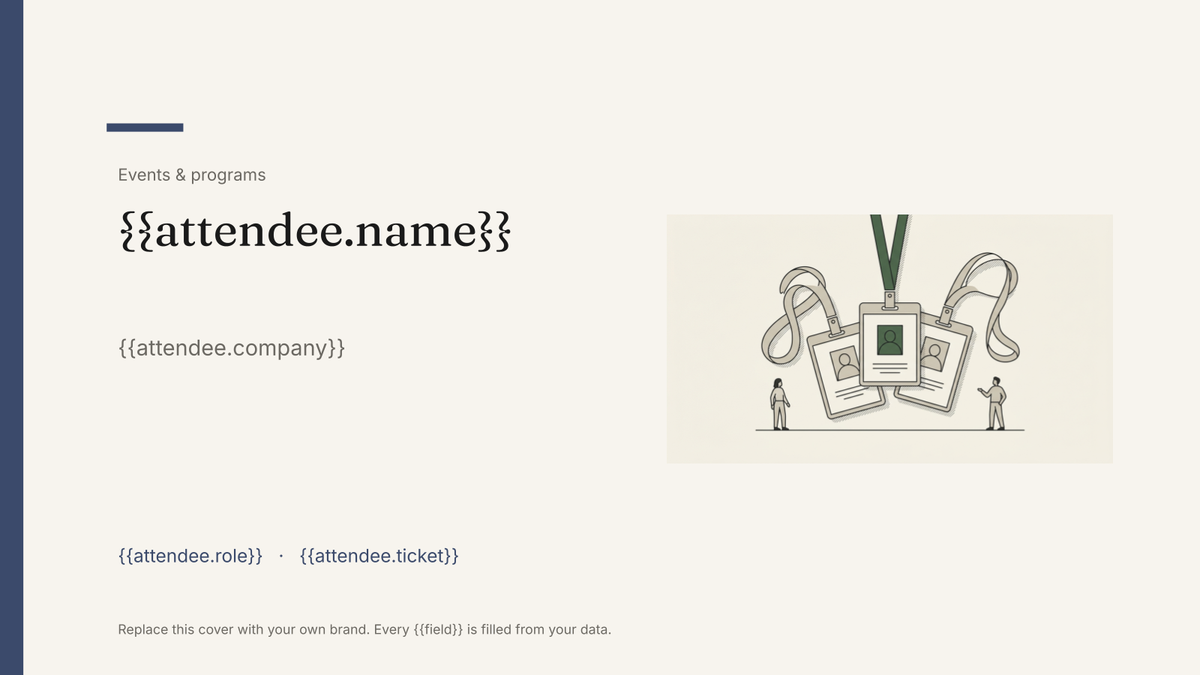 Google Slides
Name tag and badge template
A printed conference badge with name, organisation and ticket type, generated one per attendee from the registration list.
View templateCommon questions, answered
What should a speaker brief include? +
How do I send every speaker their own brief? +
What happens when a session moves? +
How does the moderator version work? +
Do I get a PDF per speaker? +
Is this speaker brief template free? +
Can I download this speaker brief template as a PDF or Word file? +
Generate this document from your data
Start on the free plan, connect Airtable, Google Sheets or a CSV, and export a real Google Docs file. No watermark, no credit card.