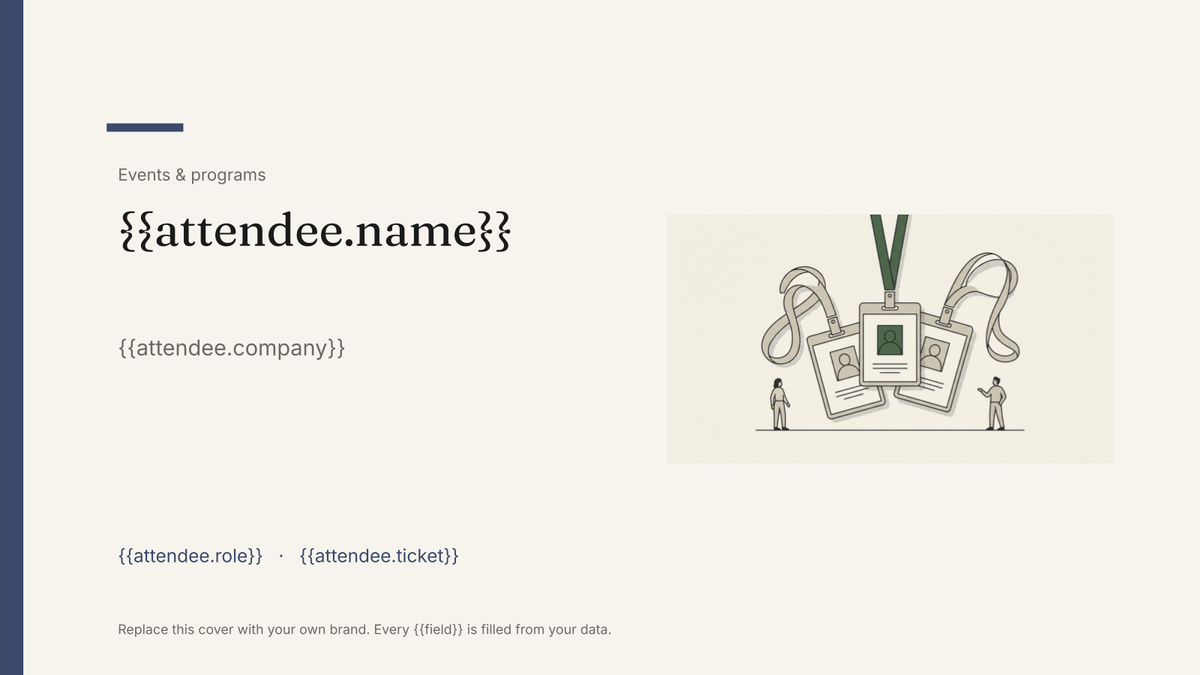
Attendee name badge template
A printed conference badge with name, organisation and ticket type, generated one per attendee from the registration list.
Free plan, no credit card. Bring your own design or start from this layout.
What’s in this template
Every block is bound to a field in your data. The layout stays exactly as designed; only the values change from one run to the next.
- Event lockup and logo at the top {{event.name}}
- Attendee name in large type {{attendee.name}}
- Organisation and role line {{attendee.company}} · {{attendee.role}}
- Ticket type band with its own colour {{attendee.ticket}}
- QR or reference code for check-in {{attendee.code}}
- Back of badge with the day's running order {{event.shortAgenda}}
How this template fills itself
Connect Airtable, Google Sheets, a SQL database, a CSV or a REST API, map each field to a placeholder, and generate. One run can produce a single document or one per matching record.
Attendees · Google Sheets
Template: Google Slides or Docs
{{attendee.name}}
{{attendee.company}}
{{attendee.role}}
{{attendee.ticket}}
{{attendee.code}}
one badge per attendee row; filter by ticket type to print a batch at a time
Generated output
SlidesPDFPriya Raman
Northwind
Head of Data
Speaker
DC26-0148
Who uses this template
Conference organisers
Print the full badge set from the final registration export instead of laying out a sheet by hand.
Read the guideInternal events teams
Produce badges for an offsite or training day from the attendee list you already collected.
Read the guideTeams running registration in Airtable
Generate badges straight from the registrations table, including the late sign-ups added that morning.
Read the guideBadges are the clearest example of one designed item per record. The layout is fixed and small, the content changes on every single one, and there are as many of them as there are attendees. That combination is what a Google Slides template is for: the design holds exactly, and each registration row produces its own badge in the same run.
Print in batches, straight from the list
Set the deck to your badge size, bind name, organisation, role, ticket type and check-in code to placeholders, and generate the whole set as one PDF. Filtering matters more than it sounds: printing speakers, crew and delegates as separate runs saves sorting a stack afterwards, and the people who register on the morning are simply the rows added since the last run. Keep a short display name in the data for the badge itself — a fixed layout will not shrink to rescue a forty-character name, and that decision belongs in the list rather than the design.
Related templates
All events & programs →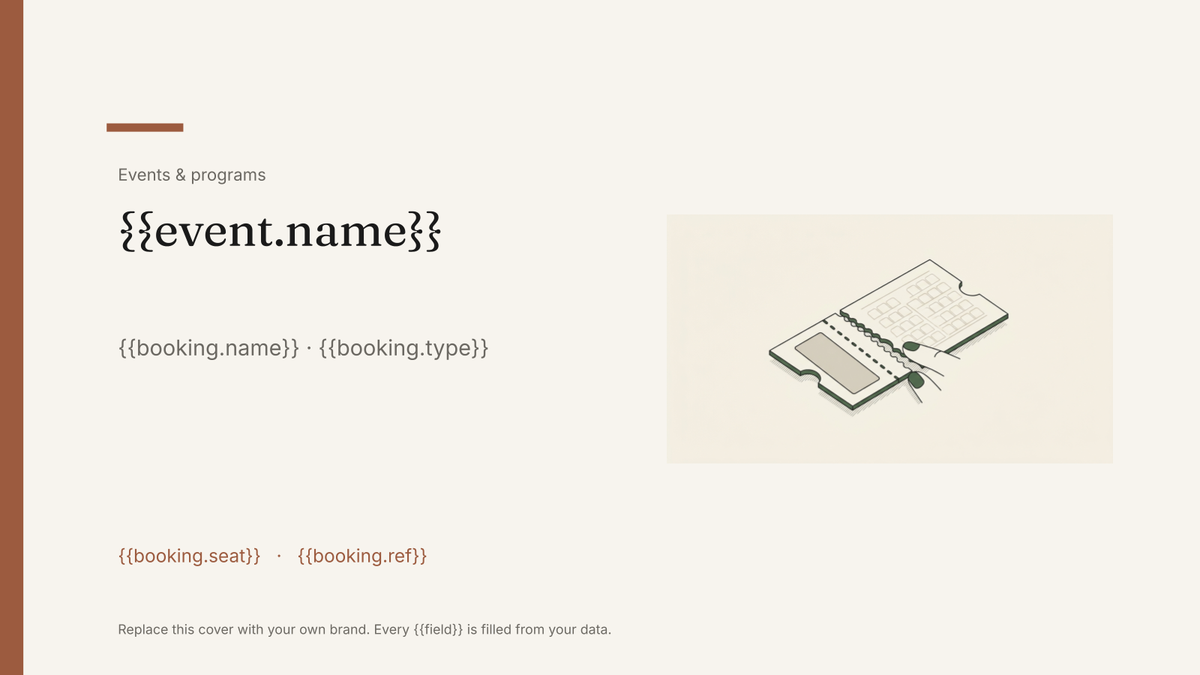 Google Slides
 Event ticket template
A printable ticket carrying the event, seat and booking reference, generated one per booking from your registration data.
View template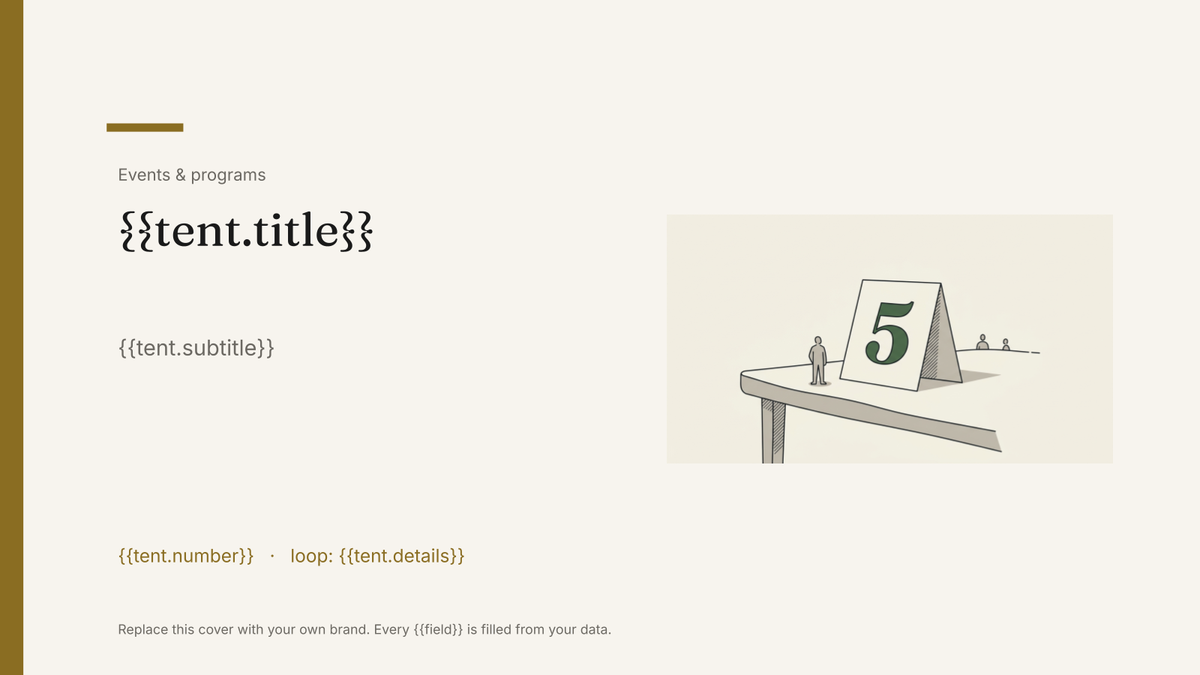 Google Slides
 Table tent template
A folded card that stands on a table, generated one per table, guest or dish from your event data.
View template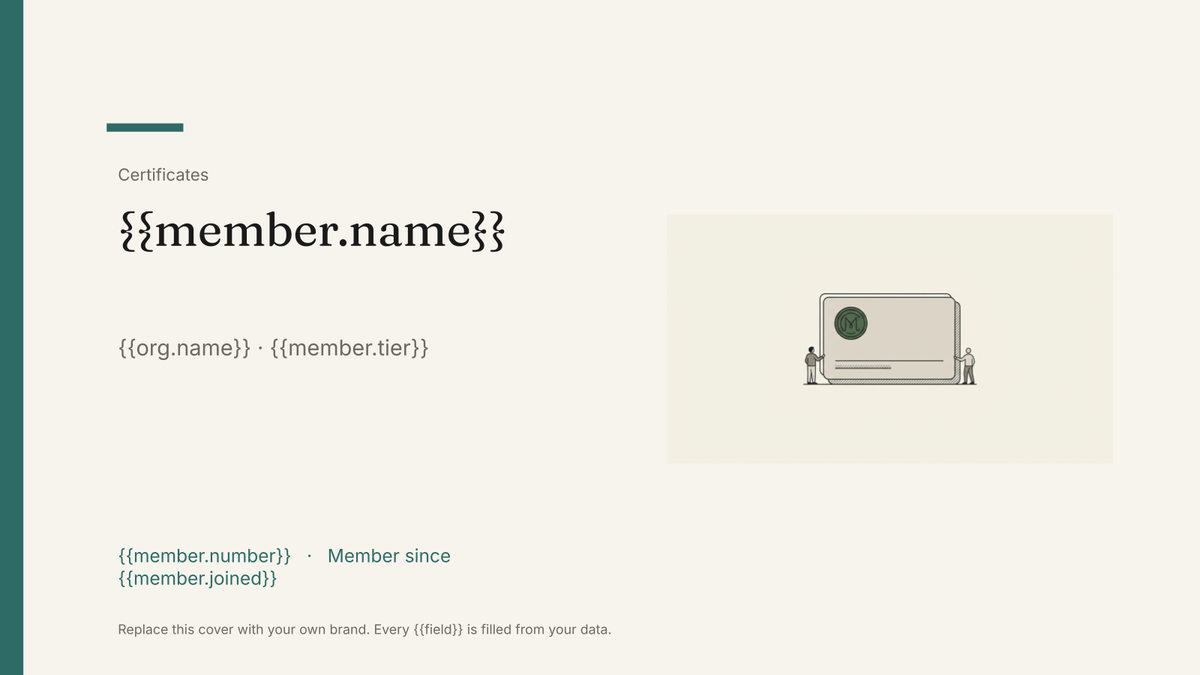 Google Slides
 Membership card template
A printable member card carrying a name, number, tier and renewal date, generated one per member from your membership list.
View template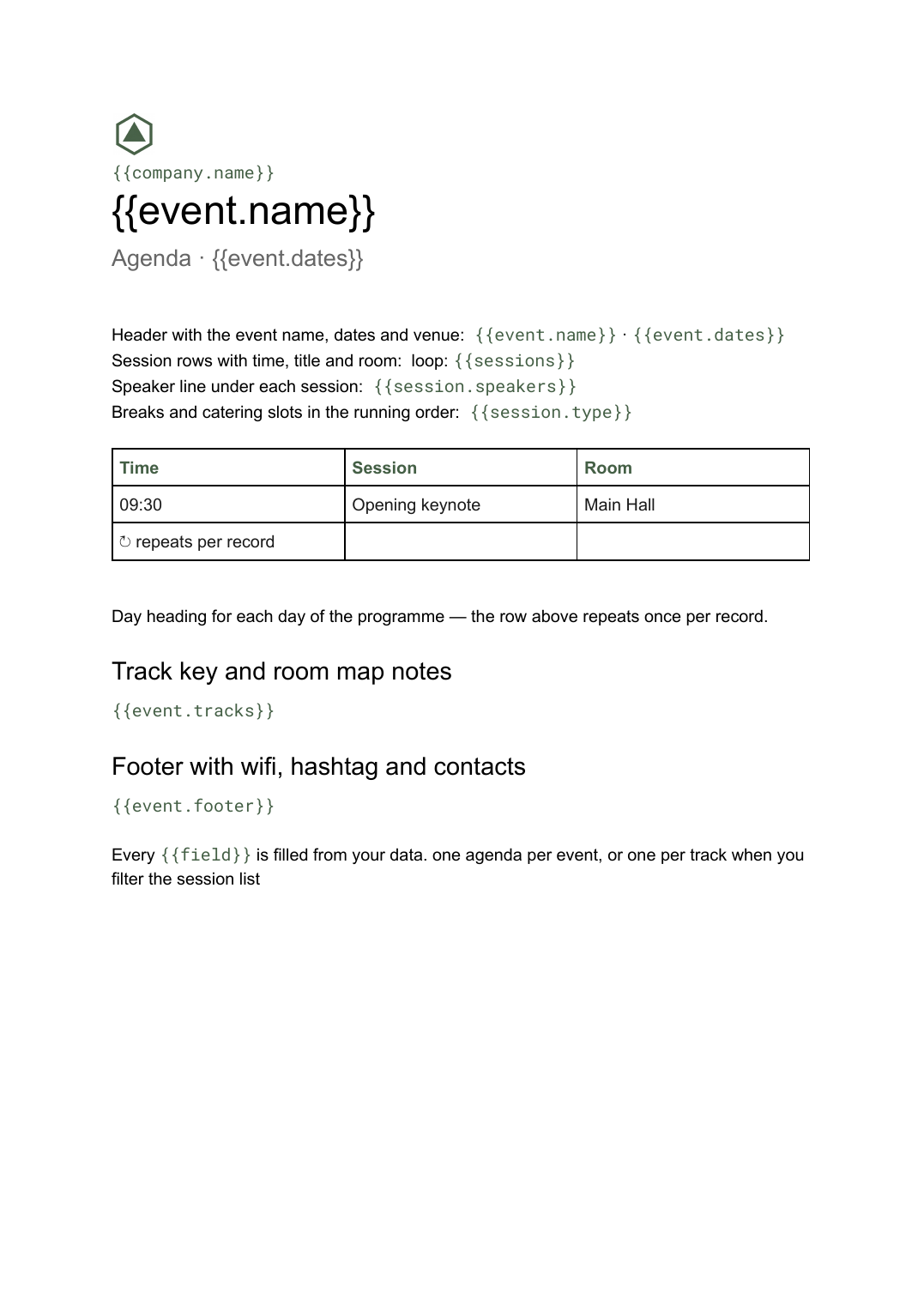 Google Docs
 Conference agenda template
A running order of sessions with times, rooms and speakers, generated per event or per track from your session list.
View templateCommon questions, answered
Can I generate a badge for every attendee in one run? +
Can badges differ by ticket type? +
Can I use my own badge design? +
What about very long names and company names? +
Generate this document from your data
Start on the free plan, connect a data source, and export a real Google Slides document. No watermark, no credit card.