Event program template
A designed programme booklet for an event, generated per event from the session and speaker list.
Free plan, no credit card. Bring your own design or start from this layout.
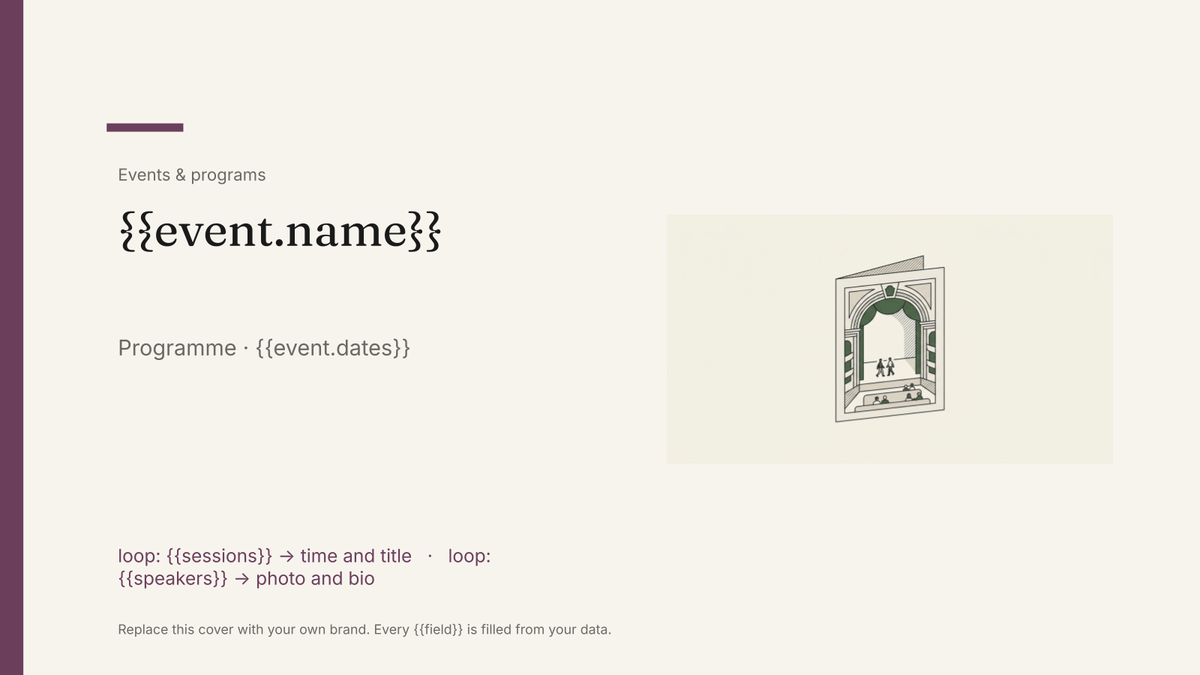
What’s in this template
Every block is bound to a field in your data. The layout stays exactly as designed; only the values change from one run to the next.
- Cover with the event name, date and venue {{event.name}} · {{event.dates}}
- Welcome note from the organiser {{event.welcome}}
- Running order page per day loop: {{days}}
- Session block with time, title and room loop: {{sessions}}
- Speaker cards with photo and bio loop: {{speakers}}
- Sponsor logos and thank-you page loop: {{sponsors}}
How this template fills itself
Connect Airtable, Google Sheets, a SQL database, a CSV or a REST API, map each field to a placeholder, and generate. One run can produce a single document or one per matching record.
Sessions · Airtable
Template: Google Slides or Docs
{{event.name}}
Programme · {{event.dates}}
loop: {{sessions}} → time and title
loop: {{speakers}} → photo and bio
loop: {{sponsors}} → logo
one programme per event; speaker pages repeat a card per speaker record
Generated output
SlidesPDFDataConf 2026
Programme · 12–13 May 2026
09:30 · Opening keynote
Priya Raman, Head of Data
8 sponsor logos
Who uses this template
Conference organisers
Hand the printer a programme that matches the final session list, rebuilt in minutes when a speaker drops out.
Read the guideVenues and cultural programmes
Produce a designed programme for every performance or evening from one schedule table.
Read the guideMarketing and brand teams
Keep the programme on brand without a designer rebuilding pages each time the running order shifts.
Read the guideThe programme is the piece of an event people actually keep: the cover, the welcome note, the running order and the speaker pages, printed or sent as a PDF. It is a designed artefact rather than a list, which is why it belongs in Google Slides — the deck is set to a portrait page size, so each slide is a page and nothing shifts when the content changes.
Design the pages once, fill them per event
Treat the programme as a small set of page designs: cover, welcome, running order, speaker card, sponsors. Each one is laid out exactly as you want it, and the repeating pages loop over the session, speaker and sponsor records. The usual failure is a designer rebuilding the booklet on the Friday because two speakers changed; generating from the session table means that edit is a row, not an afternoon. Keep bios short enough to fit the card you designed, because a slide holds its shape rather than reflowing around long text.
Related templates
All events & programs →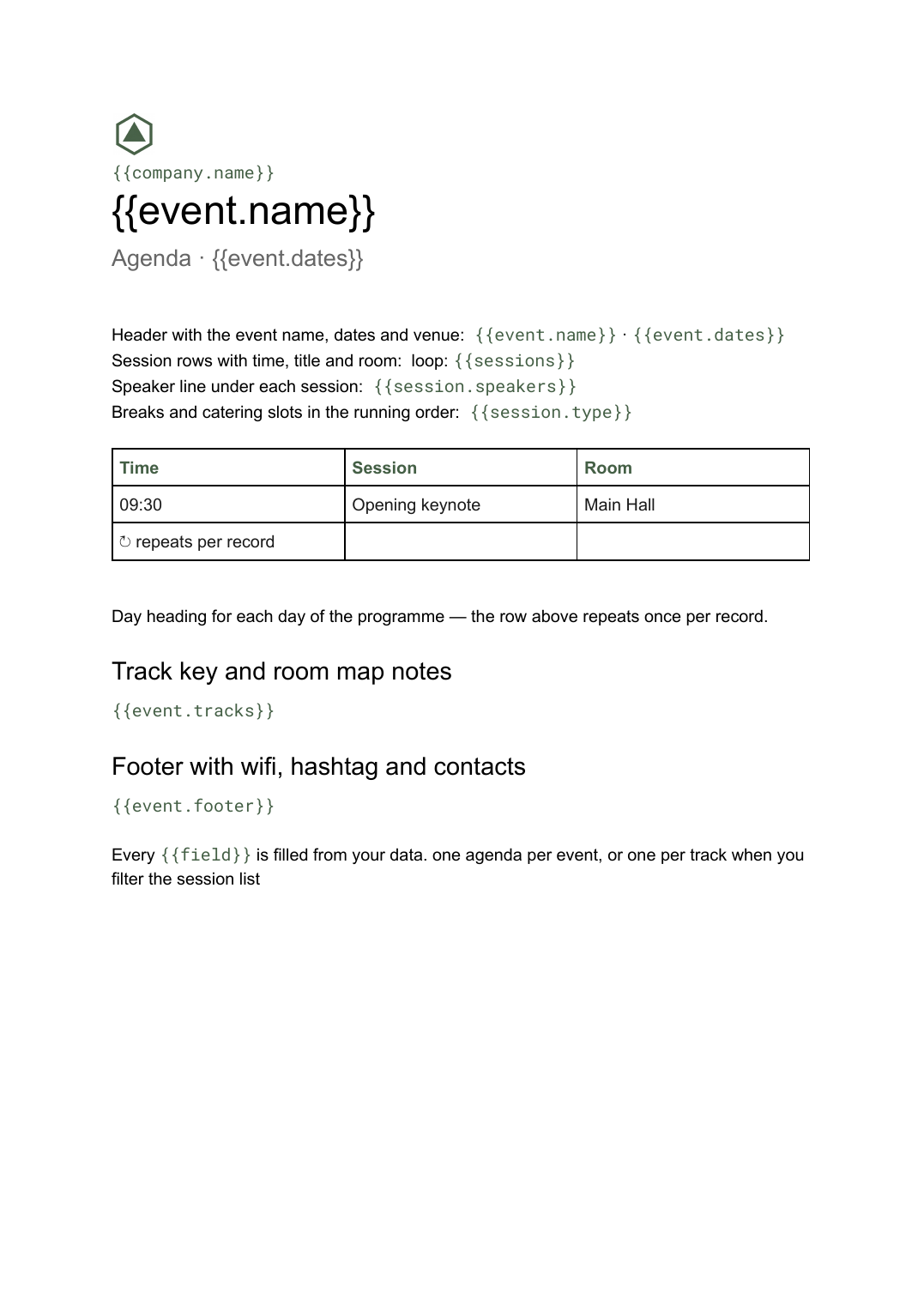 Google Docs
 Conference agenda template
A running order of sessions with times, rooms and speakers, generated per event or per track from your session list.
View template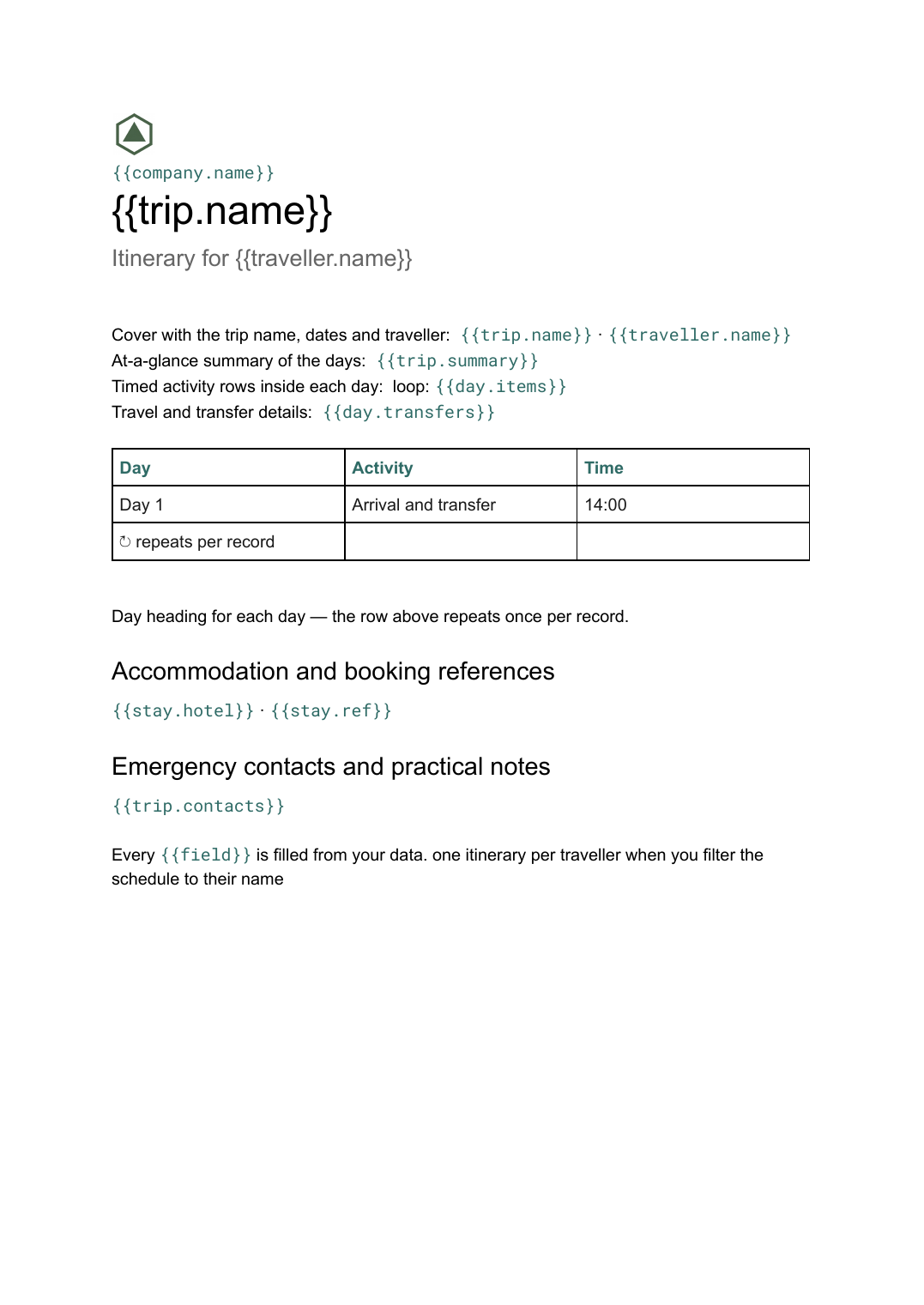 Google Docs
 Multi-day itinerary template
A day-by-day schedule of travel, sessions and logistics, generated per trip or per attendee from your schedule data.
View template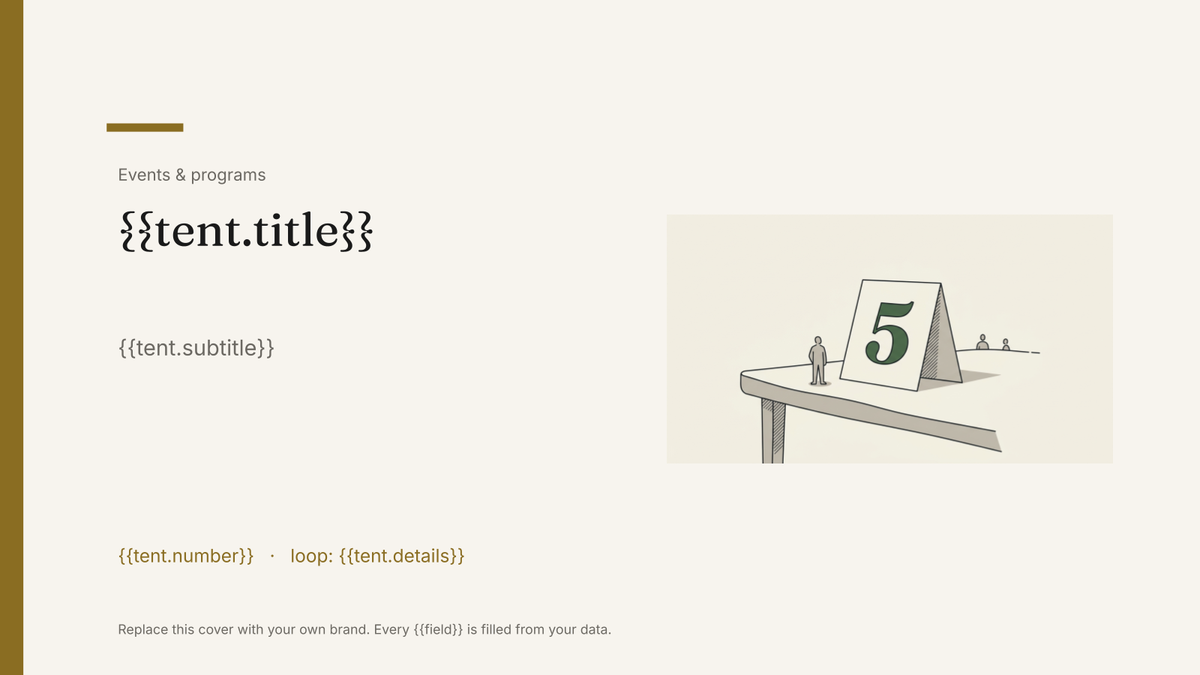 Google Slides
 Table tent template
A folded card that stands on a table, generated one per table, guest or dish from your event data.
View template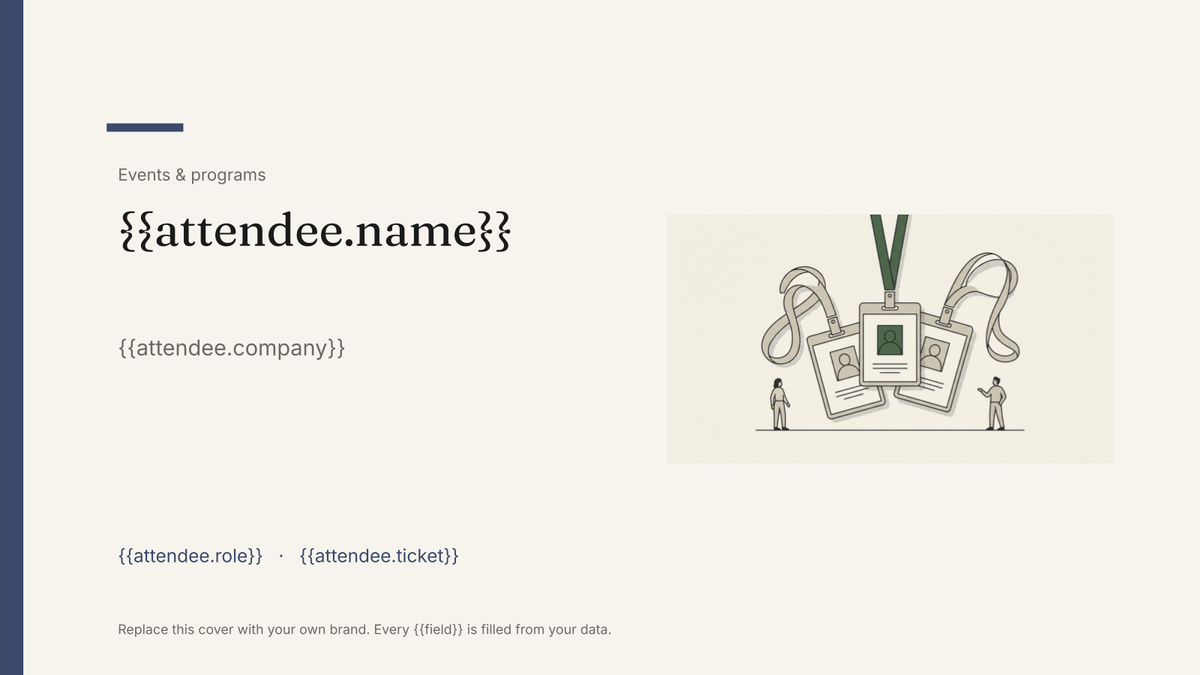 Google Slides
 Attendee name badge template
A printed conference badge with name, organisation and ticket type, generated one per attendee from the registration list.
View templateCommon questions, answered
Is a programme booklet really a slides template? +
Can I use my own programme design? +
Where do the sessions and speaker bios come from? +
What if the programme runs to a different number of pages this year? +
Generate this document from your data
Start on the free plan, connect a data source, and export a real Google Slides document. No watermark, no credit card.