Conference agenda template
A running order of sessions with times, rooms and speakers, generated per event or per track from your session list.
Free plan, no credit card. Bring your own design or start from this layout.
What’s in this template
Every block is bound to a field in your data. The layout stays exactly as designed; only the values change from one run to the next.
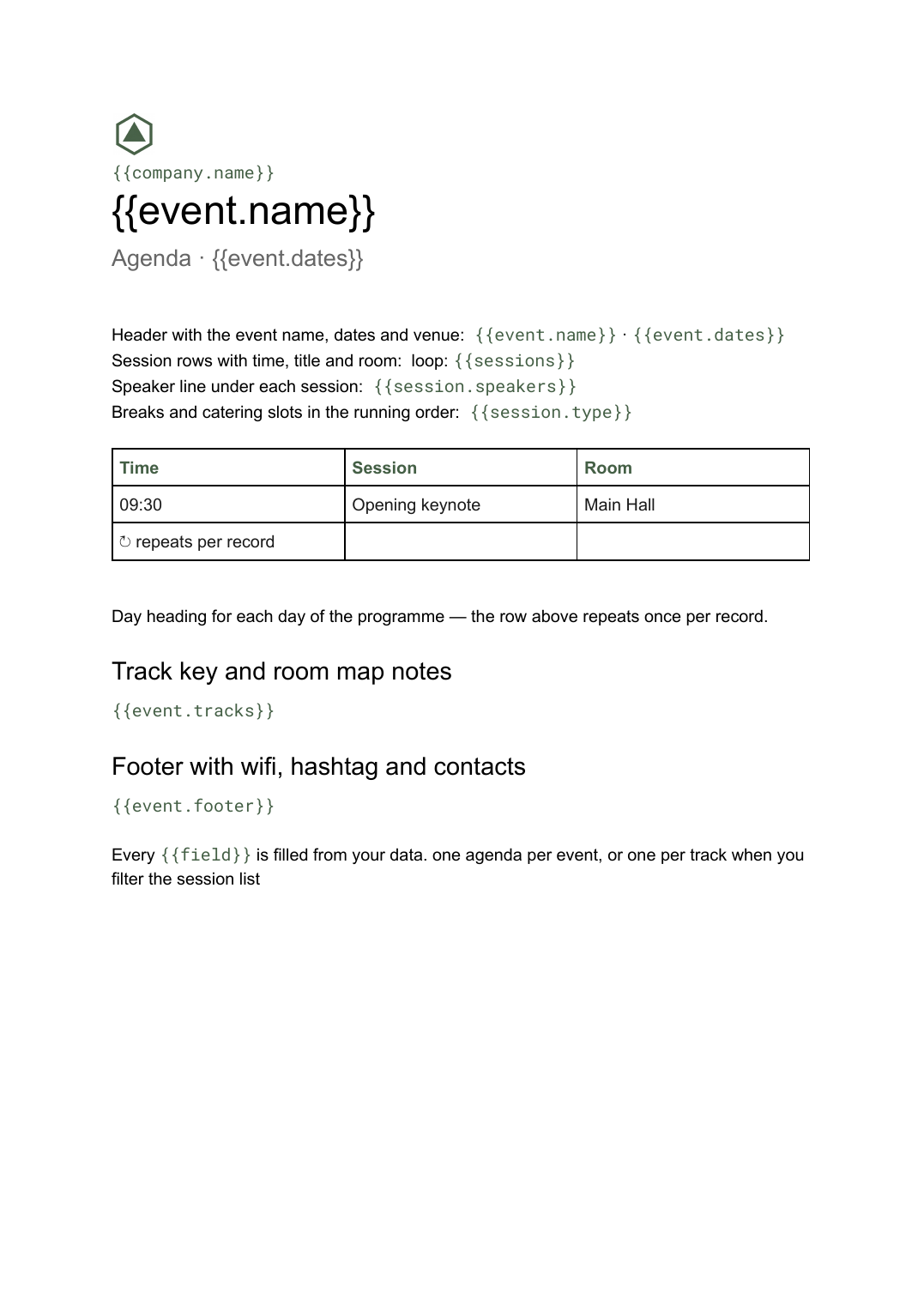
- Header with the event name, dates and venue {{event.name}} · {{event.dates}}
- Day heading for each day of the programme loop: {{days}}
- Session rows with time, title and room loop: {{sessions}}
- Speaker line under each session {{session.speakers}}
- Breaks and catering slots in the running order {{session.type}}
- Track key and room map notes {{event.tracks}}
- Footer with wifi, hashtag and contacts {{event.footer}}
How this template fills itself
Connect Airtable, Google Sheets, a SQL database, a CSV or a REST API, map each field to a placeholder, and generate. One run can produce a single document or one per matching record.
Sessions · Airtable
Template: Google Slides or Docs
{{event.name}}
Agenda · {{event.dates}}
loop: {{days}} → day heading
loop: {{sessions}} → time, title, room
{{session.speakers}}
one agenda per event, or one per track when you filter the session list
Generated output
DocsPDFDataConf 2026
Agenda · 12–13 May 2026
Day 1 — Thursday 12 May
09:30 · Opening keynote · Main Hall
Priya Raman, Head of Data
Who uses this template
Conference organisers
Rebuild the printed and emailed agenda from the session list every time the schedule moves, instead of editing a document by hand.
Read the guideEvents teams inside companies
Produce a clean agenda for an internal summit or offsite straight from the sessions table you already keep.
Read the guideTeams running events on Airtable
Keep sessions, speakers and rooms in the base and generate the agenda from it on demand.
Read the guideA conference agenda is a list before it is a document: sessions, times, rooms and speakers, in order. The part that makes it painful is that the list keeps moving right up to the day before, and every move has to be reflected in the printed programme, the track handouts and the PDF you email out.
Shape the session list, not the document
Keep one row per session with a start time, a title, a room, a track and a speaker reference, and let the template do the grouping. Days become a loop over the dates, sessions become a loop inside it, and breaks are just rows with a different type so they land in the right place in the running order. When something moves, you edit the row, not the layout. Because the agenda is a Google Doc, a day with twenty-two sessions simply runs onto another page instead of breaking a design someone spent an afternoon fixing.
Related templates
All events & programs →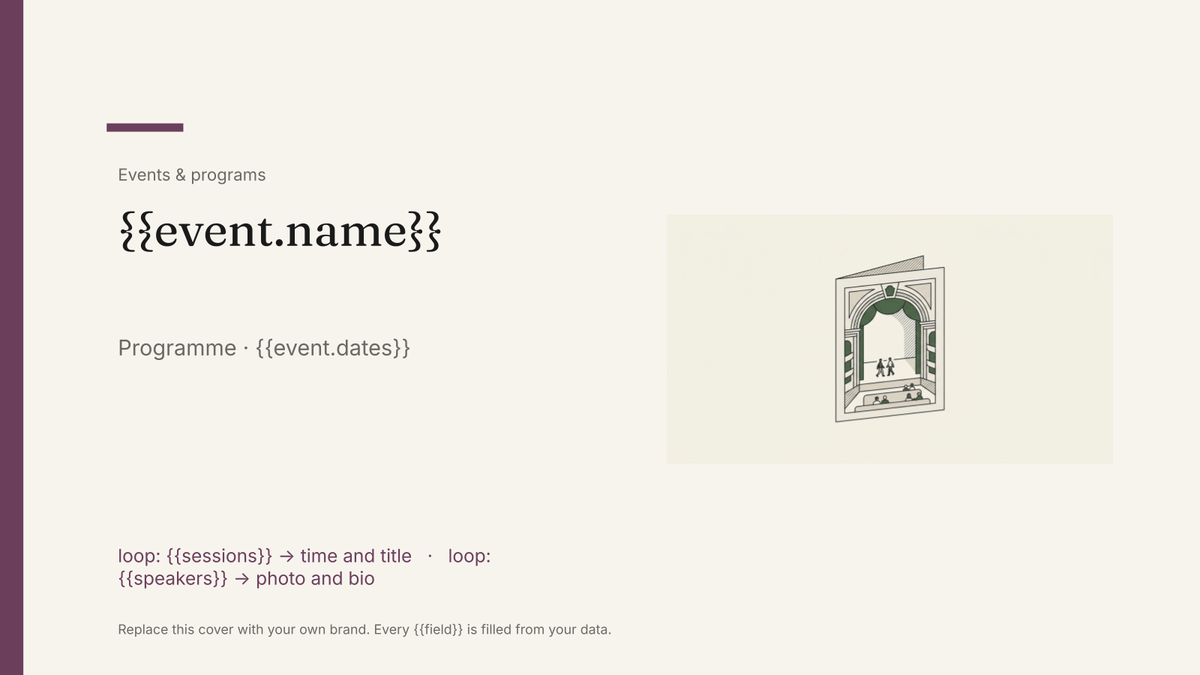 Google Slides
 Event program template
A designed programme booklet for an event, generated per event from the session and speaker list.
View template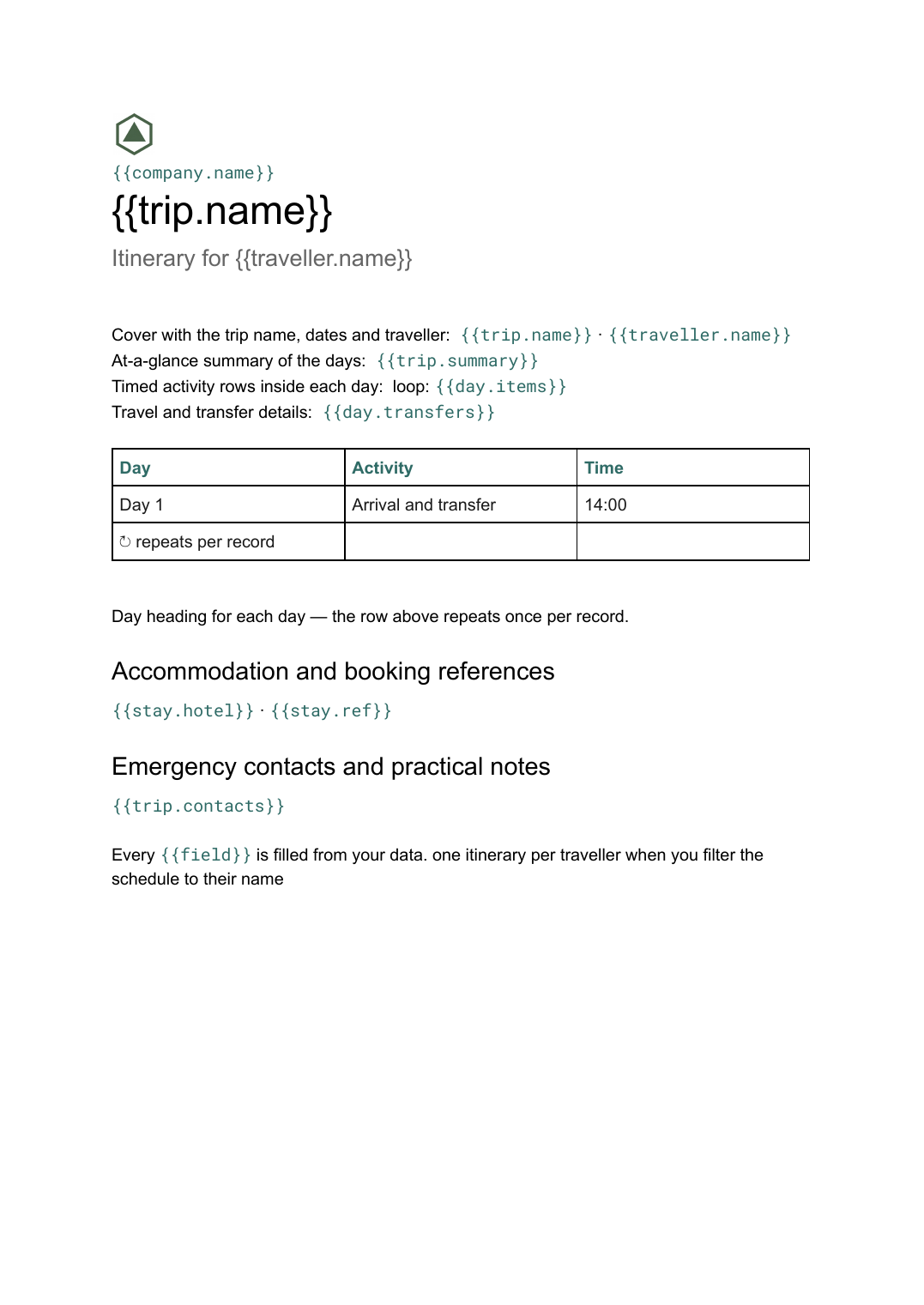 Google Docs
 Multi-day itinerary template
A day-by-day schedule of travel, sessions and logistics, generated per trip or per attendee from your schedule data.
View template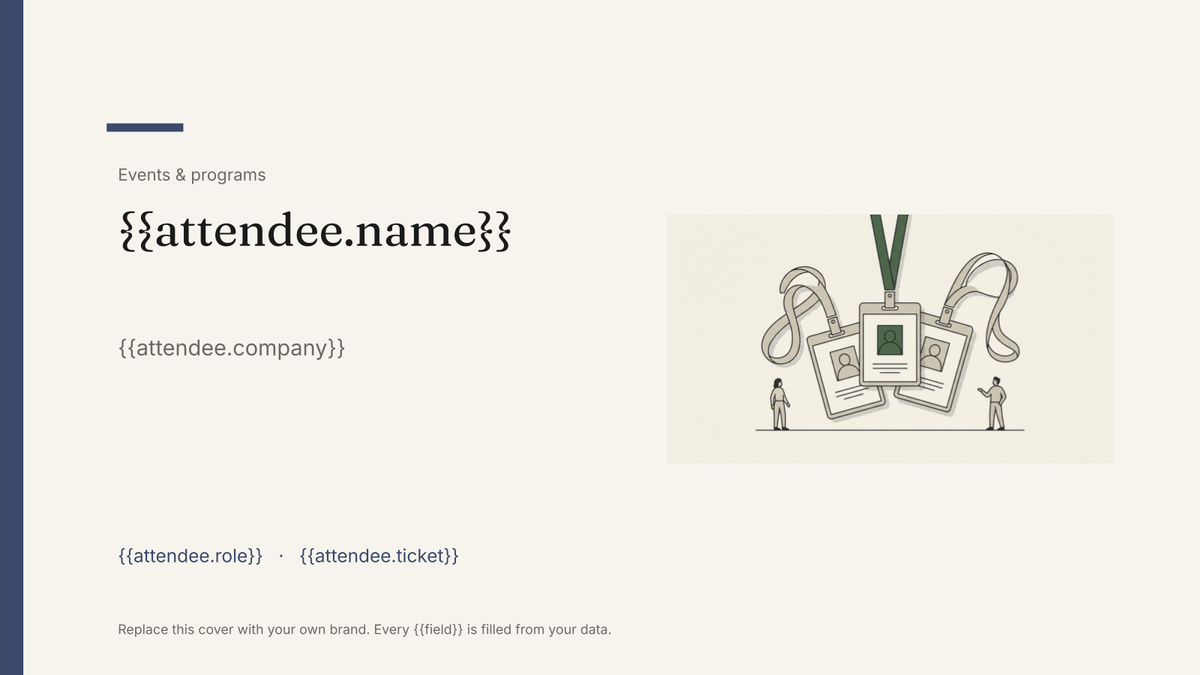 Google Slides
 Attendee name badge template
A printed conference badge with name, organisation and ticket type, generated one per attendee from the registration list.
View template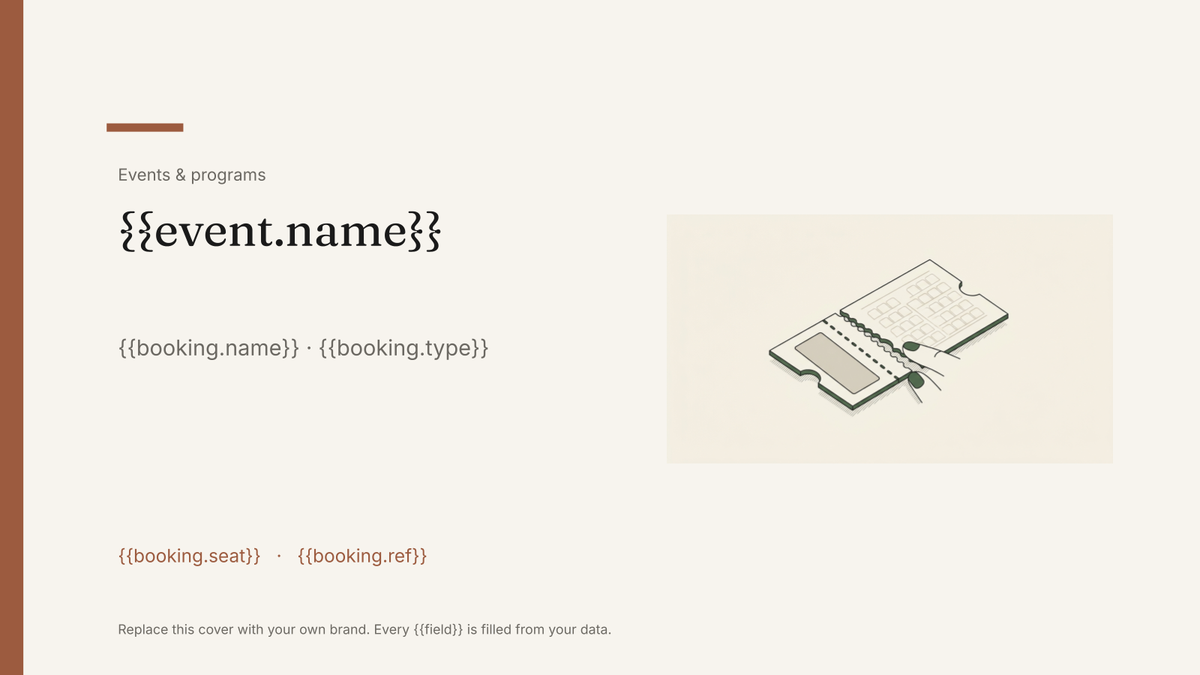 Google Slides
 Event ticket template
A printable ticket carrying the event, seat and booking reference, generated one per booking from your registration data.
View templateCommon questions, answered
What happens when the schedule changes the week of the event? +
Can I produce a separate agenda per track or per day? +
Why is this a Google Doc rather than slides? +
Can I use my own agenda design? +
Generate this document from your data
Start on the free plan, connect a data source, and export a real Google Docs document. No watermark, no credit card.