Product one-pager template
A single-page product summary with positioning, features and pricing, generated one per product from your catalogue.
Free plan, no credit card. Bring your own design or start from this layout.
What’s in this template
Every block is bound to a field in your data. The layout stays exactly as designed; only the values change from one run to the next.
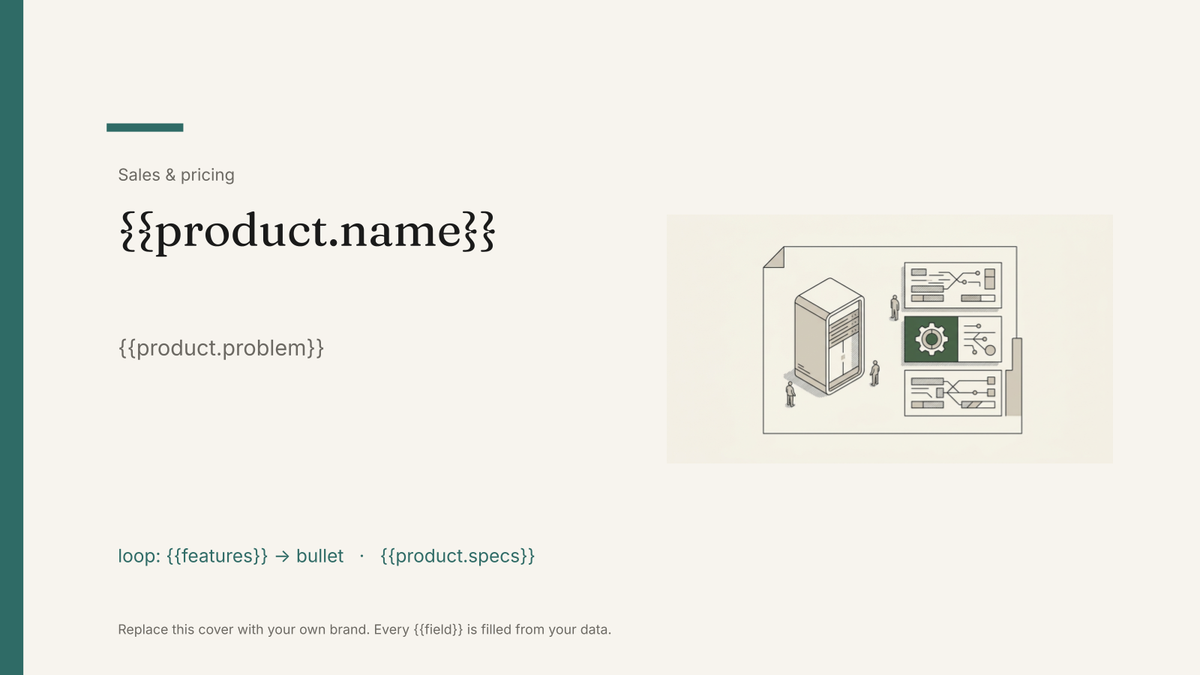
- Product name and one-line positioning {{product.name}}
- The problem it solves {{product.problem}}
- Key features, three to five bullets loop: {{features}}
- Specification block {{product.specs}}
- Proof point or customer quote {{proof.quote}}
- Pricing and availability {{product.price}}
- Contact and next step {{owner.email}}
How this template fills itself
Connect Airtable, Google Sheets, a SQL database, a CSV or a REST API, map each field to a placeholder, and generate. One run can produce a single document or one per matching record.
Products · Airtable
Template: Google Slides or Docs
{{product.name}}
{{product.problem}}
loop: {{features}} → bullet
{{product.specs}}
{{product.price}}
one page per product row; the feature list is capped so the layout never overflows
Generated output
SlidesPDFRelay Controller X2
Switches legacy plant gear without rewiring the panel
4 feature bullets
24V DC · 8 channels · DIN rail
$1,290
Who uses this template
Product marketing teams
Keep one designed page per product in step with the catalogue instead of a folder of one-pagers at different ages.
Read the guideSales teams
Hand a rep a current page for whatever they are selling that week, exported as a PDF they can attach.
Read the guideHardware and equipment suppliers
Generate a page per SKU with the specs held in your product table, so no figure is transcribed by hand.
Read the guideA one-pager is the document sales asks for most and product marketing dreads maintaining, because there is one per product and each is slightly out of date. The constraint that makes it useful — everything on a single designed page — is also what makes Google Slides the right format: a slide is a fixed canvas, so no amount of new content can push the layout onto a second page.
Decide what gets cut before you generate
Because the page cannot grow, the rules about what fits belong in the data. Order features by importance in the product table and place a fixed number of them; keep the positioning line to a length the design actually holds; put the specs in their own short fields rather than one paragraph. Once those rules live in the source, a page per product is a single run, and a price change or a new spec means regenerating the set rather than opening twelve files.
Related templates
All sales & pricing →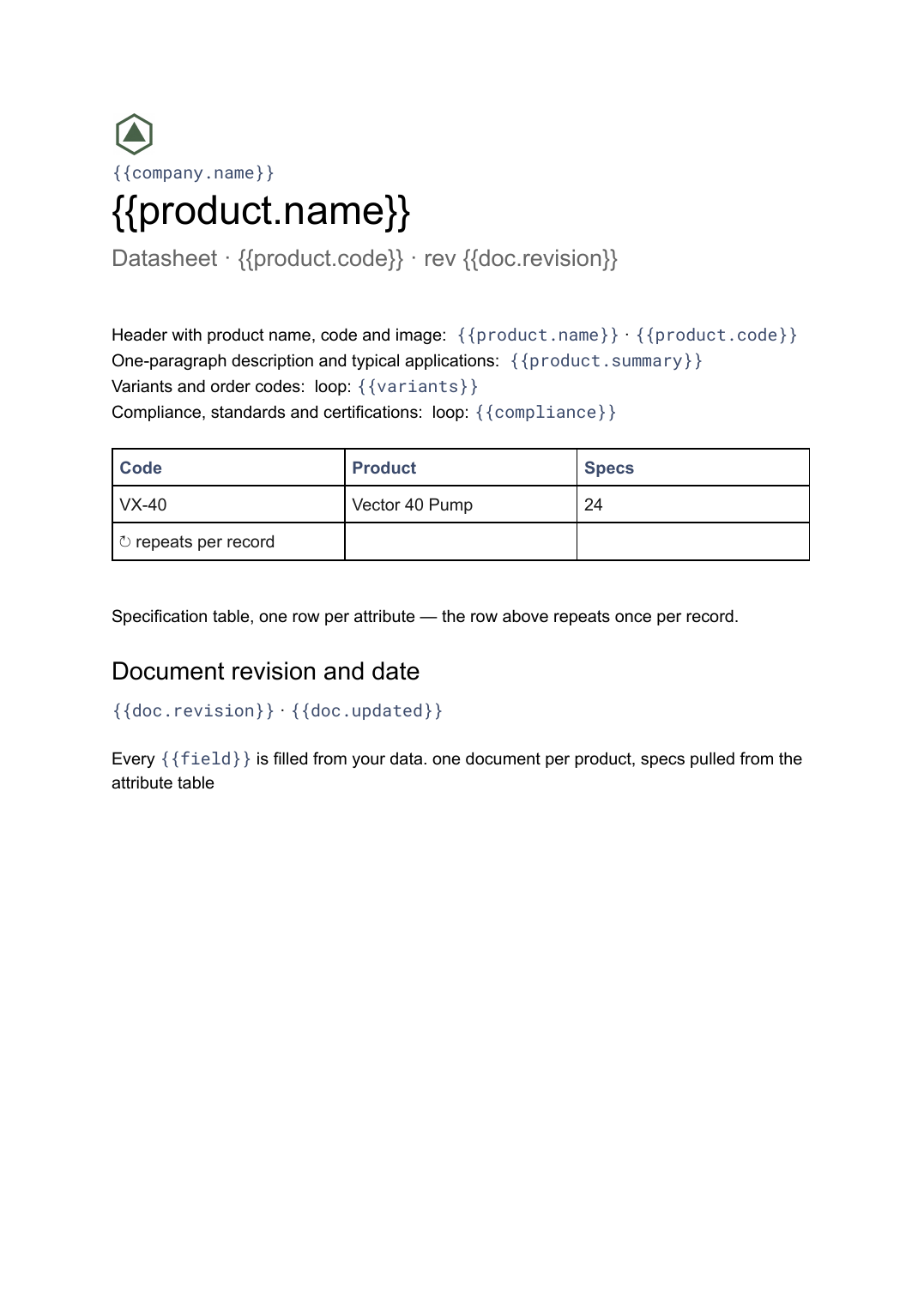 Google Docs
 Datasheet template
A single-product technical sheet with a specification table, generated one document per product from your product data.
View template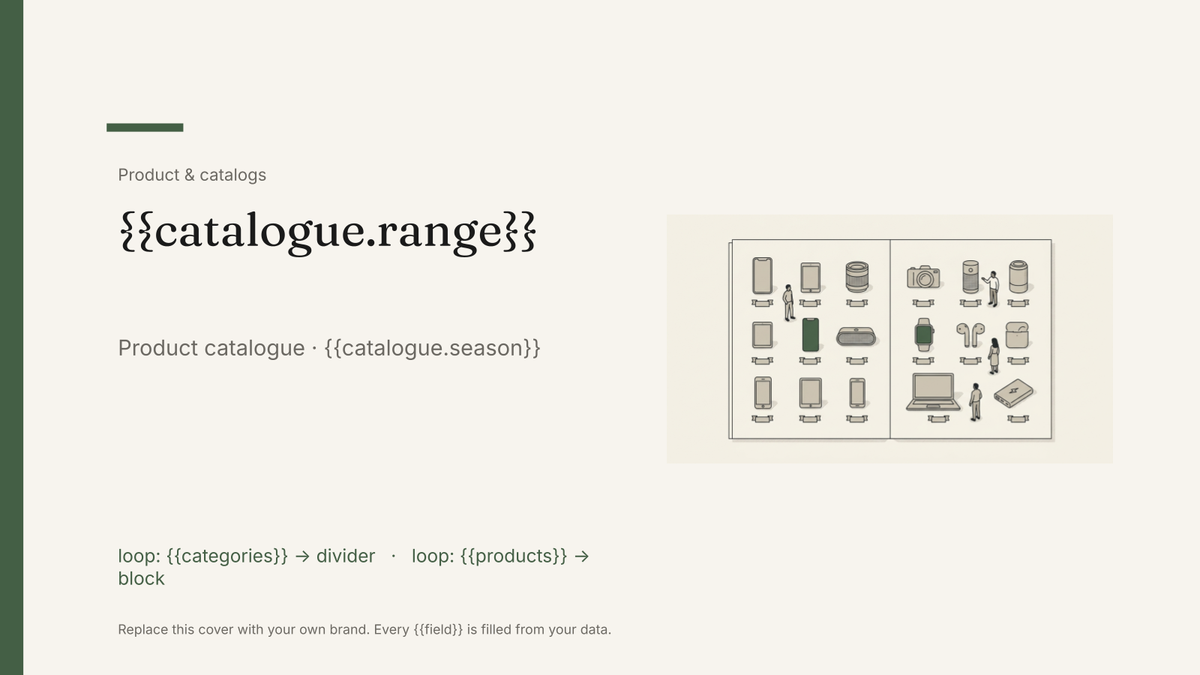 Google Slides
 Product catalog template
A designed catalogue that repeats a product block per row of your product list, generated from your product data.
View template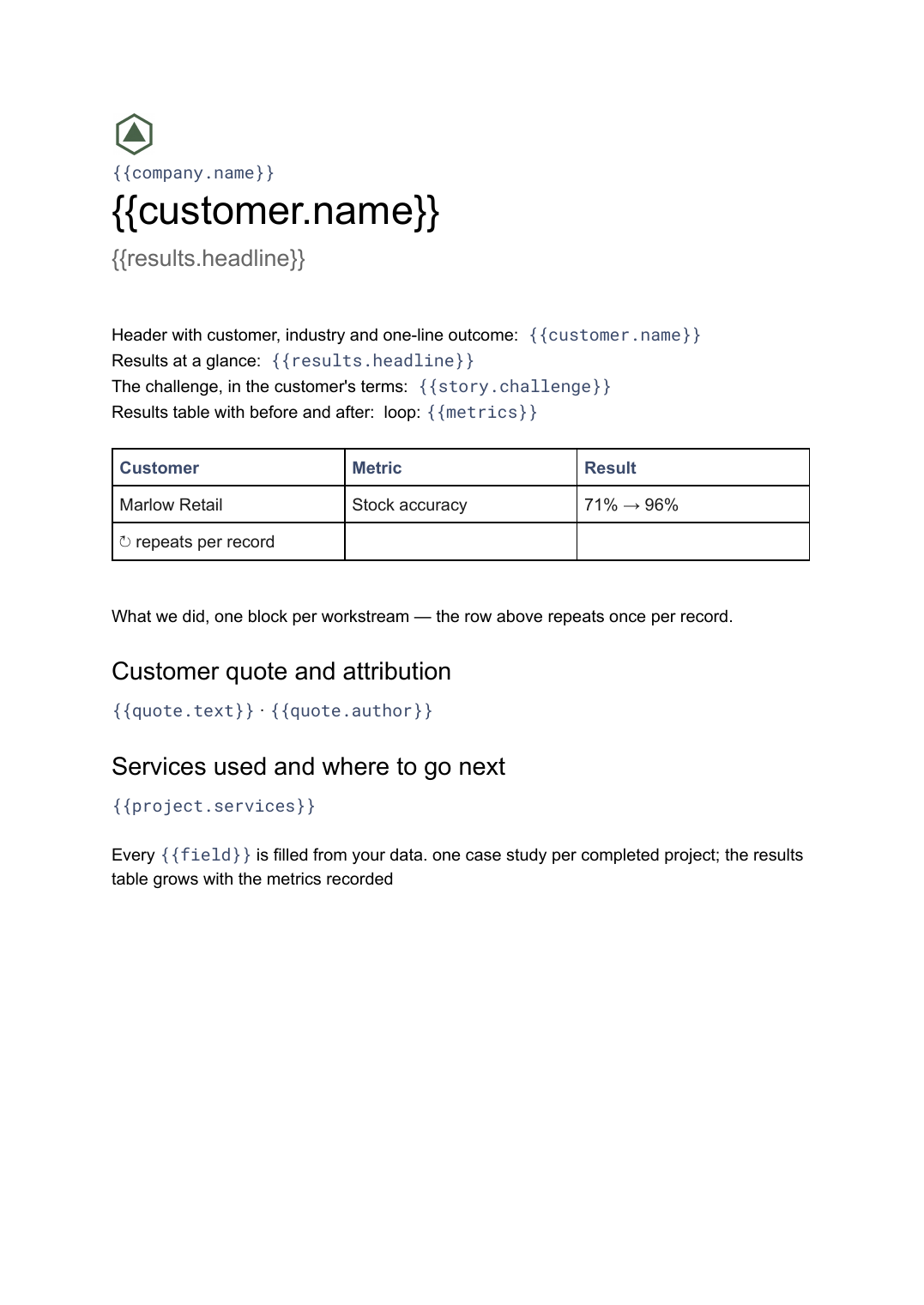 Google Docs
 Case study template
A customer story with challenge, approach and measured results, generated one per project from your delivery data.
View template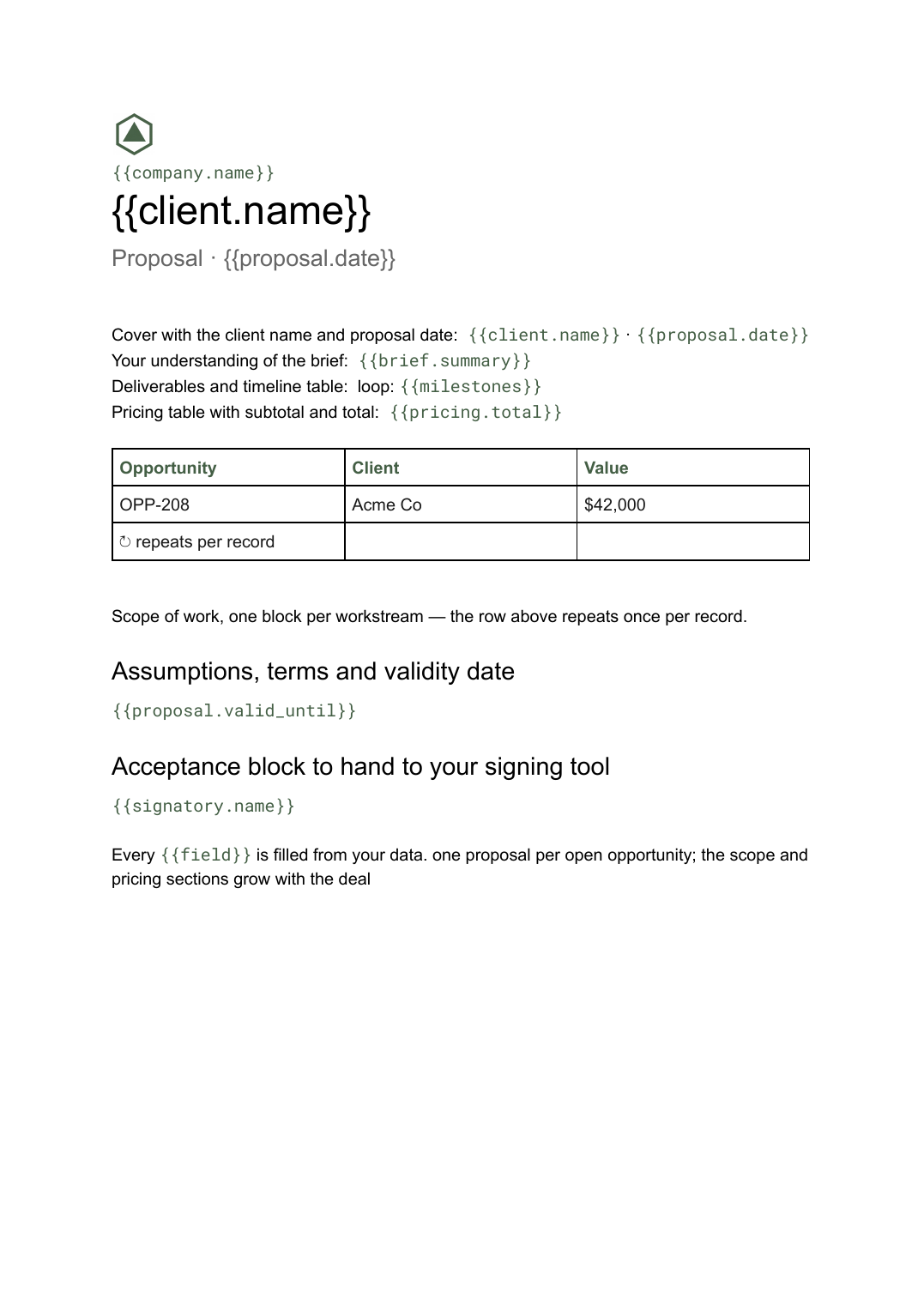 Google Docs
 Business proposal template for Google Docs
A client-facing proposal with scope, deliverables and pricing, generated one per opportunity from your deal data.
View templateCommon questions, answered
Can I use my own one-pager design? +
Why is a one pager built in Slides rather than Docs? +
What if a product has more features than the layout fits? +
Can I generate a page for every product at once? +
Generate this document from your data
Start on the free plan, connect a data source, and export a real Google Slides document. No watermark, no credit card.