Quote template
A priced quotation with a line-item table and a validity date, generated one per enquiry from your pricing data.
Free plan, no credit card. Bring your own design or start from this layout.
What’s in this template
Every block is bound to a field in your data. The layout stays exactly as designed; only the values change from one run to the next.
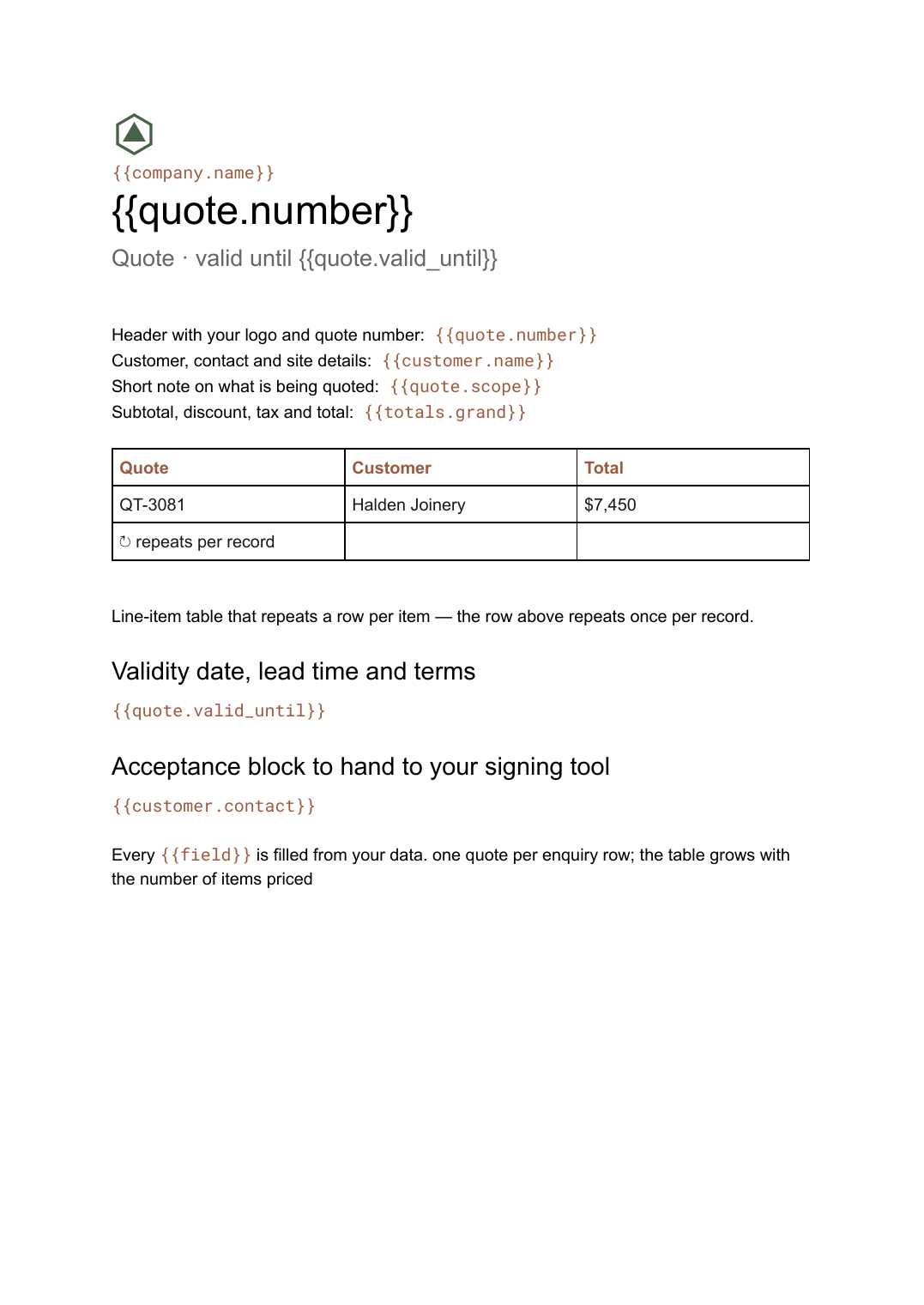
- Header with your logo and quote number {{quote.number}}
- Customer, contact and site details {{customer.name}}
- Short note on what is being quoted {{quote.scope}}
- Line-item table that repeats a row per item loop: {{items}}
- Subtotal, discount, tax and total {{totals.grand}}
- Validity date, lead time and terms {{quote.valid_until}}
- Acceptance block to hand to your signing tool {{customer.contact}}
How this template fills itself
Connect Airtable, Google Sheets, a SQL database, a CSV or a REST API, map each field to a placeholder, and generate. One run can produce a single document or one per matching record.
Enquiries · Google Sheets
Template: Google Slides or Docs
{{quote.number}}
Quote · valid until {{quote.valid_until}}
{{customer.name}}
loop: {{items}} → row
{{totals.grand}}
one quote per enquiry row; the table grows with the number of items priced
Generated output
DocsPDFQT-3081
Quote · valid until 4 Oct 2026
Halden Joinery
9 line items
$7,450 total
Who uses this template
Trades and installers
Price a job in the sheet you already use for estimates and hand the customer a document that matches it line for line.
Read the guideB2B sales teams
Turn a configured deal into a quote the moment it is priced, instead of editing last week's quote for a different customer.
Read the guideSuppliers and wholesalers
Quote from live catalogue prices so the figure you send is the figure your system holds today.
Read the guideA quote is a short document with one genuinely variable part: the list of what you are pricing. Everything else — your letterhead, terms, lead times, validity period — is the same on every quote you send. That is a good fit for Google Docs, where the line-item table repeats a row per item and the page breaks look after themselves, so the layout survives a job that turned out to need thirty lines instead of four.
Quote and invoice should share a source
The most common failure is a quote priced in one place and an invoice raised in another, so the customer receives two documents that disagree. If both read from the same record — same items, same rates, same tax treatment — the invoice becomes the quote with a different heading and no retyping in between. It also makes chasing easier: the validity date is a field, so you can filter to quotes expiring this week and regenerate or follow up on the batch.
Related templates
All sales & pricing →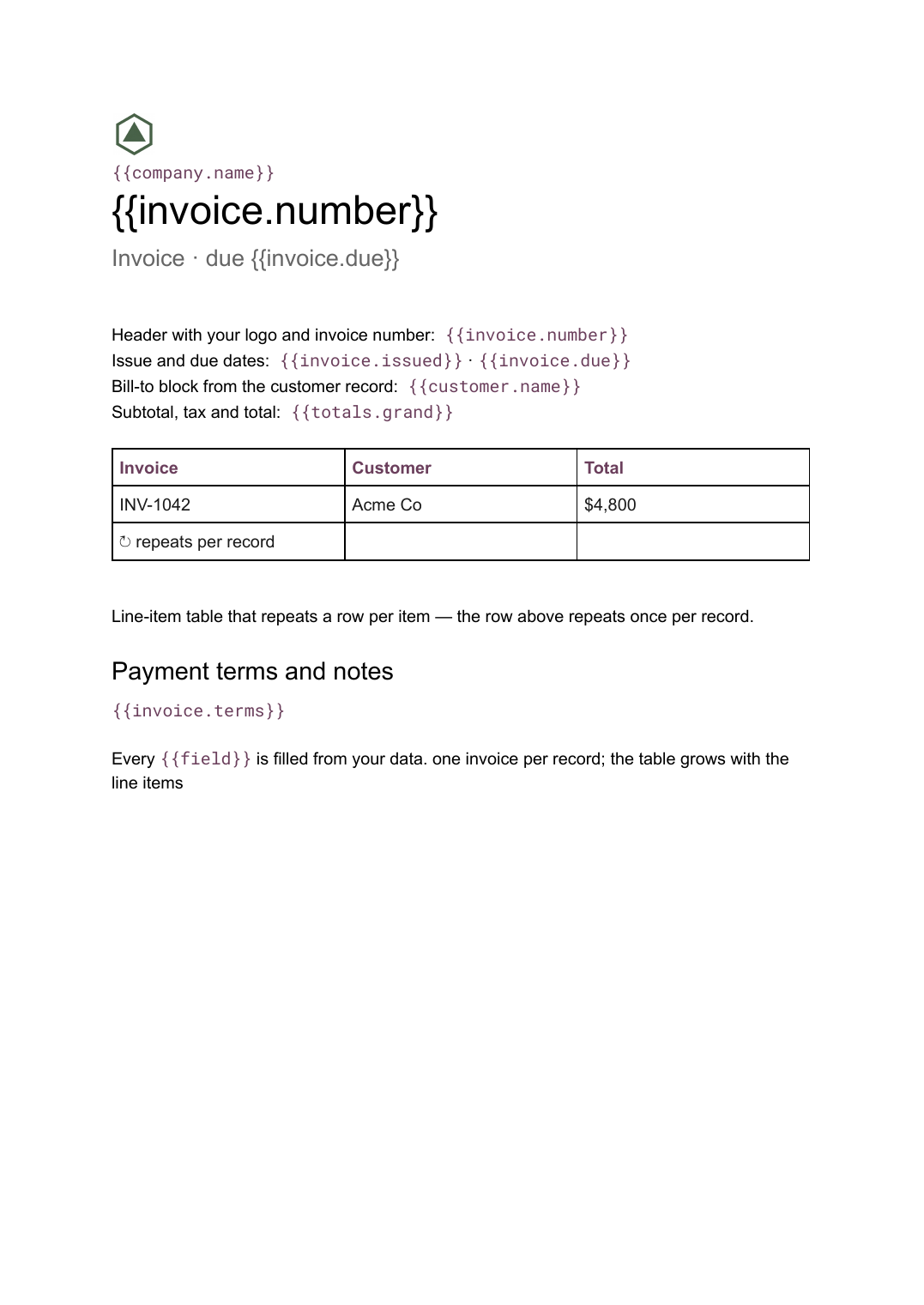 Google Docs
 Invoice template for Google Docs
A billing document with a line-item table that grows with the job, generated one per record from your billing data.
View template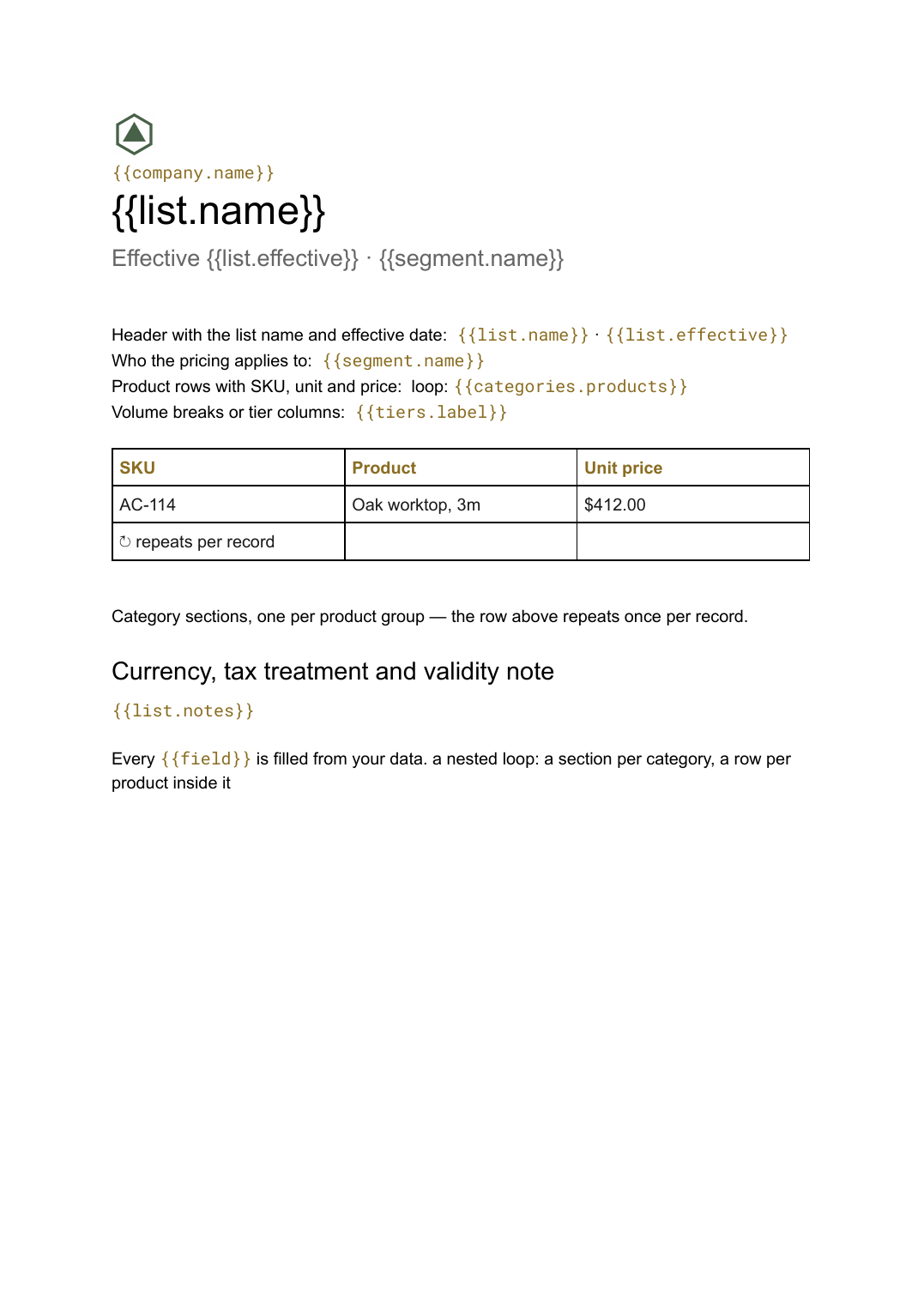 Google Docs
 Price list template
A grouped list of products and prices, generated from your catalogue so every version you send is current.
View template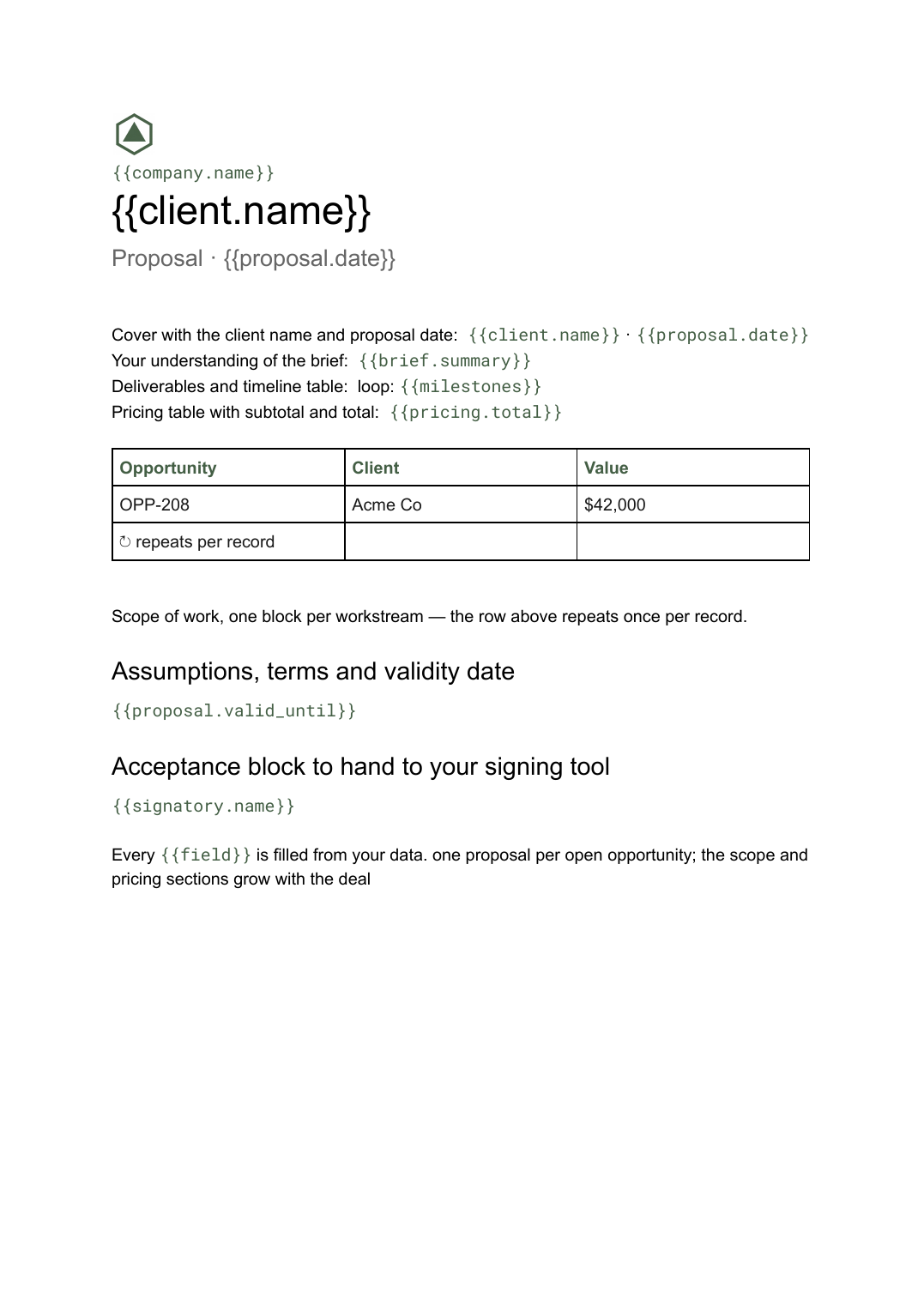 Google Docs
 Business proposal template for Google Docs
A client-facing proposal with scope, deliverables and pricing, generated one per opportunity from your deal data.
View template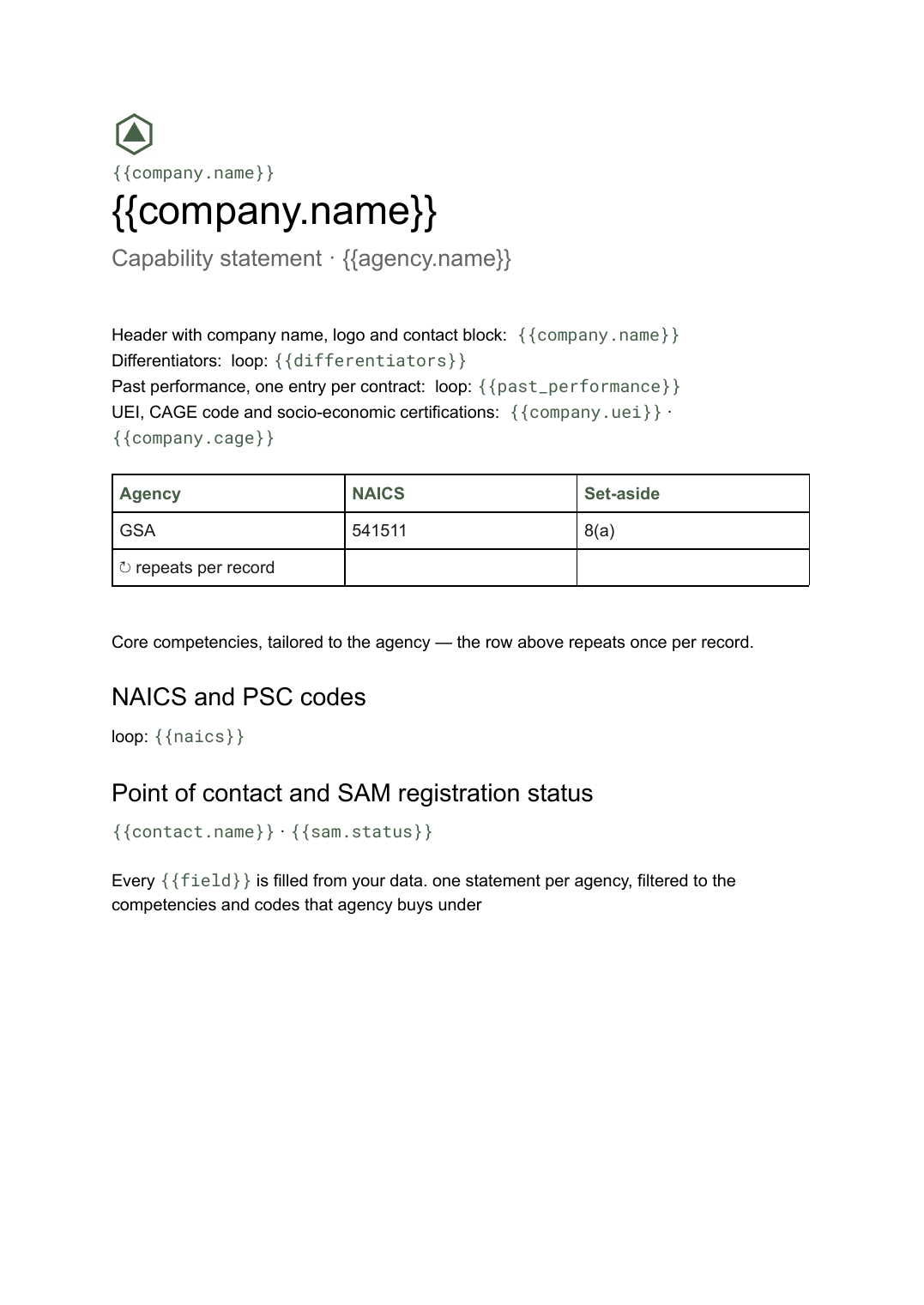 Google Docs
 Capability statement template
A one-page government contracting summary with core competencies, codes and past performance, generated from one company record.
View templateCommon questions, answered
Can I use my own quote design? +
Does the line-item table grow with the job? +
Where do the prices and quote numbers come from? +
Can the customer sign the quote here? +
Generate this document from your data
Start on the free plan, connect a data source, and export a real Google Docs document. No watermark, no credit card.