Award certificate template
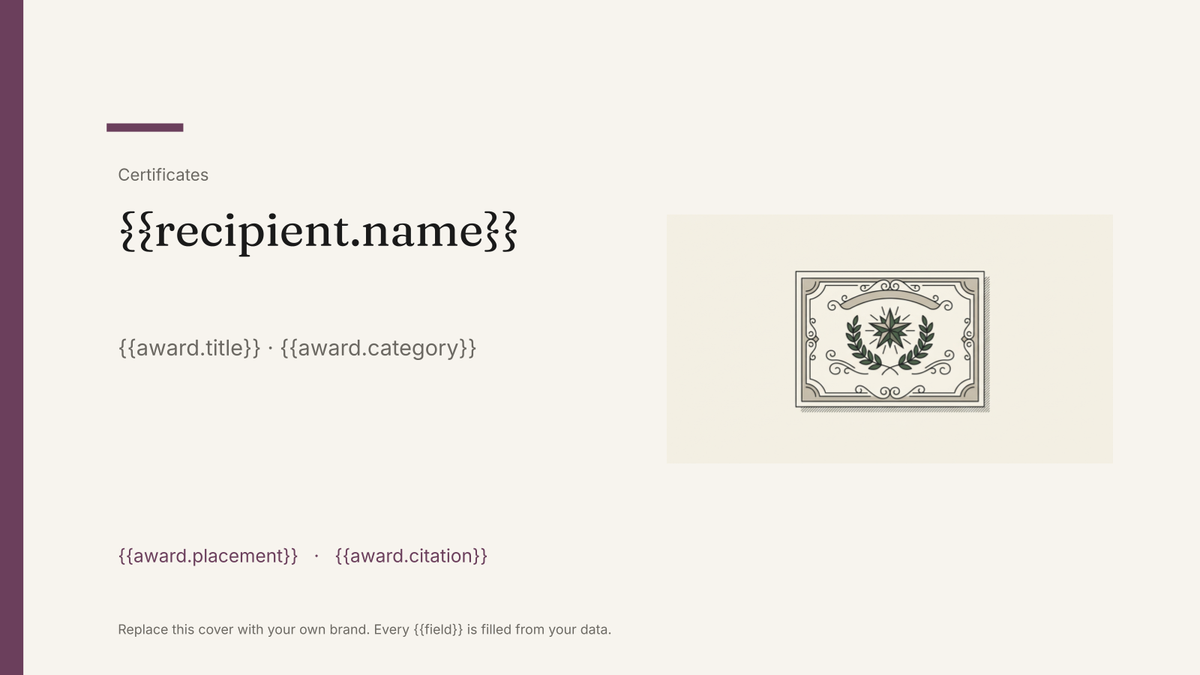
A branded certificate recognising an award or achievement, generated one per recipient from your winners list.
Free plan, no credit card. Bring your own design or start from this layout.
What’s in this template
Every block is bound to a field in your data. The layout stays exactly as designed; only the values change from one run to the next.
- Organisation lockup and award title {{award.title}}
- Recipient name in display type {{recipient.name}}
- Category or citation line {{award.category}}
- Short citation text from the record {{award.citation}}
- Award date and occasion {{award.date}} · {{award.occasion}}
- Signature block and seal {{signatory.name}} · {{signatory.role}}
How this template fills itself
Connect Airtable, Google Sheets, a SQL database, a CSV or a REST API, map each field to a placeholder, and generate. One run can produce a single document or one per matching record.
Winners · Google Sheets
Template: Google Slides or Docs
{{recipient.name}}
{{award.title}} · {{award.category}}
{{award.placement}}
{{award.citation}}
{{award.date}}
one certificate per winner row; filter by category to print each set separately
Generated output
SlidesPDFMarta Nunes
Excellence Awards 2026 · Innovation
Winner
For rebuilding the delivery platform end to end.
18 June 2026
Who uses this template
Awards and industry bodies
Produce every winner and finalist certificate from the results sheet the night the judging closes.
Read the guideHR and people teams
Issue recognition certificates across a company from the nominations list without designing each one.
Read the guideSchools, clubs and associations
Generate certificates for a whole prize list in one run and print them as a single PDF.
Read the guideAn award certificate is a designed object with a name in the middle of it. The border, seal and typography are the whole point and never change; the recipient, category, citation and date change on every copy. Google Slides holds that design exactly, and each row of the winners list produces its own certificate in the same run.
One row per recipient, citations included
The awards that go smoothly keep results in one table: recipient, category, placement, citation, date. Generate from it and the certificates are correct because the sheet is correct — no retyping a name from an email at eleven at night. These are branded certificate documents rather than verifiable credentials, so there is no verification page, no Open Badges and no recipient analytics; what you get is a PDF set ready for the printer. Filter by category or placement to keep the print batches sorted in the order they will be handed out.
Related templates
All certificates & credentials →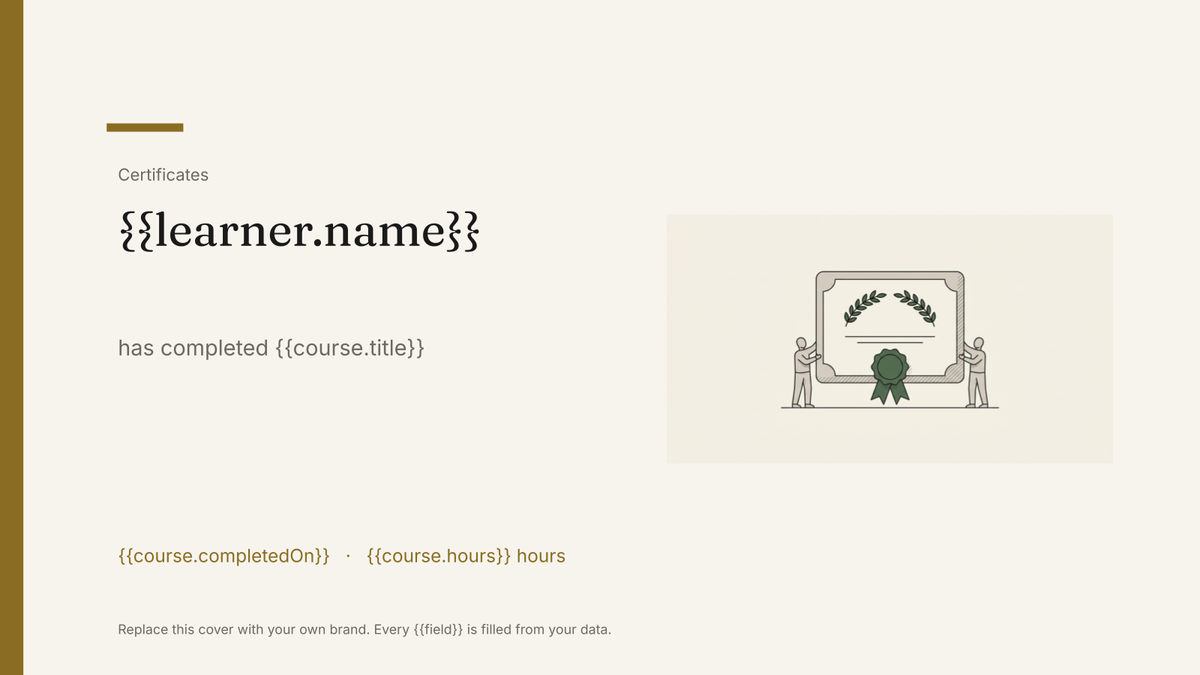 Google Slides
 Certificate of completion template
A branded certificate marking a completed course or programme, generated one per learner from your course records.
View template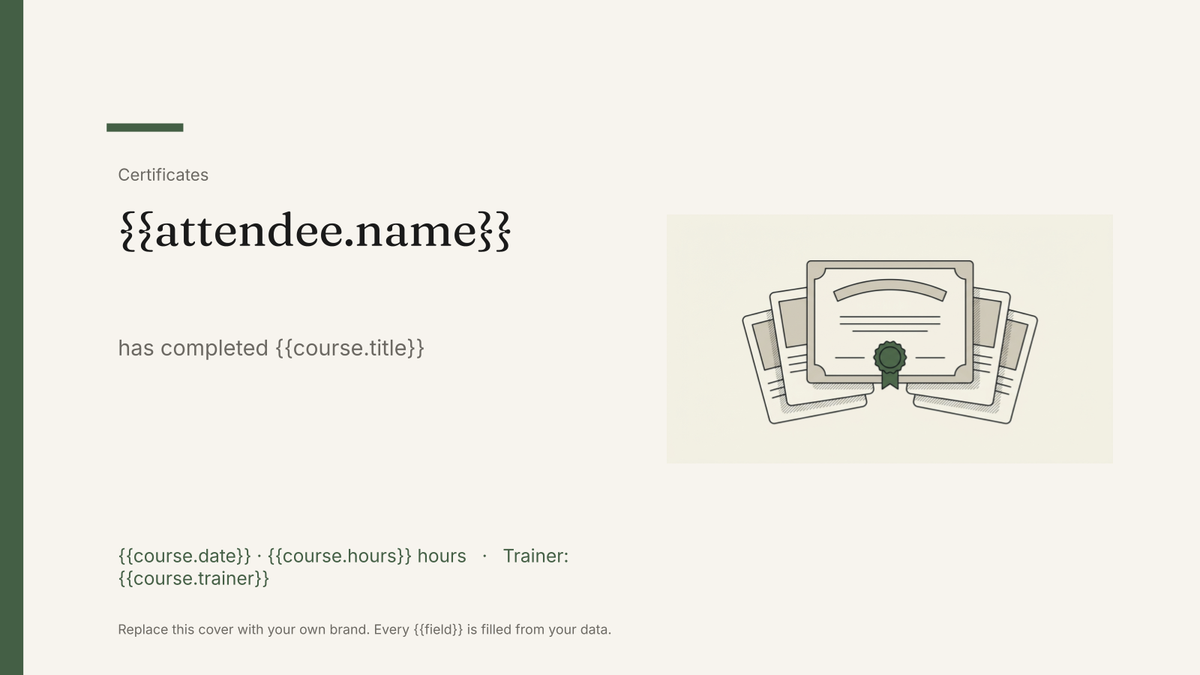 Google Slides
 Training certificate template
A branded certificate recording a training course, its hours and its expiry, generated one per attendee from your training records.
View template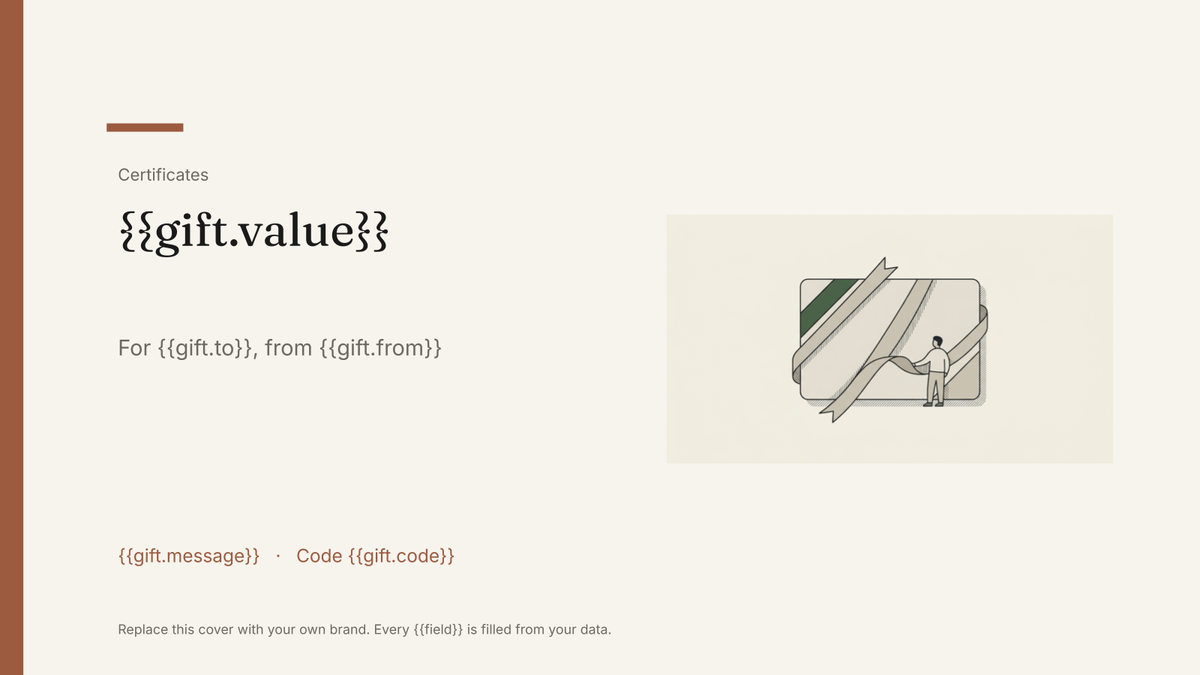 Google Slides
 Gift certificate template
A branded gift certificate carrying a value, code and expiry, generated one per order from your sales data.
View template Google Slides
 Membership card template
A printable member card carrying a name, number, tier and renewal date, generated one per member from your membership list.
View templateCommon questions, answered
Are these verifiable or shareable credentials? +
Can I generate winners and finalists in one run? +
Can I use my own award certificate design? +
Can each certificate carry its own citation? +
Generate this document from your data
Start on the free plan, connect a data source, and export a real Google Slides document. No watermark, no credit card.