Certificate of completion template
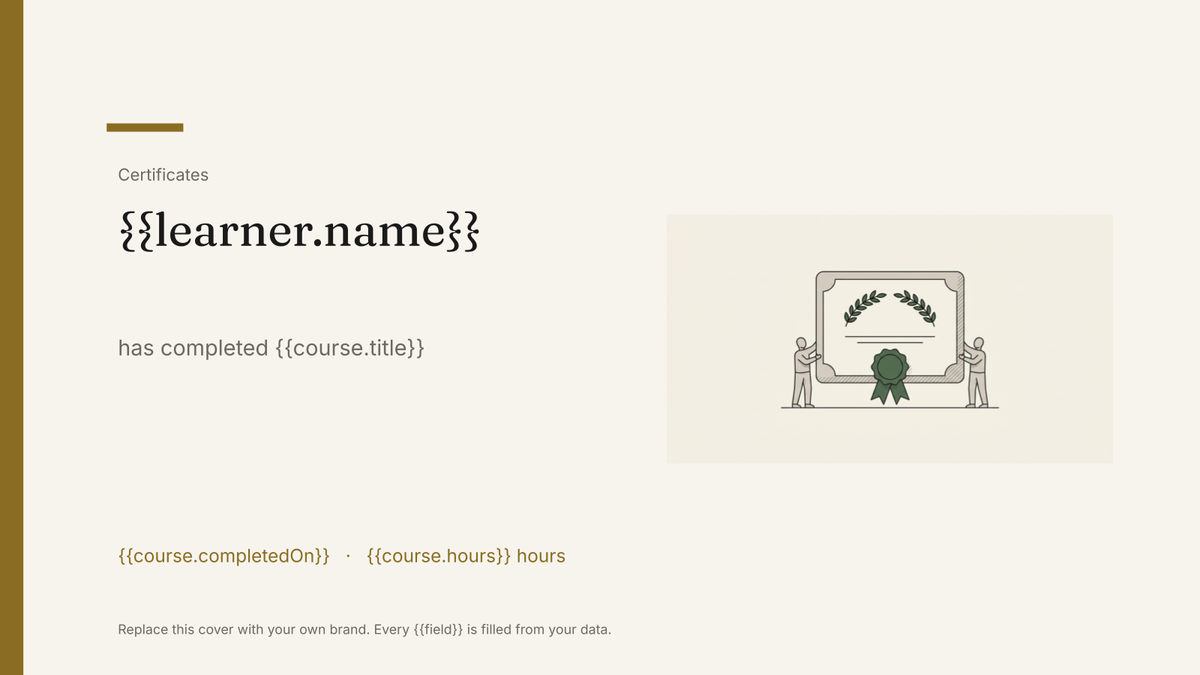
A branded certificate marking a completed course or programme, generated one per learner from your course records.
Free plan, no credit card. Bring your own design or start from this layout.
What’s in this template
Every block is bound to a field in your data. The layout stays exactly as designed; only the values change from one run to the next.
- Organisation lockup and certificate title {{org.name}}
- Recipient name in display type {{learner.name}}
- Course or programme completed {{course.title}}
- Completion date and duration {{course.completedOn}} · {{course.hours}}
- Signature block and printed name {{signatory.name}} · {{signatory.role}}
- Reference number in the footer {{certificate.ref}}
How this template fills itself
Connect Airtable, Google Sheets, a SQL database, a CSV or a REST API, map each field to a placeholder, and generate. One run can produce a single document or one per matching record.
Completions · Airtable
Template: Google Slides or Docs
{{learner.name}}
has completed {{course.title}}
{{course.completedOn}}
{{course.hours}} hours
{{certificate.ref}}
one certificate per completion row; filter to the cohort you are issuing
Generated output
SlidesPDFTom Alvarez
has completed Data Foundations
12 March 2026
16 hours
DF-2026-0184
Who uses this template
Training providers
Issue a certificate for every learner in a cohort from the completions table in one run.
Read the guideInternal L&D teams
Produce completion certificates for compliance and onboarding courses without designing each one.
Read the guideCourse platforms and academies
Generate certificates from the records your platform already exports, on a schedule or via the API.
Read the guideA certificate of completion is a fixed design with three or four variable fields in it, produced once per learner. That is exactly what a Google Slides template is good at: the border, seal and signature block sit where the designer placed them, and each completion record fills in a name, a course and a date.
What this is, and what it is not
These are branded certificate documents, not verifiable credentials. You get Slides and print-ready PDFs to send, print or file; there is no verification URL, no Open Badges issuing and no tracking of who viewed a certificate. For most training teams that is precisely what is needed, because the record of who completed what already lives in the LMS or the base. Keep the reference number there too, generate the certificate from that row, and the document stays a rendering of your records rather than a second, drifting copy of them.
Related templates
All certificates & credentials →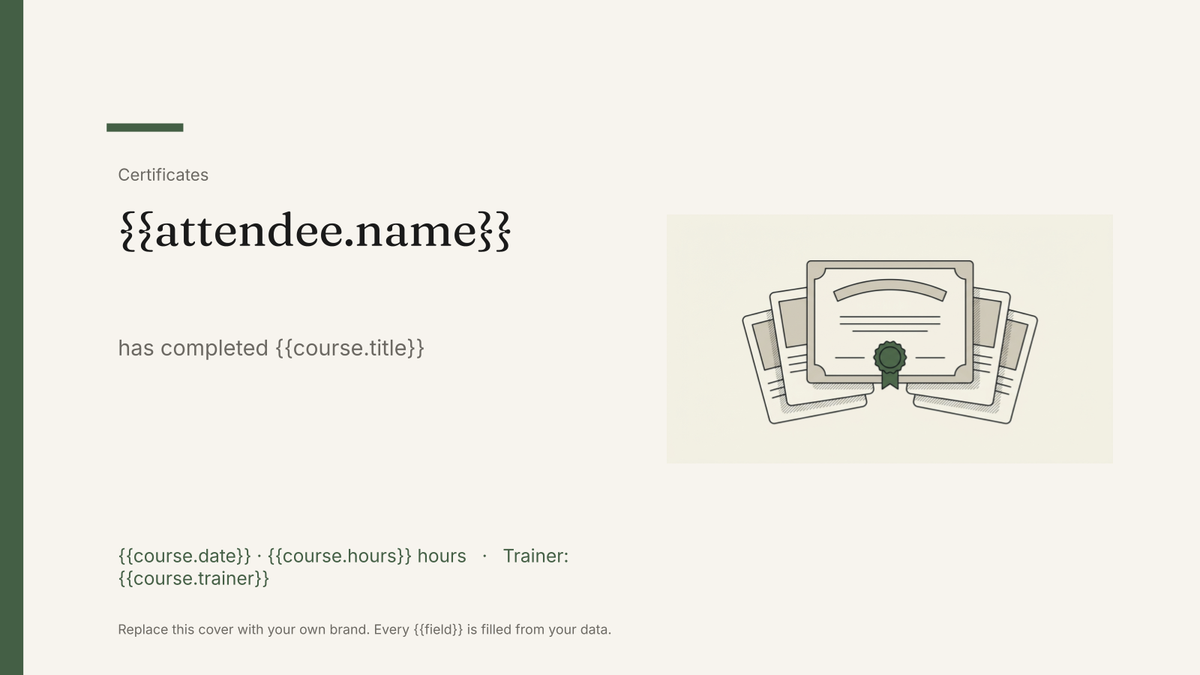 Google Slides
 Training certificate template
A branded certificate recording a training course, its hours and its expiry, generated one per attendee from your training records.
View template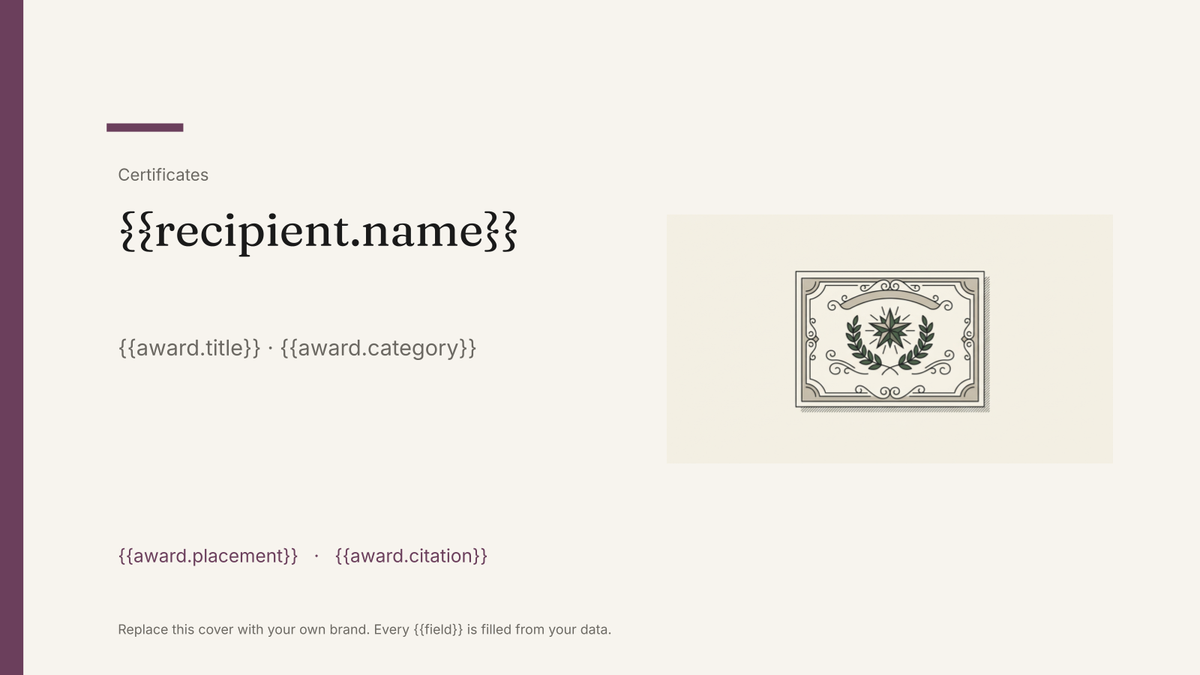 Google Slides
 Award certificate template
A branded certificate recognising an award or achievement, generated one per recipient from your winners list.
View template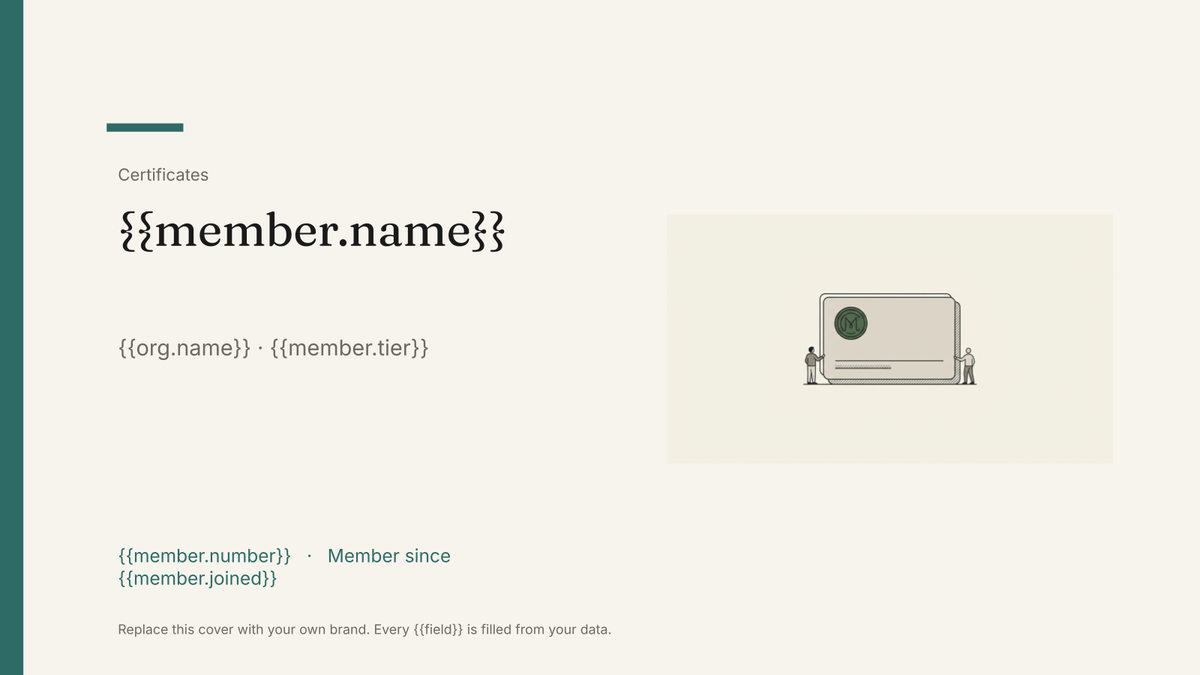 Google Slides
 Membership card template
A printable member card carrying a name, number, tier and renewal date, generated one per member from your membership list.
View template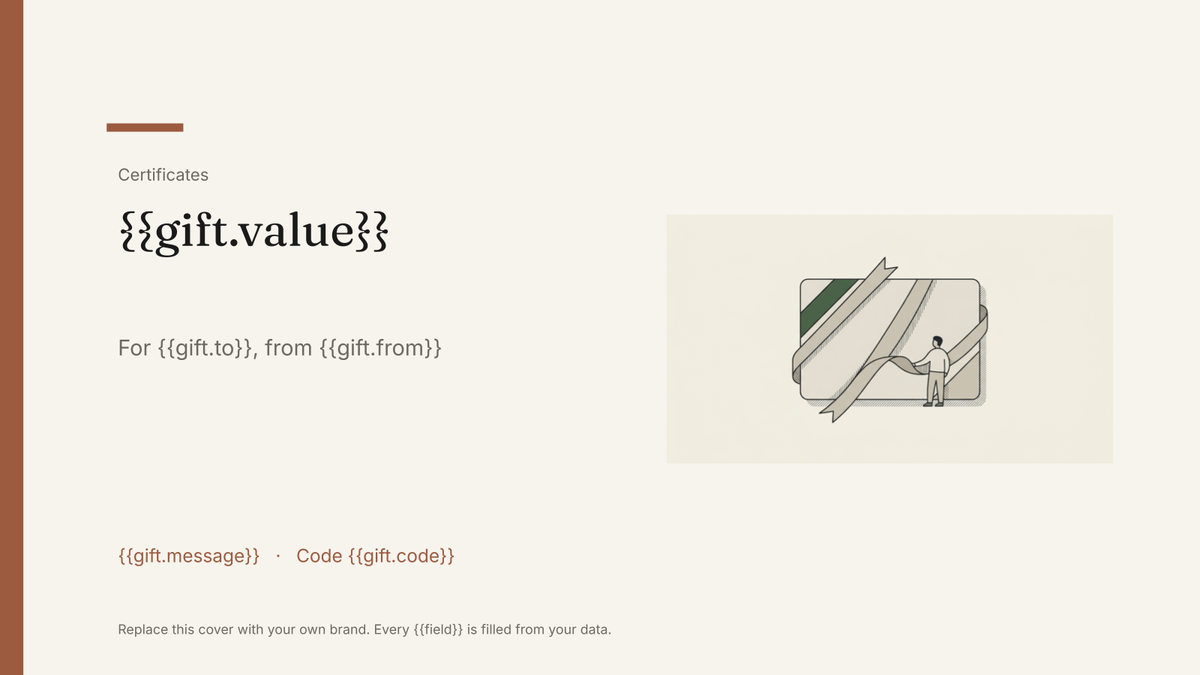 Google Slides
 Gift certificate template
A branded gift certificate carrying a value, code and expiry, generated one per order from your sales data.
View templateCommon questions, answered
Are these verifiable credentials? +
Can I issue a whole cohort at once? +
Can I use my own certificate design? +
Where do the reference numbers come from? +
Generate this document from your data
Start on the free plan, connect a data source, and export a real Google Slides document. No watermark, no credit card.