Training certificate template
A branded certificate recording a training course, its hours and its expiry, generated one per attendee from your training records.
Free plan, no credit card. Bring your own design or start from this layout.
What’s in this template
Every block is bound to a field in your data. The layout stays exactly as designed; only the values change from one run to the next.
- Training body lockup and certificate title {{org.name}}
- Attendee name in display type {{attendee.name}}
- Course title and standard covered {{course.title}} · {{course.standard}}
- Training date, hours and trainer {{course.date}} · {{course.trainer}}
- Valid-until date for refresher tracking {{certificate.expires}}
- Signature block and certificate reference {{signatory.name}} · {{certificate.ref}}
How this template fills itself
Connect Airtable, Google Sheets, a SQL database, a CSV or a REST API, map each field to a placeholder, and generate. One run can produce a single document or one per matching record.
Training records · SQL database
Template: Google Slides or Docs
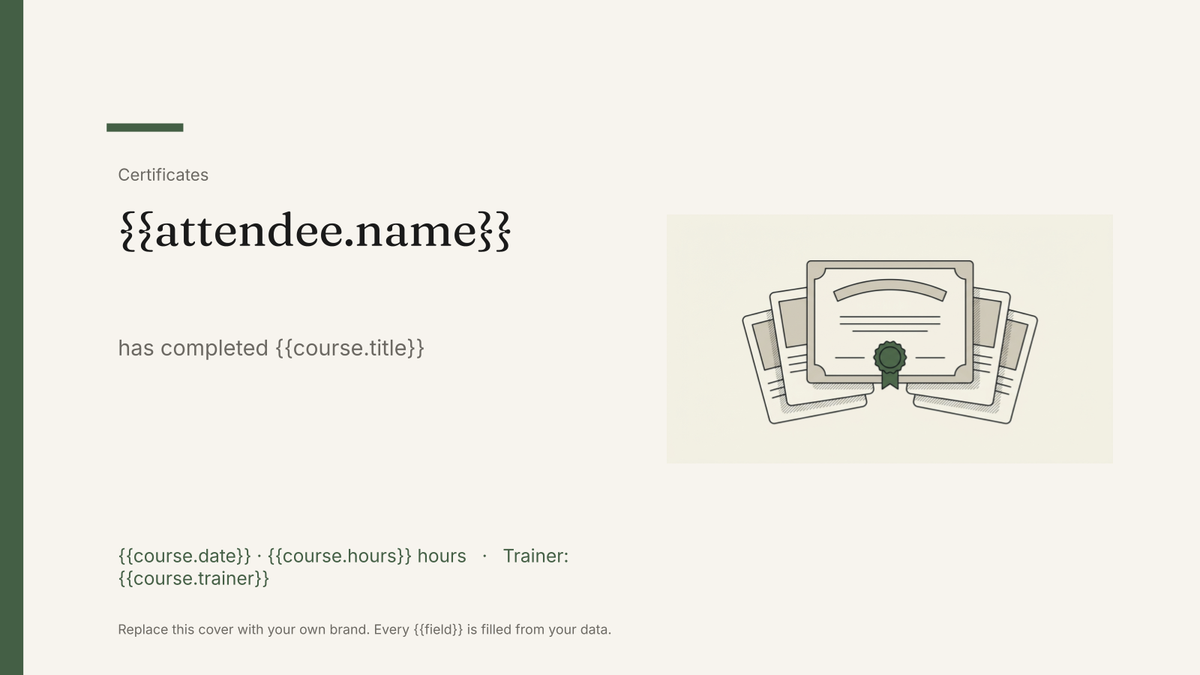
{{attendee.name}}
has completed {{course.title}}
{{course.date}} · {{course.hours}} hours
Trainer: {{course.trainer}}
Valid until {{certificate.expires}}
one certificate per training record; filter to a session or a site
Generated output
SlidesPDFInes Weber
has completed Manual handling
14 April 2026 · 4 hours
Trainer: J. Okafor
Valid until 14 April 2028
Who uses this template
Training and compliance teams
Issue certificates for every attendee on a session and keep the expiry date on the document itself.
Read the guideHealth and safety providers
Produce certificates per course from the training register you already maintain for audits.
Read the guideOperations teams tracking renewals
Generate the refresher batch on a schedule when records approach their valid-until date.
Read the guideTraining certificates are issued in batches: a session finishes, and everyone on the register needs the same document with a different name on it. The layout is fixed by the awarding body or your own brand, so it belongs in Google Slides, where the border, marks and signature block stay exactly where they were placed.
Keep the register authoritative
These are branded certificate documents, not verifiable credentials — no verification page, no Open Badges, no view tracking — so the register has to remain the record that counts. Store attendee, course, standard, hours, trainer, reference and valid-until in one row and generate from it. That way an auditor asking who was trained on what is answered from the data, not from a folder of PDFs. It also makes the refresher run trivial: query the records approaching expiry, run the session again, issue the new certificates from the same template.
Related templates
All certificates & credentials →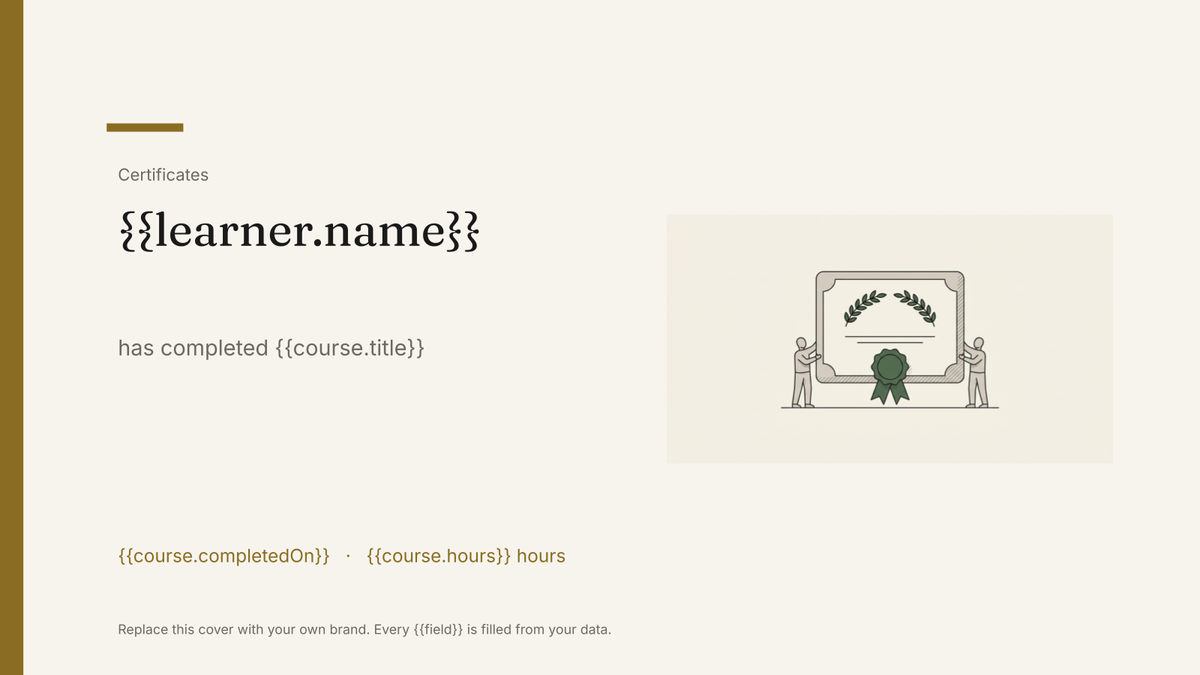 Google Slides
 Certificate of completion template
A branded certificate marking a completed course or programme, generated one per learner from your course records.
View template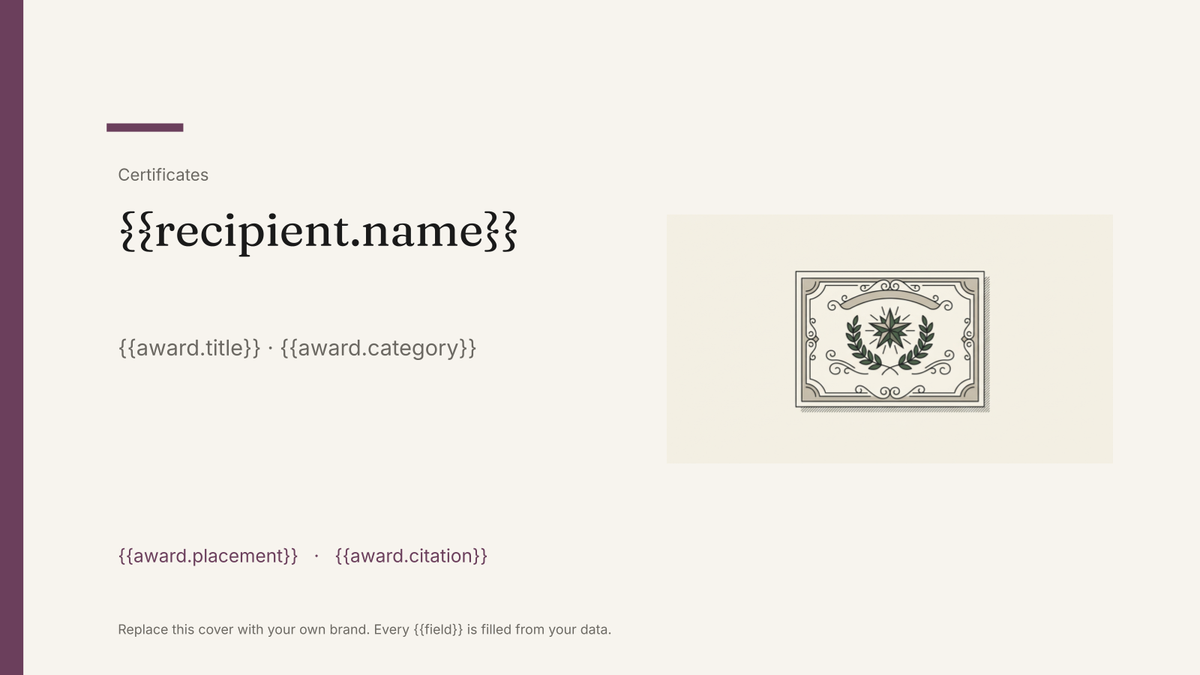 Google Slides
 Award certificate template
A branded certificate recognising an award or achievement, generated one per recipient from your winners list.
View template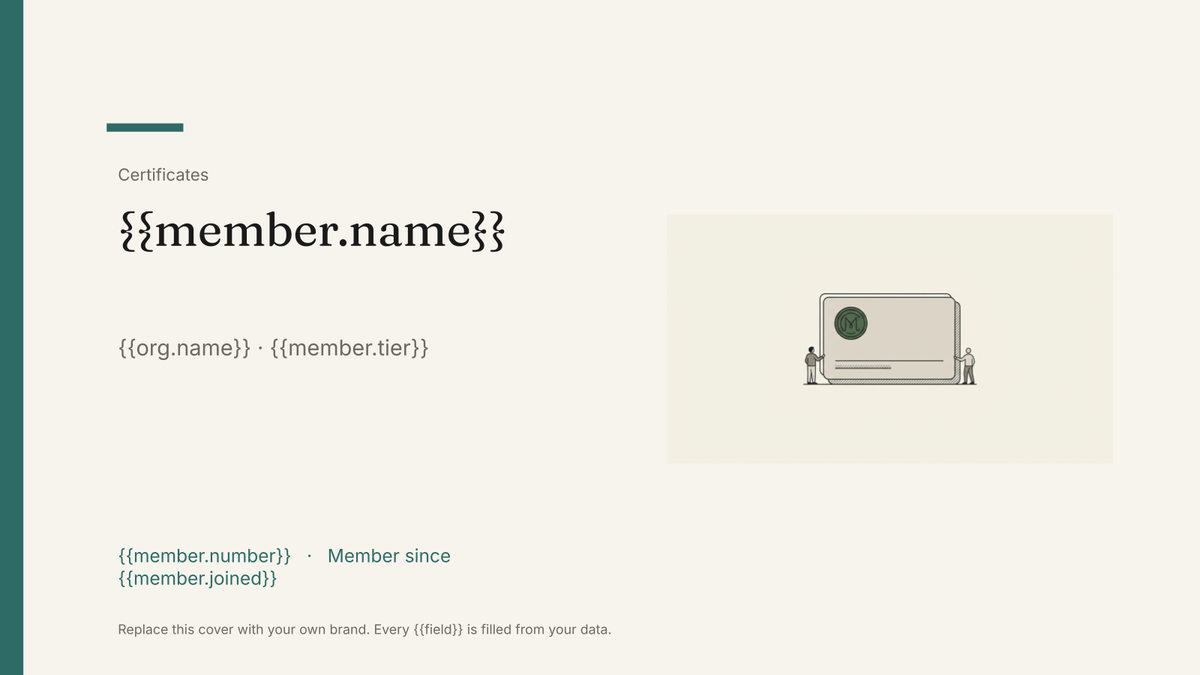 Google Slides
 Membership card template
A printable member card carrying a name, number, tier and renewal date, generated one per member from your membership list.
View template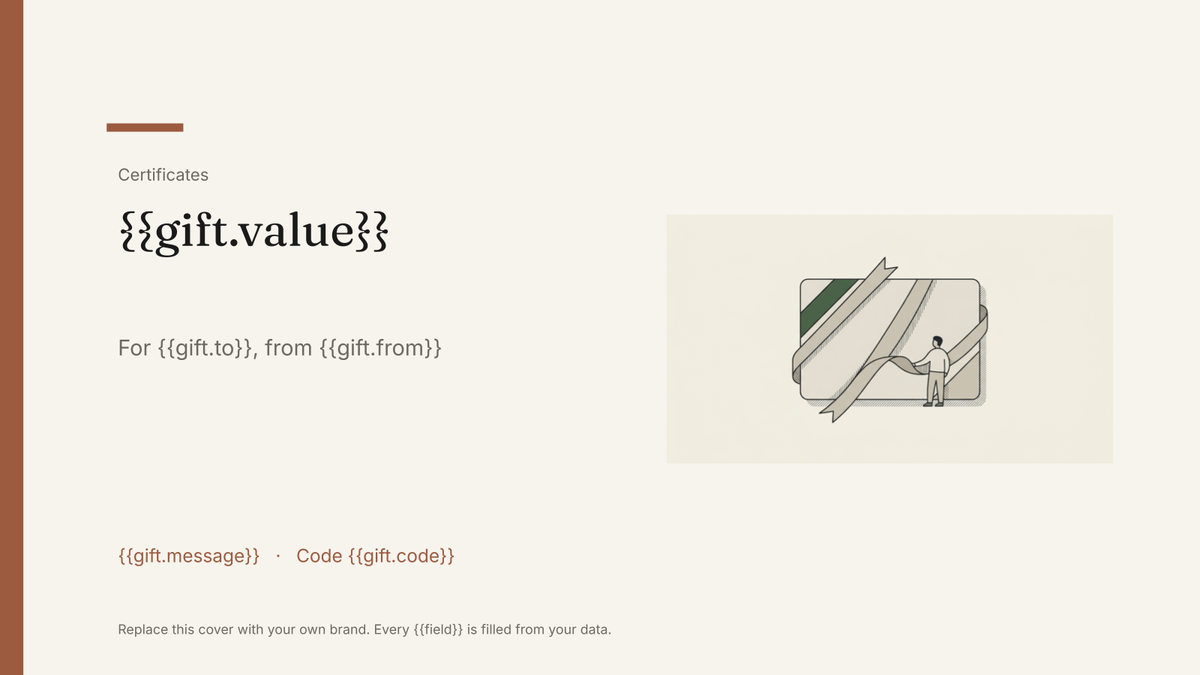 Google Slides
 Gift certificate template
A branded gift certificate carrying a value, code and expiry, generated one per order from your sales data.
View templateCommon questions, answered
Do these certificates get verified online? +
Can I issue a whole session's certificates at once? +
Can I use my own training certificate design? +
How do expiry dates and refreshers work? +
Generate this document from your data
Start on the free plan, connect a data source, and export a real Google Slides document. No watermark, no credit card.