Gift certificate template
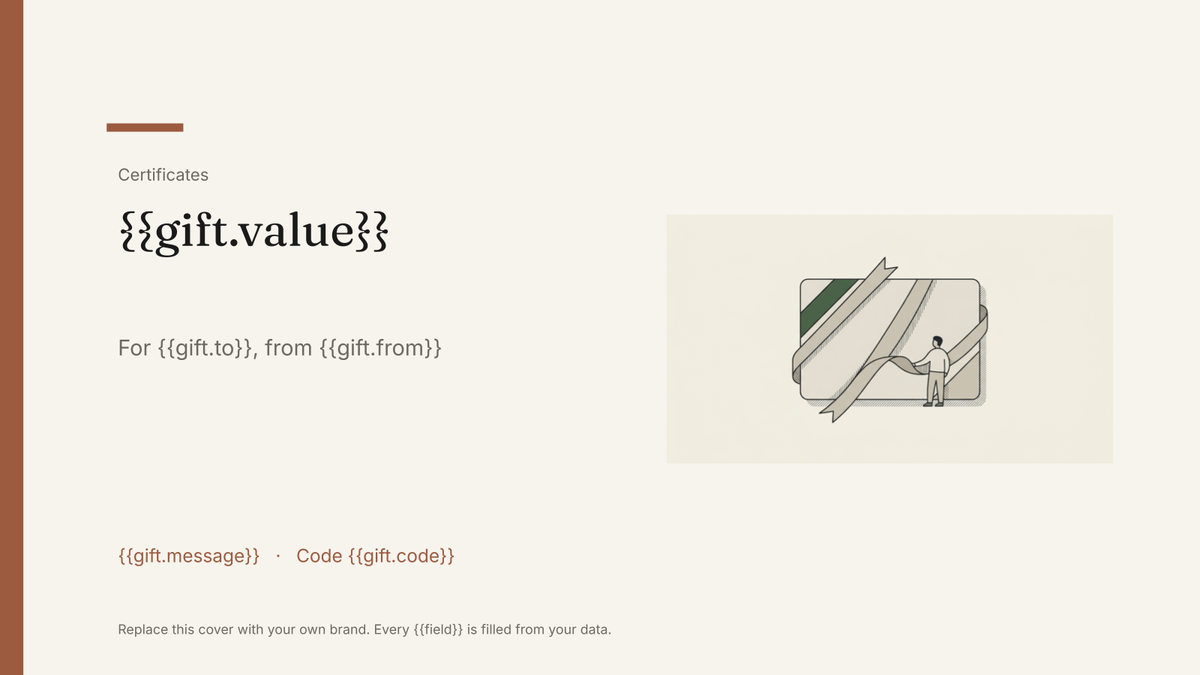
A branded gift certificate carrying a value, code and expiry, generated one per order from your sales data.
Free plan, no credit card. Bring your own design or start from this layout.
What’s in this template
Every block is bound to a field in your data. The layout stays exactly as designed; only the values change from one run to the next.
- Brand lockup and gift certificate title {{brand.name}}
- Value or treatment being gifted {{gift.value}}
- Recipient and sender names {{gift.to}} · {{gift.from}}
- Personal message from the order {{gift.message}}
- Redemption code and expiry date {{gift.code}} · {{gift.expires}}
- Terms line and how to redeem {{gift.terms}}
How this template fills itself
Connect Airtable, Google Sheets, a SQL database, a CSV or a REST API, map each field to a placeholder, and generate. One run can produce a single document or one per matching record.
Gift orders · Airtable
Template: Google Slides or Docs
{{gift.value}}
For {{gift.to}}, from {{gift.from}}
{{gift.message}}
Code {{gift.code}}
Valid until {{gift.expires}}
one certificate per gift order; filter to orders not yet issued
Generated output
SlidesPDF£75
For Ines Weber, from Tom Alvarez
Happy birthday — enjoy!
Code GC-8801-7Y
Valid until 30 June 2027
Who uses this template
Salons, spas and studios
Issue a personalised certificate per gift order instead of writing out pre-printed cards.
Read the guideIndependent retailers
Generate gift certificates from the orders table with the code and expiry already on them.
Read the guideHospitality and experience businesses
Produce a branded certificate for every voucher sold, on a schedule or on order via the API.
Read the guideA gift certificate is a small piece of brand design that happens to carry a value and a code. The layout is fixed and worth getting right; the value, names, message, code and expiry differ on every one. Google Slides is the natural home for it, because the card holds its design and each gift order produces a copy with the right details on it.
Print what the order record says
The safe pattern is that the shop or booking system owns the code, the value and the expiry, and the certificate prints them. Nothing is minted in the template, so there is never a certificate in circulation your records do not know about. These are branded documents rather than verifiable credentials — no verification page, no redemption tracking, no recipient analytics — so redemption stays in the system that sold the voucher. Keep personal messages short: a slide does not reflow, and a two-line message field is easier to design around than an open text box.
Related templates
All certificates & credentials →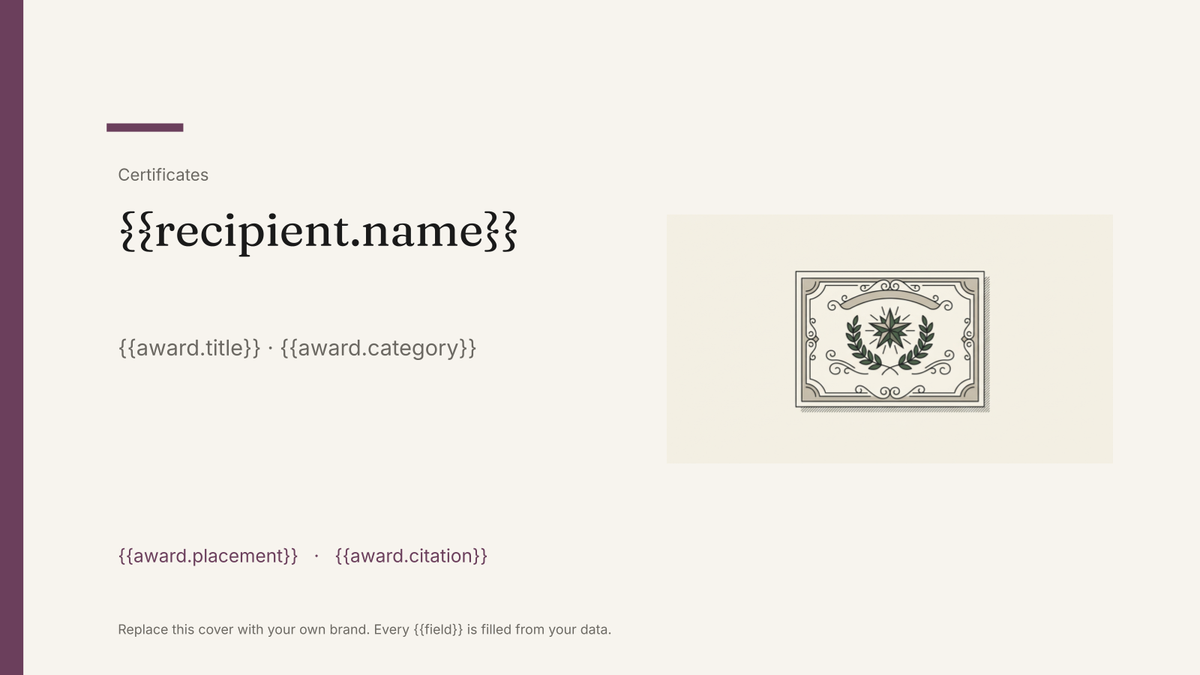 Google Slides
 Award certificate template
A branded certificate recognising an award or achievement, generated one per recipient from your winners list.
View template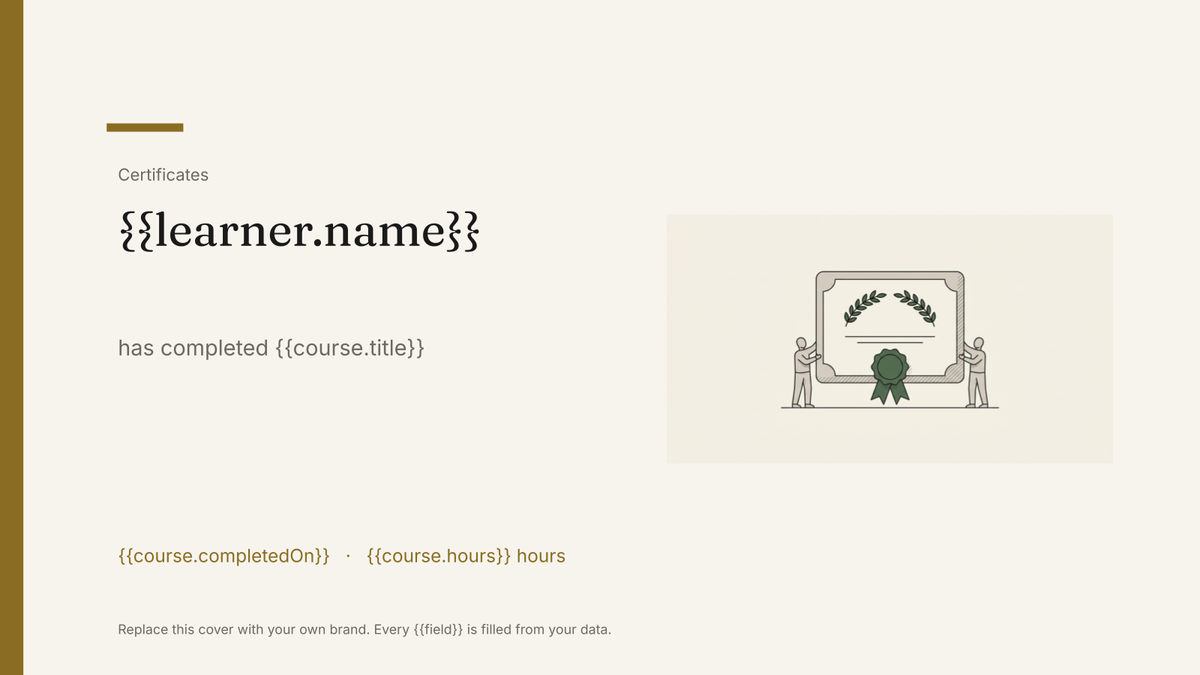 Google Slides
 Certificate of completion template
A branded certificate marking a completed course or programme, generated one per learner from your course records.
View template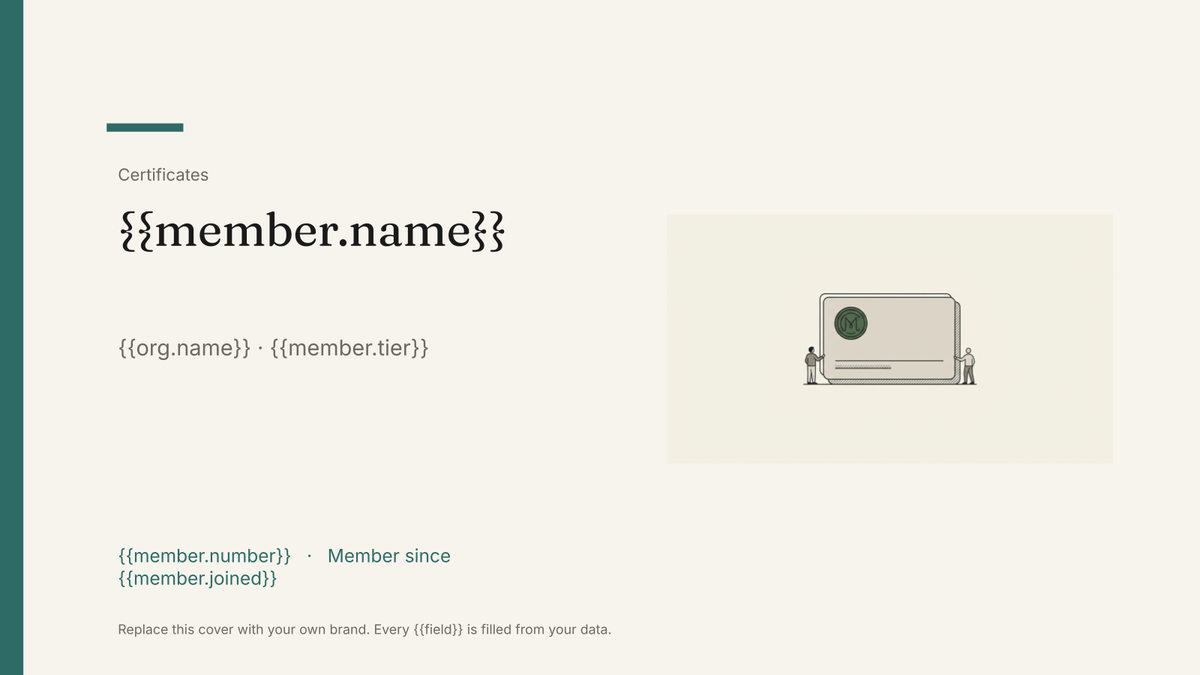 Google Slides
 Membership card template
A printable member card carrying a name, number, tier and renewal date, generated one per member from your membership list.
View template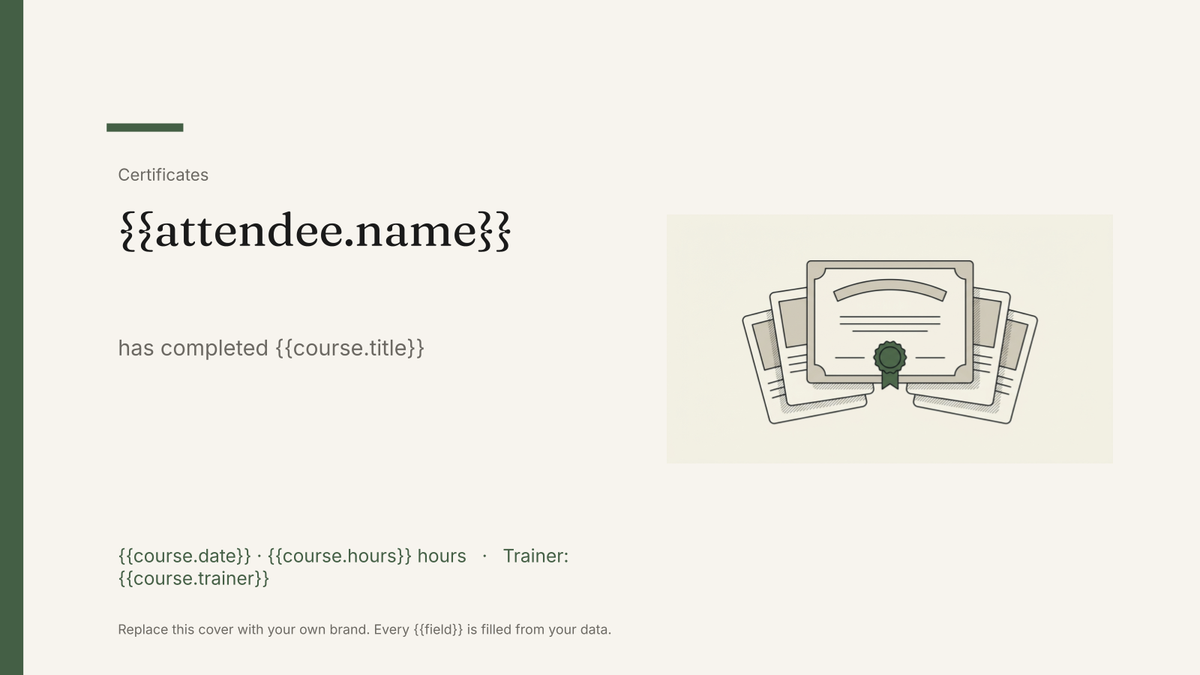 Google Slides
 Training certificate template
A branded certificate recording a training course, its hours and its expiry, generated one per attendee from your training records.
View templateCommon questions, answered
Does the certificate track redemption? +
Where do codes and expiry dates come from? +
Can I use my own gift certificate design? +
Can I issue certificates as the orders come in? +
Generate this document from your data
Start on the free plan, connect a data source, and export a real Google Slides document. No watermark, no credit card.