Membership card template
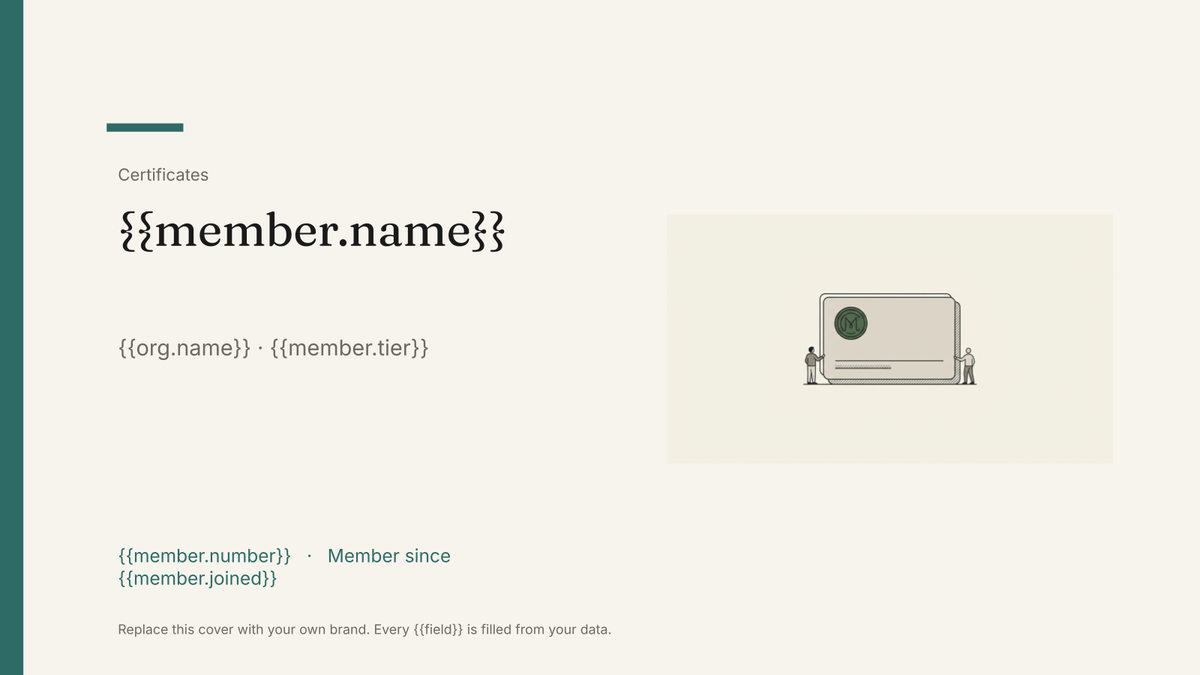
A printable member card carrying a name, number, tier and renewal date, generated one per member from your membership list.
Free plan, no credit card. Bring your own design or start from this layout.
What’s in this template
Every block is bound to a field in your data. The layout stays exactly as designed; only the values change from one run to the next.
- Organisation lockup on the card front {{org.name}}
- Member name {{member.name}}
- Membership number {{member.number}}
- Tier or category band {{member.tier}}
- Joined and renewal dates {{member.joined}} · {{member.renews}}
- Card back with benefits and contact details {{org.contact}}
How this template fills itself
Connect Airtable, Google Sheets, a SQL database, a CSV or a REST API, map each field to a placeholder, and generate. One run can produce a single document or one per matching record.
Members · Airtable
Template: Google Slides or Docs
{{member.name}}
{{org.name}} · {{member.tier}}
{{member.number}}
Member since {{member.joined}}
Renews {{member.renews}}
one card per member row; filter to new or renewing members for each print run
Generated output
SlidesPDFMarta Nunes
Riverside Association · Full
M-04412
Member since 2019
Renews 31 March 2027
Who uses this template
Associations and professional bodies
Print cards for new and renewing members from the membership database each cycle.
Read the guideClubs and community organisations
Produce member cards from the same list you use for renewals, without laying out each one.
Read the guideGyms and membership businesses
Generate a card per member on a schedule, including everyone who joined that month.
Read the guideA membership card is one designed item per member: the same small layout, printed as many times as you have members, with a different name, number and renewal date on each. Google Slides suits it because the card is drawn once at its exact size and nothing shifts when a longer name comes along — the design holds and the data fills it.
Generate the cycle, not the card
Membership lists move constantly, so treat printing as a filtered run rather than a project. Each cycle, select the members who joined or renewed since last time and generate their cards as one PDF. Because these are branded documents and not verifiable credentials — no verification page, no wallet pass, no view tracking — the database stays the authority on who is actually a member, and the card simply shows what was true when it was printed. Keep tier on the record so the colour band and benefits text follow it automatically.
Related templates
All certificates & credentials →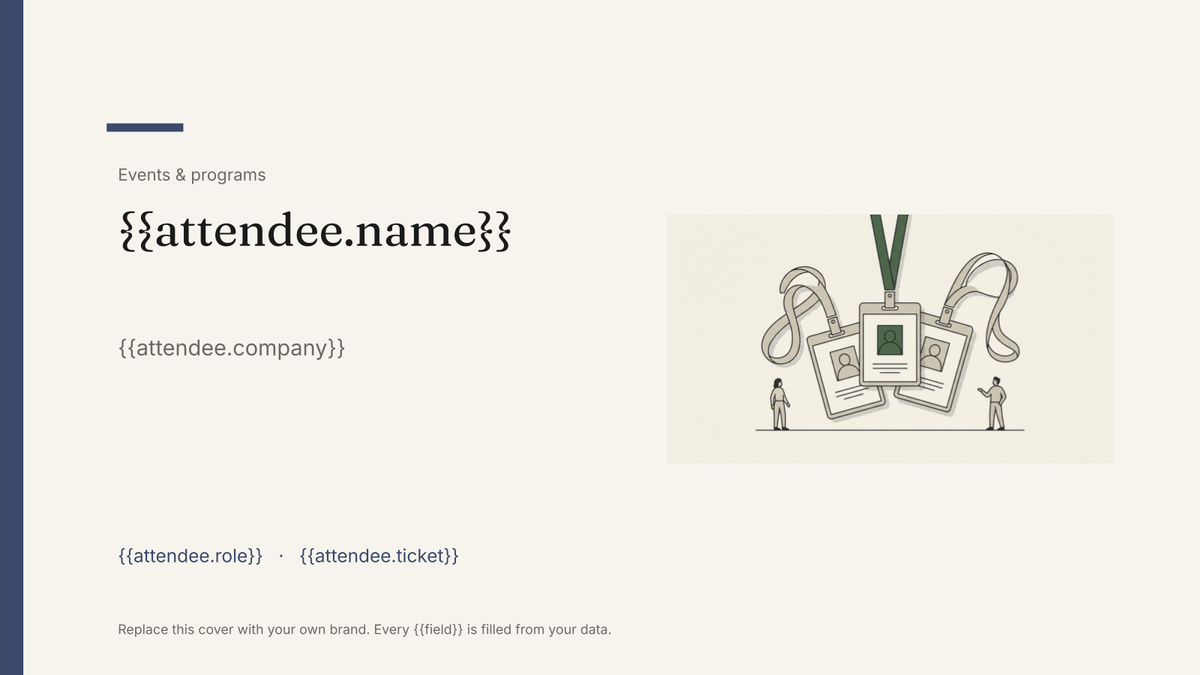 Google Slides
 Attendee name badge template
A printed conference badge with name, organisation and ticket type, generated one per attendee from the registration list.
View template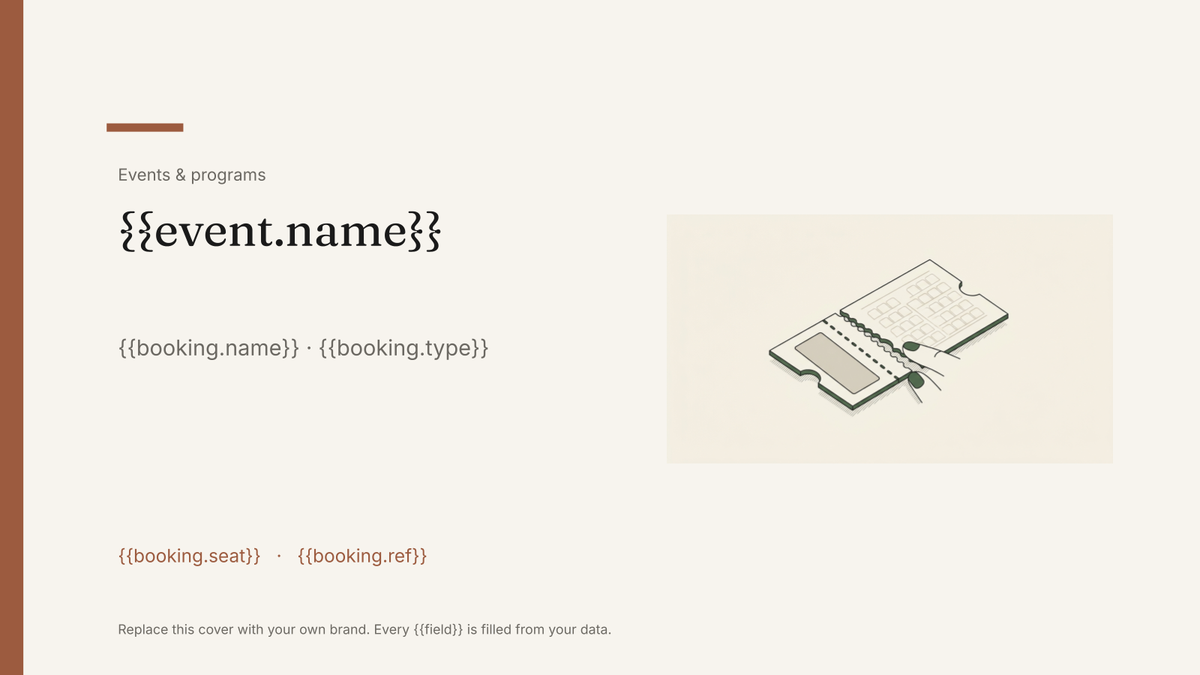 Google Slides
 Event ticket template
A printable ticket carrying the event, seat and booking reference, generated one per booking from your registration data.
View template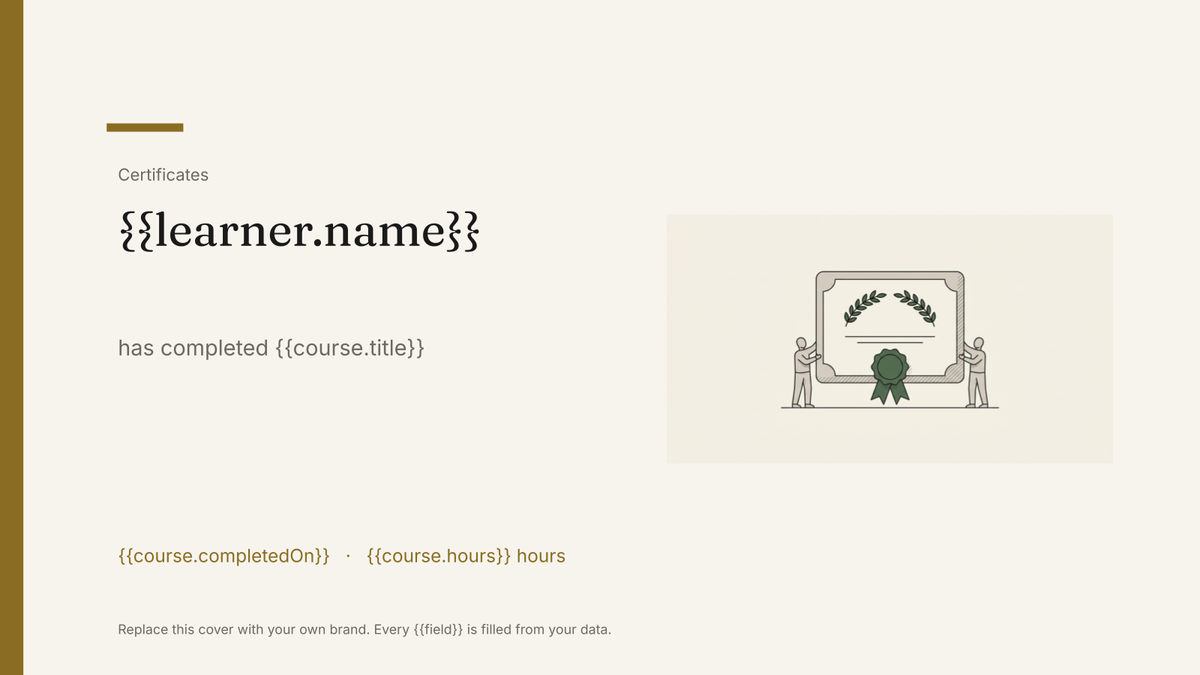 Google Slides
 Certificate of completion template
A branded certificate marking a completed course or programme, generated one per learner from your course records.
View template Google Slides
 Award certificate template
A branded certificate recognising an award or achievement, generated one per recipient from your winners list.
View templateCommon questions, answered
Is the card a verifiable credential? +
Can I print a batch for new and renewing members? +
Can I use my own card design? +
Where do member numbers and renewal dates come from? +
Generate this document from your data
Start on the free plan, connect a data source, and export a real Google Slides document. No watermark, no credit card.