Media kit template
An audience and advertising summary with reach figures and rates, generated from your current analytics data.
Free plan, no credit card. Bring your own design or start from this layout.
What’s in this template
Every block is bound to a field in your data. The layout stays exactly as designed; only the values change from one run to the next.
- Cover with the publication or creator name {{brand.name}}
- Audience size by channel loop: {{channels}}
- Demographics and geography {{audience.demographics}}
- Engagement and performance stats {{stats.open_rate}} · {{stats.ctr}}
- Advertising formats and rates loop: {{rates}}
- Past partners and example campaigns loop: {{partners}}
- Contact and how to book {{contact.email}}
How this template fills itself
Connect Airtable, Google Sheets, a SQL database, a CSV or a REST API, map each field to a placeholder, and generate. One run can produce a single document or one per matching record.
Channels · Google Sheets
Template: Google Slides or Docs
{{brand.name}}
Media kit · {{kit.period}}
loop: {{channels}} → tile
{{audience.demographics}}
loop: {{rates}} → row
regenerated on a schedule so the audience figures match the month on the cover
Generated output
SlidesPDFFieldwork Weekly
Media kit · September 2026
3 channel tiles
62% US · 28% UK · median age 34
6 rate rows
Who uses this template
Newsletters and independent publishers
Send advertisers a kit whose subscriber numbers were pulled this month rather than last spring.
Read the guideCreators and podcasters
Keep audience figures across every channel in one sheet and let the kit be generated from it.
Read the guideMedia sales teams
Produce a kit per advertiser tier or vertical from the same audience and rate data.
Read the guideA media kit is a sales document made almost entirely of numbers that change: subscribers, followers, downloads, open rates, demographics, rates. It is also the document advertisers judge you on visually, which is why Google Slides suits it — a fixed designed layout where the channel tiles and stat blocks sit exactly where they were placed, and only the values inside them move between runs.
Put the period on the cover and run it on a schedule
The failure mode of a media kit is age: a PDF sent in March is still circulating in November, quoting an audience you have long since outgrown or, worse, one you have not. Bind every figure to your stats table, stamp the month on the cover, and regenerate on a schedule so the current file is always the fresh one. Because a slide is a fixed canvas, keep the channel list and rate rows capped at what the design holds and let the detail live in a separate rate card.
Related templates
All sales & pricing → Google Slides
 Rate card template
A list of sellable units and their rates, generated per client or period from your pricing data.
View template Google Slides
 Sponsorship deck template
A sponsorship pitch with audience figures and package tiers, generated one per prospect from your event data.
View template Google Slides
 Product one-pager template
A single-page product summary with positioning, features and pricing, generated one per product from your catalogue.
View template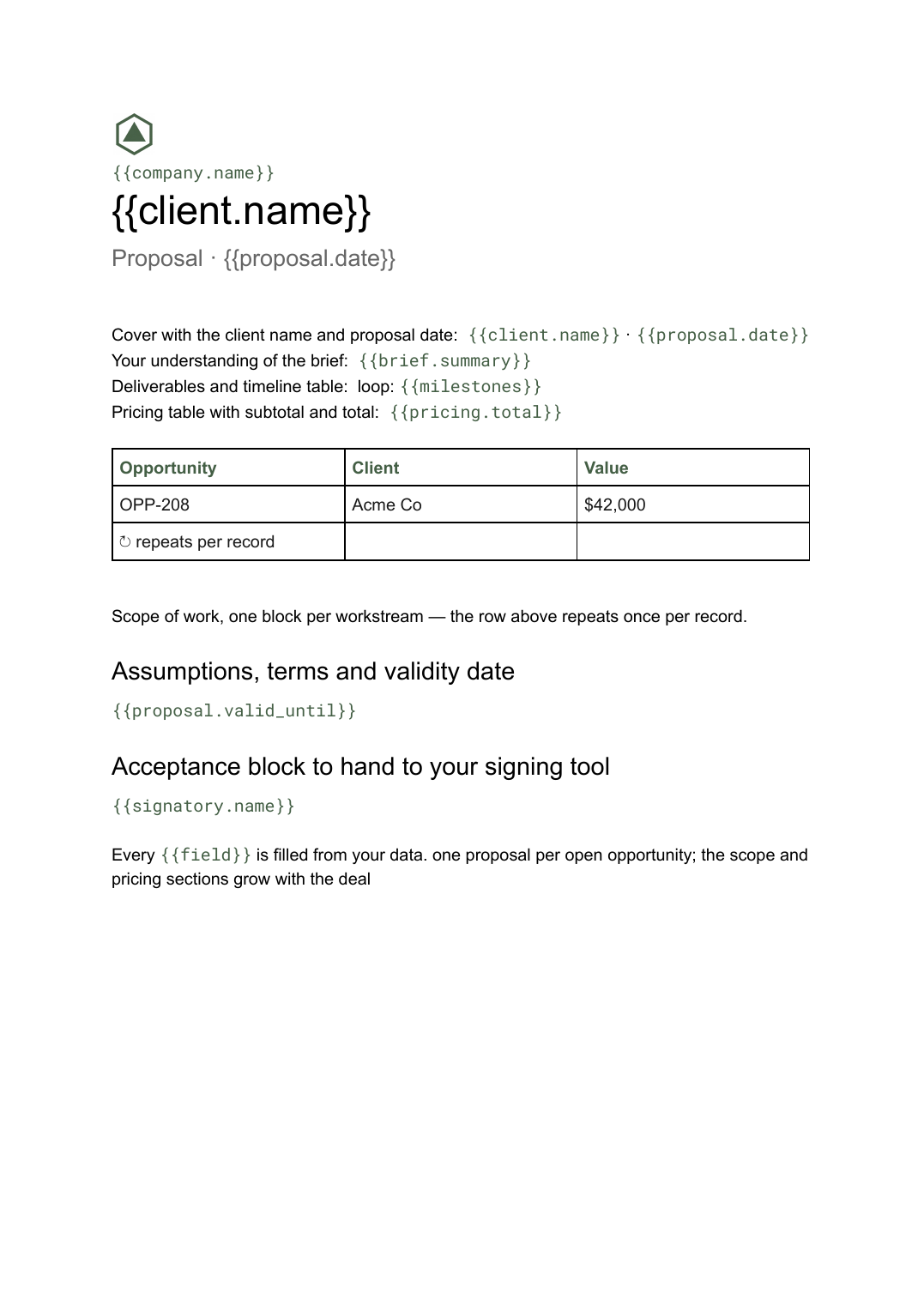 Google Docs
 Business proposal template for Google Docs
A client-facing proposal with scope, deliverables and pricing, generated one per opportunity from your deal data.
View templateCommon questions, answered
Can I use my own media kit design? +
Where do the audience numbers come from? +
Can the kit refresh itself each month? +
Can I make a different kit for different advertisers? +
Generate this document from your data
Start on the free plan, connect a data source, and export a real Google Slides document. No watermark, no credit card.