Sponsorship deck template
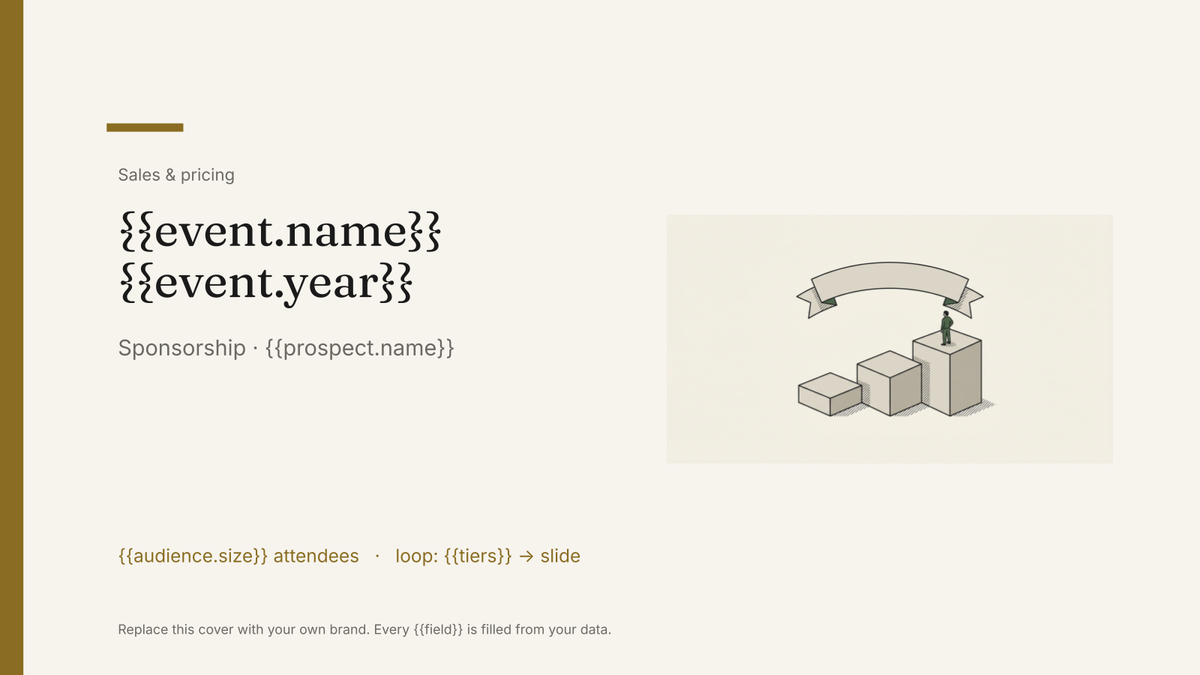
A sponsorship pitch with audience figures and package tiers, generated one per prospect from your event data.
Free plan, no credit card. Bring your own design or start from this layout.
What’s in this template
Every block is bound to a field in your data. The layout stays exactly as designed; only the values change from one run to the next.
- Cover with the event or property and edition {{event.name}} · {{event.year}}
- Audience size and reach figures {{audience.size}} · {{audience.reach}}
- Who attends, by segment loop: {{segments}}
- Package tiers and what each includes loop: {{tiers}}
- Past sponsors and what they got loop: {{past_sponsors}}
- Remaining inventory and the deadline {{inventory.deadline}}
- Contact and next step {{contact.email}}
How this template fills itself
Connect Airtable, Google Sheets, a SQL database, a CSV or a REST API, map each field to a placeholder, and generate. One run can produce a single document or one per matching record.
Prospects · Airtable
Template: Google Slides or Docs
{{event.name}} {{event.year}}
Sponsorship · {{prospect.name}}
{{audience.size}} attendees
loop: {{tiers}} → slide
{{inventory.deadline}}
one deck per prospect, with the tier they are being pitched placed first
Generated output
SlidesPDFFieldwork Summit 2027
Sponsorship · Halden Tools
2,400 attendees
3 tier slides
Inventory confirmed by 30 Nov 2026
Who uses this template
Event and conference organisers
Pitch every prospective sponsor a deck that leads with the tier you actually want them in.
Read the guidePublishers and media owners
Generate a deck per advertiser from the same inventory table your sales team books against.
Read the guideClubs, festivals and non-profits
Turn attendance and reach figures into a branded pitch without a designer for each approach.
Read the guideA sponsorship deck has to do two things at once: prove an audience is worth reaching, and make one specific company feel it was written for them. The first half is the same every time — attendance, demographics, reach, past sponsors. The second half is what usually gets skipped when there are sixty approaches to send. Google Slides fits because the deck is a designed pitch of fixed length, and only the numbers and the named prospect need to change.
Personalisation is a filter, not a rewrite
Two fields on the prospect record do most of the work: which tier you are pitching and which sector they are in. The tier decides which package slide leads; the sector decides which past sponsors and results are shown. Everything else comes from the event record, so the audience figures stay in step with registrations as the event fills. Generated this way, a personalised deck per prospect costs the same as a generic one, which is the only reason it actually happens.
Related templates
All sales & pricing → Google Slides
 Media kit template
An audience and advertising summary with reach figures and rates, generated from your current analytics data.
View template Google Slides
 Rate card template
A list of sellable units and their rates, generated per client or period from your pricing data.
View template Google Slides
 Event program template
A designed programme booklet for an event, generated per event from the session and speaker list.
View template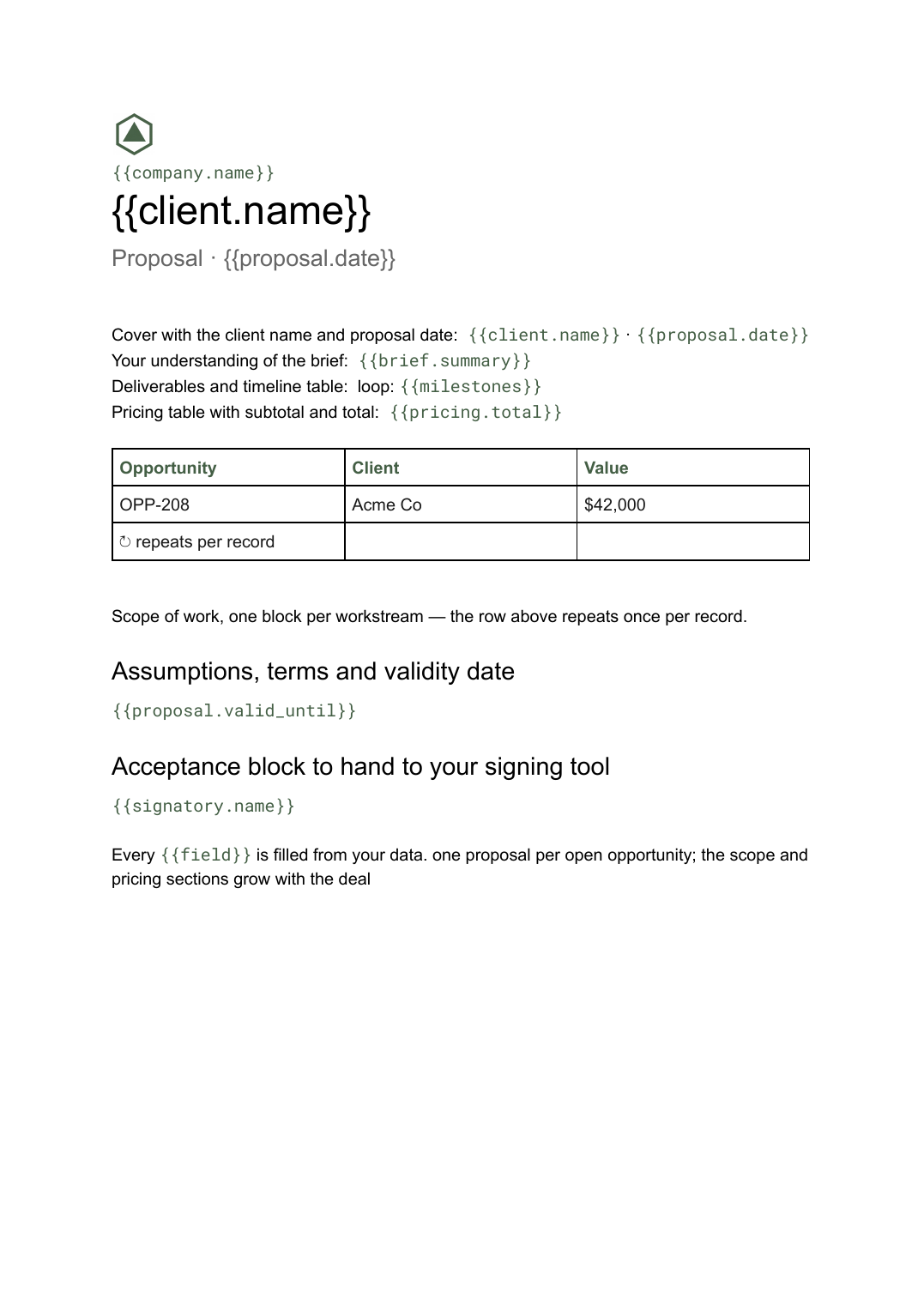 Google Docs
 Business proposal template for Google Docs
A client-facing proposal with scope, deliverables and pricing, generated one per opportunity from your deal data.
View templateCommon questions, answered
Can I use our own sponsorship deck design? +
Can each prospect get a different version? +
Where do the audience numbers come from? +
Can it show what inventory is left? +
Generate this document from your data
Start on the free plan, connect a data source, and export a real Google Slides document. No watermark, no credit card.