Rate card template
A list of sellable units and their rates, generated per client or period from your pricing data.
Free plan, no credit card. Bring your own design or start from this layout.
What’s in this template
Every block is bound to a field in your data. The layout stays exactly as designed; only the values change from one run to the next.
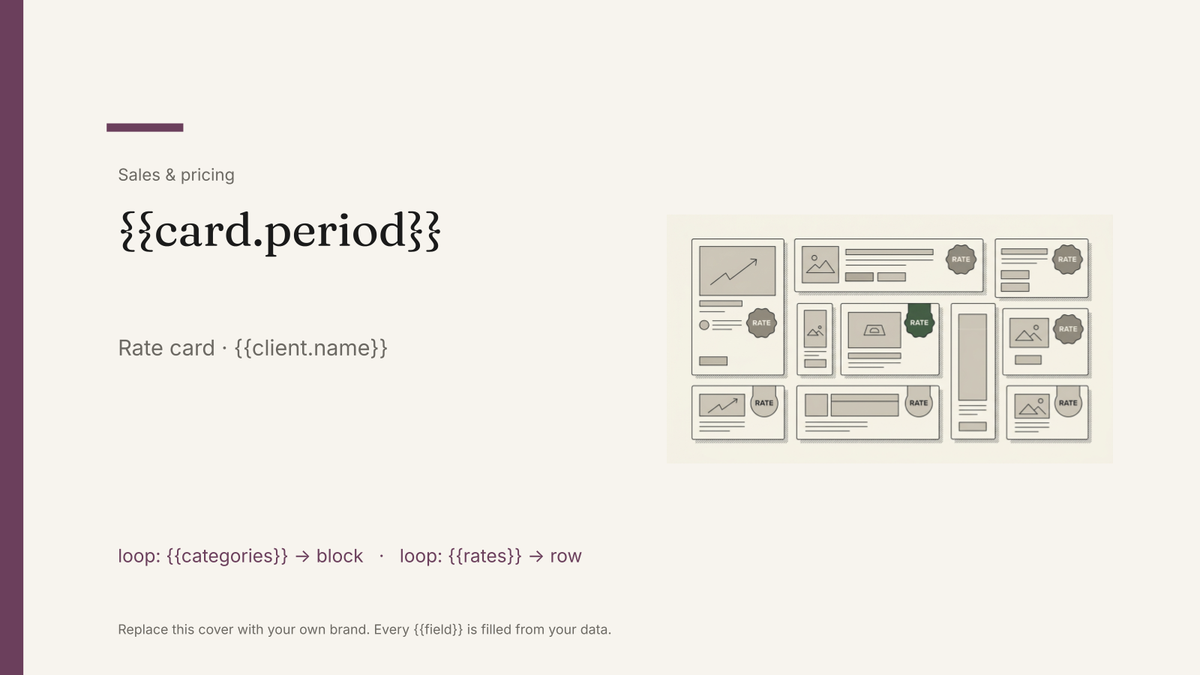
- Cover with the period the rates apply to {{card.period}}
- Placement or service categories loop: {{categories}}
- Unit, rate and minimum for each line loop: {{rates}}
- Packages with a combined rate loop: {{packages}}
- Agency commission, discounts and terms {{terms.commission}}
- Lead times and booking contact {{contact.name}}
How this template fills itself
Connect Airtable, Google Sheets, a SQL database, a CSV or a REST API, map each field to a placeholder, and generate. One run can produce a single document or one per matching record.
Rates · Google Sheets
Template: Google Slides or Docs
{{card.period}}
Rate card · {{client.name}}
loop: {{categories}} → block
loop: {{rates}} → row
{{terms.commission}}
one card per client or period, filtered to the units that client can buy
Generated output
SlidesPDFQ4 2026
Rate card · Halden Media
3 categories
11 rate rows
15% agency commission
Who uses this template
Publishers and newsletters
Send a card that reflects this quarter's rates and this advertiser's tier without rebuilding the deck each time.
Read the guideAgencies selling by unit
Keep day rates, retainers and package prices in one table and let the card be generated from it.
Read the guideCreators and podcast networks
Produce a branded card per sponsor tier from the same rate sheet you negotiate against.
Read the guideA rate card is the document that quietly goes wrong: rates change quarterly, cards get emailed once and then live in someone’s downloads folder, and a year later an advertiser is holding you to a number you no longer charge. Google Slides suits the card you present or attach — a designed, fixed-length artefact with the period stamped on the cover — as long as the list of units is short enough to sit on a page.
Put the period and the tier in the data
Two fields do most of the work here. An effective period on the cover makes a stale card self-evident, and a tier on each rate row lets one table produce a direct card, an agency card and a partner card from the same source. Generate rather than duplicate and the rates on every version in circulation came from the same run. When the list grows past what a slide can hold gracefully, that is the signal to move the detail into a Docs price list and keep the card as the summary.
Related templates
All sales & pricing → Google Slides
 Media kit template
An audience and advertising summary with reach figures and rates, generated from your current analytics data.
View template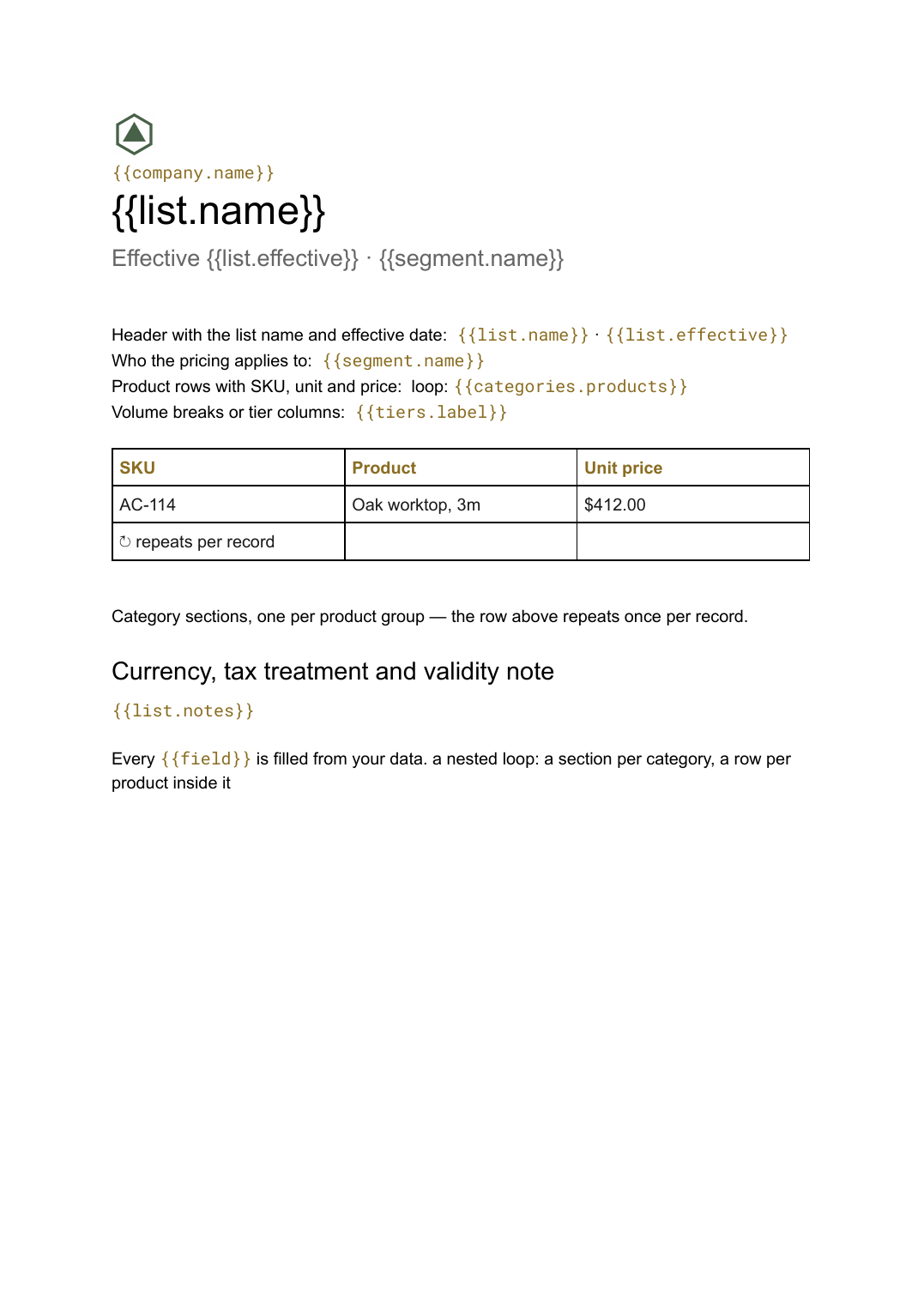 Google Docs
 Price list template
A grouped list of products and prices, generated from your catalogue so every version you send is current.
View template Google Slides
 Sponsorship deck template
A sponsorship pitch with audience figures and package tiers, generated one per prospect from your event data.
View template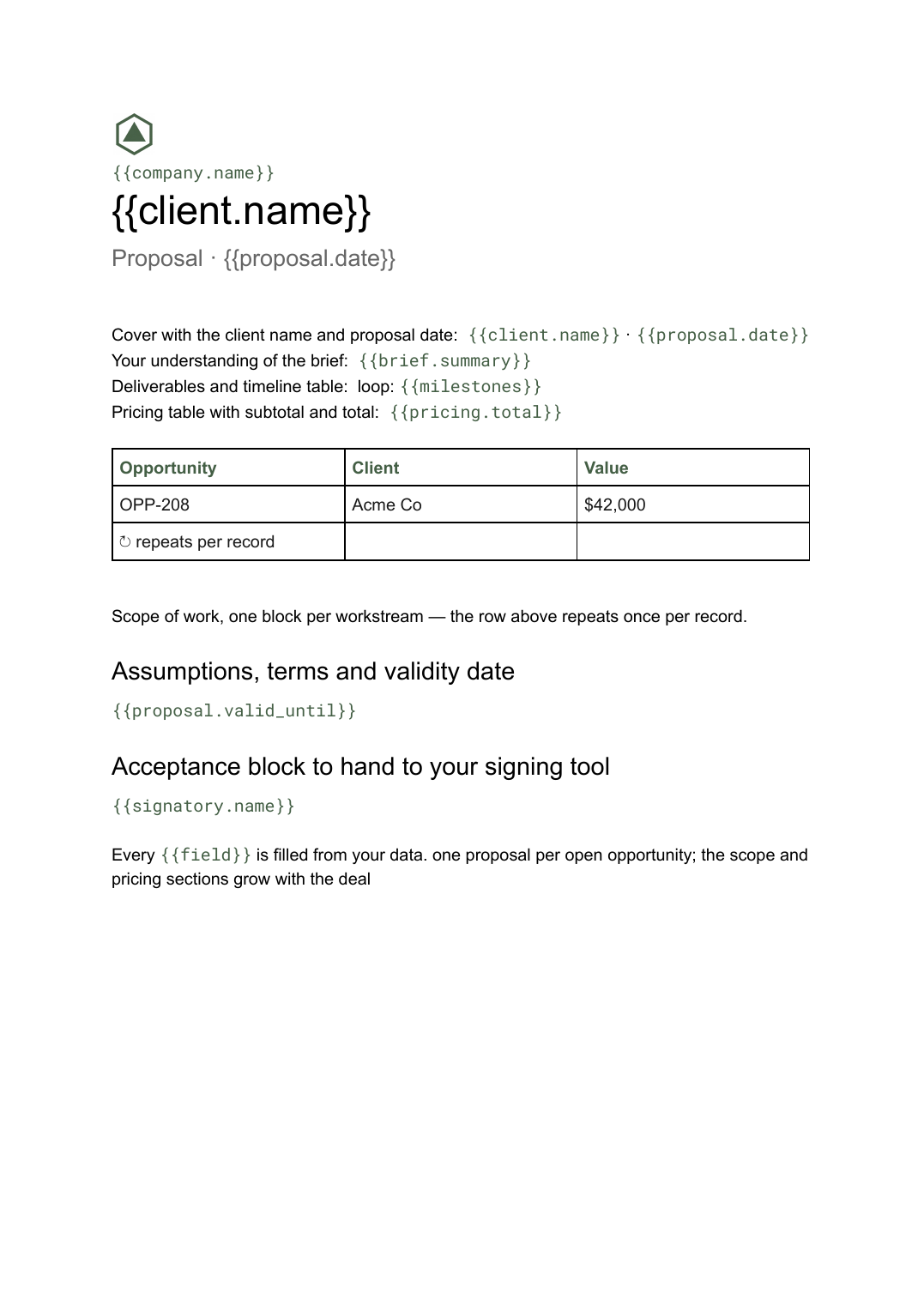 Google Docs
 Business proposal template for Google Docs
A client-facing proposal with scope, deliverables and pricing, generated one per opportunity from your deal data.
View templateCommon questions, answered
Can I use my own rate card design? +
Can different advertisers get different rates? +
What if my rate list is long? +
Where do the rates come from? +
Generate this document from your data
Start on the free plan, connect a data source, and export a real Google Slides document. No watermark, no credit card.