Roundtable notes template
A written summary of a roundtable discussion organised into themes with supporting quotes, generated one write-up per session from your notes.
Free plan, no credit card. Bring your own design or start from this layout.
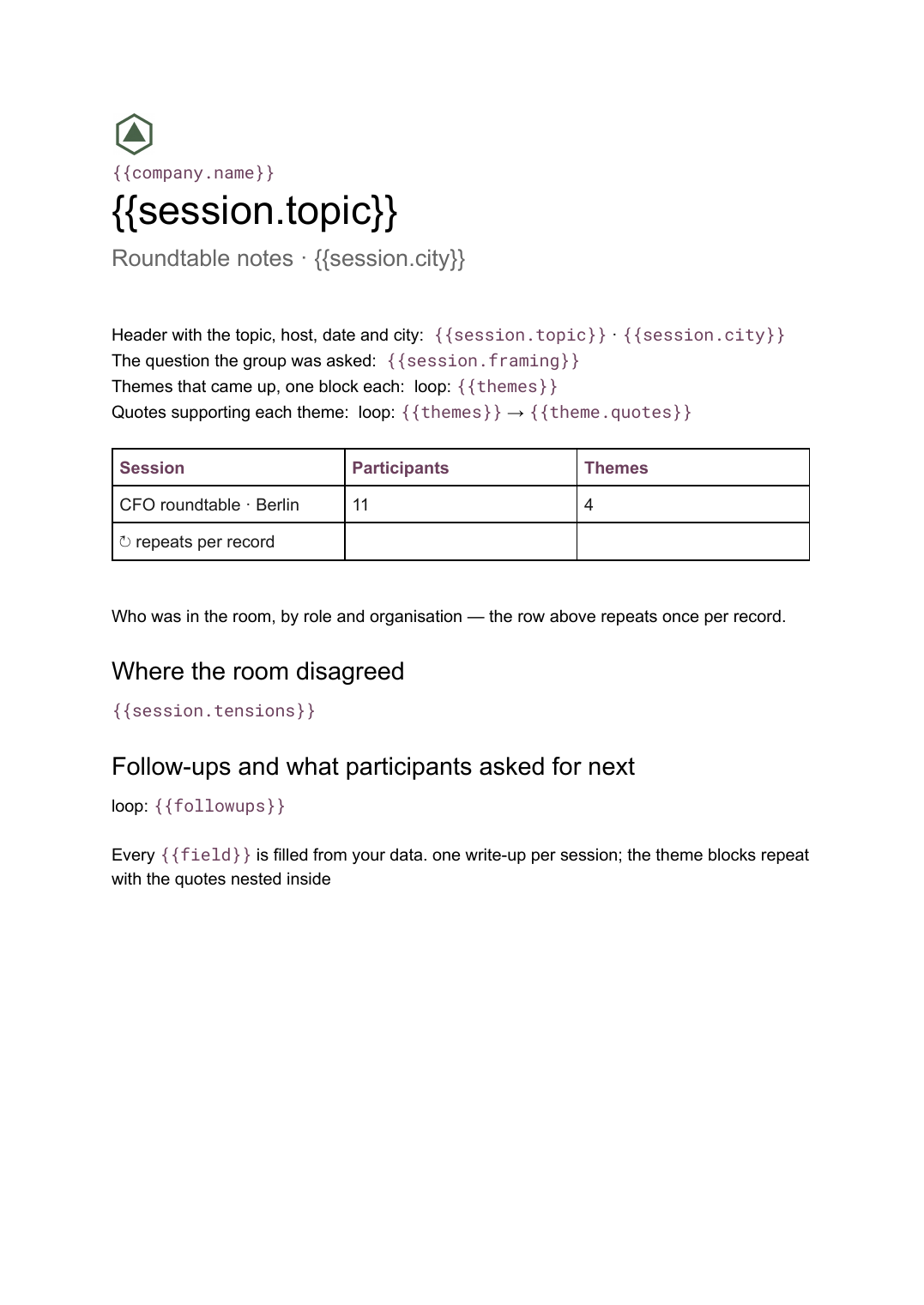
What’s in this template
Every block is bound to a field in your data. The layout stays exactly as designed; only the values change from one run to the next.
- Header with the topic, host, date and city {{session.topic}} · {{session.city}}
- Who was in the room, by role and organisation loop: {{participants}}
- The question the group was asked {{session.framing}}
- Themes that came up, one block each loop: {{themes}}
- Quotes supporting each theme loop: {{themes}} → {{theme.quotes}}
- Where the room disagreed {{session.tensions}}
- Follow-ups and what participants asked for next loop: {{followups}}
How this template fills itself
Connect Airtable, Google Sheets, a SQL database, a CSV or a REST API, map each field to a placeholder, and generate. One run can produce a single document or one per matching record.
Roundtable sessions · Airtable
Template: Google Slides or Docs
{{session.topic}}
Roundtable notes · {{session.city}}
loop: {{participants}}
loop: {{themes}} → block
loop: {{followups}}
one write-up per session; the theme blocks repeat with the quotes nested inside
Generated output
DocsPDFCFO roundtable
Roundtable notes · Berlin
11 participants, 9 organisations
4 themes with quotes
3 follow-ups
Who uses this template
Research and insight teams
Write up a series of sessions in one shape so themes can be compared across cities and cohorts.
Read the guideEvents and community teams
Send participants a write-up within a day of the session instead of a week later.
Read the guideAnalysts and consultancies
Turn qualitative discussion into a repeatable deliverable without reformatting every set of notes.
Read the guideA roundtable produces views rather than decisions, so the write-up has to be organised by what the room kept returning to, not by the order things were said. That is a document rather than a deck: theme blocks vary in length, some carry three quotes and some carry one, and the pages have to break wherever they land. The reader should be able to see the shape of the discussion in a couple of minutes.
Code the quotes to themes before you generate
The work that makes a good write-up happens in the data, not in the layout. Tag each quote to a theme and give each theme a one-line claim, and the document more or less assembles itself: a block per theme, its quotes nested beneath it, participants and follow-ups looping from their own rows. Doing it this way also makes a series comparable — run six sessions on the same question and you can count how often a theme appeared across cities, which is impossible when every write-up is prose in a fresh file. The usual failure is quotes that never got attributed to anything, leaving a document that reads like a transcript.
Related templates
All meetings & notes →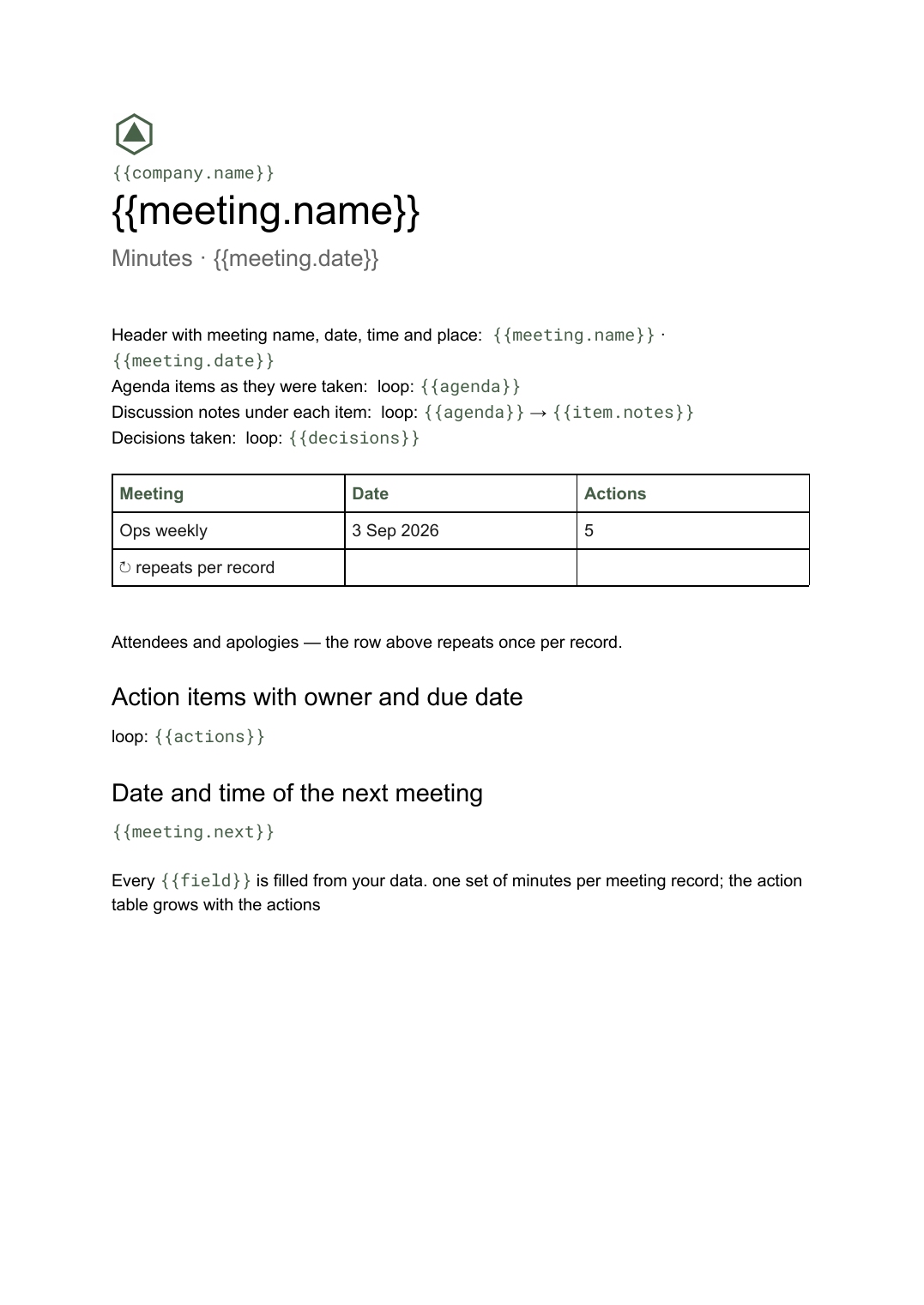 Google Docs
 Meeting minutes template for Google Docs
A formal record of a meeting listing attendees, decisions taken and action items with owners, generated one document per meeting from your data.
View template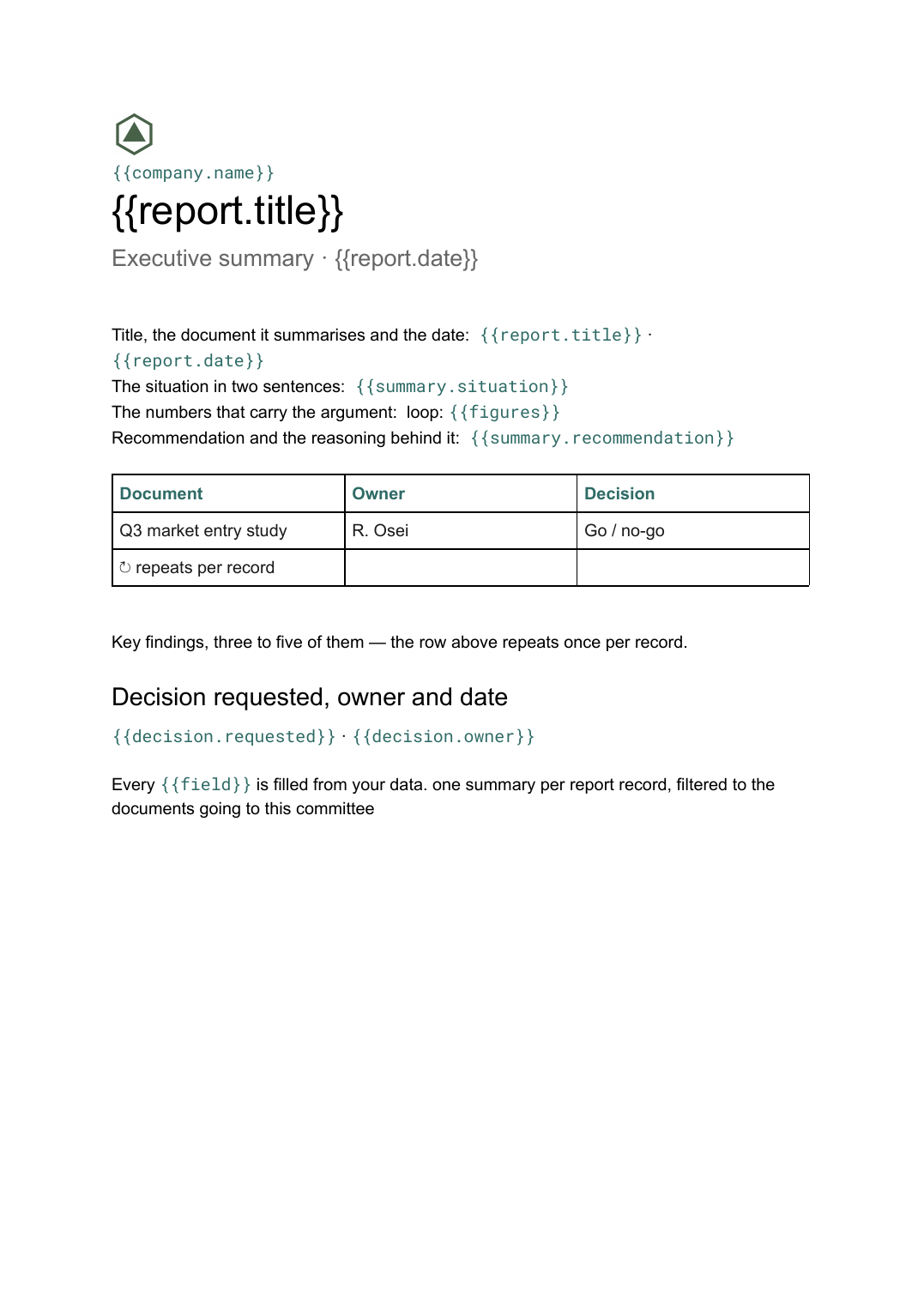 Google Docs
 Executive summary template
A one-page distillation of a longer document covering the situation, findings and the decision requested, generated per report from your data.
View template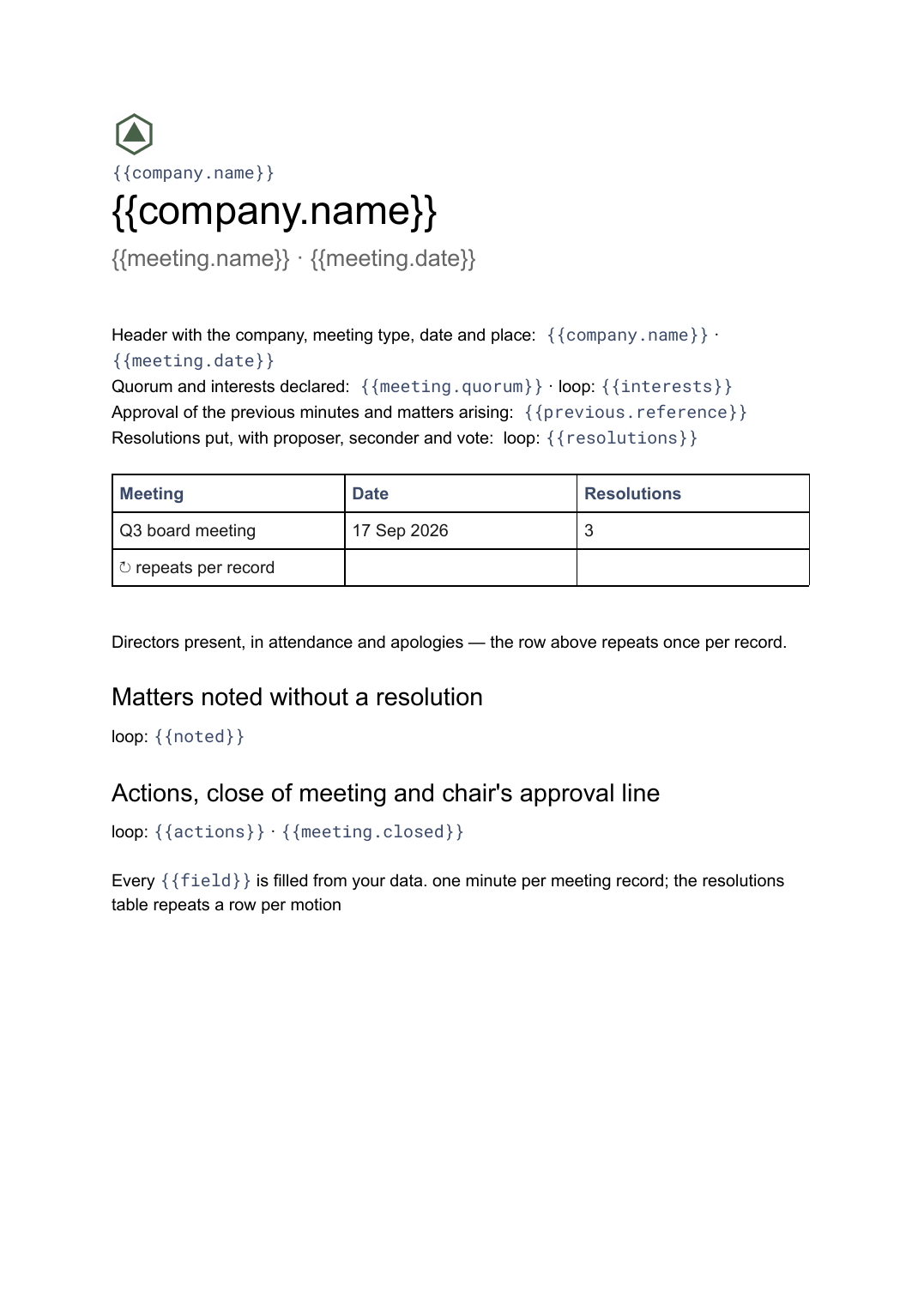 Google Docs
 Board meeting minutes template
The governance record of a board meeting covering attendance, resolutions put and how they were voted, generated one document per meeting from your data.
View templateCommon questions, answered
How is this different from meeting minutes? +
Where do the themes and quotes come from? +
Can quotes stay unattributed? +
Can I use our own write-up design? +
Generate this document from your data
Start on the free plan, connect a data source, and export a real Google Docs document. No watermark, no credit card.