Executive summary template
A one-page distillation of a longer document covering the situation, findings and the decision requested, generated per report from your data.
Free plan, no credit card. Bring your own design or start from this layout.
What’s in this template
Every block is bound to a field in your data. The layout stays exactly as designed; only the values change from one run to the next.
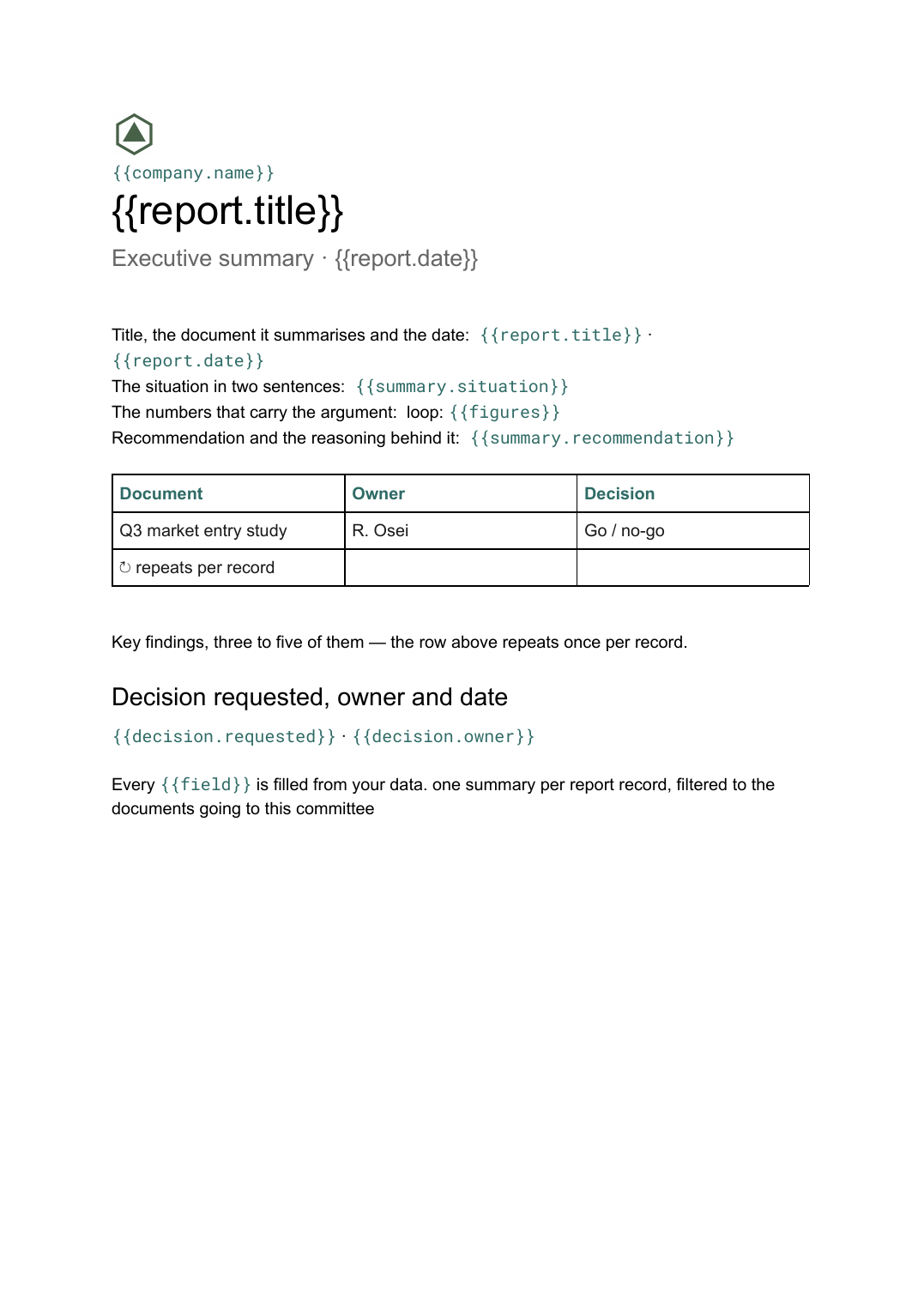
- Title, the document it summarises and the date {{report.title}} · {{report.date}}
- The situation in two sentences {{summary.situation}}
- Key findings, three to five of them loop: {{findings}}
- The numbers that carry the argument loop: {{figures}}
- Recommendation and the reasoning behind it {{summary.recommendation}}
- Decision requested, owner and date {{decision.requested}} · {{decision.owner}}
How this template fills itself
Connect Airtable, Google Sheets, a SQL database, a CSV or a REST API, map each field to a placeholder, and generate. One run can produce a single document or one per matching record.
Reports · Google Sheets
Template: Google Slides or Docs
{{report.title}}
Executive summary · {{report.date}}
loop: {{findings}}
loop: {{figures}}
{{decision.requested}}
one summary per report record, filtered to the documents going to this committee
Generated output
DocsPDFQ3 market entry study
Executive summary · 11 Sep 2026
4 key findings
Payback in 19 months
Go / no-go, owner R. Osei
Who uses this template
Strategy and analyst teams
Put the same one-page front sheet on every study so readers compare recommendations rather than formats.
Read the guideConsultancies
Give each client deliverable a summary page built from the findings already recorded against the engagement.
Read the guideOperations and PMO teams
Send a committee a summary per paper on the agenda, generated in one run from the papers table.
Read the guideAn executive summary is not an abstract of a longer document, it is the argument compressed: what the situation is, what was found, what should happen and who has to decide. Because it should stay to a single page, a Google Doc suits it — the text sets itself, a slightly longer finding reflows rather than overflowing a slide, and the file is the same object as the report it fronts.
Write it from the findings, not from the report
The reliable way to produce a summary is to build it from records the analysis already produced — a handful of findings, the two or three figures that carry the case, and the decision being asked for — rather than by rereading the full document and condensing it. Keep those as rows against the report record and the summary is generated from the same entries that feed the report itself, so the two cannot say different things. The usual failure is a summary written last, in a hurry, that softens the recommendation the report actually reached, leaving the only page most people read as the one least connected to the work.
Related templates
All meetings & notes →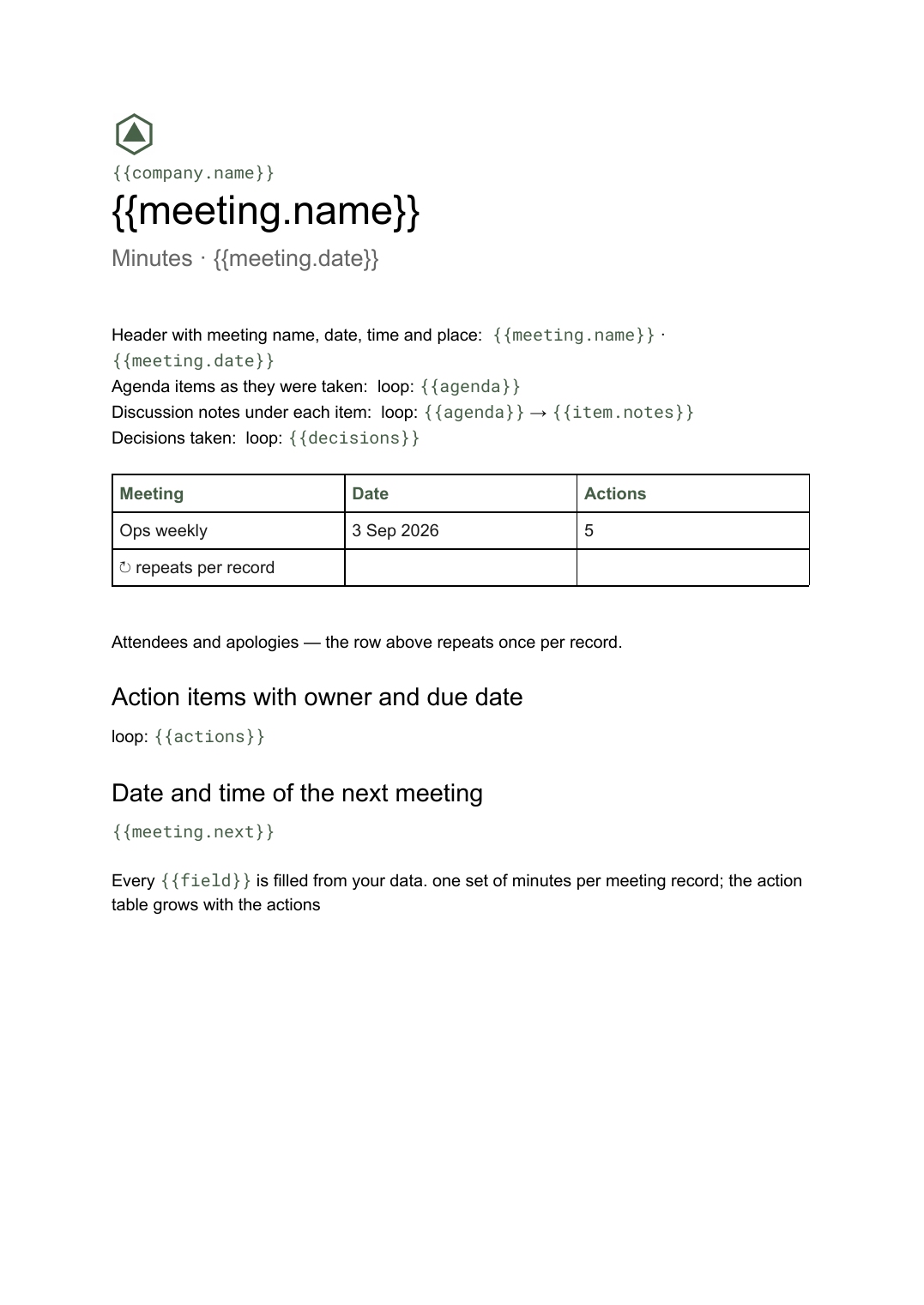 Google Docs
 Meeting minutes template for Google Docs
A formal record of a meeting listing attendees, decisions taken and action items with owners, generated one document per meeting from your data.
View template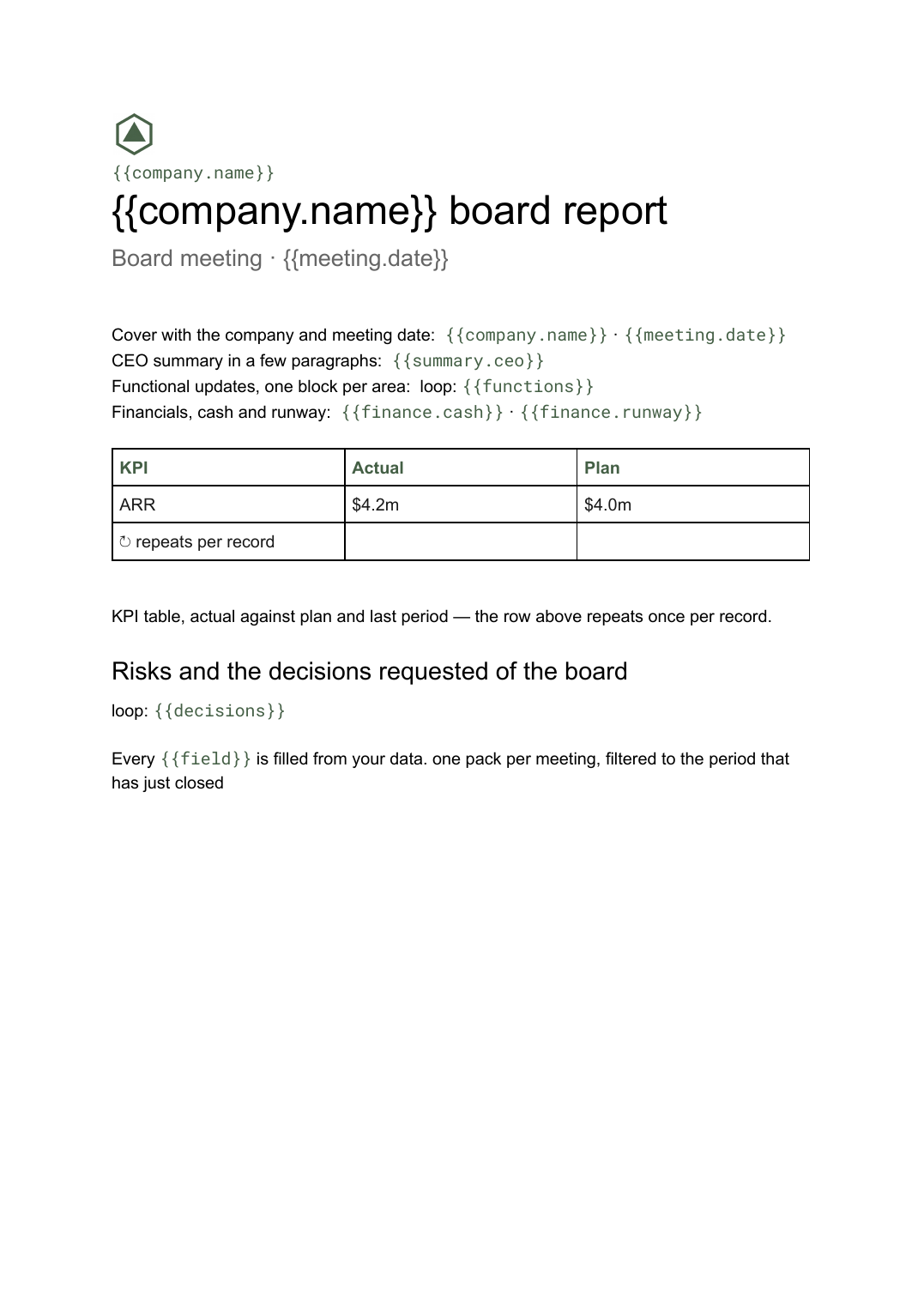 Google Docs
 Board report template
The written pre-read pack sent to directors before a board meeting, generated per meeting from your KPI and financial data.
View template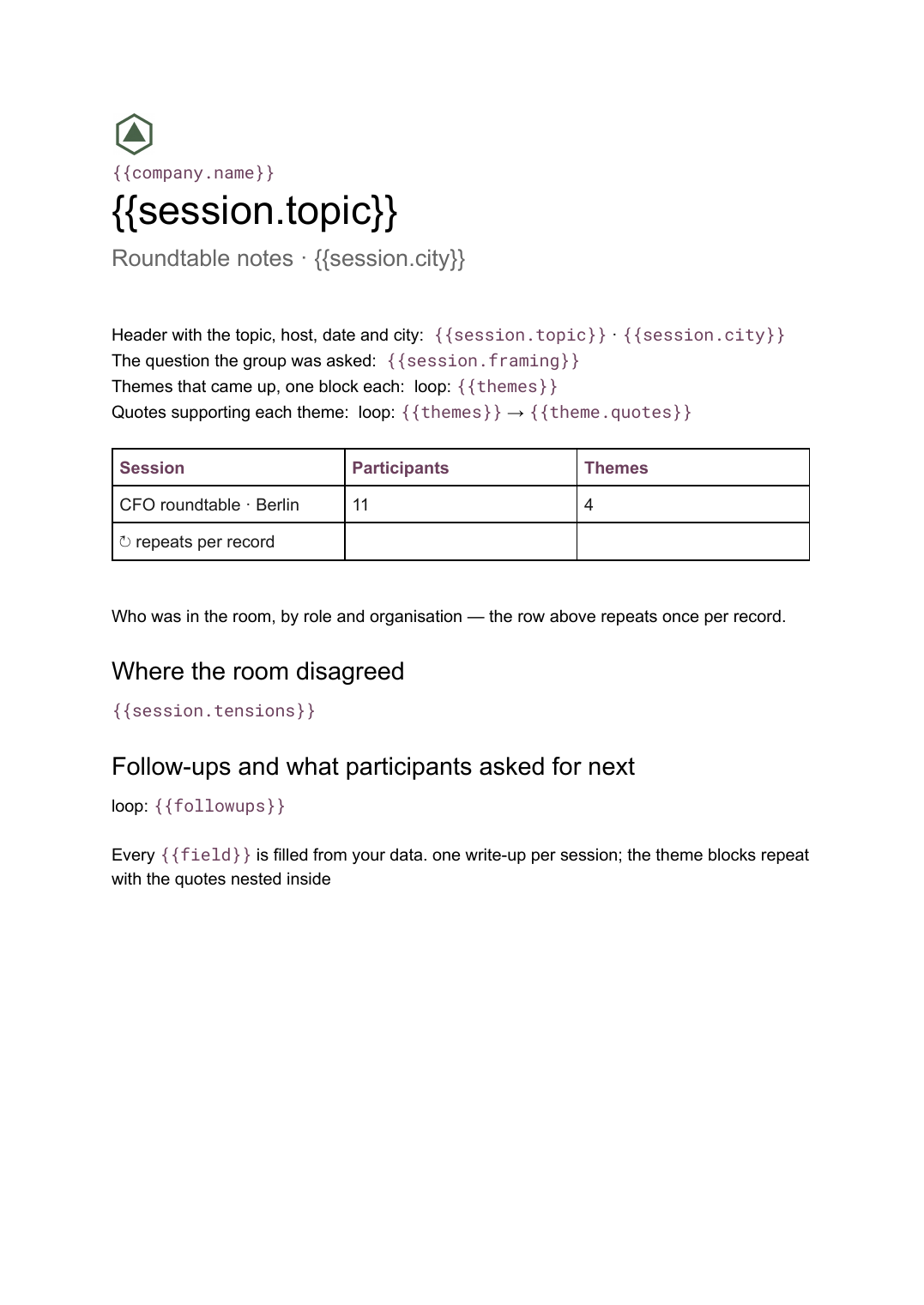 Google Docs
 Roundtable notes template
A written summary of a roundtable discussion organised into themes with supporting quotes, generated one write-up per session from your notes.
View template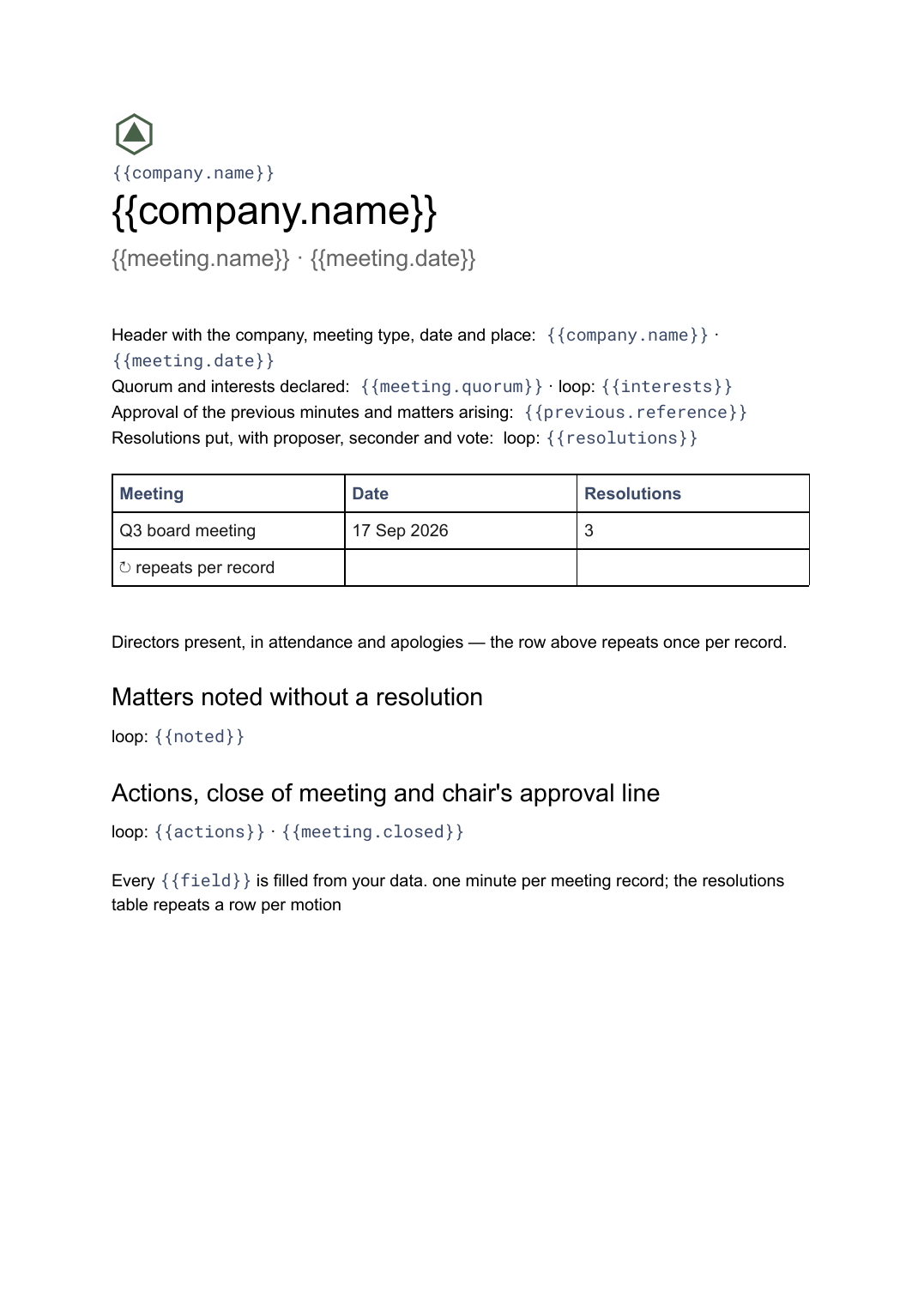 Google Docs
 Board meeting minutes template
The governance record of a board meeting covering attendance, resolutions put and how they were voted, generated one document per meeting from your data.
View templateCommon questions, answered
How long should an executive summary be? +
Where does the content come from? +
Can I generate a summary for every paper going to a committee? +
Can I use our own one-page layout? +
Generate this document from your data
Start on the free plan, connect a data source, and export a real Google Docs document. No watermark, no credit card.