Board meeting minutes template
The governance record of a board meeting covering attendance, resolutions put and how they were voted, generated one document per meeting from your data.
Free plan, no credit card. Bring your own design or start from this layout.
What’s in this template
Every block is bound to a field in your data. The layout stays exactly as designed; only the values change from one run to the next.
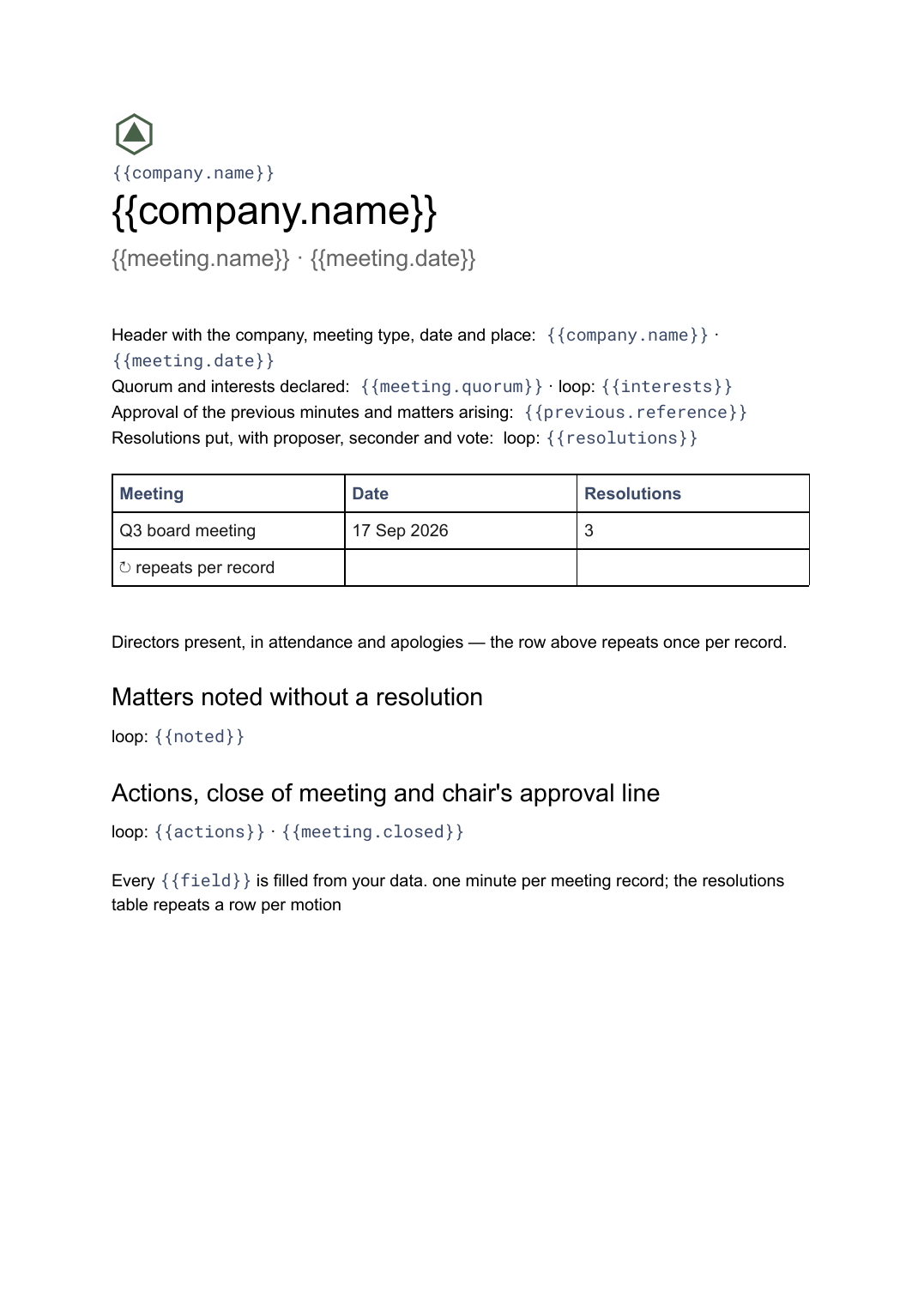
- Header with the company, meeting type, date and place {{company.name}} · {{meeting.date}}
- Directors present, in attendance and apologies loop: {{attendance}}
- Quorum and interests declared {{meeting.quorum}} · loop: {{interests}}
- Approval of the previous minutes and matters arising {{previous.reference}}
- Resolutions put, with proposer, seconder and vote loop: {{resolutions}}
- Matters noted without a resolution loop: {{noted}}
- Actions, close of meeting and chair's approval line loop: {{actions}} · {{meeting.closed}}
How this template fills itself
Connect Airtable, Google Sheets, a SQL database, a CSV or a REST API, map each field to a placeholder, and generate. One run can produce a single document or one per matching record.
Board meetings · Airtable
Template: Google Slides or Docs
{{company.name}}
{{meeting.name}} · {{meeting.date}}
loop: {{attendance}}
loop: {{resolutions}} → row
loop: {{actions}}
one minute per meeting record; the resolutions table repeats a row per motion
Generated output
DocsPDFNorthbeam Ltd
Q3 board meeting · 17 Sep 2026
5 directors present, 1 apology
3 resolutions, all carried
6 actions with owners
Who uses this template
Company secretaries
Produce every meeting's minute in one house format so the minute book reads consistently over years.
Read the guideFounders and chiefs of staff
Keep a clean record of what the board resolved without rebuilding the document after each meeting.
Read the guideCharities, trusts and membership bodies
Minute trustee and committee meetings in a uniform structure across every body you serve.
Read the guideBoard minutes are the record a company keeps of what its directors resolved, and their value comes from being uniform: the same headings, the same wording for a motion, the same attendance block, meeting after meeting. That is a document, not a deck. A meeting with one resolution and a meeting with nine produce different lengths, and the resolutions table has to grow and break across pages without anyone laying it out by hand.
Make each resolution a row
The block worth structuring properly is the resolutions table. Give every motion its own record — the wording put to the meeting, the proposer, the seconder, the vote and any abstention — and the minute lists them in order without anyone rewriting the sentence pattern each time. Attendance works the same way: a row per person with a status of present, in attendance or apologies, so the counts follow the data. What usually goes wrong is a minute copied from the last meeting where a director who has since resigned is still listed as present. Nothing carries over between runs, so that particular error stops being possible.
Related templates
All meetings & notes →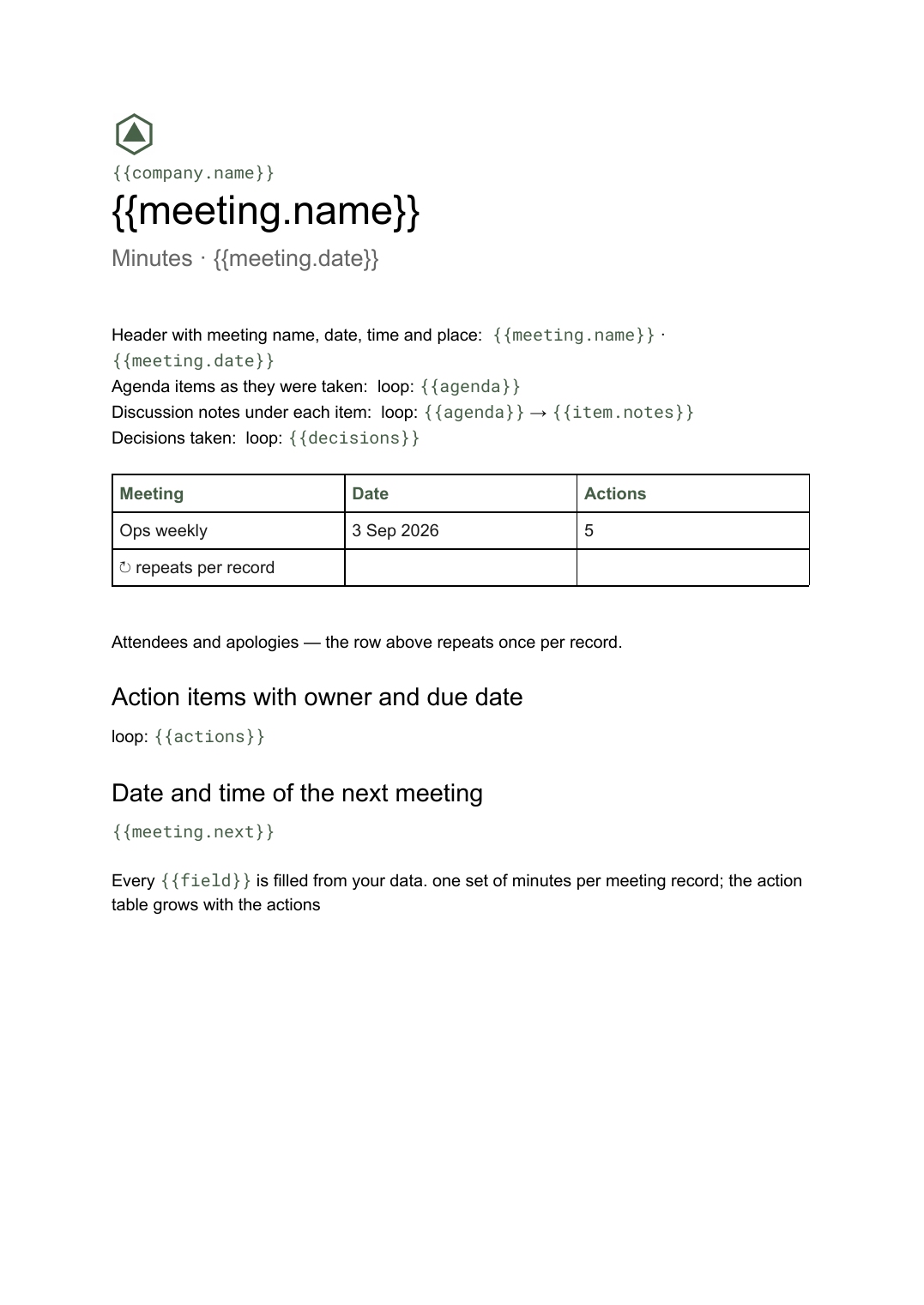 Google Docs
 Meeting minutes template for Google Docs
A formal record of a meeting listing attendees, decisions taken and action items with owners, generated one document per meeting from your data.
View template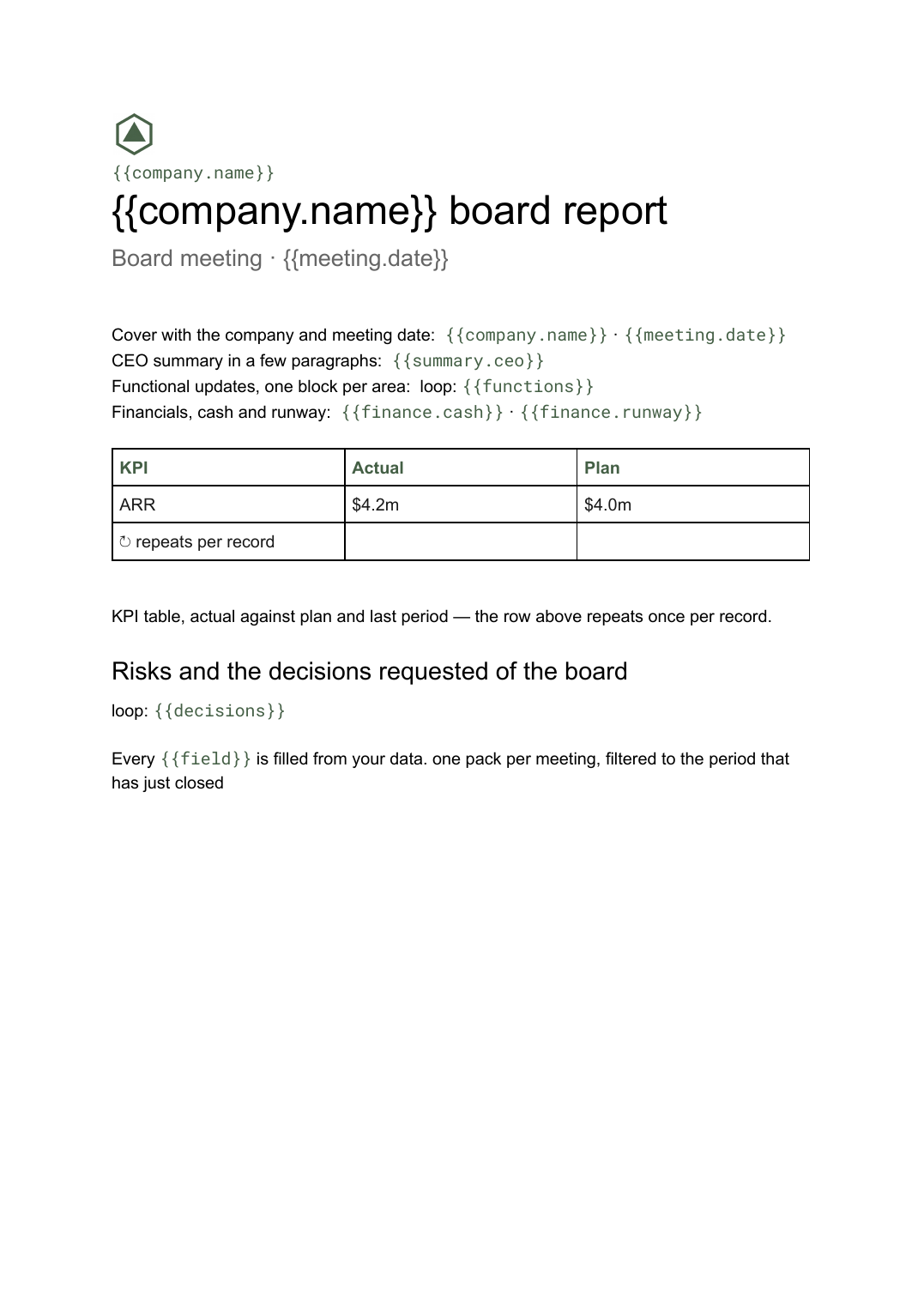 Google Docs
 Board report template
The written pre-read pack sent to directors before a board meeting, generated per meeting from your KPI and financial data.
View template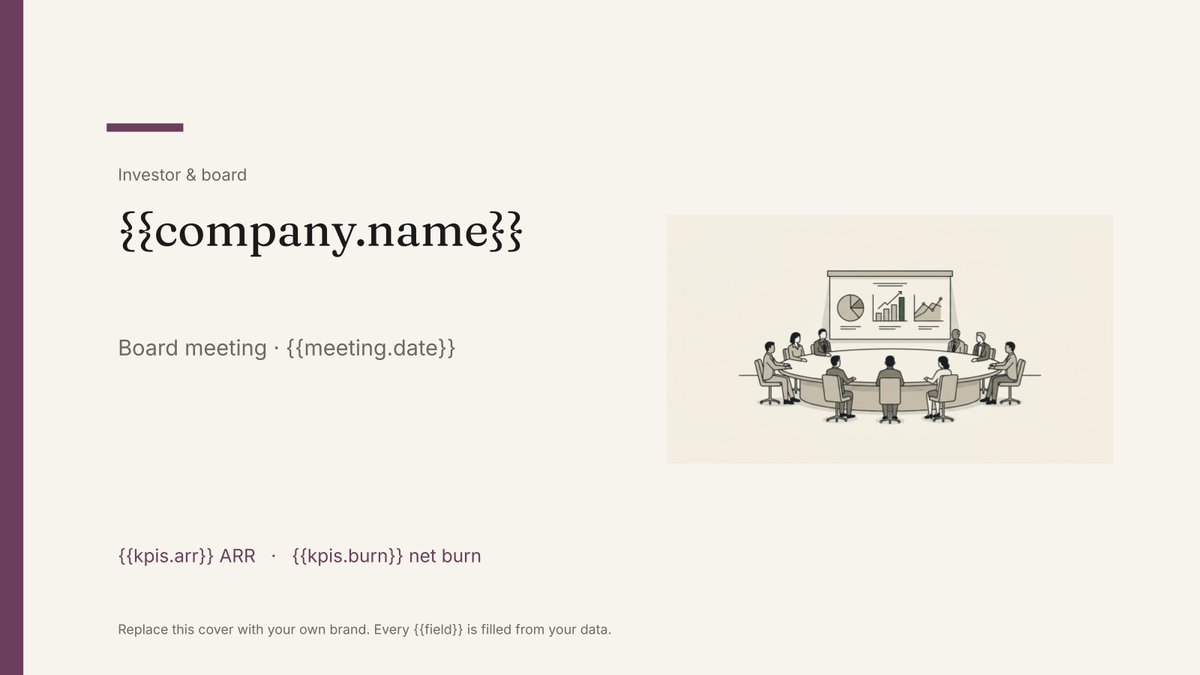 Google Slides
 Board deck template
The presented version of the board pack, built in Google Slides and generated each cycle from your KPI and financial data.
View template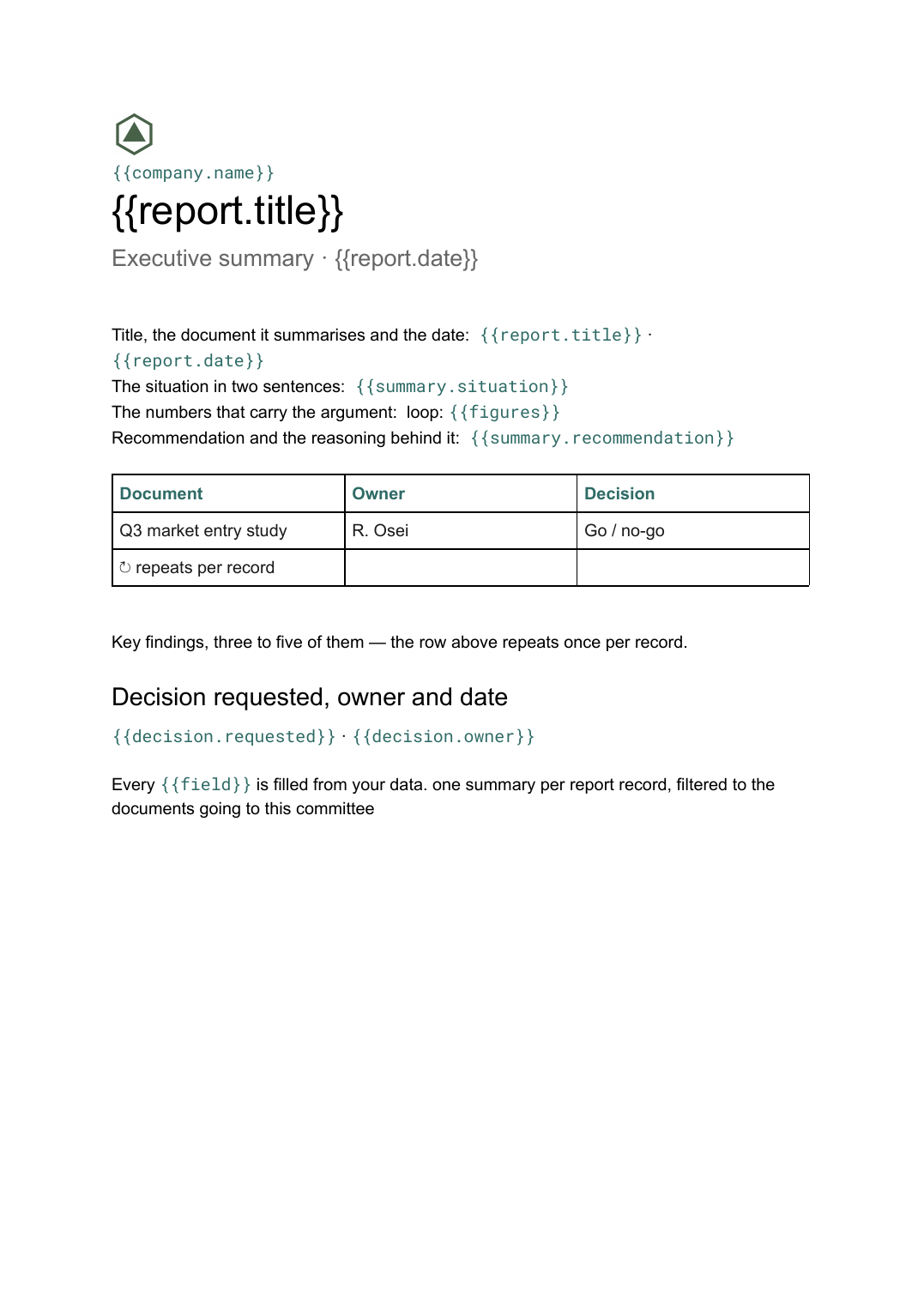 Google Docs
 Executive summary template
A one-page distillation of a longer document covering the situation, findings and the decision requested, generated per report from your data.
View templateCommon questions, answered
How is this different from ordinary meeting minutes? +
Where does the content come from? +
Does generating the minutes make them approved? +
Can I use our own minute format? +
Generate this document from your data
Start on the free plan, connect a data source, and export a real Google Docs document. No watermark, no credit card.