Meeting minutes template for Google Docs
A formal record of a meeting listing attendees, decisions taken and action items with owners, generated one document per meeting from your data.
Free plan, no credit card. Bring your own design or start from this layout.
What’s in this template
Every block is bound to a field in your data. The layout stays exactly as designed; only the values change from one run to the next.
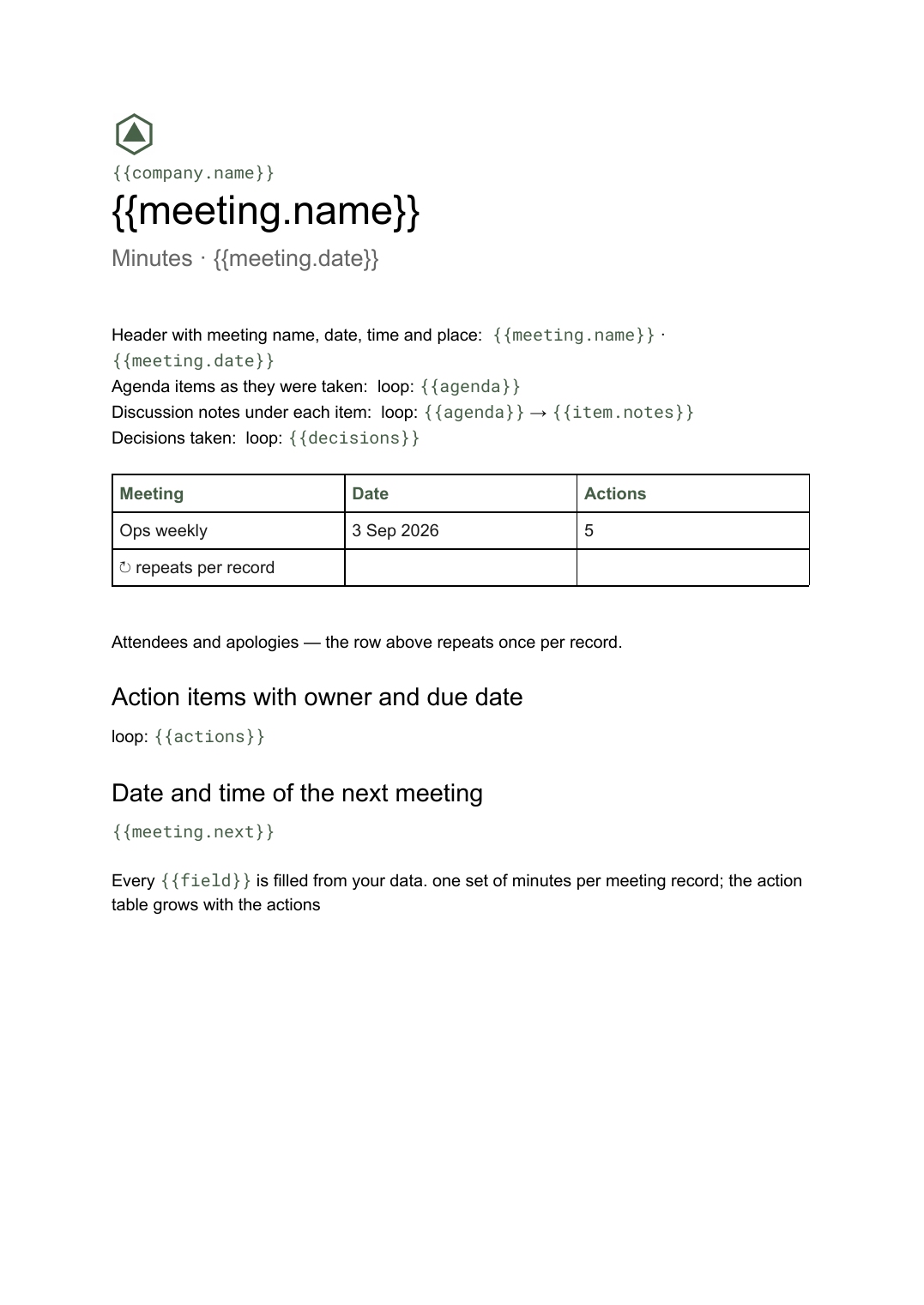
- Header with meeting name, date, time and place {{meeting.name}} · {{meeting.date}}
- Attendees and apologies loop: {{attendees}}
- Agenda items as they were taken loop: {{agenda}}
- Discussion notes under each item loop: {{agenda}} → {{item.notes}}
- Decisions taken loop: {{decisions}}
- Action items with owner and due date loop: {{actions}}
- Date and time of the next meeting {{meeting.next}}
How this template fills itself
Connect Airtable, Google Sheets, a SQL database, a CSV or a REST API, map each field to a placeholder, and generate. One run can produce a single document or one per matching record.
Meetings · Airtable
Template: Google Slides or Docs
{{meeting.name}}
Minutes · {{meeting.date}}
loop: {{attendees}}
loop: {{decisions}}
loop: {{actions}} → row
one set of minutes per meeting record; the action table grows with the actions
Generated output
DocsPDFOps weekly
Minutes · 3 Sep 2026
7 present, 2 apologies
2 decisions taken
5 actions with owners
Who uses this template
Operations and PMO teams
Turn the notes captured during the meeting into a consistent record the same afternoon, for every recurring meeting.
Read the guideMembership bodies and committees
Keep a uniform minute for every committee meeting so the archive reads the same way years later.
Read the guideConsultancies and professional services
Send clients a written record of each session without anyone reformatting raw notes.
Read the guideMinutes are a record, not a summary: the point is that someone can read them a year later and see who was there, what was agreed and who owns each action. That makes the document unpredictable in length — an agenda with three items and one with fourteen produce very different pages — so Google Docs is the right format. Tables grow, pages break on their own, and nothing gets cut to make it fit.
Capture actions as rows, not as sentences
The part of the minutes people actually come back to is the action list, and it only stays useful if each action is a record with an owner and a due date rather than a line buried in a paragraph. Keep attendees, agenda items, decisions and actions as linked rows against the meeting, and the template loops over each block in turn. That also makes the next meeting’s minutes cheap: the open actions are already a filtered query, so carrying them forward stops being a copy-paste job. What usually goes wrong is minutes written as free prose — the decisions are in there somewhere, but nobody can list them without rereading the whole thing.
Related templates
All meetings & notes →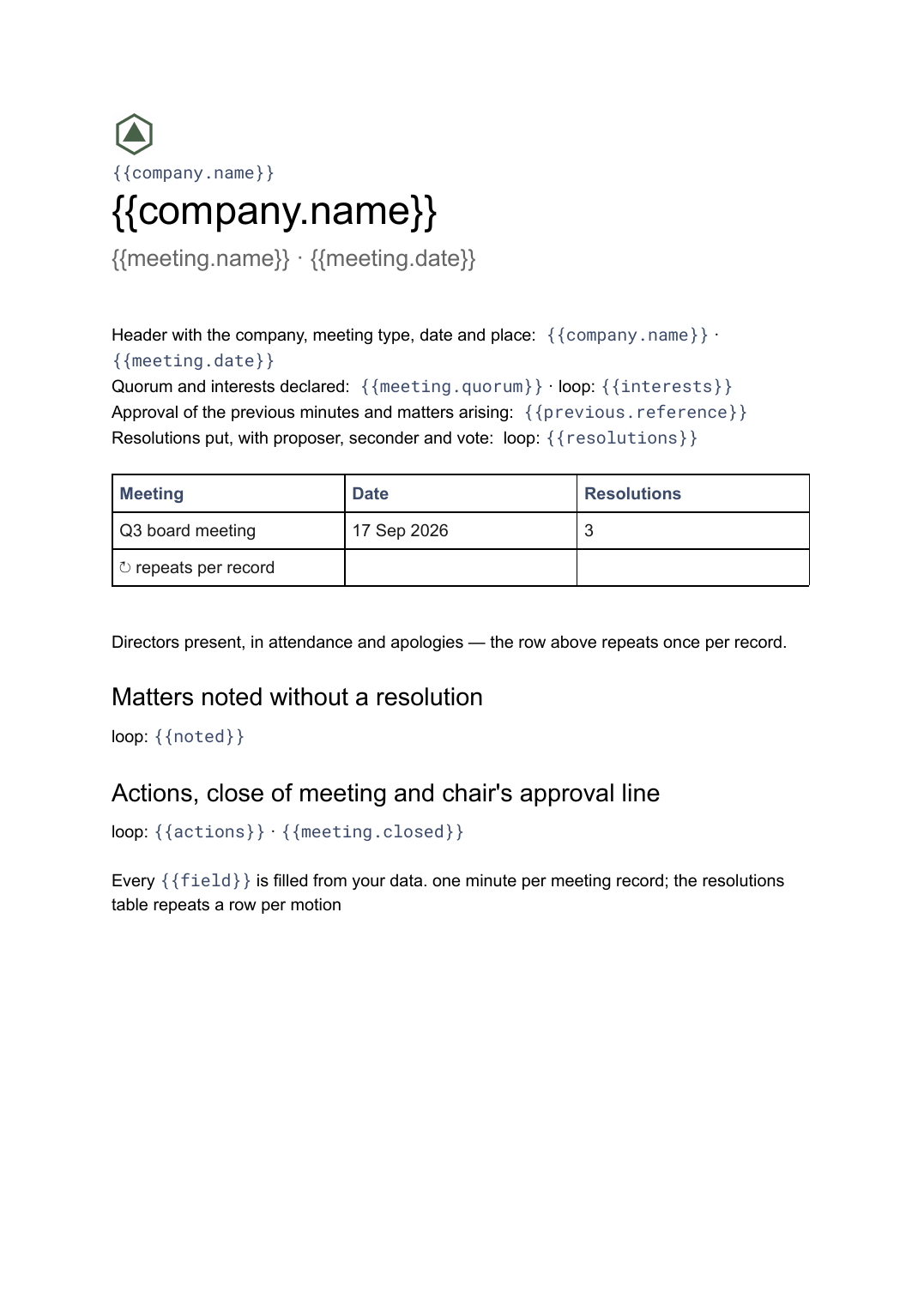 Google Docs
 Board meeting minutes template
The governance record of a board meeting covering attendance, resolutions put and how they were voted, generated one document per meeting from your data.
View template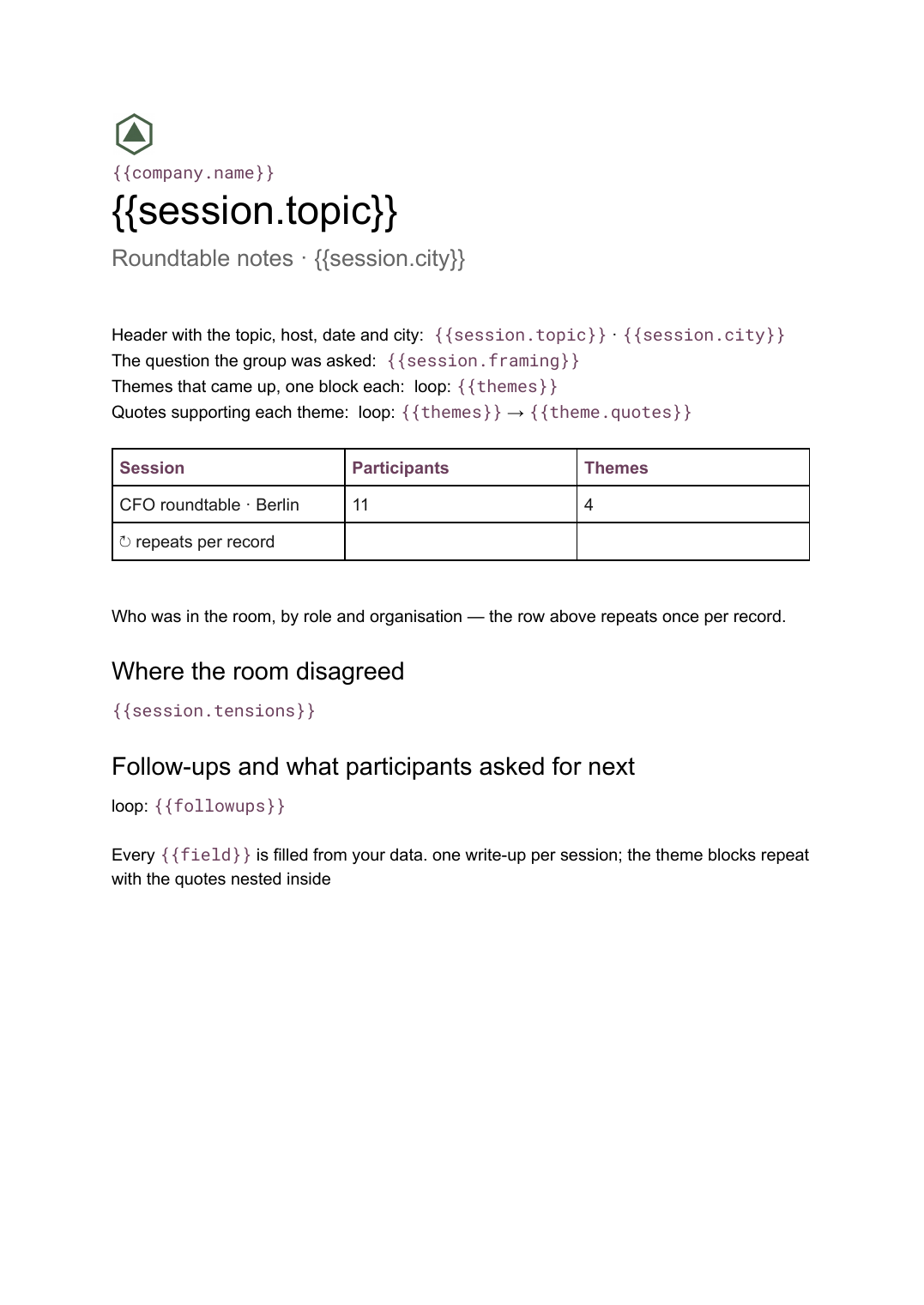 Google Docs
 Roundtable notes template
A written summary of a roundtable discussion organised into themes with supporting quotes, generated one write-up per session from your notes.
View template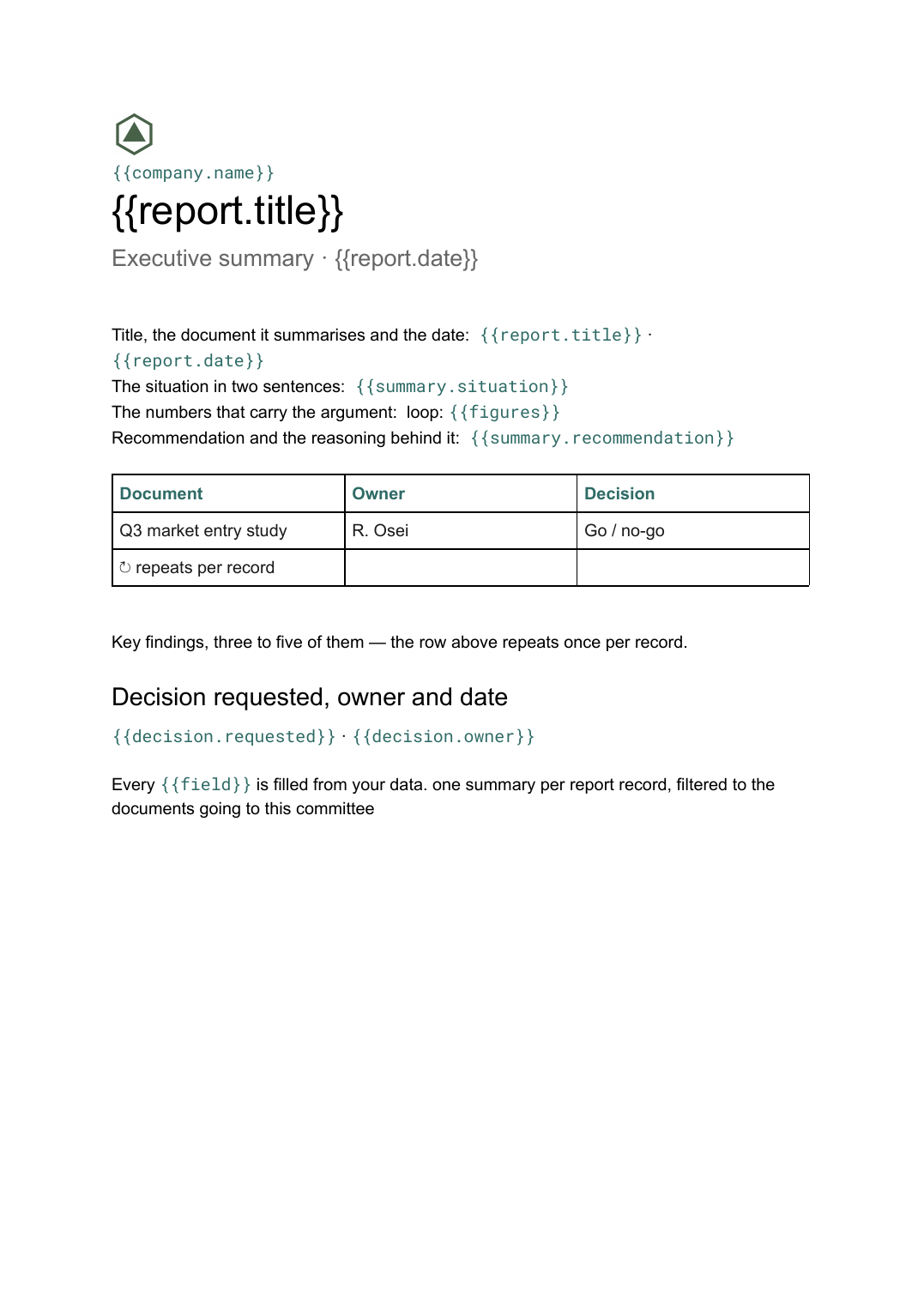 Google Docs
 Executive summary template
A one-page distillation of a longer document covering the situation, findings and the decision requested, generated per report from your data.
View templateCommon questions, answered
How are these different from board meeting minutes? +
Where does the content come from? +
Can I generate minutes for a whole week of meetings at once? +
Can I use our own minutes format? +
Generate this document from your data
Start on the free plan, connect a data source, and export a real Google Docs document. No watermark, no credit card.