Real estate brochure template
A buyer-facing brochure for a single listing, generated one per property from your listings data.
Free plan, no credit card. Bring your own design or start from this layout.
What’s in this template
Every block is bound to a field in your data. The layout stays exactly as designed; only the values change from one run to the next.
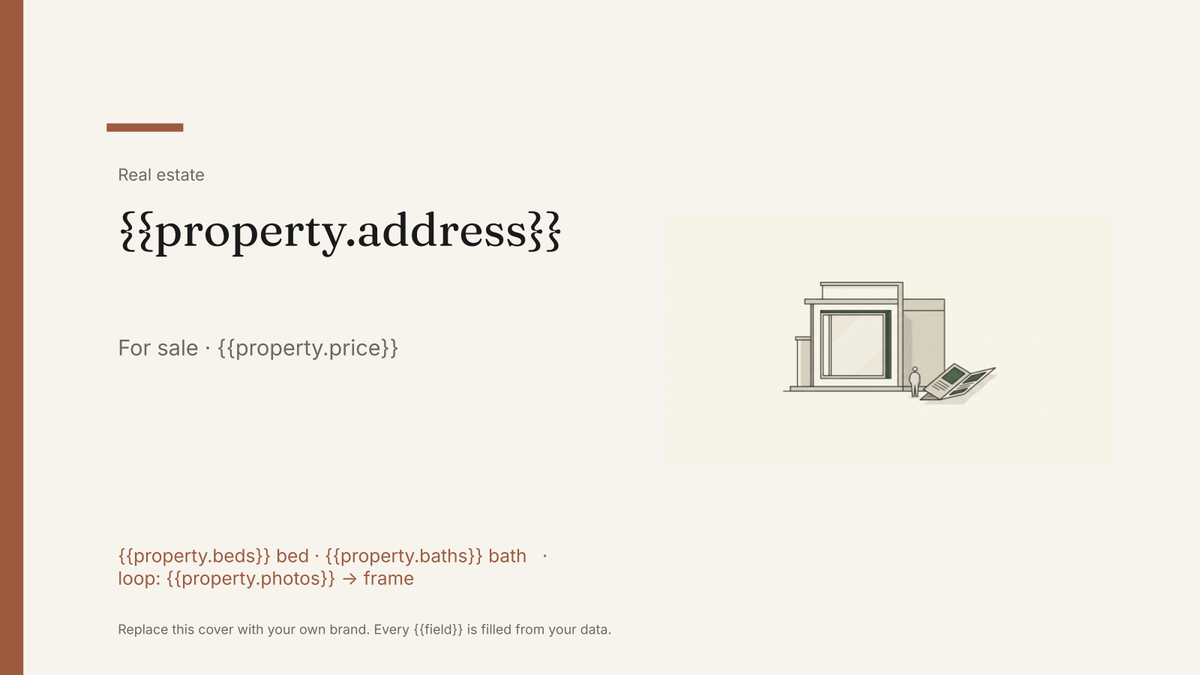
- Cover with the hero photo and full address {{property.address}}
- Asking price and headline facts {{property.price}} · {{property.beds}}
- Photo grid, one frame per listing image loop: {{property.photos}}
- Room-by-room features and dimensions loop: {{features}}
- Floor plan and location notes {{property.floorplan}}
- Agent contact block with photo {{agent.name}} · {{agent.phone}}
How this template fills itself
Connect Airtable, Google Sheets, a SQL database, a CSV or a REST API, map each field to a placeholder, and generate. One run can produce a single document or one per matching record.
Listings · Google Sheets
Template: Google Slides or Docs
{{property.address}}
For sale · {{property.price}}
{{property.beds}} bed · {{property.baths}} bath
loop: {{property.photos}} → frame
{{agent.name}}
one brochure per listing; each photo drops into its designed frame
Generated output
SlidesPDF14 Marlow Gardens
For sale · £675,000
4 bed · 2 bath
8 photos placed
Priya Raman
Who uses this template
Estate agents and brokerages
Publish a brochure the day a listing goes live instead of queueing it behind whoever owns the design file.
Read the guideNew-build developers
Produce a consistent brochure for every plot on a scheme from one row per unit.
Read the guideAgents working from a base or CRM
Generate brochures straight from the listings table that already holds the photos and figures.
Read the guideA property brochure sells one home to buyers. It carries the hero shot, the asking price, the room dimensions and the agent’s number, and it has to look like the agency’s other brochures even when it was made in ten minutes for a listing that came in overnight. The layout is fixed by design; only the property changes.
Getting the photo fields right
Photos are where listing brochures usually go wrong. Keep one column per frame in the layout, hero, kitchen, garden, rather than a single field with a pile of URLs, and decide up front what happens when a listing has fewer images than frames. Landscape crops behave best in a designed frame, so store the version you want printed, not the raw upload. Once the columns match the frames, a new listing is a new row and the brochure comes out in the agency’s brand without anyone opening the design file.
Related templates
All real estate →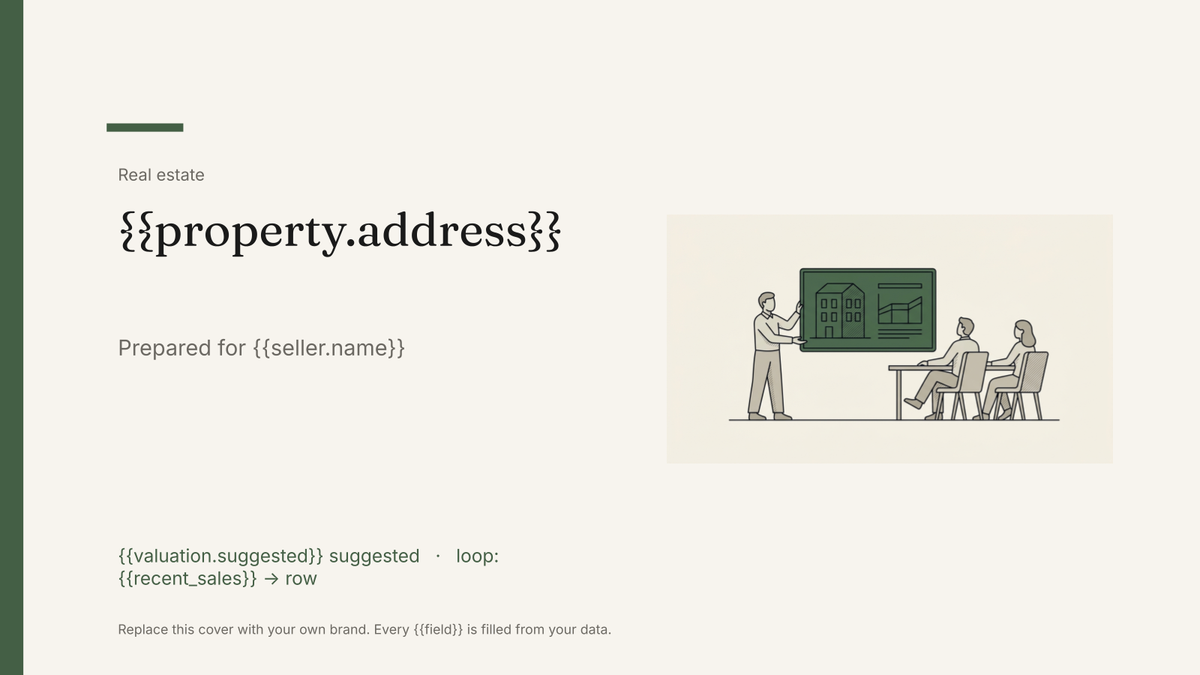 Google Slides
 Listing presentation template
The pitch deck an agent shows a seller to win the instruction, generated one per appointment from your listings and sales data.
View template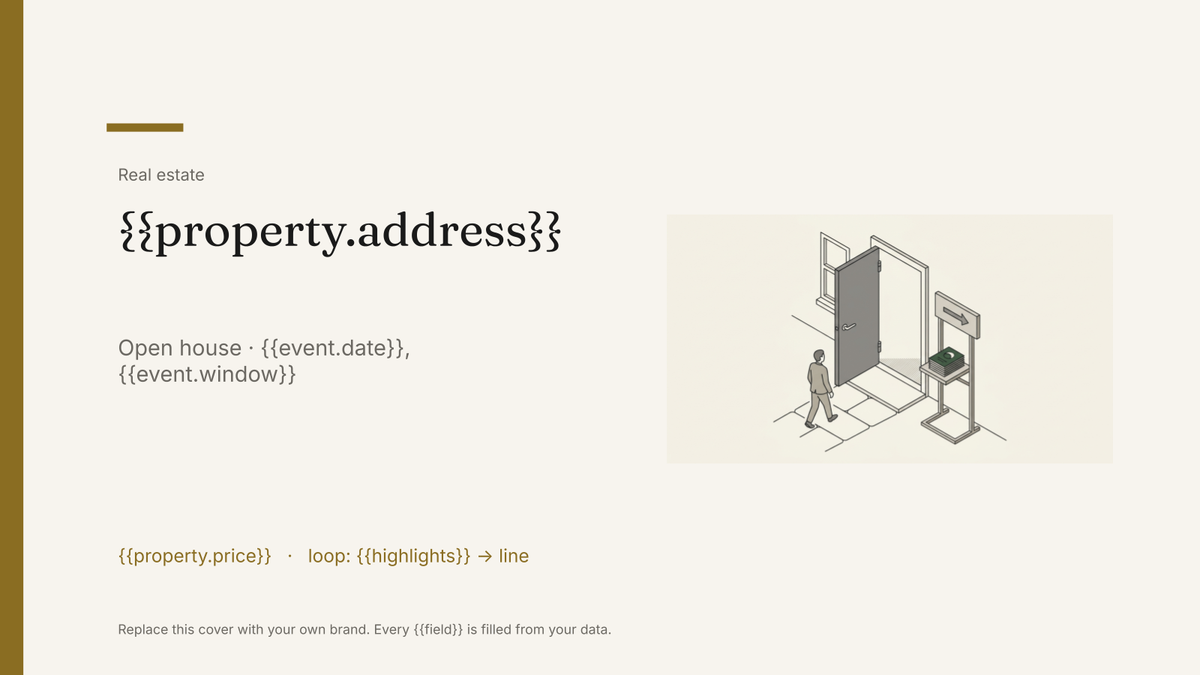 Google Slides
 Open house flyer template
A one-page handout for a specific viewing, generated one per open house from your listings and event data.
View template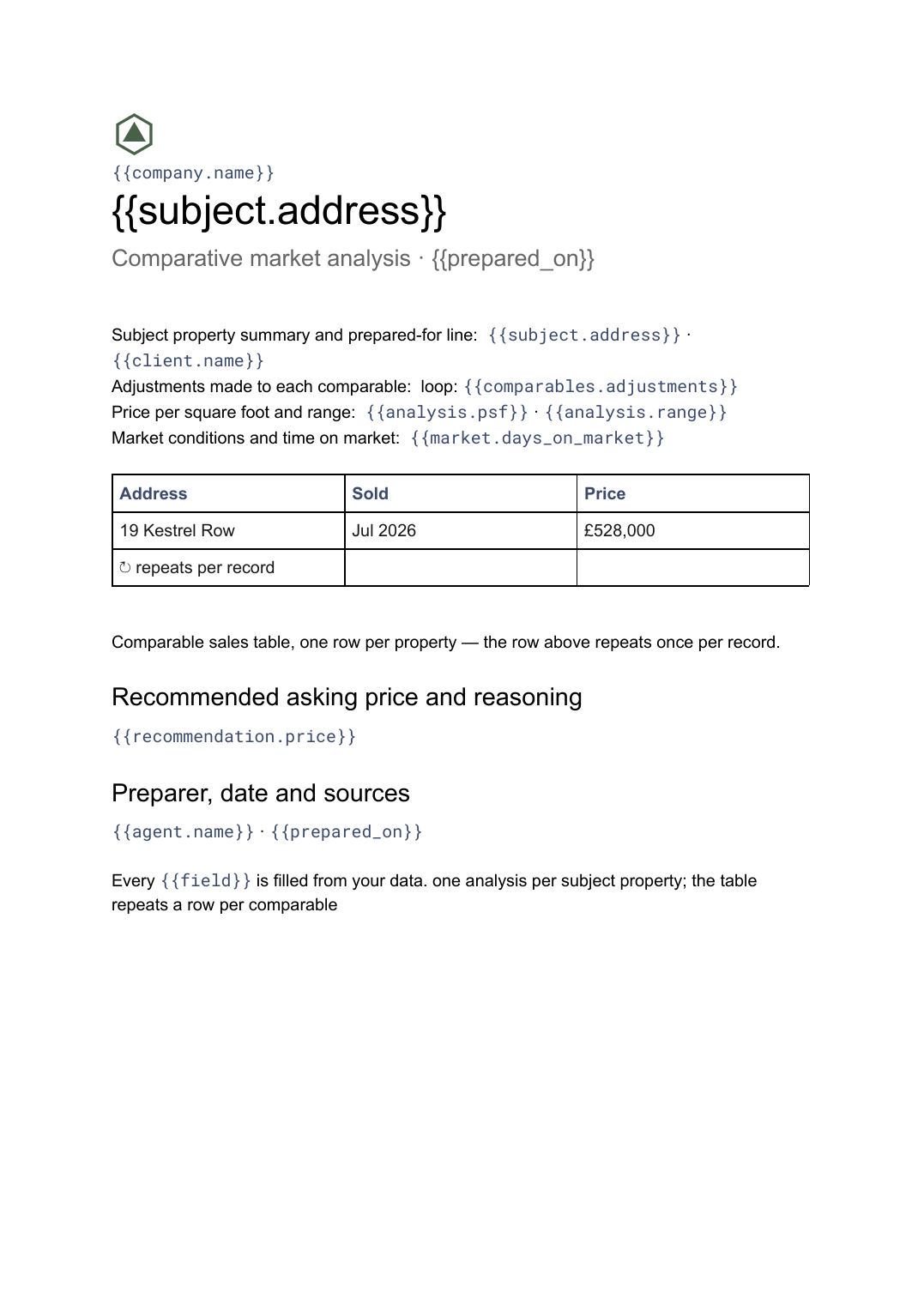 Google Docs
 Comparative market analysis template
A priced comparison of a subject property against recent comparable sales, generated per property from your sales data.
View template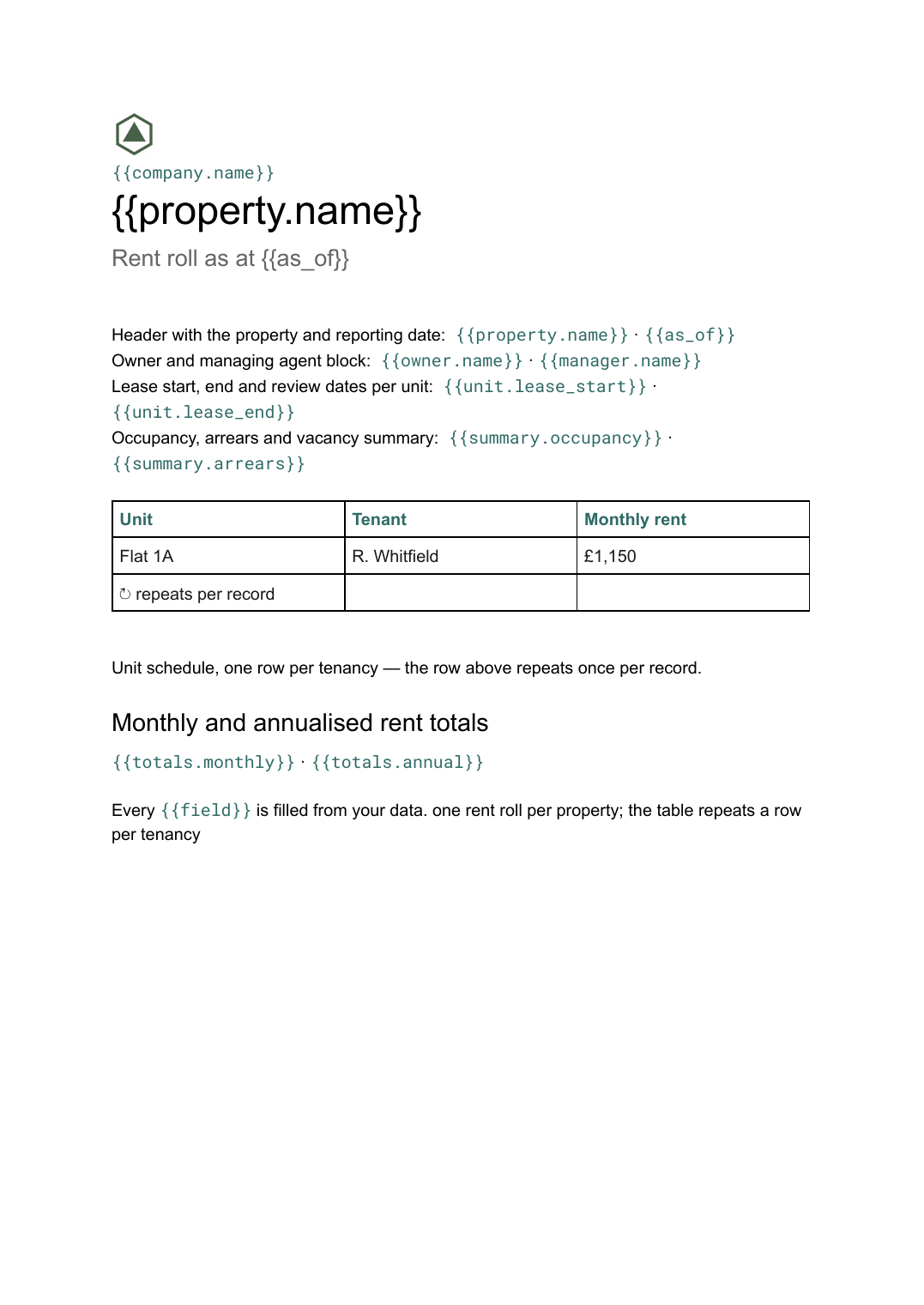 Google Docs
 Rent roll template for Google Docs
A schedule of units, tenants, rents and lease dates with totals, generated per property or portfolio from your tenancy data.
View templateCommon questions, answered
Do the photos change per property? +
Can I use our own brochure design? +
Where do the listing details come from? +
Can I produce brochures for a whole portfolio at once? +
Generate this document from your data
Start on the free plan, connect a data source, and export a real Google Slides document. No watermark, no credit card.