Board report template
The written pre-read pack sent to directors before a board meeting, generated per meeting from your KPI and financial data.
Free plan, no credit card. Bring your own design or start from this layout.
What’s in this template
Every block is bound to a field in your data. The layout stays exactly as designed; only the values change from one run to the next.
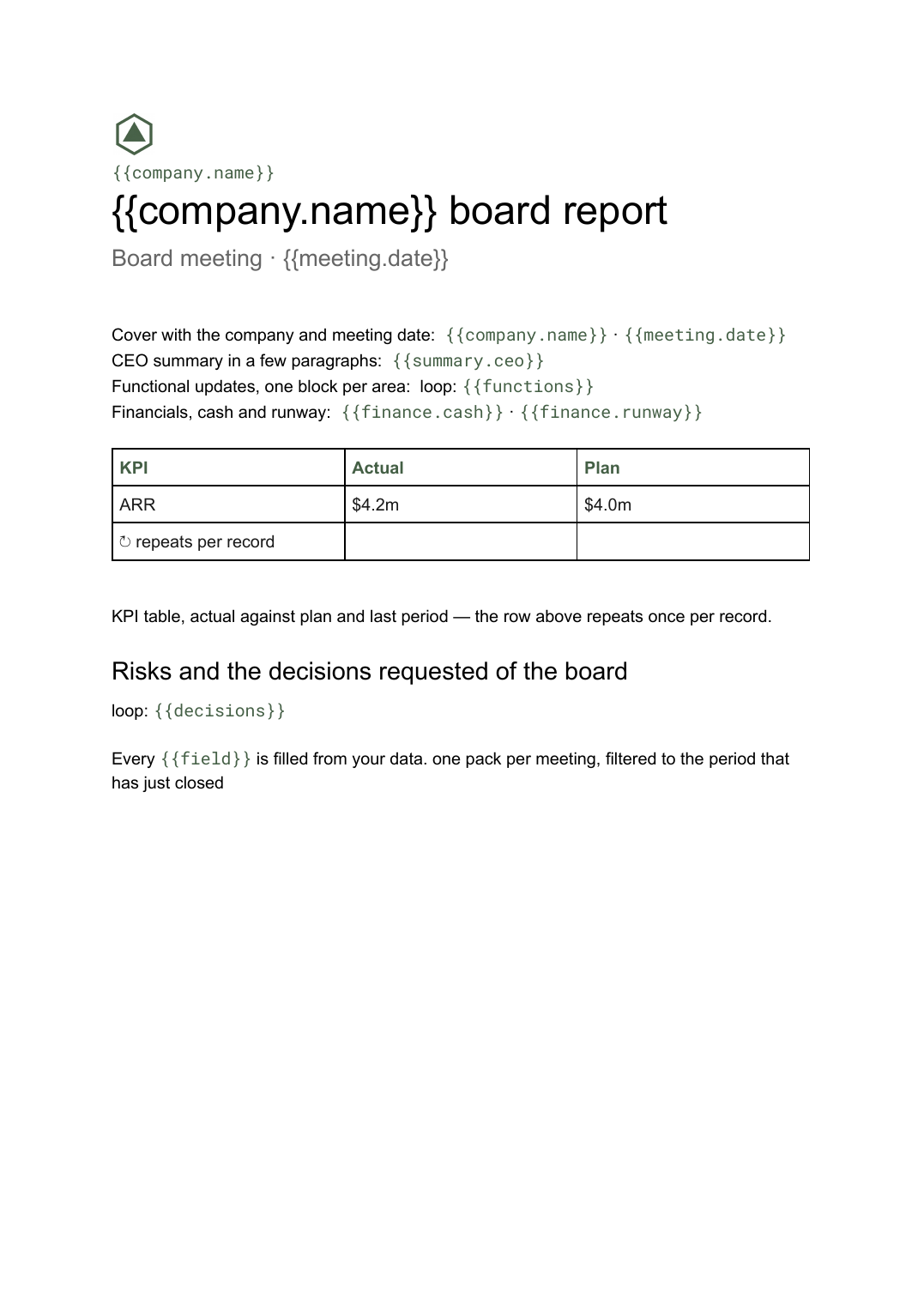
- Cover with the company and meeting date {{company.name}} · {{meeting.date}}
- CEO summary in a few paragraphs {{summary.ceo}}
- KPI table, actual against plan and last period loop: {{kpis}}
- Functional updates, one block per area loop: {{functions}}
- Financials, cash and runway {{finance.cash}} · {{finance.runway}}
- Risks and the decisions requested of the board loop: {{decisions}}
How this template fills itself
Connect Airtable, Google Sheets, a SQL database, a CSV or a REST API, map each field to a placeholder, and generate. One run can produce a single document or one per matching record.
Board KPIs · Google Sheets
Template: Google Slides or Docs
{{company.name}} board report
Board meeting · {{meeting.date}}
loop: {{kpis}} → row
{{finance.cash}} cash
loop: {{decisions}}
one pack per meeting, filtered to the period that has just closed
Generated output
DocsPDFNorthbeam board report
Board meeting · 17 Sep 2026
ARR $4.2m against $4.0m plan
$6.1m cash
4 decisions requested
Who uses this template
Founders and CEOs
Send directors a pre-read that reads the same way every quarter, so the meeting is spent on the decisions rather than the numbers.
Read the guideChiefs of staff and finance leads
Assemble the pack from the KPI sheet and management accounts instead of collecting slides from five function heads.
Read the guidePortfolio and operating teams
Give every company in the portfolio one board pack format and generate them on the same cycle.
Read the guideA board report is the written pre-read: the thing directors are meant to have absorbed before anyone speaks. Its length is genuinely unpredictable — a quiet quarter is six pages, a financing quarter is twenty — which is exactly why it belongs in Google Docs rather than in slides. Tables grow with the metrics you track, appendices sit at the back, and page breaks look after themselves.
Separate the numbers from the argument
The pack works when the recurring numbers come from the source and only the argument is written each time. Put the KPI rows, cash position and headcount in the sheet or base you already close with, and keep the CEO summary, functional commentary and the framing of each decision in text fields next to them. What usually goes wrong is a pack rebuilt by pasting from five different documents: a figure gets updated in the finance model after someone copied it, and the board discusses a number nobody holds any more. Generating from one record also makes the decisions section explicit — every item the board is being asked to approve is a row, so none of them quietly disappears into a paragraph.
Related templates
All investor & board →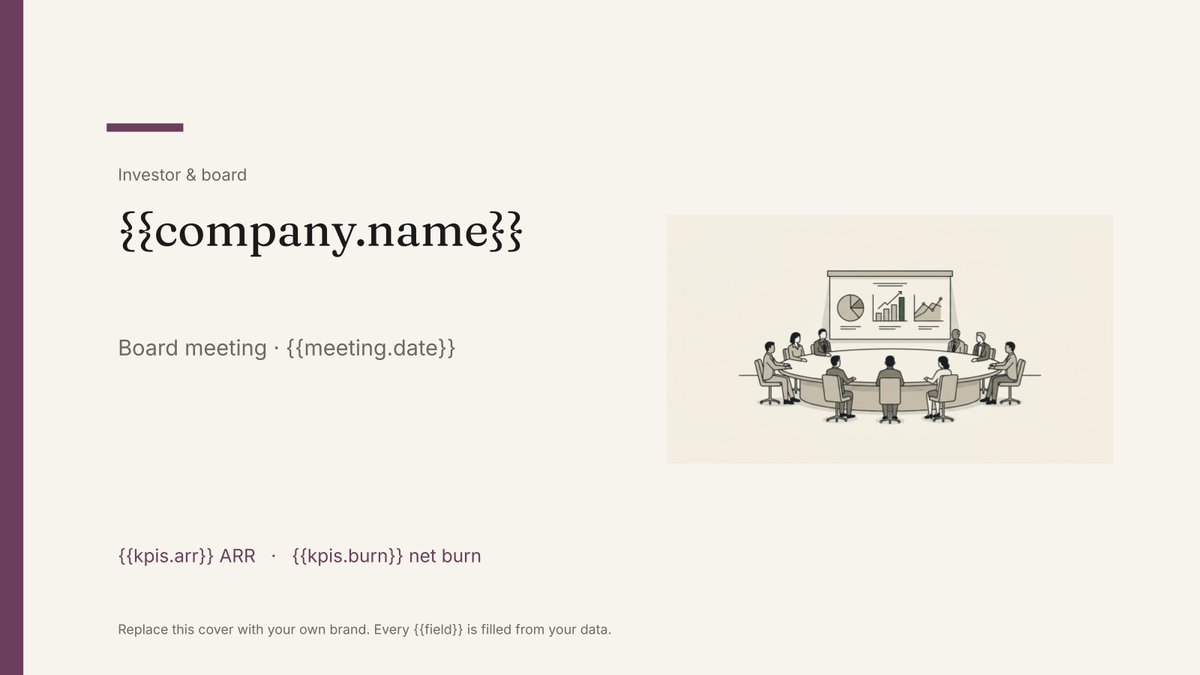 Google Slides
 Board deck template
The presented version of the board pack, built in Google Slides and generated each cycle from your KPI and financial data.
View template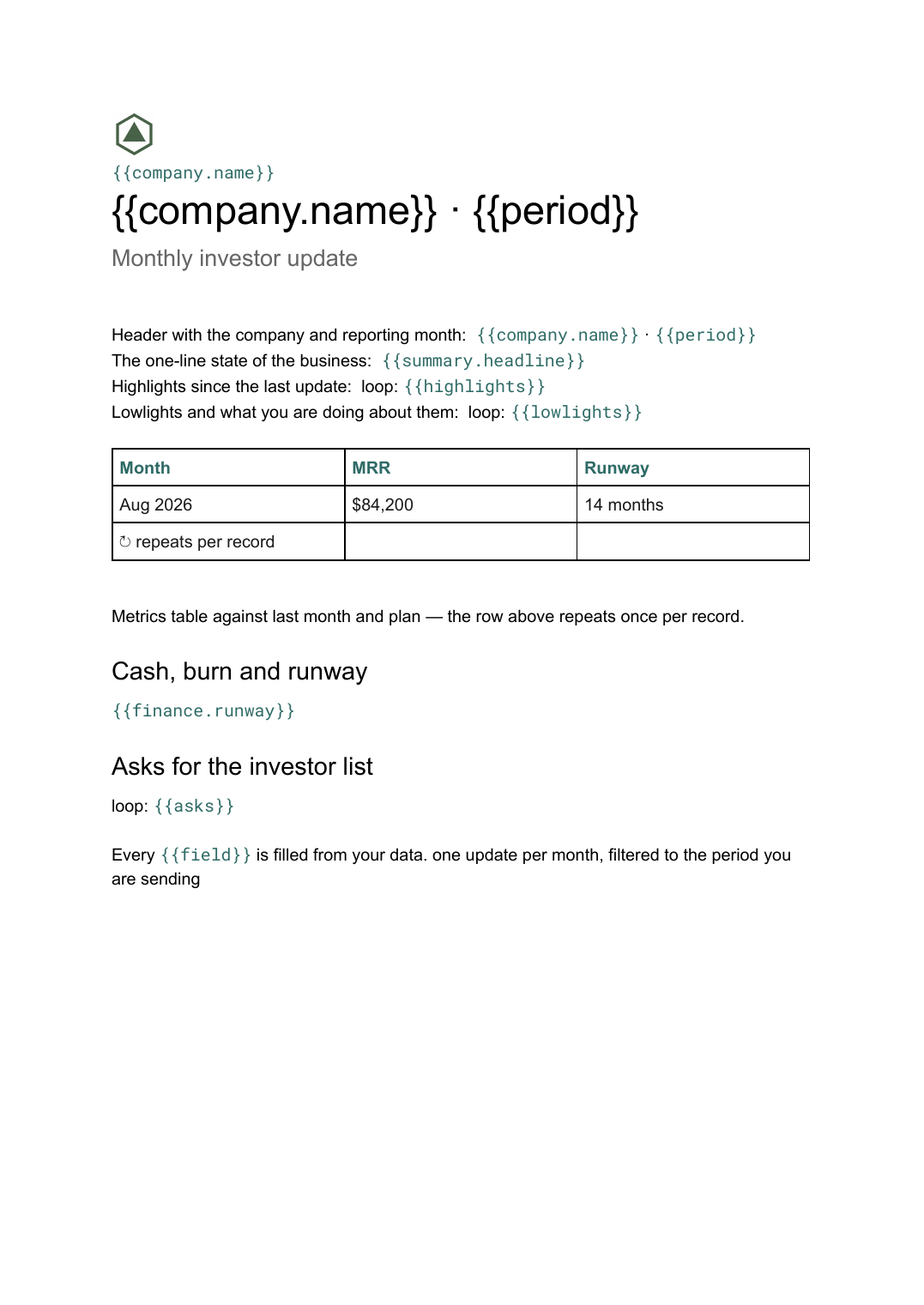 Google Docs
 Investor update template
A founder's monthly written update to angels and VCs covering metrics, progress and asks, generated per reporting period from your data.
View template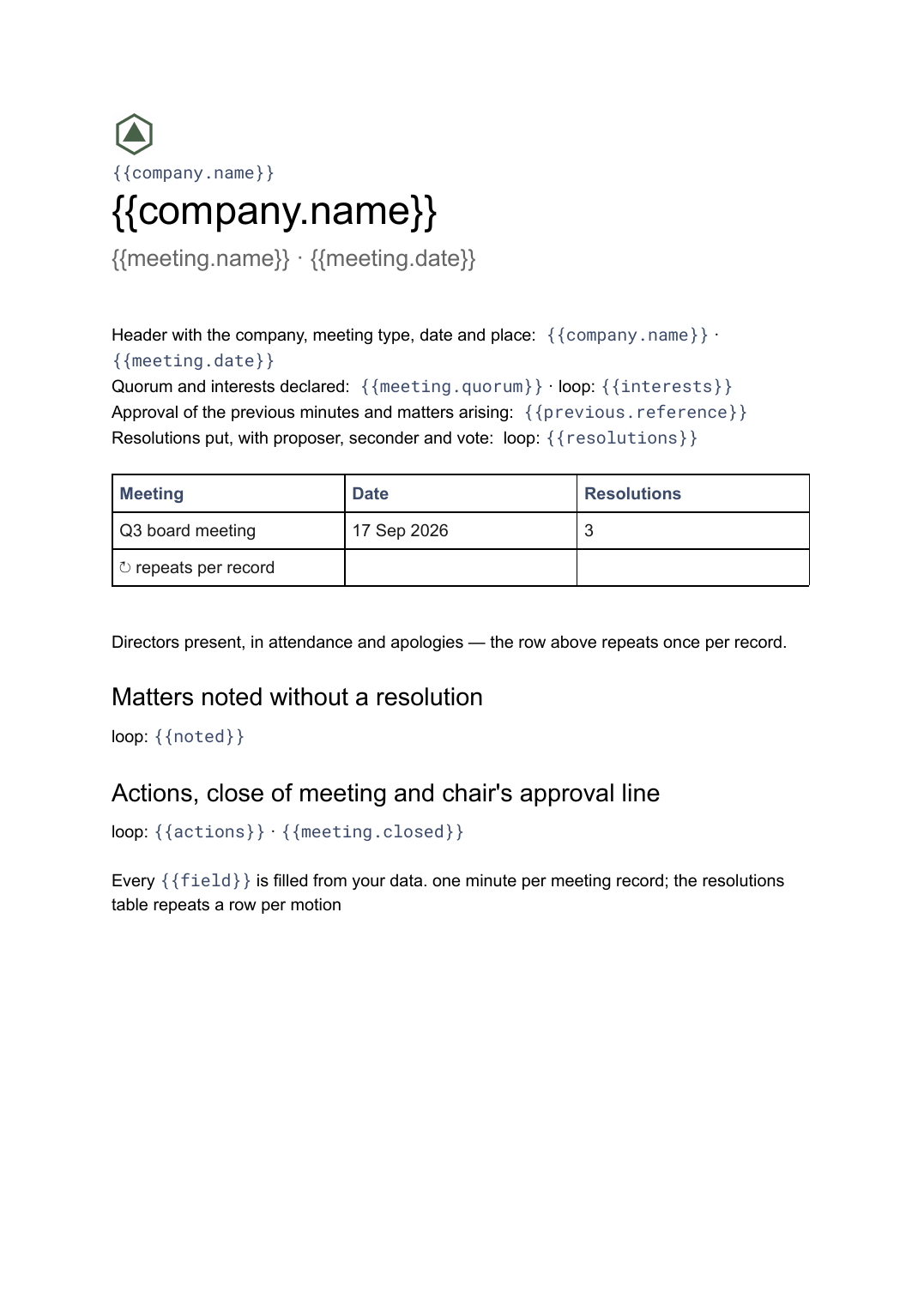 Google Docs
 Board meeting minutes template
The governance record of a board meeting covering attendance, resolutions put and how they were voted, generated one document per meeting from your data.
View template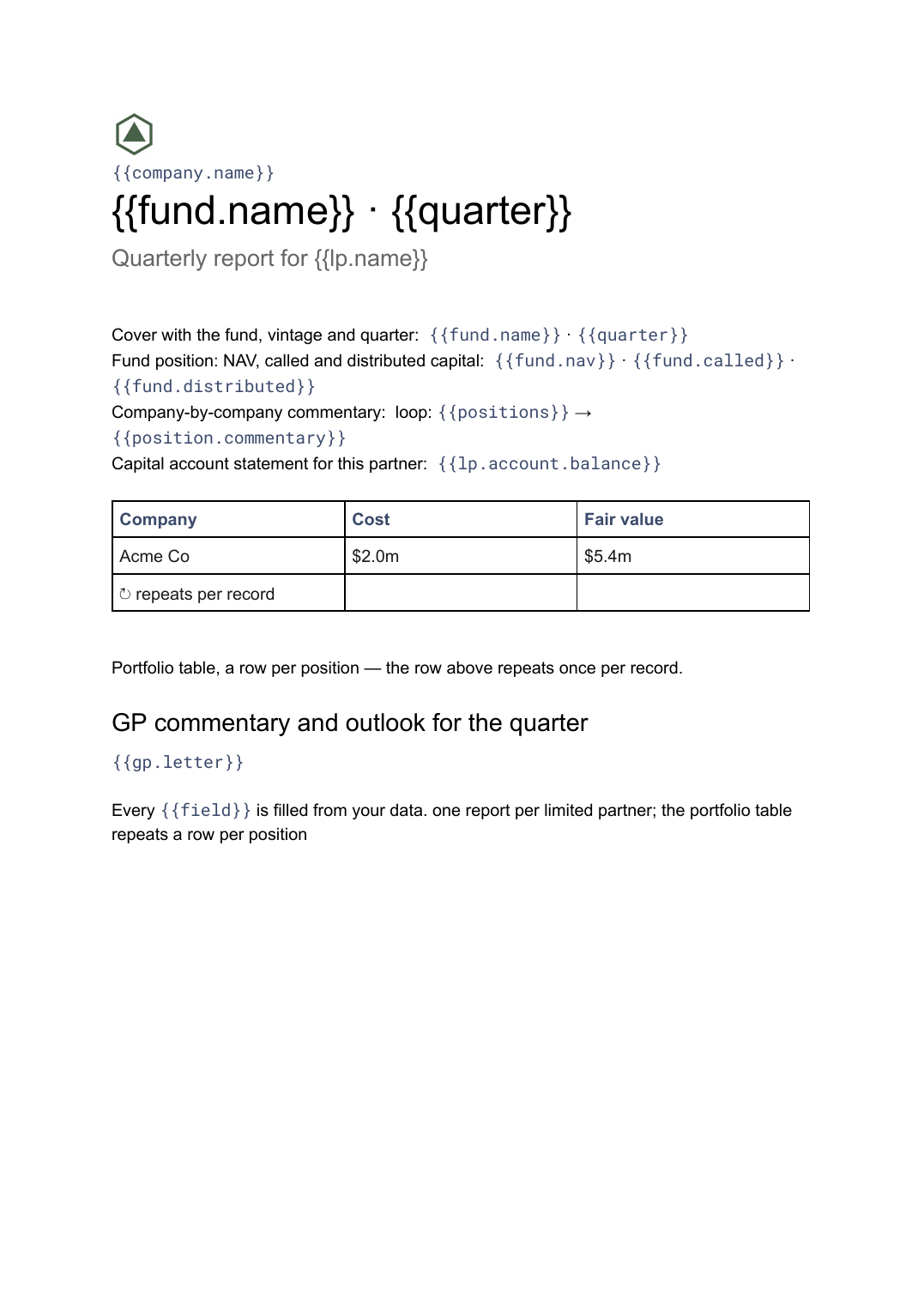 Google Docs
 LP quarterly report template
A fund manager's quarterly report to limited partners covering fund position, portfolio companies and each partner's capital account, generated one per LP.
View templateCommon questions, answered
Should I send a board report or a board deck? +
Where do the numbers in the pack come from? +
Can I use my own board pack design? +
Can the pack be produced automatically before each meeting? +
Generate this document from your data
Start on the free plan, connect a data source, and export a real Google Docs document. No watermark, no credit card.