LP quarterly report template
A fund manager's quarterly report to limited partners covering fund position, portfolio companies and each partner's capital account, generated one per LP.
Free plan, no credit card. Bring your own design or start from this layout.
What’s in this template
Every block is bound to a field in your data. The layout stays exactly as designed; only the values change from one run to the next.
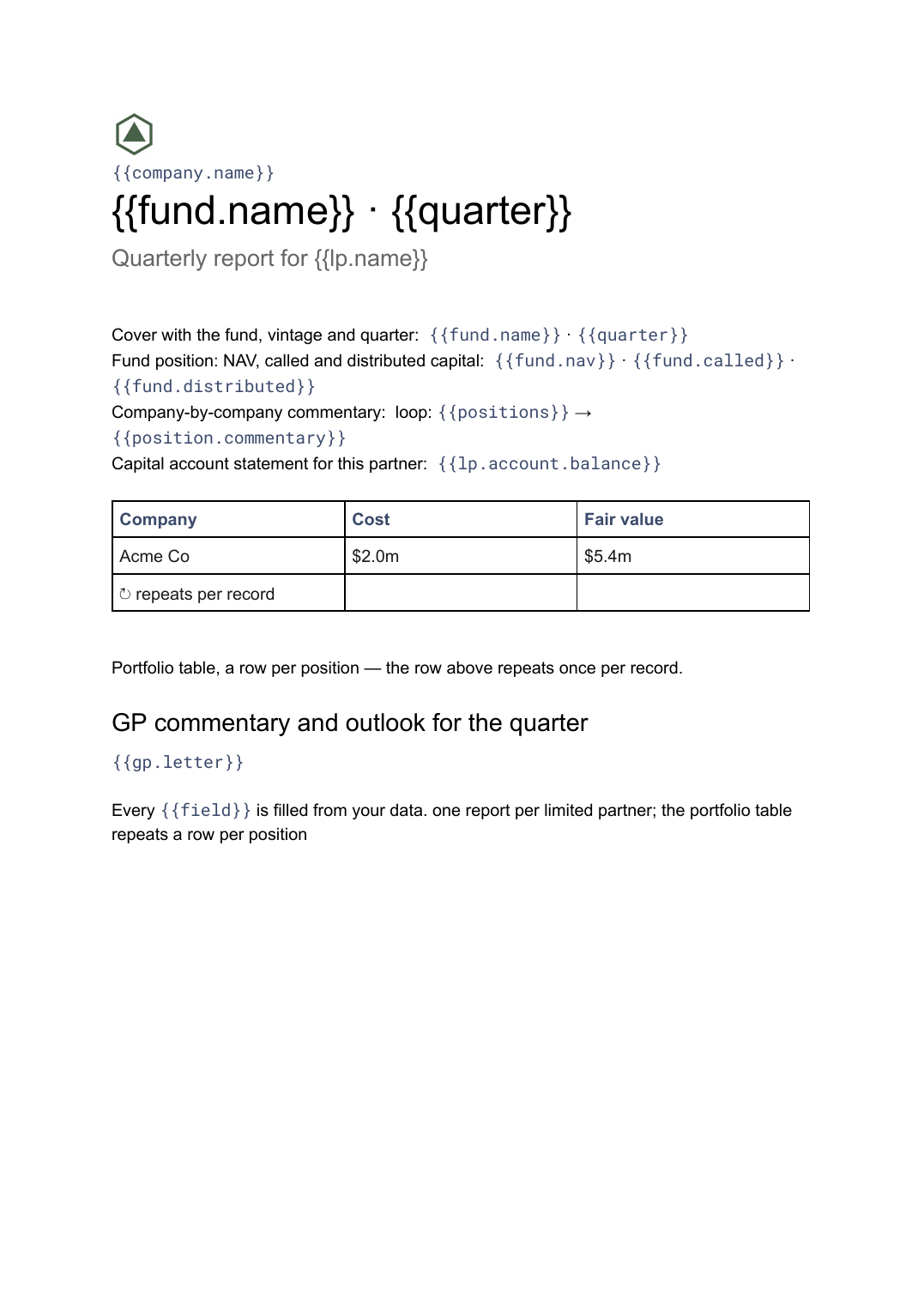
- Cover with the fund, vintage and quarter {{fund.name}} · {{quarter}}
- Fund position: NAV, called and distributed capital {{fund.nav}} · {{fund.called}} · {{fund.distributed}}
- Portfolio table, a row per position loop: {{positions}}
- Company-by-company commentary loop: {{positions}} → {{position.commentary}}
- Capital account statement for this partner {{lp.account.balance}}
- GP commentary and outlook for the quarter {{gp.letter}}
How this template fills itself
Connect Airtable, Google Sheets, a SQL database, a CSV or a REST API, map each field to a placeholder, and generate. One run can produce a single document or one per matching record.
Fund positions · SQL database
Template: Google Slides or Docs
{{fund.name}} · {{quarter}}
Quarterly report for {{lp.name}}
{{fund.nav}} NAV
loop: {{positions}} → row
{{lp.account.balance}} capital account
one report per limited partner; the portfolio table repeats a row per position
Generated output
DocsPDFFund II · Q2 2026
Quarterly report for Redwood Trust
$41.6m NAV
Acme Co · $5.4m fair value
$2.8m capital account
Who uses this template
Venture and growth fund managers
Send every limited partner the same quarterly pack with their own capital account figures in it.
Read the guideFund operations and finance teams
Build the quarter's reports from the position and capital tables you already close on, rather than from last quarter's file.
Read the guideFamily offices and syndicate leads
Report on a portfolio to a small group of backers in a fixed format that makes quarters comparable.
Read the guideA quarterly LP report is really two documents in one envelope: a fund-level and portfolio section every partner receives identically, and a capital account section that is different for each of them. Generating it per partner is what makes that practical. It is a Google Doc because the length is not fixed — a fund with eight positions and one with thirty produce very different documents, and the tables and page breaks have to absorb that on their own.
Shape the data as fund, positions and partners
The reports come out cleanly when the source has three levels: one row for the fund’s quarter, a row per portfolio position, and a row per limited partner with their commitment and account movements. The portfolio table then loops over positions, the commentary nests inside that loop, and the capital account block reads from the partner record the run is scoped to. What usually goes wrong is a single flat sheet where each partner’s row repeats the fund figures — one restatement and half the rows disagree with the other half. Keep the fund’s numbers in one place and let every report point at them.
Related templates
All investor & board →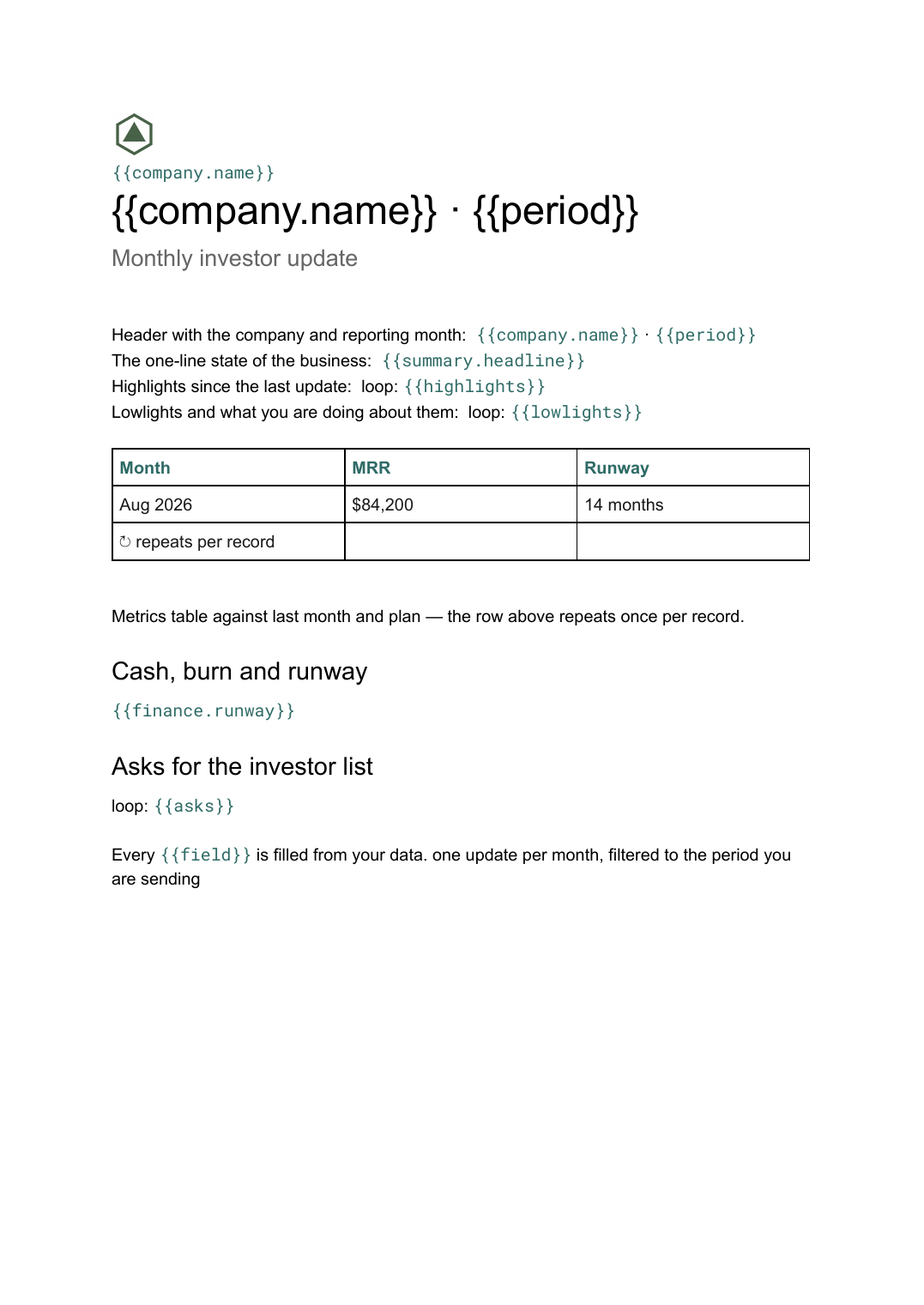 Google Docs
 Investor update template
A founder's monthly written update to angels and VCs covering metrics, progress and asks, generated per reporting period from your data.
View template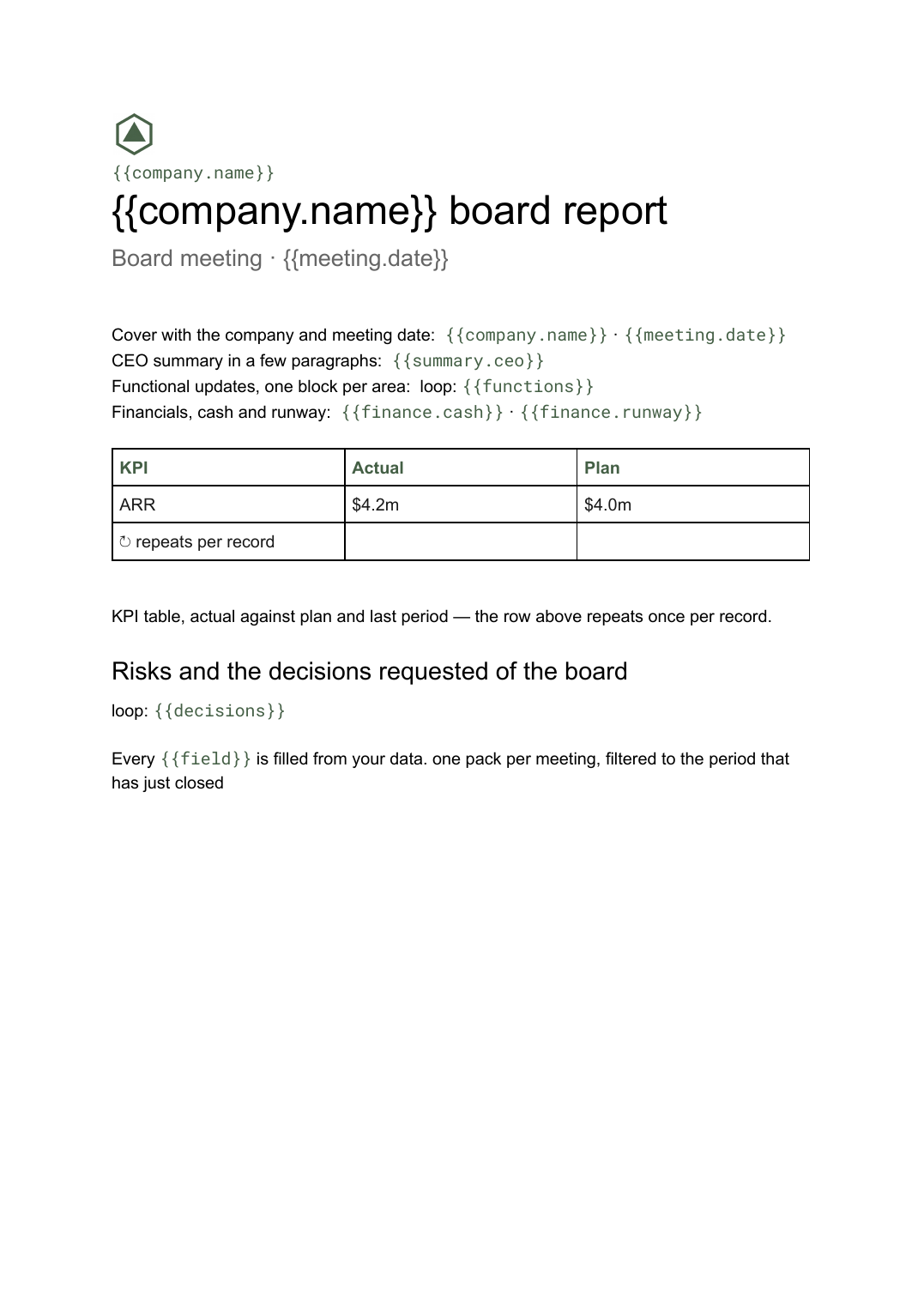 Google Docs
 Board report template
The written pre-read pack sent to directors before a board meeting, generated per meeting from your KPI and financial data.
View template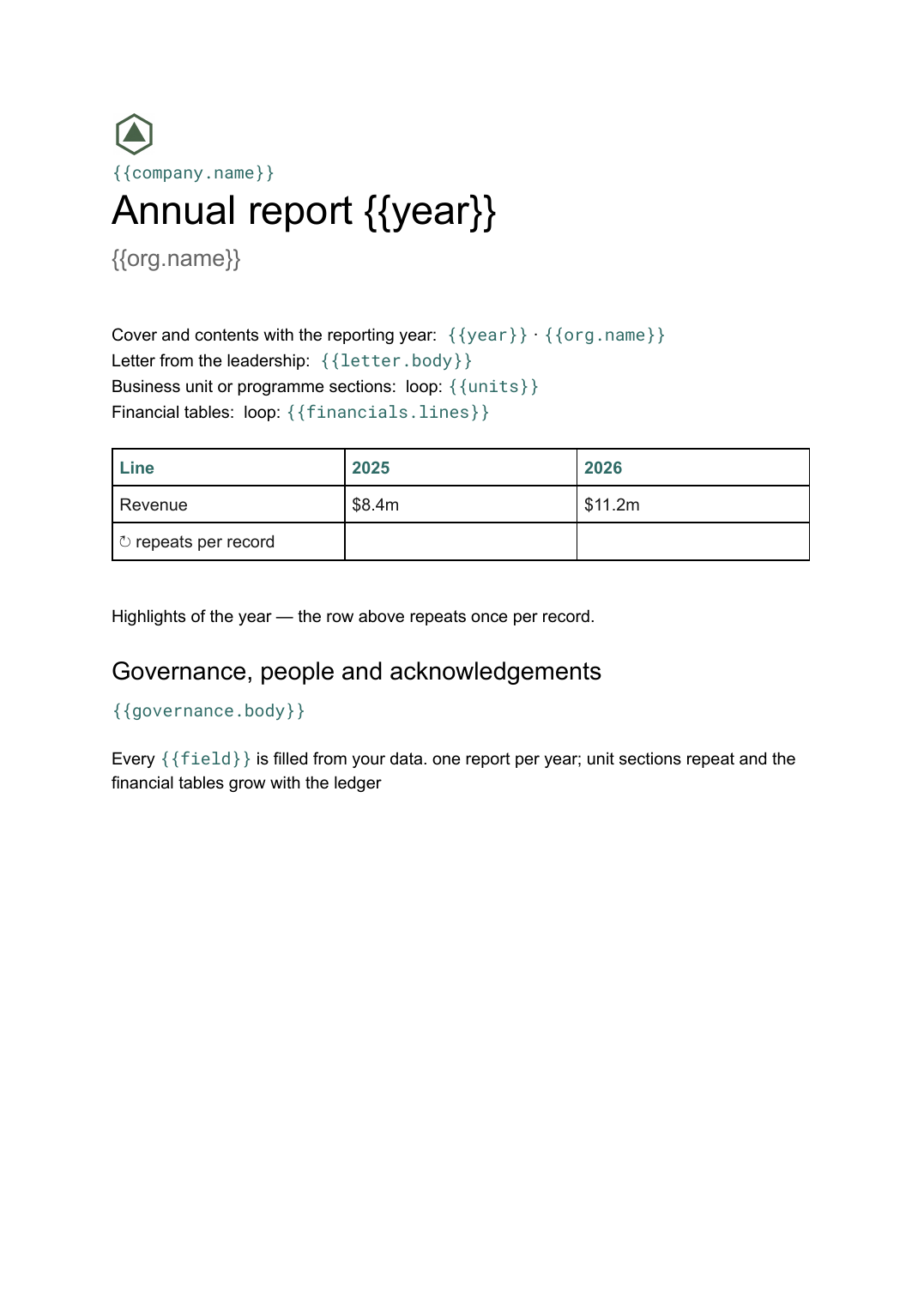 Google Docs
 Annual report template
A year-end report combining narrative sections and financial tables, generated from the year's figures held in your systems.
View template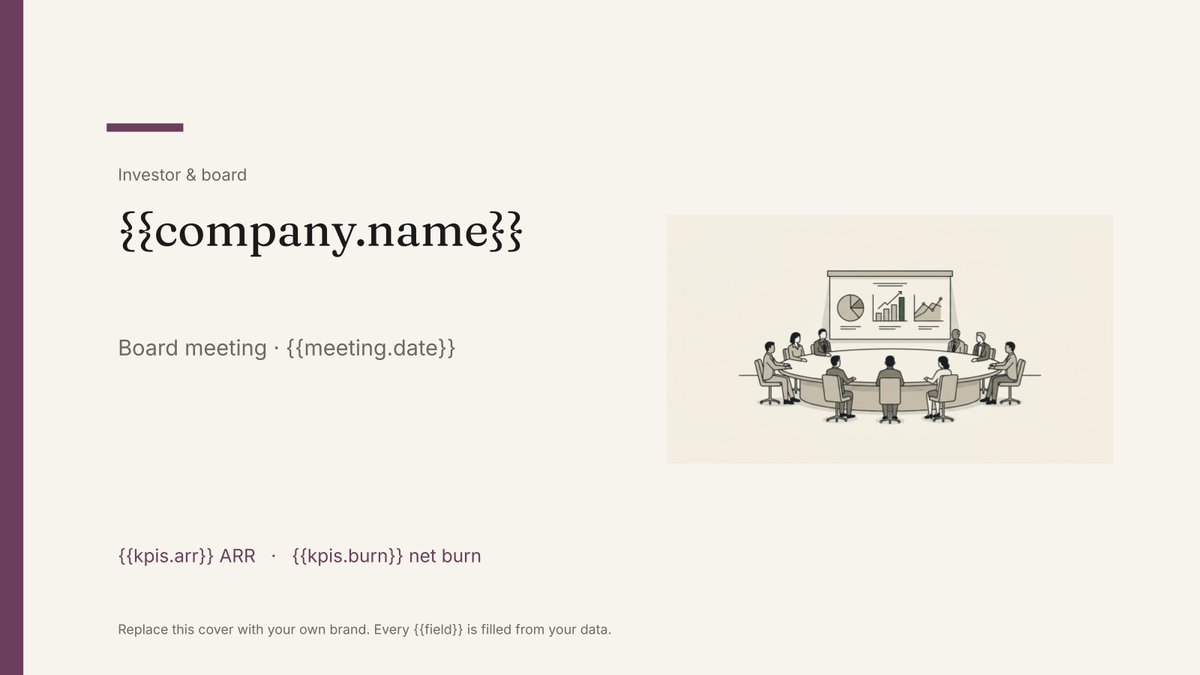 Google Slides
 Board deck template
The presented version of the board pack, built in Google Slides and generated each cycle from your KPI and financial data.
View templateCommon questions, answered
How is this different from a monthly investor update? +
Can each LP see only their own capital account? +
Where do the fund and position figures come from? +
Can I use my own report design? +
Generate this document from your data
Start on the free plan, connect a data source, and export a real Google Docs document. No watermark, no credit card.