Free brochure template for Google Slides
A two-page product or service brochure with cover, feature panels and contact details, generated one per product or location from your catalogue data.
Free to copy, no sign-up: the file opens in your own Google Drive. Updated November 13, 2026.
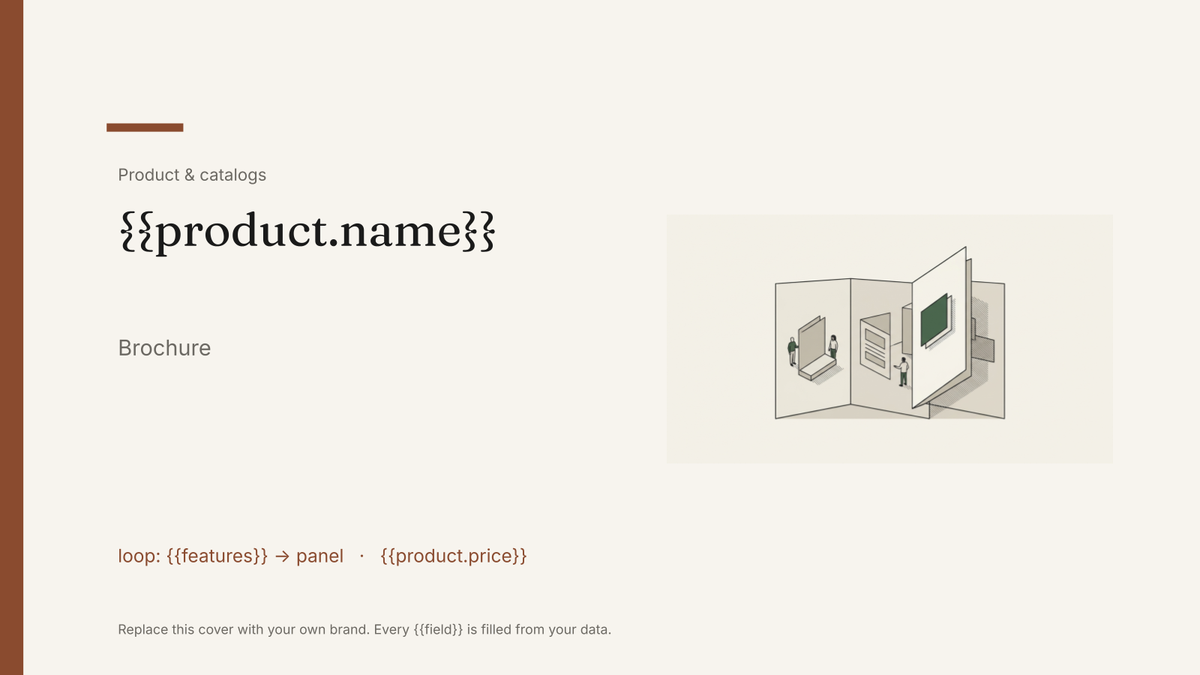
What’s in the brochure template
Every block has a placeholder showing where your details go. Type over them by hand, or bind each one to a field in your data and let it fill itself.
- Cover with product name and hero line {{product.name}}
- Three feature panels loop: {{features}}
- Specifications or inclusions table loop: {{specs}}
- Pricing block {{product.price}}
- Back page with contact details and logo {{company.phone}}
How to use this brochure template in Google Slides
- 01
Copy the template to your Google Drive
Press "Copy to my Google Slides". Google asks to make a copy, and the copy is yours to edit; the original is never changed. All you need is a free Google account.
- 02
Replace the placeholders with your details
Text in double braces, like {{product.name}}, marks where your own values go. Work down the slides: cover with product name and hero line; three feature panels; specifications or inclusions table, and so on.
- 03
Make it match your brand
Swap the logo, colours and fonts in Google Slides as you would in any presentation. The layout is built to hold when the text changes.
- 04
Download it as a PDF, or share the link
File, then Download, then PDF Document gives you a file to send or print. Download as PowerPoint (.pptx) works too if someone needs it.
- 05
Making these regularly? Fill it from your data
Connect Airtable, Google Sheets or a CSV to SourceToDocs and it fills a copy of this template for every row, so you stop retyping.
A brochure is the clearest case for Google Slides over Google Docs: the layout is the product. Panels, images and pricing sit exactly where the designer placed them, and the only thing that should change between brochures is the content. This template holds that layout and lets the product record supply the rest.
One brochure per product, from the catalogue
Keep the product data where it lives, a catalogue table in Airtable with one row per product and a linked table of features, and generate the brochure from it. A price change is a cell edit and a regeneration, not a designer’s afternoon. The three feature panels repeat from the linked features, so a product with two features and one with five both lay out correctly.
Fill this brochure template from Airtable, Google Sheets or a CSV
Connect an Airtable base, a Google Sheets spreadsheet or a CSV file, map each field to a placeholder, and generate. One run can produce a single deck or one per matching row, delivered to your Google Drive.
Products · Airtable
Template: Google Slides or Docs
{{product.name}}
Brochure
loop: {{features}} → panel
{{product.price}}
{{company.phone}}
one brochure per product; panels repeat per feature
Generated output
SlidesPDFStudio Desk
Brochure
4 feature panels
$1,290
Contact back page
Who uses this brochure template
Product and e-commerce teams
One brochure per SKU from the catalogue, regenerated when a price or spec changes.
Read the guideEstate and travel agencies
A brochure per property or per trip from the listing data, branded once.
Read the guideFranchises and multi-site businesses
The same brochure per location with local contact details and offers.
Read the guideRelated templates
All product & catalogs →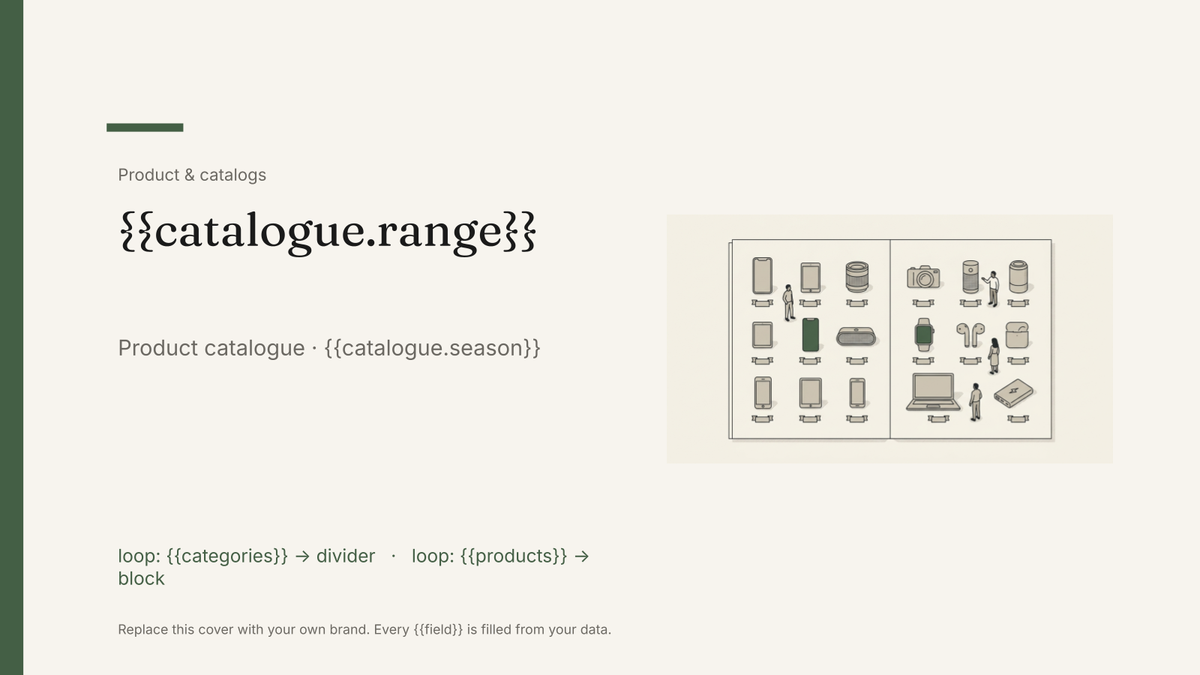 Google Slides
Product catalog template
A designed catalogue that repeats a product block per row of your product list, generated from your product data.
View template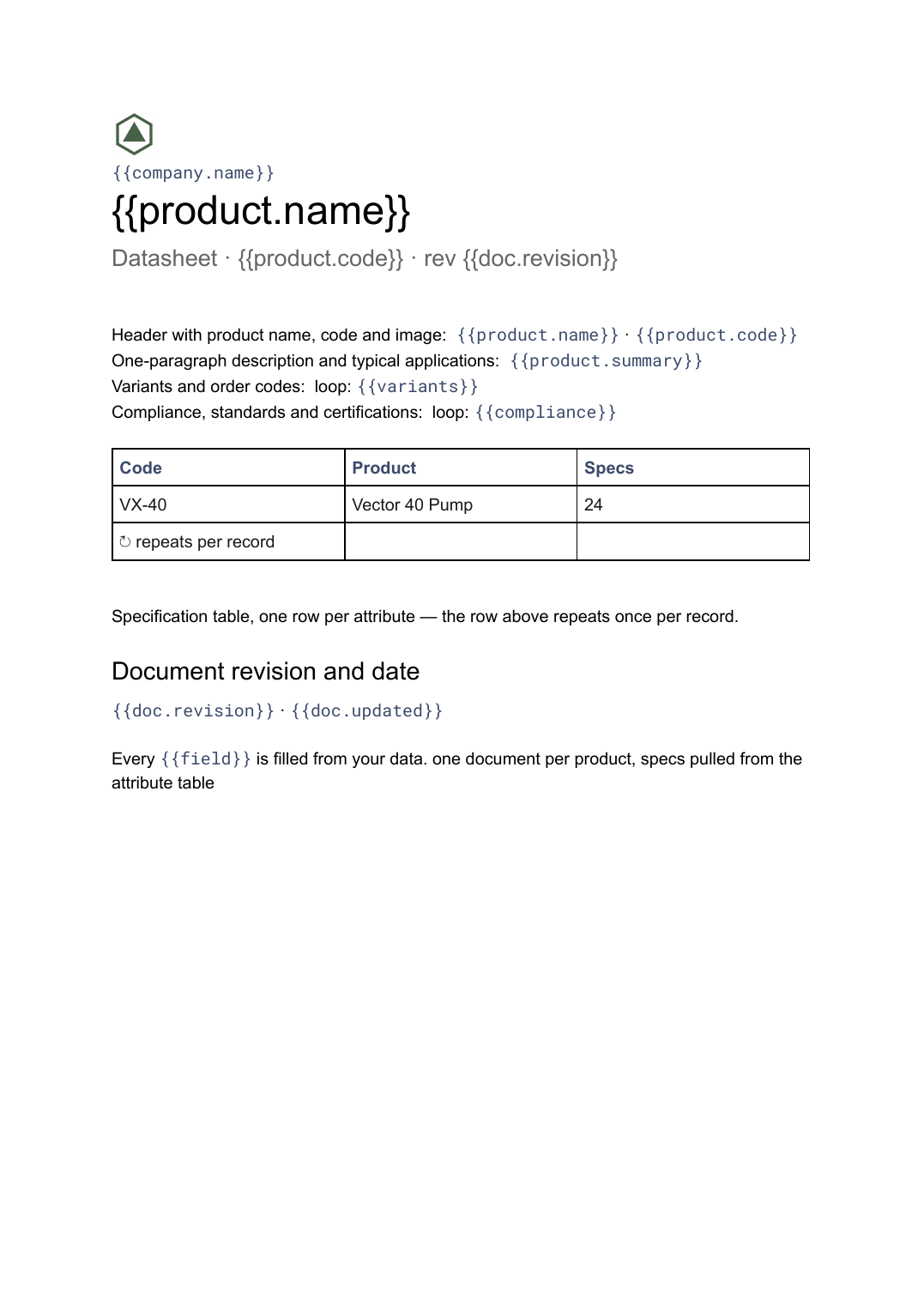 Google Docs
Datasheet template
A single-product technical sheet with a specification table, generated one document per product from your product data.
View template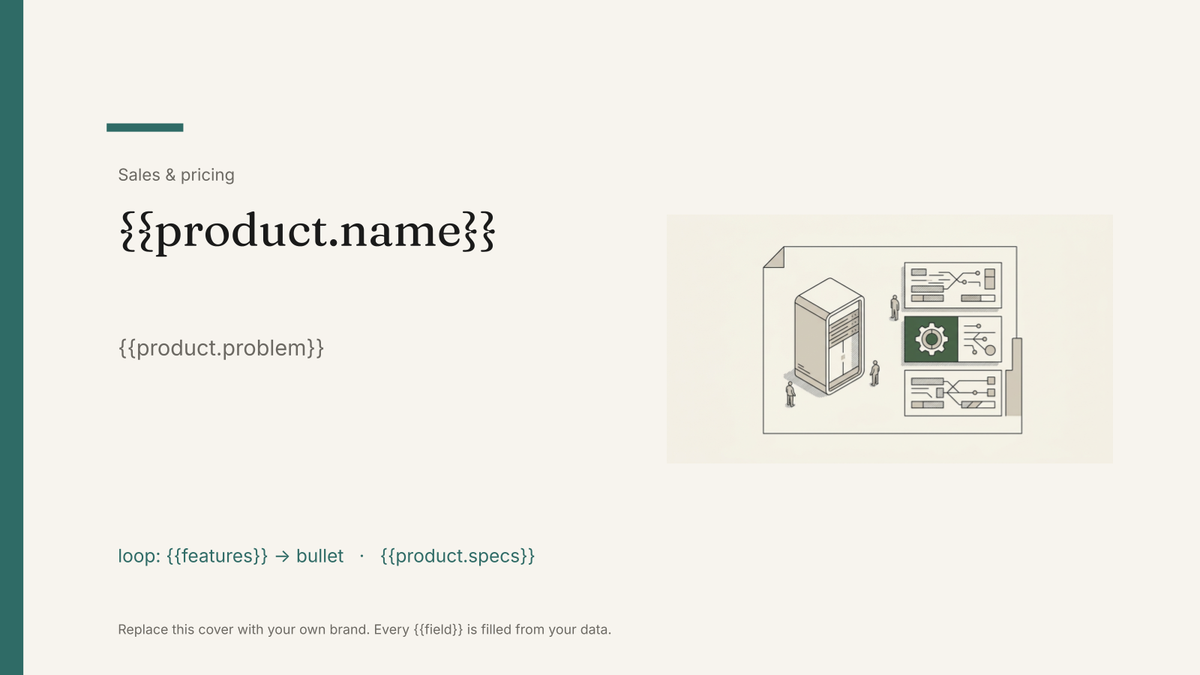 Google Slides
Product one-pager template
A single-page product summary with positioning, features and pricing, generated one per product from your catalogue.
View template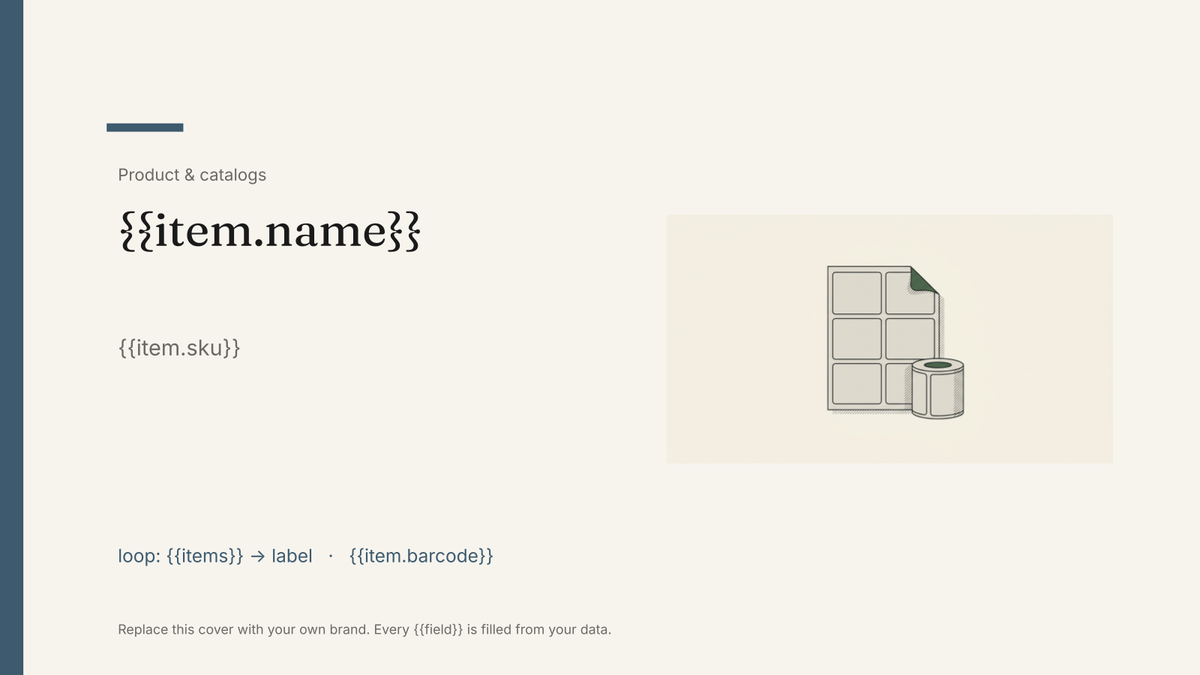 Google Slides
Label template
A printable sheet of product or shipping labels, one label per record from your inventory or order data, with name, code and barcode area.
View templateCommon questions, answered
Why is the brochure a Google Slides file rather than a Doc? +
Can I generate one brochure per product? +
Can I print it? +
Is this brochure template free? +
Can I download this brochure template as a PDF or PowerPoint file? +
Generate this document from your data
Start on the free plan, connect Airtable, Google Sheets or a CSV, and export a real Google Slides file. No watermark, no credit card.