Datasheet template
A single-product technical sheet with a specification table, generated one document per product from your product data.
Free plan, no credit card. Bring your own design or start from this layout.
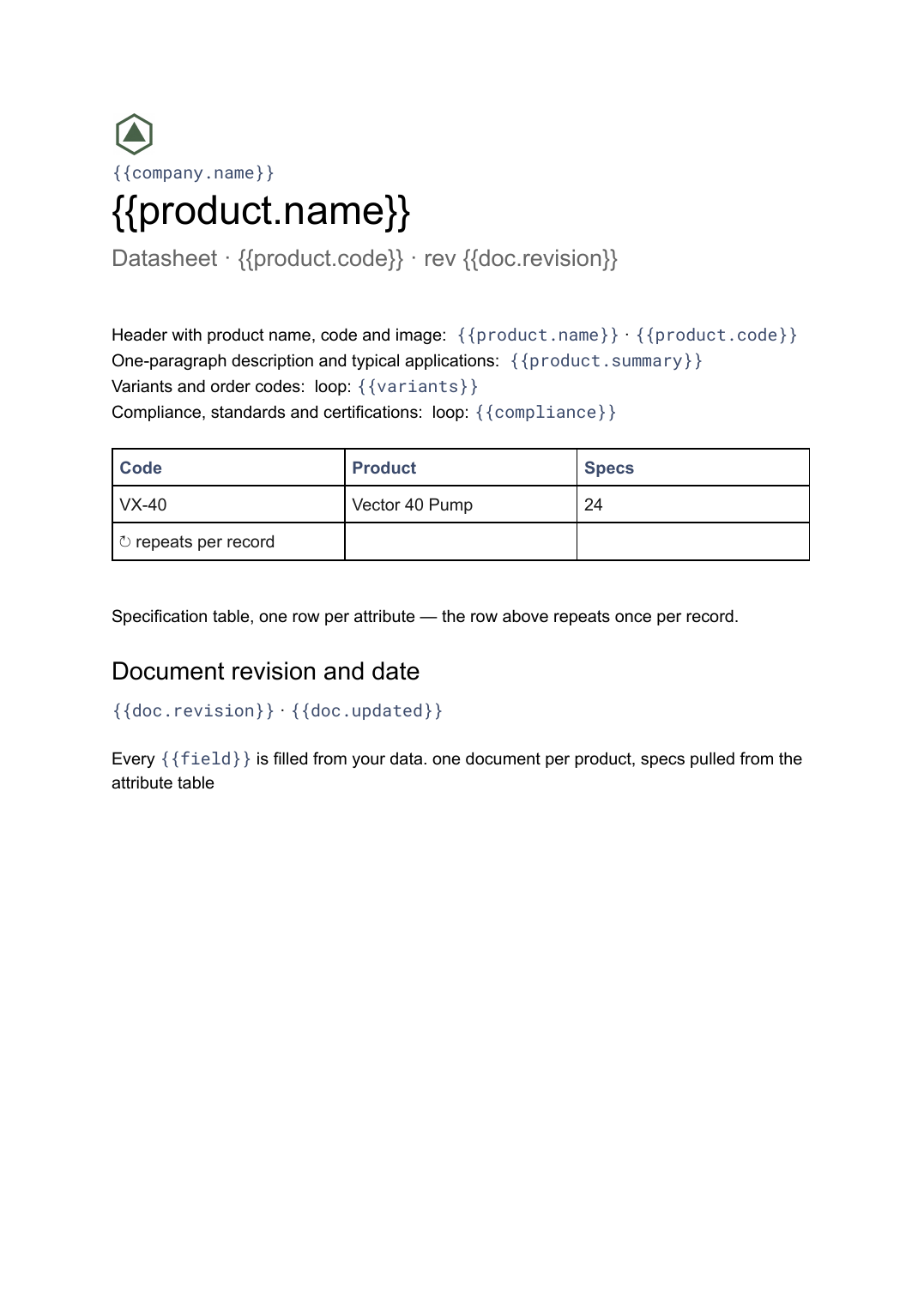
What’s in this template
Every block is bound to a field in your data. The layout stays exactly as designed; only the values change from one run to the next.
- Header with product name, code and image {{product.name}} · {{product.code}}
- One-paragraph description and typical applications {{product.summary}}
- Specification table, one row per attribute loop: {{specs}}
- Variants and order codes loop: {{variants}}
- Compliance, standards and certifications loop: {{compliance}}
- Document revision and date {{doc.revision}} · {{doc.updated}}
How this template fills itself
Connect Airtable, Google Sheets, a SQL database, a CSV or a REST API, map each field to a placeholder, and generate. One run can produce a single document or one per matching record.
Products · SQL database
Template: Google Slides or Docs
{{product.name}}
Datasheet · {{product.code}} · rev {{doc.revision}}
{{product.summary}}
loop: {{specs}} → row
loop: {{variants}} → row
one document per product, specs pulled from the attribute table
Generated output
DocsPDFVector 40 Pump
Datasheet · VX-40 · rev C
Inline centrifugal pump for closed circuits.
24 specification rows
3 order variants
Who uses this template
Manufacturers and engineering firms
Keep a datasheet for every product in the range without maintaining a separate file per line.
Read the guideDistributors and technical resellers
Publish sheets for the products you carry, generated straight from the manufacturer data you already hold.
Read the guideProduct marketing teams
Reissue the whole range at a new revision when a specification changes, rather than editing files individually.
Read the guideA datasheet is one document about one product, and the reason it exists is detail: every attribute, every variant code, every standard the product is tested against. That detail is unevenly distributed — one product needs eleven specification rows and another needs fifty — so the format has to absorb it. In a Google Doc the table grows and pages break themselves, which a fixed slide frame cannot do.
Hold specifications as rows, not as text
The usual mistake is keeping the specification block as one long text field per product. It generates fine and then it cannot be filtered, compared or corrected across the range. Model each attribute as its own row — name, value, unit — and the sheet repeats them into a table, while the same data can drive a comparison elsewhere. Add a revision field, and a change to one shared attribute becomes a single regeneration of every affected sheet at a new revision.
Related templates
All product & catalogs →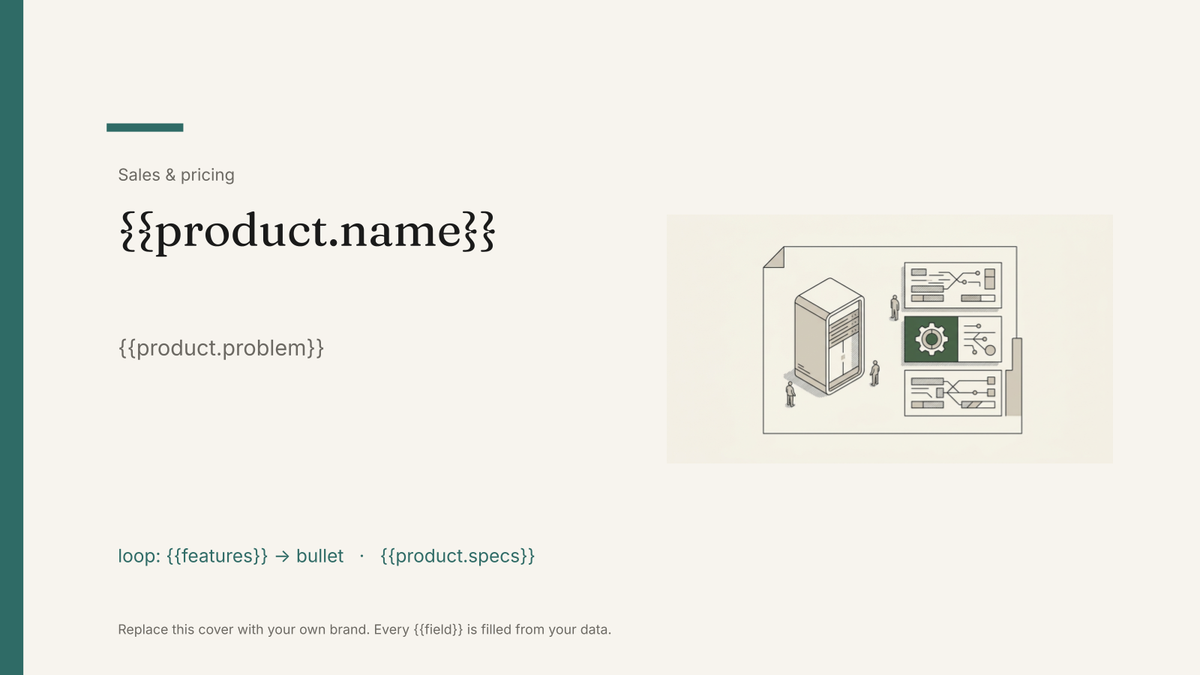 Google Slides
 Product one-pager template
A single-page product summary with positioning, features and pricing, generated one per product from your catalogue.
View template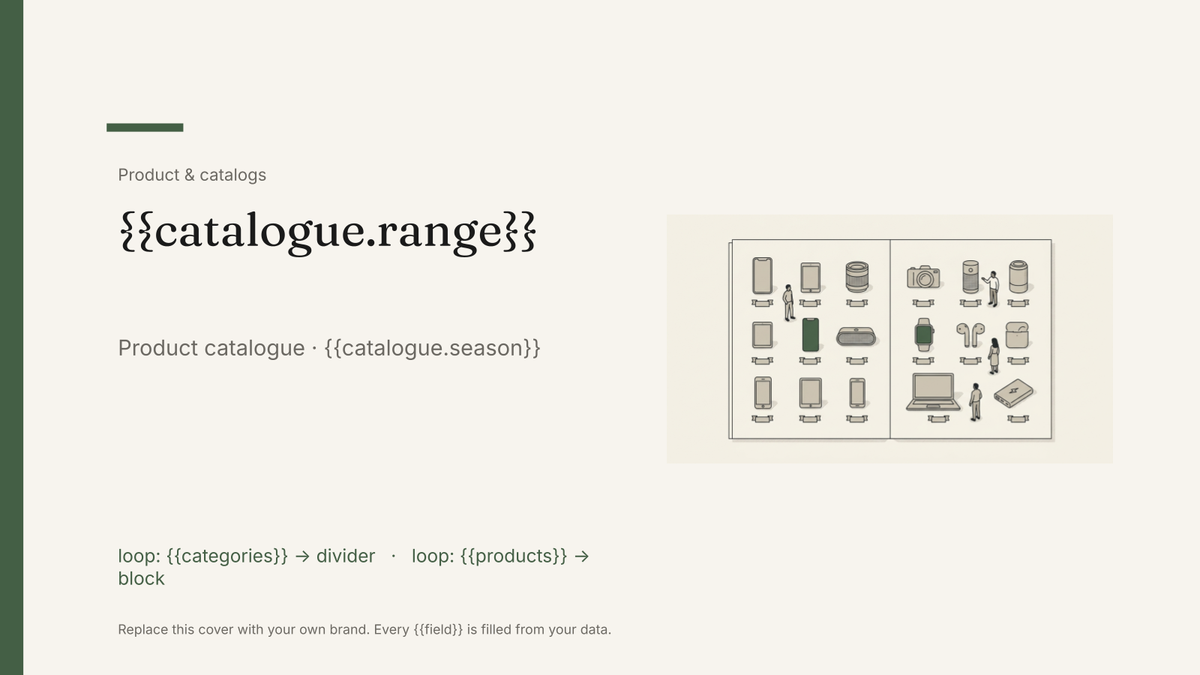 Google Slides
 Product catalog template
A designed catalogue that repeats a product block per row of your product list, generated from your product data.
View template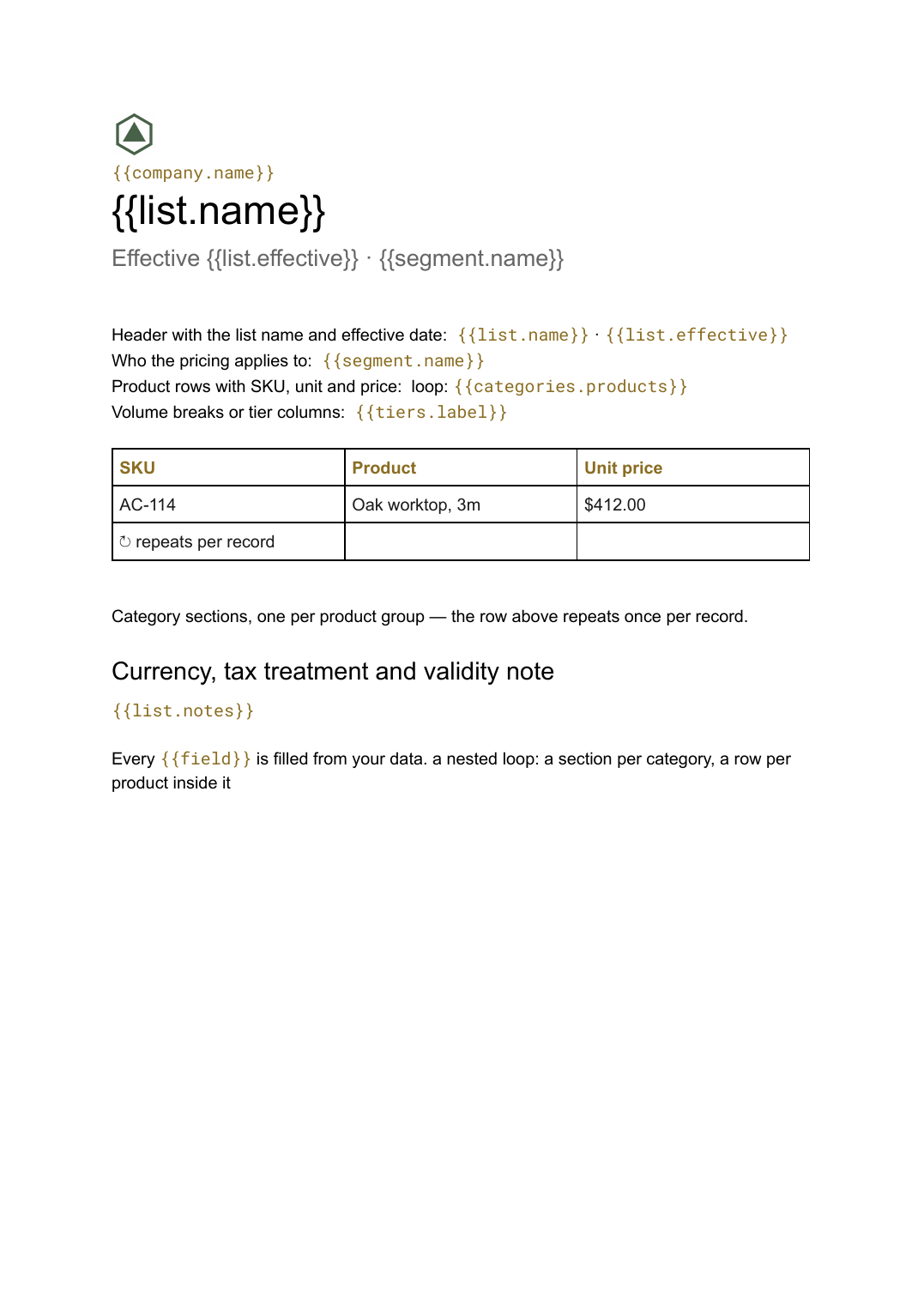 Google Docs
 Price list template
A grouped list of products and prices, generated from your catalogue so every version you send is current.
View template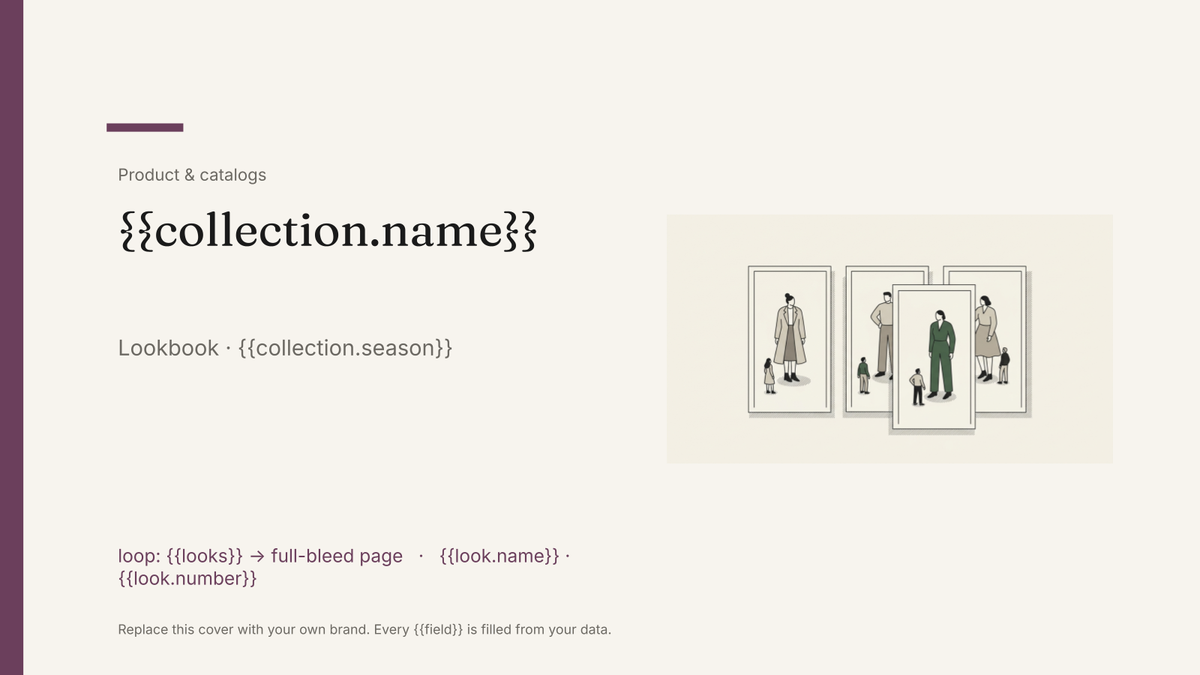 Google Slides
 Lookbook template
An image-led seasonal presentation with one full-bleed look per page, generated from your product and imagery data.
View templateCommon questions, answered
How is a datasheet different from a catalogue page? +
Why a Google Doc rather than a slide? +
Can I generate a sheet for every product in one run? +
Can I use my own datasheet design? +
Generate this document from your data
Start on the free plan, connect a data source, and export a real Google Docs document. No watermark, no credit card.