Free label template for Google Slides
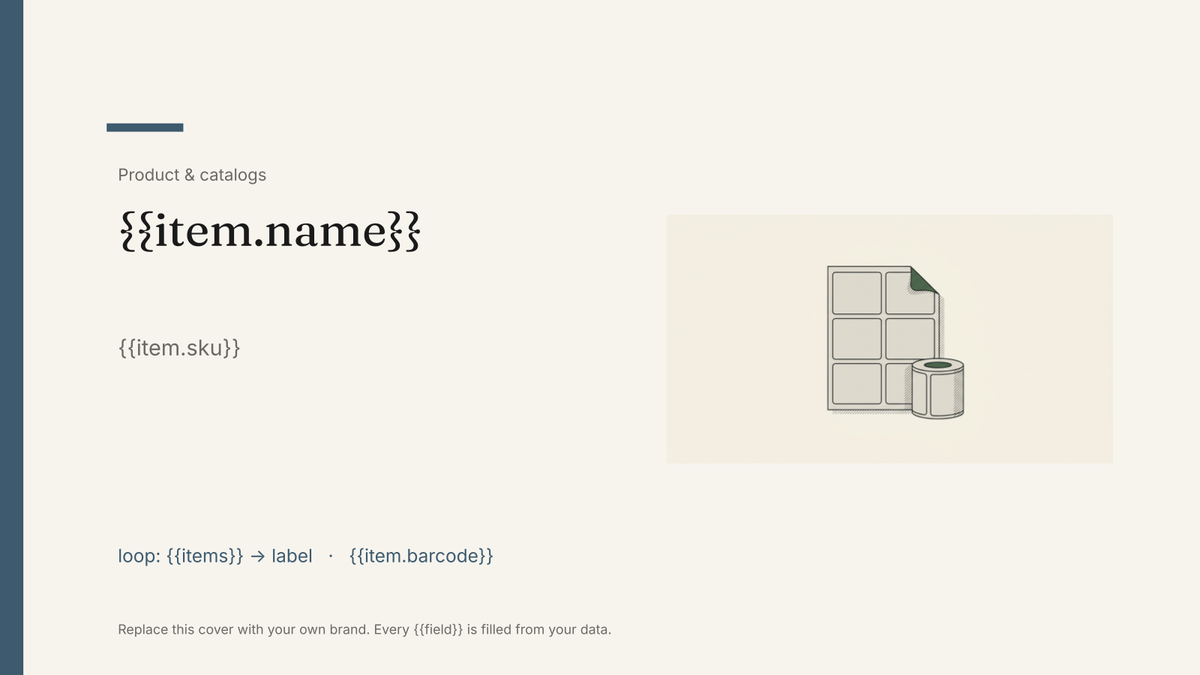
A printable sheet of product or shipping labels, one label per record from your inventory or order data, with name, code and barcode area.
Free to copy, no sign-up: the file opens in your own Google Drive. Updated November 13, 2026.
What’s in the label template
Every block has a placeholder showing where your details go. Type over them by hand, or bind each one to a field in your data and let it fill itself.
- Label sheet laid out to a standard sticker grid loop: {{items}}
- Product or recipient name on each label {{item.name}}
- Variant, size or SKU line {{item.sku}}
- Barcode or QR area {{item.barcode}}
- Optional second sheet for shipping labels {{order.address}}
How to use this label template in Google Slides
- 01
Copy the template to your Google Drive
Press "Copy to my Google Slides". Google asks to make a copy, and the copy is yours to edit; the original is never changed. All you need is a free Google account.
- 02
Replace the placeholders with your details
Text in double braces, like {{item.name}}, marks where your own values go. Work down the slides: label sheet laid out to a standard sticker grid; product or recipient name on each label; variant, size or SKU line, and so on.
- 03
Make it match your brand
Swap the logo, colours and fonts in Google Slides as you would in any presentation. The layout is built to hold when the text changes.
- 04
Download it as a PDF, or share the link
File, then Download, then PDF Document gives you a file to send or print. Download as PowerPoint (.pptx) works too if someone needs it.
- 05
Making these regularly? Fill it from your data
Connect Airtable, Google Sheets or a CSV to SourceToDocs and it fills a copy of this template for every row, so you stop retyping.
Labels are the job Airtable Page Designer was built for, and the job it still does well for one record on one page. This template covers the case Page Designer cannot: a whole sheet of labels filled from a list in one run, continuing onto the next sheet when it is full, from data that lives in a table you already maintain.
The grid is the template; the list is the data
The master holds one sticker grid sized to a standard sheet. The loop fills each cell from the next row. Change the grid in Google Slides to match the sheet you buy, and keep the item list where it lives.
Fill this label template from Airtable, Google Sheets or a CSV
Connect an Airtable base, a Google Sheets spreadsheet or a CSV file, map each field to a placeholder, and generate. One run can produce a single deck or one per matching row, delivered to your Google Drive.
Inventory · Airtable
Template: Google Slides or Docs
{{item.name}}
{{item.sku}}
loop: {{items}} → label
{{item.barcode}}
{{item.variant}}
one label per row; the sheet fills to the grid and continues on the next page
Generated output
SlidesPDFStudio Desk
SD-01
50 labels across 3 sheets
Barcode per label
Print-ready PDF
Who uses this label template
Warehouses and e-commerce
Print a sheet of product or shipping labels straight from the order or inventory table.
Read the guideRelated templates
All product & catalogs →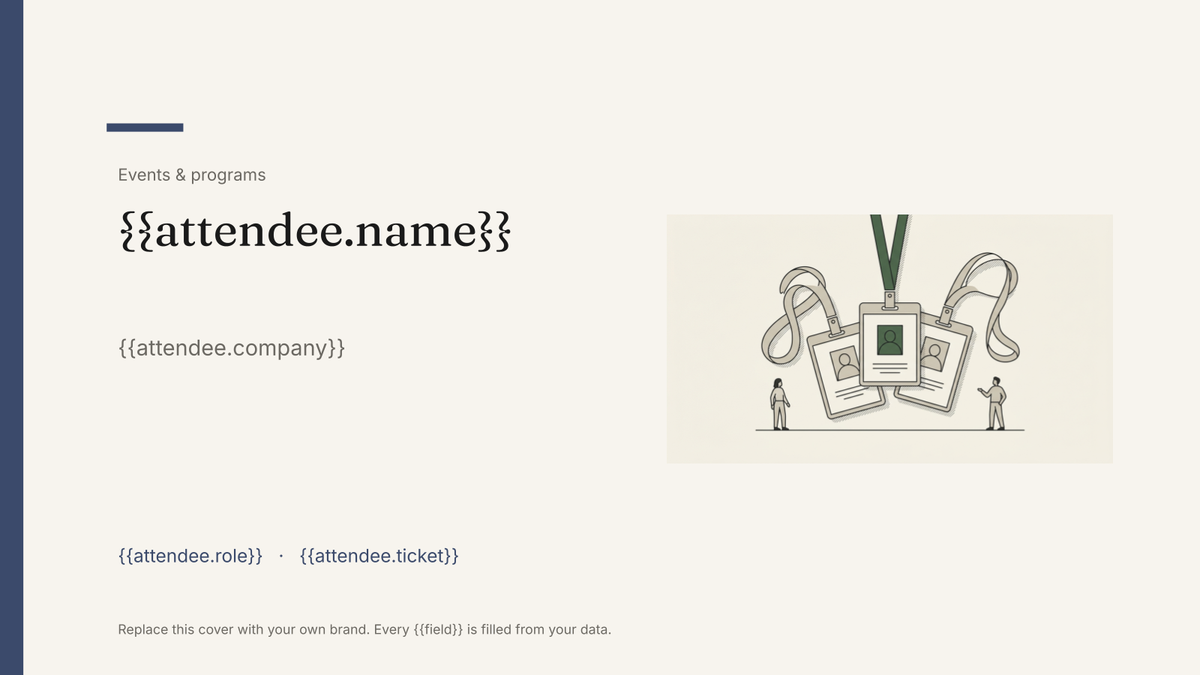 Google Slides
Name tag and badge template
A printed conference badge with name, organisation and ticket type, generated one per attendee from the registration list.
View template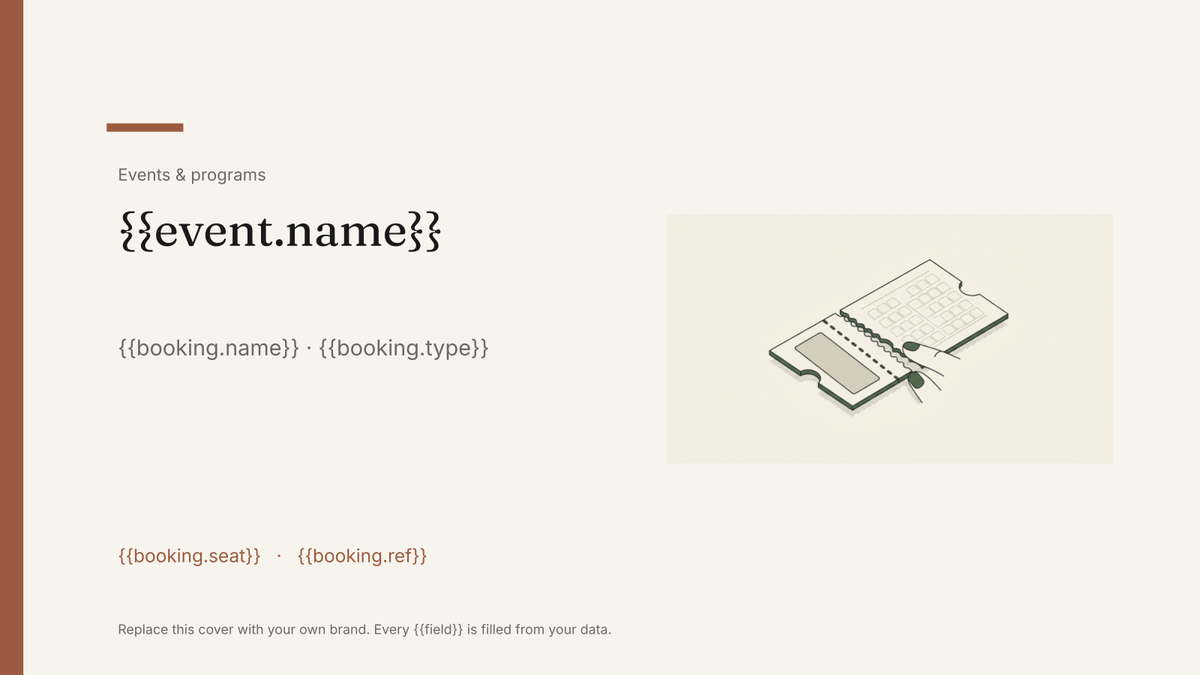 Google Slides
Event ticket template
A printable ticket carrying the event, seat and booking reference, generated one per booking from your registration data.
View template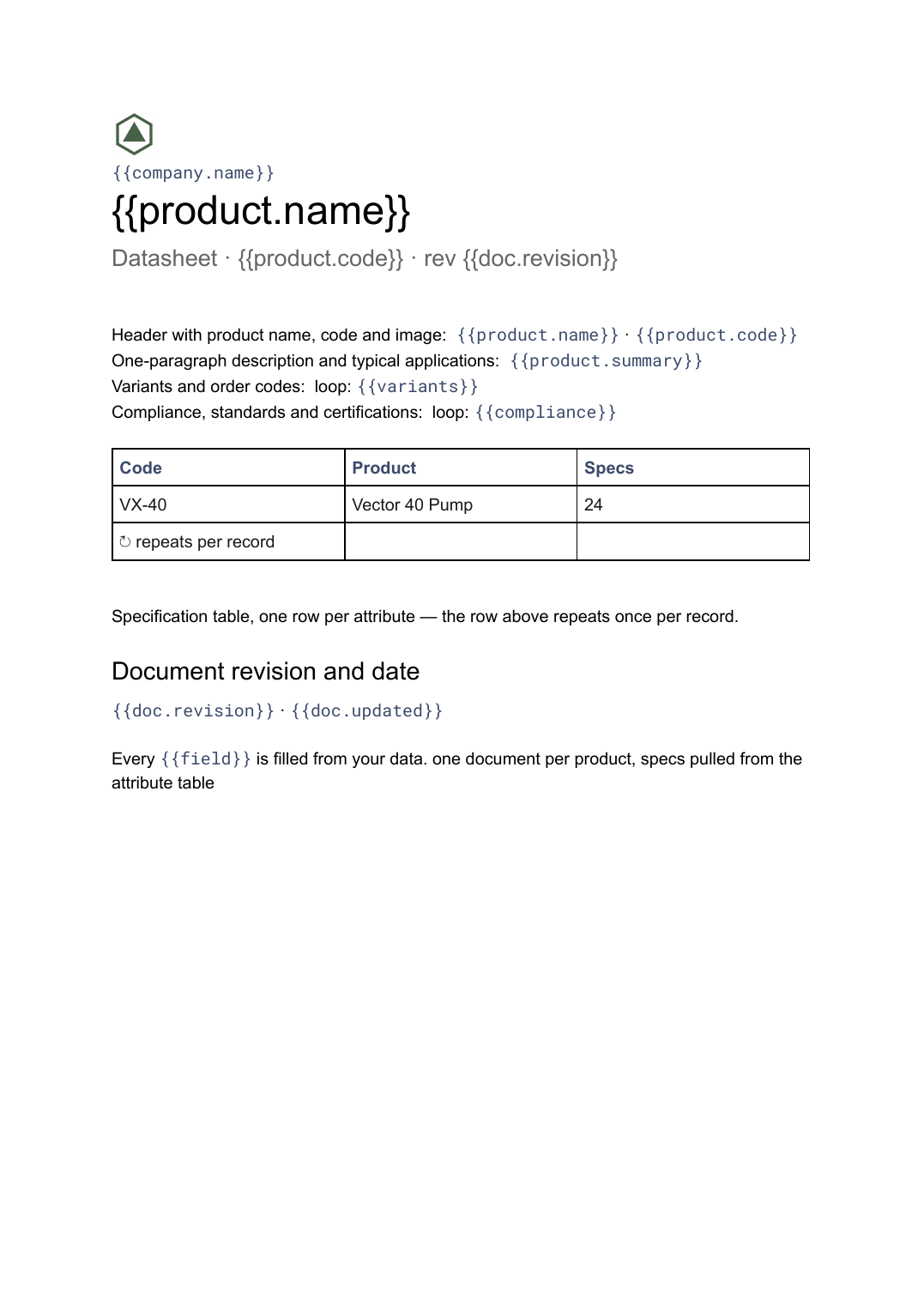 Google Docs
Datasheet template
A single-product technical sheet with a specification table, generated one document per product from your product data.
View template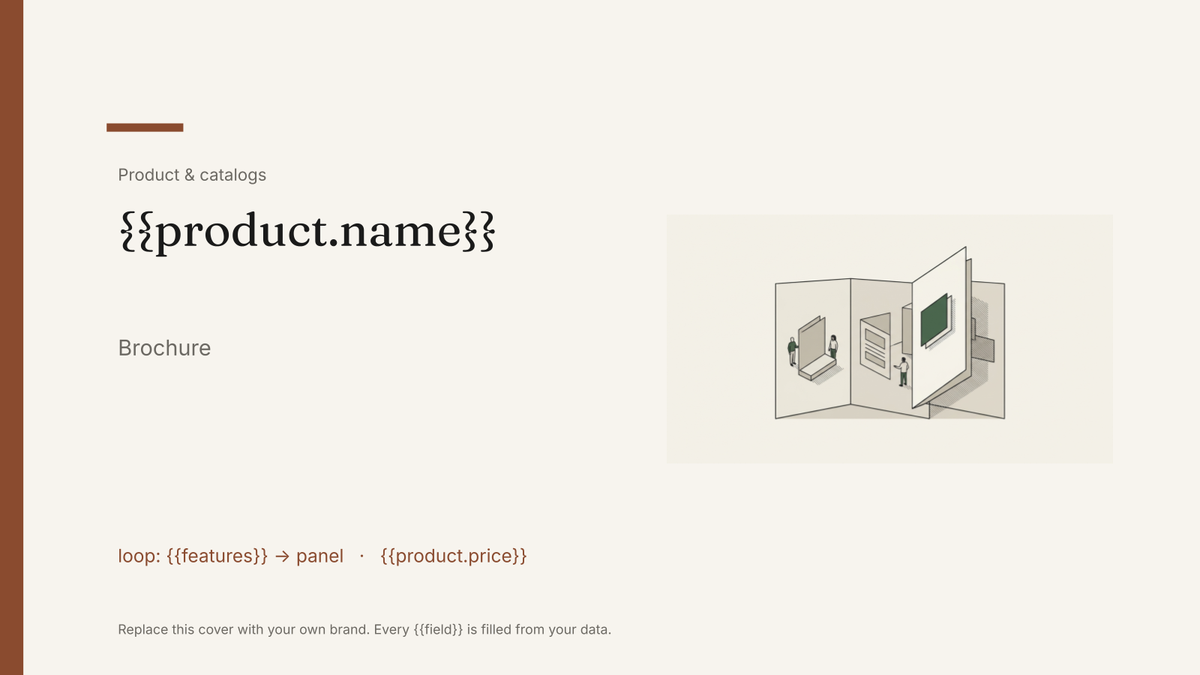 Google Slides
Brochure template
A two-page product or service brochure with cover, feature panels and contact details, generated one per product or location from your catalogue data.
View templateCommon questions, answered
Does it match standard label sheets? +
One label per record? +
Can I add a barcode? +
Is this label template free? +
Can I download this label template as a PDF or PowerPoint file? +
Generate this document from your data
Start on the free plan, connect Airtable, Google Sheets or a CSV, and export a real Google Slides file. No watermark, no credit card.