Product catalog template
A designed catalogue that repeats a product block per row of your product list, generated from your product data.
Free plan, no credit card. Bring your own design or start from this layout.
What’s in this template
Every block is bound to a field in your data. The layout stays exactly as designed; only the values change from one run to the next.
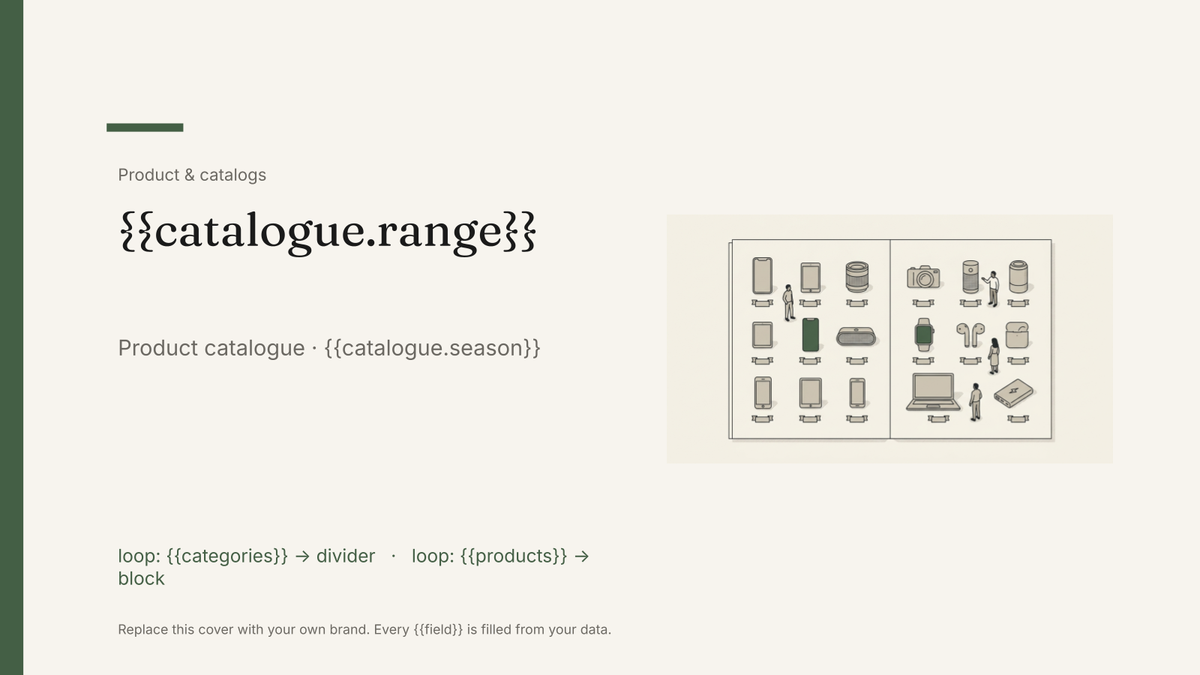
- Cover with the range name and season {{catalogue.range}} · {{catalogue.season}}
- Category divider for each product group loop: {{categories}}
- Product block: image, name, code and price loop: {{products}}
- Short specification line under each product {{product.specLine}}
- Availability and lead time {{product.leadTime}}
- Ordering details and contact back page {{contact.sales}}
How this template fills itself
Connect Airtable, Google Sheets, a SQL database, a CSV or a REST API, map each field to a placeholder, and generate. One run can produce a single document or one per matching record.
Products · Airtable
Template: Google Slides or Docs
{{catalogue.range}}
Product catalogue · {{catalogue.season}}
loop: {{categories}} → divider
loop: {{products}} → block
{{product.code}} · {{product.price}}
products grouped by category, filtered to items still in range
Generated output
SlidesPDFRidgeback
Product catalogue · Autumn 2026
4 category dividers
38 product blocks
HW-210 · $240
Who uses this template
Wholesalers and brands
Reissue the catalogue when prices or the range change instead of rebuilding forty pages by hand.
Read the guideDistributors and resellers
Produce a catalogue per territory or per customer, showing only the lines and prices that apply to them.
Read the guideDesign and marketing teams
Own the layout in Google Slides once and let the product base fill it every season.
Read the guideA catalogue is the same product block, drawn once and repeated a few hundred times. That is exactly the shape automation is good at, and it is why this template is Google Slides: the block is a fixed designed frame — image here, name here, code and price there — and nothing shifts because one product name runs long. What changes is which products fill it.
The catalogue is only as good as the product base
Everything visible comes from a row: name, code, price, lead time, spec line and the image itself. So the work is in the data, not the deck. Get every product carrying its own image reference and a short spec line of consistent length, and a reissue costs one run. Price changes stop being a forty-page find-and-replace, discontinued lines disappear by filter rather than by deletion, and a regional edition is the same template pointed at a different subset.
Related templates
All product & catalogs →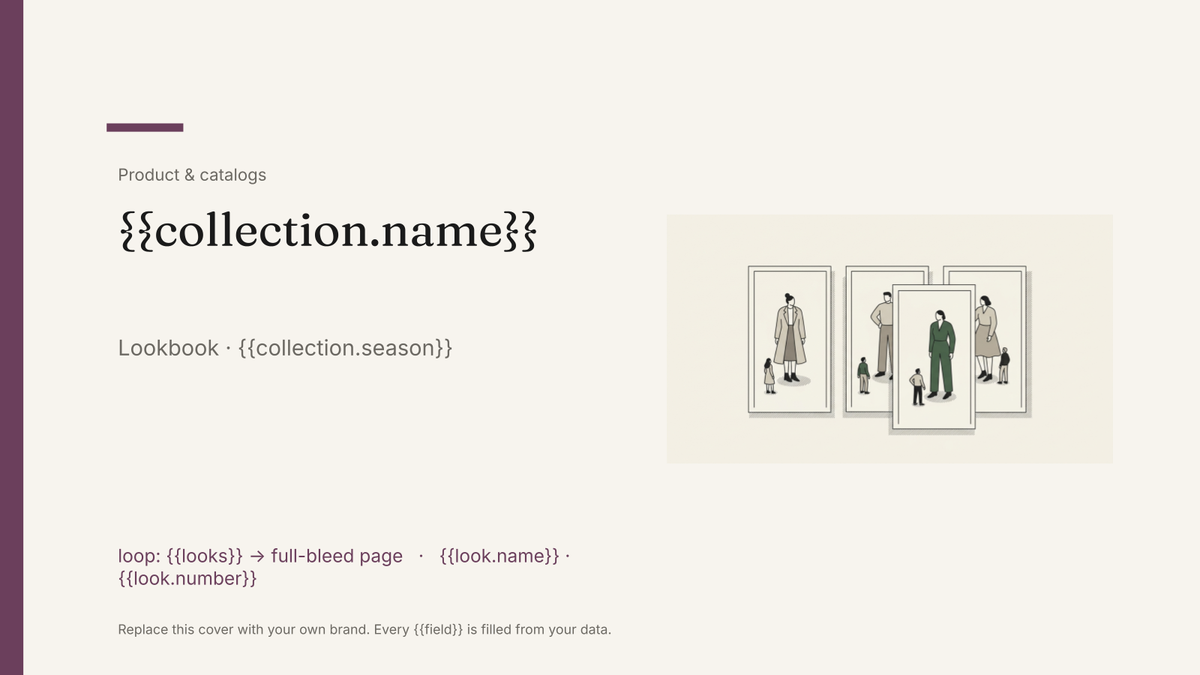 Google Slides
 Lookbook template
An image-led seasonal presentation with one full-bleed look per page, generated from your product and imagery data.
View template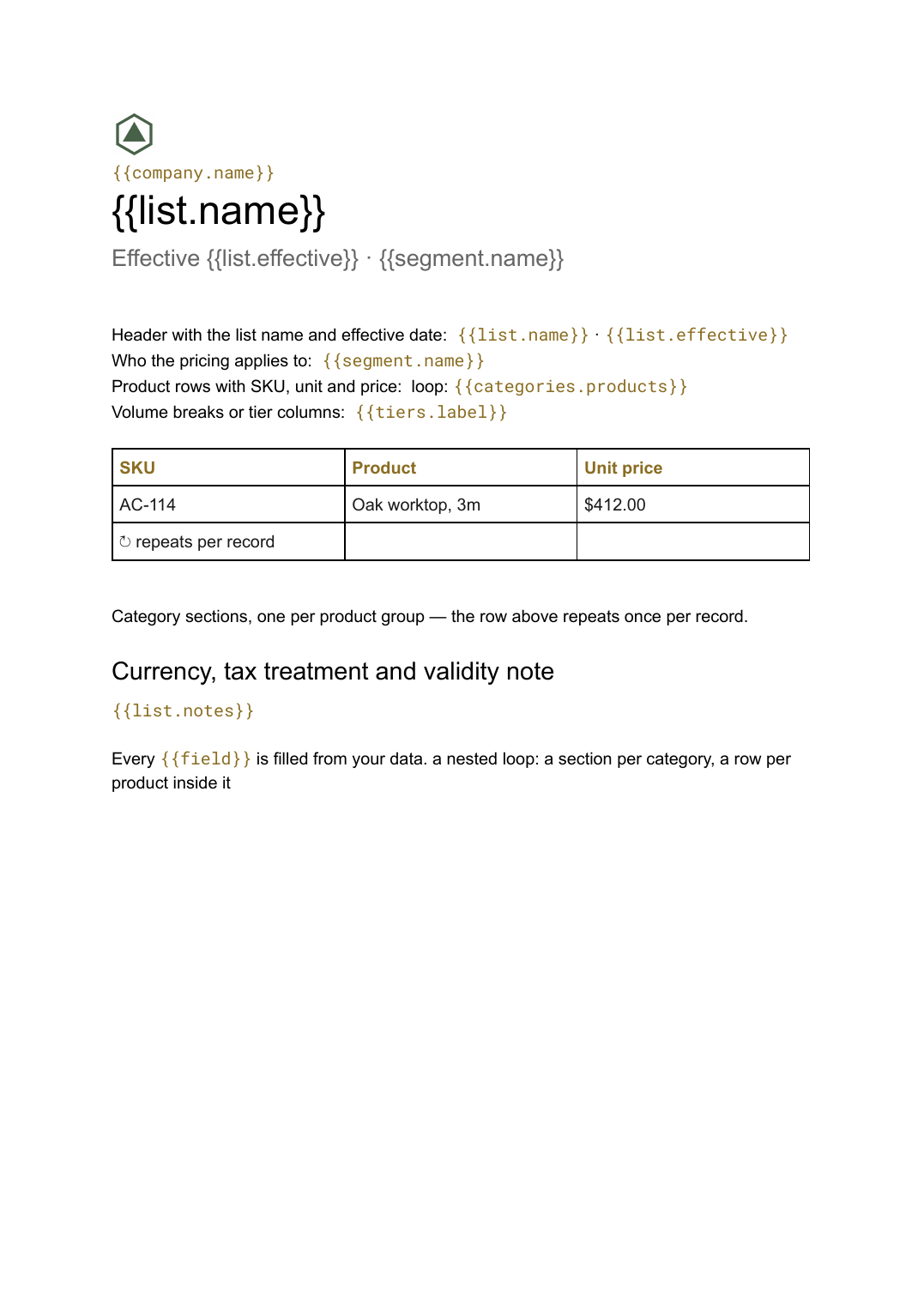 Google Docs
 Price list template
A grouped list of products and prices, generated from your catalogue so every version you send is current.
View template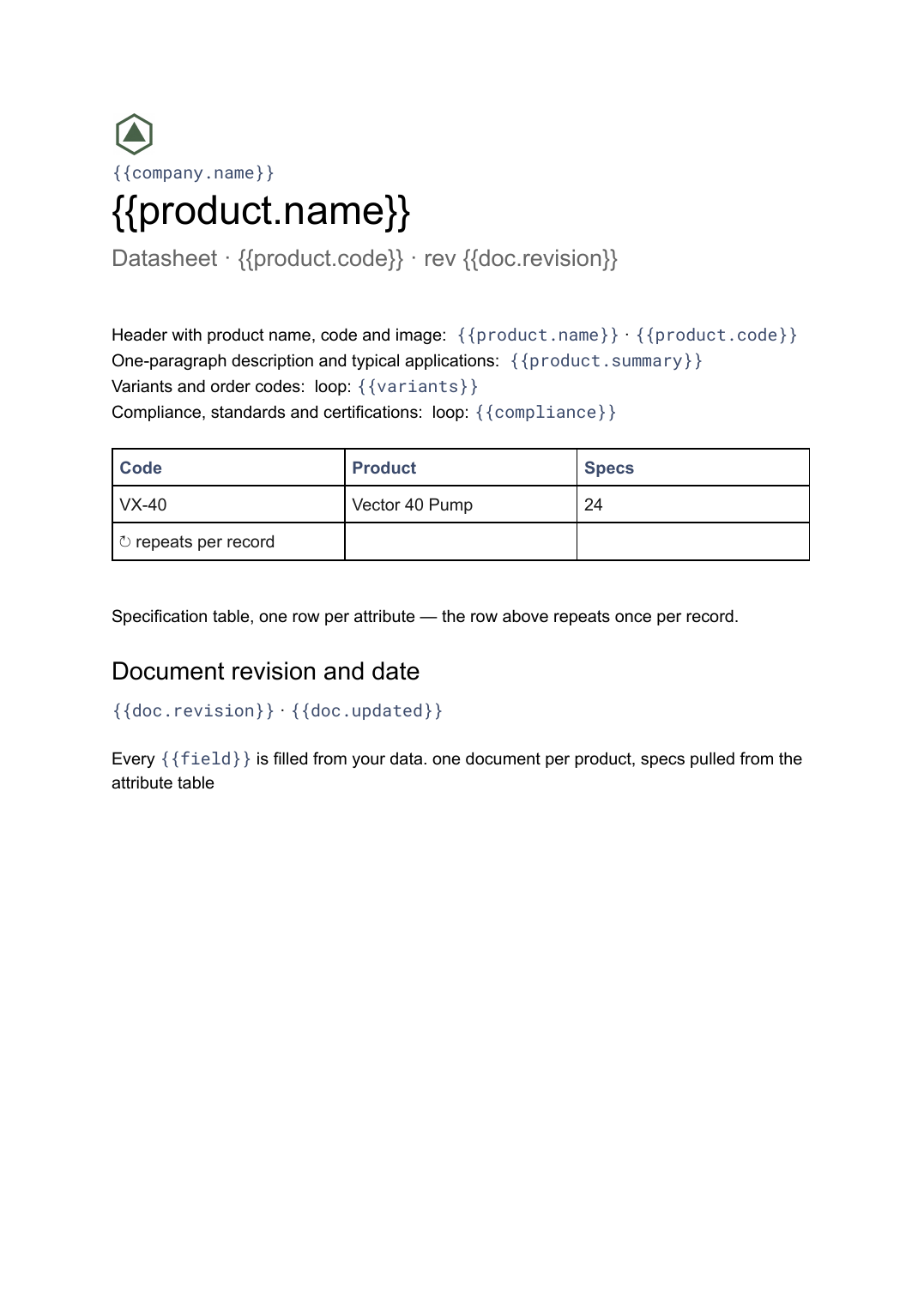 Google Docs
 Datasheet template
A single-product technical sheet with a specification table, generated one document per product from your product data.
View template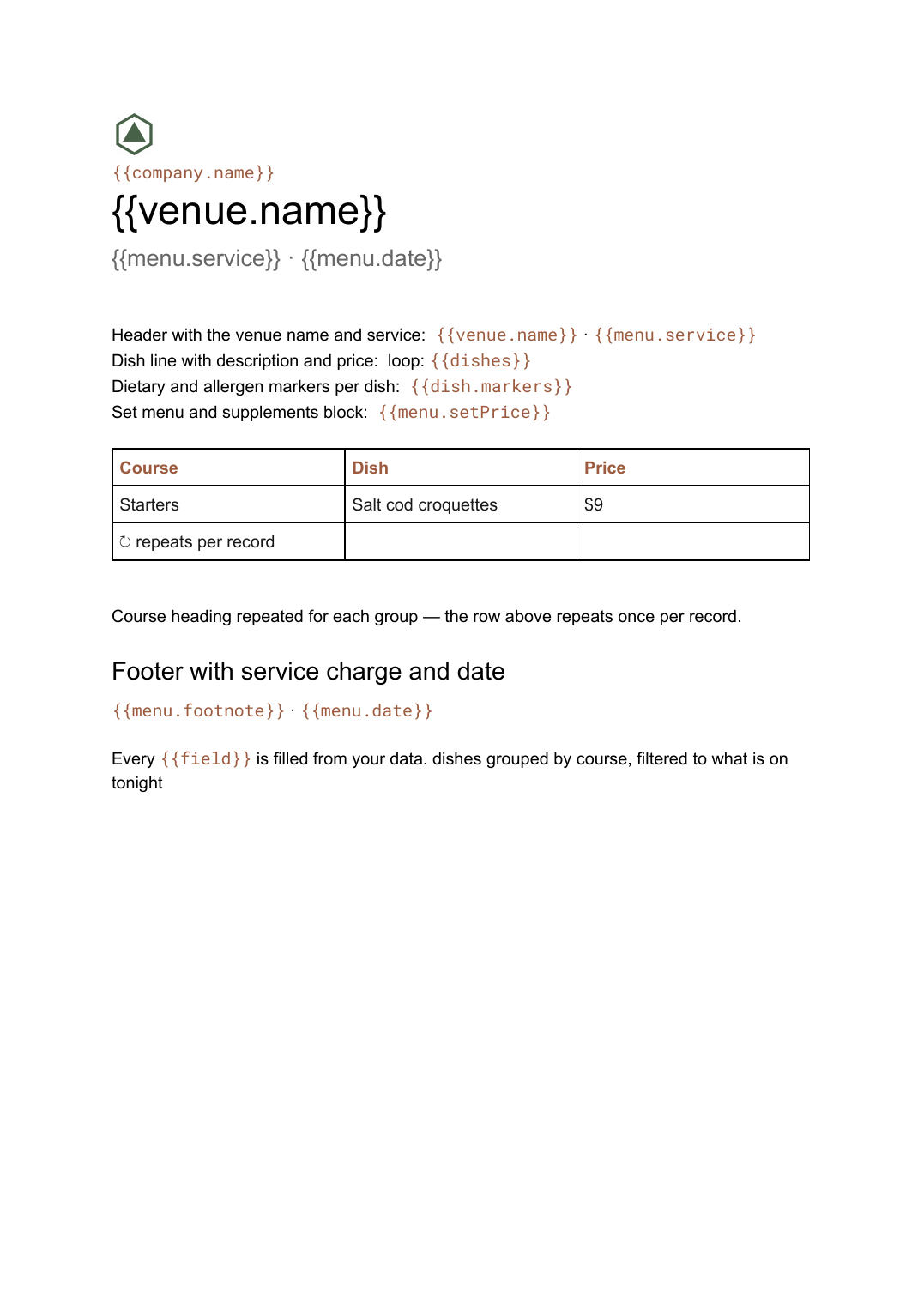 Google Docs
 Menu template for Google Docs
A restaurant menu grouped by course with dishes, descriptions and prices, generated from your dish list whenever it changes.
View templateCommon questions, answered
How does one template produce a whole catalogue? +
Where do the product images come from? +
Can I produce a different catalogue per customer or region? +
Can I use my own catalogue design? +
Generate this document from your data
Start on the free plan, connect a data source, and export a real Google Slides document. No watermark, no credit card.