Free capability statement template for Google Docs
A one-page government contracting summary with core competencies, codes and past performance, generated from one company record.
Free to copy, no sign-up: the file opens in your own Google Drive. Updated November 13, 2026.
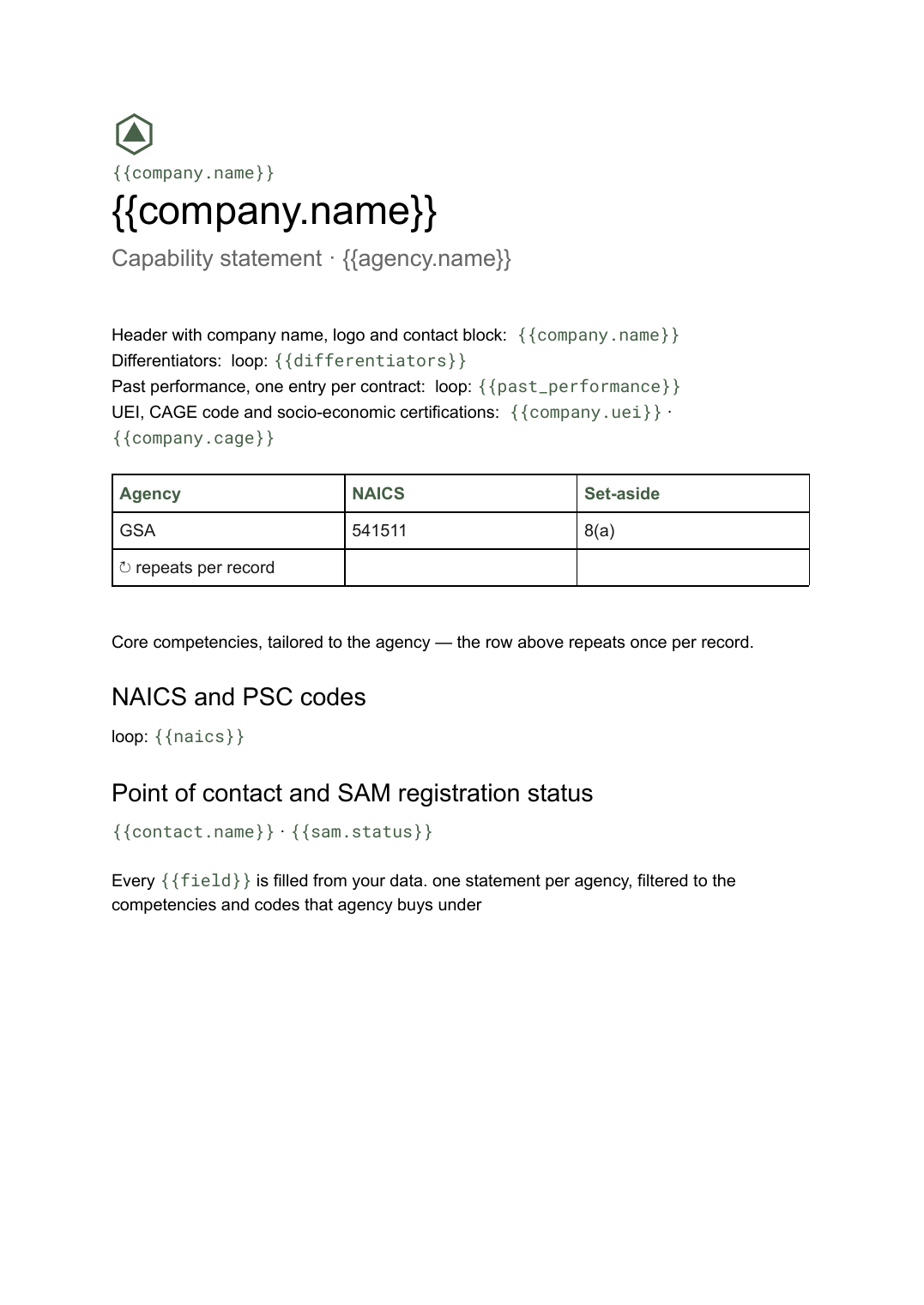
What’s in the capability statement template
Every block has a placeholder showing where your details go. Type over them by hand, or bind each one to a field in your data and let it fill itself.
- Header with company name, logo and contact block {{company.name}}
- Core competencies, tailored to the agency loop: {{competencies}}
- Differentiators loop: {{differentiators}}
- Past performance, one entry per contract loop: {{past_performance}}
- UEI, CAGE code and socio-economic certifications {{company.uei}} · {{company.cage}}
- NAICS and PSC codes loop: {{naics}}
- Point of contact and SAM registration status {{contact.name}} · {{sam.status}}
How to use this capability statement template in Google Docs
- 01
Copy the template to your Google Drive
Press "Copy to my Google Docs". Google asks to make a copy, and the copy is yours to edit; the original is never changed. All you need is a free Google account.
- 02
Replace the placeholders with your details
Text in double braces, like {{company.name}}, marks where your own values go. Work down the page: header with company name, logo and contact block; core competencies, tailored to the agency; differentiators, and so on.
- 03
Make it match your brand
Swap the logo, colours and fonts in Google Docs as you would in any document. The layout is built to hold when the text changes.
- 04
Download it as a PDF, or share the link
File, then Download, then PDF Document gives you a file to send or print. Download as Word (.docx) works too if someone needs it.
- 05
Making these regularly? Fill it from your data
Connect Airtable, Google Sheets or a CSV to SourceToDocs and it fills a copy of this template for every row, so you stop retyping.
A capability statement is the one-page leave-behind a contracting officer expects: what you do, what makes you different, what you have delivered before, and the identifiers that let someone find and award you — UEI, CAGE code, NAICS and PSC codes, set-aside certifications and your SAM registration status. It is a Google Doc because the content is dense text and short tables rather than a designed graphic, and because you will produce a lot of versions of it.
One record, many tailored versions
The mistake is treating the statement as a file to edit. Every time you approach a new agency you retouch the competencies, reorder past performance and hope nobody left an expired certification in. Hold it all as data instead — one company record, competencies and past contracts as rows tagged by agency and NAICS code — and each version becomes a filtered run. Codes and certifications are then correct everywhere at once, and the only judgement left is which five competencies lead for this buyer.
Fill this capability statement template from Airtable, Google Sheets or a CSV
Connect an Airtable base, a Google Sheets spreadsheet or a CSV file, map each field to a placeholder, and generate. One run can produce a single document or one per matching row, delivered to your Google Drive.
Opportunities · Google Sheets
Template: Google Slides or Docs
{{company.name}}
Capability statement · {{agency.name}}
loop: {{competencies}} → bullet
{{company.uei}} · {{company.cage}}
loop: {{past_performance}} → entry
one statement per agency, filtered to the competencies and codes that agency buys under
Generated output
DocsPDFMeridian Systems LLC
Capability statement · GSA
6 core competencies
UEI J7XK4PQ2M8L3 · CAGE 8ZK41
3 past contracts
Who uses this capability statement template
Small businesses selling to federal agencies
Produce a statement per agency or NAICS code from one company record instead of editing a Word file for each approach.
Read the guideGovernment contracting teams
Keep codes, certifications and past performance in one table so every statement in circulation carries the same details.
Read the guidePrimes and subcontractors
Generate a tailored statement for each teaming partner or solicitation from the same source of record.
Read the guideRelated templates
All sales & pricing →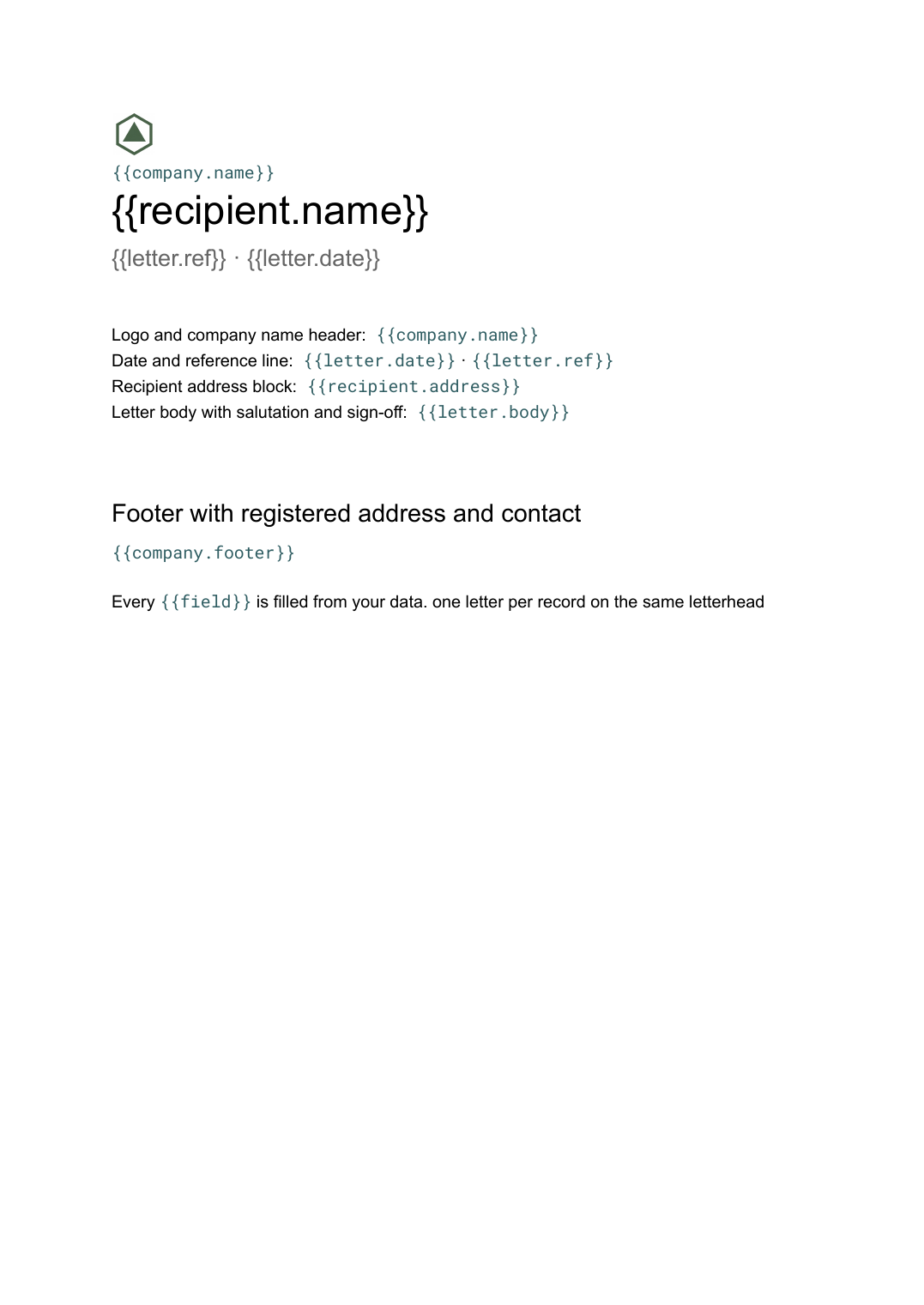 Google Docs
Letterhead template
Company letterhead with logo, address and footer, and a letter body generated per recipient from your contact list.
View template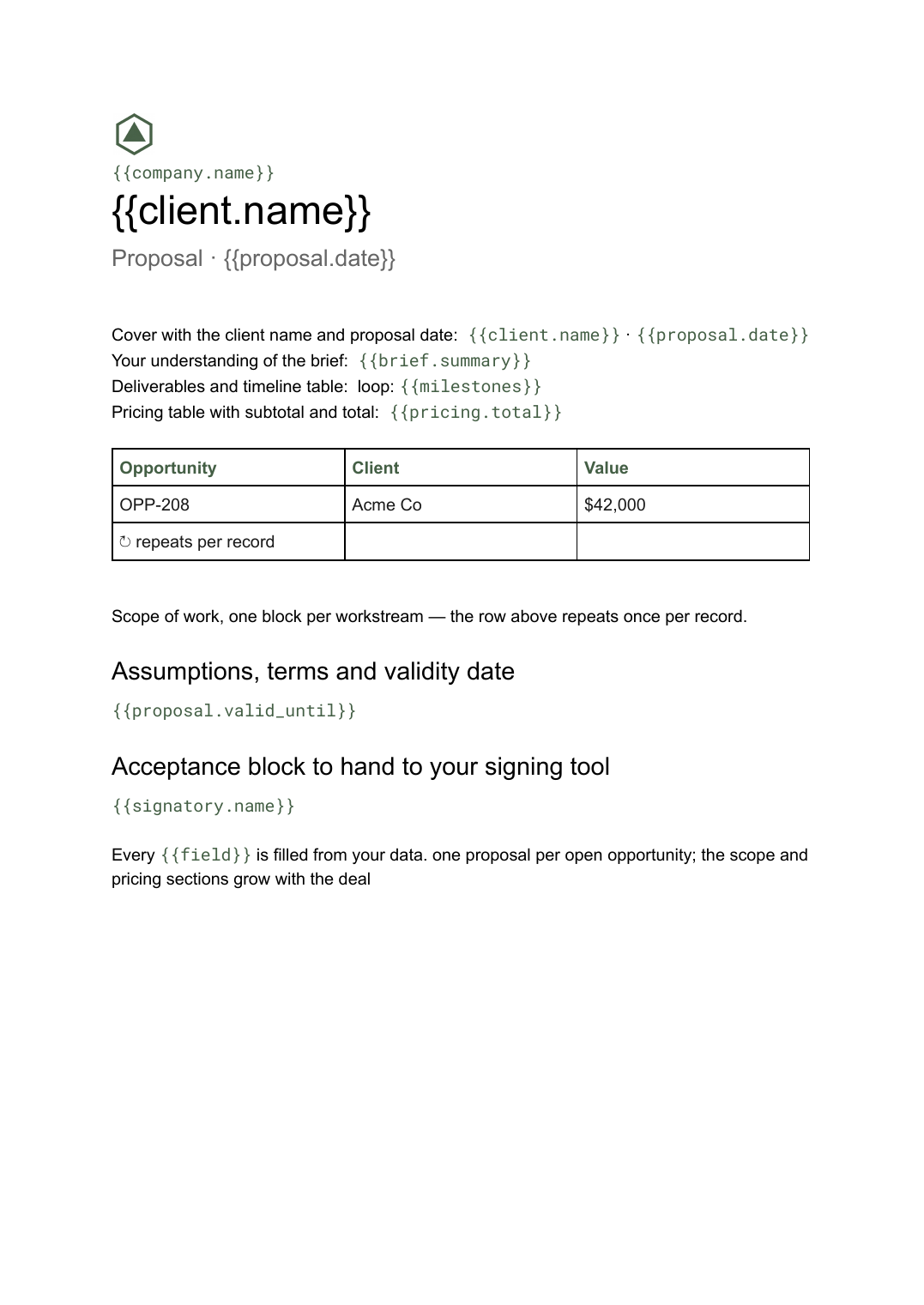 Google Docs
Business proposal template
A client-facing proposal with scope, deliverables and pricing, generated one per opportunity from your deal data.
View template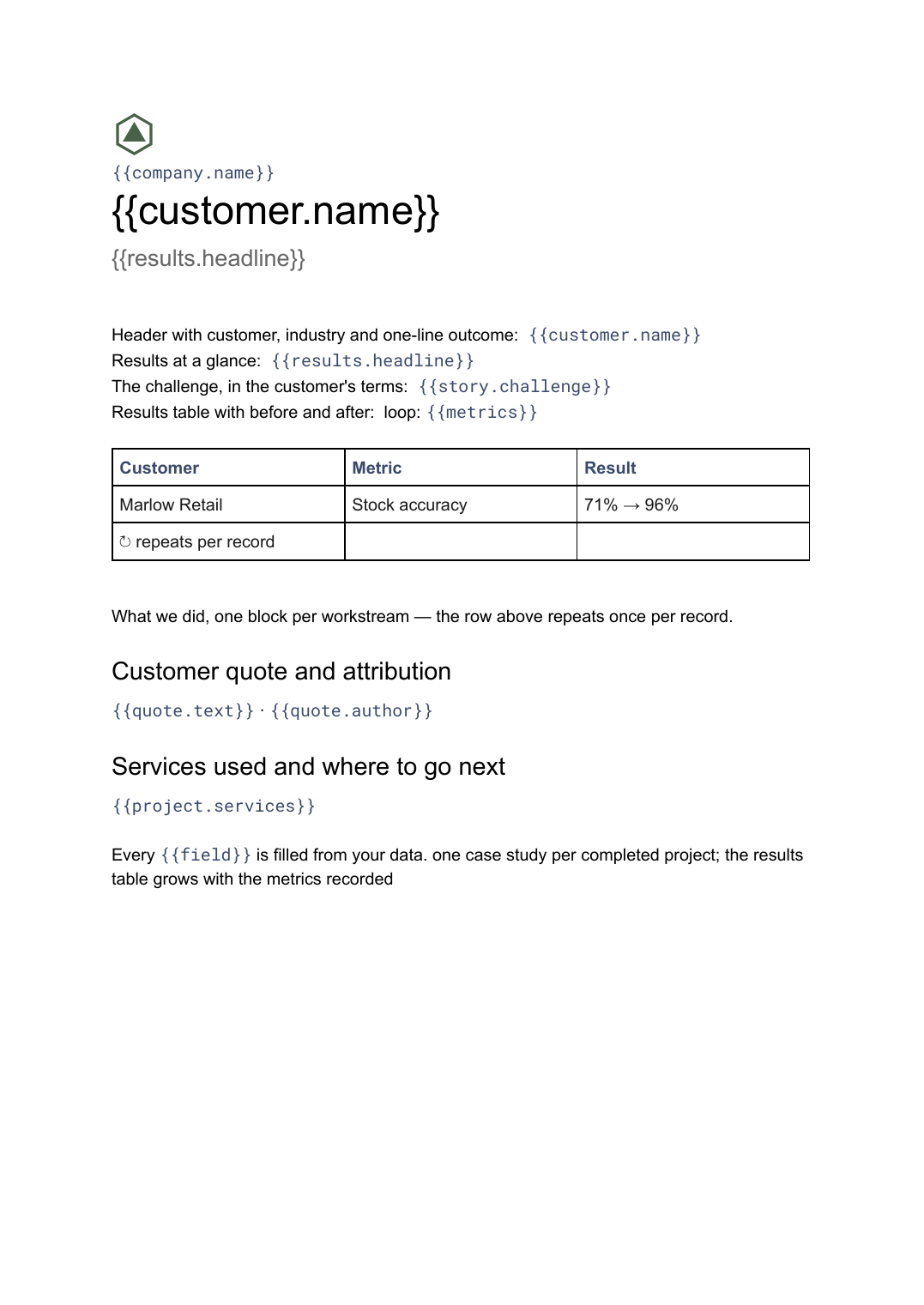 Google Docs
Case study template
A customer story with challenge, approach and measured results, generated one per project from your delivery data.
View template Google Slides
Product one-pager template
A single-page product summary with positioning, features and pricing, generated one per product from your catalogue.
View templateCommon questions, answered
Can I use my own capability statement design? +
How do I keep it to one page? +
Can I tailor a statement per agency or NAICS code? +
Where do the UEI, CAGE code and past performance come from? +
Is this capability statement template free? +
Can I download this capability statement template as a PDF or Word file? +
Generate this document from your data
Start on the free plan, connect Airtable, Google Sheets or a CSV, and export a real Google Docs file. No watermark, no credit card.