Free letterhead template for Google Docs
Company letterhead with logo, address and footer, and a letter body generated per recipient from your contact list.
Free to copy, no sign-up: the file opens in your own Google Drive. Updated November 13, 2026.
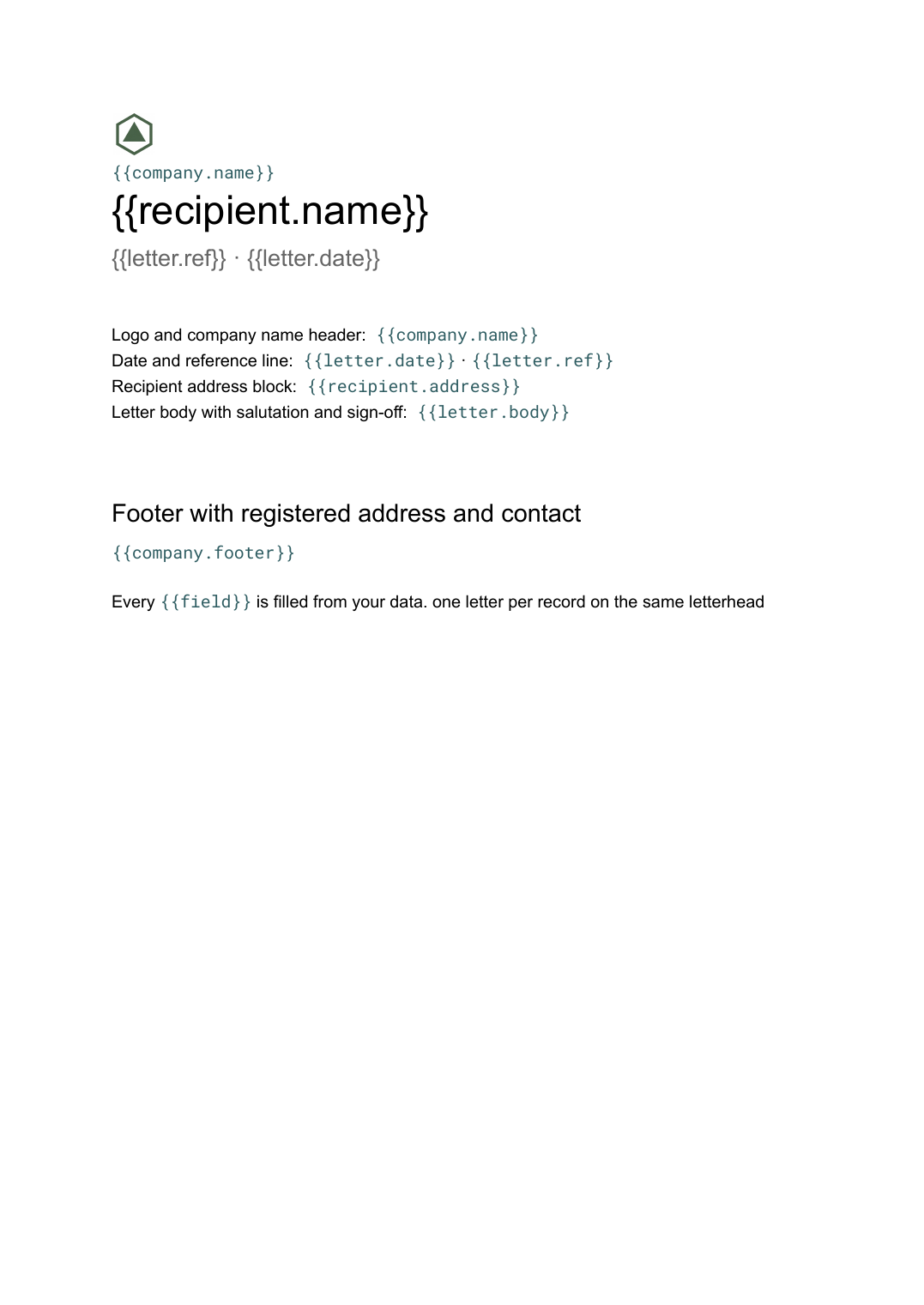
What’s in the letterhead template
Every block has a placeholder showing where your details go. Type over them by hand, or bind each one to a field in your data and let it fill itself.
- Logo and company name header {{company.name}}
- Date and reference line {{letter.date}} · {{letter.ref}}
- Recipient address block {{recipient.address}}
- Letter body with salutation and sign-off {{letter.body}}
- Footer with registered address and contact {{company.footer}}
How to use this letterhead template in Google Docs
- 01
Copy the template to your Google Drive
Press "Copy to my Google Docs". Google asks to make a copy, and the copy is yours to edit; the original is never changed. All you need is a free Google account.
- 02
Replace the placeholders with your details
Text in double braces, like {{company.name}}, marks where your own values go. Work down the page: logo and company name header; date and reference line; recipient address block, and so on.
- 03
Make it match your brand
Swap the logo, colours and fonts in Google Docs as you would in any document. The layout is built to hold when the text changes.
- 04
Download it as a PDF, or share the link
File, then Download, then PDF Document gives you a file to send or print. Download as Word (.docx) works too if someone needs it.
- 05
Making these regularly? Fill it from your data
Connect Airtable, Google Sheets or a CSV to SourceToDocs and it fills a copy of this template for every row, so you stop retyping.
Letterhead is the document every organisation has and keeps re-creating in the wrong tool. This template is the Google Docs version: the header and footer carry the brand and the registered details, the body is the only part that changes, and a list of recipients becomes a folder of addressed, dated, signed letters in one run.
The body is the variable part
The header, footer and signature block never change. The date, reference, recipient block and body come from the record. Conditional paragraphs (a late-payment line, a renewal clause) are fields on the record that the template includes when they are filled.
Fill this letterhead template from Airtable, Google Sheets or a CSV
Connect an Airtable base, a Google Sheets spreadsheet or a CSV file, map each field to a placeholder, and generate. One run can produce a single document or one per matching row, delivered to your Google Drive.
Letters · Airtable
Template: Google Slides or Docs
{{recipient.name}}
{{letter.ref}} · {{letter.date}}
{{recipient.address}}
{{letter.body}}
{{signatory.name}}
one letter per record on the same letterhead
Generated output
DocsPDFAcme Co
L-118 · 3 Nov 2026
Addressed and dated
Body from the record
Signed off
Who uses this letterhead template
Finance and admin teams
Reminder, confirmation and notice letters per customer from the ledger.
Read the guideLegal and HR
Offer, reference and notice letters from the people table on the firm's letterhead.
Read the guideSchools and associations
Letters to parents or members per record, on the organisation's letterhead.
Read the guideRelated templates
All business documents →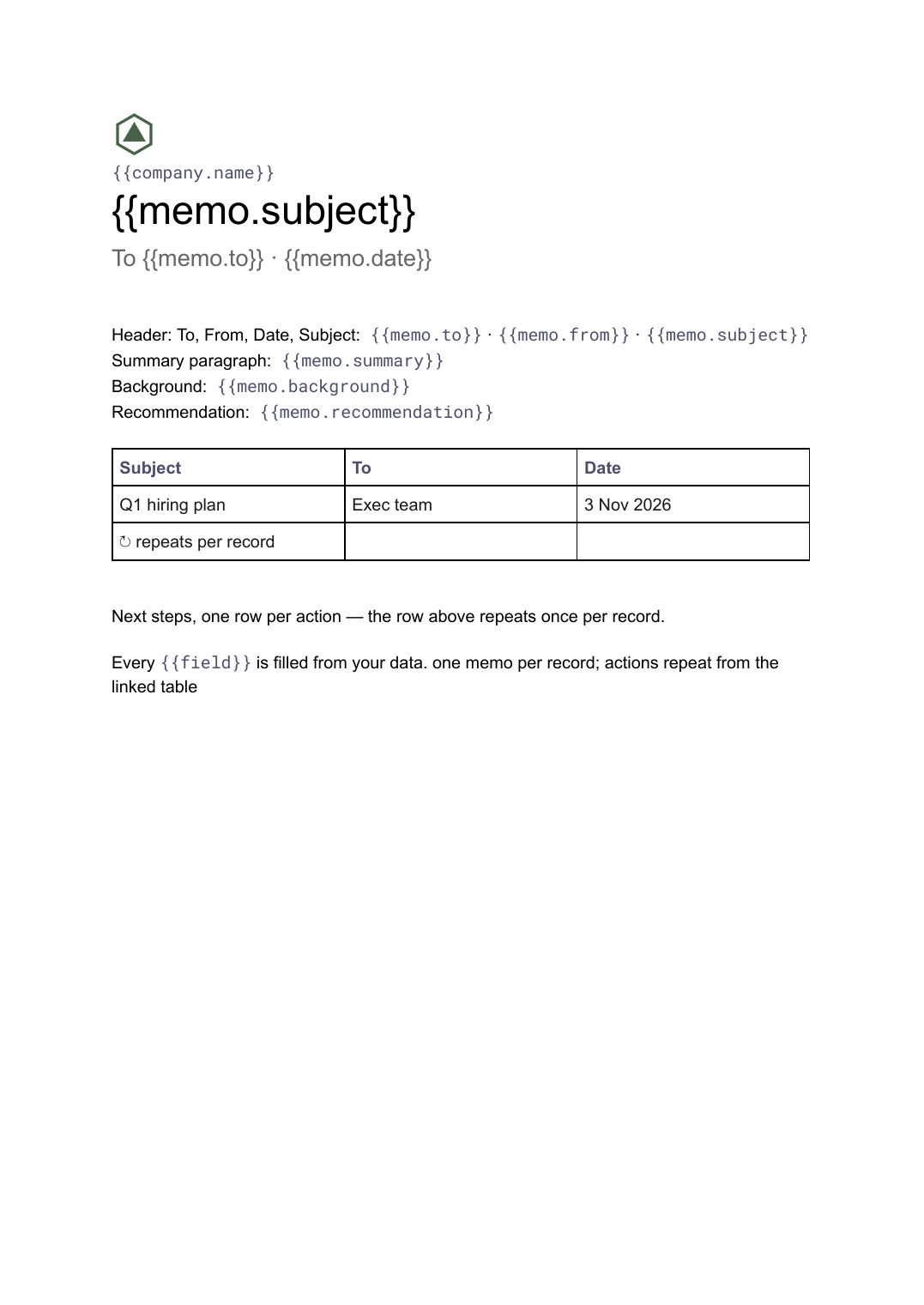 Google Docs
Memo template
A business memo with the standard header block, summary, background, recommendation and next steps, generated per decision or request from your records.
View template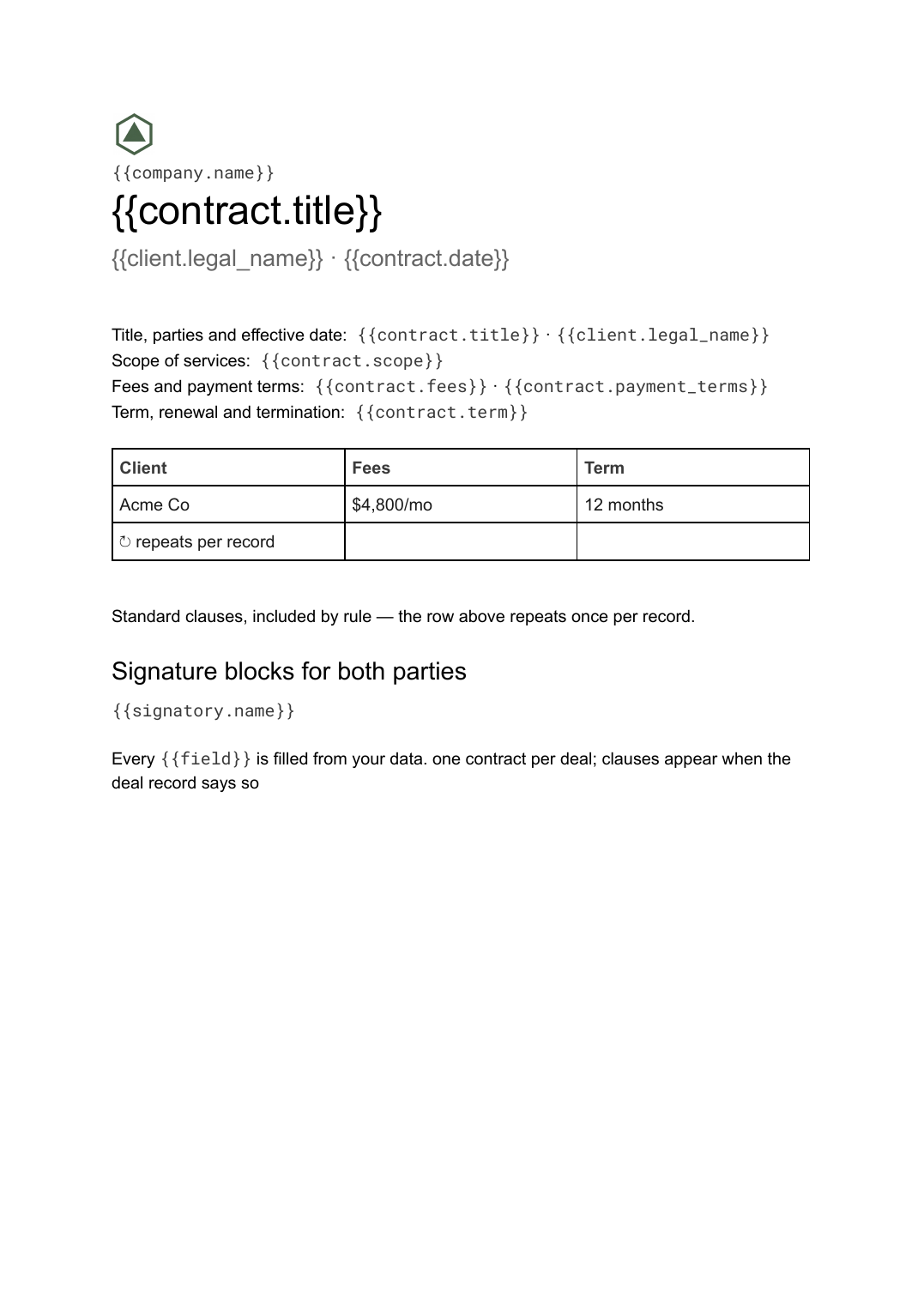 Google Docs
Contract template
A service agreement with parties, scope, fees, term, standard clauses and signature blocks, generated one per deal with conditional clauses from your records.
View template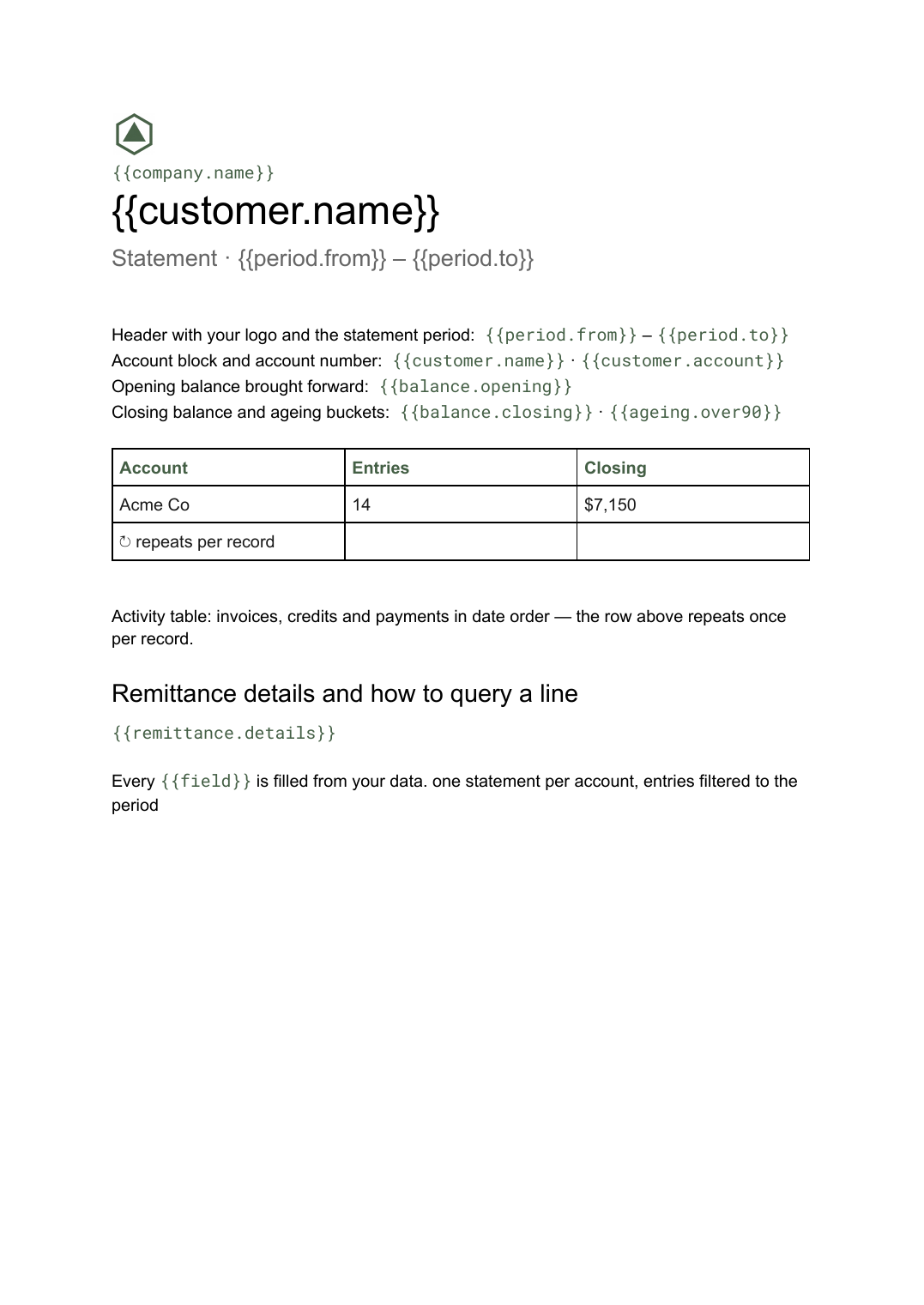 Google Docs
Statement of account template
A period summary of a customer's invoices, credits and payments with a running balance, generated one per account from your ledger data.
View template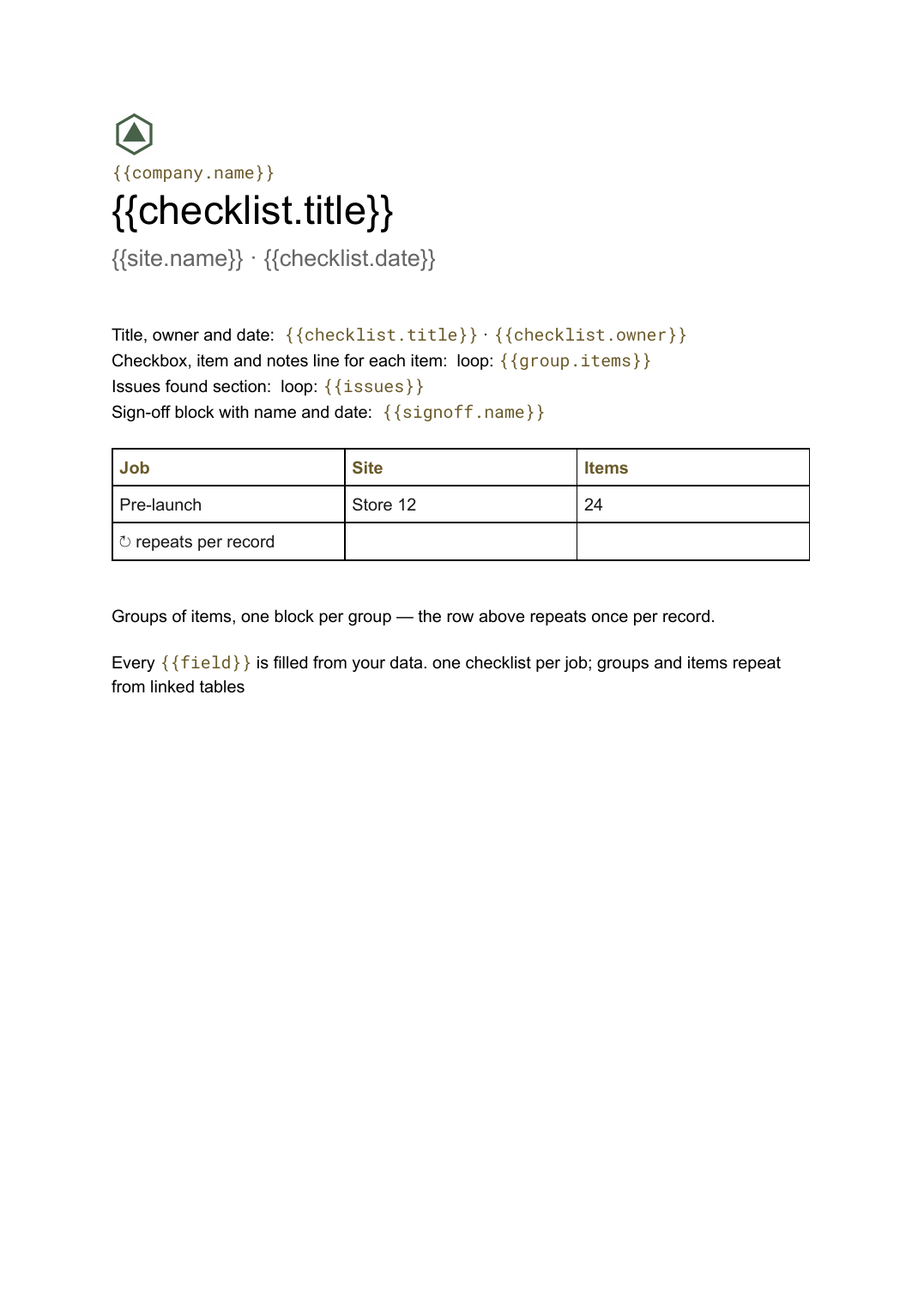 Google Docs
Checklist template
A grouped checklist with checkboxes, notes and sign-off, generated one per job, inspection or client from your task data.
View templateCommon questions, answered
Is this just mail merge? +
Can I use our own letterhead? +
One letter per recipient? +
Is this letterhead template free? +
Can I download this letterhead template as a PDF or Word file? +
Generate this document from your data
Start on the free plan, connect Airtable, Google Sheets or a CSV, and export a real Google Docs file. No watermark, no credit card.