Credit note template
A document that cancels part or all of an invoice, naming the lines credited and the reason, generated one per credit from your billing data.
Free plan, no credit card. Bring your own design or start from this layout.
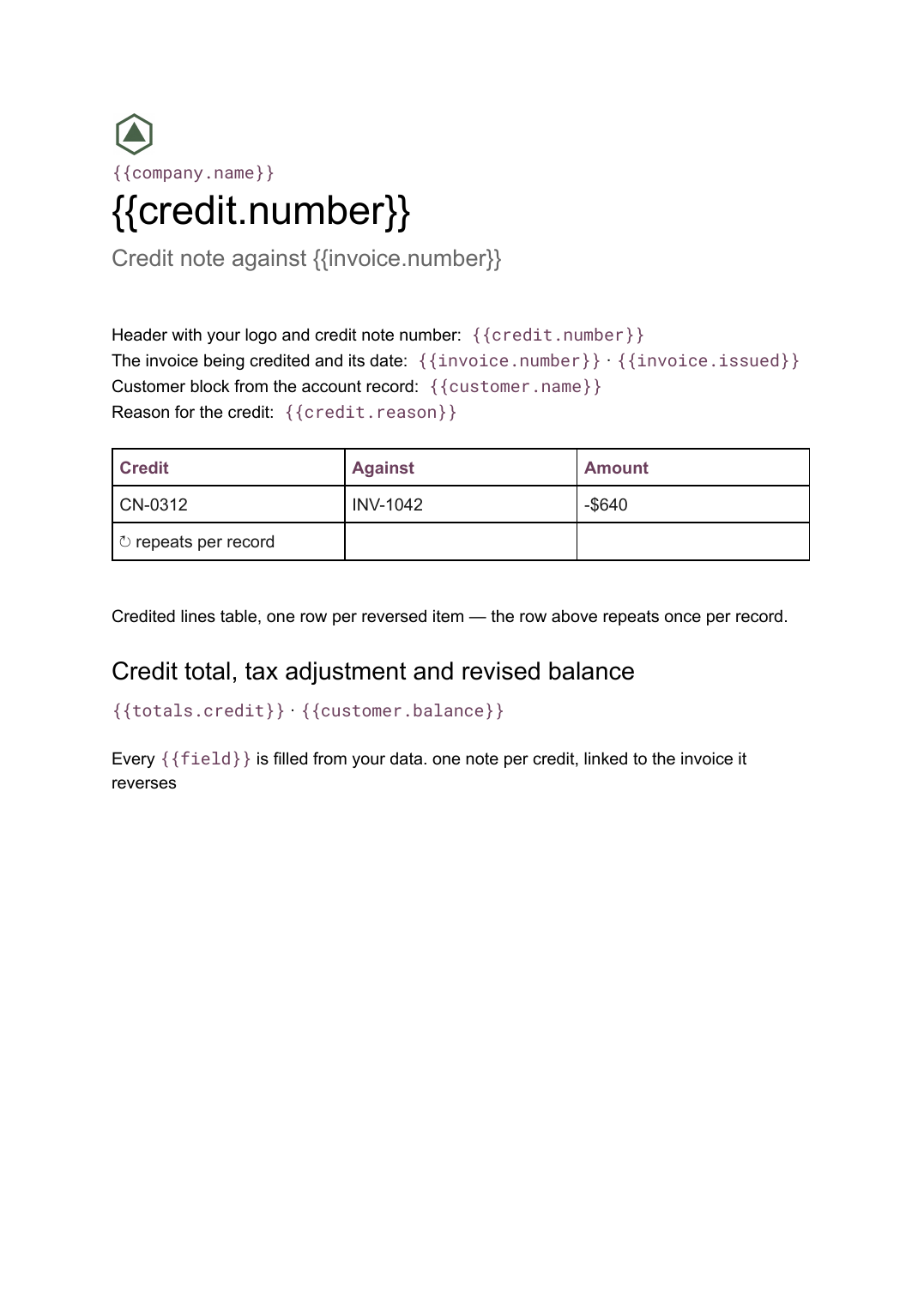
What’s in this template
Every block is bound to a field in your data. The layout stays exactly as designed; only the values change from one run to the next.
- Header with your logo and credit note number {{credit.number}}
- The invoice being credited and its date {{invoice.number}} · {{invoice.issued}}
- Customer block from the account record {{customer.name}}
- Credited lines table, one row per reversed item loop: {{credited}}
- Reason for the credit {{credit.reason}}
- Credit total, tax adjustment and revised balance {{totals.credit}} · {{customer.balance}}
How this template fills itself
Connect Airtable, Google Sheets, a SQL database, a CSV or a REST API, map each field to a placeholder, and generate. One run can produce a single document or one per matching record.
Credit notes · billing system via REST API
Template: Google Slides or Docs
{{credit.number}}
Credit note against {{invoice.number}}
{{customer.name}}
loop: {{credited}} → row
{{totals.credit}}
one note per credit, linked to the invoice it reverses
Generated output
DocsPDFCN-0312
Credit note against INV-1042
Acme Co
2 lines credited
-$640 including tax
Who uses this template
Finance teams
Issue a properly numbered credit rather than editing an invoice that has already been sent and filed.
Read the guideAgencies and studios
Reverse a line a client disputed while leaving the rest of the invoice standing and payable.
Read the guideProduct businesses
Credit returned or short-shipped goods from the same record that logged the return.
Read the guideA credit note reverses part of an invoice that has already gone out. It carries its own number, points explicitly at the invoice it corrects, names the lines being withdrawn and states why. Because the number of credited lines varies and the reason can run to a paragraph, this is a Google Doc: the table grows and the page breaks itself.
Make the credit a record, not an edit
The temptation is to reopen the invoice and change a figure. Resist it: once a document has been sent, the only clean correction is a second document that points back at the first. Model that in your data as a credit record holding the invoice reference, the reversed lines and the reason, and generate from it. The statement of account then shows the invoice and the credit as separate entries in the period, the running balance resolves itself, and nobody has to explain why two versions of INV-1042 exist.
Related templates
All billing & operations →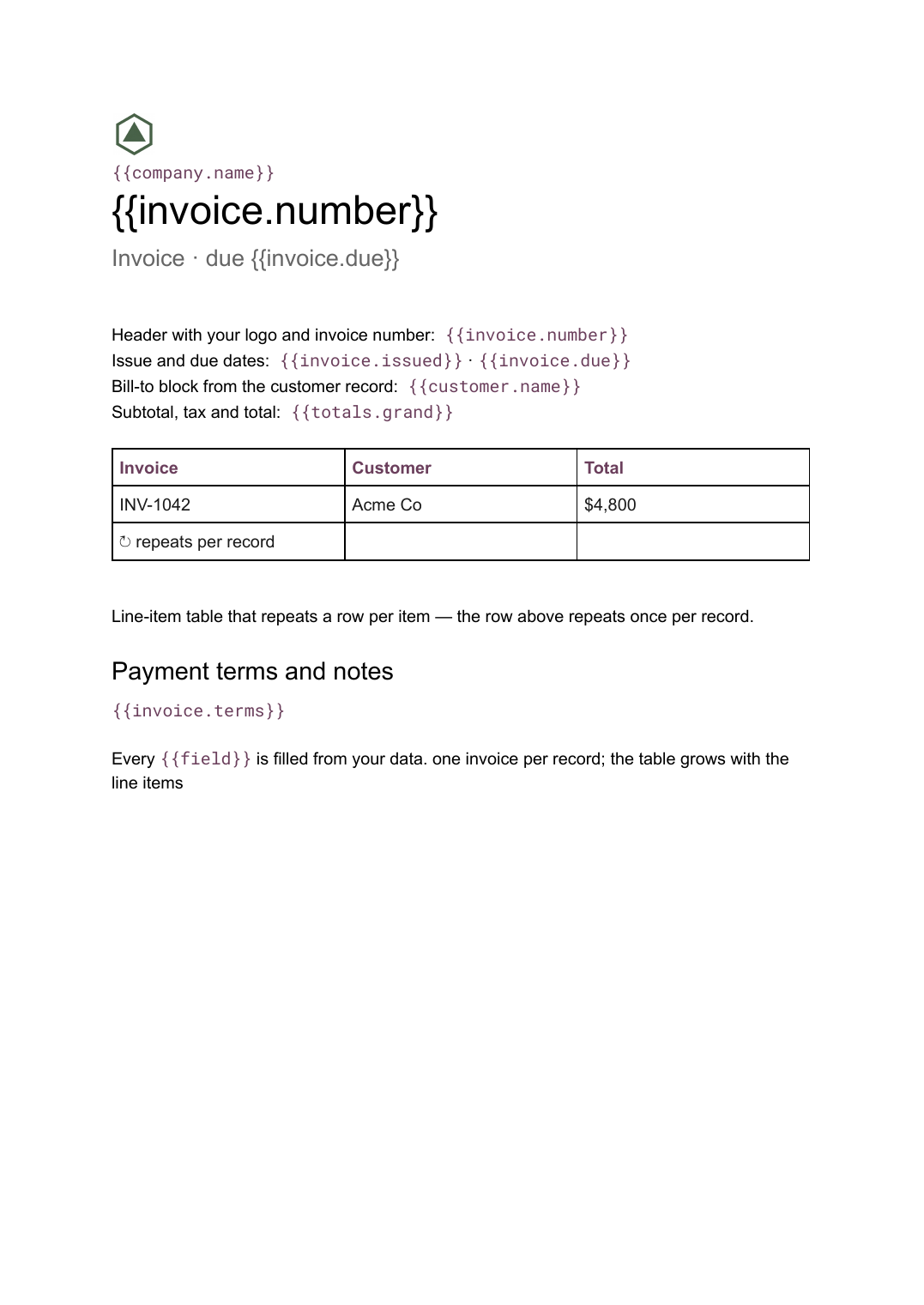 Google Docs
 Invoice template for Google Docs
A billing document with a line-item table that grows with the job, generated one per record from your billing data.
View template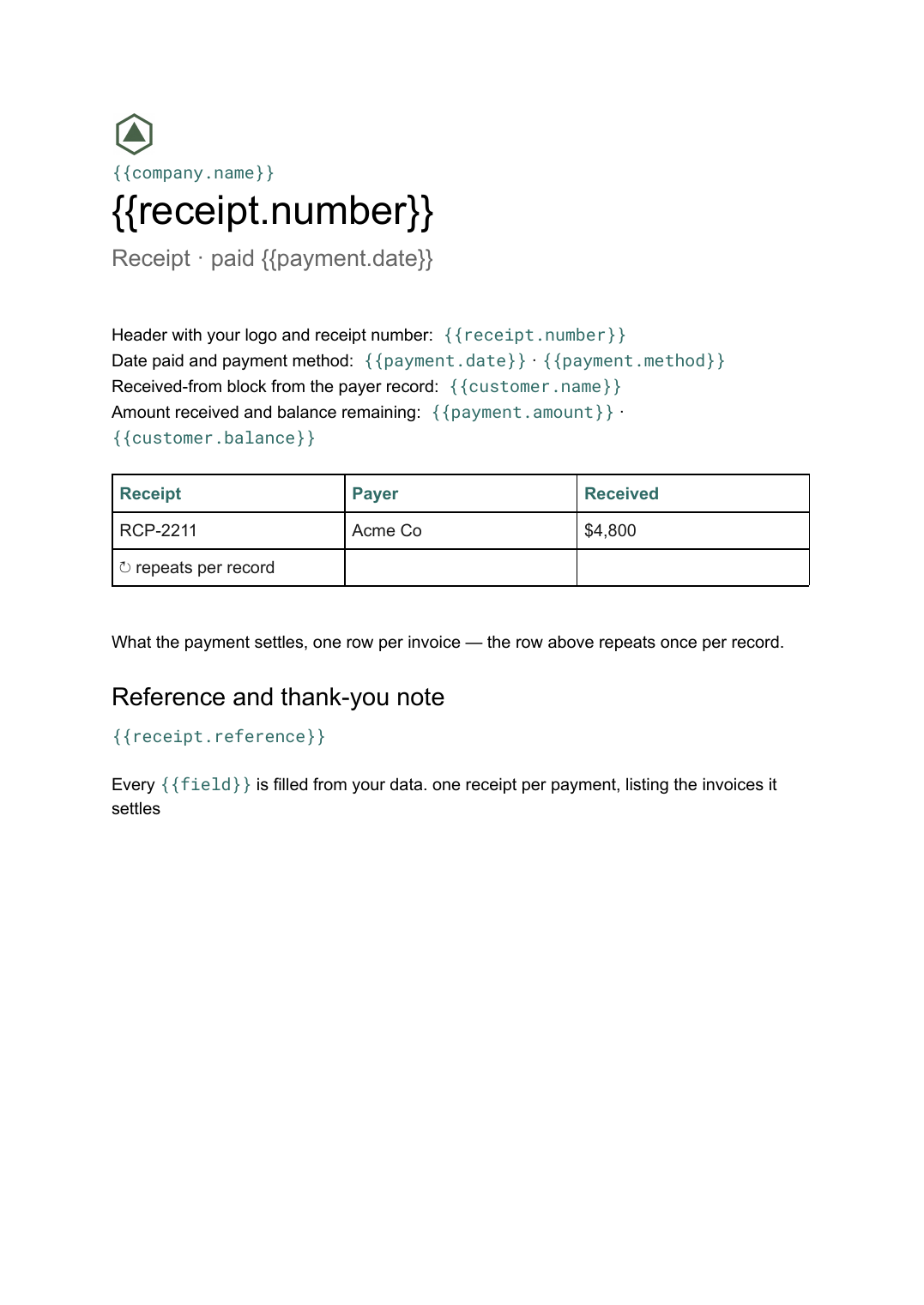 Google Docs
 Receipt template
A record of a payment received, listing what it settles, generated one per payment from your payments data.
View template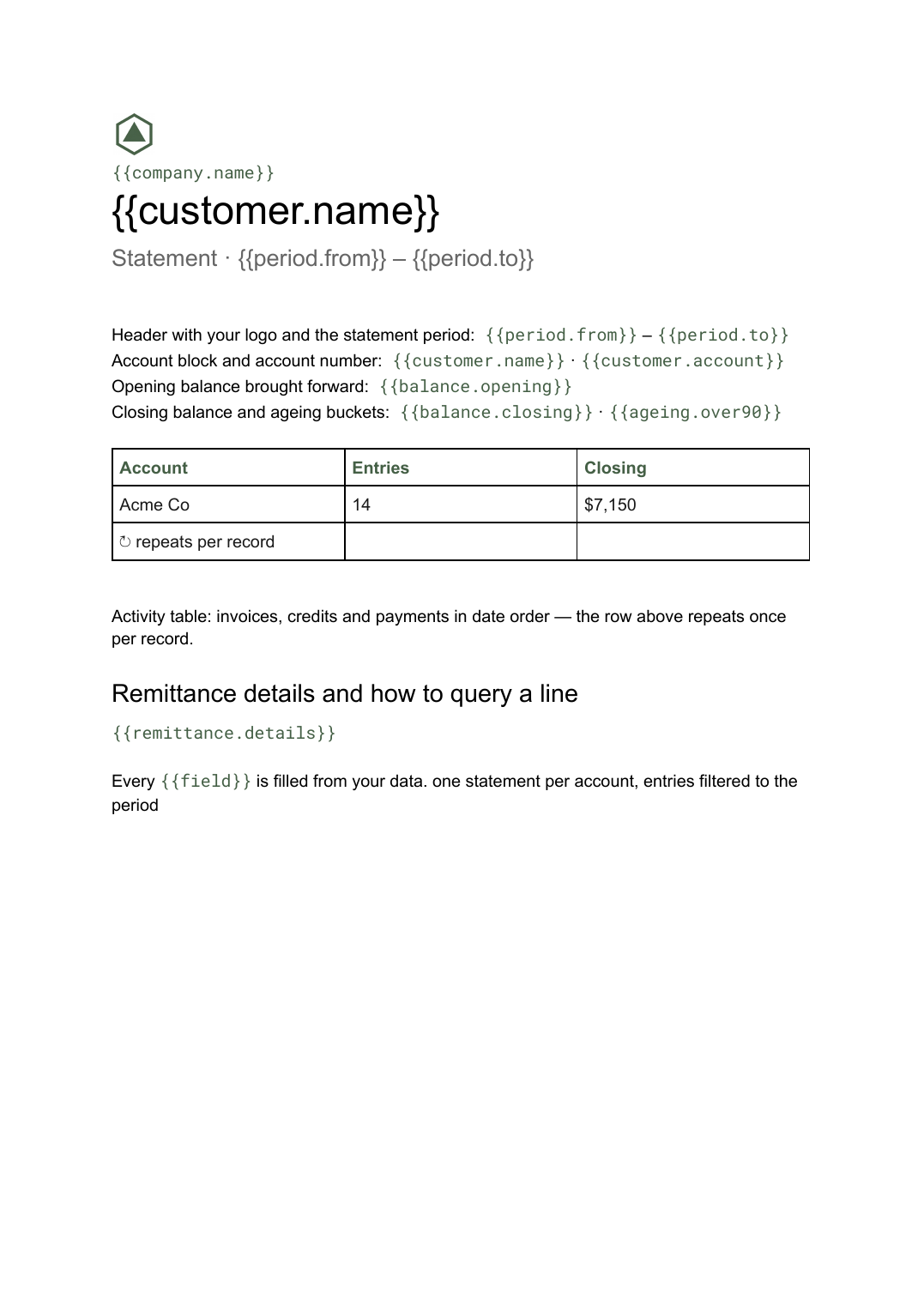 Google Docs
 Statement of account template
A period summary of a customer's invoices, credits and payments with a running balance, generated one per account from your ledger data.
View template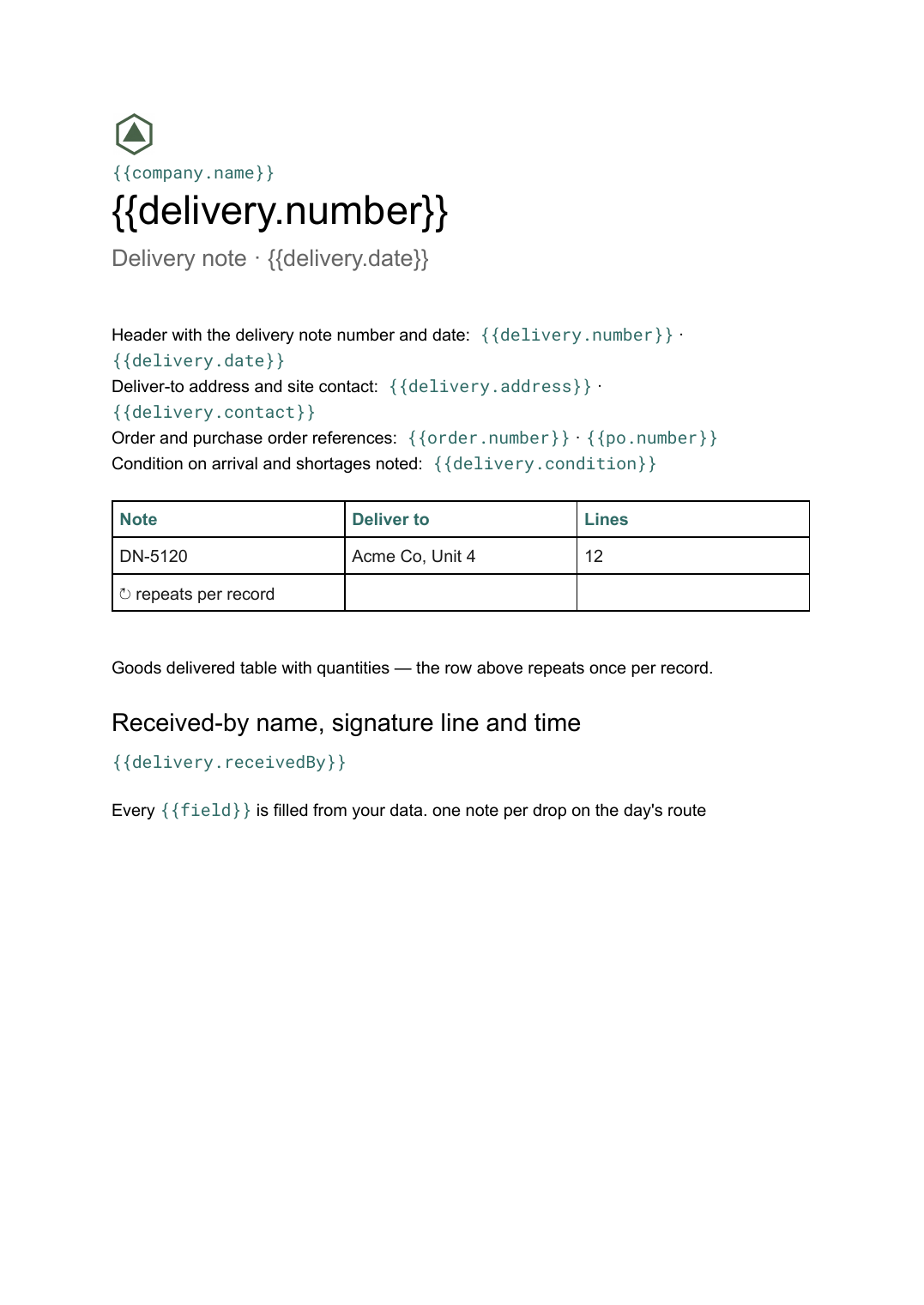 Google Docs
 Delivery note template
A record of goods handed over and signed for on arrival, generated one per delivery from your dispatch data.
View templateCommon questions, answered
Why issue a credit note instead of correcting the invoice? +
Can it credit only part of an invoice? +
Where do the credited lines and reason come from? +
Can I use my own credit note design? +
Generate this document from your data
Start on the free plan, connect a data source, and export a real Google Docs document. No watermark, no credit card.