Receipt template
A record of a payment received, listing what it settles, generated one per payment from your payments data.
Free plan, no credit card. Bring your own design or start from this layout.
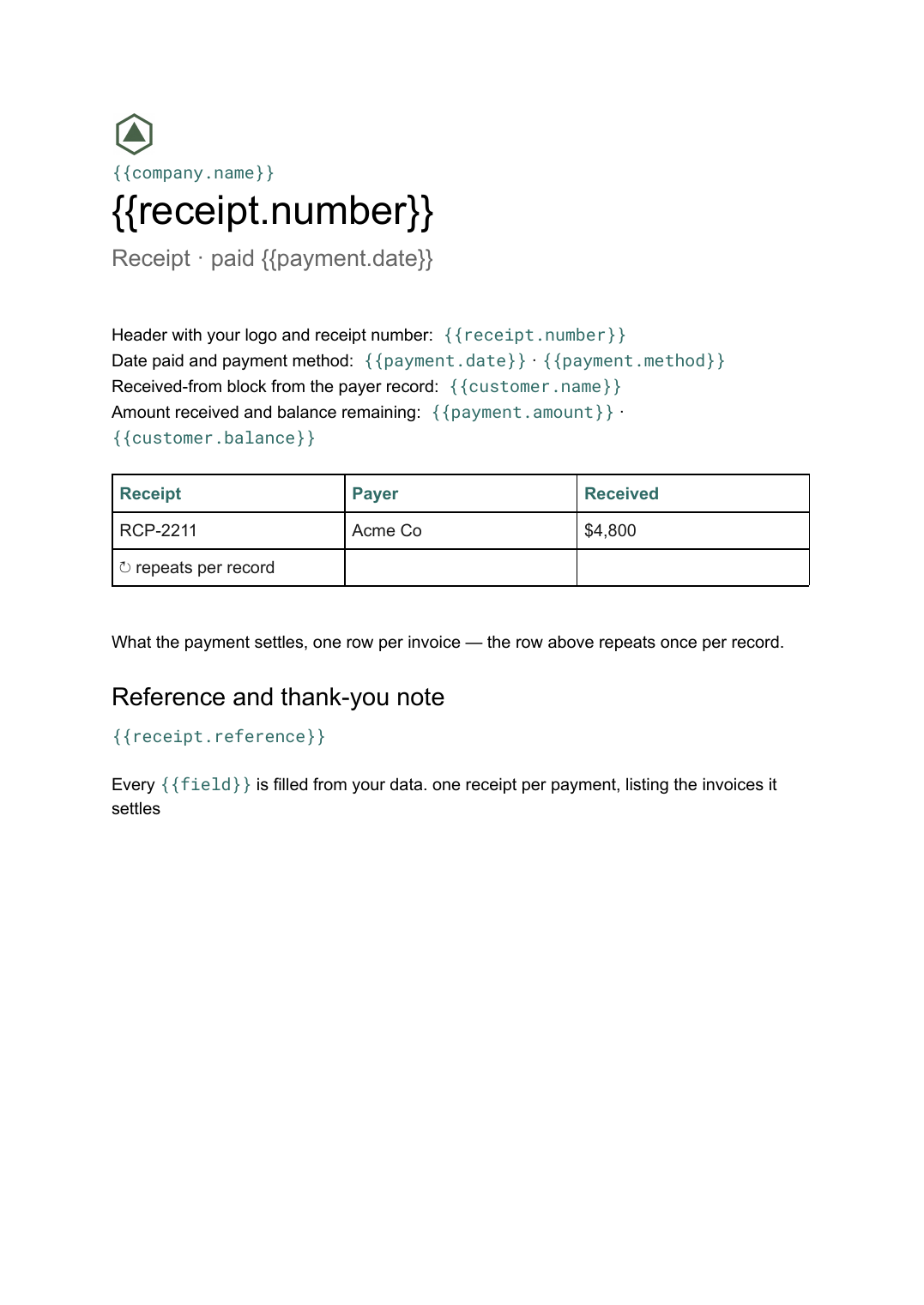
What’s in this template
Every block is bound to a field in your data. The layout stays exactly as designed; only the values change from one run to the next.
- Header with your logo and receipt number {{receipt.number}}
- Date paid and payment method {{payment.date}} · {{payment.method}}
- Received-from block from the payer record {{customer.name}}
- What the payment settles, one row per invoice loop: {{allocations}}
- Amount received and balance remaining {{payment.amount}} · {{customer.balance}}
- Reference and thank-you note {{receipt.reference}}
How this template fills itself
Connect Airtable, Google Sheets, a SQL database, a CSV or a REST API, map each field to a placeholder, and generate. One run can produce a single document or one per matching record.
Payments · billing system via REST API
Template: Google Slides or Docs
{{receipt.number}}
Receipt · paid {{payment.date}}
{{customer.name}}
loop: {{allocations}} → row
{{payment.amount}} received
one receipt per payment, listing the invoices it settles
Generated output
DocsPDFRCP-2211
Receipt · paid 12 Sep 2026
Acme Co
2 invoices settled
$4,800 received
Who uses this template
Service businesses
Send a receipt the moment a payment lands, showing exactly which invoices it cleared.
Read the guideFinance and bookkeeping teams
Issue a month of receipts in one run from the payments table instead of writing them one by one.
Read the guideMembership and subscription operators
Produce a dated receipt for every renewal so members have a document for their own records.
Read the guideA receipt is the counterpart to the invoice: it is written after the money has moved, and its job is to say how much arrived, when, by what method, and against which invoices. Because a single payment can clear several invoices at once, the settled-against table is the part that varies, which is why this is a Google Doc rather than a fixed slide.
Let the payment record decide what the receipt says
The cleanest setup treats the payment as the source record and the invoices as its children. The receipt then places the amount, date and method from the payment, and repeats a row for each allocation underneath. Nothing is retyped and nothing is totalled in the document, so the receipt can never claim a figure your ledger disagrees with. If a payment is later reallocated, you correct it in the data and regenerate rather than editing a PDF that has already been sent.
Related templates
All billing & operations →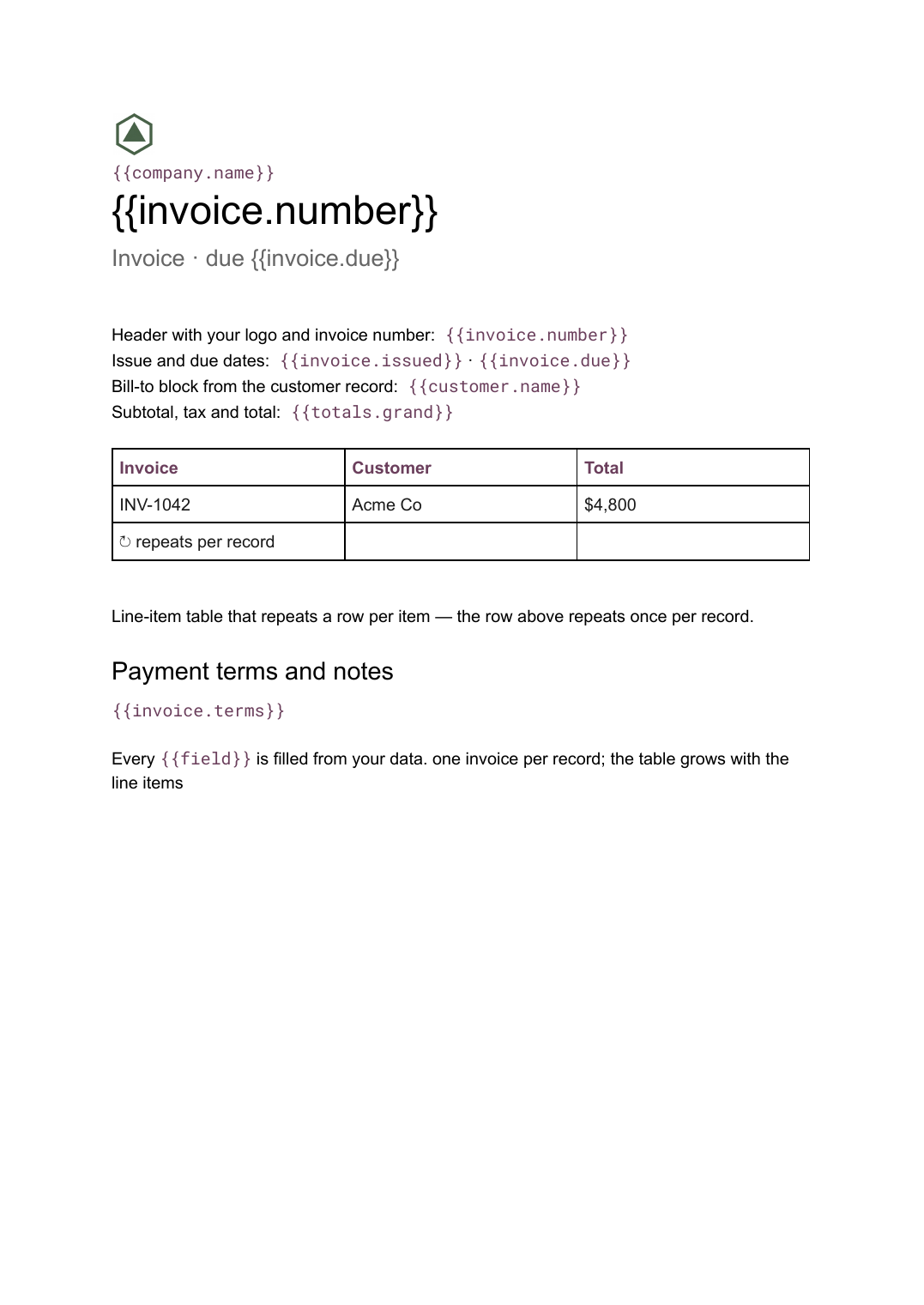 Google Docs
 Invoice template for Google Docs
A billing document with a line-item table that grows with the job, generated one per record from your billing data.
View template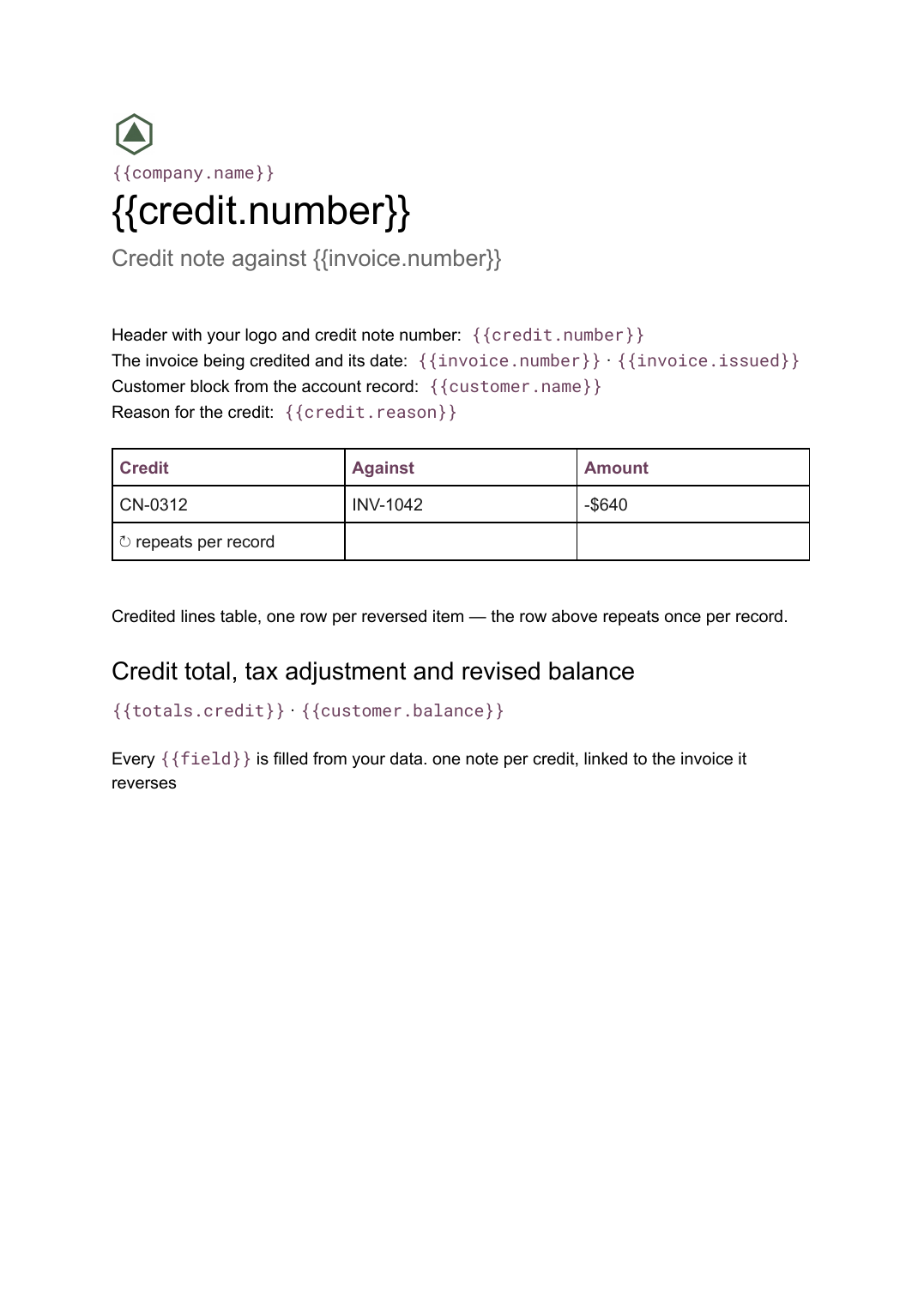 Google Docs
 Credit note template
A document that cancels part or all of an invoice, naming the lines credited and the reason, generated one per credit from your billing data.
View template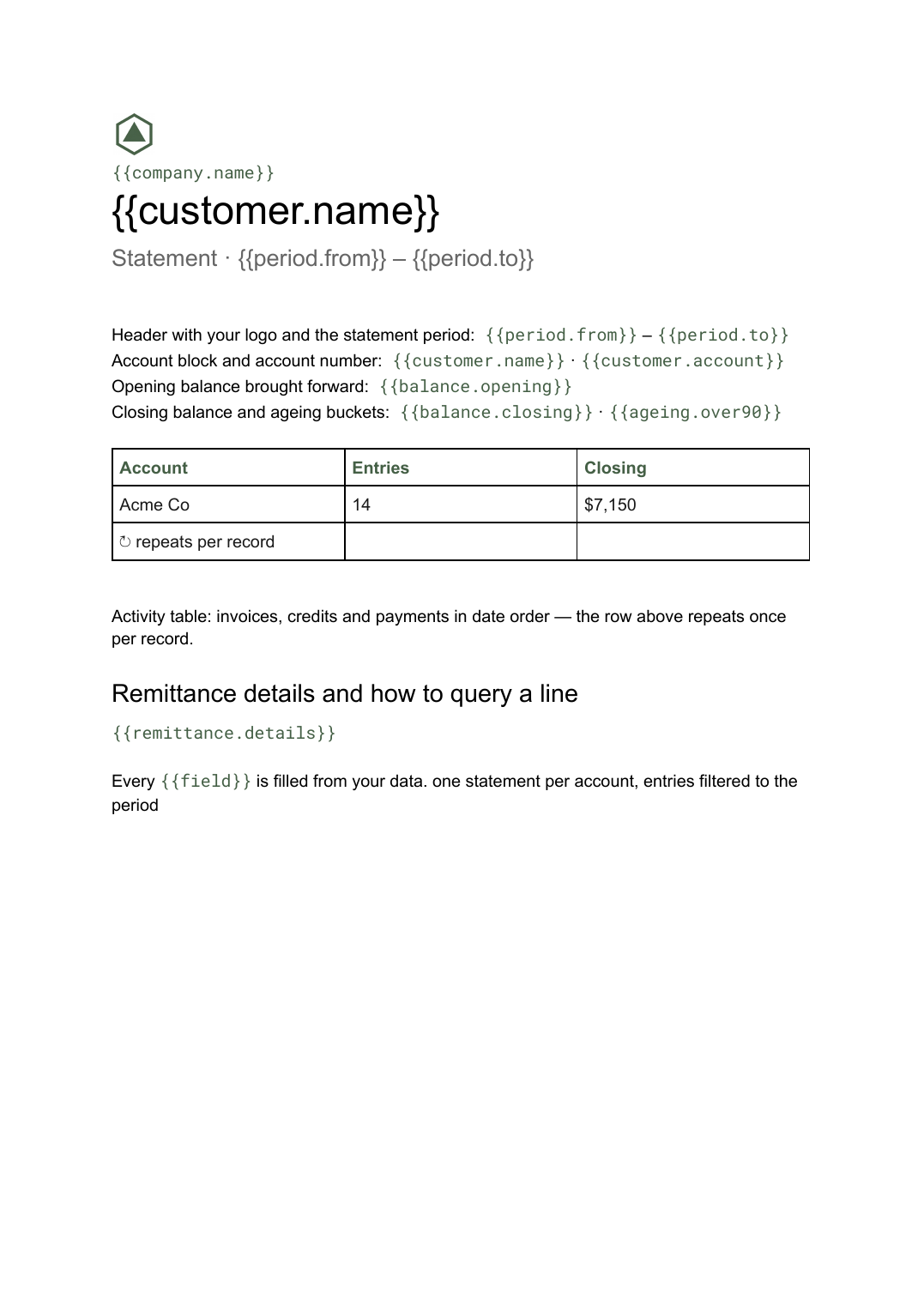 Google Docs
 Statement of account template
A period summary of a customer's invoices, credits and payments with a running balance, generated one per account from your ledger data.
View template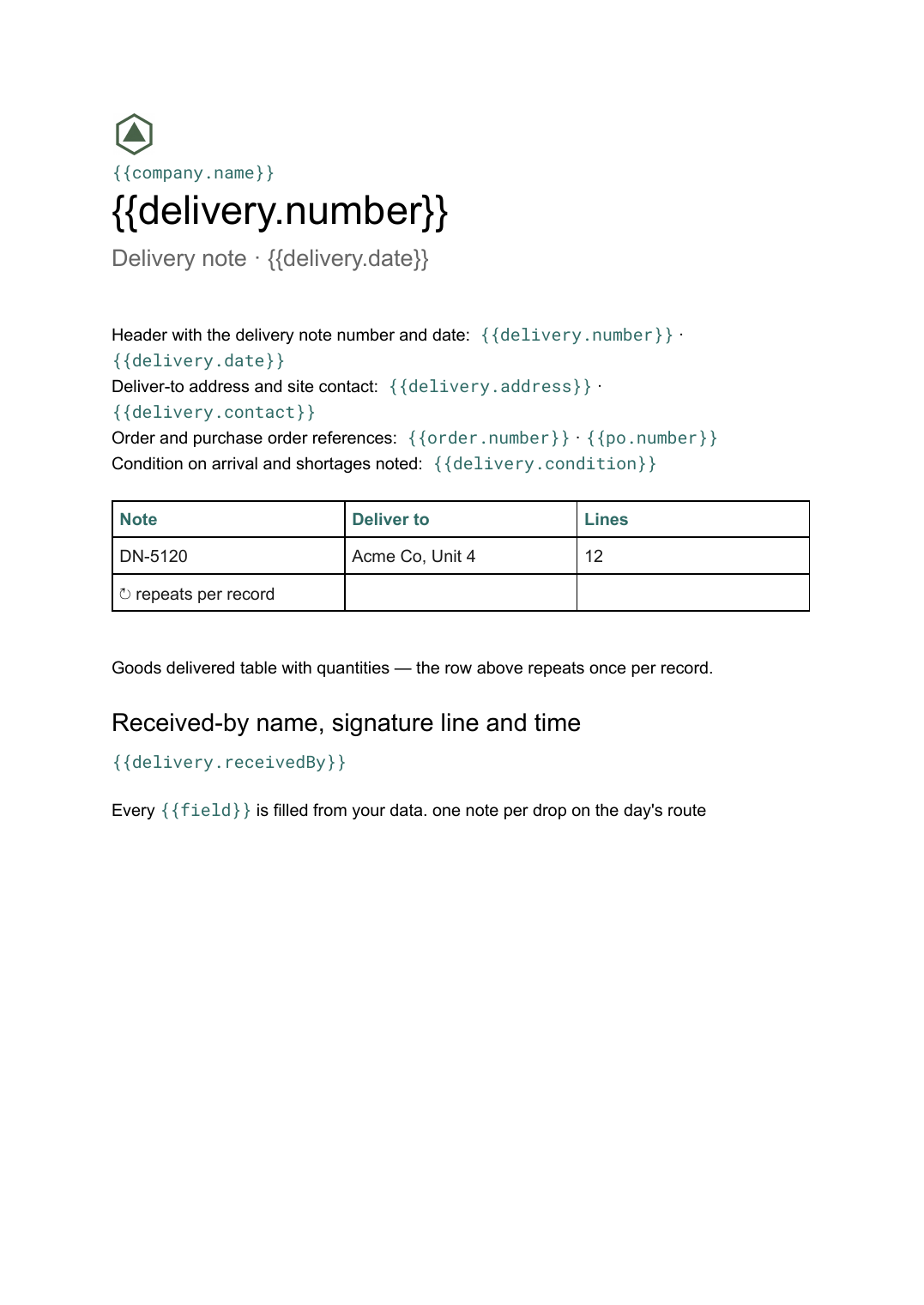 Google Docs
 Delivery note template
A record of goods handed over and signed for on arrival, generated one per delivery from your dispatch data.
View templateCommon questions, answered
How is a receipt different from an invoice? +
Can I issue receipts in a batch? +
What if one payment covers several invoices? +
Can I use my own receipt design? +
Generate this document from your data
Start on the free plan, connect a data source, and export a real Google Docs document. No watermark, no credit card.