Statement of account template
A period summary of a customer's invoices, credits and payments with a running balance, generated one per account from your ledger data.
Free plan, no credit card. Bring your own design or start from this layout.
What’s in this template
Every block is bound to a field in your data. The layout stays exactly as designed; only the values change from one run to the next.
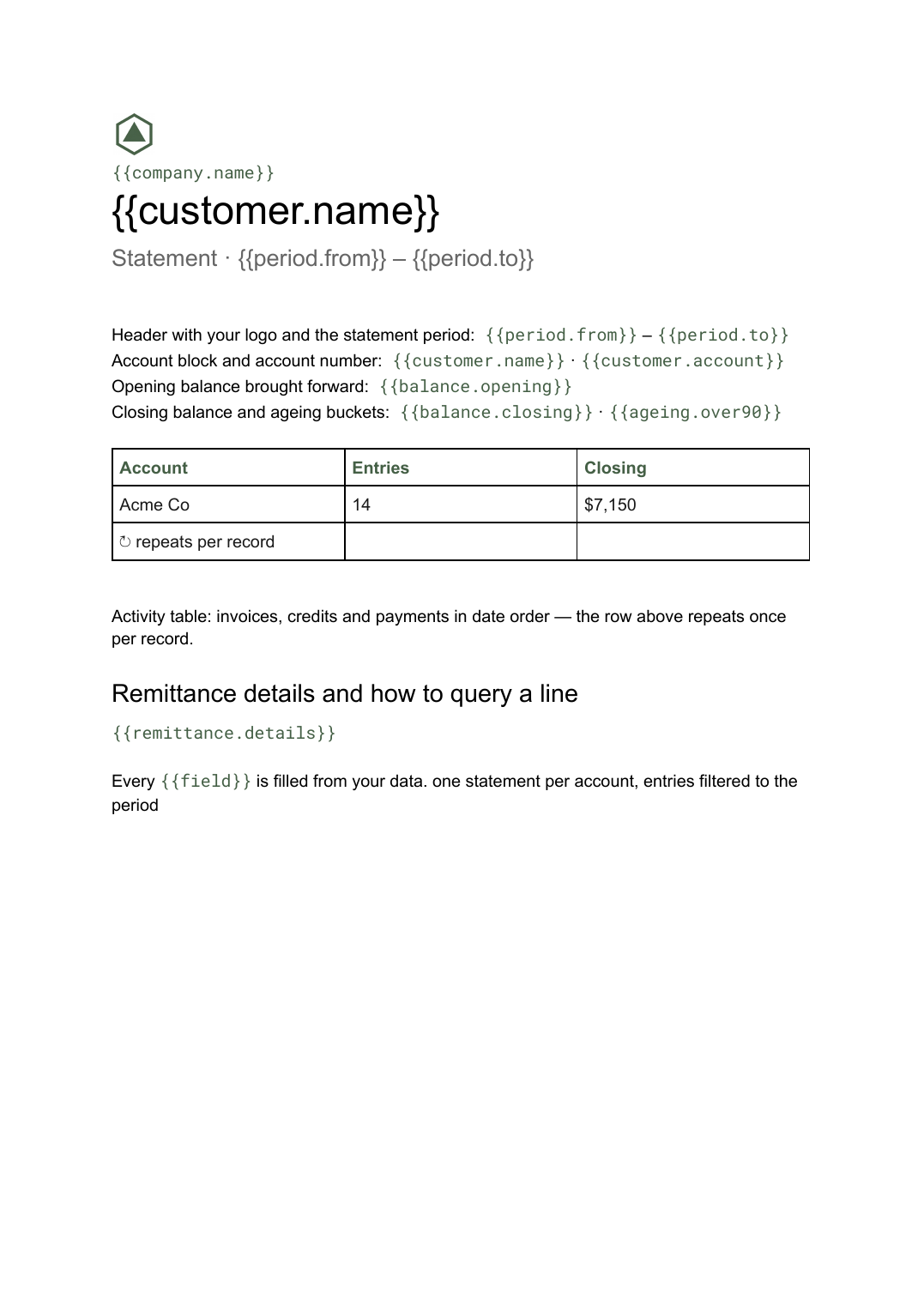
- Header with your logo and the statement period {{period.from}} – {{period.to}}
- Account block and account number {{customer.name}} · {{customer.account}}
- Opening balance brought forward {{balance.opening}}
- Activity table: invoices, credits and payments in date order loop: {{entries}}
- Closing balance and ageing buckets {{balance.closing}} · {{ageing.over90}}
- Remittance details and how to query a line {{remittance.details}}
How this template fills itself
Connect Airtable, Google Sheets, a SQL database, a CSV or a REST API, map each field to a placeholder, and generate. One run can produce a single document or one per matching record.
Accounts · SQL database
Template: Google Slides or Docs
{{customer.name}}
Statement · {{period.from}} – {{period.to}}
opening {{balance.opening}}
loop: {{entries}} → row
closing {{balance.closing}}
one statement per account, entries filtered to the period
Generated output
DocsPDFAcme Co
Statement · 1 Aug – 31 Aug 2026
opening $3,400
14 entries this period
closing $7,150
Who uses this template
Credit control teams
Send every account its month-end statement in one run so chasing starts from an agreed position.
Read the guideWholesalers and distributors
Show trade customers a period of invoices and payments against a single running balance.
Read the guideProfessional services firms
Give retained clients a monthly account summary rather than a stack of separate invoices.
Read the guideA statement of account answers a different question from an invoice. Rather than billing for one job, it shows a customer everything that moved on their account over a period — invoices raised, credits applied, payments received — and where the balance stands at the end of it. The number of entries is unpredictable, so pages have to break on their own; that is the case for Google Docs.
Order the entries and let the ledger own the balances
Two things make or break a statement. The first is ordering: entries should arrive from your data already sorted by date, because a statement that jumps around is impossible to reconcile against. The second is that opening and closing balances come from the ledger rather than being worked out in the document. Feed the run a filtered set of entries per account and a balance field, and month end becomes one job instead of a morning of copying rows between files.
Related templates
All billing & operations →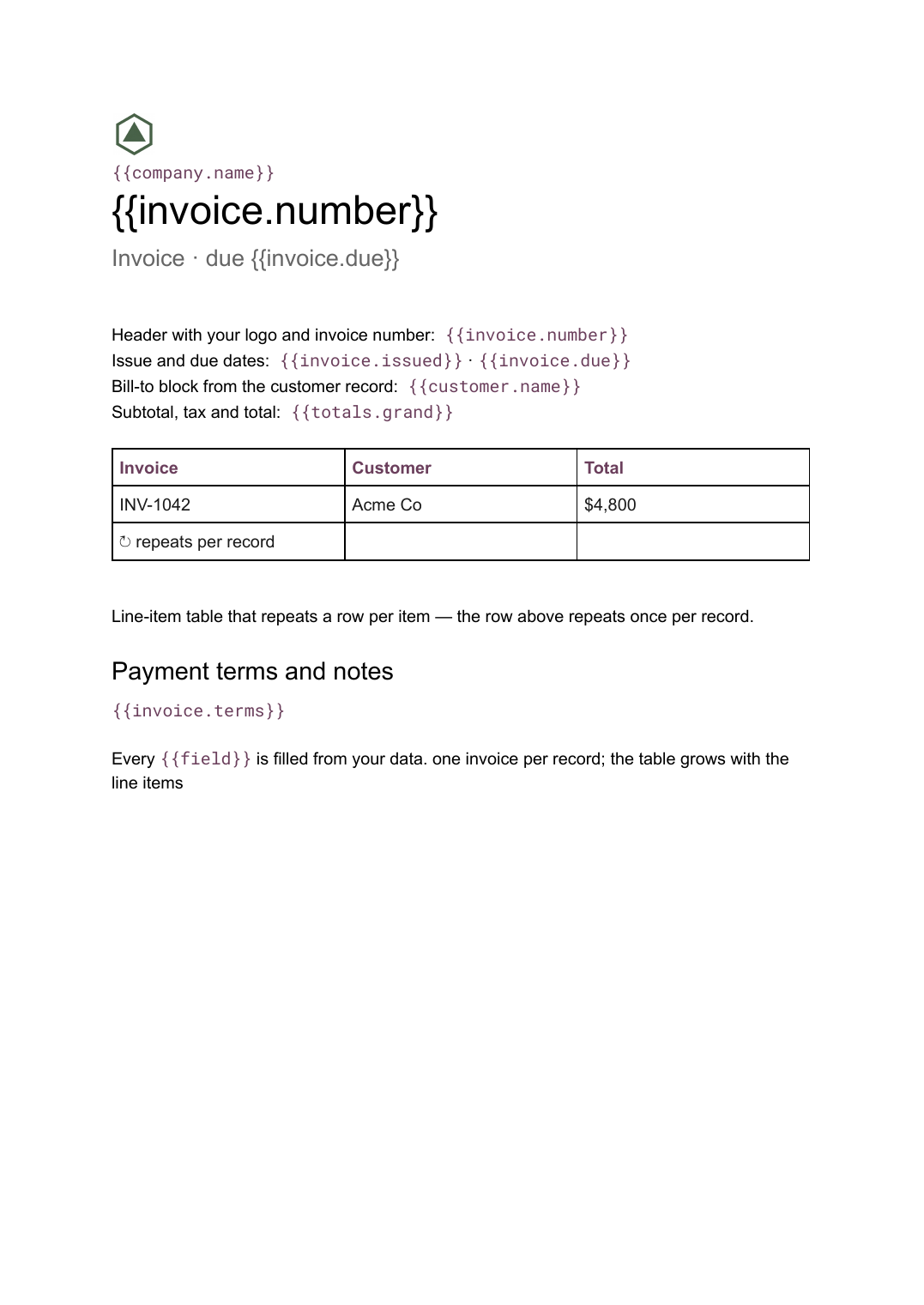 Google Docs
 Invoice template for Google Docs
A billing document with a line-item table that grows with the job, generated one per record from your billing data.
View template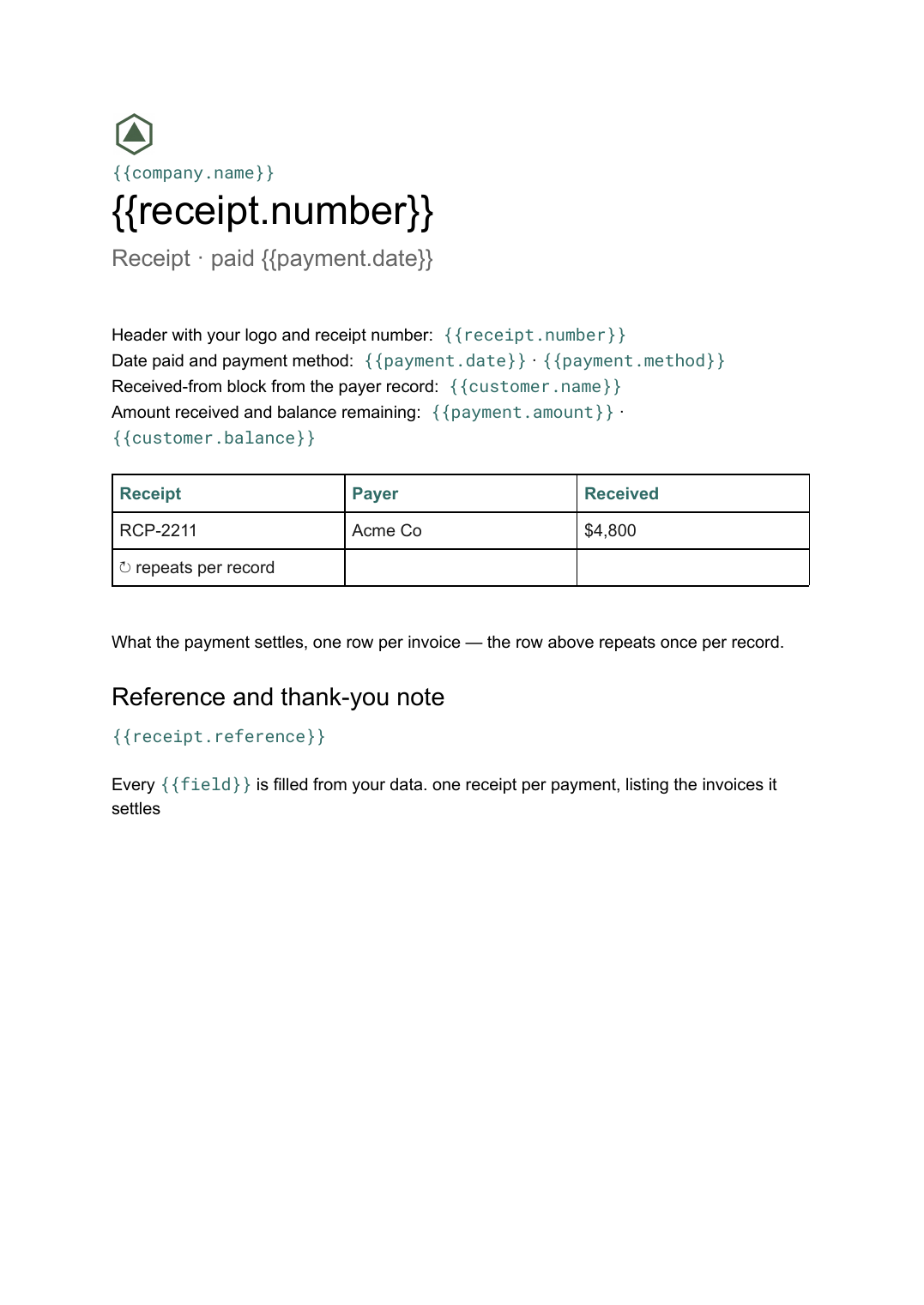 Google Docs
 Receipt template
A record of a payment received, listing what it settles, generated one per payment from your payments data.
View template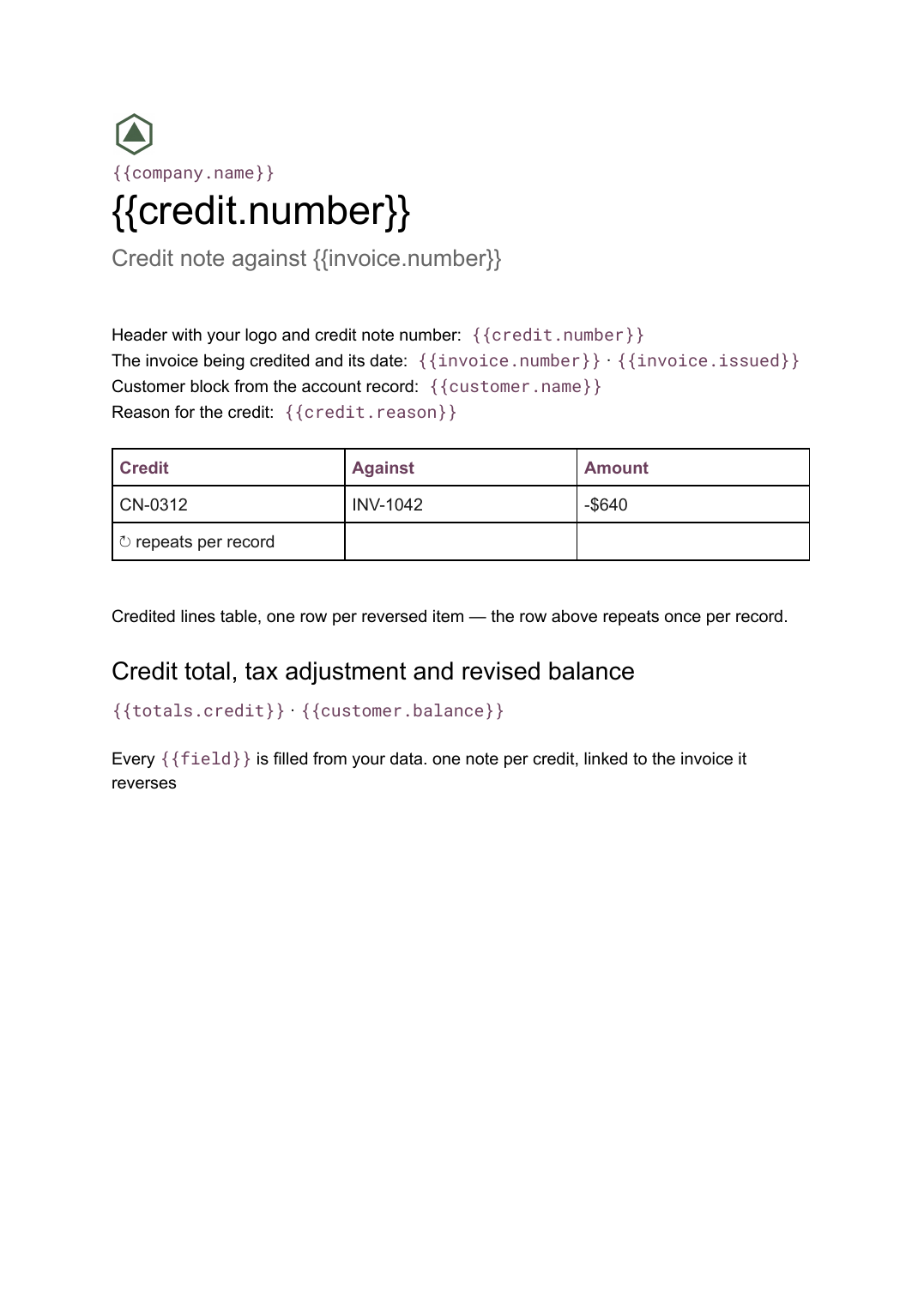 Google Docs
 Credit note template
A document that cancels part or all of an invoice, naming the lines credited and the reason, generated one per credit from your billing data.
View template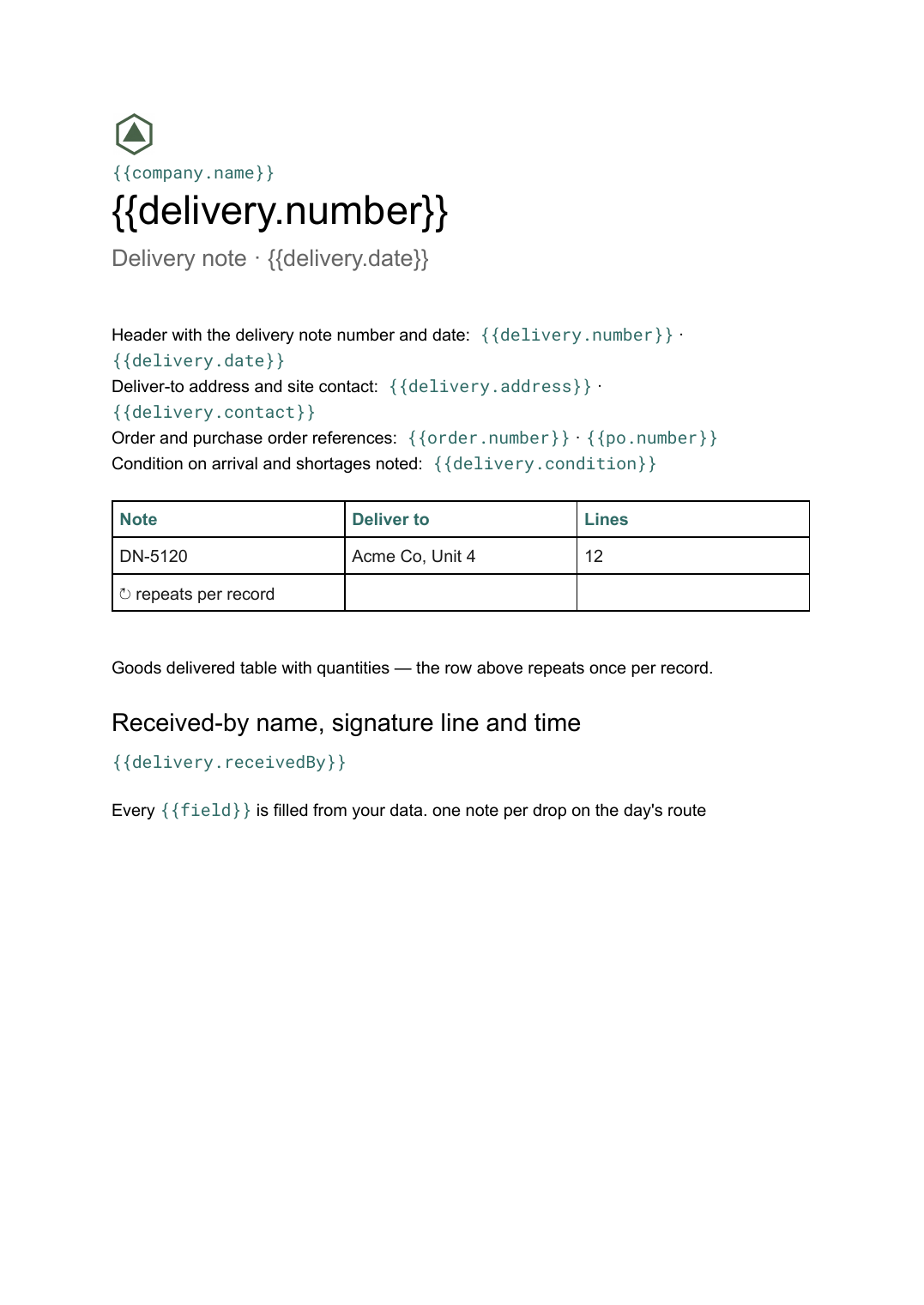 Google Docs
 Delivery note template
A record of goods handed over and signed for on arrival, generated one per delivery from your dispatch data.
View templateCommon questions, answered
How is a statement different from an invoice? +
How does the running balance stay right? +
Can I send a statement to every account at month end? +
Can I use my own statement design? +
Generate this document from your data
Start on the free plan, connect a data source, and export a real Google Docs document. No watermark, no credit card.