Delivery note template
A record of goods handed over and signed for on arrival, generated one per delivery from your dispatch data.
Free plan, no credit card. Bring your own design or start from this layout.
What’s in this template
Every block is bound to a field in your data. The layout stays exactly as designed; only the values change from one run to the next.
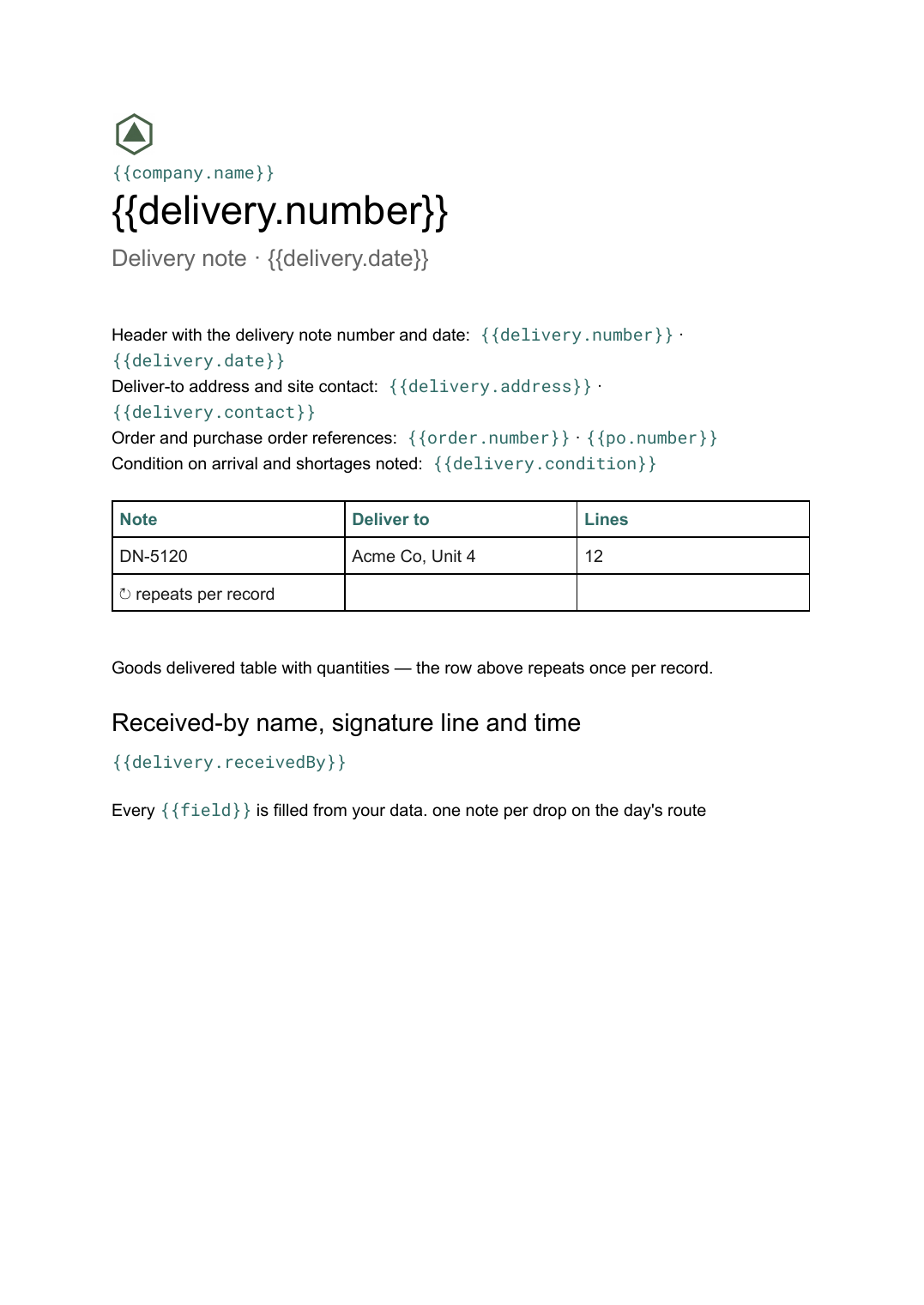
- Header with the delivery note number and date {{delivery.number}} · {{delivery.date}}
- Deliver-to address and site contact {{delivery.address}} · {{delivery.contact}}
- Order and purchase order references {{order.number}} · {{po.number}}
- Goods delivered table with quantities loop: {{delivered}}
- Condition on arrival and shortages noted {{delivery.condition}}
- Received-by name, signature line and time {{delivery.receivedBy}}
How this template fills itself
Connect Airtable, Google Sheets, a SQL database, a CSV or a REST API, map each field to a placeholder, and generate. One run can produce a single document or one per matching record.
Deliveries · Google Sheets
Template: Google Slides or Docs
{{delivery.number}}
Delivery note · {{delivery.date}}
{{delivery.address}}
loop: {{delivered}} → row
signed by {{delivery.receivedBy}}
one note per drop on the day's route
Generated output
DocsPDFDN-5120
Delivery note · 16 Sep 2026
Acme Co, Unit 4
12 lines delivered
signed by ____________
Who uses this template
Distributors and hauliers
Print the day's route as one note per drop, each carrying its own references and signature block.
Read the guideBuilders' merchants and suppliers
Prove what arrived on site and when, against the purchase order the customer raised.
Read the guideOperations teams
Generate delivery paperwork on a schedule from the dispatch sheet instead of assembling it each morning.
Read the guideA delivery note is handed over at the door and comes back signed. Its job is evidence: these goods, at this address, on this date, received by this person, in this condition. That makes it different from a packing slip, which travels inside the box and is never signed. The delivered-lines table varies with the drop, so this is a Google Doc.
Leave room for what goes wrong
Deliveries are short, damaged and refused often enough that the note has to accommodate it. Give the condition and shortage notes real space rather than a single line, and put the signature block where a driver can get to it without turning the page. Everything above it comes from the dispatch record — note number, addresses, order and PO references, lines delivered — so a route can be generated as a batch overnight and the paperwork always matches what was actually loaded.
Related templates
All billing & operations →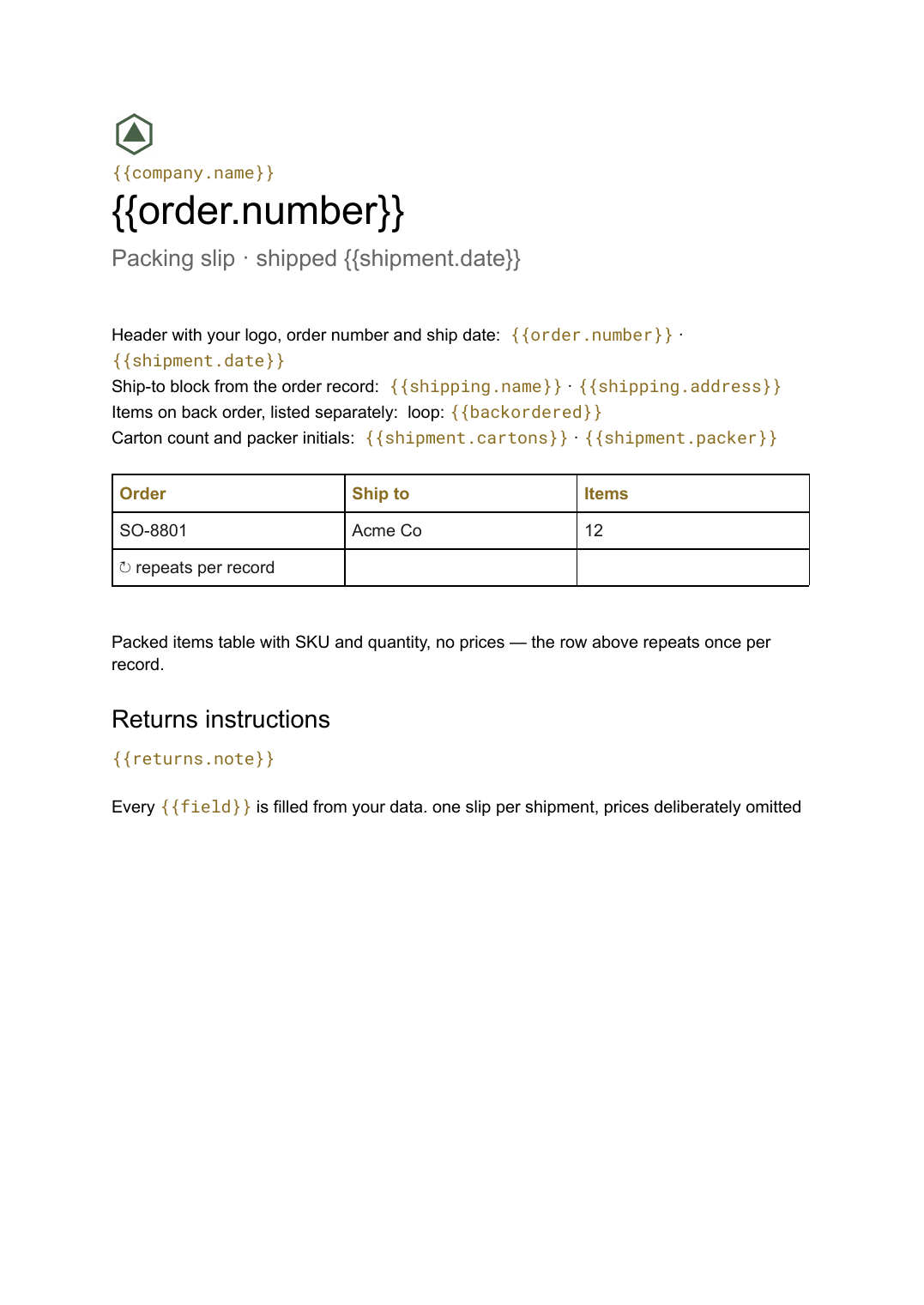 Google Docs
 Packing slip template
A contents list that travels inside the box with quantities and no prices, generated one per shipment from your order data.
View template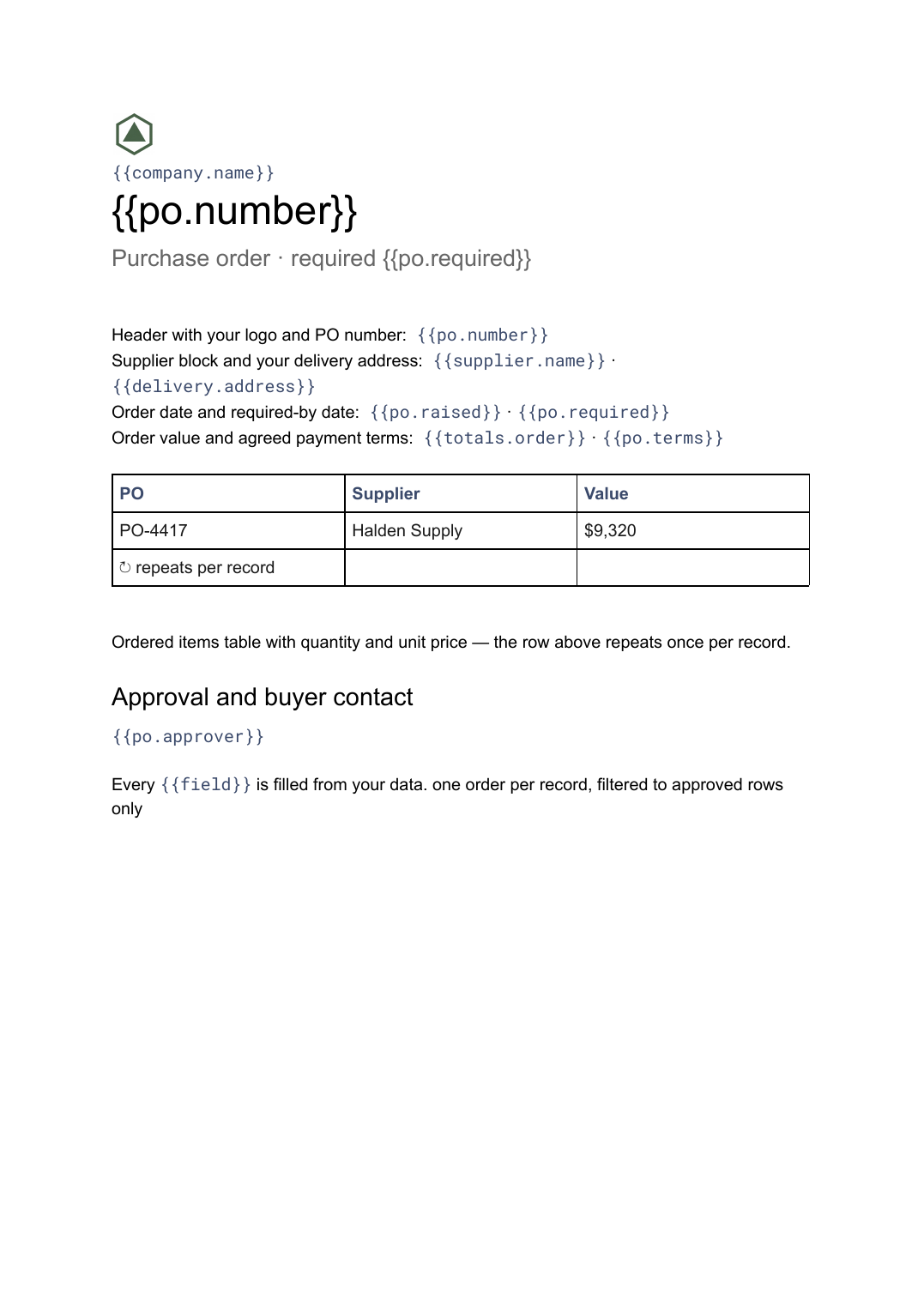 Google Docs
 Purchase order template
A buyer-issued order to a supplier listing what is being bought and on what terms, generated one per order from your purchasing data.
View template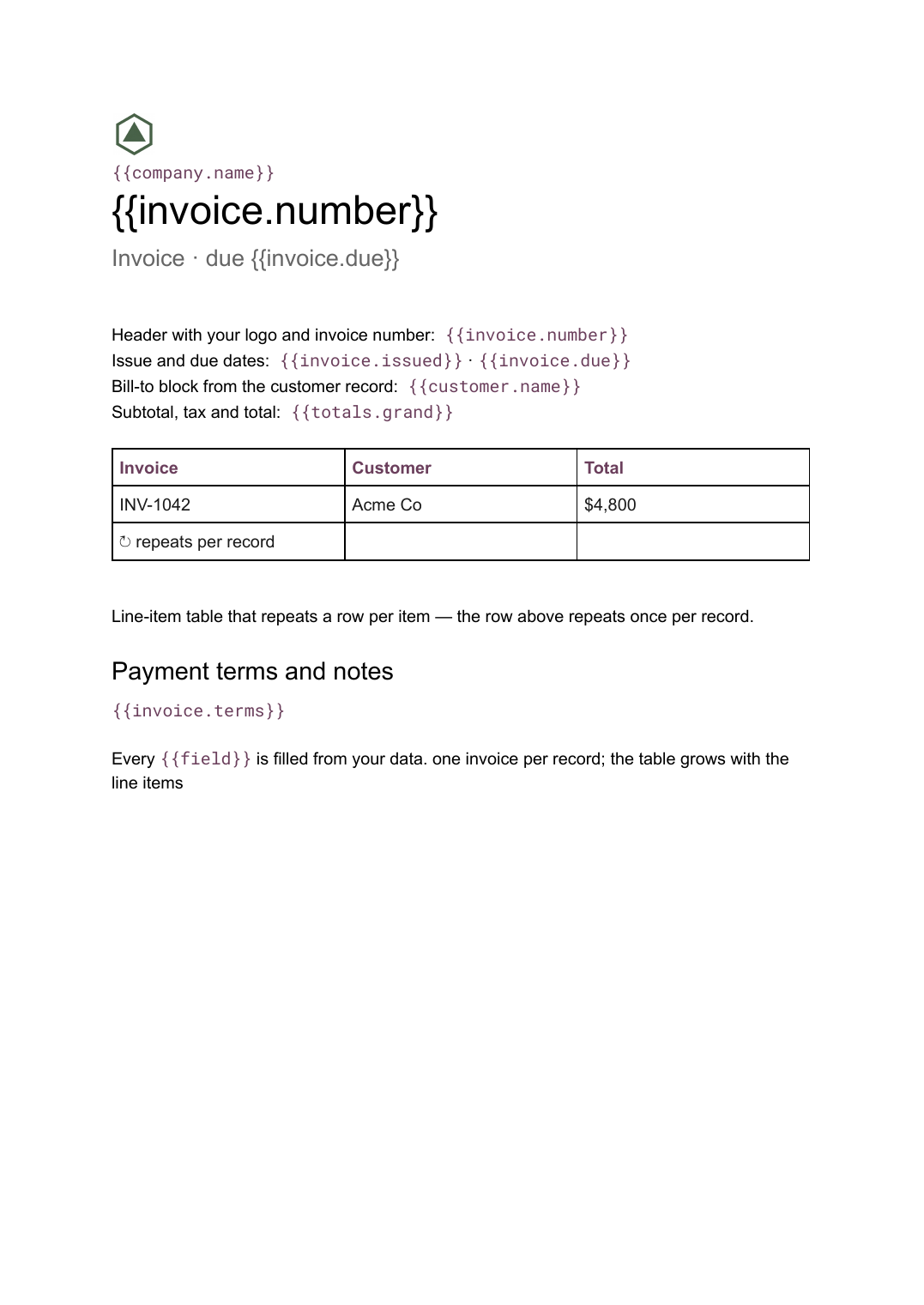 Google Docs
 Invoice template for Google Docs
A billing document with a line-item table that grows with the job, generated one per record from your billing data.
View template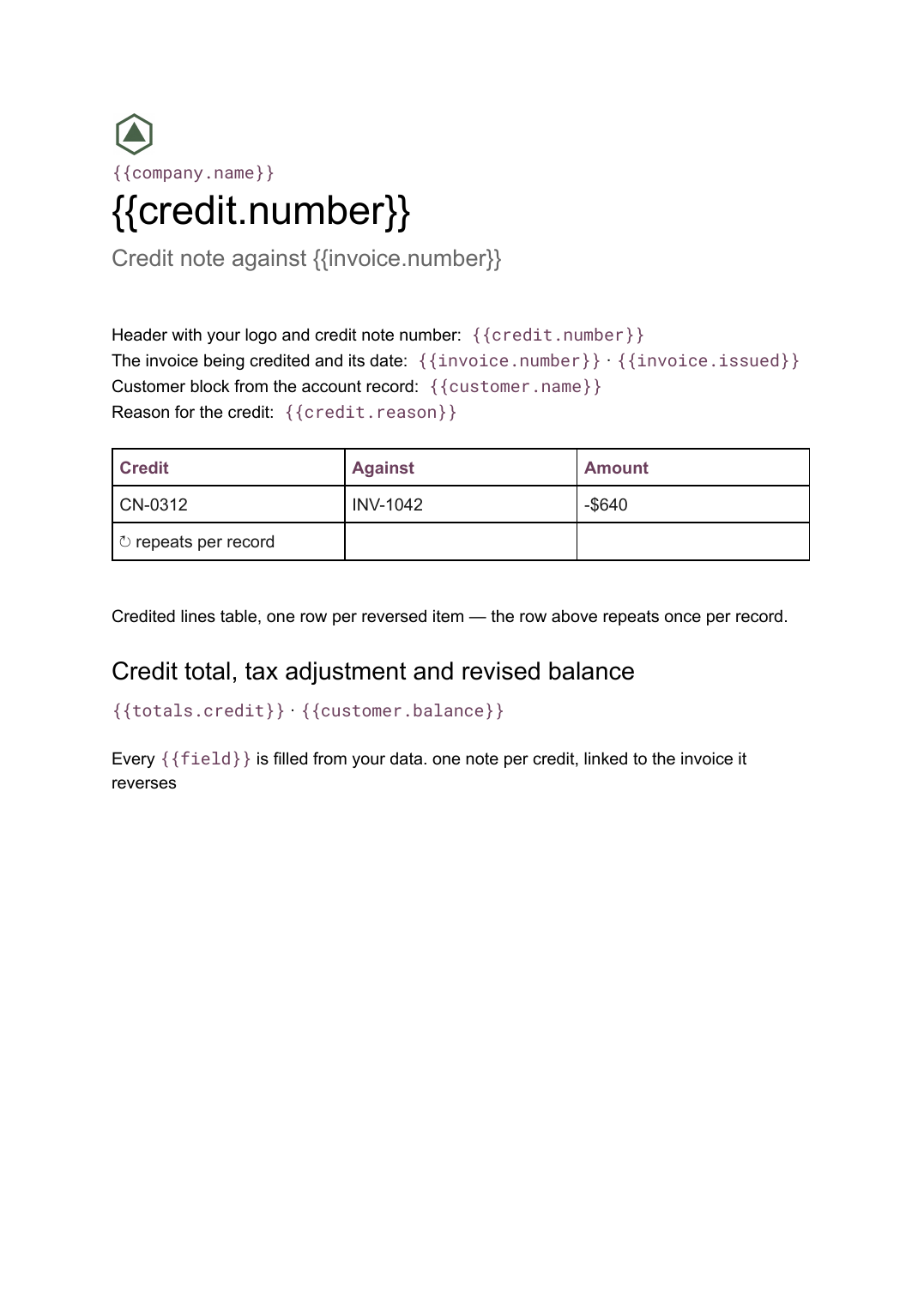 Google Docs
 Credit note template
A document that cancels part or all of an invoice, naming the lines credited and the reason, generated one per credit from your billing data.
View templateCommon questions, answered
How is a delivery note different from a packing slip? +
Can it carry the customer's purchase order number? +
Can I generate a whole route at once? +
Can I use my own delivery note design? +
Generate this document from your data
Start on the free plan, connect a data source, and export a real Google Docs document. No watermark, no credit card.