Invoice template for Google Docs
A billing document with a line-item table that grows with the job, generated one per record from your billing data.
Free plan, no credit card. Bring your own design or start from this layout.
What’s in this template
Every block is bound to a field in your data. The layout stays exactly as designed; only the values change from one run to the next.
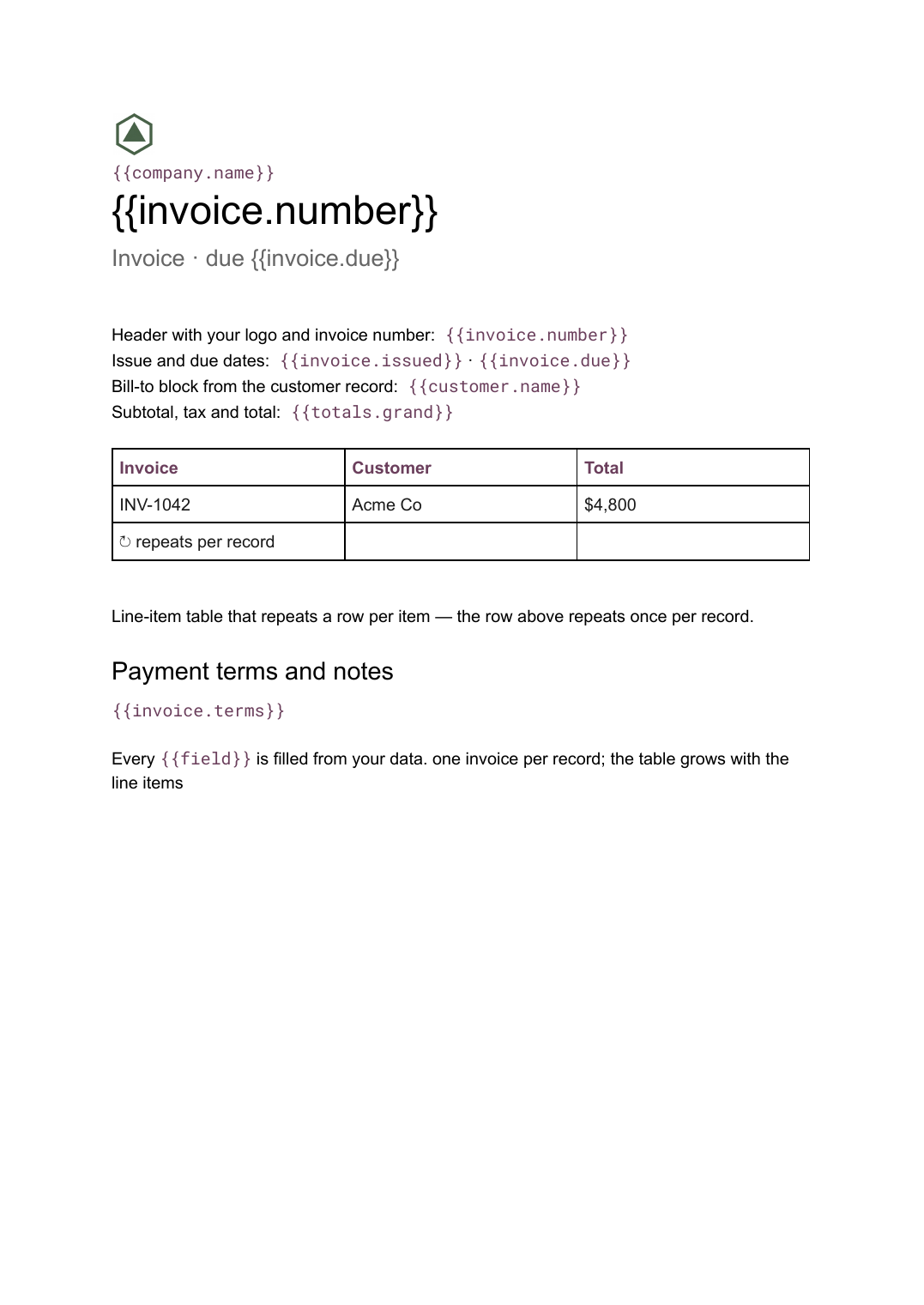
- Header with your logo and invoice number {{invoice.number}}
- Issue and due dates {{invoice.issued}} · {{invoice.due}}
- Bill-to block from the customer record {{customer.name}}
- Line-item table that repeats a row per item loop: {{items}}
- Subtotal, tax and total {{totals.grand}}
- Payment terms and notes {{invoice.terms}}
How this template fills itself
Connect Airtable, Google Sheets, a SQL database, a CSV or a REST API, map each field to a placeholder, and generate. One run can produce a single document or one per matching record.
Invoices · Airtable
Template: Google Slides or Docs
{{invoice.number}}
Invoice · due {{invoice.due}}
{{customer.name}}
loop: {{items}} → row
{{totals.grand}}
one invoice per record; the table grows with the line items
Generated output
DocsPDFINV-1042
Invoice · due 30 Sep 2026
Acme Co
6 line items
$4,800 total
Who uses this template
Agencies and studios
Bill retainers and project work from the same base that tracks the work, so the invoice matches what was delivered.
Read the guideOperations teams
Turn a billing table into a batch of invoices on a schedule instead of one document at a time.
Read the guideProduct and services businesses
Generate an invoice per order or subscription period straight from the system of record.
Read the guideAn invoice is the clearest case in document automation: the layout never changes and the content always does. The only genuinely variable part is the line-item table, which is why this template is a Google Doc — the table repeats a row per item and the pages break themselves, so you never hand-fix a layout because a job had more lines than usual.
Keeping numbering and totals in the data
Invoice numbers, tax and totals belong in your billing system or base, not in the template. The document places them. That way the number on the PDF and the number in your records can never drift apart, and a correction is made once in the data and regenerated rather than edited in a file someone already sent.
Related templates
All billing & operations →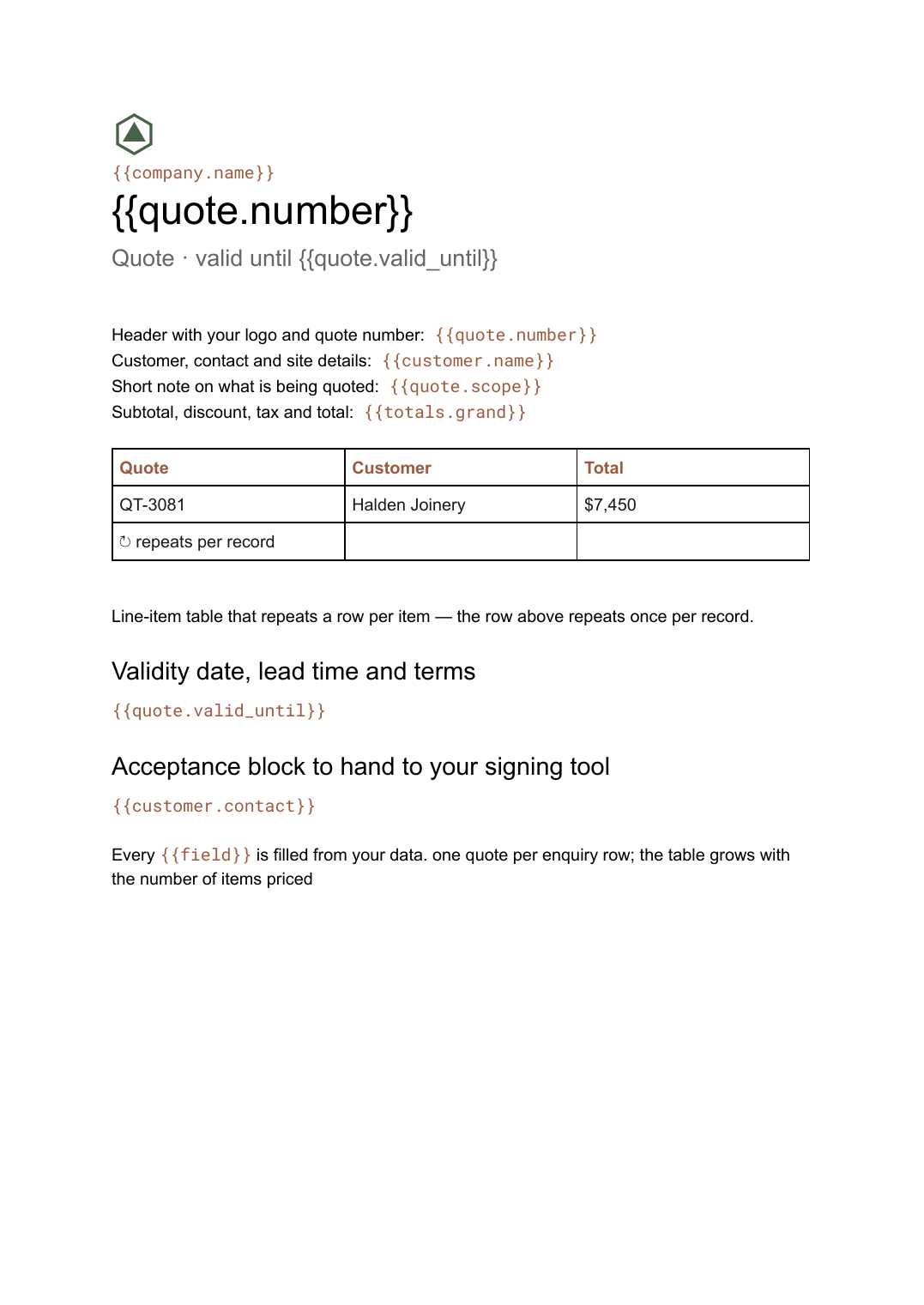 Google Docs
 Quote template
A priced quotation with a line-item table and a validity date, generated one per enquiry from your pricing data.
View template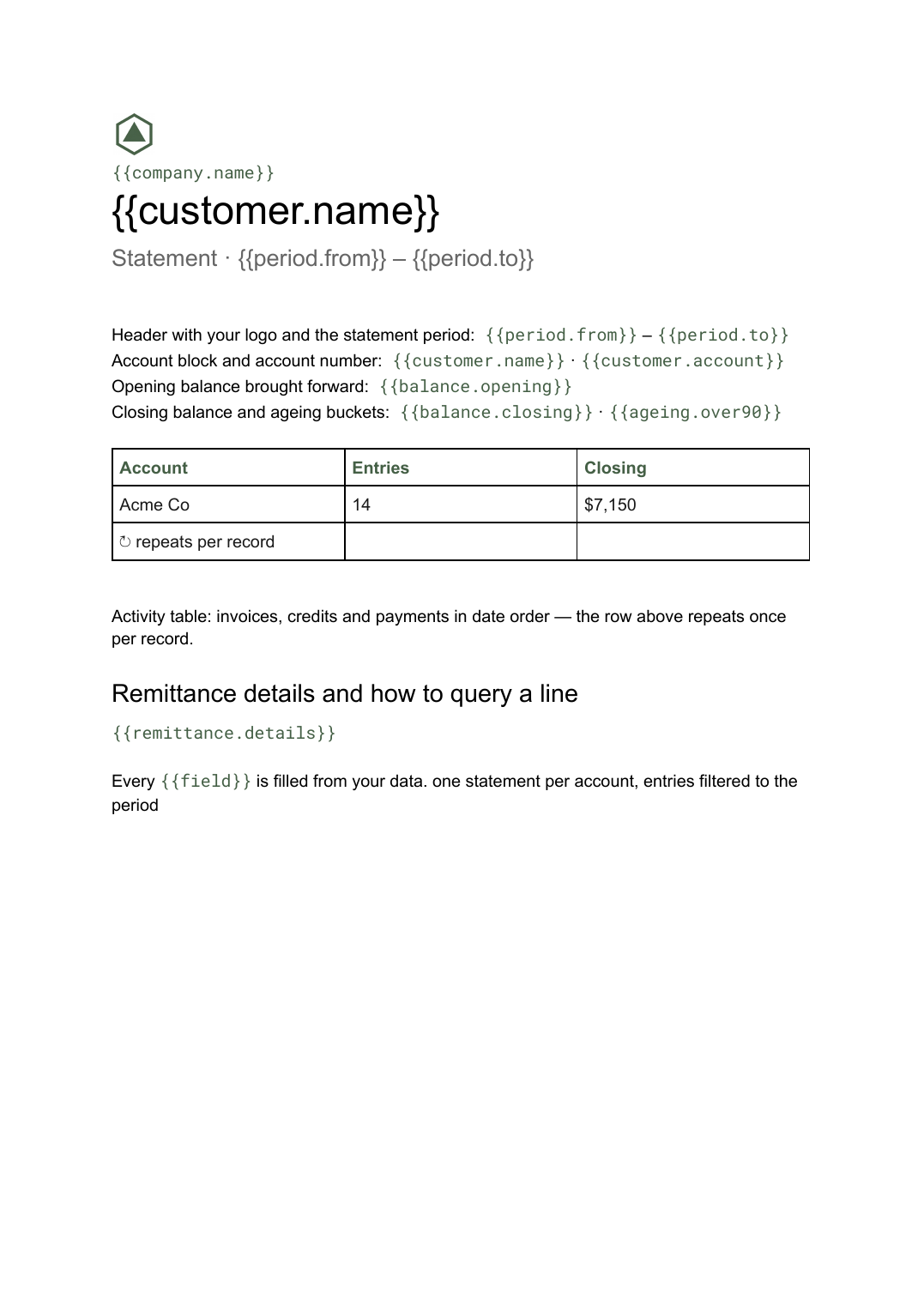 Google Docs
 Statement of account template
A period summary of a customer's invoices, credits and payments with a running balance, generated one per account from your ledger data.
View template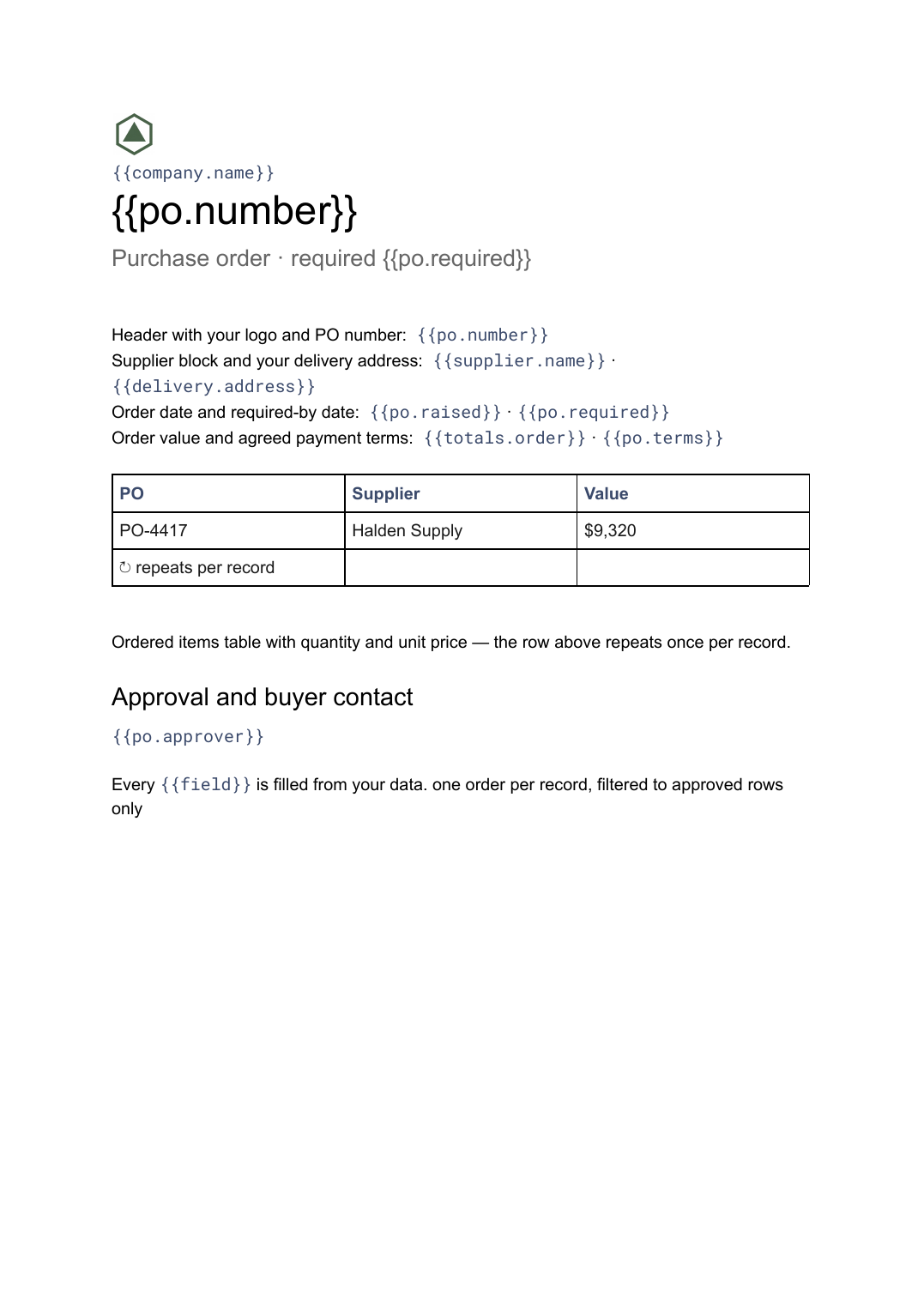 Google Docs
 Purchase order template
A buyer-issued order to a supplier listing what is being bought and on what terms, generated one per order from your purchasing data.
View template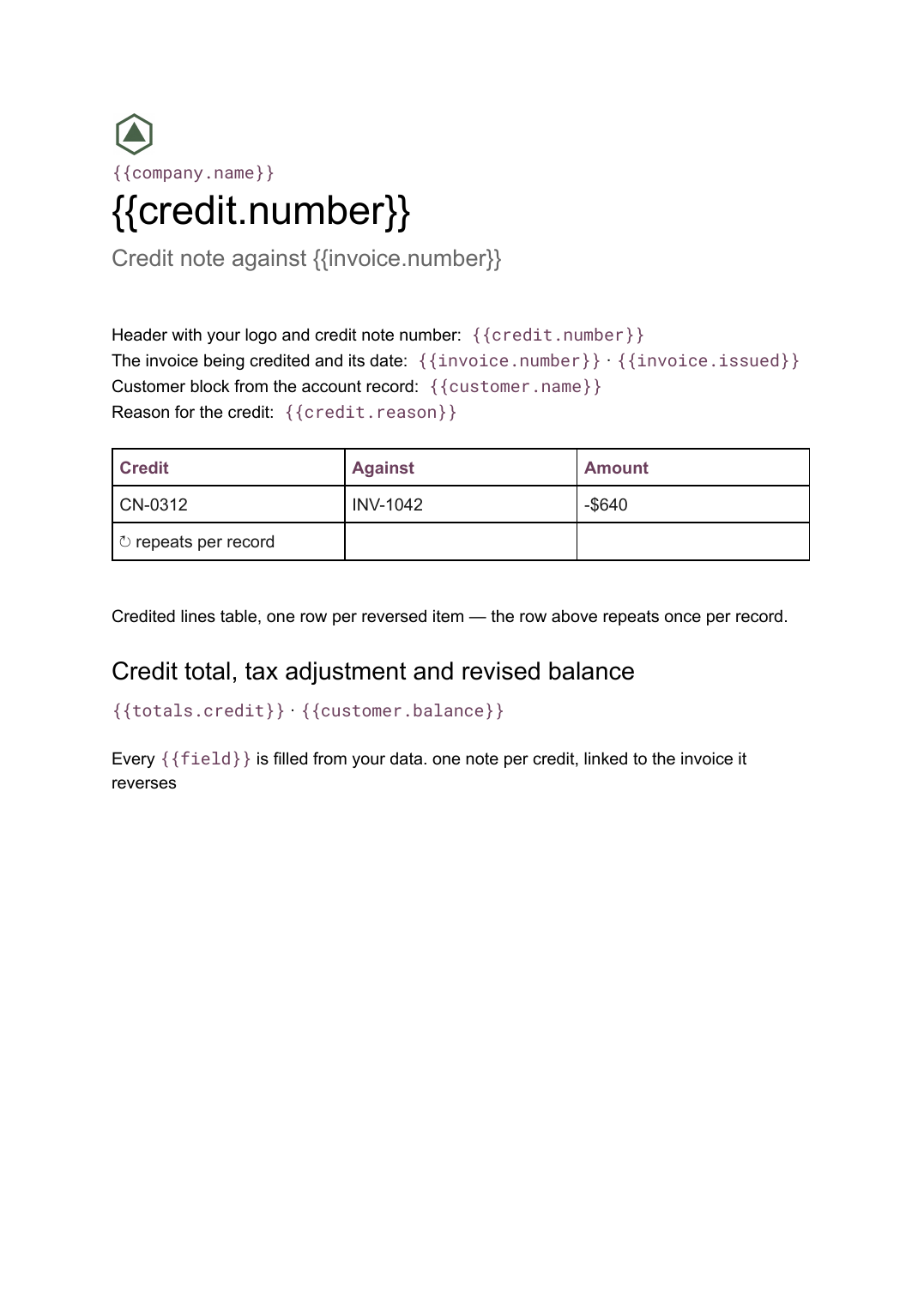 Google Docs
 Credit note template
A document that cancels part or all of an invoice, naming the lines credited and the reason, generated one per credit from your billing data.
View templateCommon questions, answered
Can I generate a batch of invoices in one run? +
Does the line-item table grow automatically? +
Where do invoice numbers and totals come from? +
Can I use my own invoice design? +
Generate this document from your data
Start on the free plan, connect a data source, and export a real Google Docs document. No watermark, no credit card.