Price list template
A grouped list of products and prices, generated from your catalogue so every version you send is current.
Free plan, no credit card. Bring your own design or start from this layout.
What’s in this template
Every block is bound to a field in your data. The layout stays exactly as designed; only the values change from one run to the next.
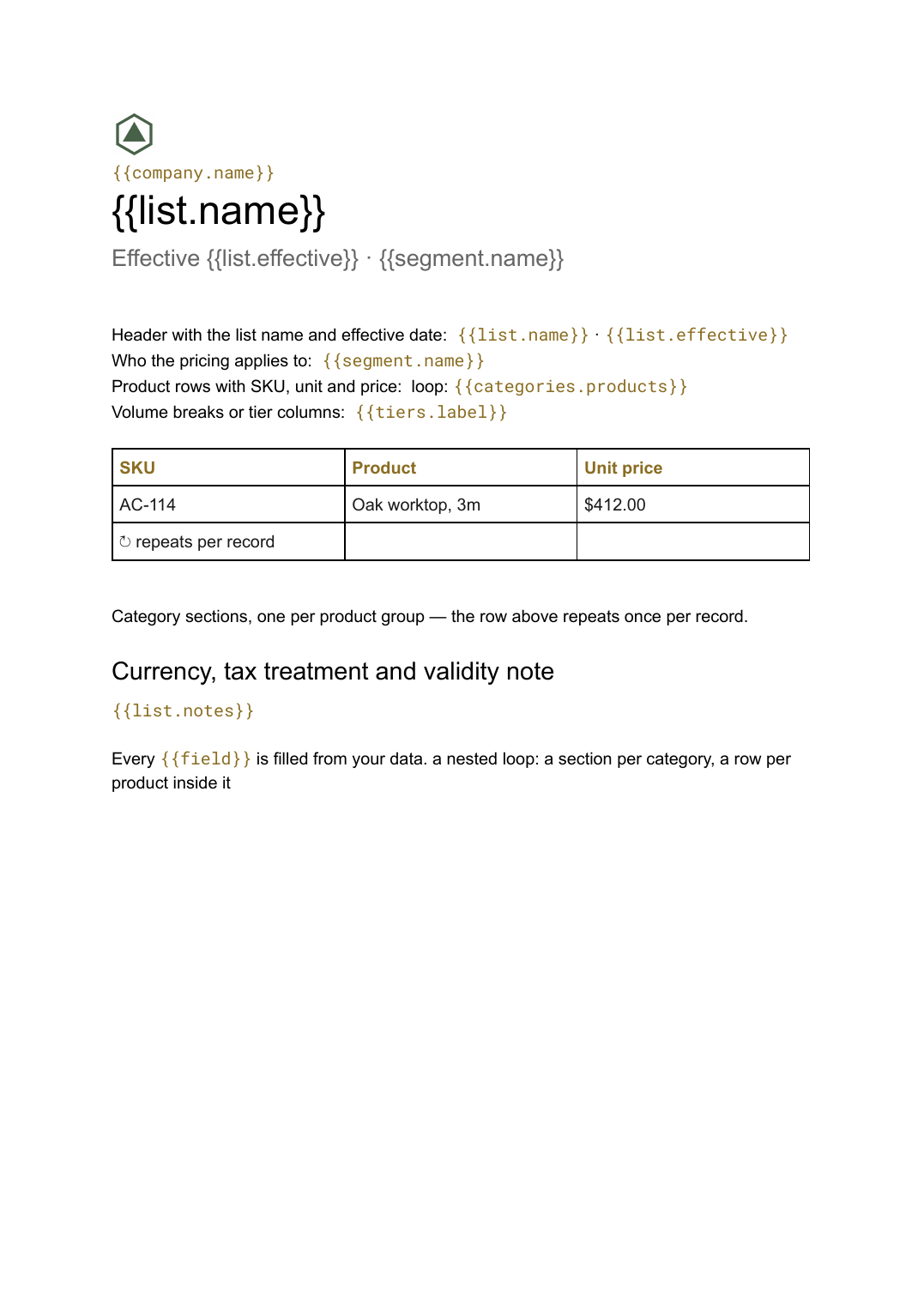
- Header with the list name and effective date {{list.name}} · {{list.effective}}
- Who the pricing applies to {{segment.name}}
- Category sections, one per product group loop: {{categories}}
- Product rows with SKU, unit and price loop: {{categories.products}}
- Volume breaks or tier columns {{tiers.label}}
- Currency, tax treatment and validity note {{list.notes}}
How this template fills itself
Connect Airtable, Google Sheets, a SQL database, a CSV or a REST API, map each field to a placeholder, and generate. One run can produce a single document or one per matching record.
Catalogue · Airtable
Template: Google Slides or Docs
{{list.name}}
Effective {{list.effective}} · {{segment.name}}
loop: {{categories}} → section
loop: {{categories.products}} → row
{{list.notes}}
a nested loop: a section per category, a row per product inside it
Generated output
DocsPDFTrade price list 2026
Effective 1 Oct 2026 · Trade accounts
4 categories
126 product rows
Prices exclude tax. Valid to 31 Mar 2027.
Who uses this template
Wholesalers and distributors
Publish a trade list per customer tier from the same catalogue, so no account is ever quoted a price you have already changed.
Read the guideManufacturers
Produce a seasonal or regional list from the product table rather than maintaining a separate document for each market.
Read the guideService businesses
Turn a rate table into a client-ready list with categories, units and notes in one run.
Read the guideA price list is a document whose length nobody controls. It is as long as your catalogue is, and it changes whenever a price does — which is why the version people actually have in their inbox is usually months behind the one in your system. Google Docs suits it because tables grow, pages break themselves, and a category added to your data simply becomes another section rather than a layout problem.
Shape the data as categories, then products
The template mirrors your catalogue’s structure, so it is worth getting that structure right before anything else: one table of products, each with a category, SKU, unit and price, rather than pricing spread across several sheets. A nested loop then repeats a section per category and a row per product inside it. Once that holds, the interesting variations are free — a trade list and a retail list are the same template pointed at a different price column, and a regional list is a filtered subset of the same rows.
Related templates
All sales & pricing →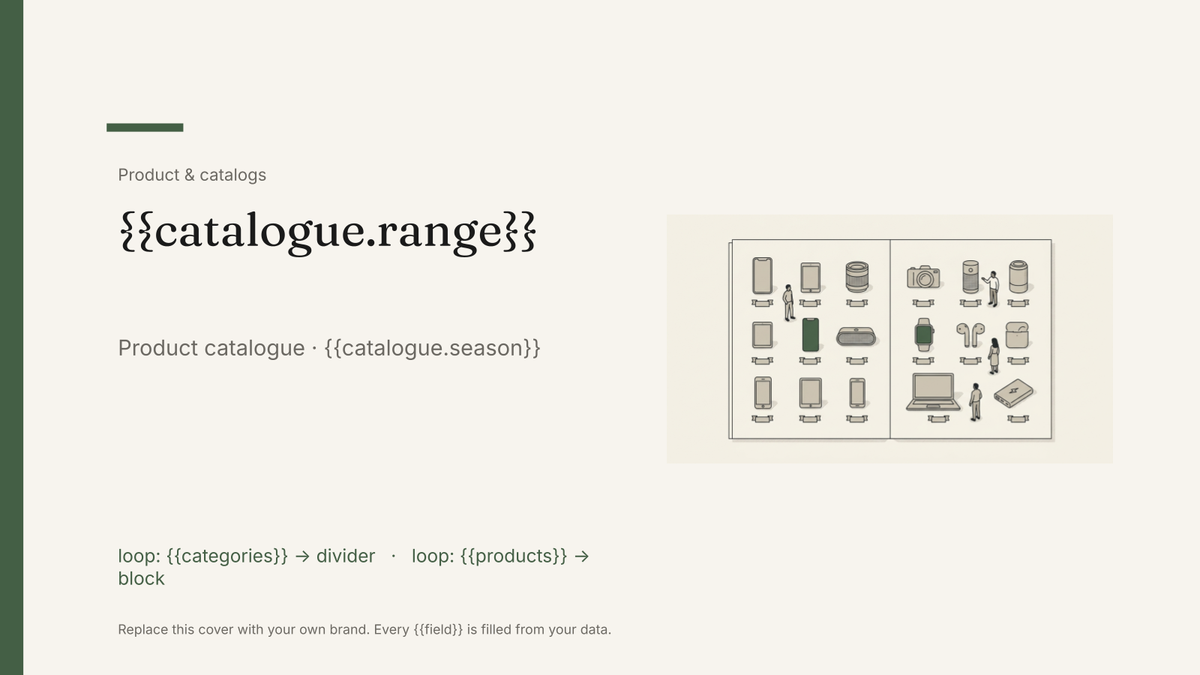 Google Slides
 Product catalog template
A designed catalogue that repeats a product block per row of your product list, generated from your product data.
View template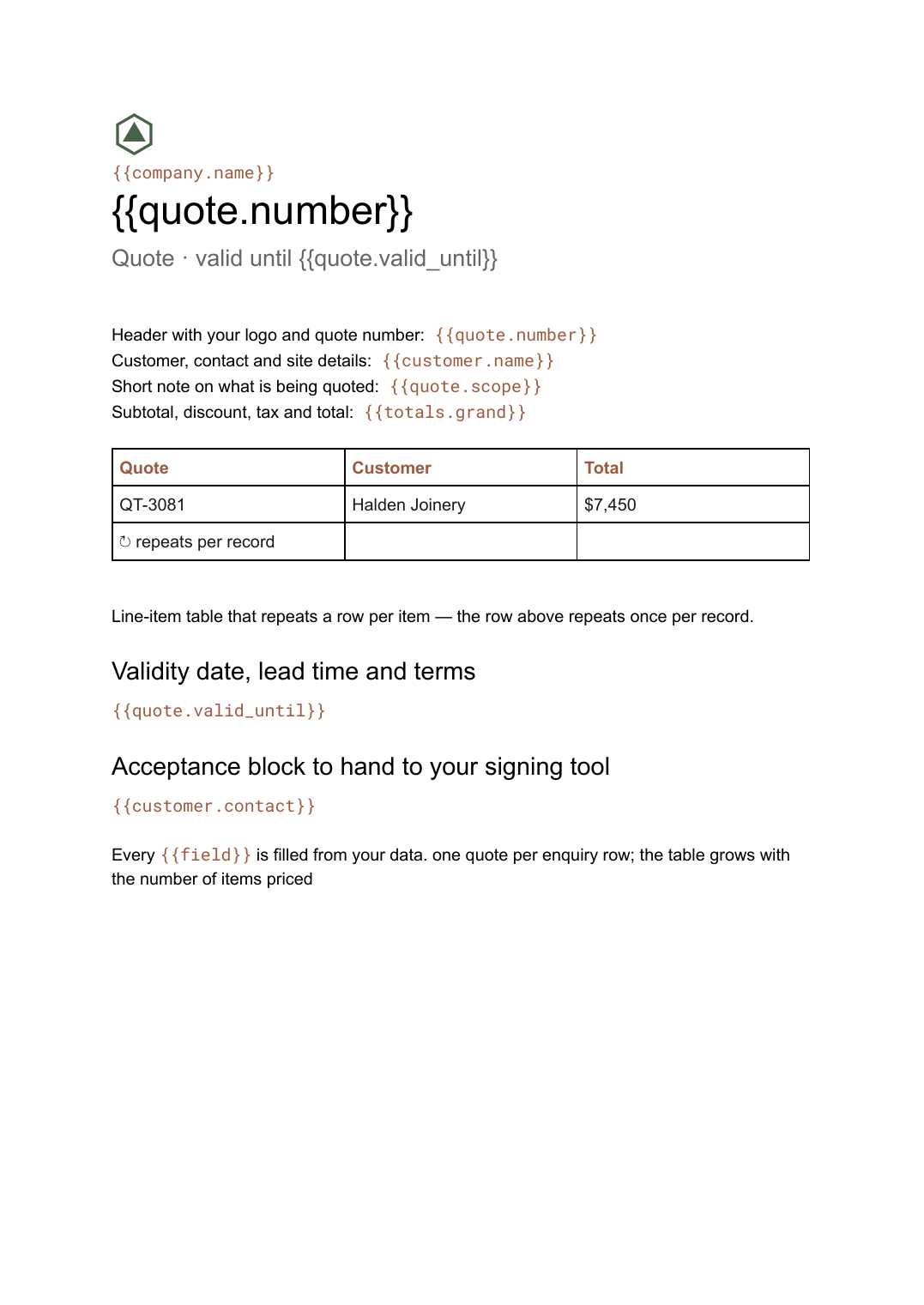 Google Docs
 Quote template
A priced quotation with a line-item table and a validity date, generated one per enquiry from your pricing data.
View template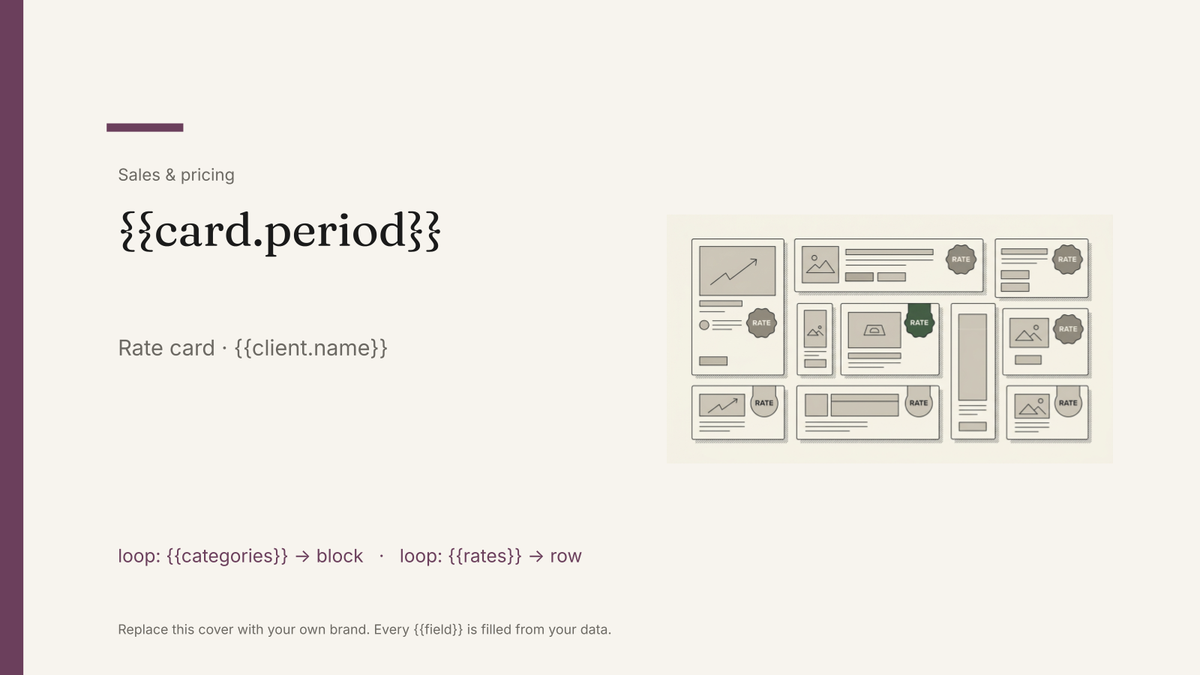 Google Slides
 Rate card template
A list of sellable units and their rates, generated per client or period from your pricing data.
View template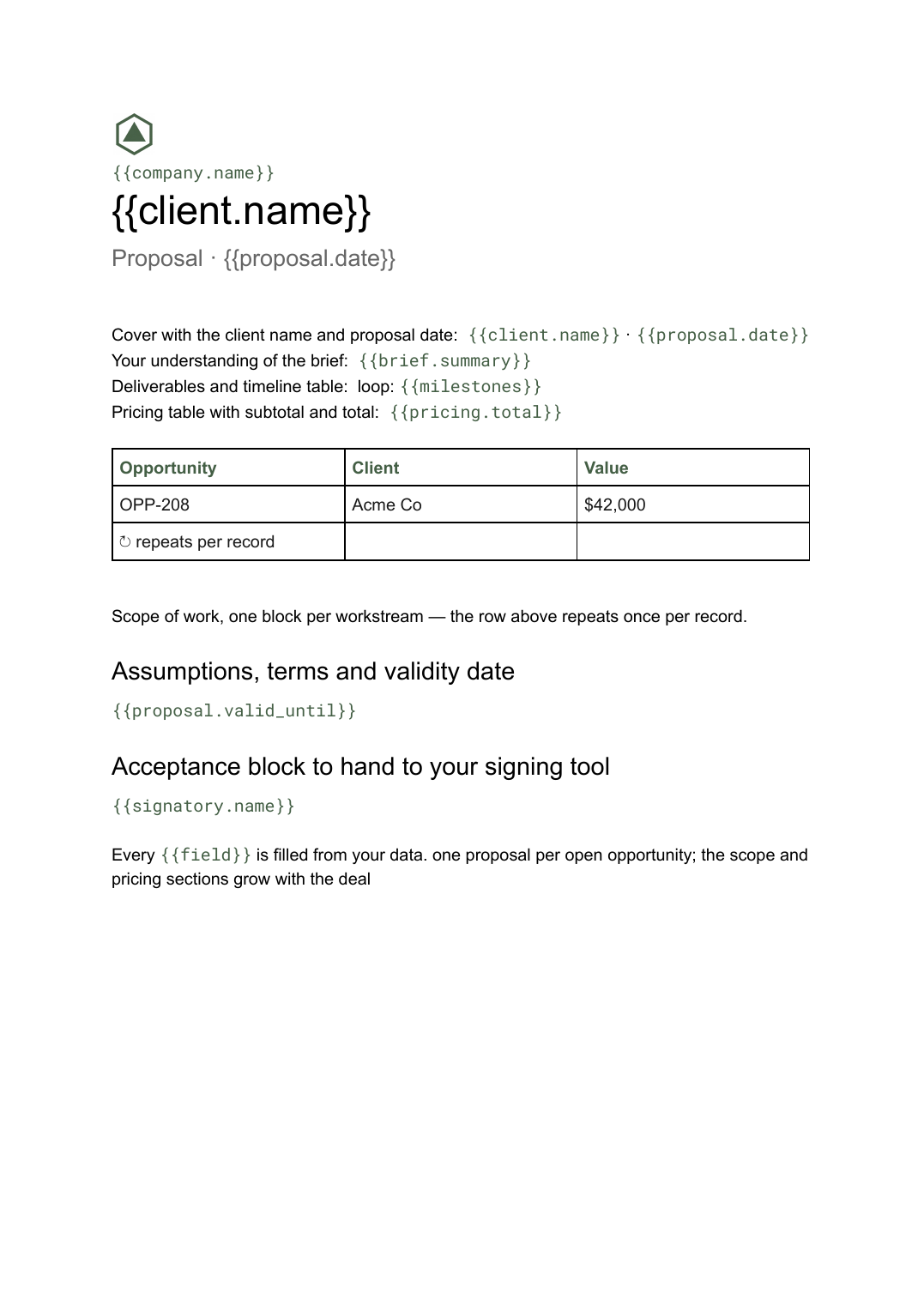 Google Docs
 Business proposal template for Google Docs
A client-facing proposal with scope, deliverables and pricing, generated one per opportunity from your deal data.
View templateCommon questions, answered
Can I use my own price list design? +
Can one product table produce different lists for different customers? +
How are categories and products nested? +
Where does the catalogue data come from? +
Generate this document from your data
Start on the free plan, connect a data source, and export a real Google Docs document. No watermark, no credit card.