Purchase order template
A buyer-issued order to a supplier listing what is being bought and on what terms, generated one per order from your purchasing data.
Free plan, no credit card. Bring your own design or start from this layout.
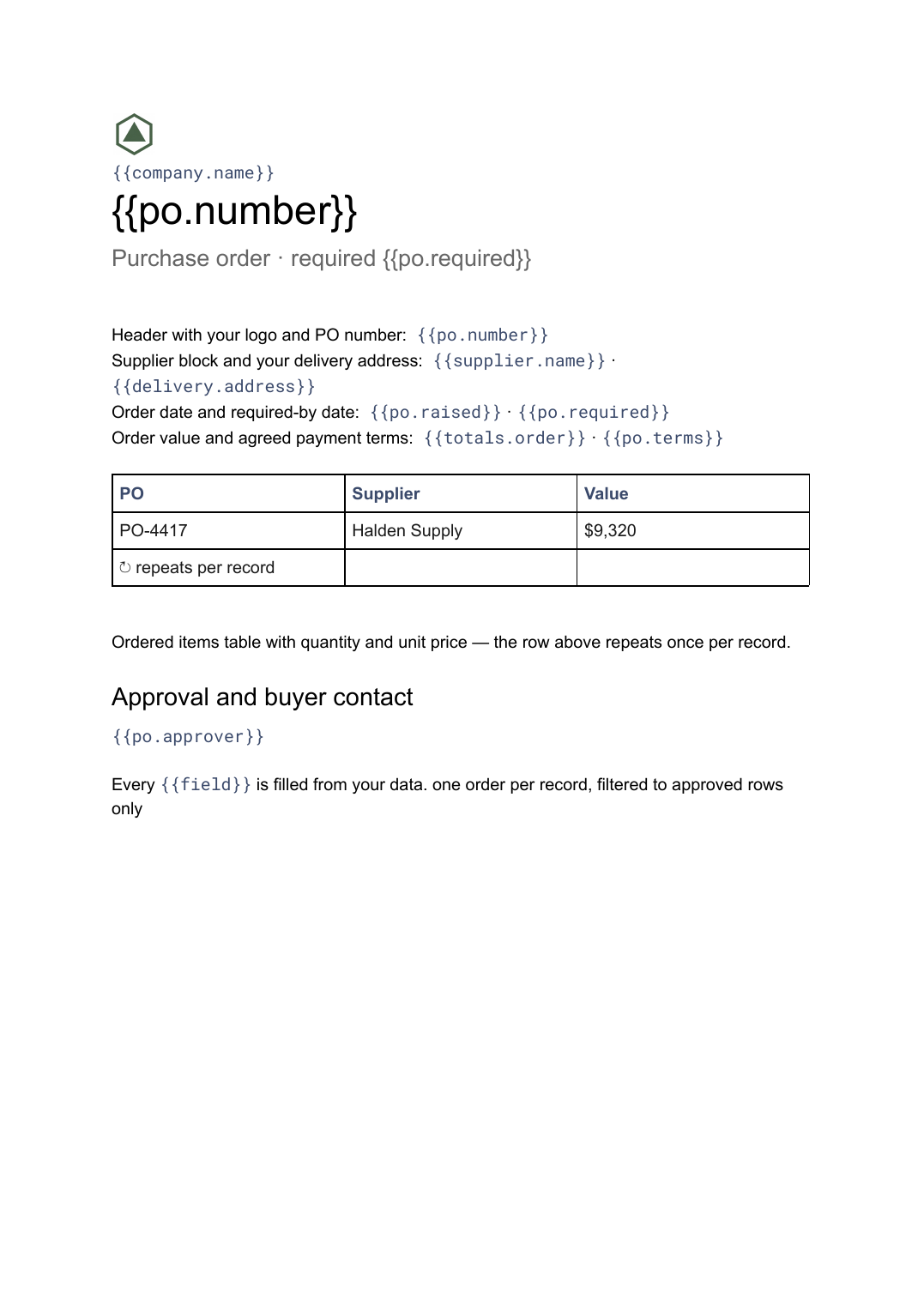
What’s in this template
Every block is bound to a field in your data. The layout stays exactly as designed; only the values change from one run to the next.
- Header with your logo and PO number {{po.number}}
- Supplier block and your delivery address {{supplier.name}} · {{delivery.address}}
- Order date and required-by date {{po.raised}} · {{po.required}}
- Ordered items table with quantity and unit price loop: {{lines}}
- Order value and agreed payment terms {{totals.order}} · {{po.terms}}
- Approval and buyer contact {{po.approver}}
How this template fills itself
Connect Airtable, Google Sheets, a SQL database, a CSV or a REST API, map each field to a placeholder, and generate. One run can produce a single document or one per matching record.
Purchase orders · Airtable
Template: Google Slides or Docs
{{po.number}}
Purchase order · required {{po.required}}
{{supplier.name}}
loop: {{lines}} → row
{{totals.order}}
one order per record, filtered to approved rows only
Generated output
DocsPDFPO-4417
Purchase order · required 30 Sep 2026
Halden Supply
9 ordered lines
$9,320 order value
Who uses this template
Procurement and operations teams
Raise a consistent order document for every approved requisition without rekeying quantities into a file.
Read the guideConstruction and trades firms
Order materials against a job from the same base that holds the job, so the PO and the site match.
Read the guideSmall manufacturers
Issue supplier orders on a schedule from a reorder list rather than assembling each one by hand.
Read the guideA purchase order goes the other way from an invoice: you issue it, to a supplier, before anything has been delivered. It is a commitment to buy named quantities at named prices by a named date, and it carries a PO number the supplier is expected to quote back on their invoice. The ordered-lines table is the variable part, so this template is a Google Doc.
Keep the PO number and the approval in the data
The number matters more than the layout. It is what ties the order to the delivery note, the supplier’s invoice and eventually the payment, so it should be generated by your purchasing system and merely placed by the document. The same goes for the approver: filter the run to orders that have been signed off and a PDF simply does not exist for anything unapproved. Reorder lists can then be turned into a batch of supplier orders on a schedule, with no one assembling a file per supplier.
Related templates
All billing & operations →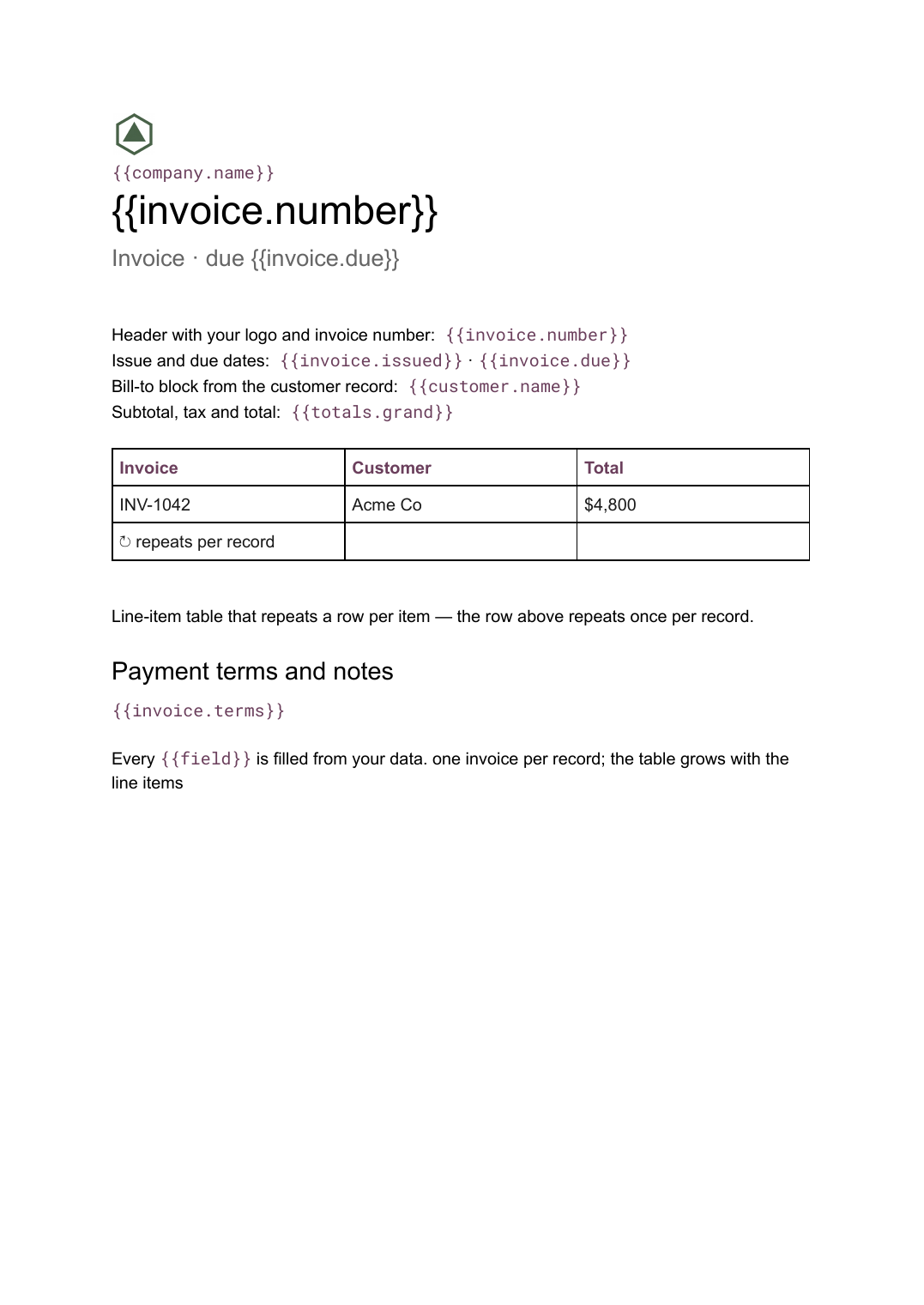 Google Docs
 Invoice template for Google Docs
A billing document with a line-item table that grows with the job, generated one per record from your billing data.
View template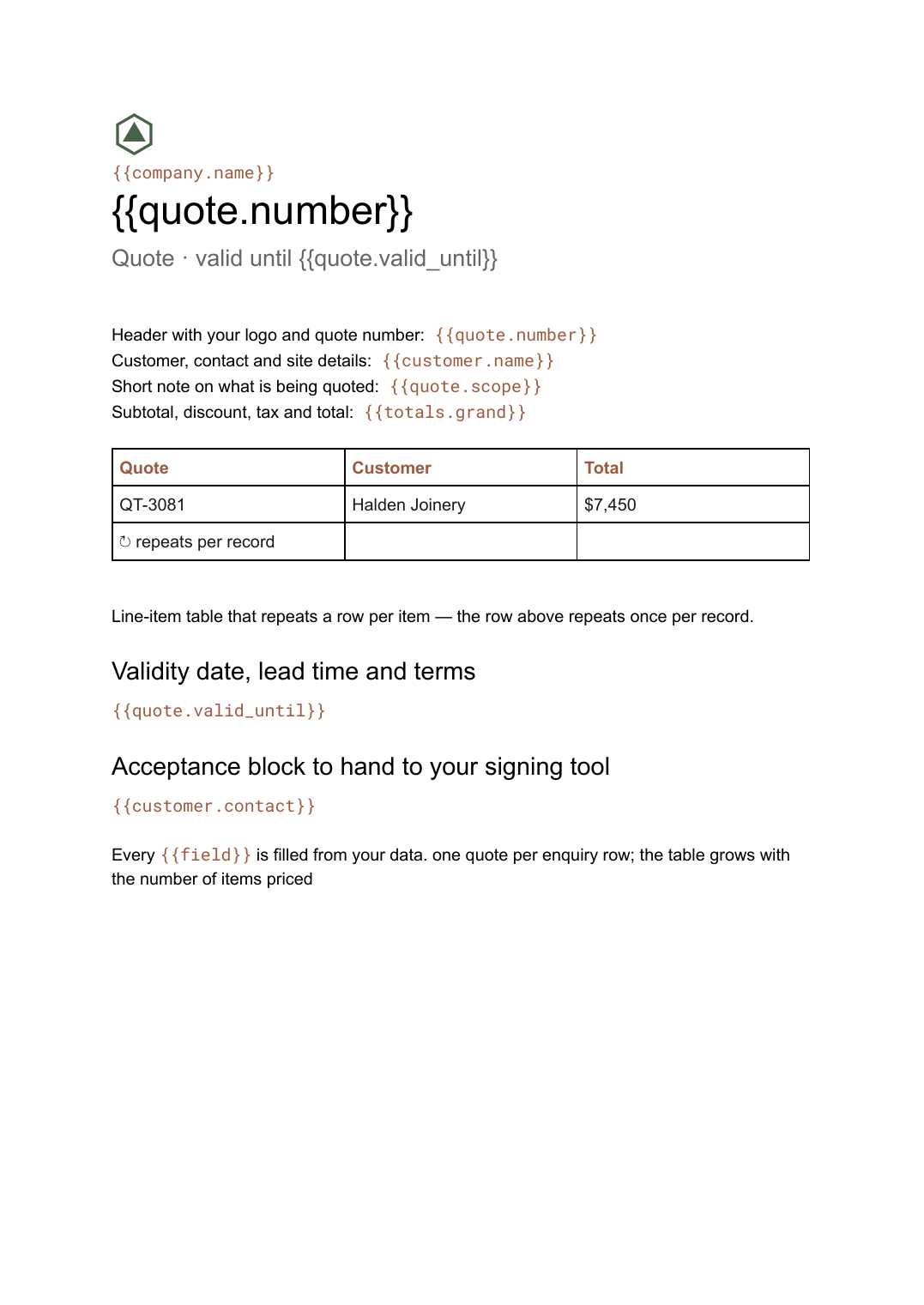 Google Docs
 Quote template
A priced quotation with a line-item table and a validity date, generated one per enquiry from your pricing data.
View template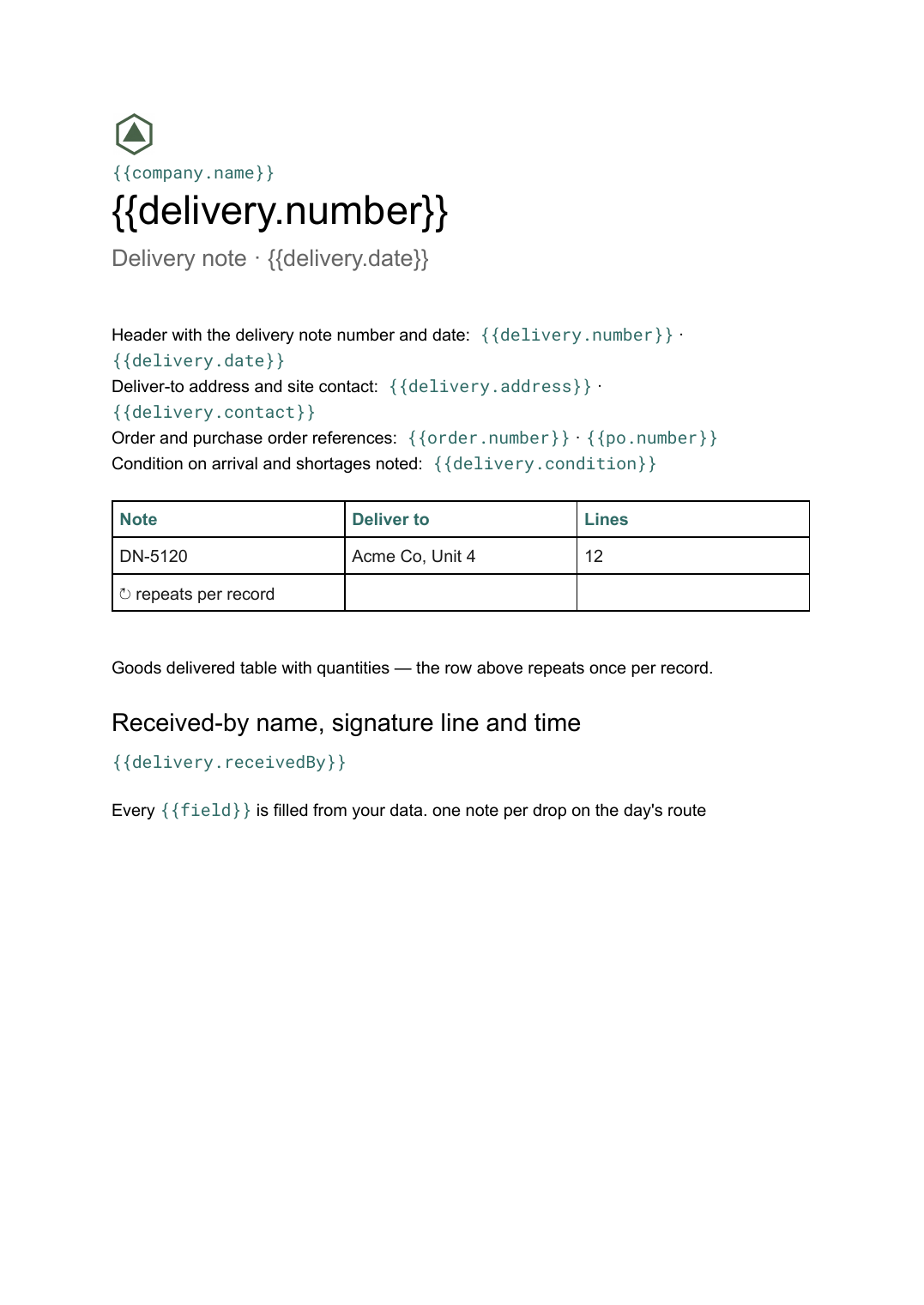 Google Docs
 Delivery note template
A record of goods handed over and signed for on arrival, generated one per delivery from your dispatch data.
View template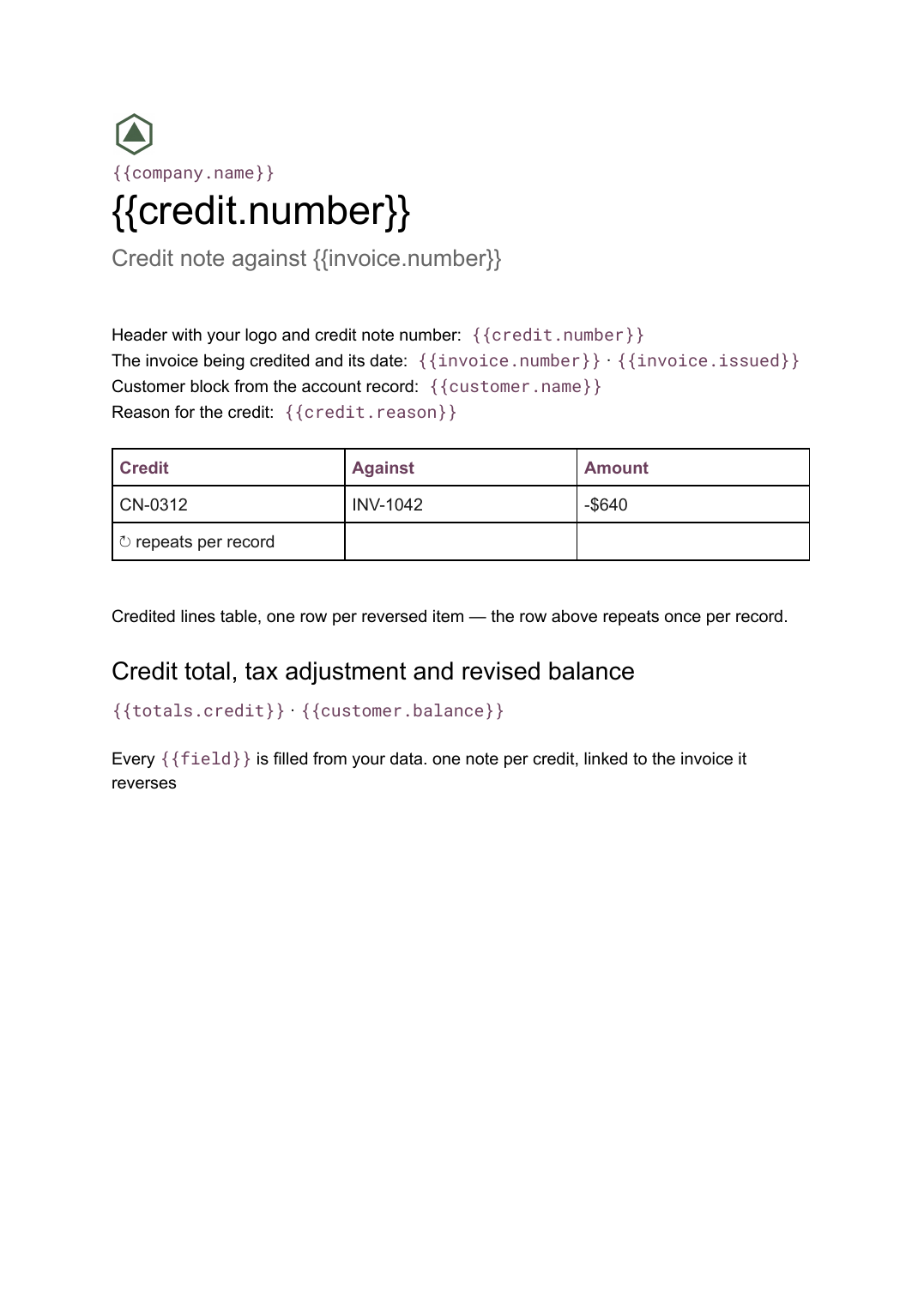 Google Docs
 Credit note template
A document that cancels part or all of an invoice, naming the lines credited and the reason, generated one per credit from your billing data.
View templateCommon questions, answered
How does a purchase order differ from an invoice? +
Where do the ordered lines come from? +
Can I only generate approved orders? +
Can I use my own purchase order design? +
Generate this document from your data
Start on the free plan, connect a data source, and export a real Google Docs document. No watermark, no credit card.