Packing slip template
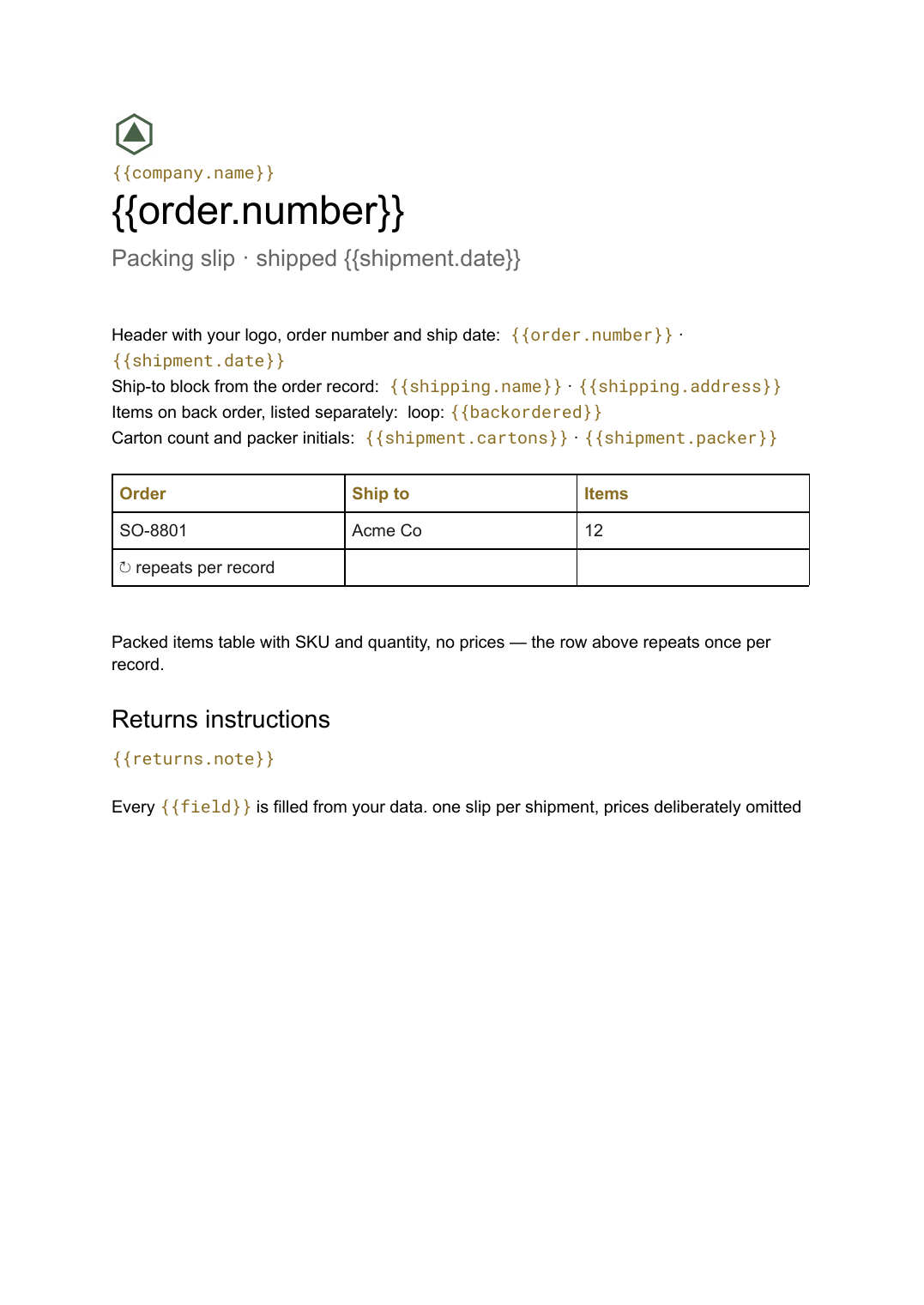
A contents list that travels inside the box with quantities and no prices, generated one per shipment from your order data.
Free plan, no credit card. Bring your own design or start from this layout.
What’s in this template
Every block is bound to a field in your data. The layout stays exactly as designed; only the values change from one run to the next.
- Header with your logo, order number and ship date {{order.number}} · {{shipment.date}}
- Ship-to block from the order record {{shipping.name}} · {{shipping.address}}
- Packed items table with SKU and quantity, no prices loop: {{packed}}
- Items on back order, listed separately loop: {{backordered}}
- Carton count and packer initials {{shipment.cartons}} · {{shipment.packer}}
- Returns instructions {{returns.note}}
How this template fills itself
Connect Airtable, Google Sheets, a SQL database, a CSV or a REST API, map each field to a placeholder, and generate. One run can produce a single document or one per matching record.
Shipments · Google Sheets
Template: Google Slides or Docs
{{order.number}}
Packing slip · shipped {{shipment.date}}
{{shipping.name}}
loop: {{packed}} → row
{{shipment.cartons}} cartons
one slip per shipment, prices deliberately omitted
Generated output
DocsPDFSO-8801
Packing slip · shipped 14 Sep 2026
Acme Co
12 items packed
2 cartons
Who uses this template
Ecommerce and fulfilment teams
Print a slip per outgoing order straight from the shipments table, with quantities the packer can check against.
Read the guideWholesalers and distributors
Send trade customers a contents list without exposing pricing to whoever opens the carton.
Read the guideWarehouse operations
Generate the day's slips in one scheduled run rather than printing them one order at a time.
Read the guideA packing slip is the document that goes inside the box. It exists so that whoever opens the carton can check the contents against what was meant to be in it, which is why it carries SKUs and quantities but no prices at all. The list length changes with every order, so the table has to grow and pages break themselves — a Google Doc rather than a fixed layout.
Split packed lines from back orders
The most common complaint about a shipment is not a wrong item but a missing one, and a slip that only lists what is in the box makes a partial delivery look like an error. Shape the data so each order line carries a packed quantity alongside the ordered quantity, then drive two repeating blocks from it: one for what is enclosed, one for what is still to follow. The recipient sees the whole picture, and your support inbox stays quieter.
Related templates
All billing & operations →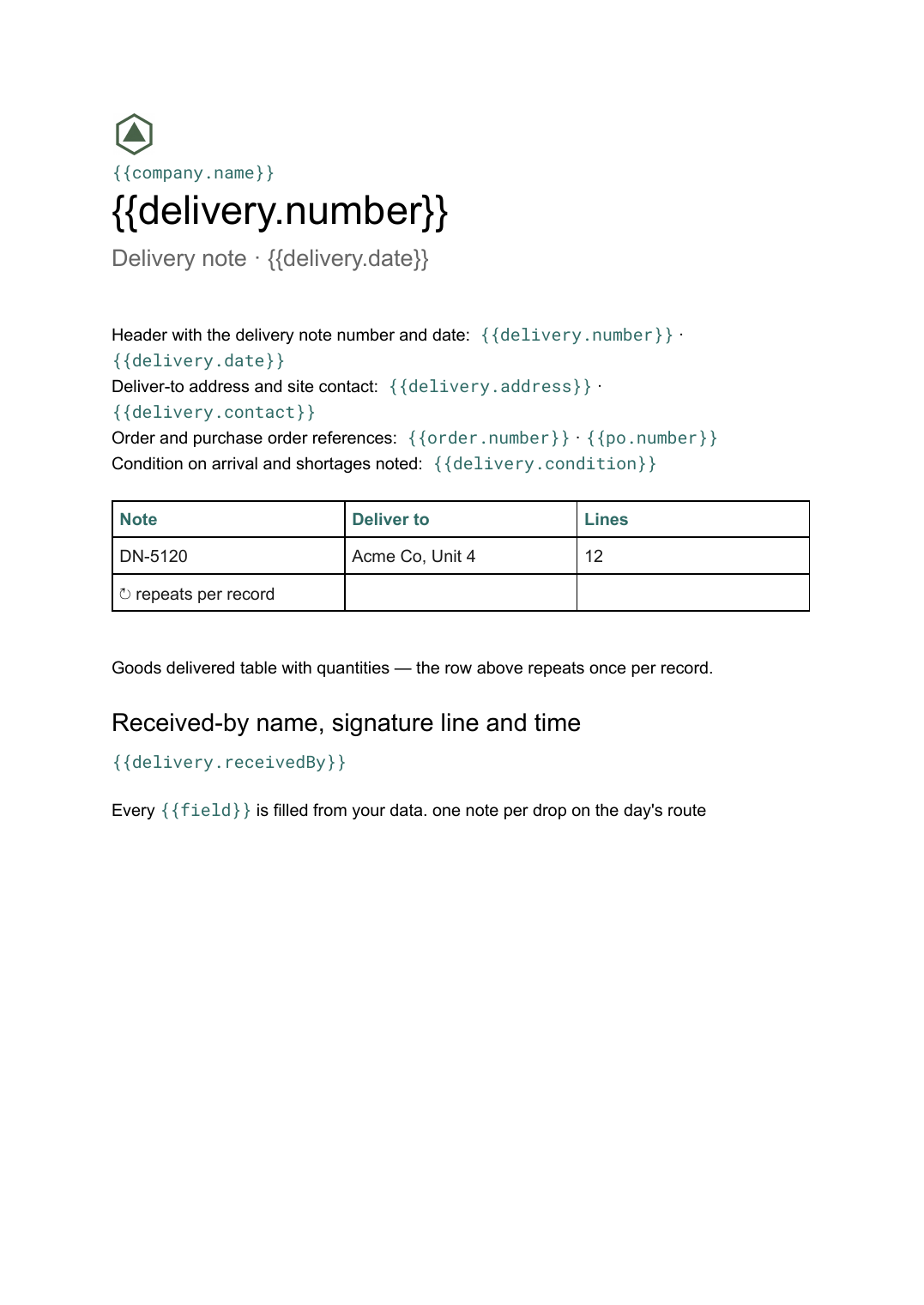 Google Docs
 Delivery note template
A record of goods handed over and signed for on arrival, generated one per delivery from your dispatch data.
View template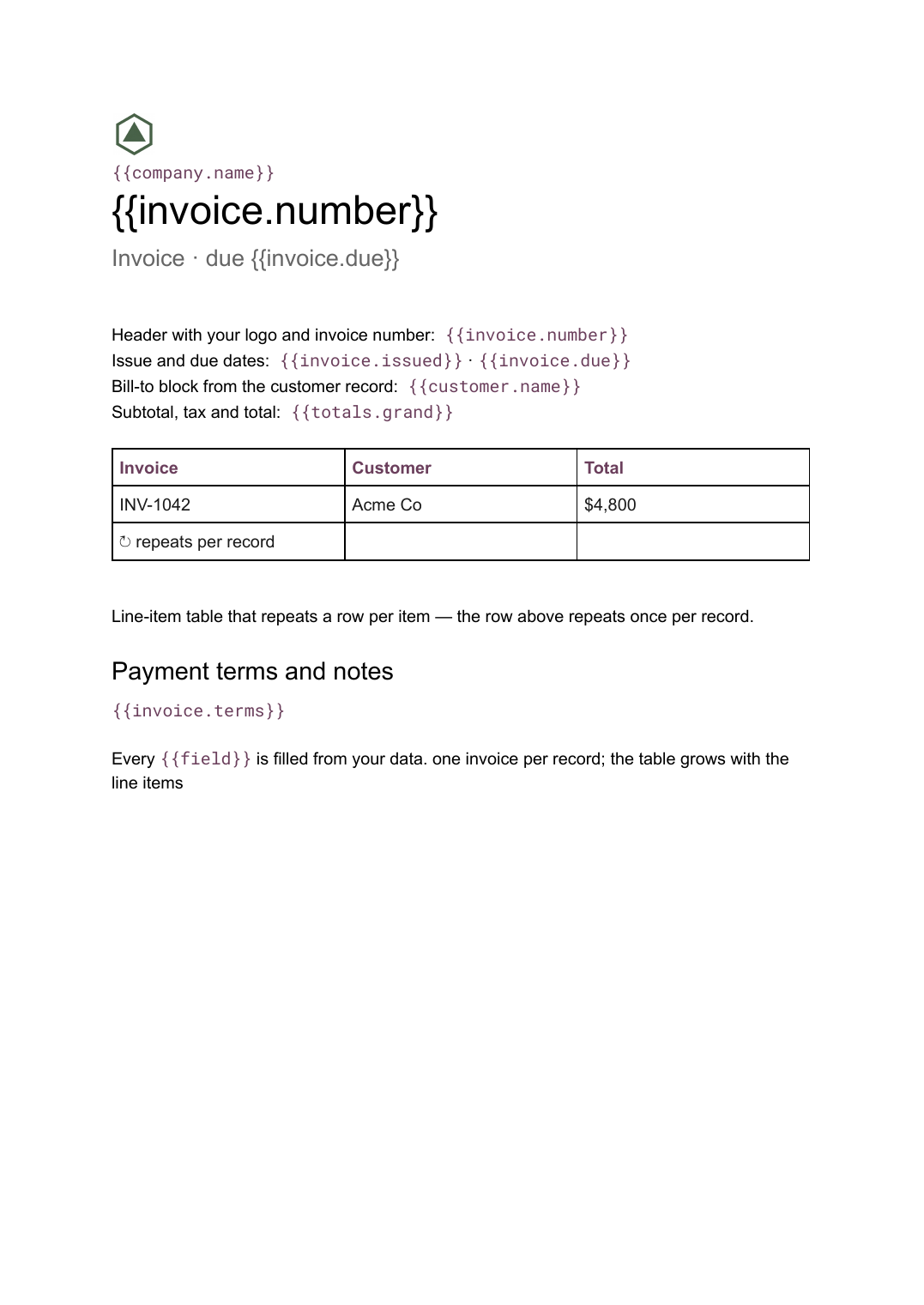 Google Docs
 Invoice template for Google Docs
A billing document with a line-item table that grows with the job, generated one per record from your billing data.
View template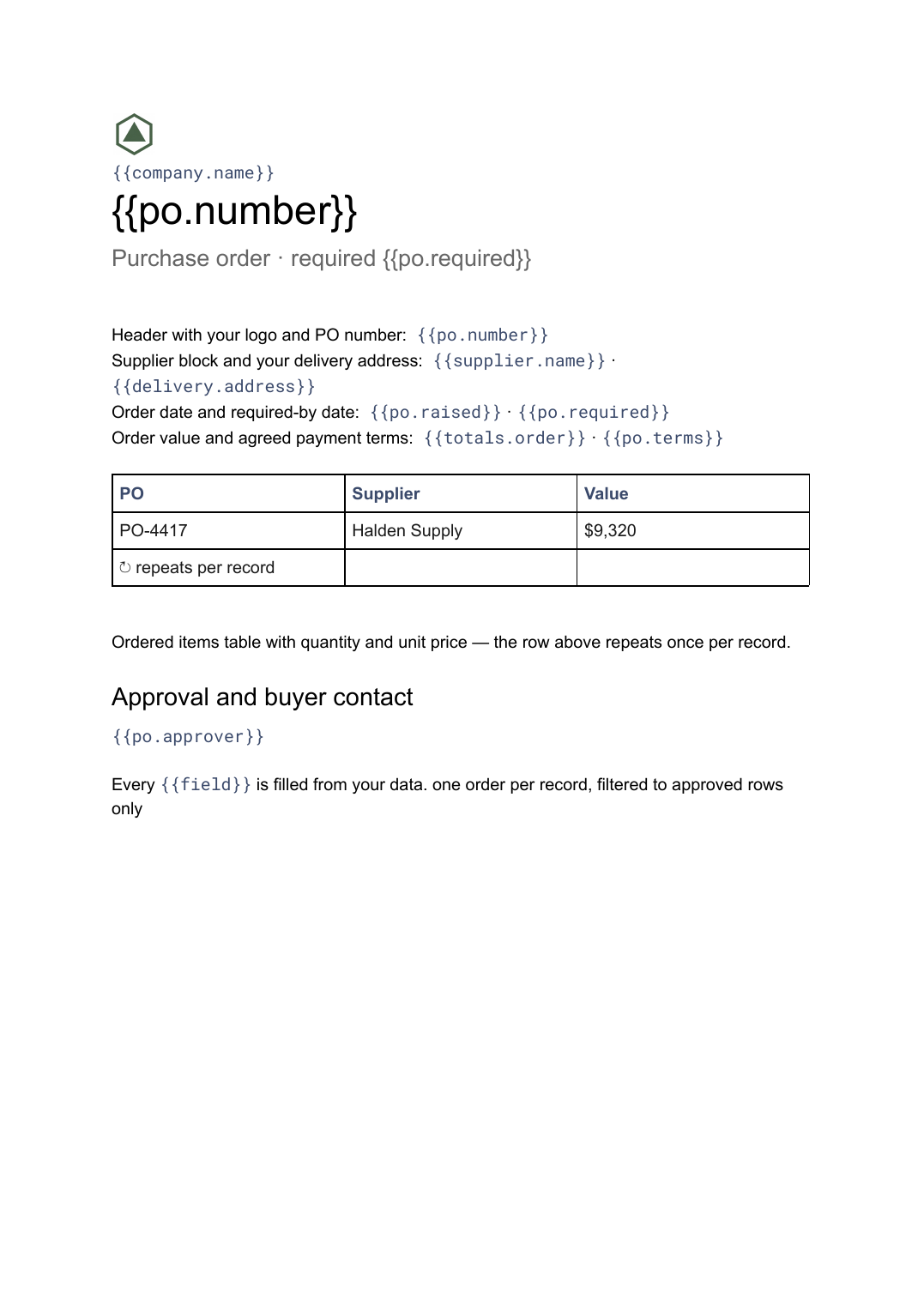 Google Docs
 Purchase order template
A buyer-issued order to a supplier listing what is being bought and on what terms, generated one per order from your purchasing data.
View template Google Docs
 Credit note template
A document that cancels part or all of an invoice, naming the lines credited and the reason, generated one per credit from your billing data.
View templateCommon questions, answered
Why does a packing slip leave prices off? +
Can it show items that were not shipped? +
Can I print a day's slips in one go? +
Can I use my own packing slip design? +
Generate this document from your data
Start on the free plan, connect a data source, and export a real Google Docs document. No watermark, no credit card.