Free memo template for Google Docs
A business memo with the standard header block, summary, background, recommendation and next steps, generated per decision or request from your records.
Free to copy, no sign-up: the file opens in your own Google Drive. Updated November 13, 2026.
What’s in the memo template
Every block has a placeholder showing where your details go. Type over them by hand, or bind each one to a field in your data and let it fill itself.
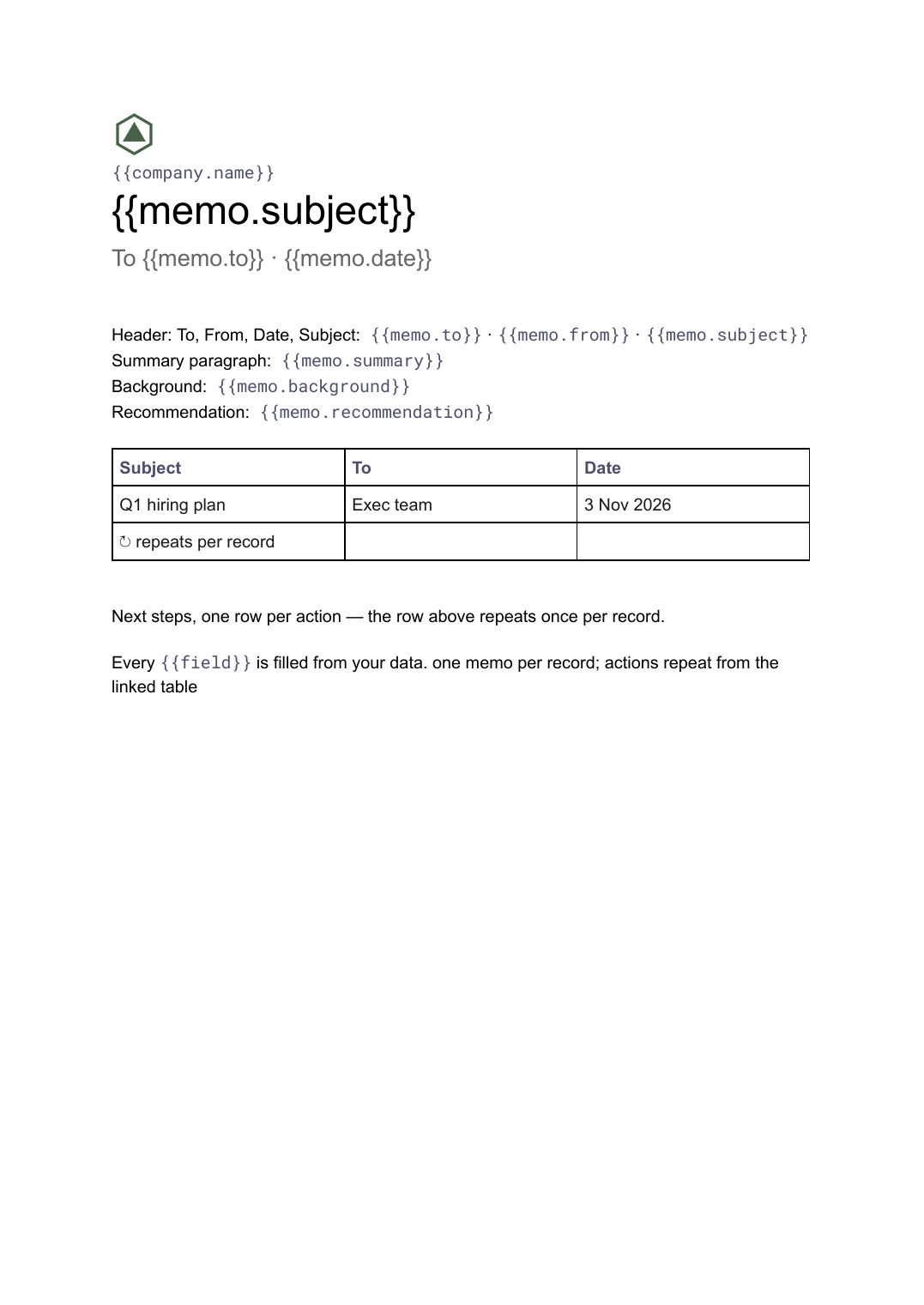
- Header: To, From, Date, Subject {{memo.to}} · {{memo.from}} · {{memo.subject}}
- Summary paragraph {{memo.summary}}
- Background {{memo.background}}
- Recommendation {{memo.recommendation}}
- Next steps, one row per action loop: {{actions}}
How to use this memo template in Google Docs
- 01
Copy the template to your Google Drive
Press "Copy to my Google Docs". Google asks to make a copy, and the copy is yours to edit; the original is never changed. All you need is a free Google account.
- 02
Replace the placeholders with your details
Text in double braces, like {{memo.to}}, marks where your own values go. Work down the page: header: To, From, Date, Subject; summary paragraph; background, and so on.
- 03
Make it match your brand
Swap the logo, colours and fonts in Google Docs as you would in any document. The layout is built to hold when the text changes.
- 04
Download it as a PDF, or share the link
File, then Download, then PDF Document gives you a file to send or print. Download as Word (.docx) works too if someone needs it.
- 05
Making these regularly? Fill it from your data
Connect Airtable, Google Sheets or a CSV to SourceToDocs and it fills a copy of this template for every row, so you stop retyping.
The memo is the document that still runs most organisations, and the one that most often arrives in six different formats. This template fixes the one that works: header block, summary first, background, recommendation, next steps. The content comes from a record; the format never varies.
Summary first, every time
The single discipline that makes memos get read is the summary paragraph at the top that states the decision. The template puts it there and keeps it there; the background and recommendation follow for the reader who wants them.
Fill this memo template from Airtable, Google Sheets or a CSV
Connect an Airtable base, a Google Sheets spreadsheet or a CSV file, map each field to a placeholder, and generate. One run can produce a single document or one per matching row, delivered to your Google Drive.
Memos · Airtable
Template: Google Slides or Docs
{{memo.subject}}
To {{memo.to}} · {{memo.date}}
{{memo.summary}}
{{memo.recommendation}}
loop: {{actions}} → row
one memo per record; actions repeat from the linked table
Generated output
DocsPDFQ1 hiring plan
To Exec team · 3 Nov 2026
Summary
Recommendation
4 next steps
Who uses this memo template
Operations and chiefs of staff
Decision memos from the decisions log, in one format the exec team recognises.
Read the guideHR and internal comms
Announcement memos to teams, one per audience from the same record.
Read the guideRelated templates
All business documents →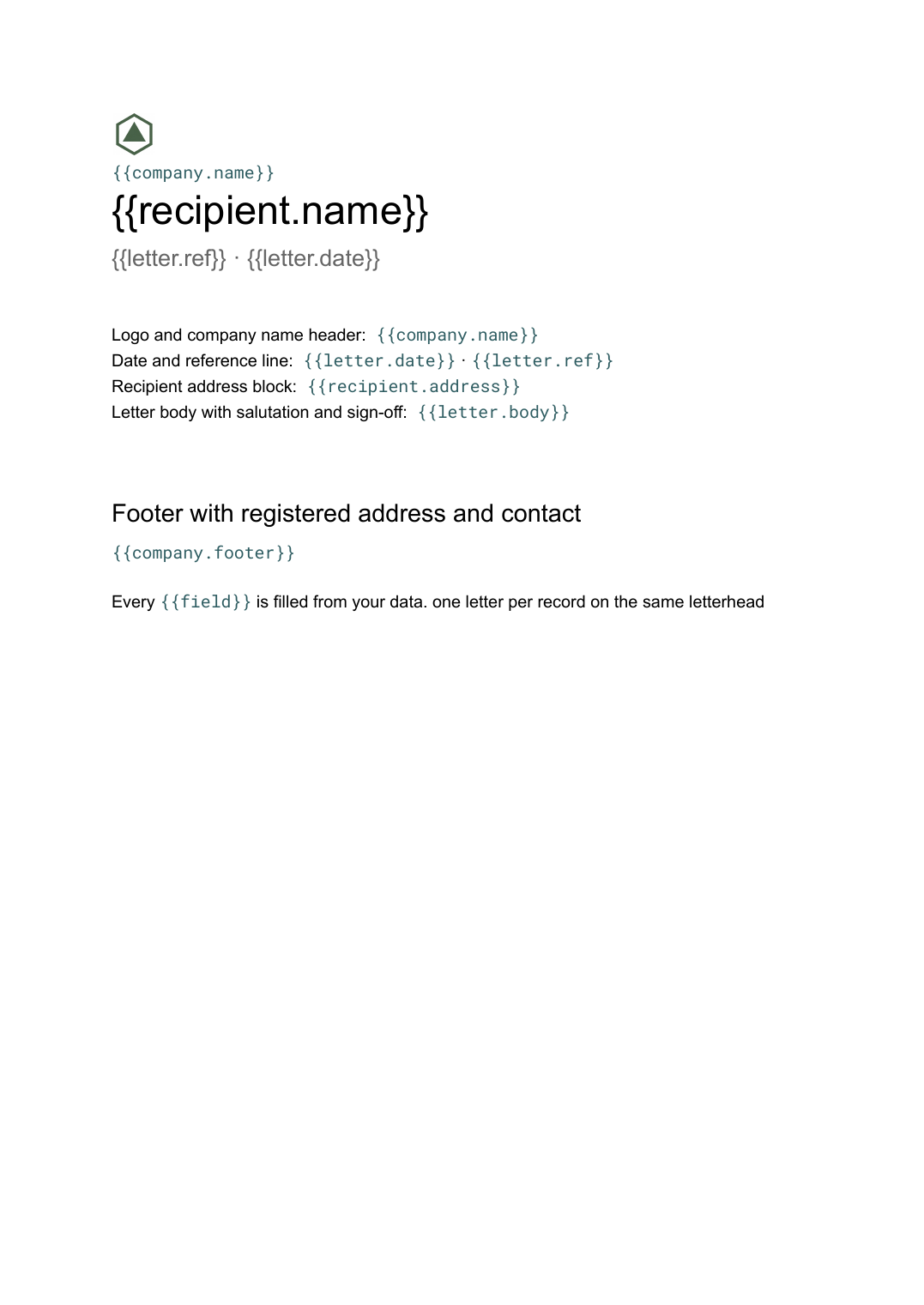 Google Docs
Letterhead template
Company letterhead with logo, address and footer, and a letter body generated per recipient from your contact list.
View template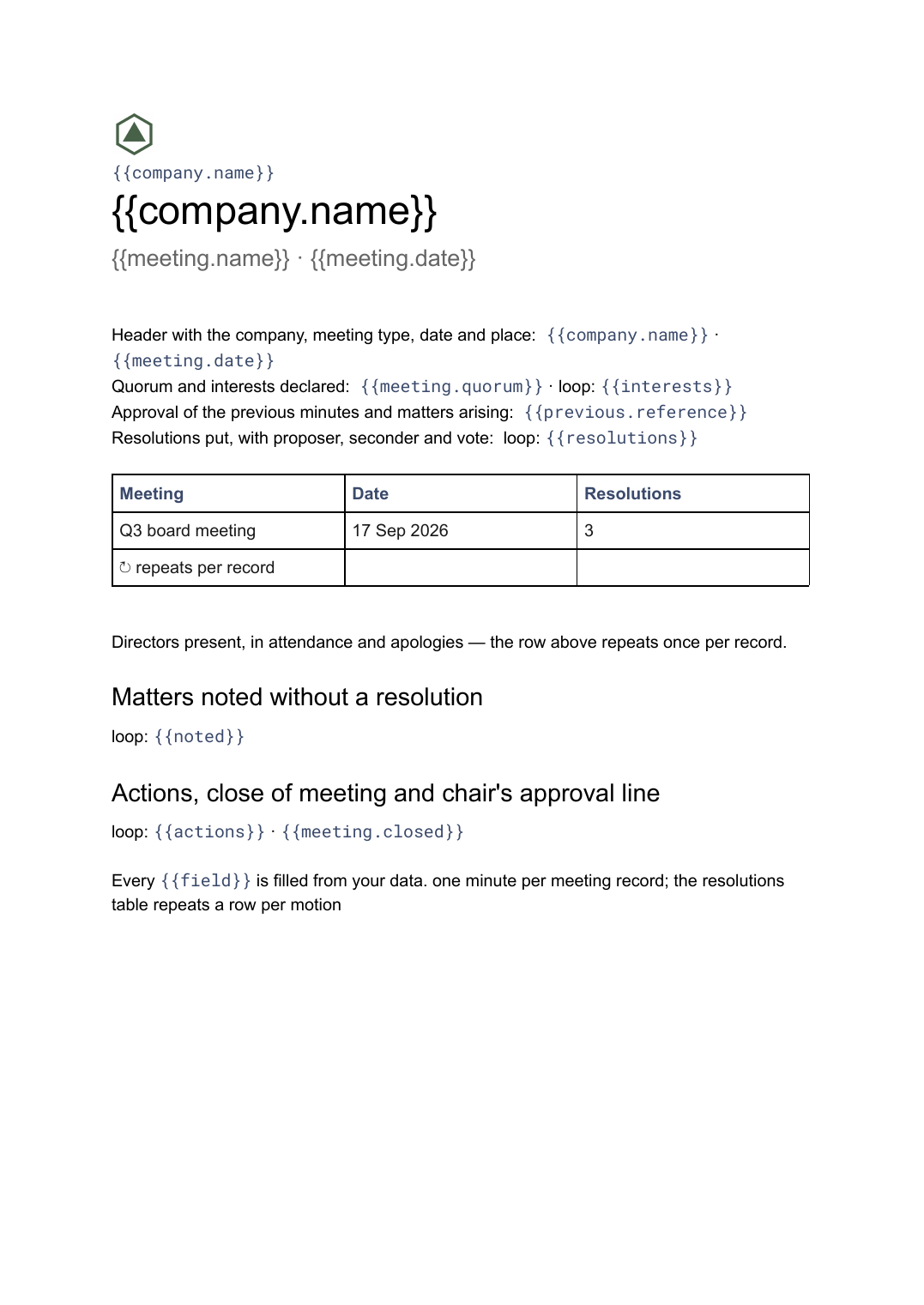 Google Docs
Board meeting minutes template
The governance record of a board meeting covering attendance, resolutions put and how they were voted, generated one document per meeting from your data.
View template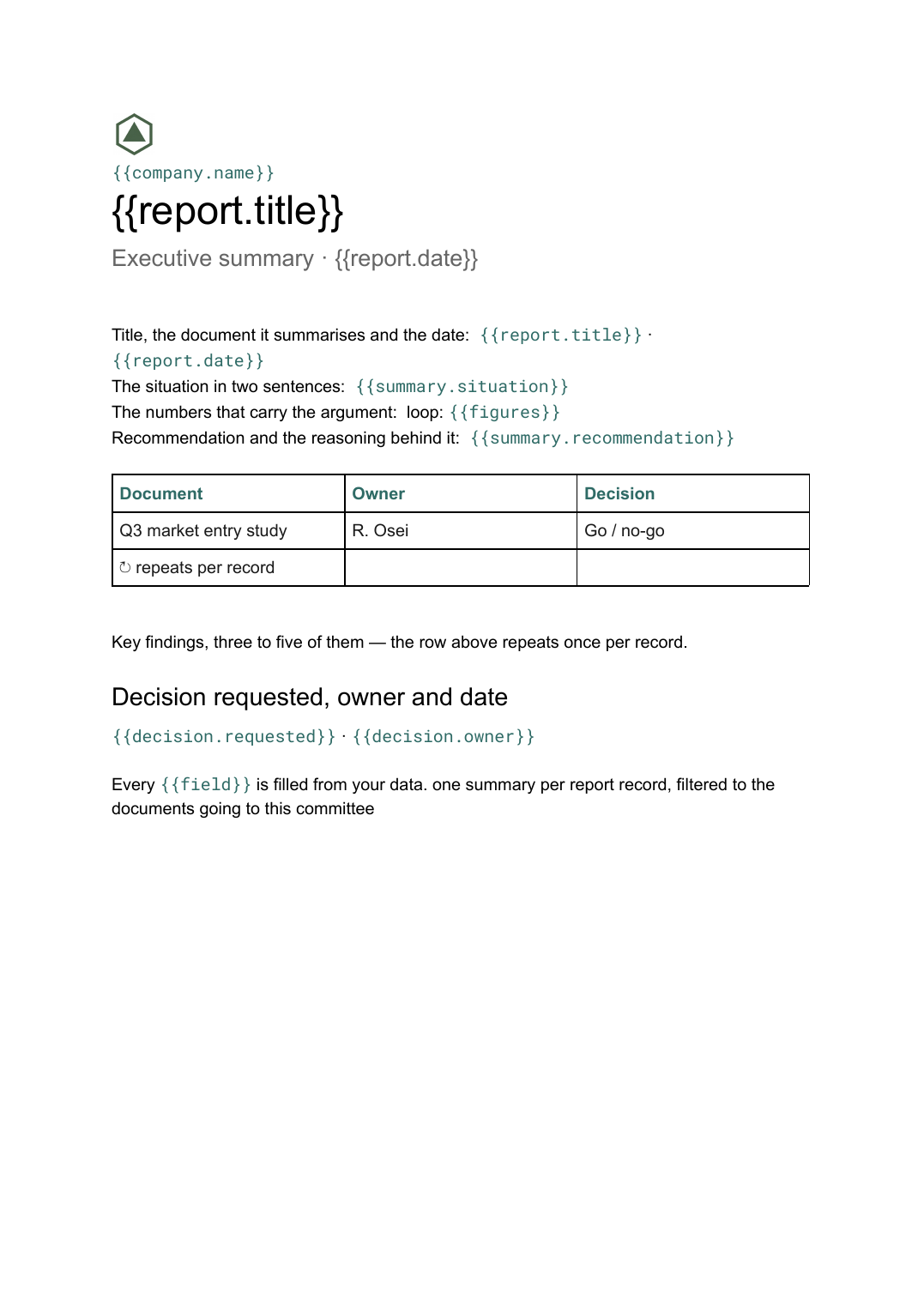 Google Docs
Executive summary template
A one-page distillation of a longer document covering the situation, findings and the decision requested, generated per report from your data.
View template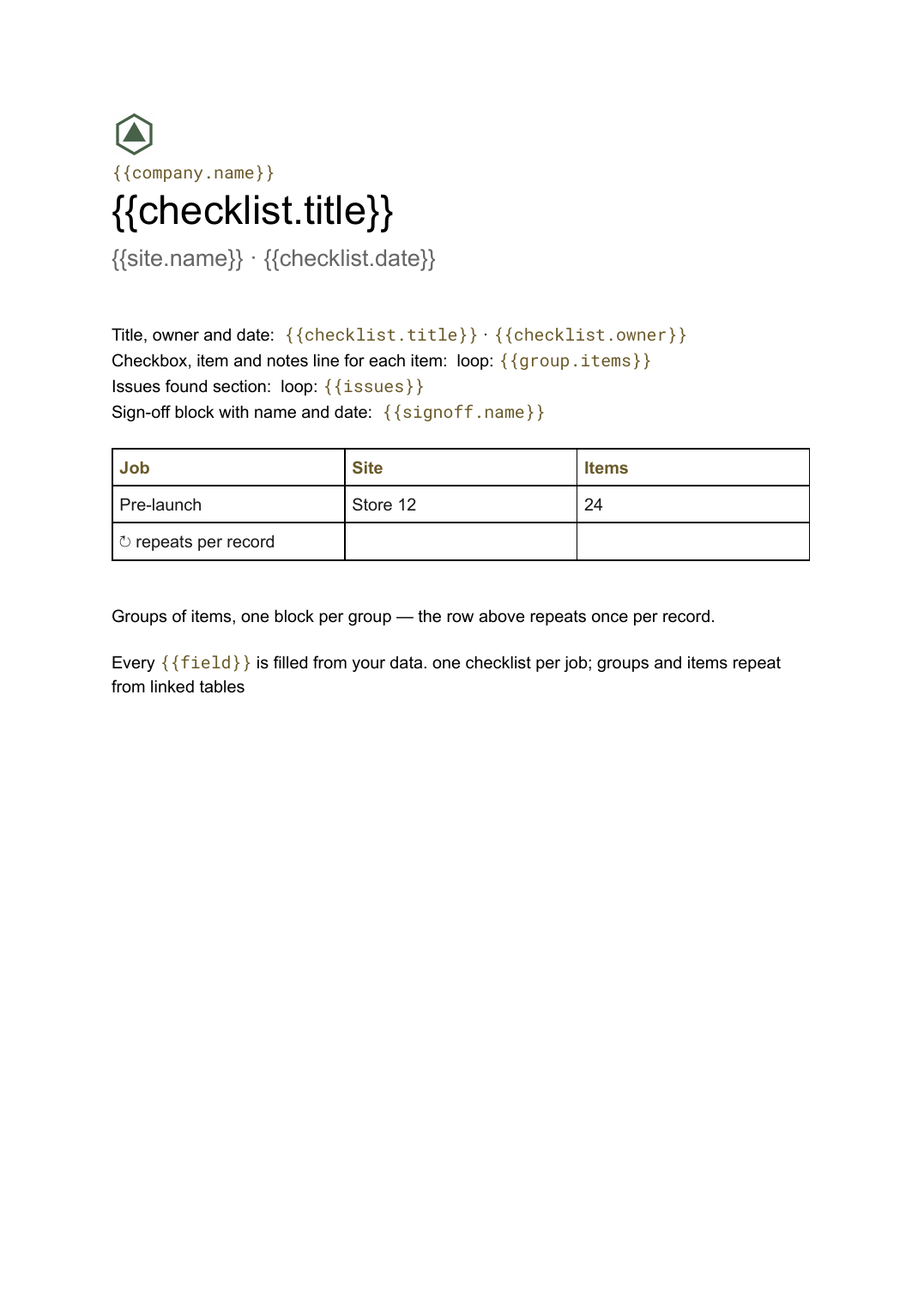 Google Docs
Checklist template
A grouped checklist with checkboxes, notes and sign-off, generated one per job, inspection or client from your task data.
View templateCommon questions, answered
What goes in a business memo? +
Can I generate a memo per audience? +
Is it a Doc or a Slide? +
Is this memo template free? +
Can I download this memo template as a PDF or Word file? +
Generate this document from your data
Start on the free plan, connect Airtable, Google Sheets or a CSV, and export a real Google Docs file. No watermark, no credit card.