Event ticket template
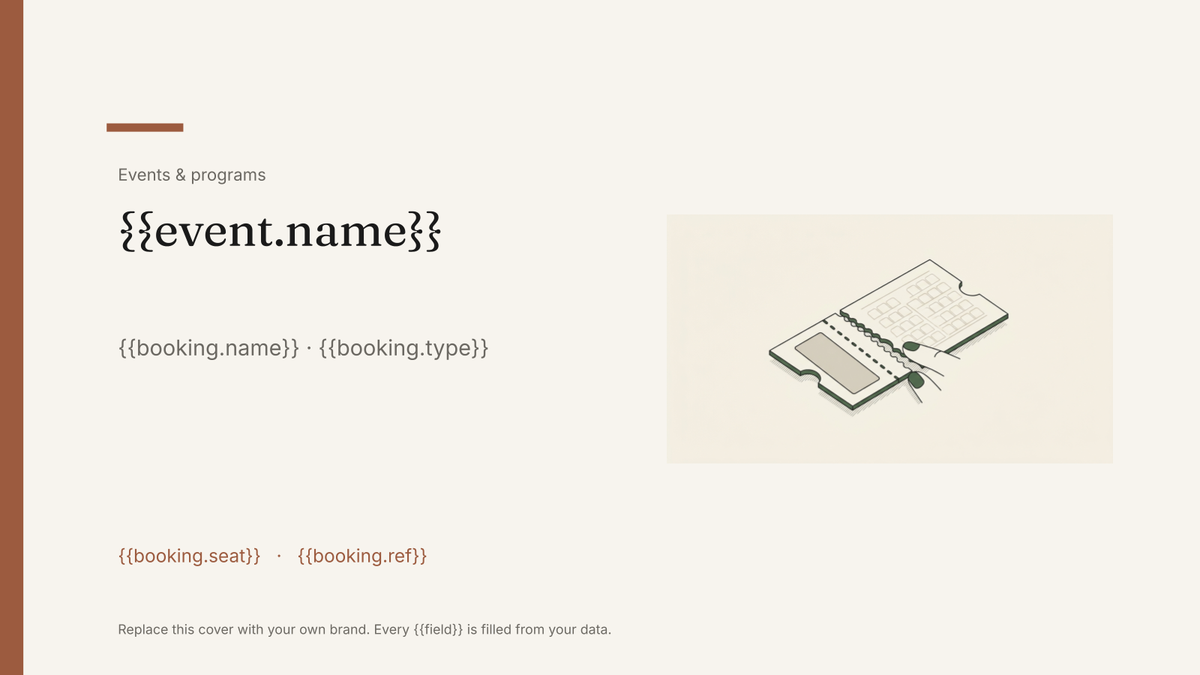
A printable ticket carrying the event, seat and booking reference, generated one per booking from your registration data.
Free plan, no credit card. Bring your own design or start from this layout.
What’s in this template
Every block is bound to a field in your data. The layout stays exactly as designed; only the values change from one run to the next.
- Event name, date and venue lockup {{event.name}} · {{event.date}}
- Ticket holder name {{booking.name}}
- Admission type and price paid {{booking.type}} · {{booking.price}}
- Seat, table or zone allocation {{booking.seat}}
- Booking reference and scan code {{booking.ref}}
- Stub with door times and conditions {{event.doors}}
How this template fills itself
Connect Airtable, Google Sheets, a SQL database, a CSV or a REST API, map each field to a placeholder, and generate. One run can produce a single document or one per matching record.
Bookings · Google Sheets
Template: Google Slides or Docs
{{event.name}}
{{booking.name}} · {{booking.type}}
{{booking.seat}}
{{booking.ref}}
{{event.doors}}
one ticket per booking row; filter to unprinted bookings for a top-up run
Generated output
SlidesPDFHarvest Dinner 2026
Tom Alvarez · Standard admission
Table 4
BK-2210
Doors 18:30
Who uses this template
Event and venue teams
Print a personalised ticket for every booking rather than handing out numbered generic stubs.
Read the guideCharity and fundraising organisers
Produce seated dinner tickets from the guest list, with table allocations already on them.
Read the guideMembership and community organisations
Generate tickets for each event from the same list you use for members and renewals.
Read the guideA ticket is a small designed object produced once per booking. Nothing about the layout moves; everything printed on it — name, admission type, seat, reference — comes from a row. That is why it is built in Google Slides at a custom page size: the design holds exactly as drawn, and the run produces as many tickets as there are bookings.
Let the booking record decide what is printed
Tickets go wrong when allocations live in one place and the printed stub in another. Keep seat, table, admission type and reference on the booking row, generate from that, and a change is made once and reprinted rather than corrected with a pen at the door. Filtering is what makes late bookings manageable: run the tickets sold so far, then run only the new rows the day before. If door times or conditions differ by session, put them on the row too, so the stub is right for that performance rather than the season.
Related templates
All events & programs →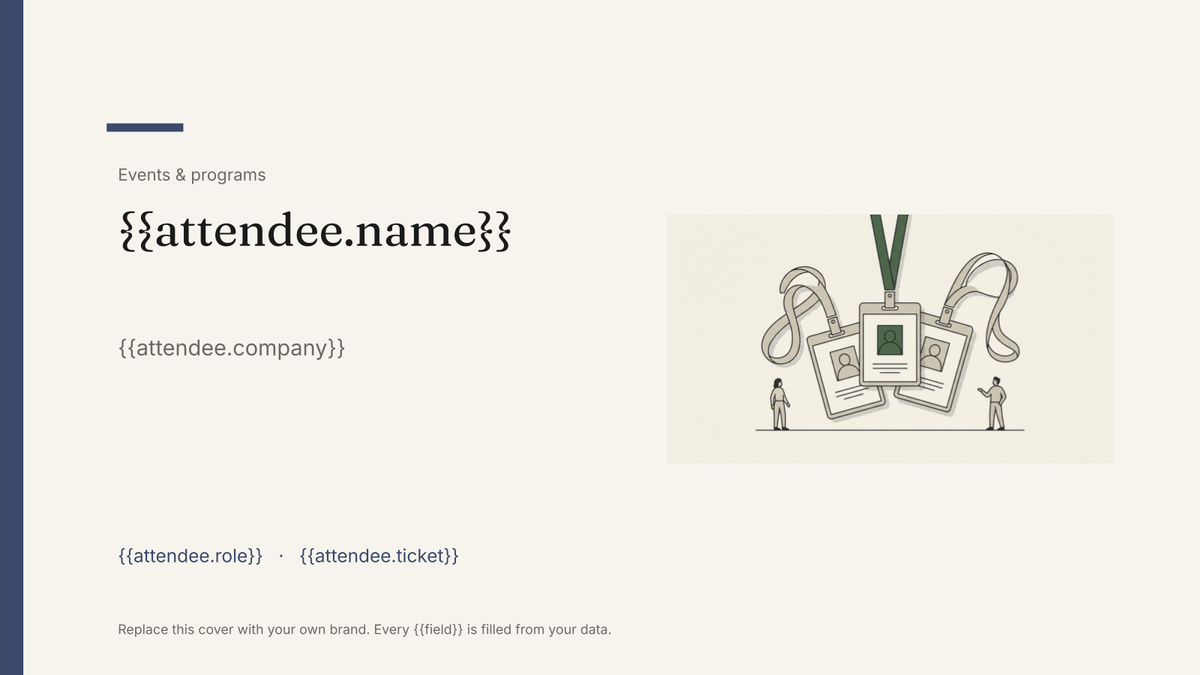 Google Slides
 Attendee name badge template
A printed conference badge with name, organisation and ticket type, generated one per attendee from the registration list.
View template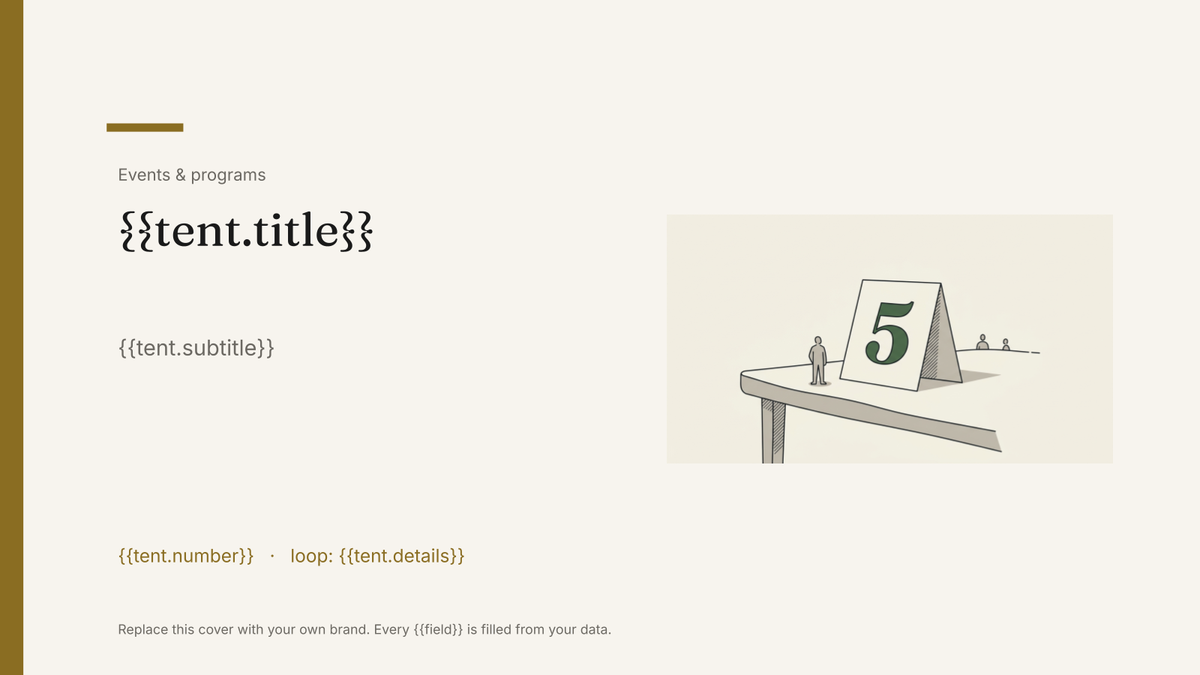 Google Slides
 Table tent template
A folded card that stands on a table, generated one per table, guest or dish from your event data.
View template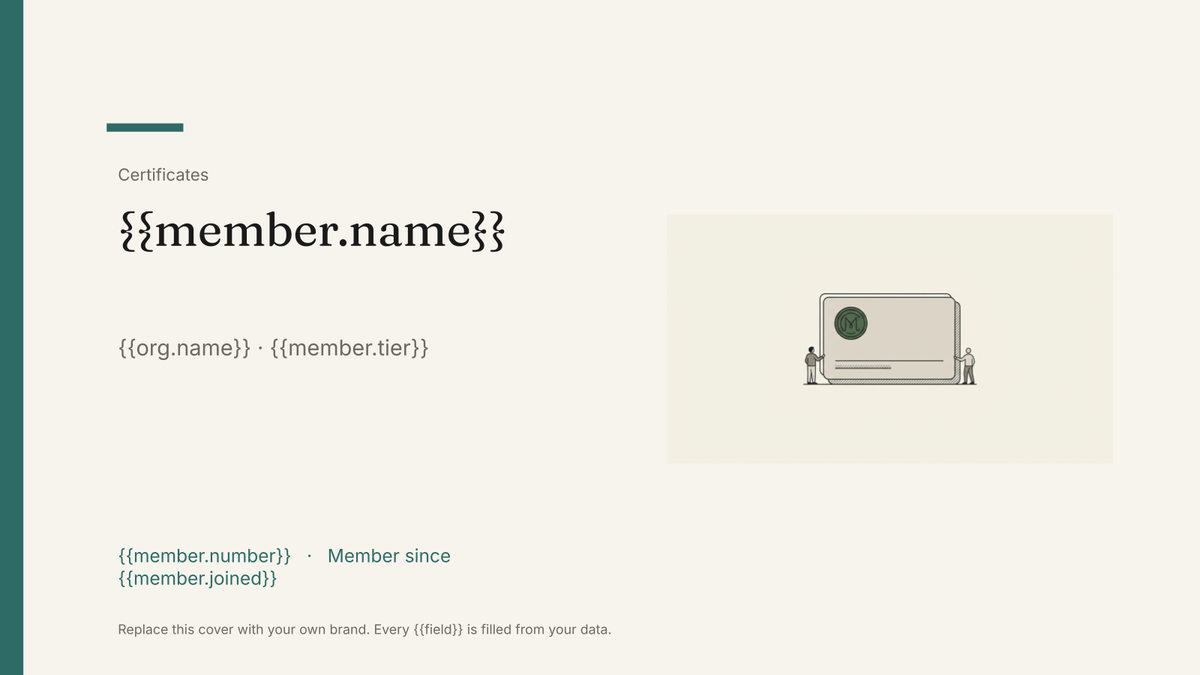 Google Slides
 Membership card template
A printable member card carrying a name, number, tier and renewal date, generated one per member from your membership list.
View template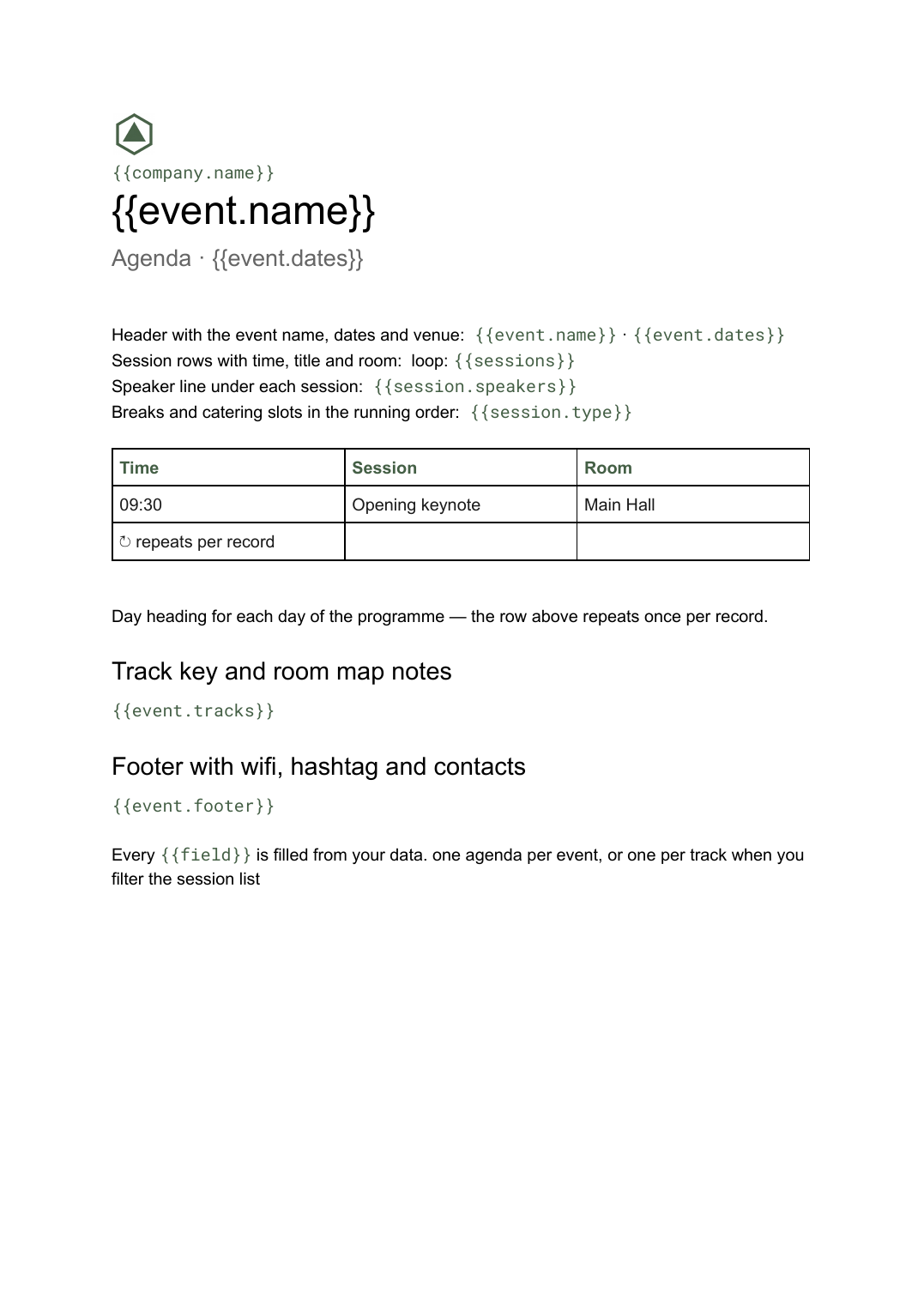 Google Docs
 Conference agenda template
A running order of sessions with times, rooms and speakers, generated per event or per track from your session list.
View templateCommon questions, answered
Can I print one ticket per booking in a single run? +
Can the ticket carry a scan or QR code? +
Can I use my own ticket design? +
Where do seat and table allocations come from? +
Generate this document from your data
Start on the free plan, connect a data source, and export a real Google Slides document. No watermark, no credit card.