Listing presentation template
The pitch deck an agent shows a seller to win the instruction, generated one per appointment from your listings and sales data.
Free plan, no credit card. Bring your own design or start from this layout.
What’s in this template
Every block is bound to a field in your data. The layout stays exactly as designed; only the values change from one run to the next.
- Cover with the seller's property and appointment date {{property.address}} · {{appointment.date}}
- About the agent and the office {{agent.name}} · {{agent.bio}}
- Track record in this postcode loop: {{recent_sales}}
- Suggested asking price and the reasoning {{valuation.suggested}}
- Marketing plan and channels loop: {{marketing.steps}}
- Fees, timeline and next steps {{terms.fee}} · {{terms.timeline}}
How this template fills itself
Connect Airtable, Google Sheets, a SQL database, a CSV or a REST API, map each field to a placeholder, and generate. One run can produce a single document or one per matching record.
Valuation appointments · Airtable
Template: Google Slides or Docs
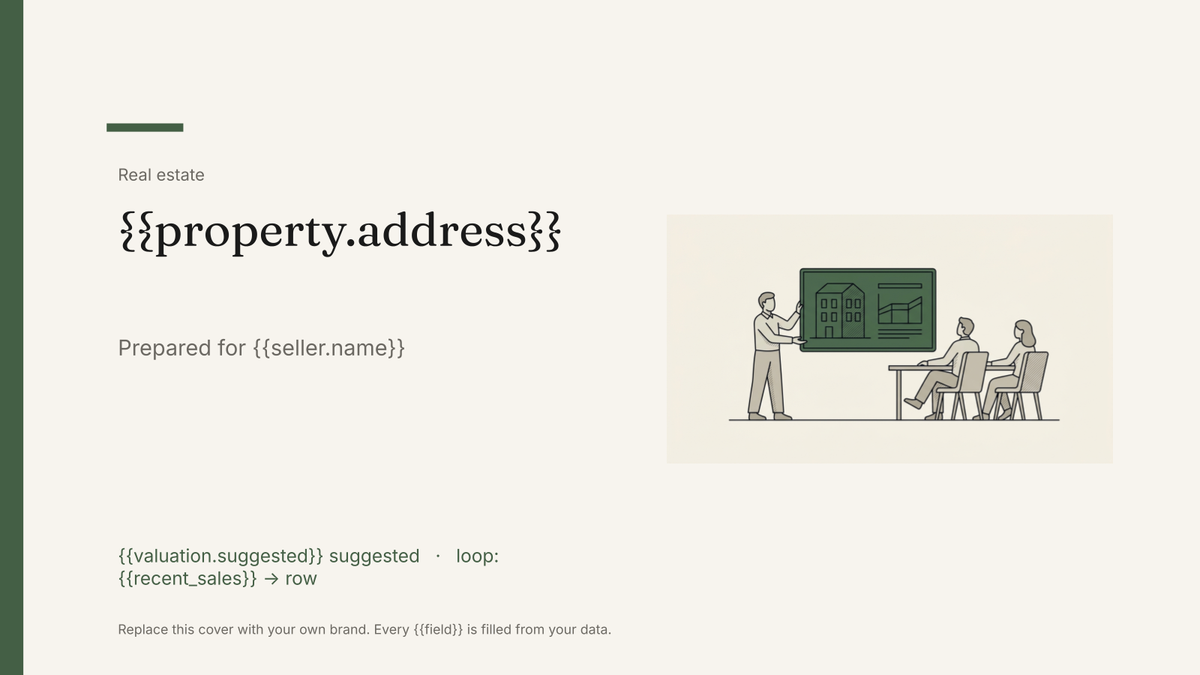
{{property.address}}
Prepared for {{seller.name}}
{{valuation.suggested}} suggested
loop: {{recent_sales}} → row
{{agent.name}}
one deck per valuation appointment, using that agent's own record
Generated output
SlidesPDF22 Kestrel Row
Prepared for M. Okonkwo
£540,000 suggested
9 recent sales nearby
Priya Raman
Who uses this template
Estate agents and listing agents
Walk into every valuation with a deck built for that address rather than last week's file with the name swapped.
Read the guideBrokerage owners
Give every agent the same designed pitch so the office looks consistent whoever attends the appointment.
Read the guideTeams running appointments from a CRM
Generate the deck from the appointment record, so the property, seller and suggested price are already correct.
Read the guideA listing presentation is a sales document, not a marketing one. The seller is deciding which agent to instruct, so the deck argues the case: what you have sold nearby, what you would ask for their home, how you would market it and what it costs them. It is a fixed sequence of designed slides, which is exactly what Google Slides is for.
Keeping it specific to the address
The parts that win instructions are the parts that change per appointment, and they are the parts agents skip when they are editing last week’s file at eleven at night. Hold the suggested price, the comparable sales and the postcode-level track record as fields on the appointment record, and let the deck place them. Then the slide about your recent sales genuinely shows sales on that street, and no seller ever sees another vendor’s name in a footer.
Related templates
All real estate →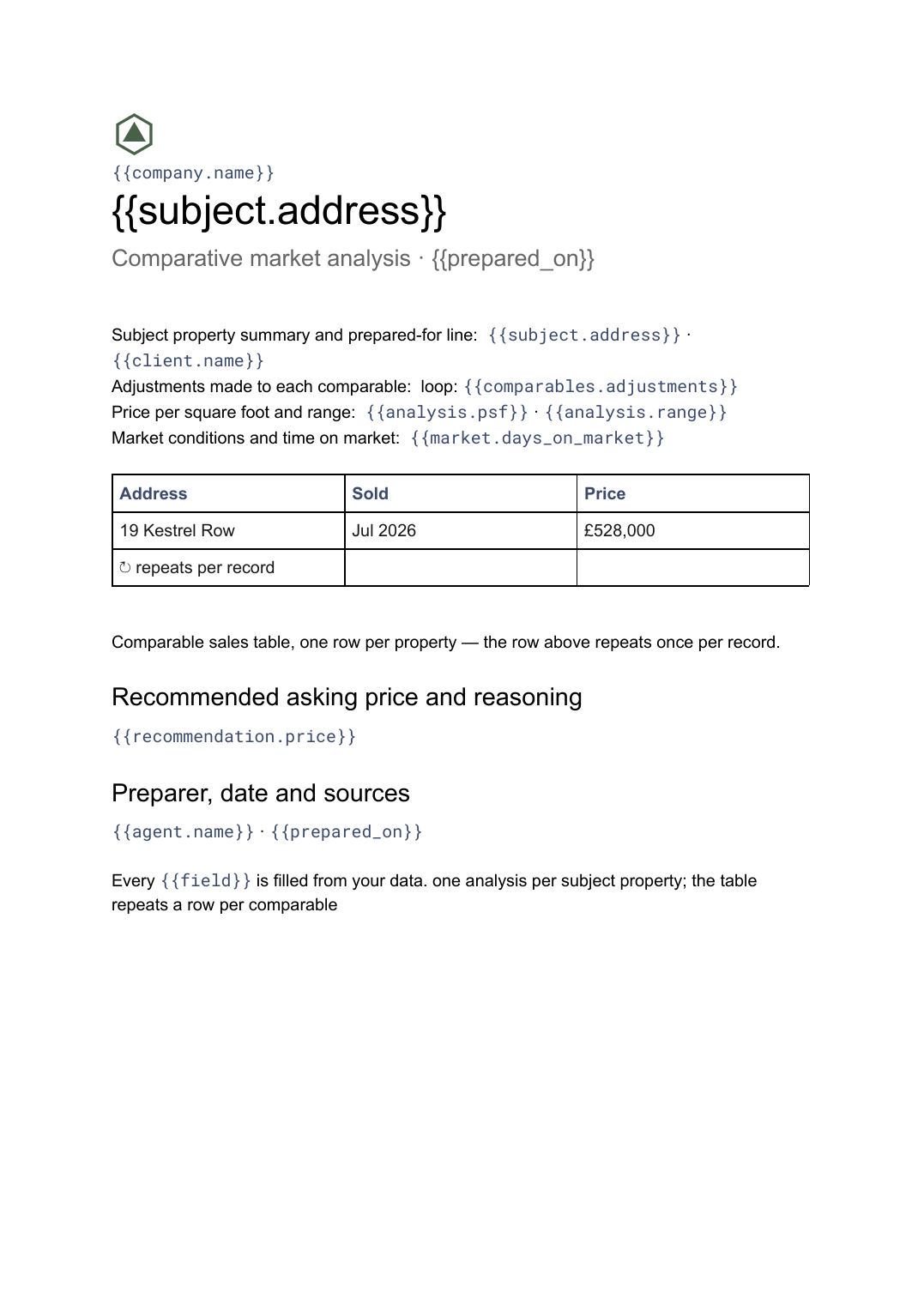 Google Docs
 Comparative market analysis template
A priced comparison of a subject property against recent comparable sales, generated per property from your sales data.
View template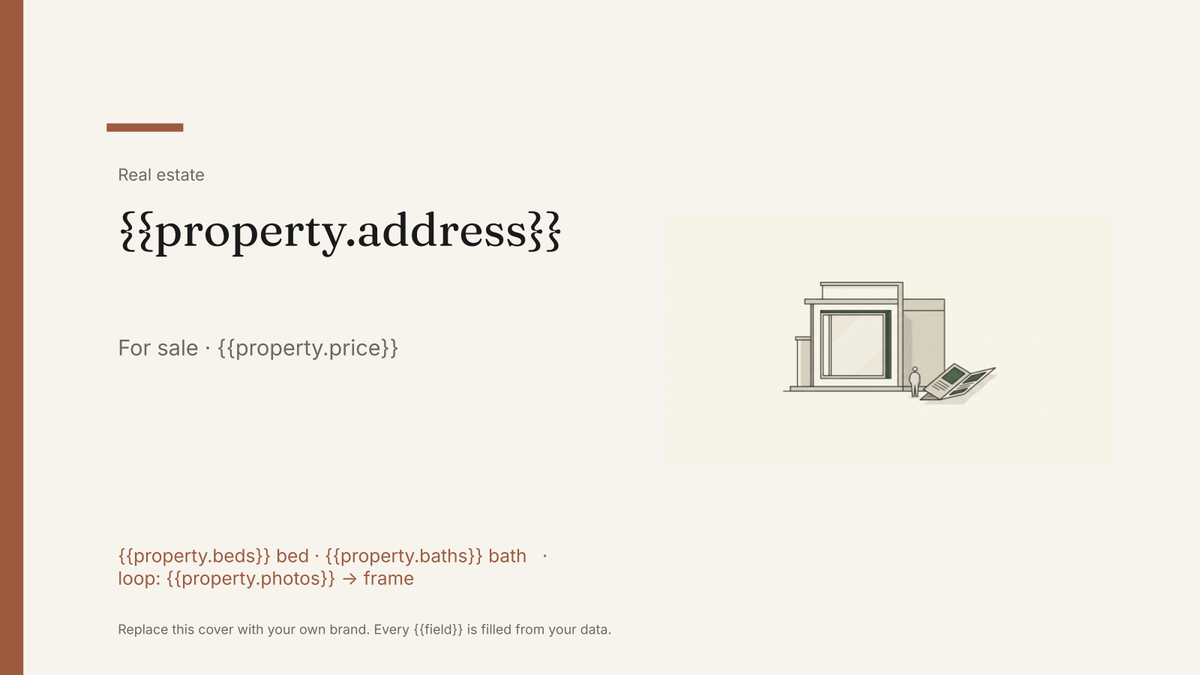 Google Slides
 Real estate brochure template
A buyer-facing brochure for a single listing, generated one per property from your listings data.
View template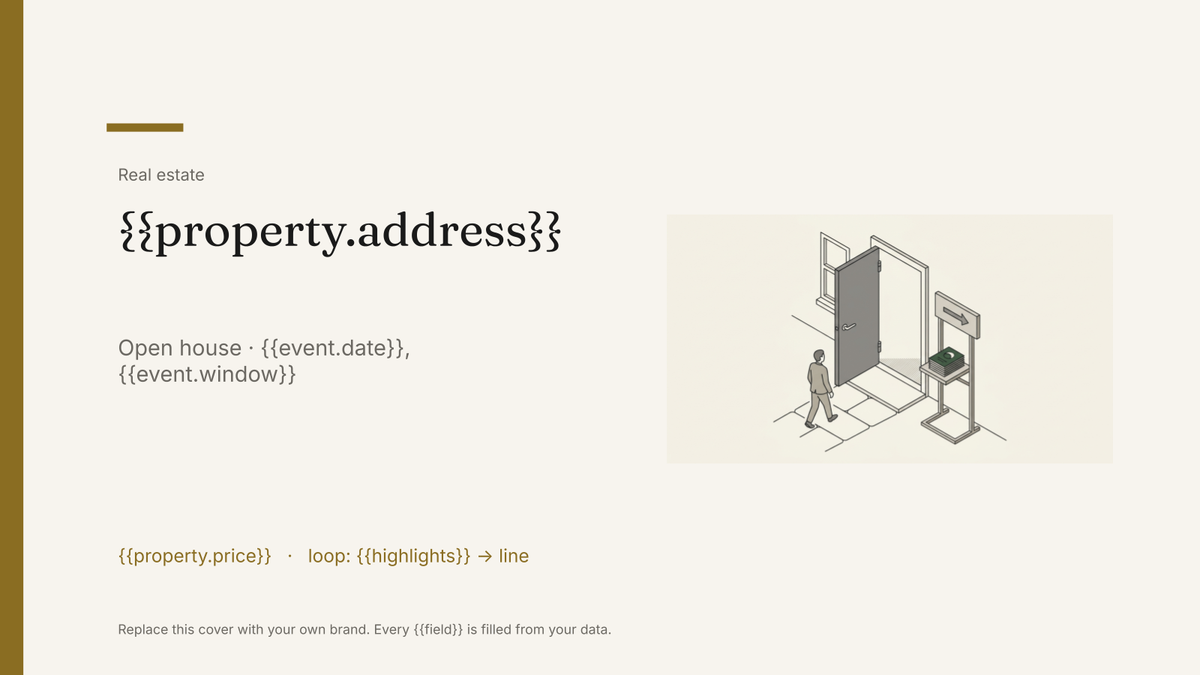 Google Slides
 Open house flyer template
A one-page handout for a specific viewing, generated one per open house from your listings and event data.
View template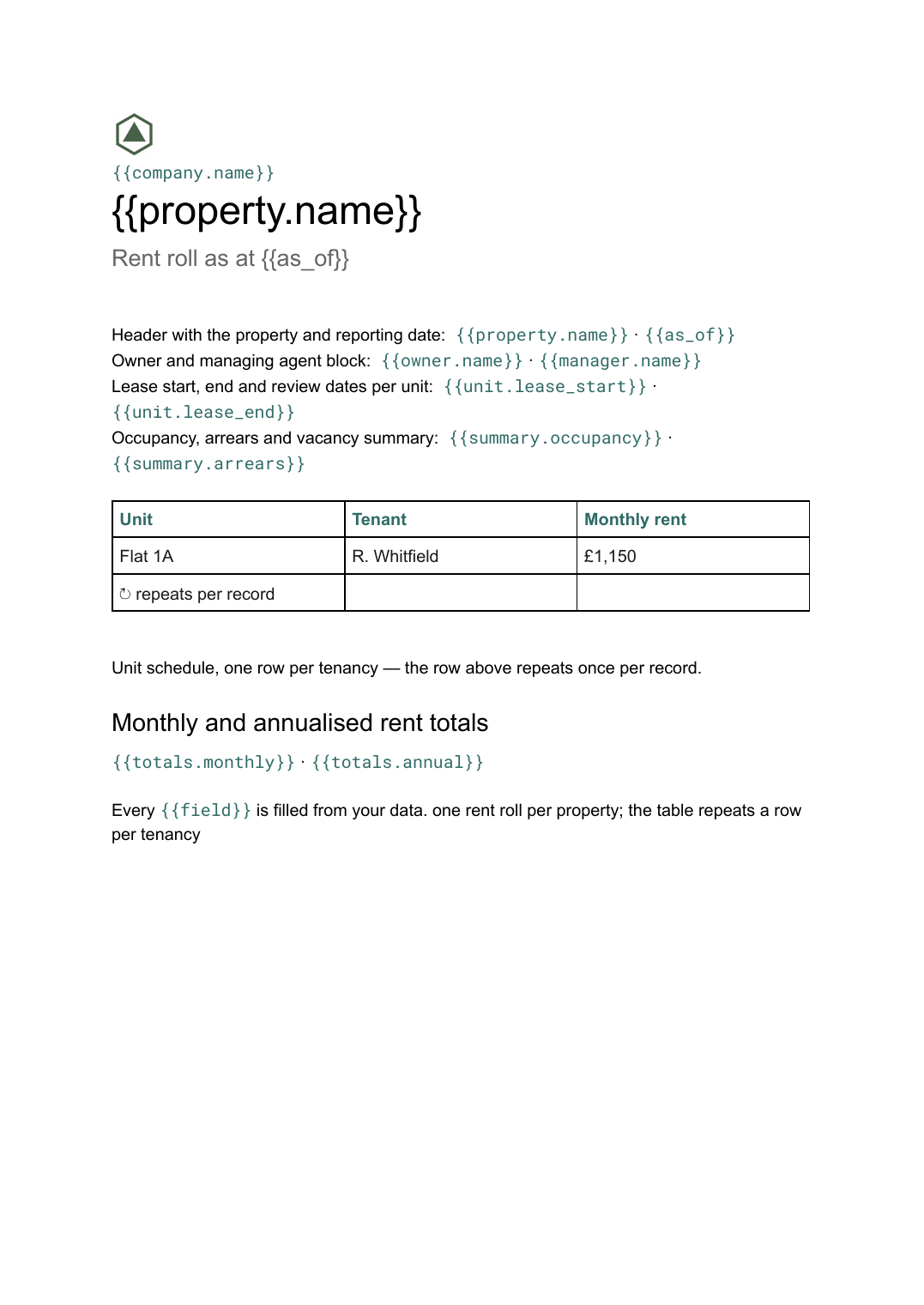 Google Docs
 Rent roll template for Google Docs
A schedule of units, tenants, rents and lease dates with totals, generated per property or portfolio from your tenancy data.
View templateCommon questions, answered
How is this different from a property brochure? +
Can I use our own listing presentation design? +
Where do the track record and price come from? +
Can I prepare tomorrow's appointments in one run? +
Generate this document from your data
Start on the free plan, connect a data source, and export a real Google Slides document. No watermark, no credit card.