Rent roll template for Google Docs
A schedule of units, tenants, rents and lease dates with totals, generated per property or portfolio from your tenancy data.
Free plan, no credit card. Bring your own design or start from this layout.
What’s in this template
Every block is bound to a field in your data. The layout stays exactly as designed; only the values change from one run to the next.
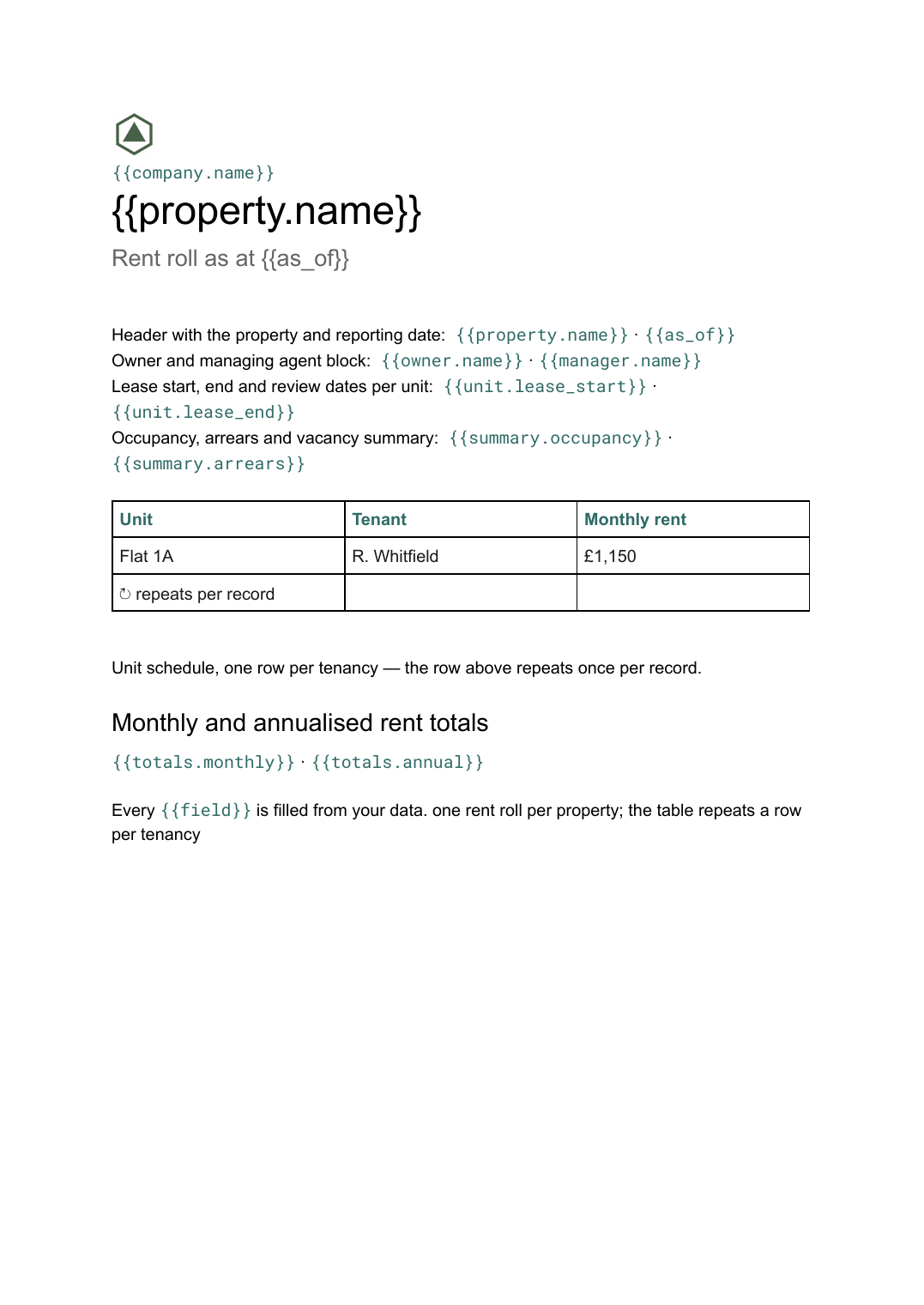
- Header with the property and reporting date {{property.name}} · {{as_of}}
- Owner and managing agent block {{owner.name}} · {{manager.name}}
- Unit schedule, one row per tenancy loop: {{units}}
- Lease start, end and review dates per unit {{unit.lease_start}} · {{unit.lease_end}}
- Occupancy, arrears and vacancy summary {{summary.occupancy}} · {{summary.arrears}}
- Monthly and annualised rent totals {{totals.monthly}} · {{totals.annual}}
How this template fills itself
Connect Airtable, Google Sheets, a SQL database, a CSV or a REST API, map each field to a placeholder, and generate. One run can produce a single document or one per matching record.
Tenancies · SQL database
Template: Google Slides or Docs
{{property.name}}
Rent roll as at {{as_of}}
loop: {{units}} → row
{{summary.occupancy}} occupied
{{totals.monthly}} per month
one rent roll per property; the table repeats a row per tenancy
Generated output
DocsPDFWeaver Court
Rent roll as at 1 Sep 2026
24 units listed
22 of 24 occupied
£27,480 per month
Who uses this template
Letting agents and property managers
Send each landlord a current schedule of their units without rebuilding a table per property.
Read the guideLandlords with multiple properties
Keep one rent roll per building from the tenancy records you already maintain.
Read the guideAsset and investment managers
Produce a dated rent roll for lenders and investors on the same cycle every month.
Read the guideA rent roll is the schedule a landlord, lender or buyer asks for first: every unit in a property, who occupies it, what they pay, and when the lease starts and ends, totalled at the bottom. It is a working table rather than a designed page, and its length changes with the portfolio, which is why it belongs in Google Docs where the table grows and the pages break themselves.
Deciding what a row is
Most rent roll problems are definition problems. A vacant unit still needs a row, or the occupancy figure is meaningless. A unit re-let mid-month has two tenancies and one row unless you say otherwise. Fix the as-at date in the data and filter tenancies against it, so the document reports a position on a day rather than whatever the table happened to contain when someone ran it. Totals should be computed where the tenancies live, not in the layout, so the same figure appears in the rent roll and in your accounts.
Related templates
All real estate →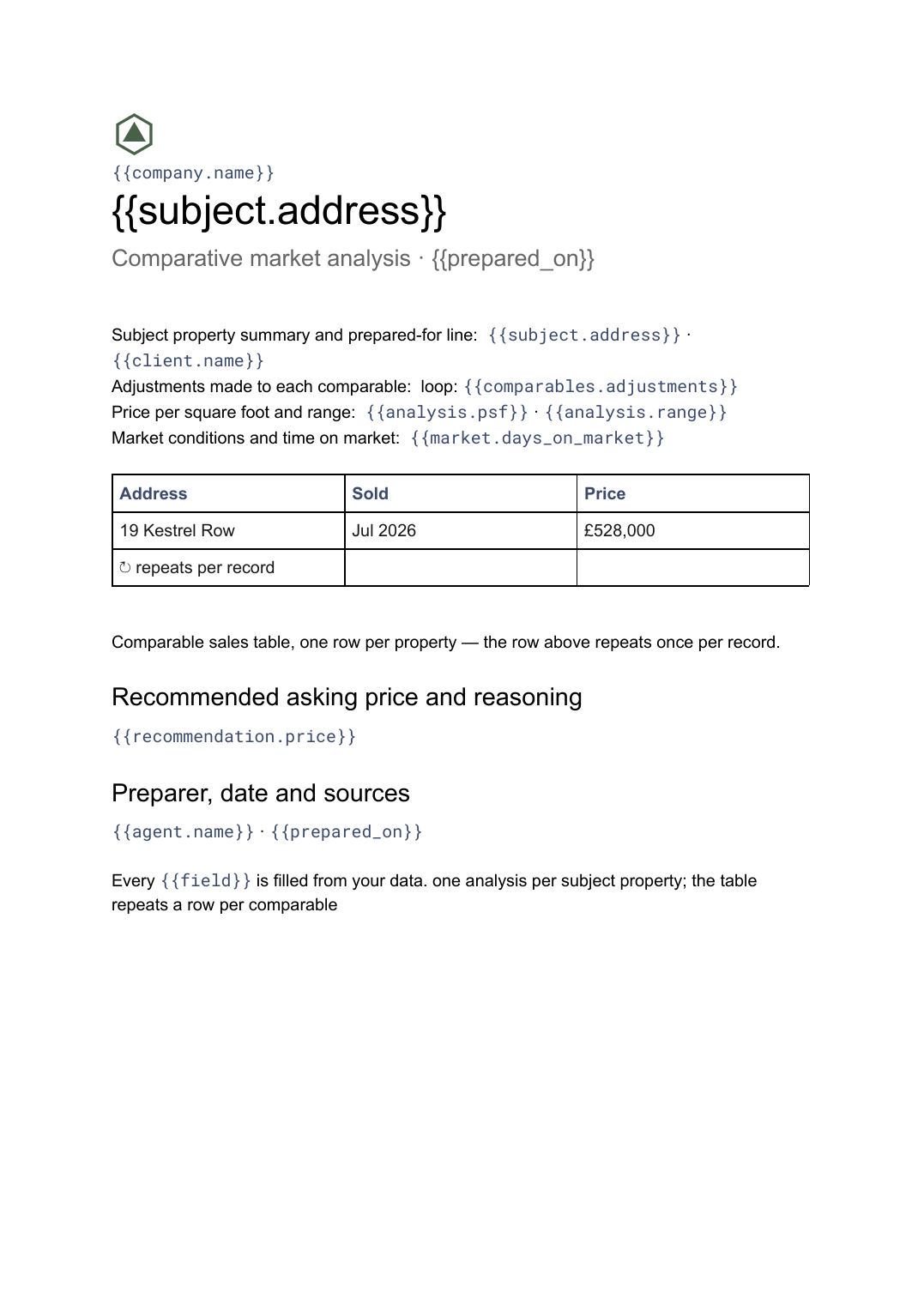 Google Docs
 Comparative market analysis template
A priced comparison of a subject property against recent comparable sales, generated per property from your sales data.
View template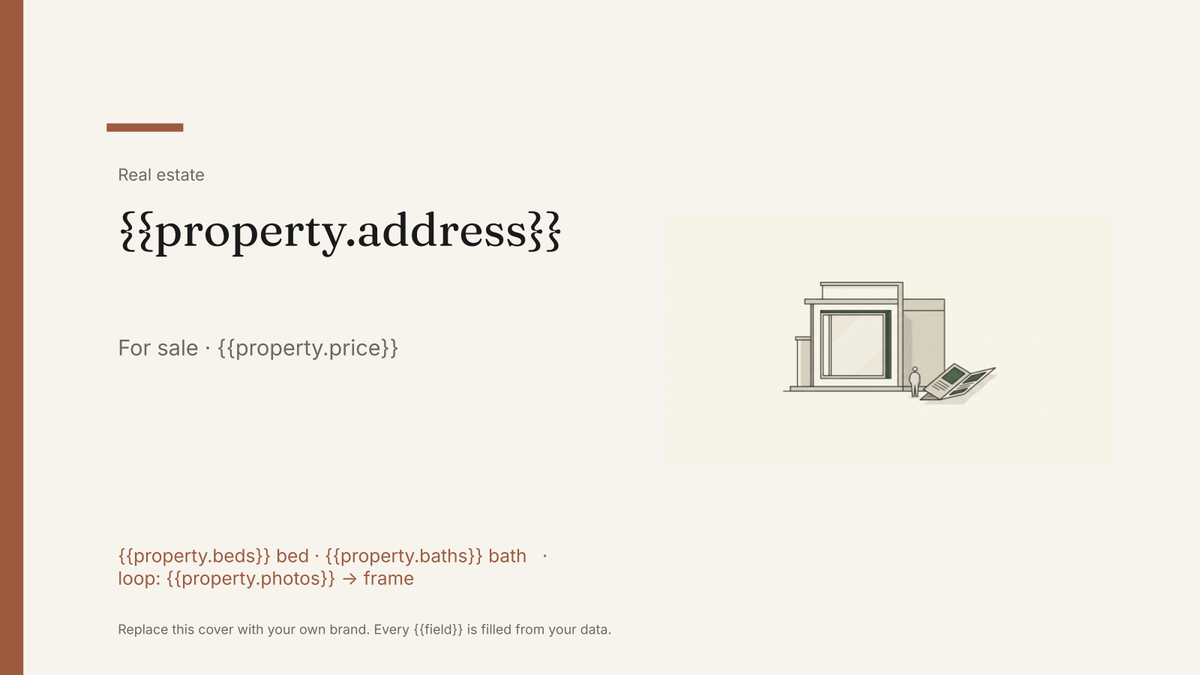 Google Slides
 Real estate brochure template
A buyer-facing brochure for a single listing, generated one per property from your listings data.
View template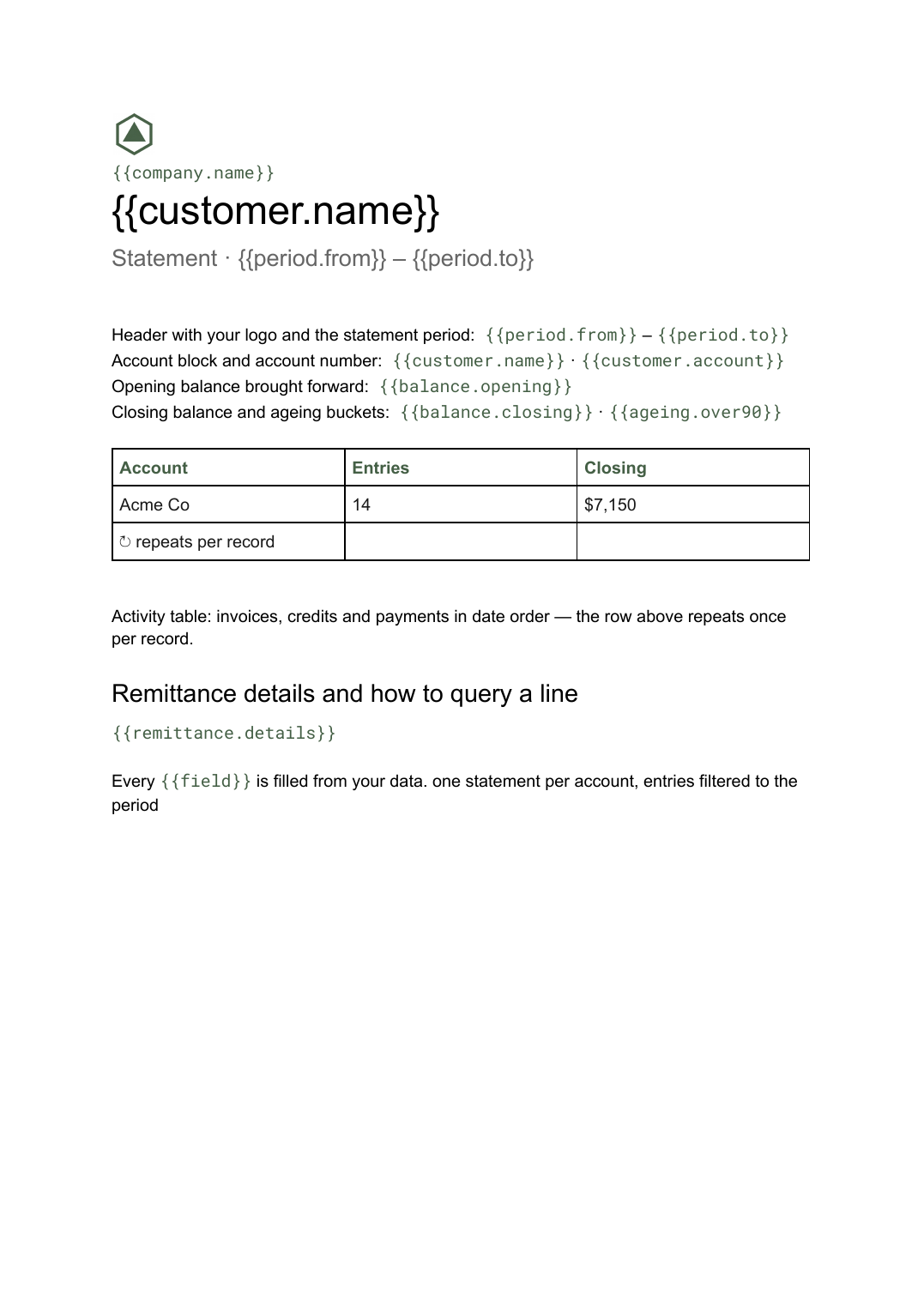 Google Docs
 Statement of account template
A period summary of a customer's invoices, credits and payments with a running balance, generated one per account from your ledger data.
View template Google Slides
 Listing presentation template
The pitch deck an agent shows a seller to win the instruction, generated one per appointment from your listings and sales data.
View templateCommon questions, answered
Why is a rent roll a Google Doc rather than a slide? +
Where do the tenancies and rents come from? +
Can I use our own rent roll layout? +
Can I produce a rent roll for every property at once? +
Generate this document from your data
Start on the free plan, connect a data source, and export a real Google Docs document. No watermark, no credit card.