Open house flyer template
A one-page handout for a specific viewing, generated one per open house from your listings and event data.
Free plan, no credit card. Bring your own design or start from this layout.
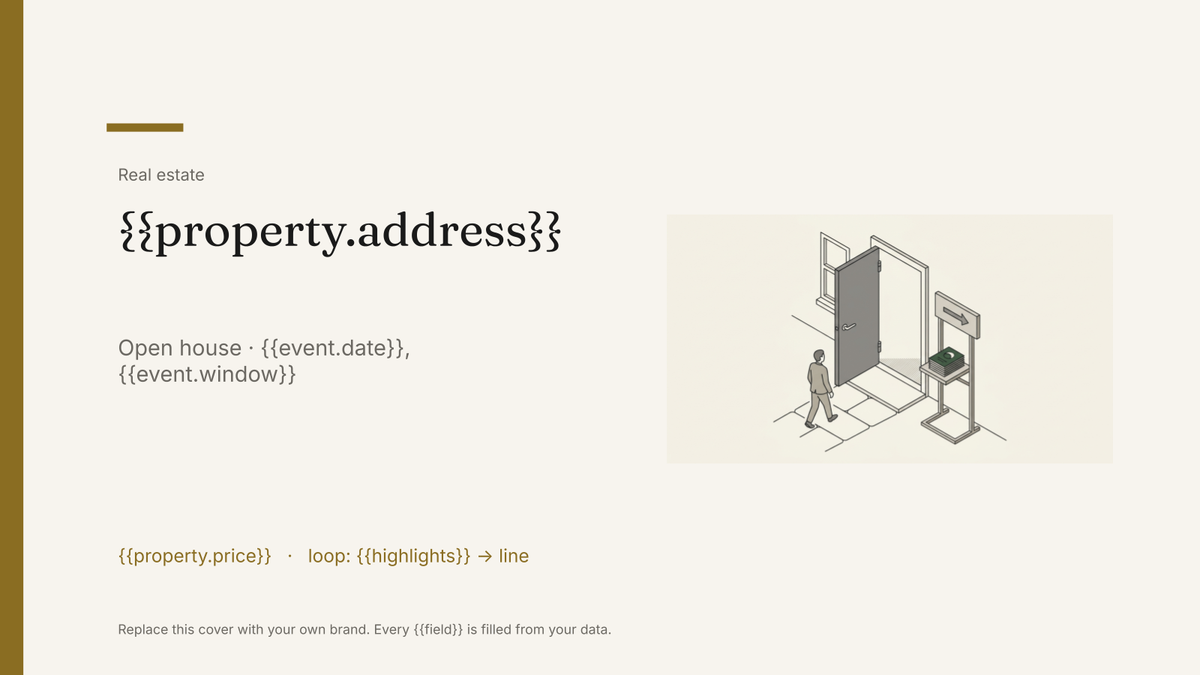
What’s in this template
Every block is bound to a field in your data. The layout stays exactly as designed; only the values change from one run to the next.
- Open house date and viewing window {{event.date}} · {{event.window}}
- Hero photo and address {{property.address}}
- Price and headline facts {{property.price}} · {{property.beds}}
- Three highlight features loop: {{highlights}}
- Secondary photo strip loop: {{property.photos}}
- Agent contact and QR link to the listing {{agent.phone}} · {{listing.url}}
How this template fills itself
Connect Airtable, Google Sheets, a SQL database, a CSV or a REST API, map each field to a placeholder, and generate. One run can produce a single document or one per matching record.
Open houses · Google Sheets
Template: Google Slides or Docs
{{property.address}}
Open house · {{event.date}}, {{event.window}}
{{property.price}}
loop: {{highlights}} → line
{{agent.phone}}
one flyer per scheduled viewing; the date block changes, the layout does not
Generated output
SlidesPDF8 Ashcroft Lane
Open house · Sat 12 Sep, 11:00–13:00
£432,000
3 highlights listed
07700 900412
Who uses this template
Estate agents running weekend viewings
Print a flyer for every open house on the calendar without rebuilding a page for each date.
Read the guideBrokerage marketing teams
Keep every agent's handout on-brand when the flyers are made on a Friday afternoon.
Read the guideDevelopers selling show homes
Generate a dated handout per plot and per viewing weekend from one schedule.
Read the guideAn open house flyer is a single page doing one job: telling people which property is open, when, and who to call. It is printed for the door, the window card and the hall table, so the layout has to hold together at a glance and survive a photocopier. That makes it a Slides template, where the page is a fixed design and nothing reflows.
One row per viewing, not per property
The mistake is to treat the flyer as a property document. It is an event document. A house that opens on two Saturdays needs two flyers with two dates, and a property that goes under offer needs its remaining viewings dropped from the run. Keep the schedule as the source, one row per viewing with the property joined onto it, and the weekend’s flyers come out of a single filtered run with the right dates on them.
Related templates
All real estate →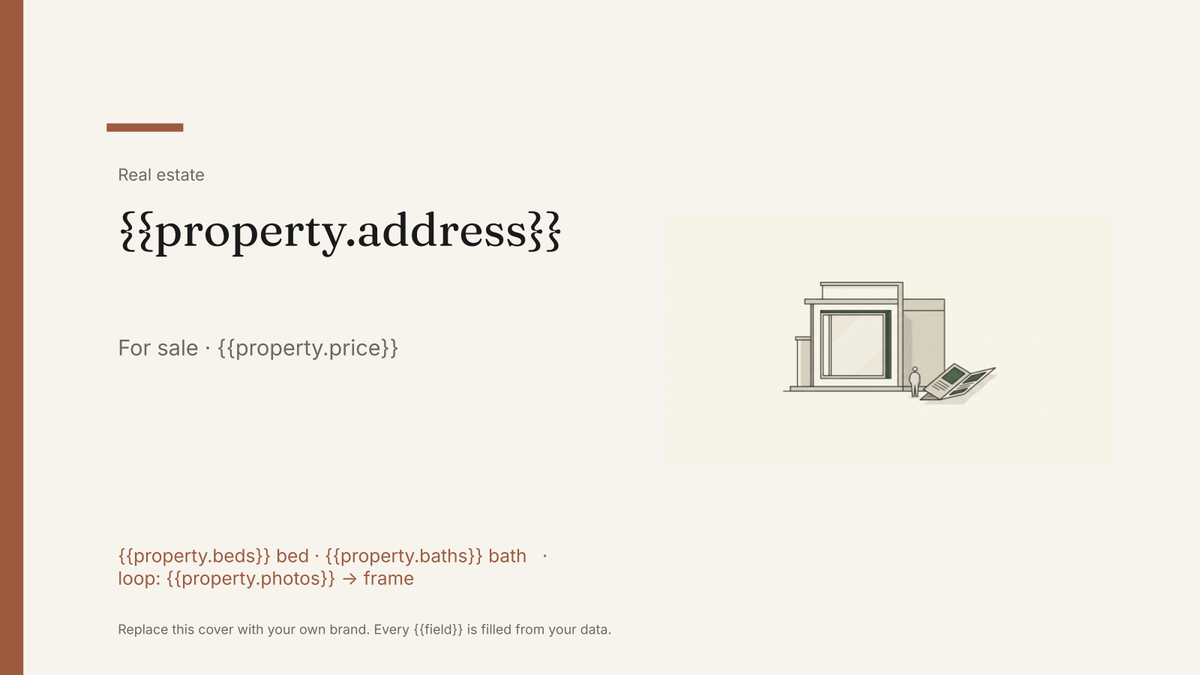 Google Slides
 Real estate brochure template
A buyer-facing brochure for a single listing, generated one per property from your listings data.
View template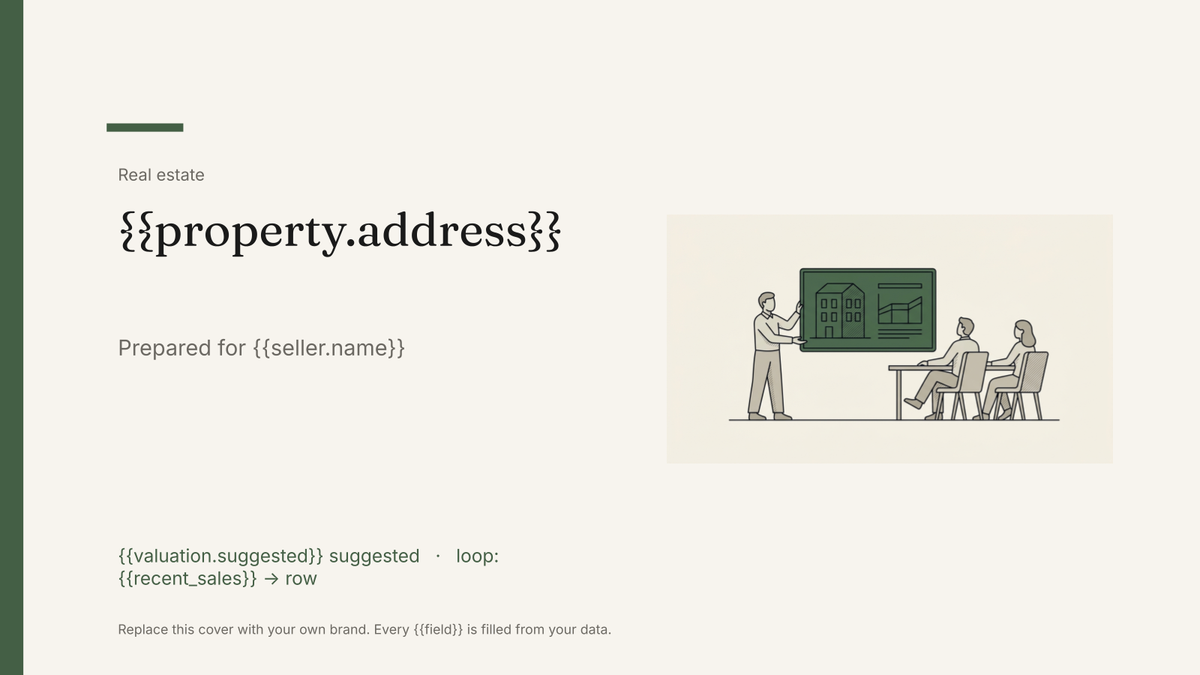 Google Slides
 Listing presentation template
The pitch deck an agent shows a seller to win the instruction, generated one per appointment from your listings and sales data.
View template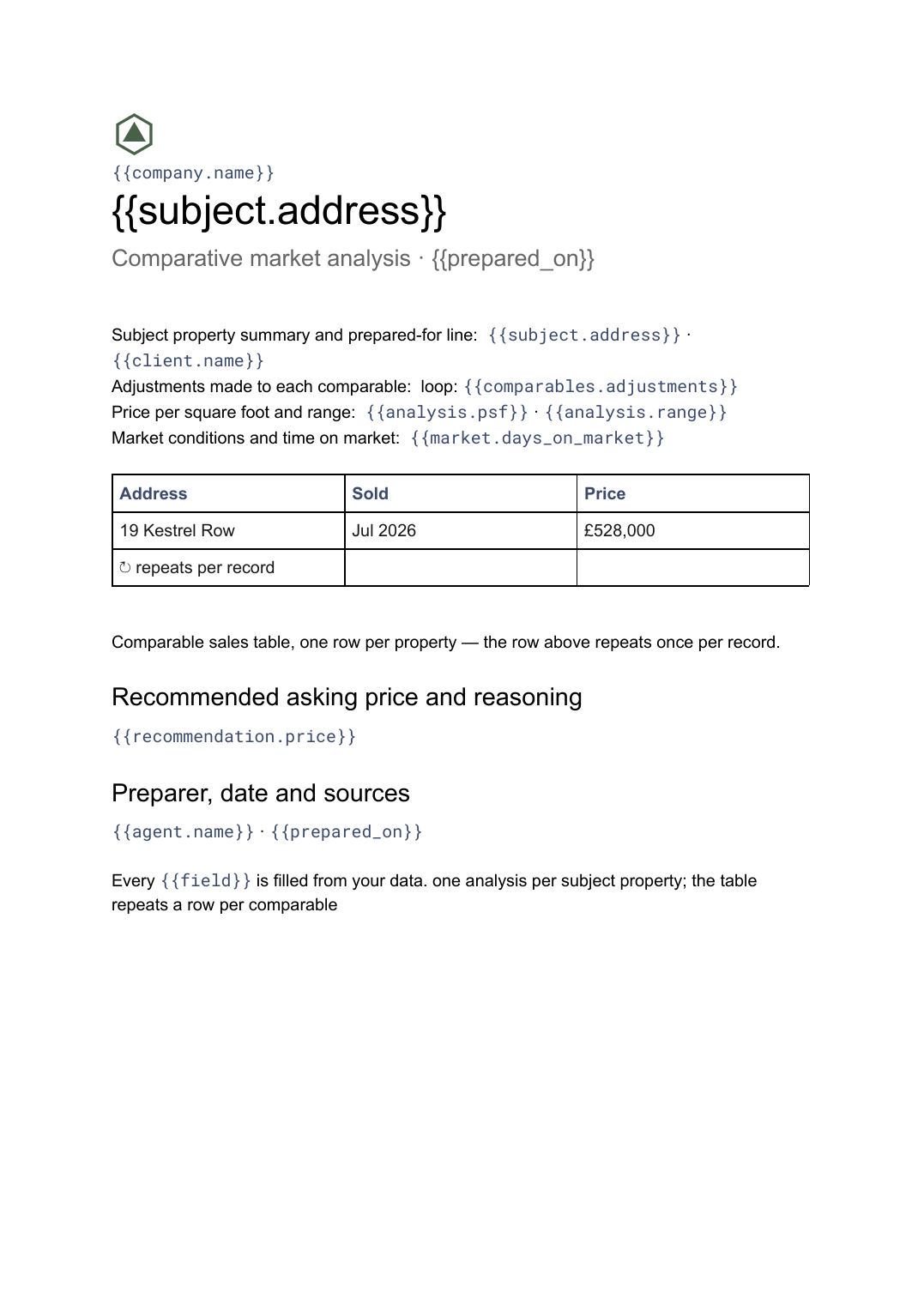 Google Docs
 Comparative market analysis template
A priced comparison of a subject property against recent comparable sales, generated per property from your sales data.
View template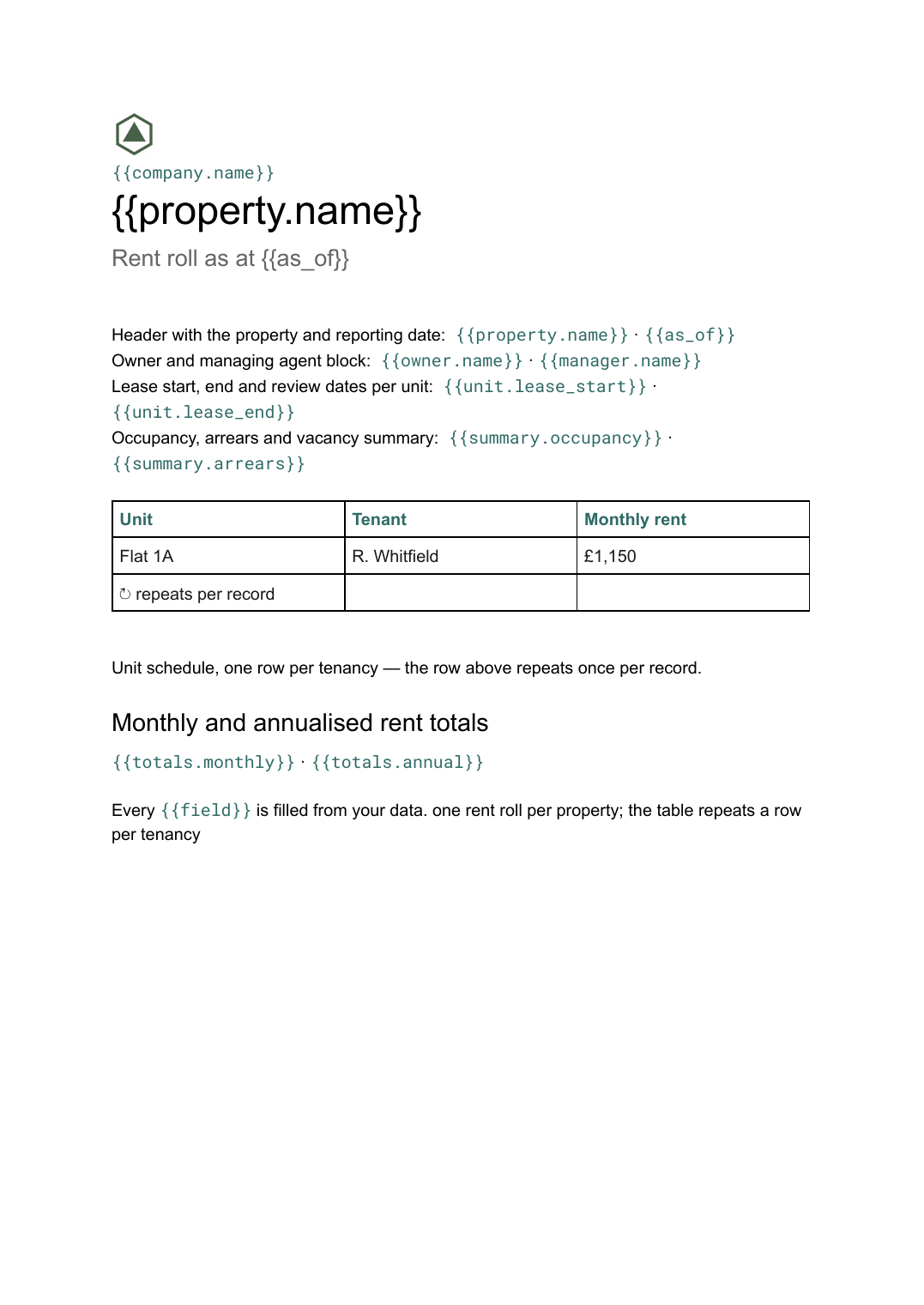 Google Docs
 Rent roll template for Google Docs
A schedule of units, tenants, rents and lease dates with totals, generated per property or portfolio from your tenancy data.
View templateCommon questions, answered
How is a flyer different from the brochure for the same property? +
Can I use our own flyer design? +
Where do the viewing dates come from? +
Can I generate a whole weekend of flyers at once? +
Generate this document from your data
Start on the free plan, connect a data source, and export a real Google Slides document. No watermark, no credit card.