Lookbook template
An image-led seasonal presentation with one full-bleed look per page, generated from your product and imagery data.
Free plan, no credit card. Bring your own design or start from this layout.
What’s in this template
Every block is bound to a field in your data. The layout stays exactly as designed; only the values change from one run to the next.
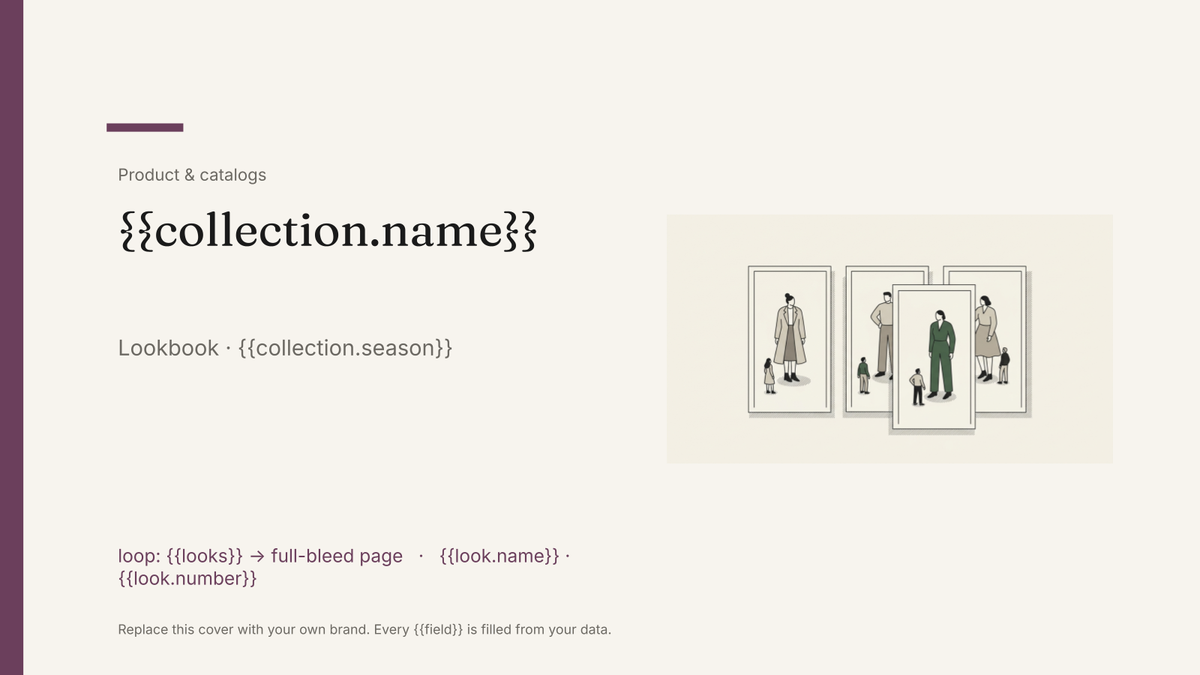
- Cover with the season and collection name {{collection.name}} · {{collection.season}}
- Full-bleed image page repeated per look loop: {{looks}}
- Look caption with style name and number {{look.name}} · {{look.number}}
- Pieces in the look, with colourways loop: {{look.pieces}}
- Wholesale price and order window {{look.wholesale}} · {{collection.orderBy}}
- Stockist and showroom contact page {{contact.showroom}}
How this template fills itself
Connect Airtable, Google Sheets, a SQL database, a CSV or a REST API, map each field to a placeholder, and generate. One run can produce a single document or one per matching record.
Looks · Airtable
Template: Google Slides or Docs
{{collection.name}}
Lookbook · {{collection.season}}
loop: {{looks}} → full-bleed page
{{look.name}} · {{look.number}}
loop: {{look.pieces}} → line
one page per look, filtered to the pieces going to wholesale
Generated output
SlidesPDFNorthwater
Lookbook · Autumn/Winter 2026
24 look pages
Marlow Coat · 01
3 pieces listed
Who uses this template
Fashion and homeware brands
Turn the shot list into a season's lookbook without a designer placing every image by hand.
Read the guideWholesale and showroom teams
Produce a buyer-specific edition showing only the looks and prices that account can order.
Read the guideStudios and creative agencies
Own the layout in Google Slides and reissue it each season from the client's product base.
Read the guideA lookbook is a photograph, a short caption and a page — repeated. The design carries it: the crop, the grid, where the style name sits, how much white space is left around the image. None of that should move because one style name is longer than another, which is why this template is Google Slides rather than a document that reflows.
The work is in the shot list, not the deck
Every page comes from a record: image reference, look number, style name, the pieces in it, wholesale price. Once the shot list is shaped that way, a season is a run rather than a fortnight of placing images. It also makes editions cheap — a buyer-specific book is the same template filtered to what that account can order, and a late substitution is a swapped image field and a regeneration rather than a designer reopening a file the night before a showroom appointment.
Related templates
All product & catalogs →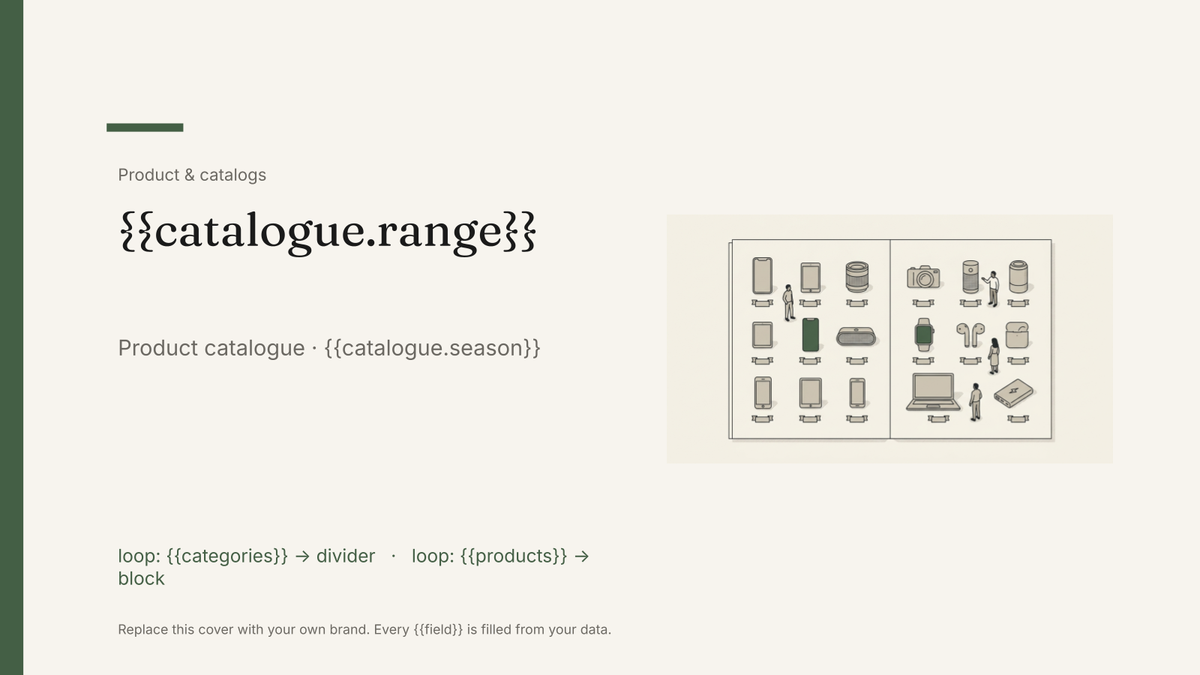 Google Slides
 Product catalog template
A designed catalogue that repeats a product block per row of your product list, generated from your product data.
View template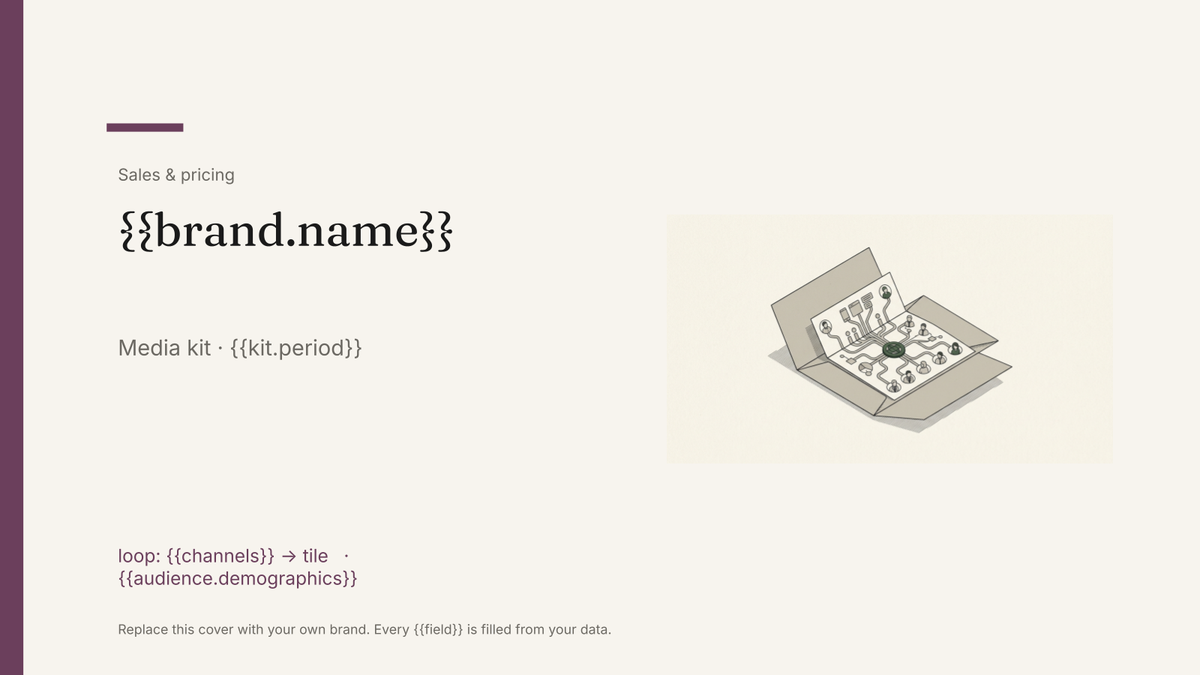 Google Slides
 Media kit template
An audience and advertising summary with reach figures and rates, generated from your current analytics data.
View template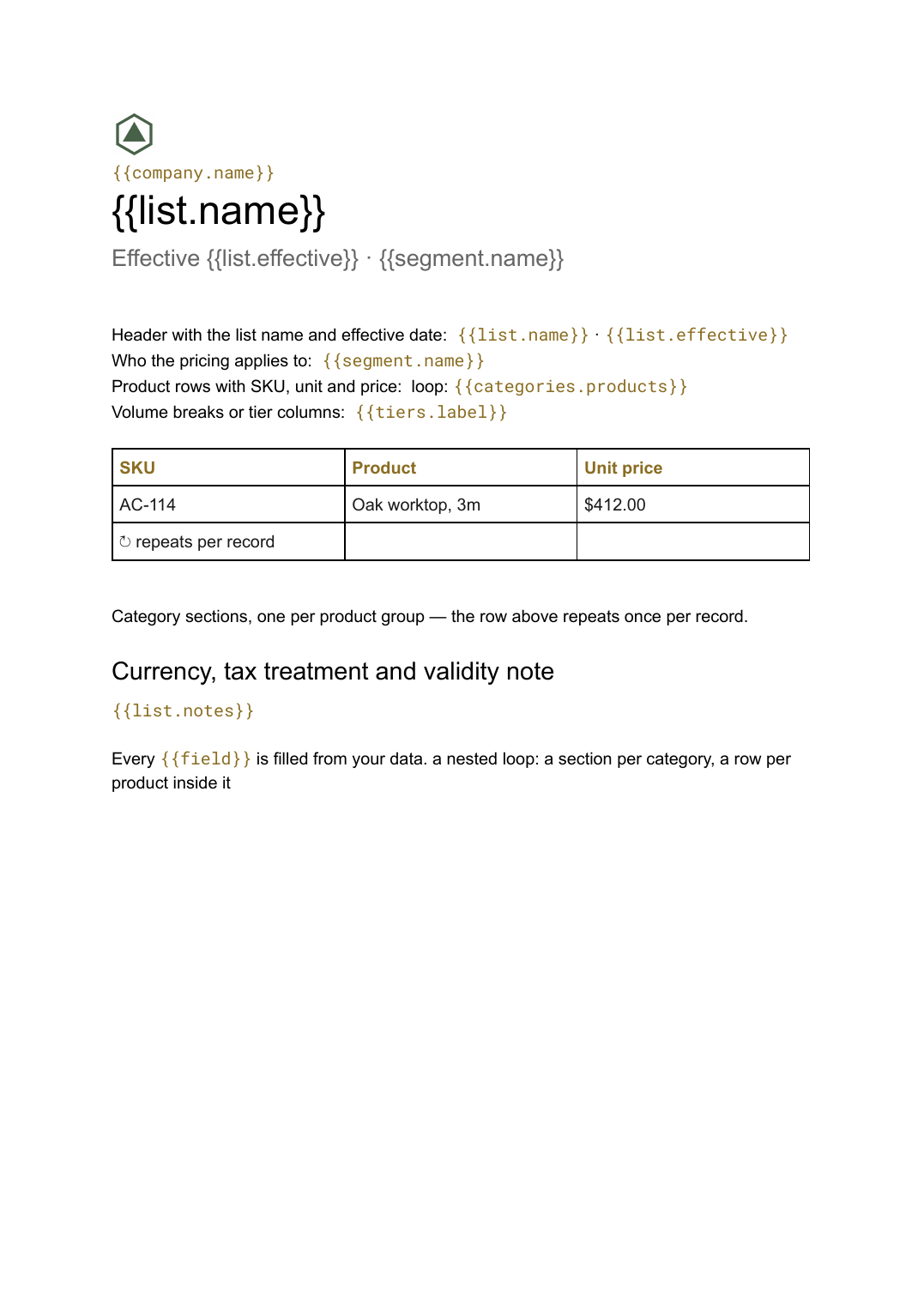 Google Docs
 Price list template
A grouped list of products and prices, generated from your catalogue so every version you send is current.
View template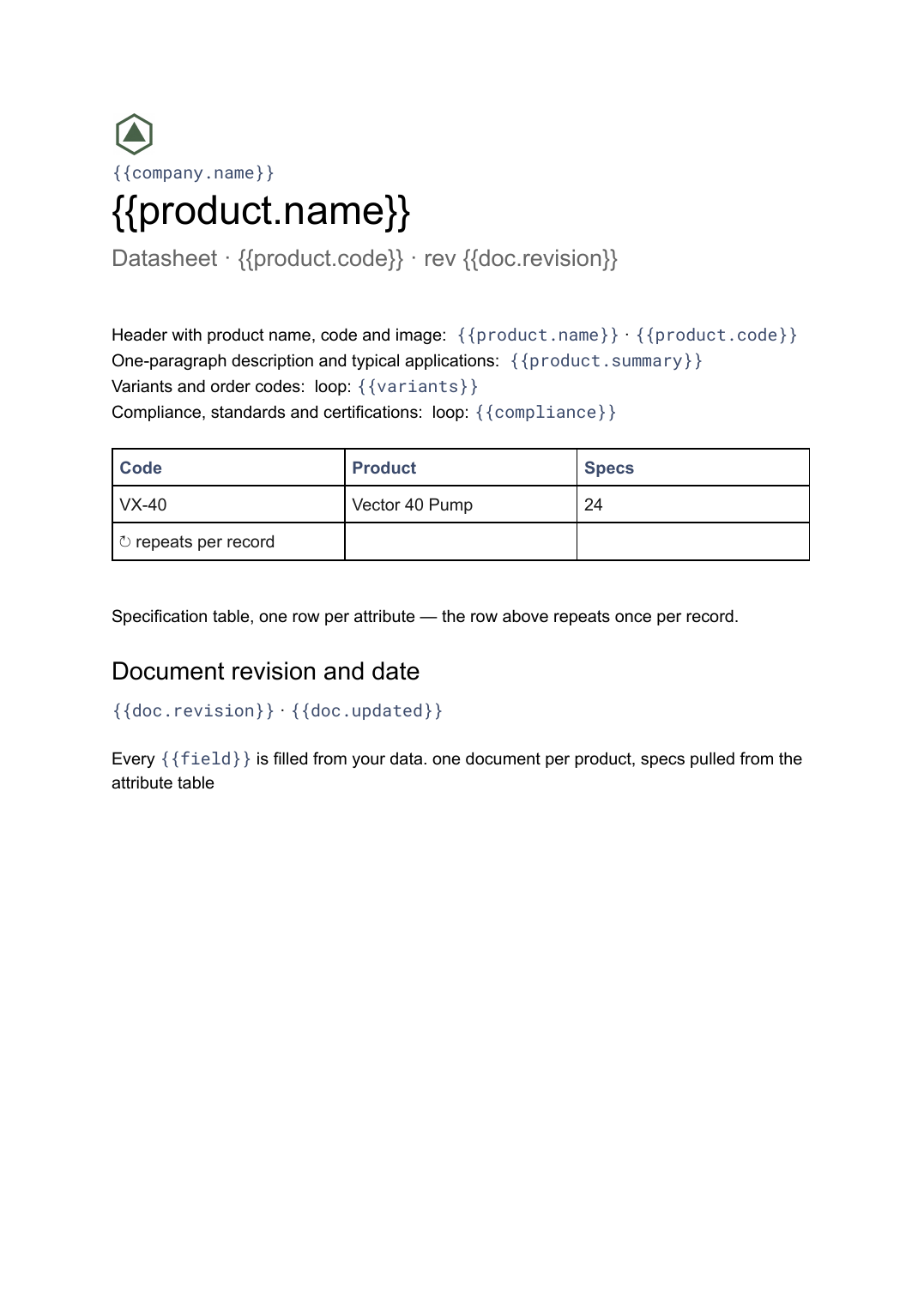 Google Docs
 Datasheet template
A single-product technical sheet with a specification table, generated one document per product from your product data.
View templateCommon questions, answered
How is a lookbook different from a product catalogue? +
Where do the images come from? +
Why Slides rather than a document? +
Can I use my own lookbook design? +
Generate this document from your data
Start on the free plan, connect a data source, and export a real Google Slides document. No watermark, no credit card.