Free contract template for Google Docs
A service agreement with parties, scope, fees, term, standard clauses and signature blocks, generated one per deal with conditional clauses from your records.
Free to copy, no sign-up: the file opens in your own Google Drive. Updated November 13, 2026.
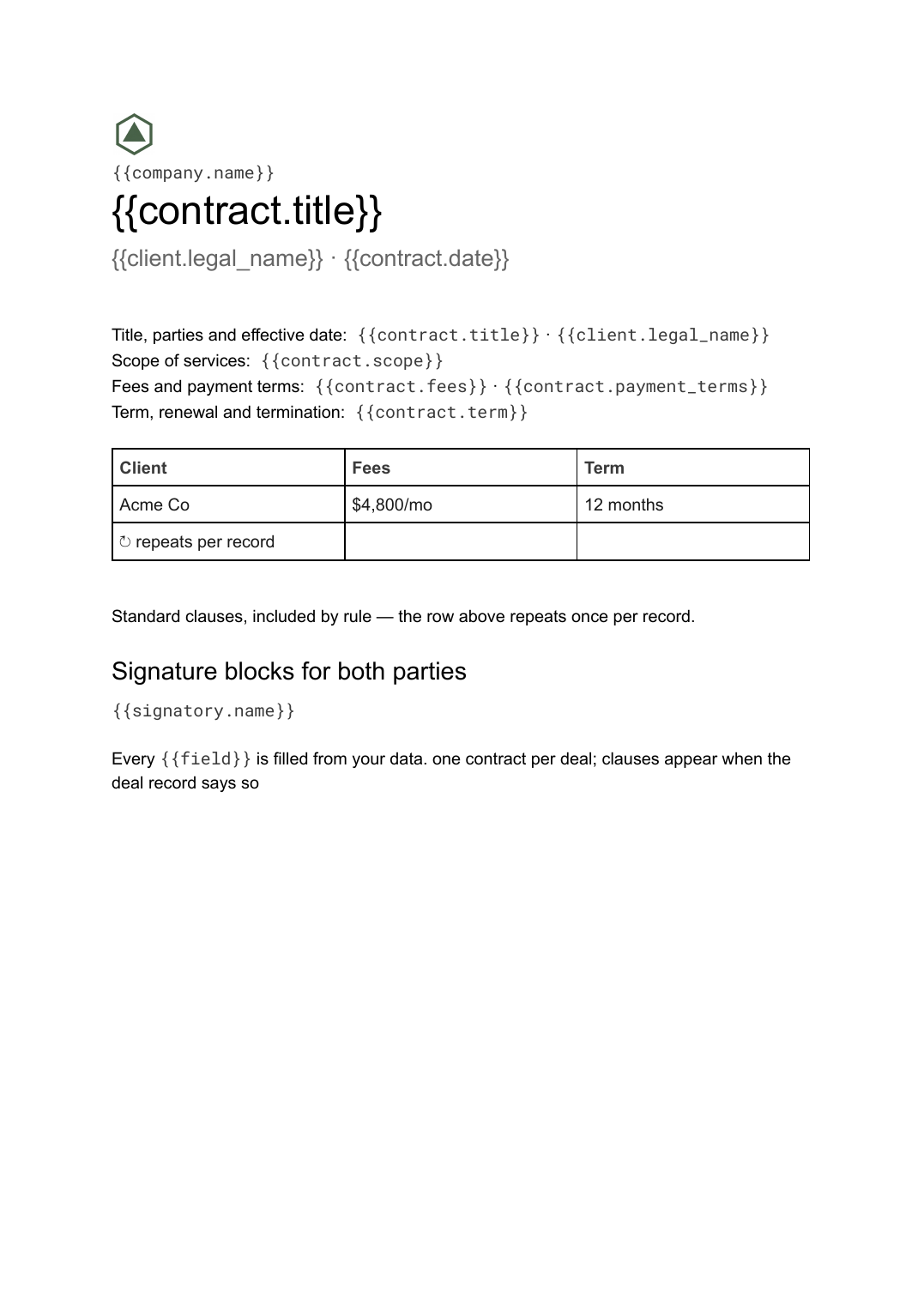
What’s in the contract template
Every block has a placeholder showing where your details go. Type over them by hand, or bind each one to a field in your data and let it fill itself.
- Title, parties and effective date {{contract.title}} · {{client.legal_name}}
- Scope of services {{contract.scope}}
- Fees and payment terms {{contract.fees}} · {{contract.payment_terms}}
- Term, renewal and termination {{contract.term}}
- Standard clauses, included by rule loop: {{clauses}}
- Signature blocks for both parties {{signatory.name}}
How to use this contract template in Google Docs
- 01
Copy the template to your Google Drive
Press "Copy to my Google Docs". Google asks to make a copy, and the copy is yours to edit; the original is never changed. All you need is a free Google account.
- 02
Replace the placeholders with your details
Text in double braces, like {{contract.title}}, marks where your own values go. Work down the page: title, parties and effective date; scope of services; fees and payment terms, and so on.
- 03
Make it match your brand
Swap the logo, colours and fonts in Google Docs as you would in any document. The layout is built to hold when the text changes.
- 04
Download it as a PDF, or share the link
File, then Download, then PDF Document gives you a file to send or print. Download as Word (.docx) works too if someone needs it.
- 05
Making these regularly? Fill it from your data
Connect Airtable, Google Sheets or a CSV to SourceToDocs and it fills a copy of this template for every row, so you stop retyping.
A contract template fails in exactly one way: someone deletes the wrong clause from a master, or forgets to. This template moves that decision out of the document and into the deal record. The structure is fixed; the clauses are rows in a library with rules for when they apply; each deal gets the agreement it needs.
Clauses by rule, not by hand
Keep a clauses table: title, text, applies-when. The deal record carries the facts (jurisdiction, term, whether personal data is processed). Generate, and the standard clauses section contains only the clauses whose rule matched. Updating a clause updates every future contract.
Fill this contract template from Airtable, Google Sheets or a CSV
Connect an Airtable base, a Google Sheets spreadsheet or a CSV file, map each field to a placeholder, and generate. One run can produce a single document or one per matching row, delivered to your Google Drive.
Deals · Airtable
Template: Google Slides or Docs
{{contract.title}}
{{client.legal_name}} · {{contract.date}}
{{contract.scope}}
{{contract.fees}}
loop: {{clauses}} → section
one contract per deal; clauses appear when the deal record says so
Generated output
DocsPDFServices agreement
Acme Co · 3 Nov 2026
Scope from the deal
$4,800/mo · 12 months
9 clauses included
Who uses this contract template
Agencies and consultancies
A service agreement per engagement from the deal record, with the right clauses for the jurisdiction and term.
Read the guideFreelancers and studios
A clean client agreement from the project record, ready for e-signature.
Read the guideAutomate this
- Airtable contract generator with n8n: Google Doc and PDF n8n · steps Claude skill
Mark a record Ready in Airtable and the workflow builds the contract from your Google Docs template, saves the Doc and a PDF to Google Drive, and writes the link back to the record.
Related templates
All business documents →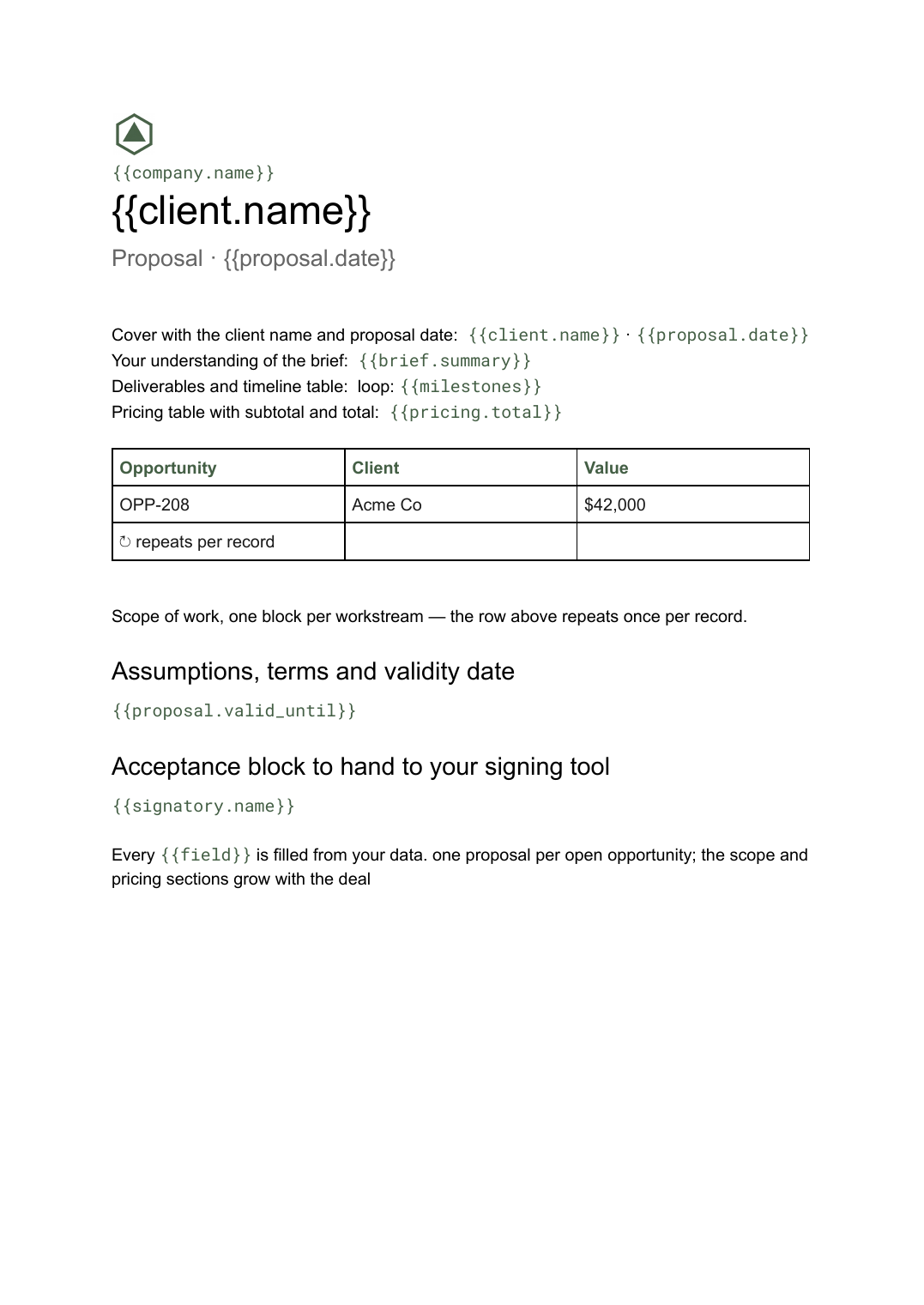 Google Docs
Business proposal template
A client-facing proposal with scope, deliverables and pricing, generated one per opportunity from your deal data.
View template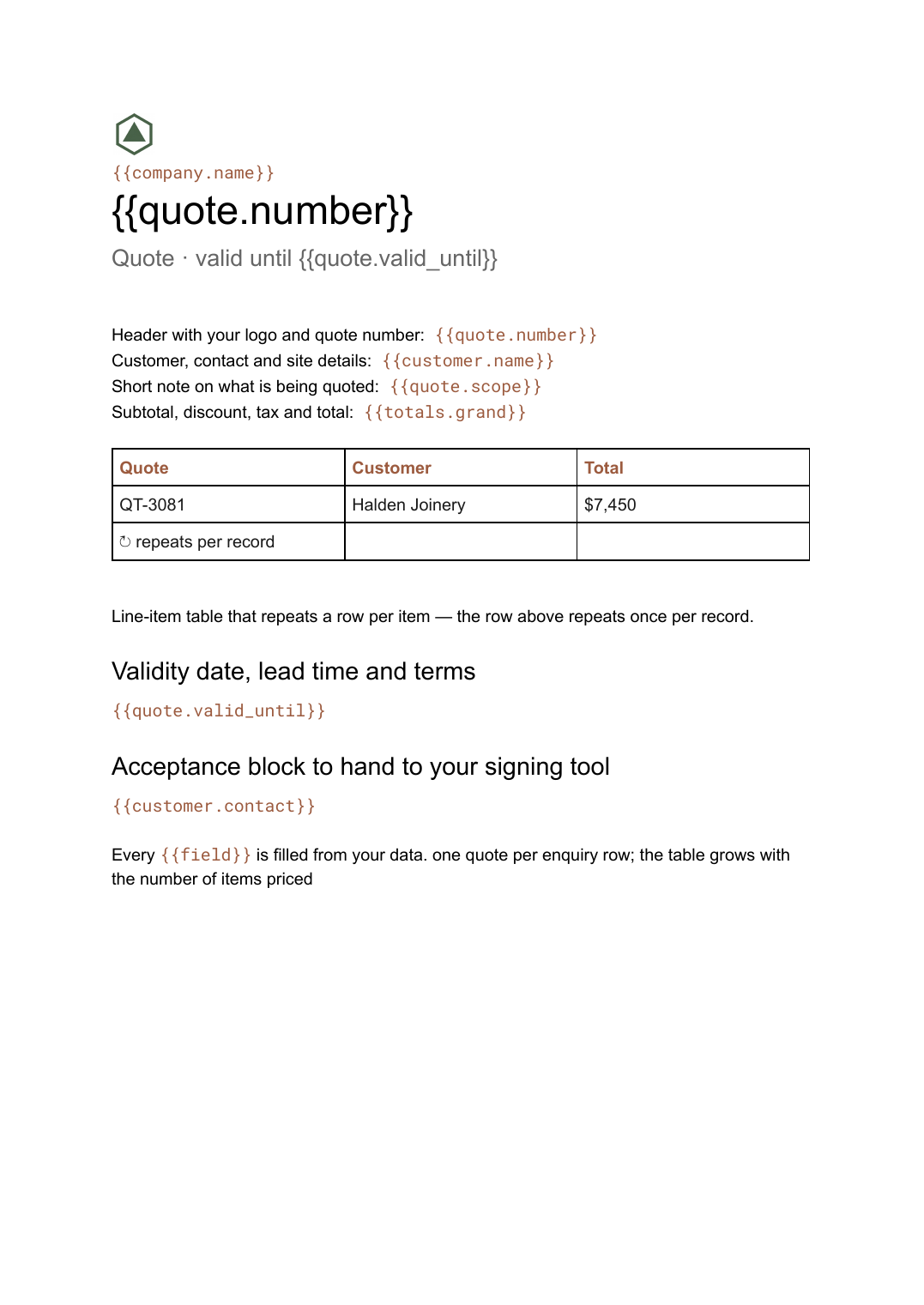 Google Docs
Quote template
A priced quotation with a line-item table and a validity date, generated one per enquiry from your pricing data.
View template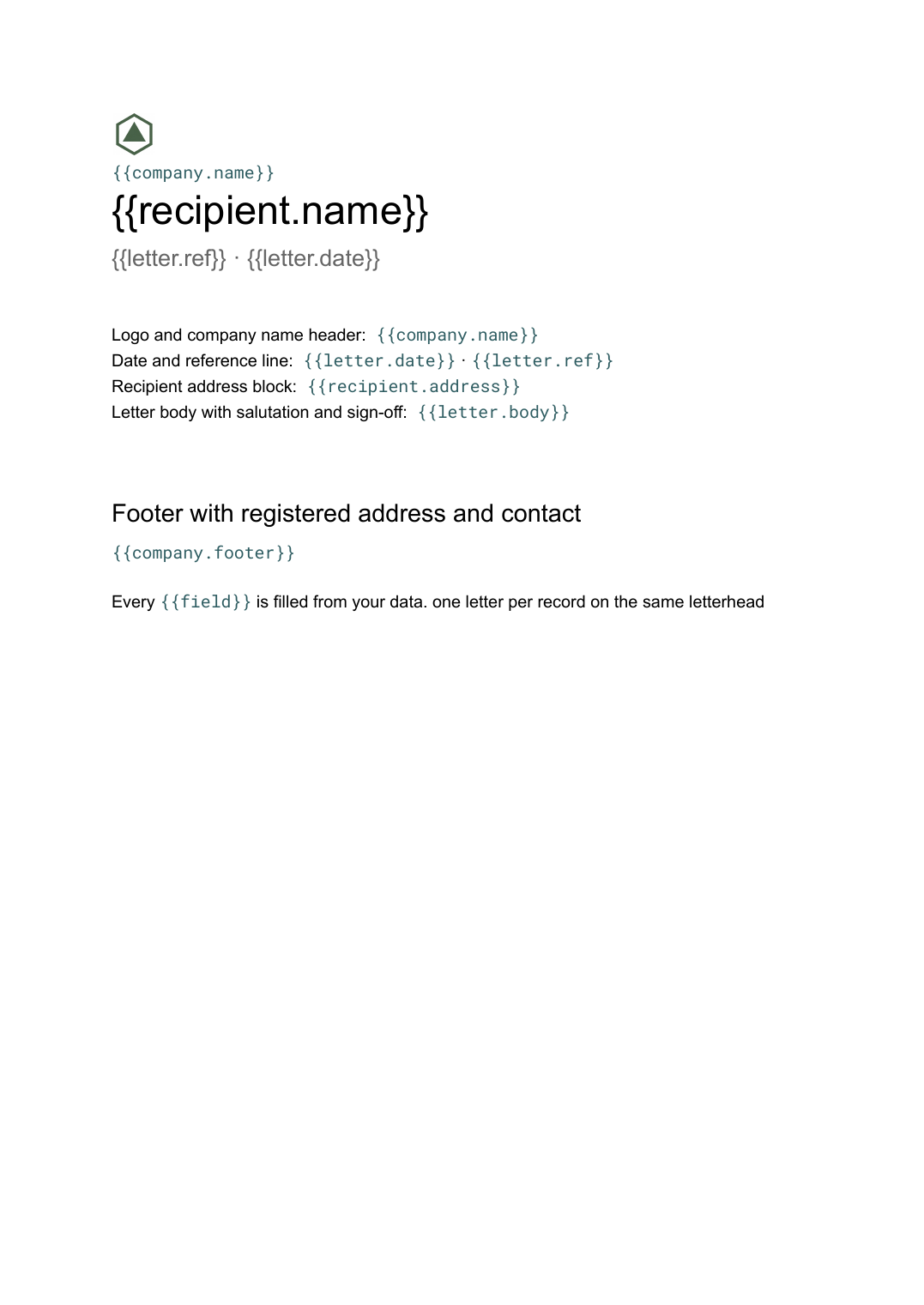 Google Docs
Letterhead template
Company letterhead with logo, address and footer, and a letter body generated per recipient from your contact list.
View template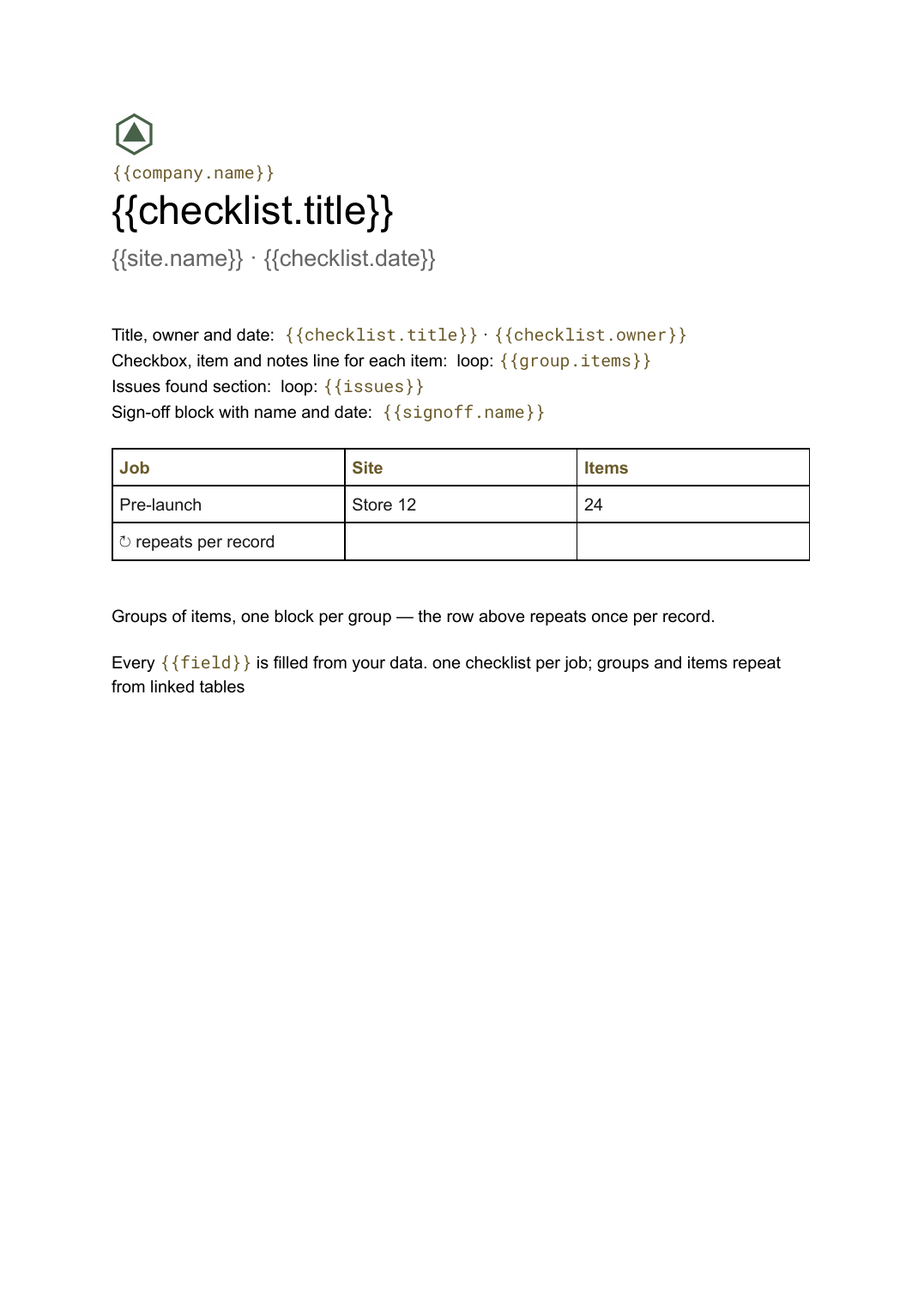 Google Docs
Checklist template
A grouped checklist with checkboxes, notes and sign-off, generated one per job, inspection or client from your task data.
View templateCommon questions, answered
Is this legal advice? +
How do conditional clauses work? +
Can it go to e-signature? +
Is this contract template free? +
Can I download this contract template as a PDF or Word file? +
Generate this document from your data
Start on the free plan, connect Airtable, Google Sheets or a CSV, and export a real Google Docs file. No watermark, no credit card.